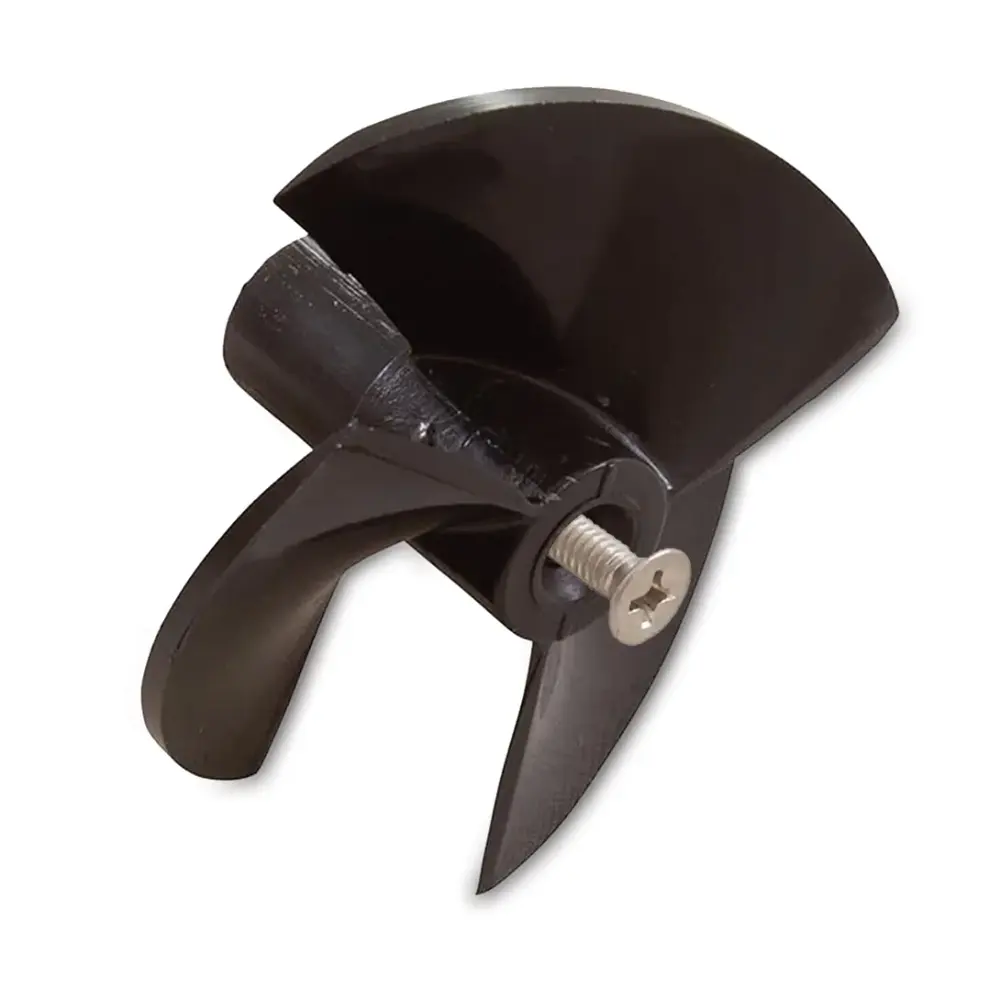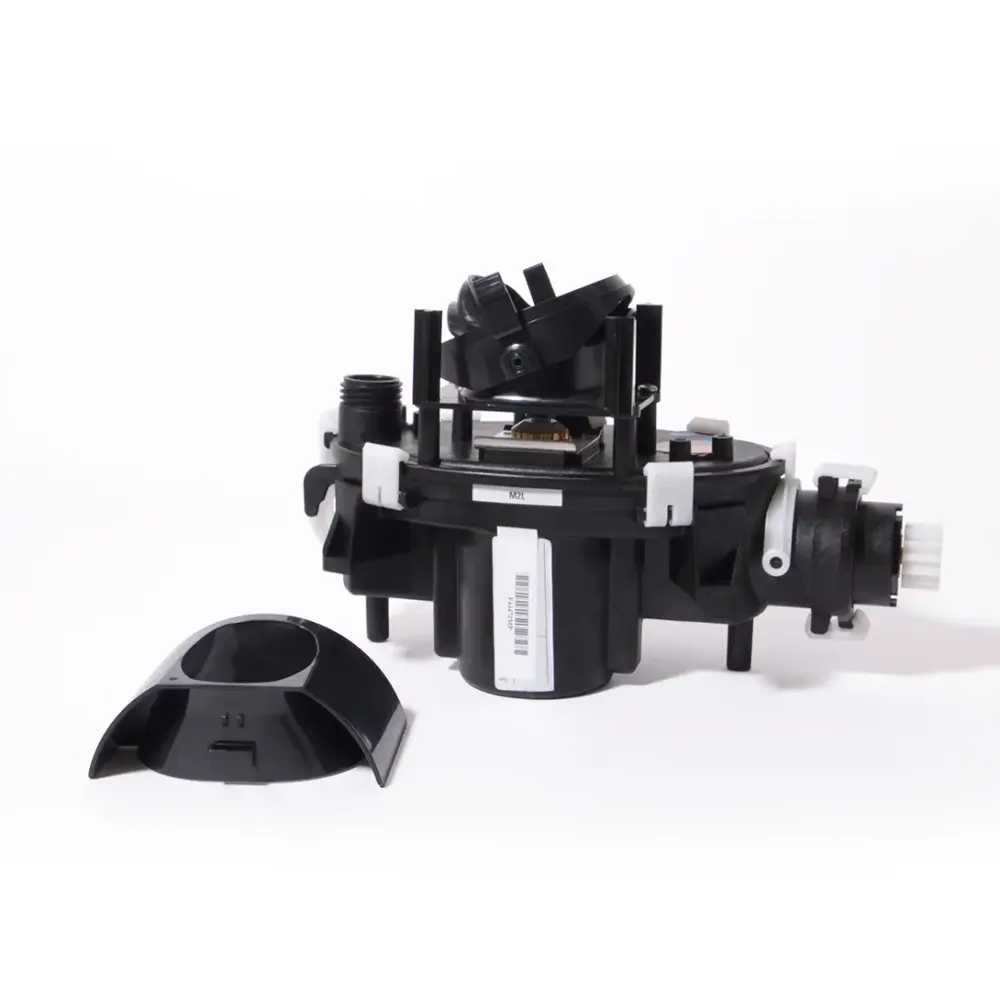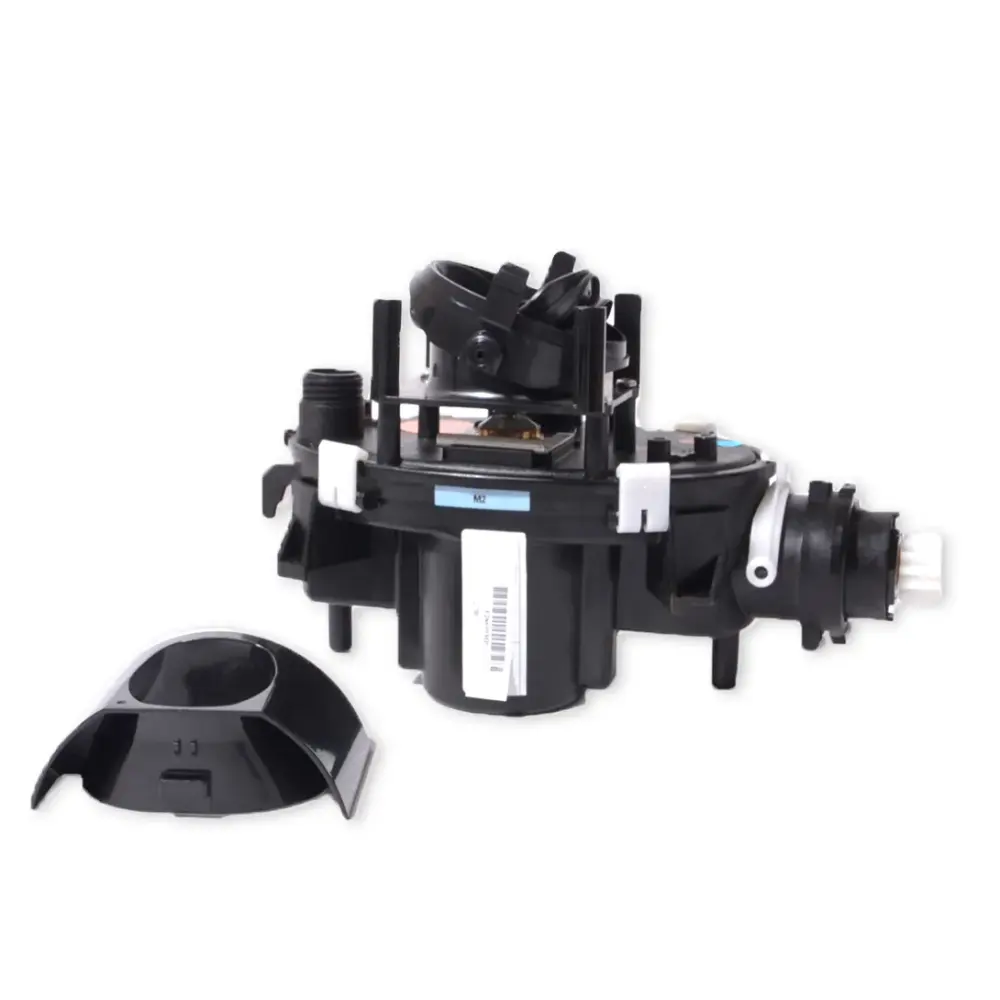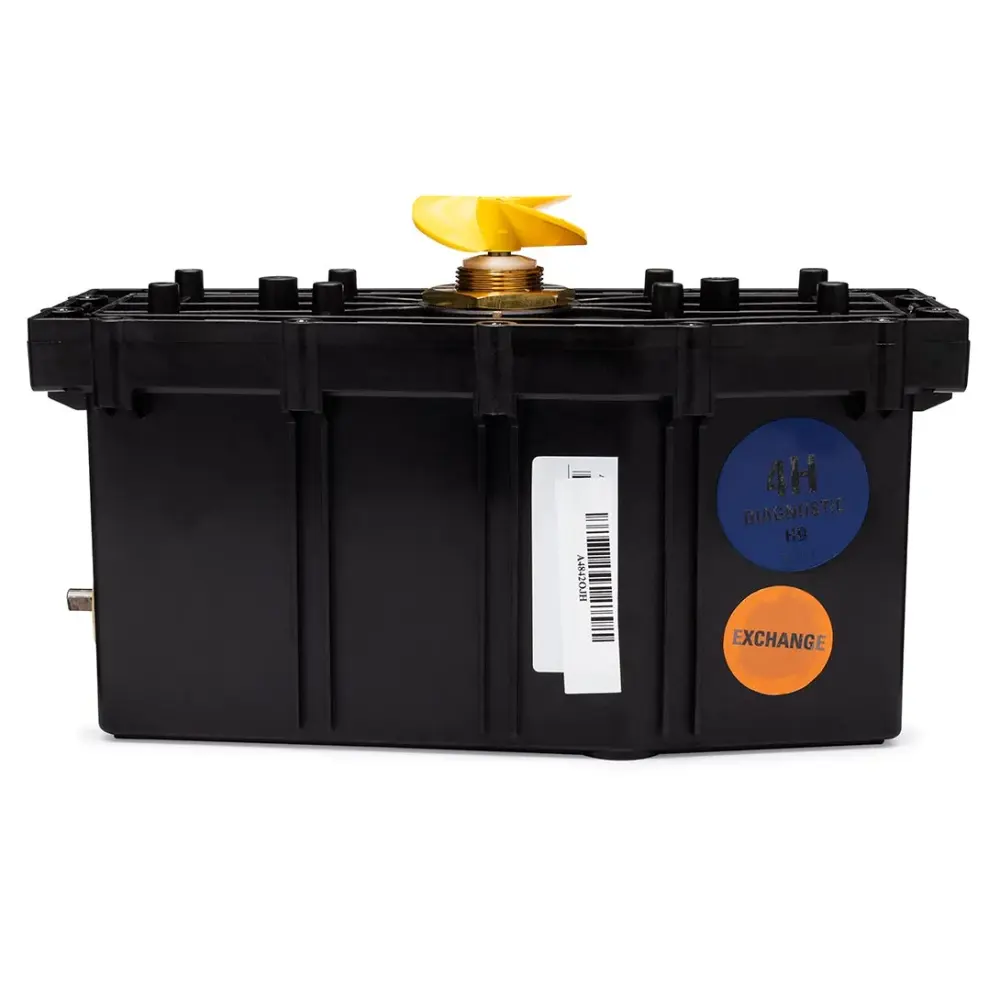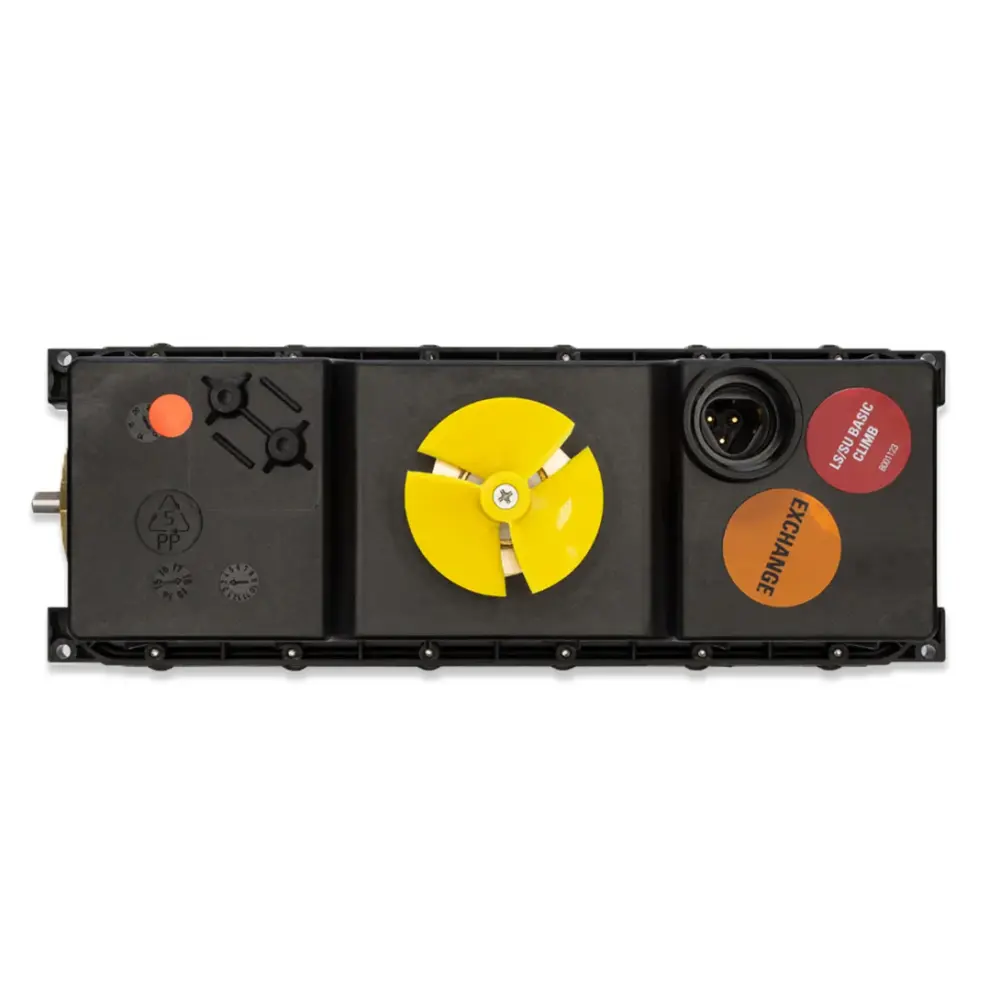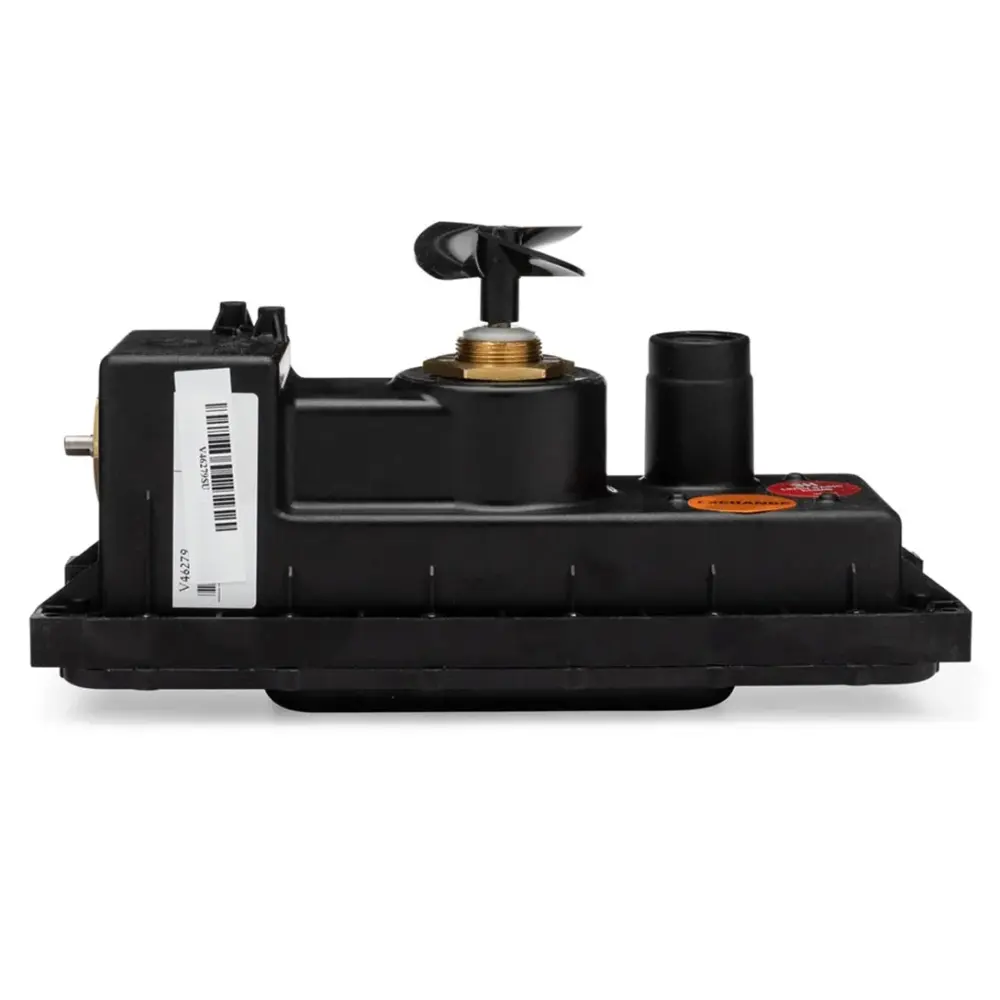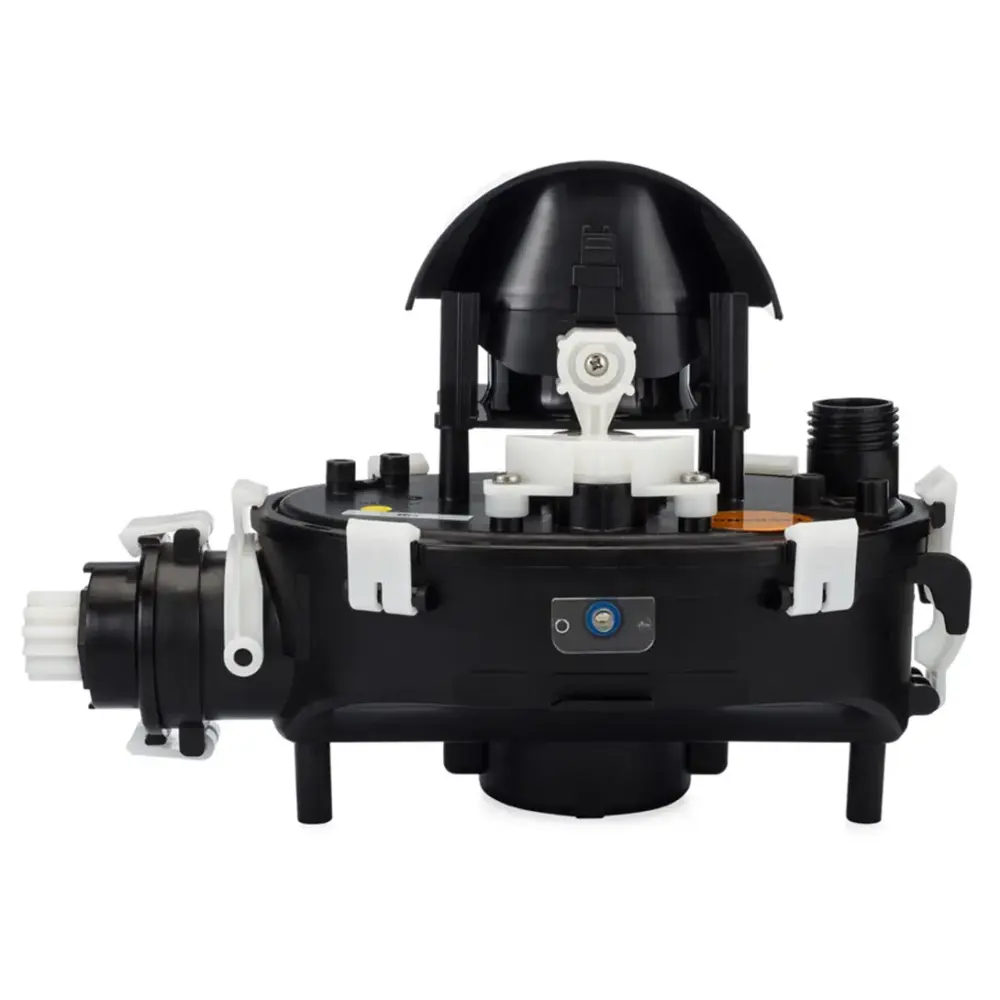
Motor Unit, S2 LED, Ex
Part number 9995388-EX · UPC 850015249105 · 1-year warranty
$699 on Amazon
Maytronics list price $624.99
We do not stock this part in our own store yet, so the link goes to the genuine listing on Amazon. It is also sold by Maytronics. As an Amazon Associate we earn from qualifying purchases.
- Replacement Motor Unit
Fits these Dolphin robots.
Confirmed by Maytronics' compatibility checker and each robot's spare-parts list.
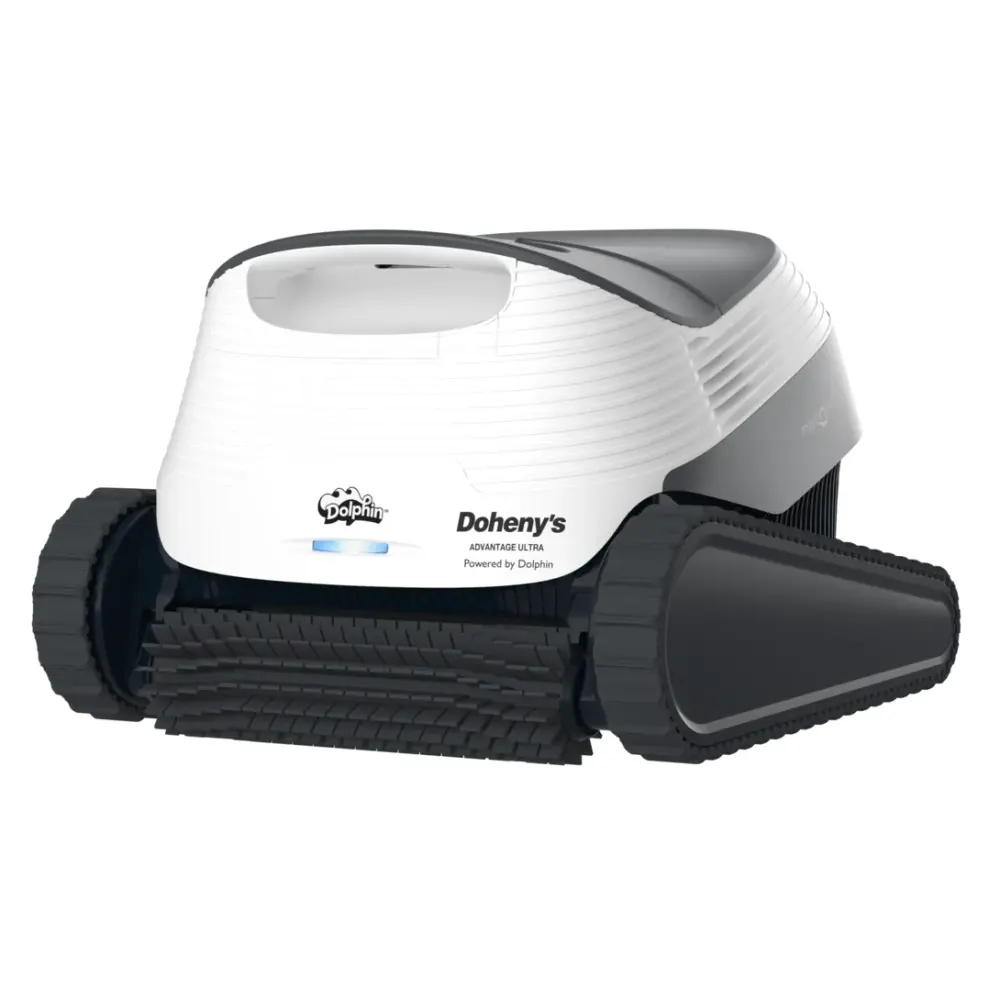
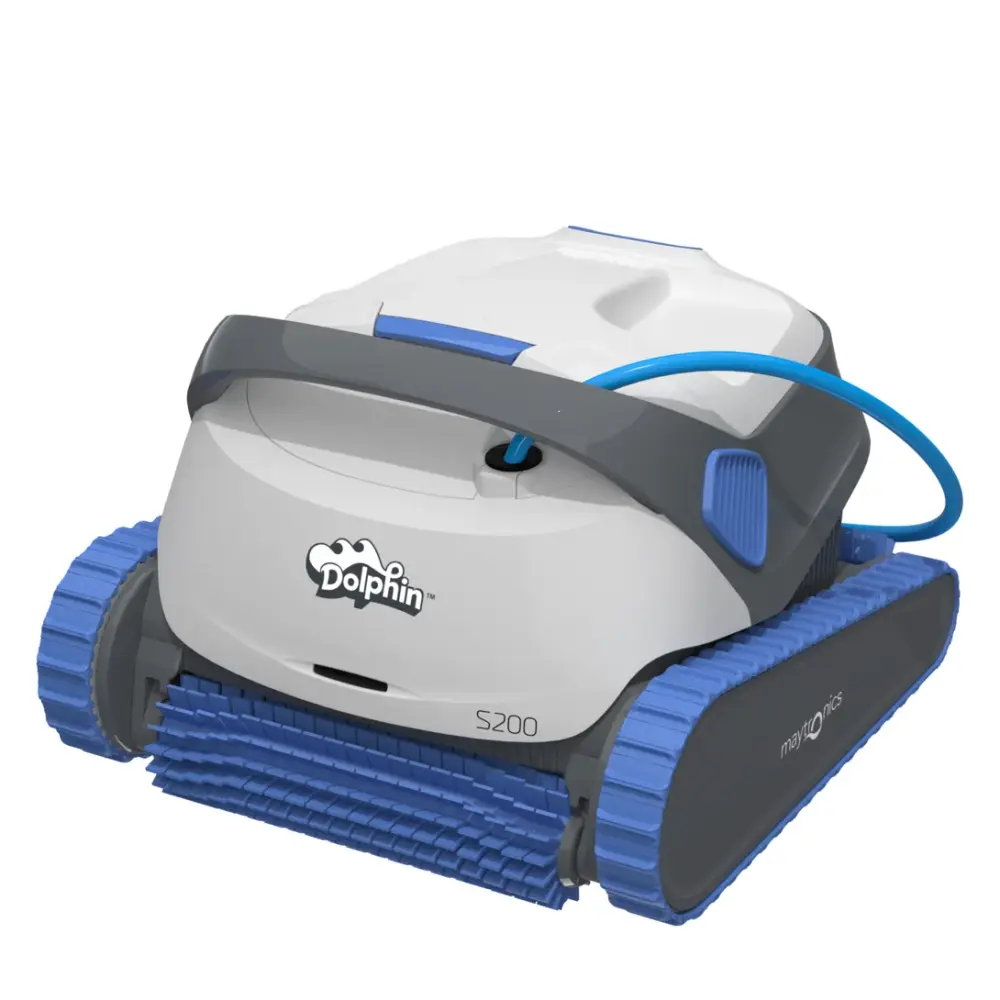
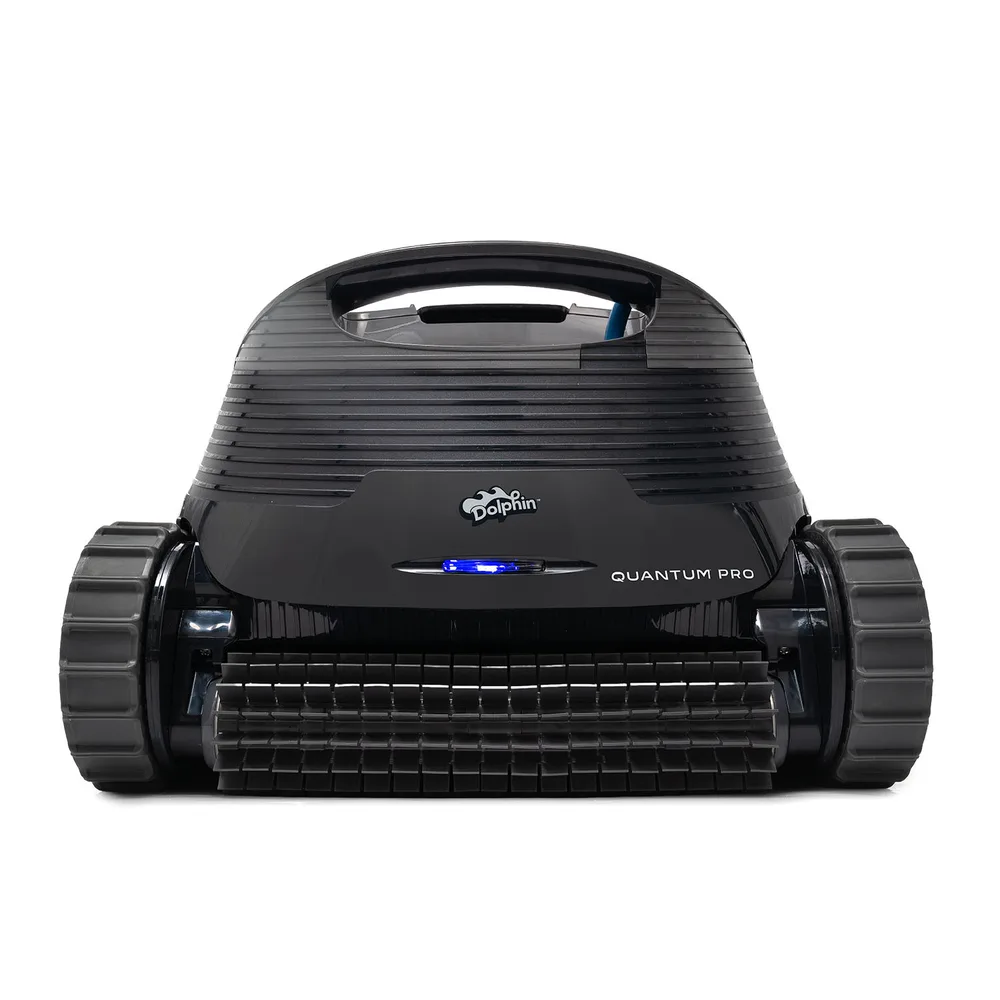
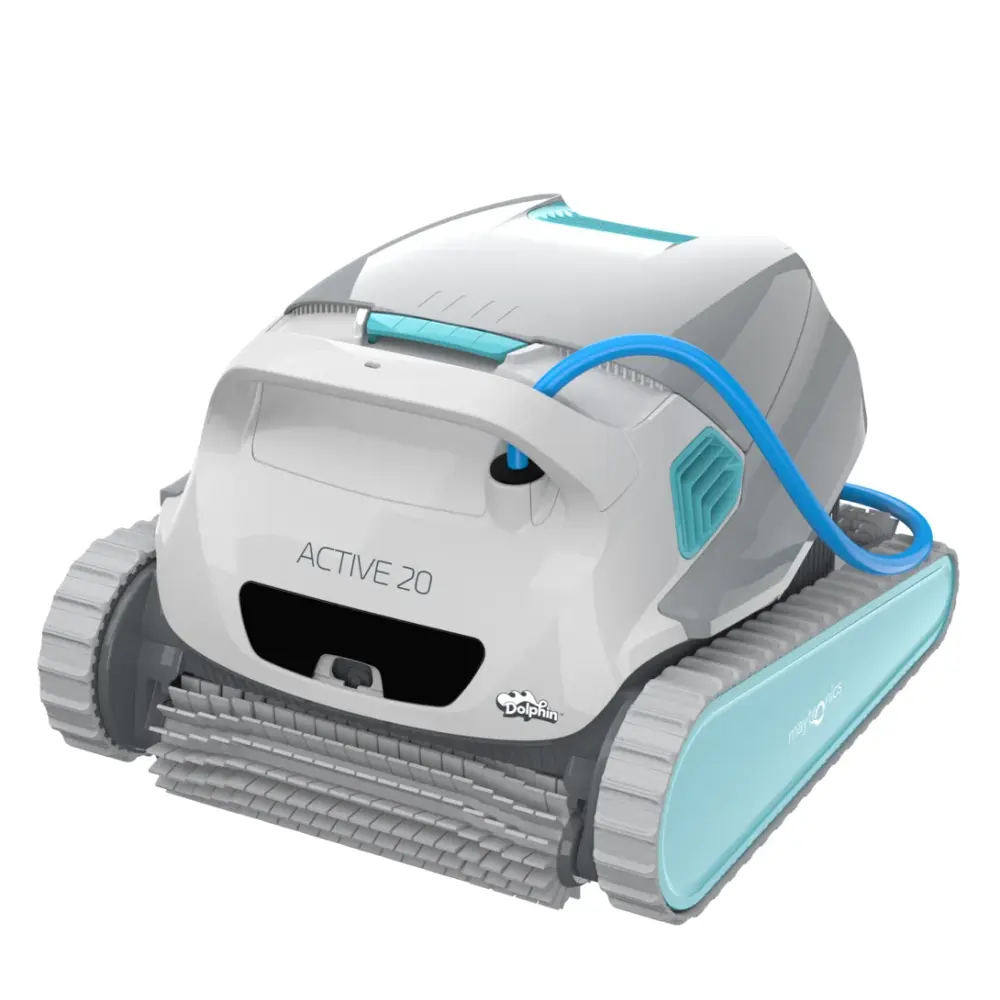
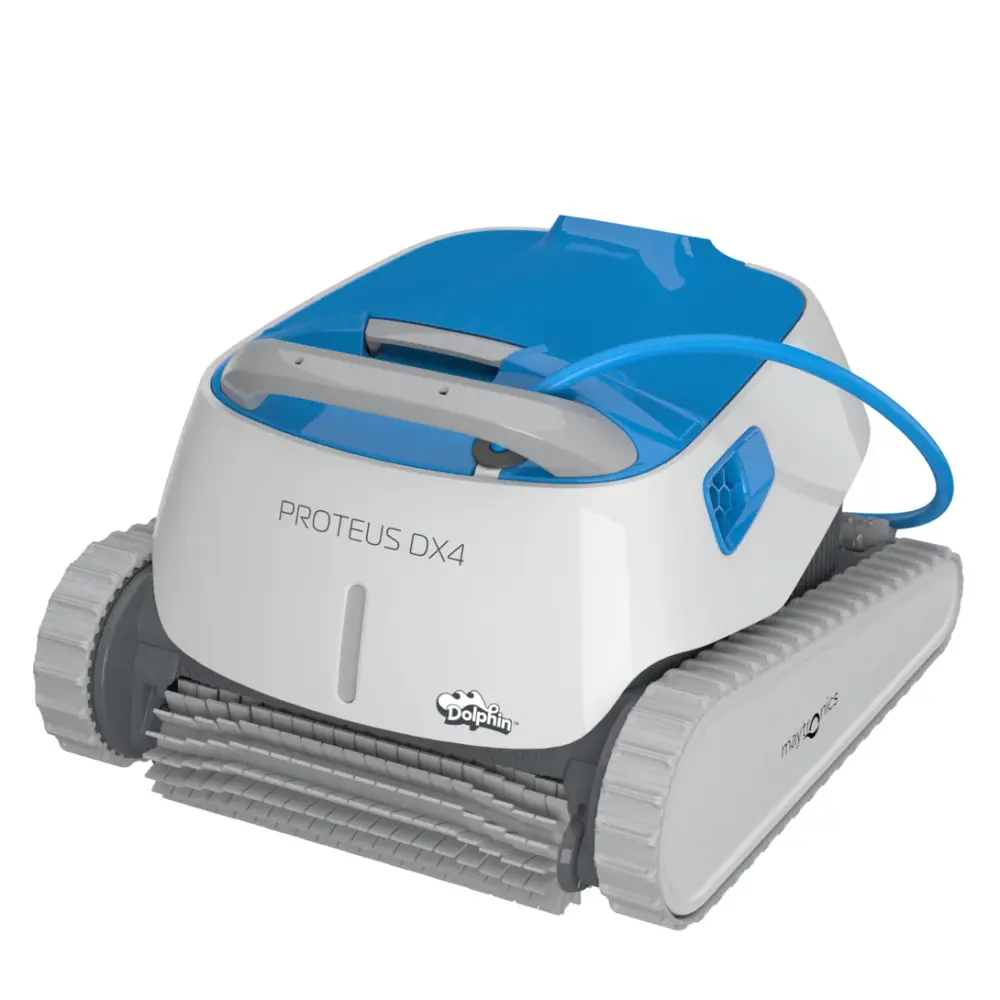
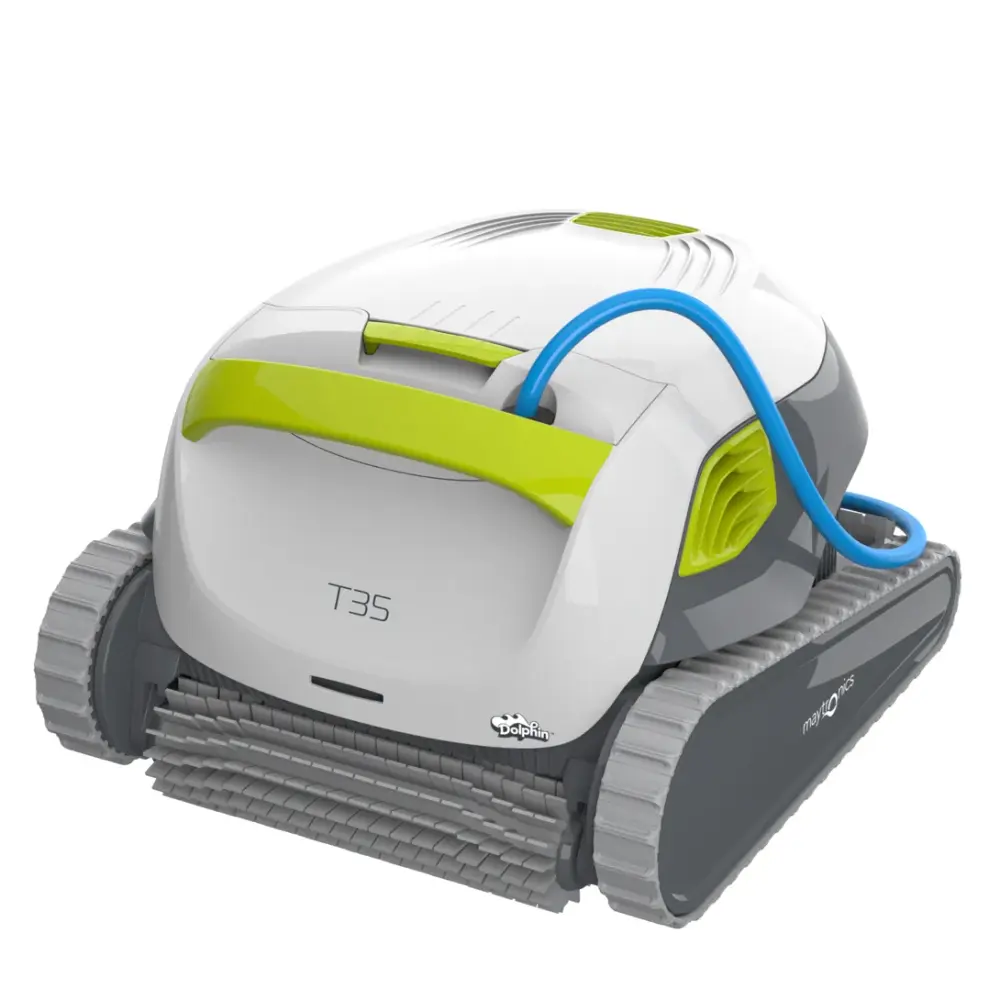
Also listed by Maytronics for: Dolphin ADVANTAGE ULTRA, Dolphin S200, Dolphin Quantum, Dolphin Active 20, Dolphin Proteus DX4, Dolphin T35, Dolphin Explorer E30.
How to replace it at home.
Maytronics' own step-by-step answers and videos for this kind of part.
How do I replace the motor unit on my Dolphin?Video
Click your robot model from the following list to see the video and instructions.
M250 (Nautilus CC Plus)
Tools Needed:
- Phillips screwdriver
- Phillips flathead screwdriver
- Wrench
Disassembly
- For your safety, please unplug the power supply.
- Open both top lids and remove the filters.
- Release and remove the 4 screws holding the frame into place.
- Unlock the impeller cover using a flat screwdriver.
- Release and remove the impeller cover.
- Release the blue floating cable and remove the top frame.
- Remove both floaters.
- For each cable holder, remove one screw and release the other one halfway.
- Rotate both cable holders backward to release the blue floating cable.
- Release the power cable screw using the Maytronics multi-purpose handle.
- Slide out the screw and rubber seal then pull hard to unplug the cable.
- Release and remove the 4 screws holding the motor unit.
- Tilt the robot and rotate the brush until the engine hinge socket is rotated upwards.
Assembly
- Position the new motor unit.
- Fasten the motor with all of its screws.
- Plug in the cable, then slide the rubber seal and screw back in place.
- Tighten the power cable screw using the Maytronics multi-purpose tool.
- Rotate the cable fasteners back into place, then tighten all screws.
- Reposition the floaters and top frame back into place.
- Reposition the cable back into its place in the frame.
- Reposition the impeller cover and lock it.
- Fasten the top frame with the screws.
- Reposition both filters and close the top lids.
M400/M500 (Sigma/Nautilus CC Supreme/Nautilus CC Plus/Oasis Z5i)
Tools Needed:
- Phillips screwdriver
- Phillips flathead screwdriver
- Wrench
Disassembly
- Unplug the power supply and lower the handle towards the back of the robot.
- Remove the screw holding the impeller cover. Remove the impeller cover.
- Release the blue floating cable from the frame.
- Open both top lids and remove the filters.
- Release and remove the four screws holding the frame and then remove the frame.
- Remove both floaters.
- For each cable holder, remove one screw and release the other one halfway, then rotate them backward.
- Using the Maytronics multi-purpose handle release the power cable screw. Slide out the screw and the rubber seal, then pull on the cable to unplug it.
- Release and remove the 4 screws holding the motor unit.
- Rotate the brush until the engine hinge socket is rotated upwards.
- Remove the motor unit.
Assembly
- Place the new motor unit
- Fasten the motor with all of the screws
- Plug in the new cable then slide the rubber seal and screw in place
- Tighten the screw, using Maytronics multi-purpose handle
- Rotate the cable fasteners into place, then screw and tighten the screws.
- Reposition both floaters
- Reposition the frame, then screw and tighten its four screws
- Place both filters inside the robot and close the top lids.
- Reattach the blue floating cable to the frame, place the impeller cover, and tighten it with the screw.
S50 (E10, Cayman, Active 10, E20/E25, Escape, Encore)
Tools Needed:
- Phillips screwdriver
- Phillips flathead screwdriver
- Wrench
Disassembly
- Unplug the power supply.
- Pull the top lid handle, open the lid, and take out the filter.
- Release and remove the screws holding the top panel.
- Slide the top panel out along the blue floating cable.
- Release and remove the screws holding the cable fastener
- Slide out the top panel and the cable fastener.
- Release the left motor clip and unhook the blue floating cable.
- Using the Maytronics multi-purpose handle release the blue floating cable screw.
- Unplug and remove the old blue floating cable.
- Release and remove the 2 screws holding the motor unit.
- Remove the motor unit.
Assembly
- Position the new motor unit.
- Plug in the new blue floating cable.
- Using the Maytronics multi-purpose handle, tighten the blue floating cable screw.
- Form a loop in the blue floating cable, hook it to the motor, and close the left motor clip
- Reassemble the top panel and cable fastener.
- Tighten the screws holding the cable fastener.
- Reposition the top panel
- Tighten the screws to secure the top panel.
- Place the filter back inside the robot.
S100 (Explorer E20, Advantage, Proteus DX3, Saturn, Nautilus CC, Active Solo, Active 15, Echo)
Tools Needed:
- Phillips screwdriver
- Phillips flathead screwdriver
- Wrench
Disassembly
- Unplug the power supply.
- Pull the top lid handle, open the lid, and take out the filter.
- Remove the screws holding the top panel.
- Slide the top panel out along the blue floating cable.
- Remove the screws to release the cable from the top panel.
- Remove both parts of the top panel.
- Release the motor's left clip and unhook the blue floating cable.
- Using the Maytronics multi-purpose handle, release the blue floating cable screw.
- Remove the screw and rubber seal and pull the blue floating cable to unplug it.
- Release and remove the 2 screws holding the motor unit.
- Remove the motor unit.
Assembly
- Place the new motor unit and fasten the screws.
- Plug in the new blue floating cable and slide the rubber seal and screw into place.
- Using the Maytronics multi-purpose handle, tighten the blue floating cable screw.
- Form a loop in the blue floating cable and hook it, then close the left motor clip.
- Re-assemble both parts of the top panel, screw in, and tighten the screws.
- Reposition the top panel and fasten it with the screws.
- Put the filter back into the robot and close the top lid.
S200 (E30, Proteus DX4, Advantage Ultra, Active 20, Quantum, T30/T35, Triton PS)
Tools Needed:
- Phillips screwdriver
- Phillips flathead screwdriver
- Wrench
Disassembly
- Unplug the power supply.
- Pull the top lid handle, open the lid, and take out the filter.
- Remove the screws holding the Motor Unit cover.
- Gently pull the cover and slide it along the blue floating cable.
- Take out the manifold.
- Open the motor’s left clip and unhook the blue floating cable.
- Using the Maytronics multi-purpose handle, release the blue floating cable screw.
- Slide out the screw and the rubber seal, and pull on the blue floating cable to unplug it.
- Release and remove the 2 screws holding the motor unit.
- Remove the motor unit.
Assembly
- Place the new motor unit and fasten it's screws.
- Plug in the new blue floating cable, slide the rubber seal, and screw in place.
- Plug in the new blue floating cable, slide the rubber seal, and screw in place.
- Form a loop in the blue floating cable and hook it. Close the motor’s left clip.
- Place the manifold back into its original position.
- Slide the cover back to its original position and fasten the screw.
- Place the filter back and close the top cover.
S300 (E35/E35i, Proteus DX5i, Advantage Pro, Mercury, Active 30, T35/T45, Premium 40, Explorer E30, E40i, Active 30i, T55i) & S400 (E50i, Active 40, Explorer E50)
Tools Needed:
- Phillips screwdriver
- Phillips flathead screwdriver
- Wrench
Disassembly
- Unplug the power supply.
- Pull the top lid handle, open the lid, and take out the filter.
- Remove the screws holding the Motor Unit cover.
- Gently pull the cover and slide it along the blue floating cable.
- Take out the manifold.
- Open the motor’s left clip and unhook the blue floating cable.
- Using the Maytronics multi-purpose handle, release the blue floating cable screw.
- Slide out the screw and the rubber seal, and pull on the blue floating cable to unplug it.
- Release and remove the 2 screws holding the motor unit.
- Remove the motor unit.
Assembly
- Place the new motor unit and fasten it's screws.
- Plug in the new blue floating cable, slide the rubber seal, and screw in place.
- Plug in the new blue floating cable, slide the rubber seal, and screw in place.
- Form a loop in the blue floating cable and hook it. Close the motor’s left clip.
- Place the manifold back into its original position.
- Slide the cover back to its original position and fasten the screw.
- Place the filter back and close the top cover.
M550
M600/M700 (Active 60, E60i, Explorer E70)
Tools Needed:
- Phillips screwdriver
- Phillips flathead screwdriver
- Wrench
Disassembly
- For your safety, please unplug the power supply.
- Pull the top lid handle, open the lid, and take out the filter.
- Release and remove the two screws holding the Motor Unit cover.
- Gently pull the cover and slide it along the blue cable.
- Take out the manifold.
- Unlock the front panel with a flat screwdriver.
- Release and remove the front panel.
- Remove the front float. Use caution with the float as it is fragile.
- Release and remove all four screws holding the frame, then tilt the frame forward.
- Remove one of the cable fastener screws and release the second screw halfway.
- Rotate the cable fastener backward to release the power cable.
- Using the Maytronics multi-purpose handle, release the blue floating cable and the white LED cable screws. Then remove them. Remove the frame.
- Peel off the rubber track.
- Remove the wheel cover, screw, disk, front wheel, and wheel bushing.
- Remove the chassis door.
- Release and remove both motor unit screws.
- Lift the motor unit and remove the left and right floats. Use caution with the floats as they are fragile.
- Remove the motor unit.
Assembly
- Position the new motor unit.
- Carefully reposition left and right floats.
- Screw and tighten both motor unit screws.
- Reposition the chassis door.
- Reposition the wheel bushing, front wheel, disk, screw, and wheel cover.
- Mount the rubber track.
- Reposition the frame.
- Connect the power and LED cables, and tighten their screws using the Maytronics tool.
- Rotate the cable fastener to its original position, and tighten the screws.
- Tilt the frame back into position.
- Screw and tighten all its screws.
- Reposition the front float and front panel. Use caution with the float as it is fragile.
- Push in the top corners of the front panel until it clicks.
- Reposition the manifold.
- Slide the top panel back into place and tighten both its screws.
- Reposition the filter and close the top lid.
Liberty (Liberty 200, Liberty 300)
Tools Needed:
- Phillips screwdriver
- Phillips flathead screwdriver
- Wrench
Disassembly
- Remove the filter
- Unscrew the screws holding the outer casing cover and remove the top frame.
- Release the blue wire from the hooks on the side of the motor unit.
- Unscrew the power plug with the Maytronics multipurpose tool and pull it hard to unplug it.
- Remove the float.
- Unscrew the two screws holding the motor and remove the motor unit.
Assembly
- Install the new motor unit, making sure to fit the motor unit's protrusion into the niche in the chassis.
- Reattach the motor to the chassis with the two screws.
- Return the float.
- Plug in the blue wire. Tighten the power plug screw with the Maytronics multipurpose tool.
- Reattach the blue wire to the hooks on the side of the motor unit.
- Reinstall the outer casing cover with the two screws.
Premier
Specifications
General Info
- Warranty (years)
- 1
- UPC
- 850015249105
Size & Dimension
- Package Dimensions
- 13.2x8.0x9.2 inch
- Gross Weight
- 5.402 lb