
Dolphin pool cleaner cables & swivels.
Every genuine Maytronics cable for a Dolphin robot: the blue floating cable with its swivel, the plain two- and three-wire cables for the smaller robots and the power cord between the outlet and the power supply. A cable that tangles, kinks or has a nick in it is the part to replace before it takes the power supply with it.
Find the right cable for your Dolphin.
Dolphin cables differ in length, in the number of wires (two for the simplest robots, three for the ones with a remote or an app) and in whether they carry a swivel. The robot's model number decides all three.
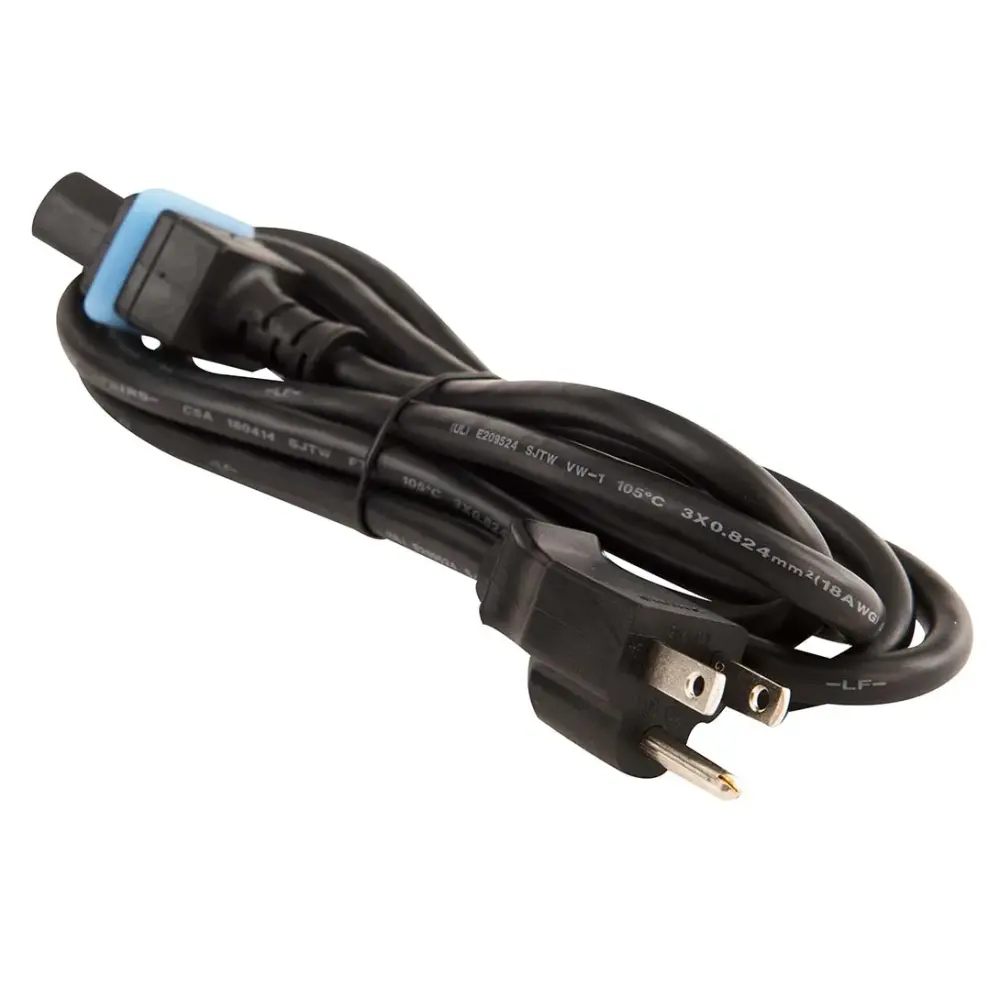
Power cords (1)
The cord from the wall outlet to the power supply. The same cord fits almost every corded Dolphin.
Swivel cables (12)
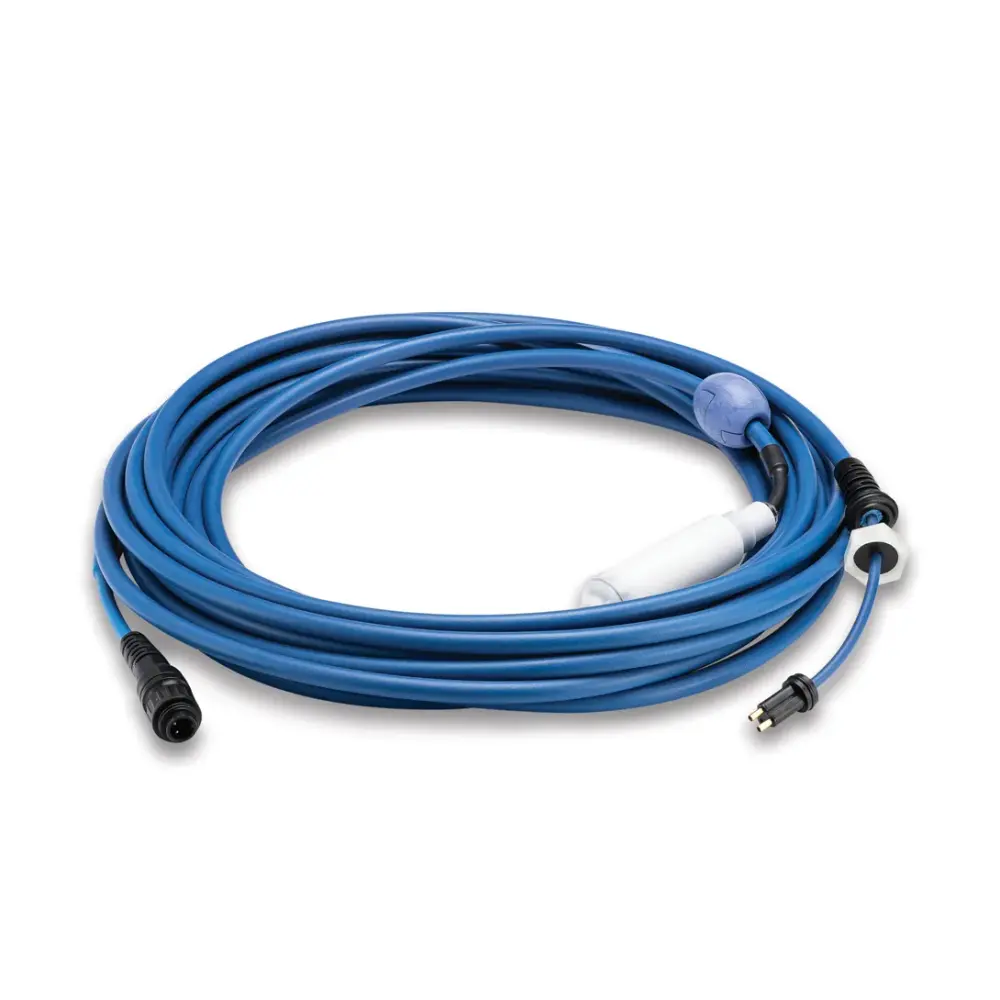
The floating cable with the anti-tangle swivel at the robot end, by length and wire count. DIY kits come with the connector so you fit them yourself.
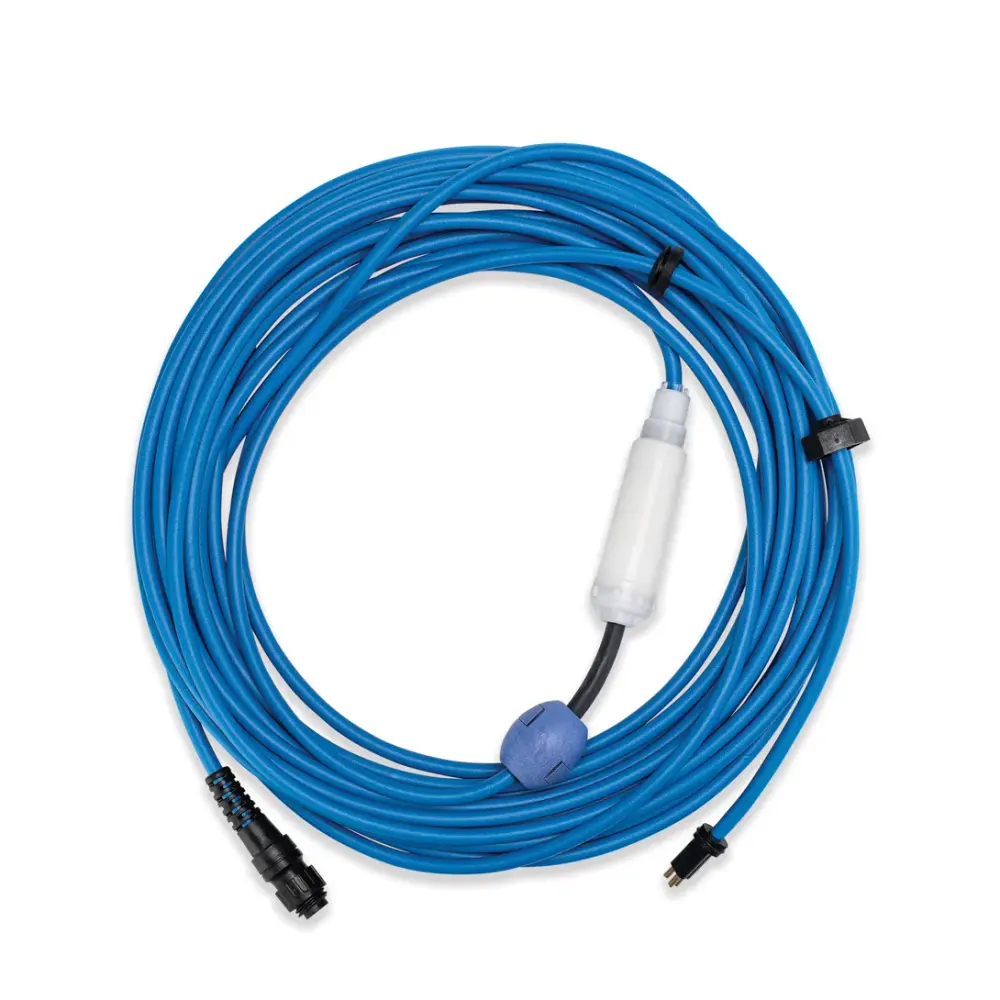
Cable with Swivel 3W S, 17M/56FT
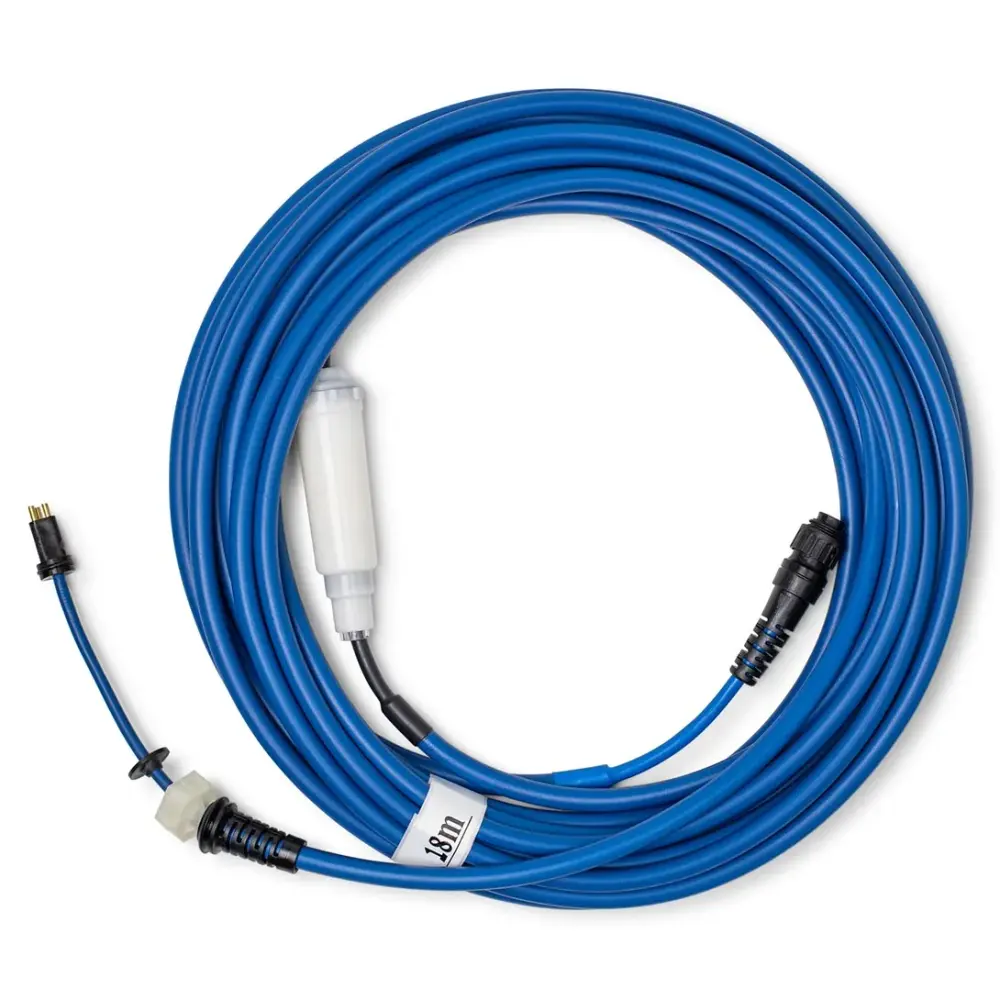
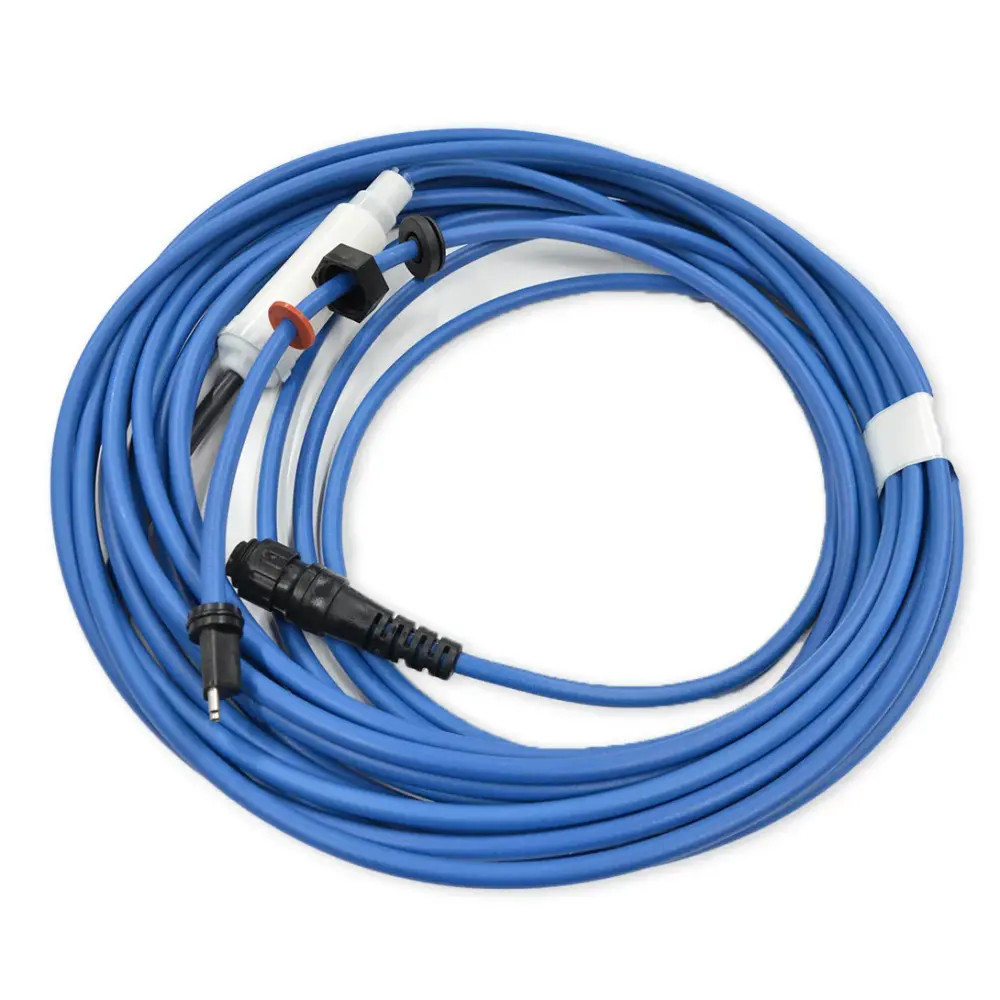
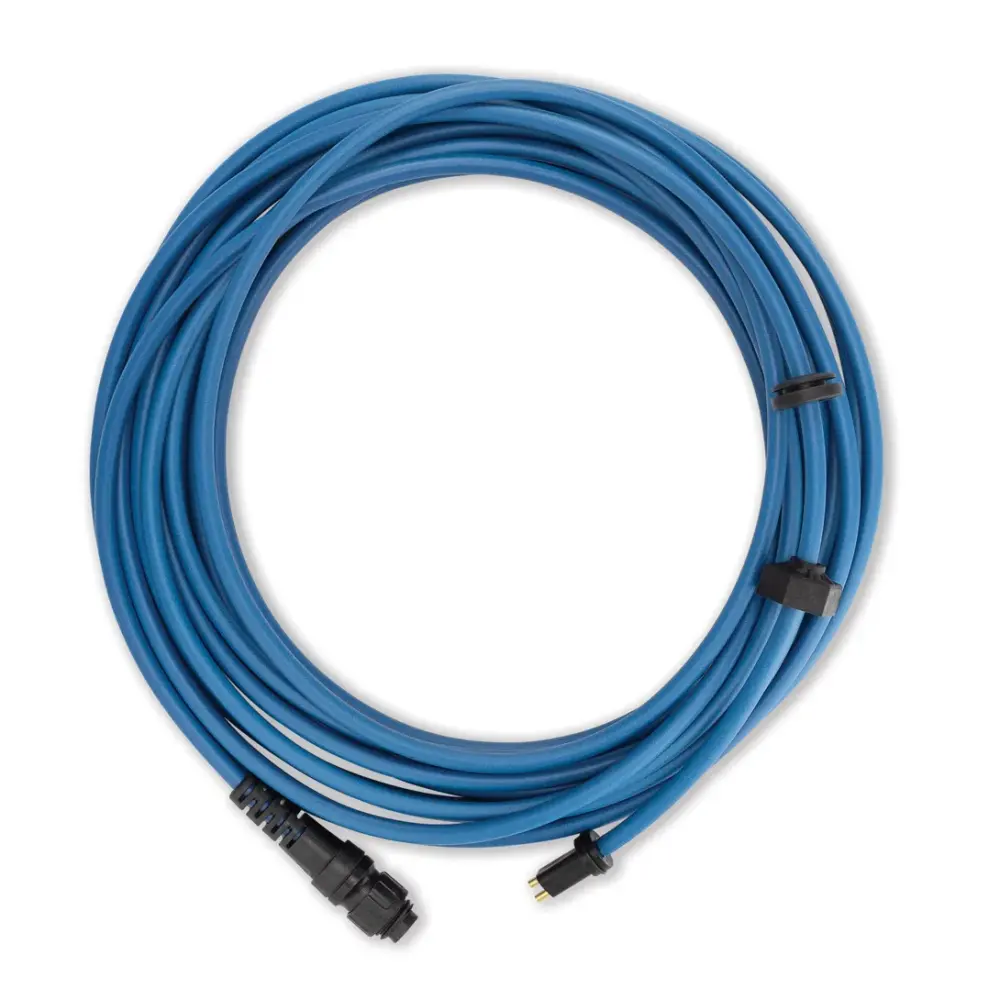
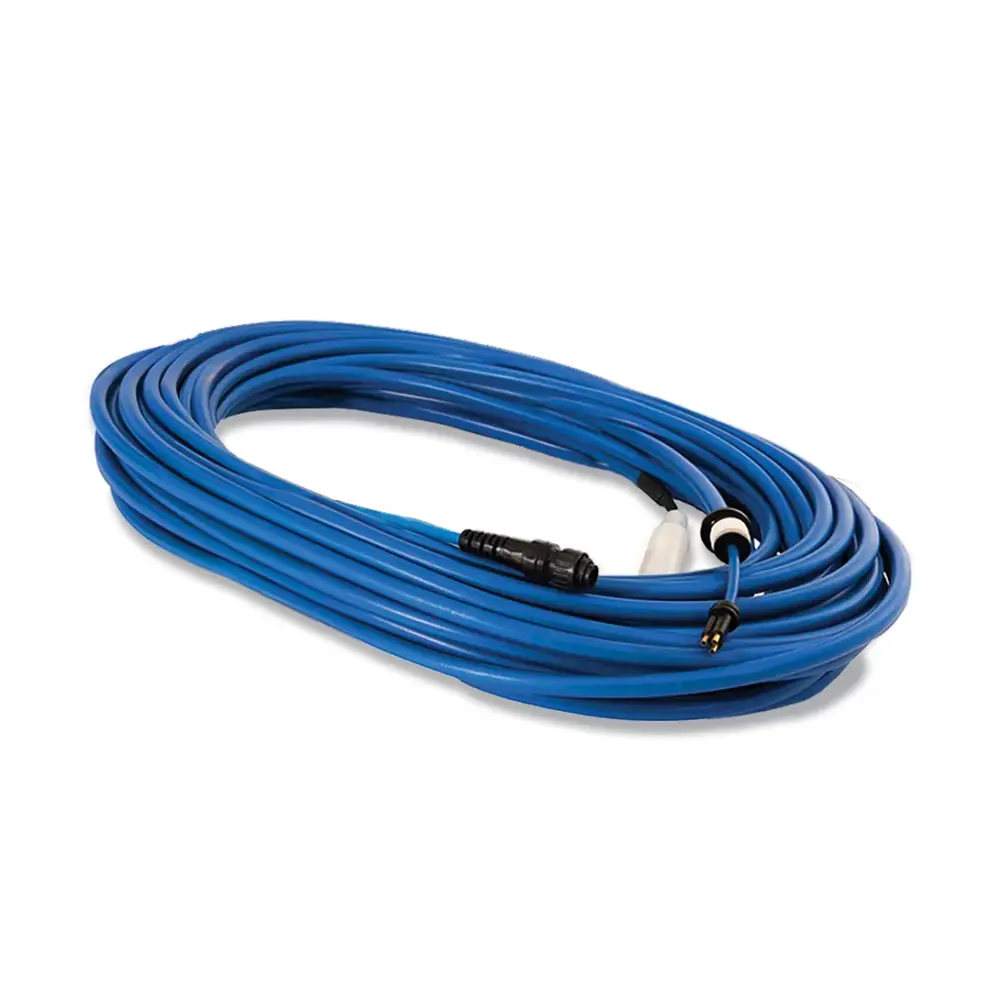
Cable Swivel DIY Dynamic 40M'
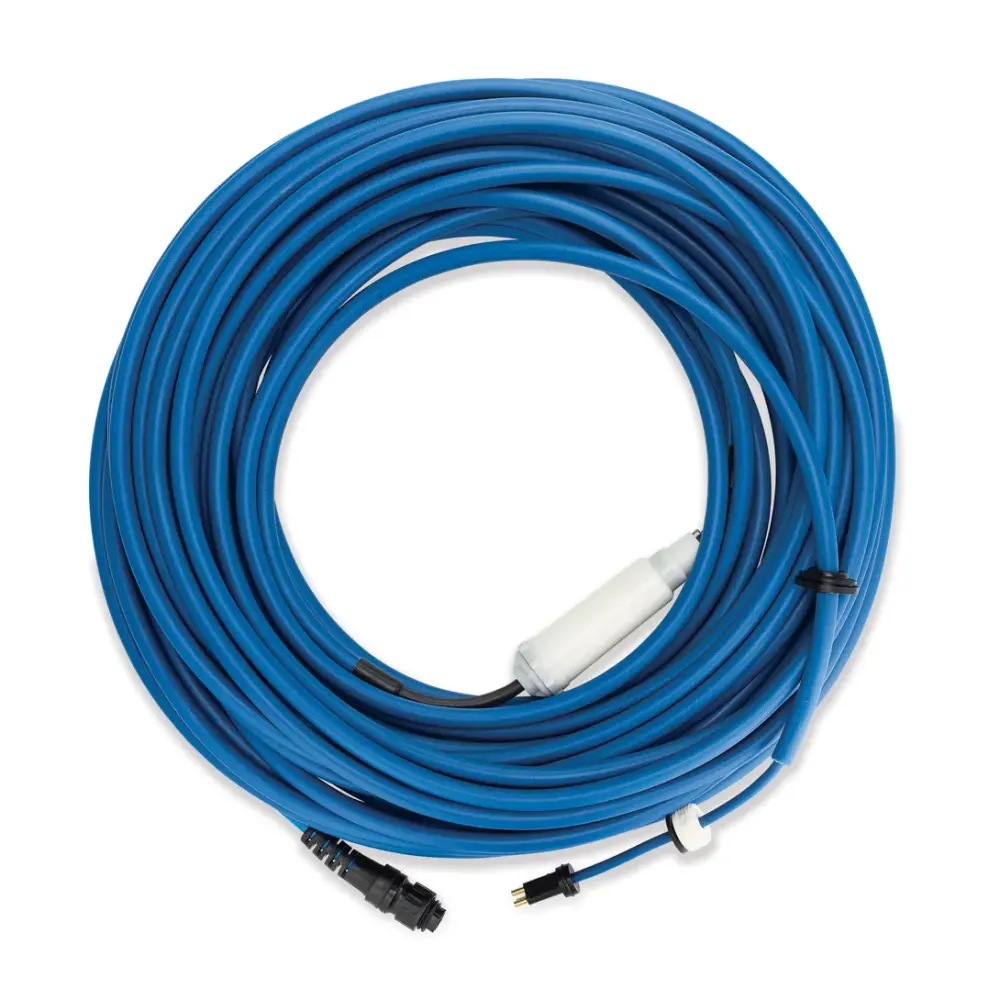
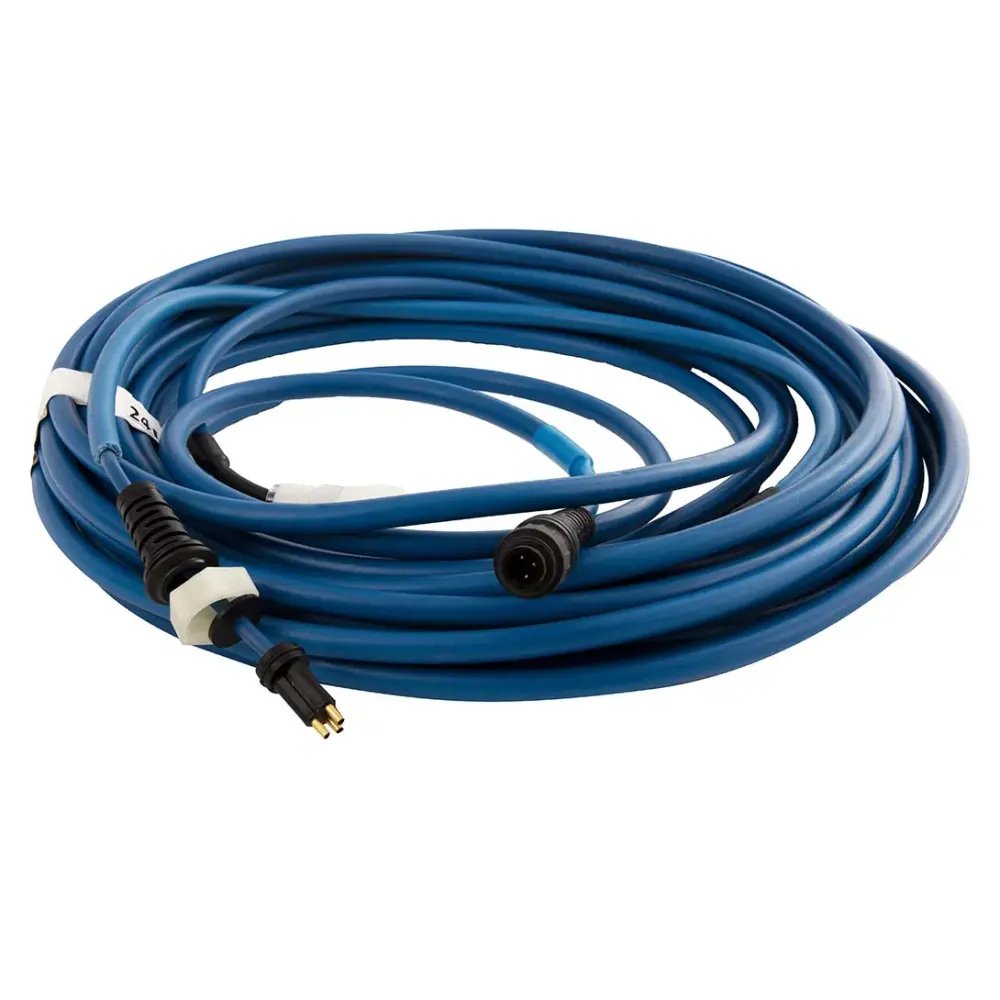
Cable Swv 24M/78FT, 3 Wire
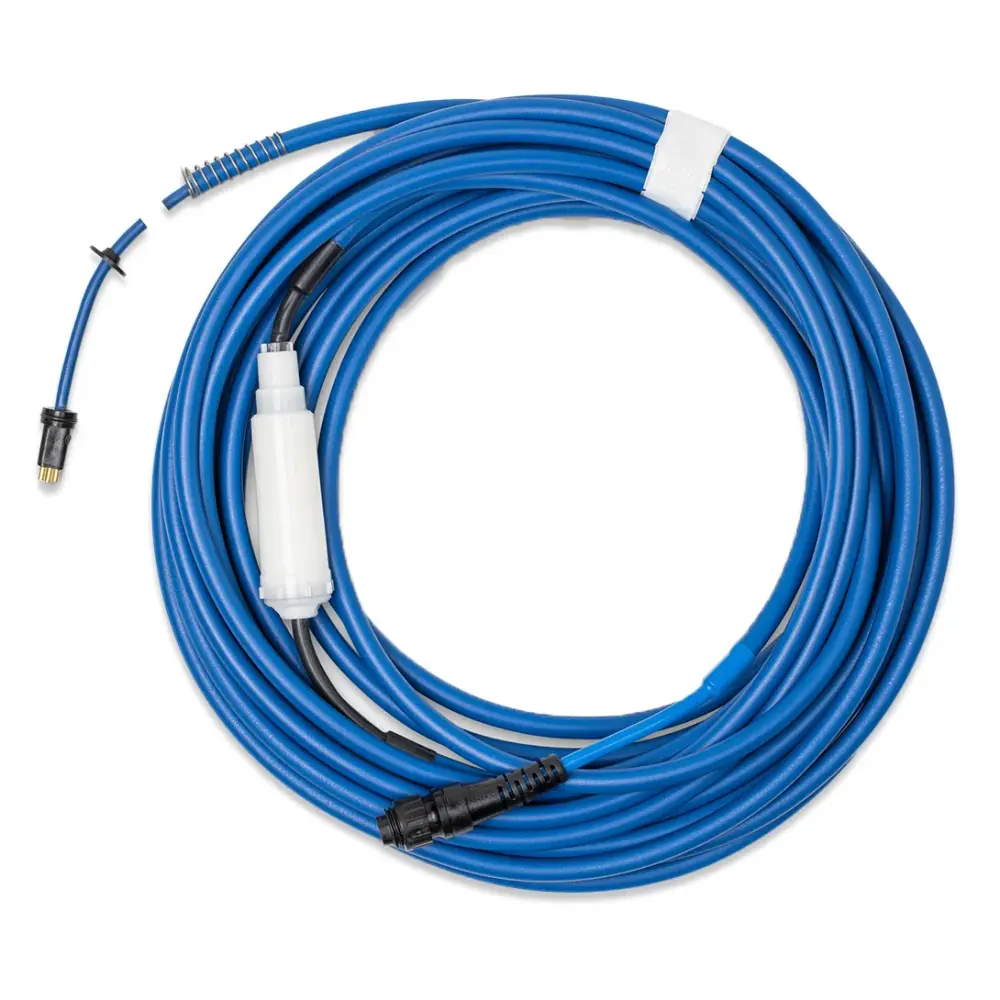
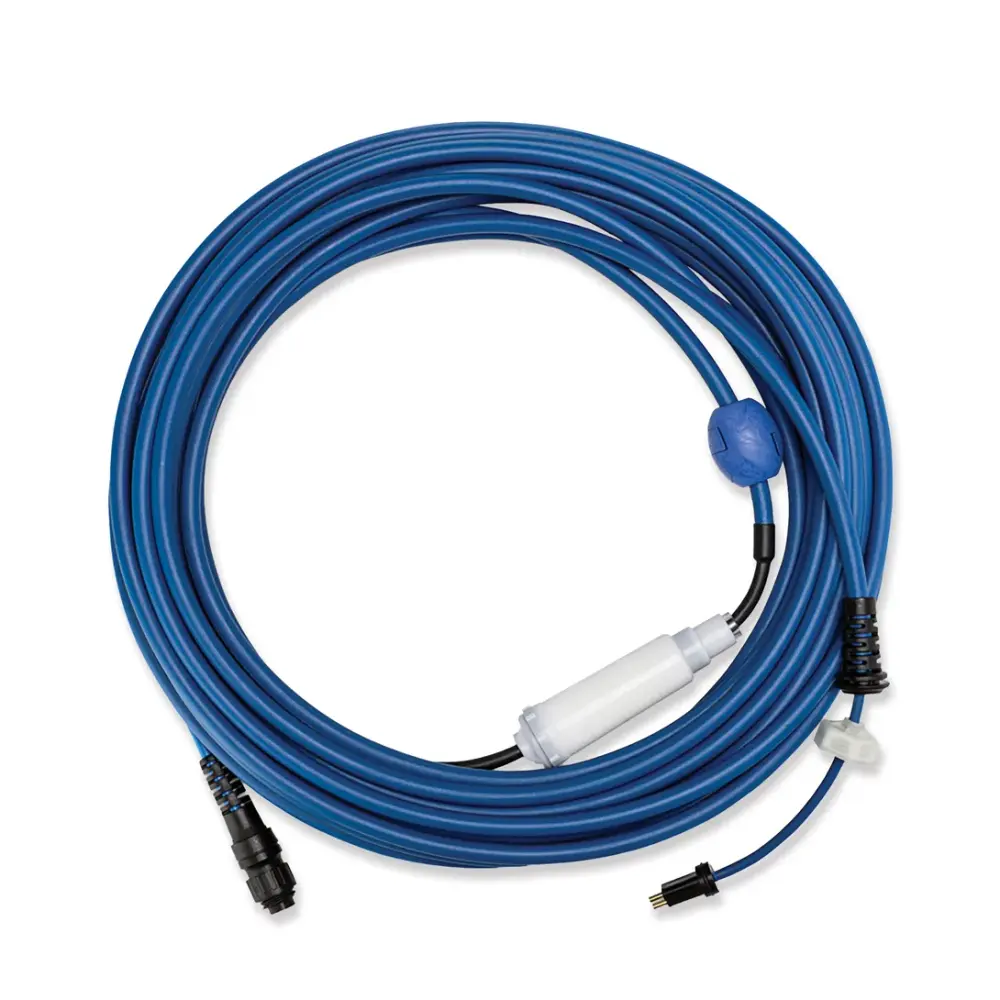
Cable with Swivel, 2W 17M/56FT
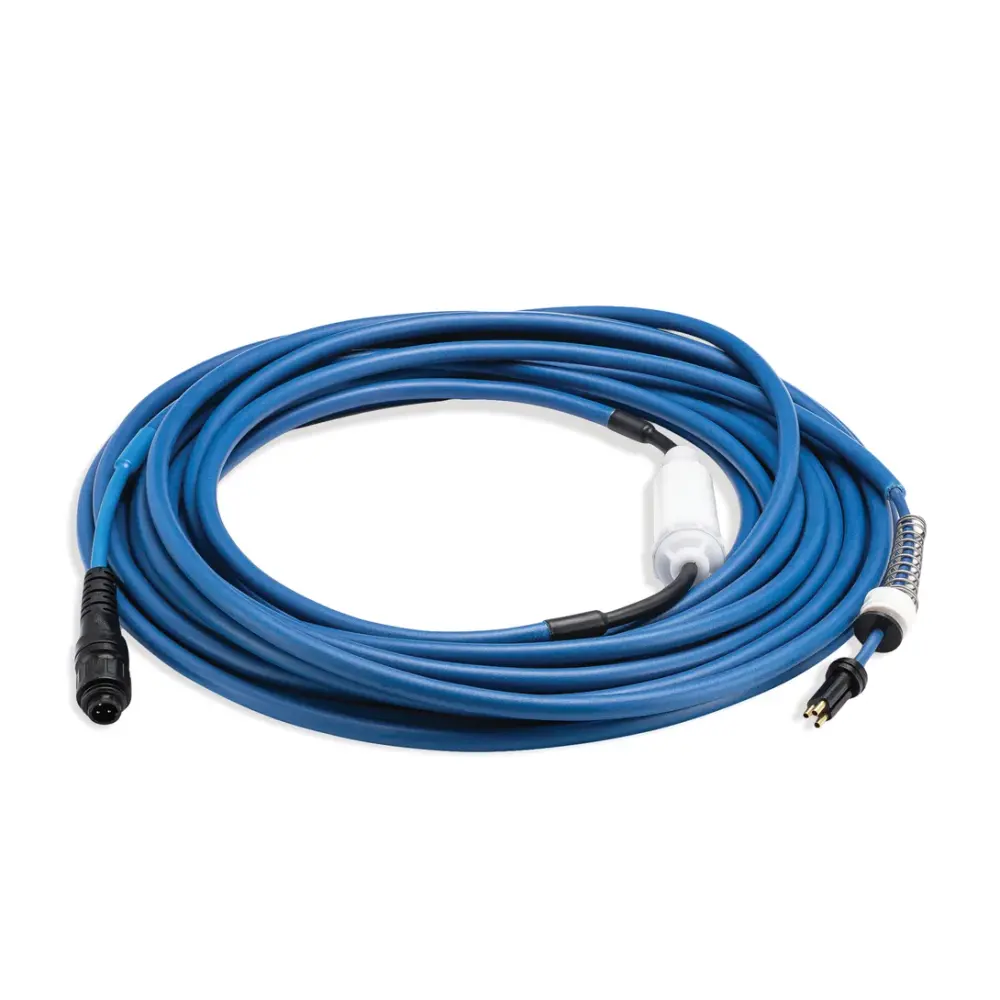
Cable+swv Dyn Basic 24M DIY
Cables without a swivel (5)
Two-wire and three-wire cables for the Dolphins that manage without a swivel, with the float where the model uses one.
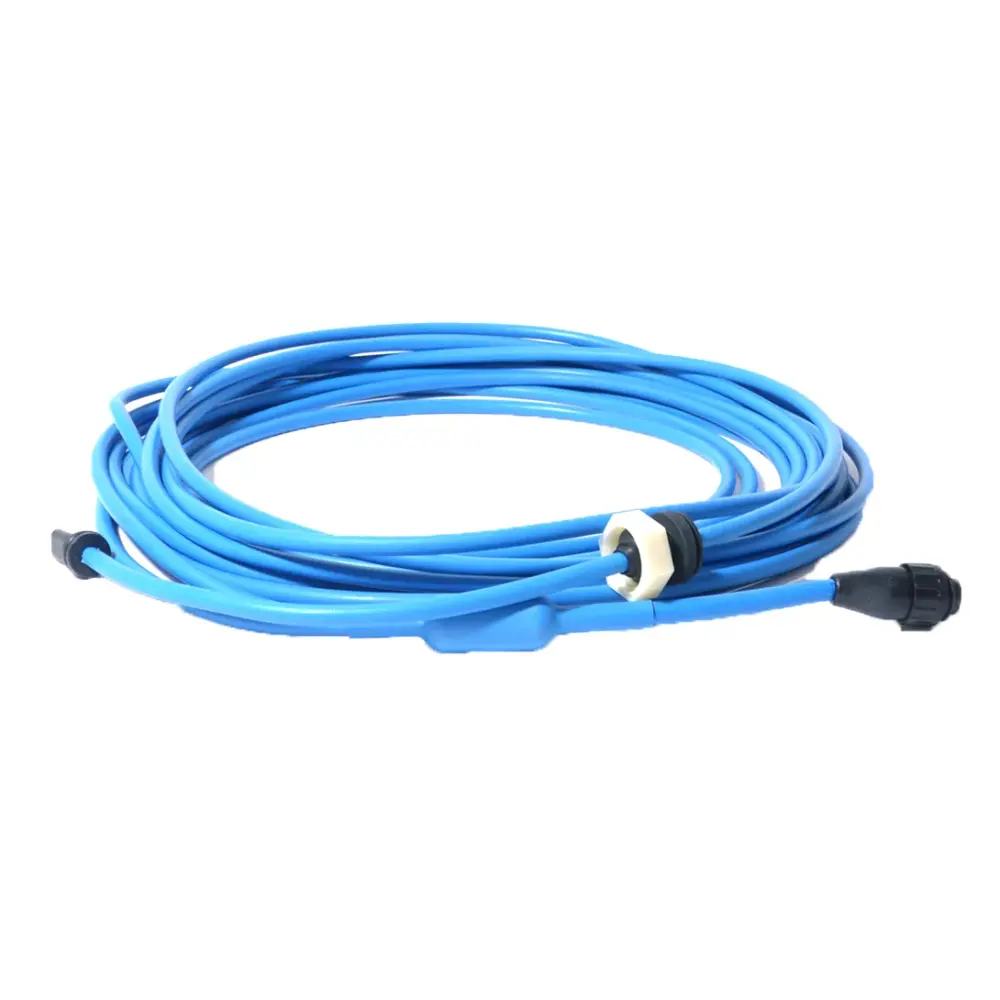
Cable, 15M 2-WIRE with Float, S1
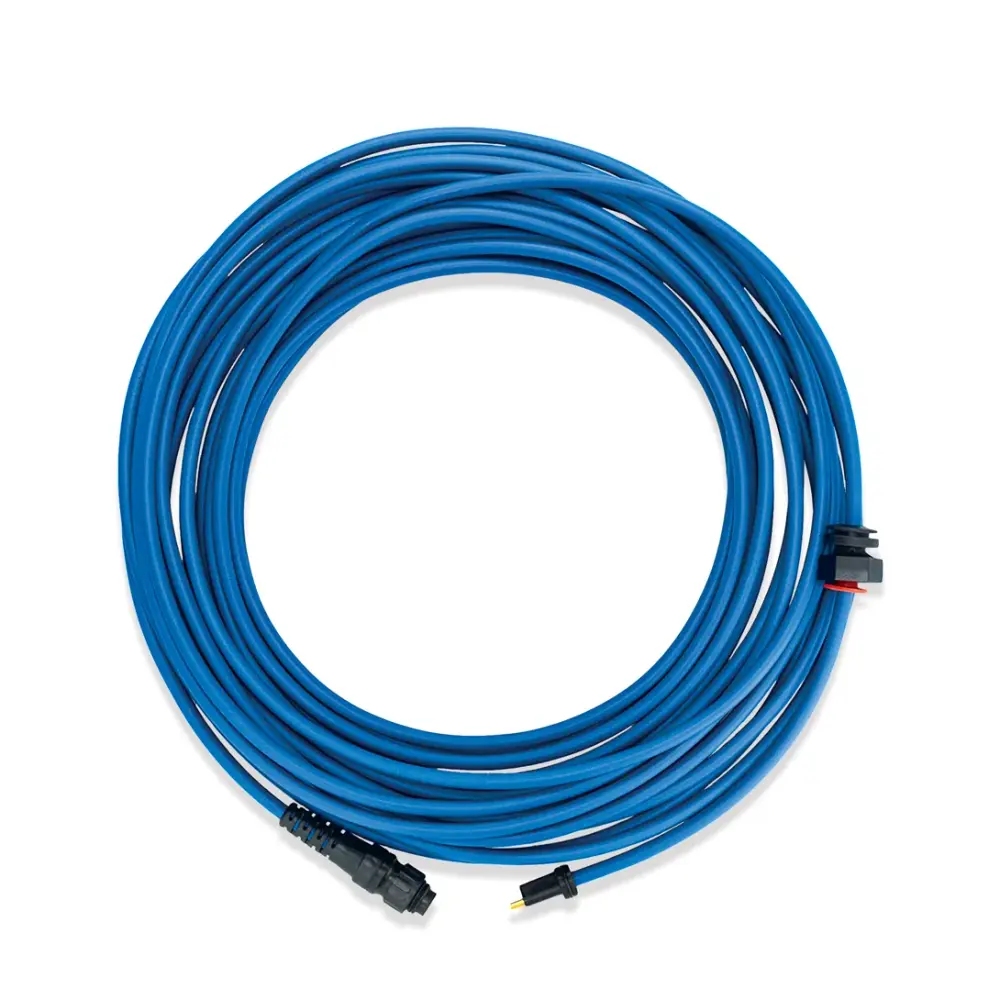
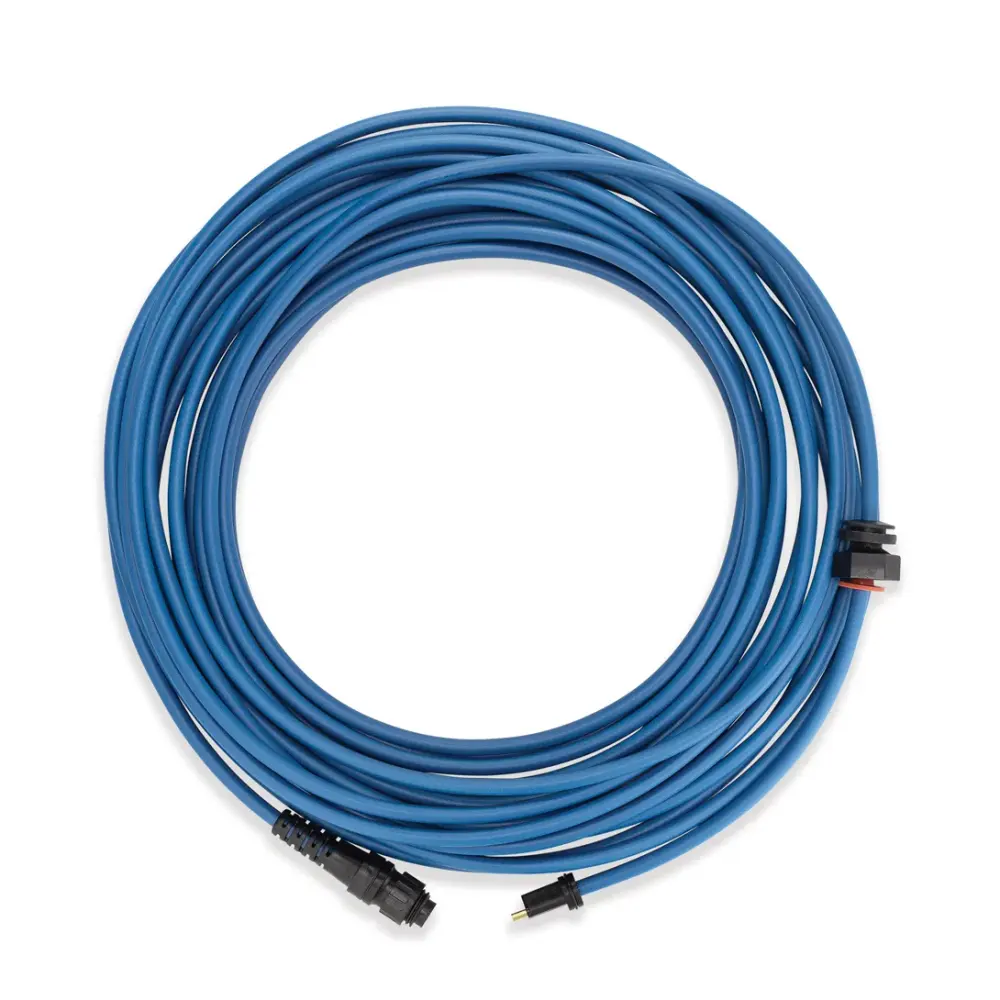
Cable, Blue 2-WIRE ,15M/50FT
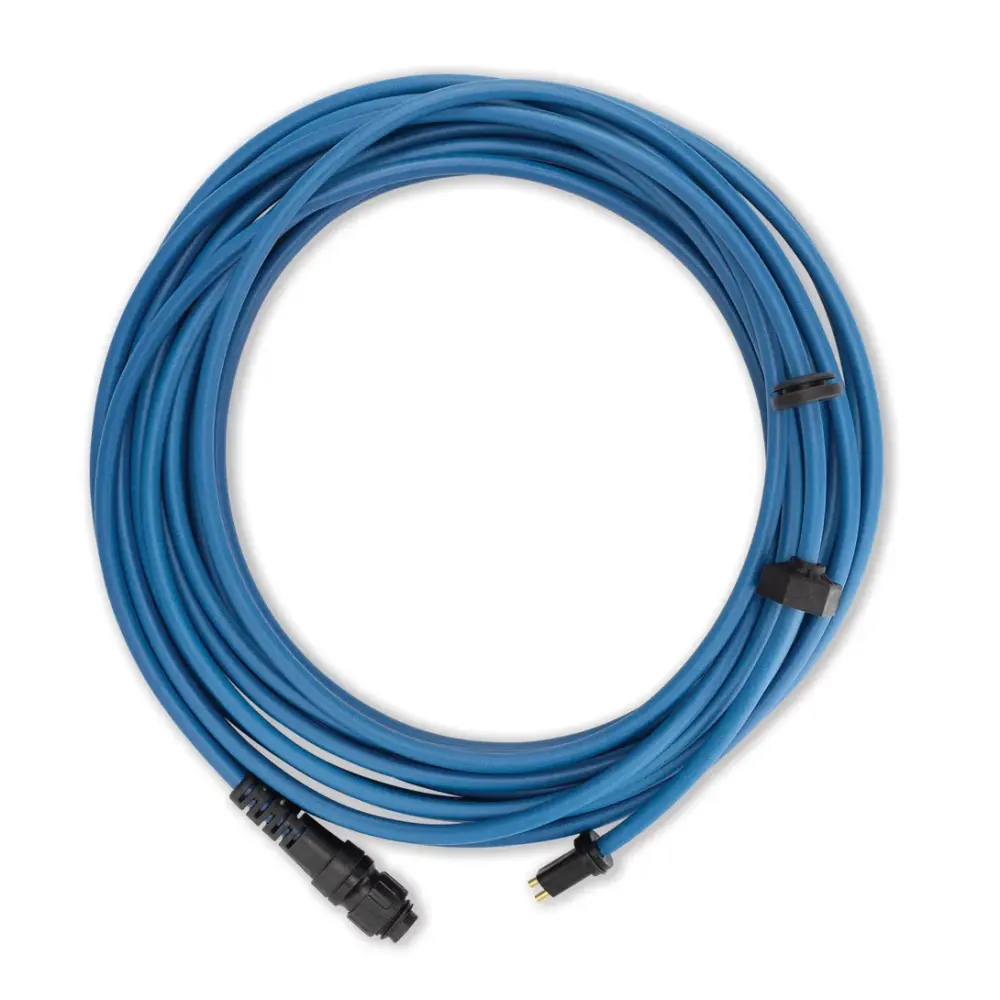
Cable, Blue 2-WIRE, 12M/40FT
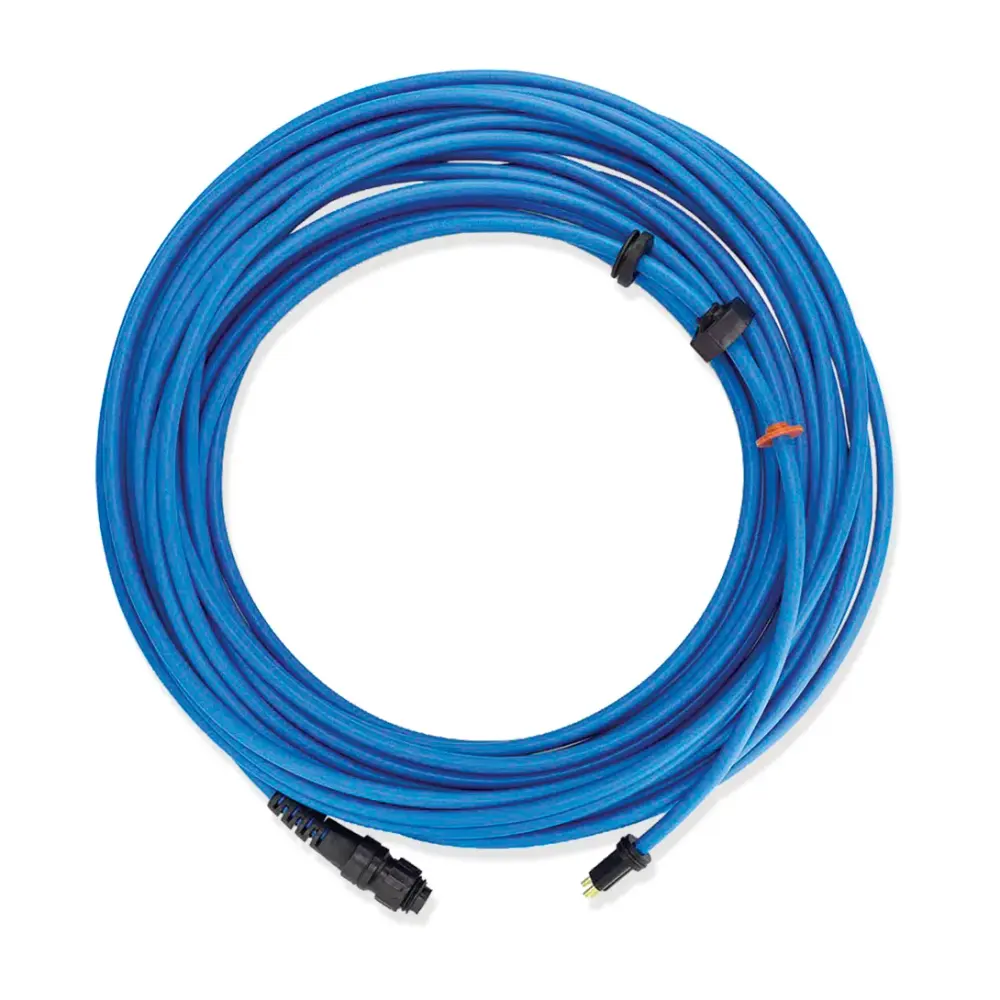
Cable, Blue 3-WIRE, 17M/56FT
No cable matches. Send us the model number from the label under the robot's handle and we will find the part.
Cables & Swivels by Dolphin model.
The robots we sell first, then every other model Maytronics lists cables for. Each link opens that robot's own parts page at its cables.
Every other model (48)
Refurbished and open-box editions use their base model's parts. Not listed? Find your model or send us the model number from the label under the handle.
When to replace a Dolphin cable.
How to replace and care for Dolphin cables
- How to replace the blue cable on my Dolphin robot?Click your robot model from the following list to see the video and instructions. M250 (Nautilus CC Plus) Nautilus CC Plus (Without Wi-Fi): The blue cable Tools Needed…
- My Dolphin's cable is twistedThe first step we recommend is removing the robot from the pool and stretching the cable in the sun for at least 3 hours to remove the kinks and twists. Once you've done…
- How to install the cable float on the Nautilus CC Plus?How to install the cable float on the Nautilus CC Plus: Maytronics shows this step by step in a short video. a video on how to install the float on the blue cable:
- How to plug the blue cable into the power supply?Uncover the black cable locker on the power supply. Align the niche on the black Amphenol plug with the niche on the power supply plug opening. Twist the grooved ring on…
Dolphin cables, answered.
How long is a Dolphin cable?
Most residential Dolphins use a 50 to 60 ft cable (17 or 18 m); the commercial Wave robots use 78 to 130 ft. Pick your model above and the cable listed has the length Maytronics specifies for that robot's pool size.
What does the swivel on a Dolphin cable do?
The swivel is a rotating joint at the robot end of the cable. As the robot turns, the swivel turns with it so the cable does not twist up. When it stops turning freely the cable tangles; the DIY kits replace the swivel with the cable.
Can I replace a Dolphin cable myself?
Yes. The DIY cables come with the connector that fits the robot, and the how-to answer above shows the steps. Unplug the power supply first, and let the old cable dry before you check its connector for corrosion.