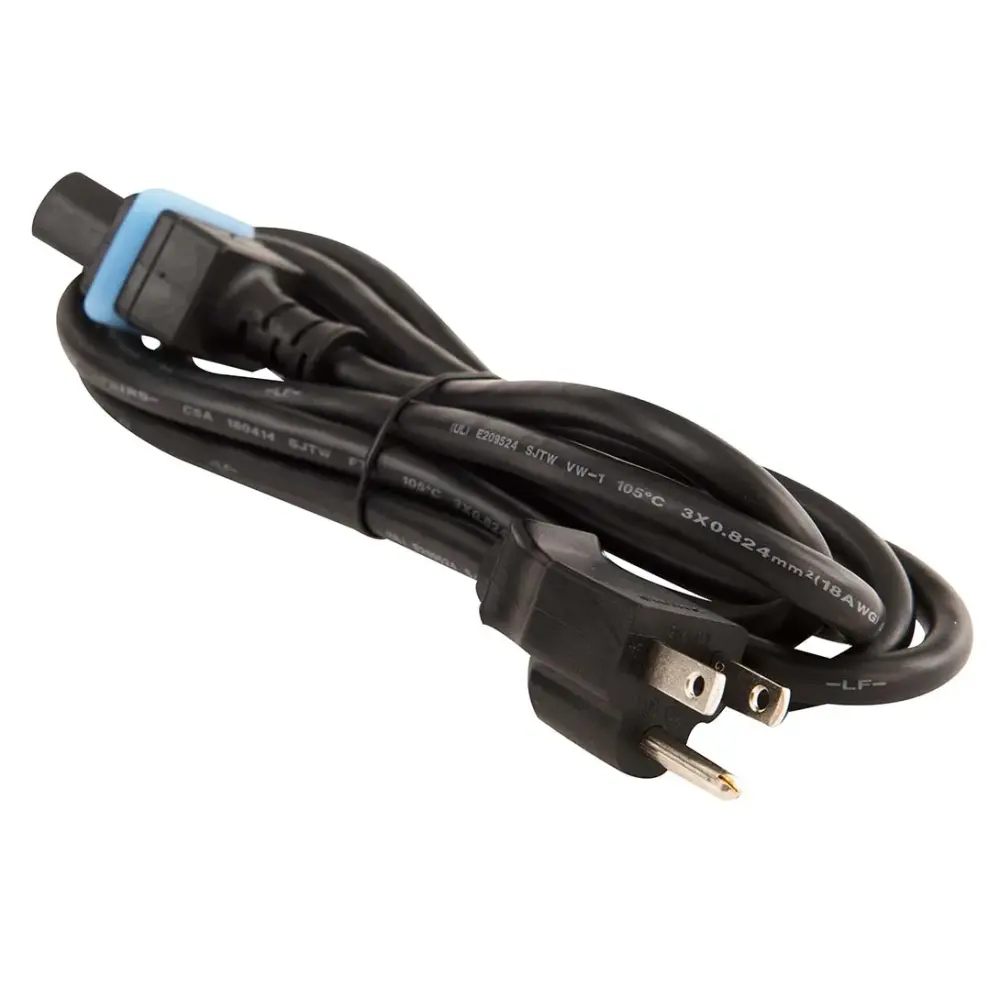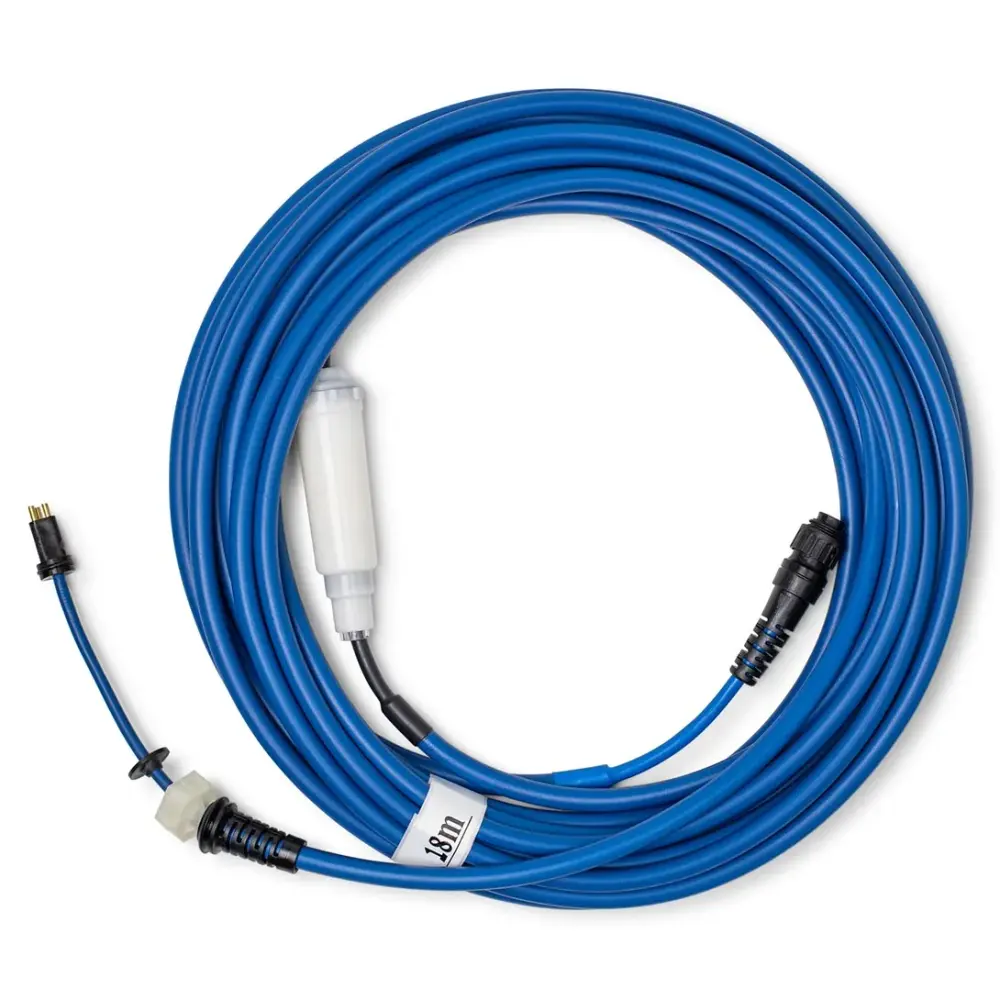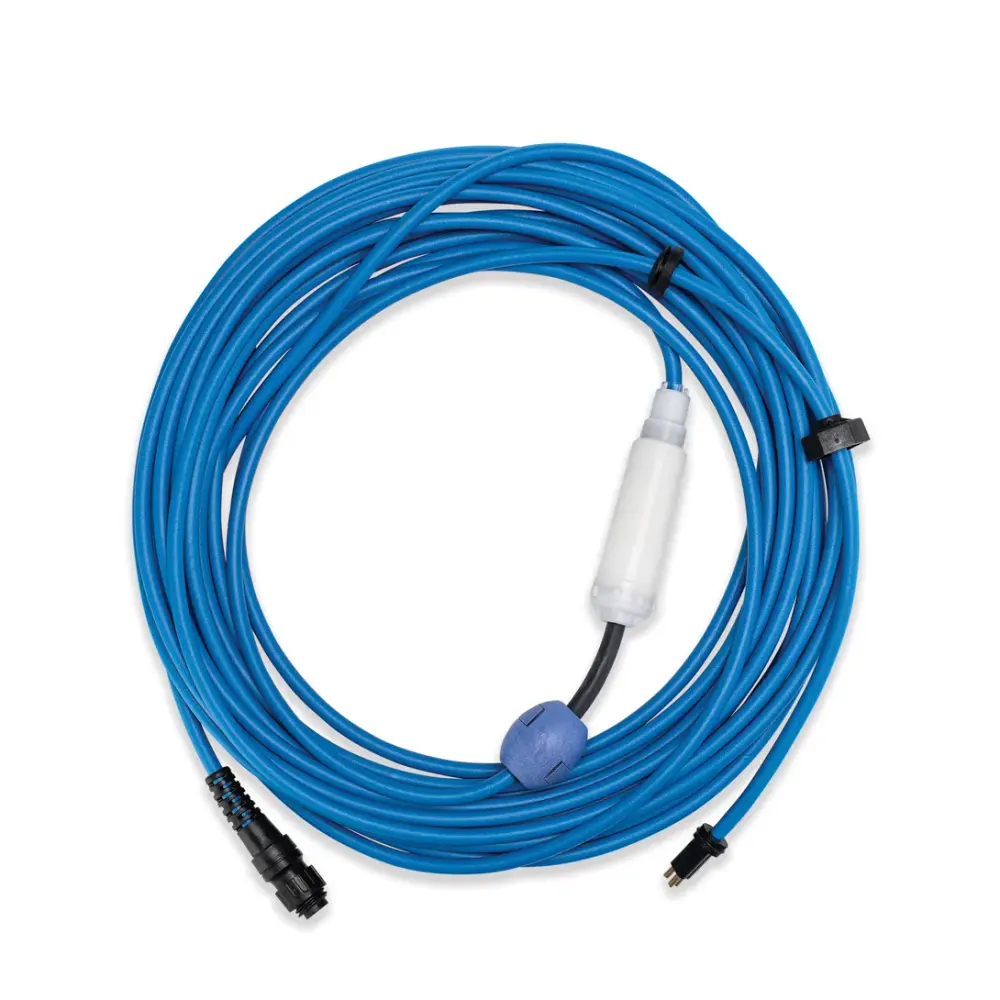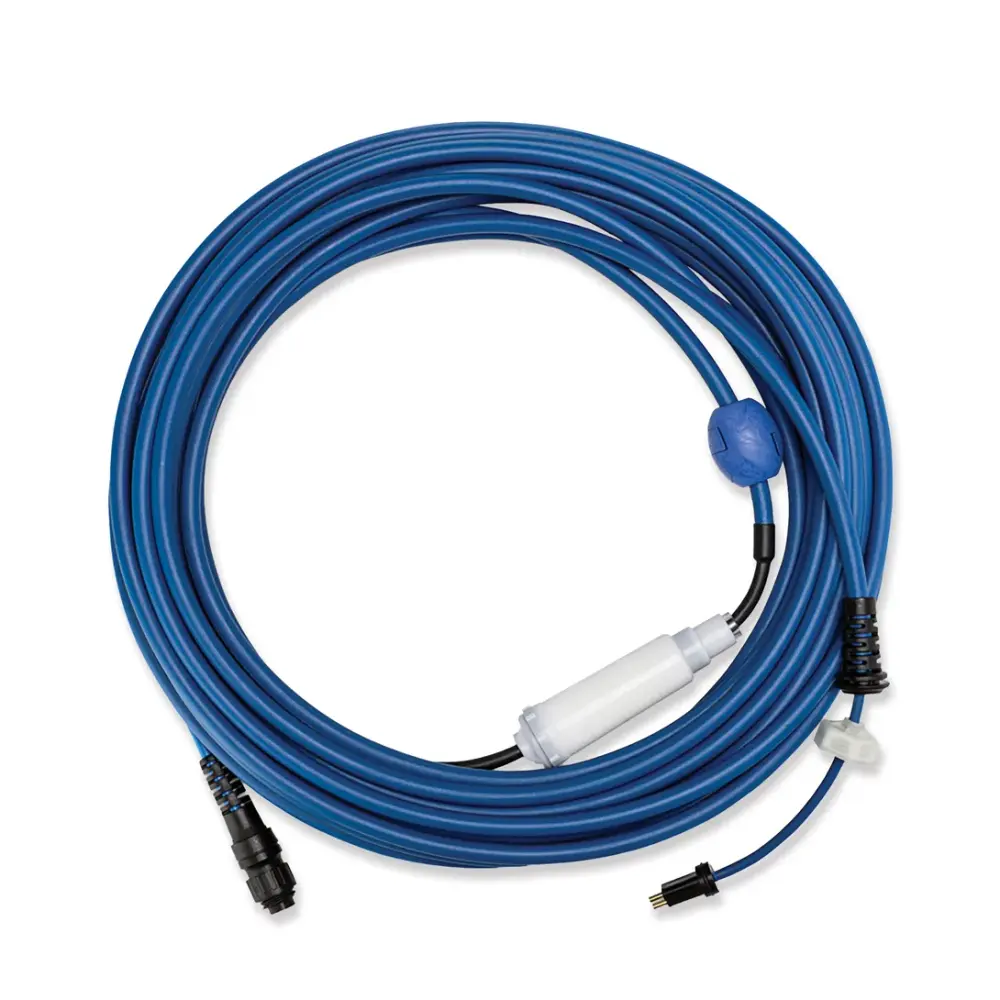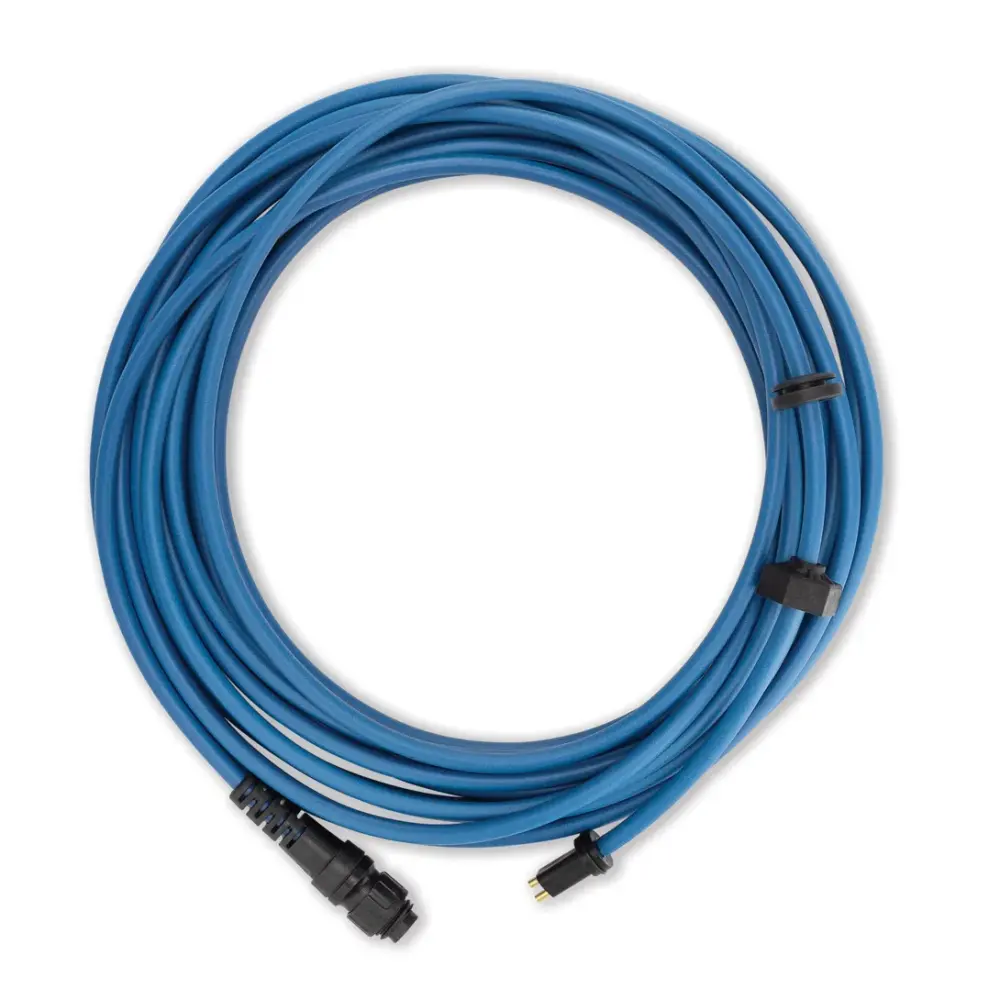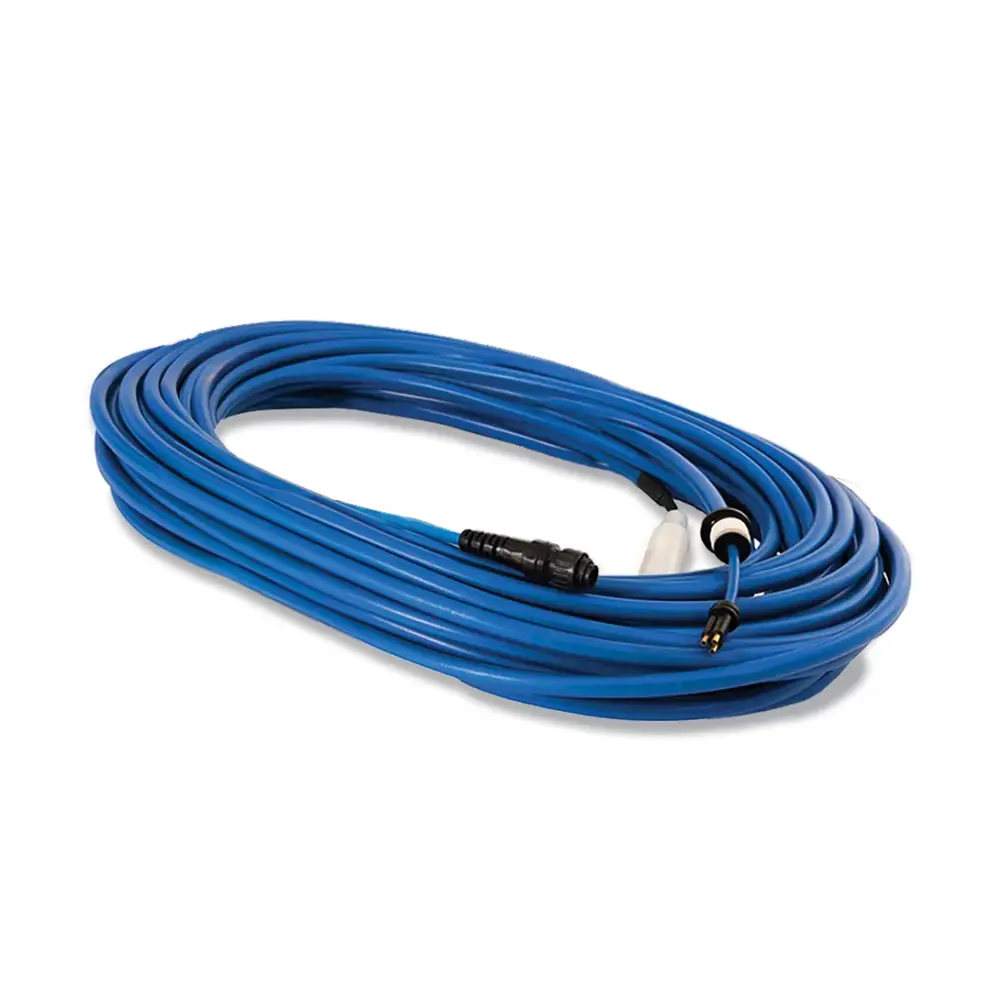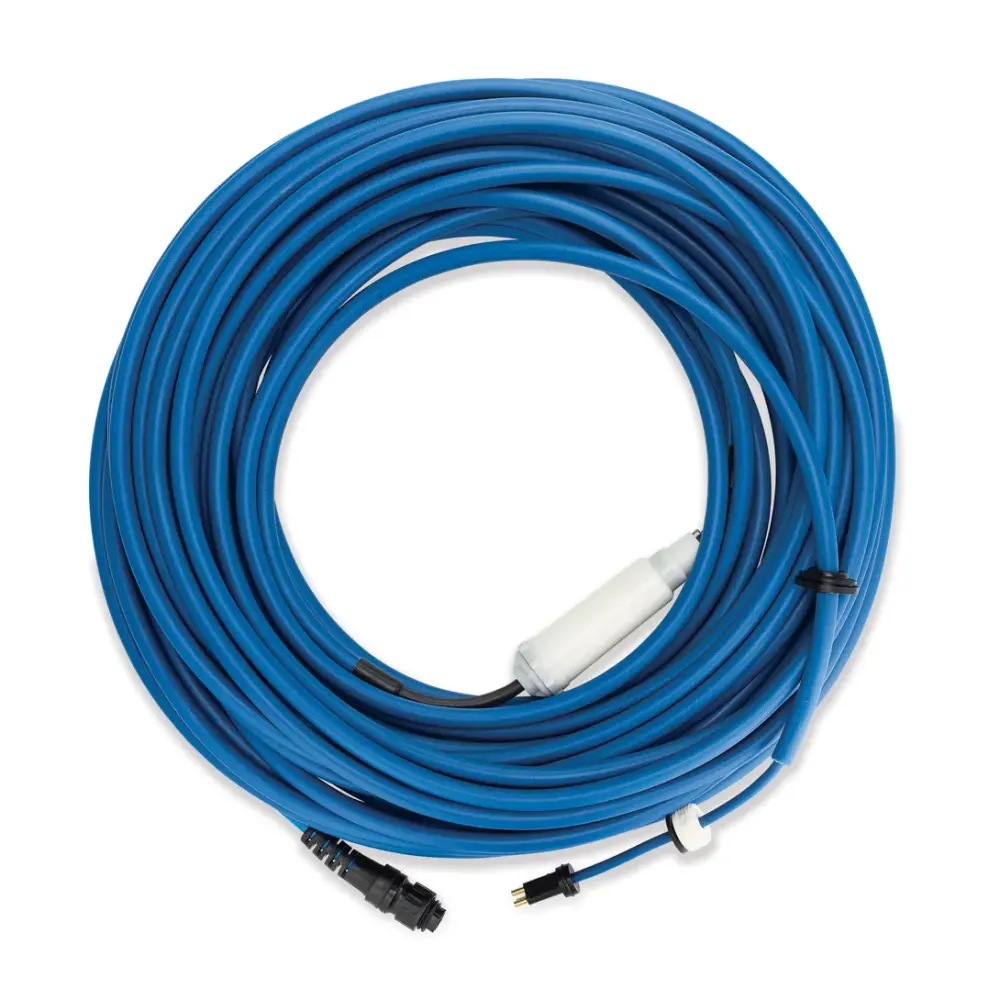
Cable Swivel DIY Dynamic 30M'
Part number 9995747-DIY · UPC 810071220784 · 1-year warranty
$271.99 on Amazon, list $339.99
Maytronics list price $439.99
We do not stock this part in our own store yet, so the link goes to the genuine listing on Amazon. It is also sold by Maytronics. As an Amazon Associate we earn from qualifying purchases.
- Replacement Blue Communication Cable - 3 Wire, 98ft (with Swivel)
- For remote/bluetooth models only
Fits these Dolphin robots.
Confirmed by Maytronics' compatibility checker and each robot's spare-parts list.
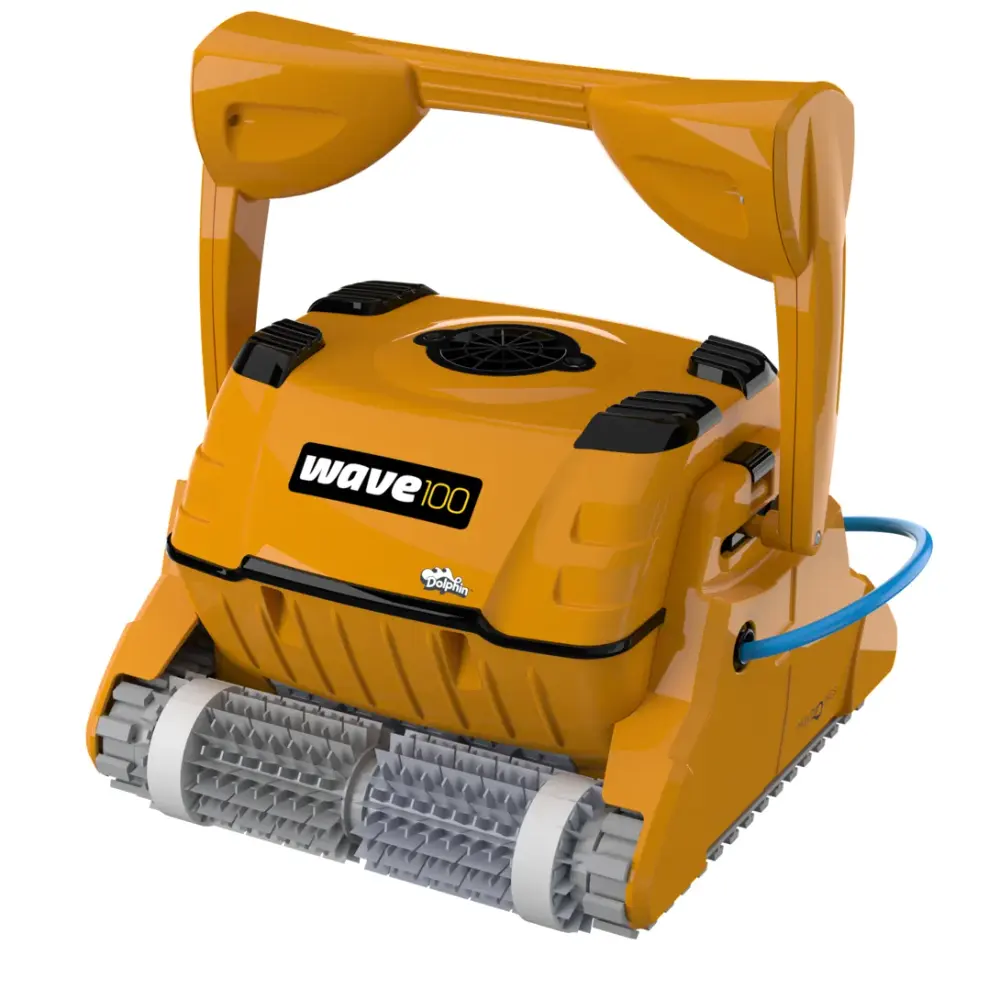
Also listed by Maytronics for: Dolphin Wave 100.
How to replace it at home.
Maytronics' own step-by-step answers and videos for this kind of part.
How to install the cable float on the Nautilus CC Plus?Video
How to replace the blue cable on my Dolphin robot?Video
Click your robot model from the following list to see the video and instructions.
M250 (Nautilus CC Plus)
Nautilus CC Plus (Without Wi-Fi): The blue cable
Tools Needed:
- Phillips head screwdriver
- Wrench
Disassembly
- For your safety, please unplug the power supply from the electrical outlet.
- Pull the handle down.
- Remove the filters from the robot and unscrew all 4 top screws that hold the top frame of the robot.
- Unlock the impeller cover with a flathead screwdriver and then remove the impeller cover.
- Close the filter doors, release the blue floating cable, and remove the top frame.
- Remove both floaters from inside the robot.
- For each cable holder, remove one screw and release the other one halfway, and rotate both cable holders backward to release the blue floating cable.
- Release the power cable screw using the Maytronics multi-purpose handle.
- Slide out the screw and rubber seal then pull hard to unplug the cable.
Assembly
- Run the new cable through the impeller opening to plug it into the motor unit.
- Plug in the new cable, then slide the rubber seal and screw it back in place.
- Screw the white cap of the blue cable into place and tighten the power cable screw using the Maytronics multi-purpose handle.
- Rotate the cable fasteners back in place, then tighten all screws.
- Reposition both floaters inside the robot and the top frame.
- Reposition the cable back to its place in the frame.
- Reposition the impeller cover and lock it, and fasten the top frame with its screws.
Note - If the new cable has a swivel on it, the cable must have two floats on it.
M400 (Oasis, Aquarius XL)
Tools Needed:
- Phillips head screwdriver
- Wrench
Disassembly
- For your safety, please unplug the power supply from the electrical outlet
- Lower the handle towards the back of the robot
- Remove the screw holding the impeller cover and remove the impeller cover.
- Release the blue floating cable and remove the filter cartridges.
- Release and remove the four screws holding the frame, then remove the frame.
- Remove both floaters.
- For each cable holder, remove one screw and release the other one halfway, then rotate them backward.
- Release the power cable screw using the Maytronics multi-purpose handle.
- Slide out the screw and the rubber seal then unplug the cable.
Assembly
- Plug in the new cable then slide the rubber seal and screw in place.
- Tighten the power cable screw using the Maytronics multi-purpose handle.
- Rotate the cable fasteners into place with the blue cable, then tighten the screws.
- Reposition both floaters.
- Reposition the frame, then tighten its four screws.
- Slide the blue cable into place on the frame with the black rubber flap on the outside of the robot, reposition the impeller cover into place, and screw it in.
Nautilus CC Supreme, Sigma
Tools Needed:
- Phillips head screwdriver
- Wrench
Disassembly
- For your safety, please unplug the power supply from the electrical outlet
- Pull the handle down.
- Open both lids and remove the filters.
- Unlock the impeller cover with a flathead screwdriver and remove the impeller cover.
- Pull the blue cable out of the niche.
- Remove the four screws holding the top frame and slide out the top frame.
- Remove the floaters.
- For both yellow fasteners, remove one of the screws and the other halfway then rotate the yellow fasteners backward to release the blue cable.
- Release the power cable screw using the Maytronics multi-purpose handle. Unplug the blue cable.
Assembly
- Run the new cable through the impeller opening to plug it into the motor unit.
- Tighten the power cable screw using the Maytronics multi-purpose tool.
- Rotate the yellow fasteners into place holding the blue cable and tighten all screws.
- Position the floaters back in place.
- Reposition the top frame. Fasten the top frame with the four screws.
- Slide the blue cable back to the niche.
- Reposition the impeller cover and lock the impeller cover using a flathead screwdriver.
S50 (S50, E10, E20/E25, Active 10, Cayman, Escape, Encore)
Tools Needed:
- Phillips head screwdriver
- Wrench
Disassembly
- For your safety, please unplug the power supply from the electrical outlet
- Remove the filter basket from the robot.
- Release and remove the screws holding the top panel.
- Pull the top panel out along the blue cable, then slide the plastic cover from the rubber placeholder.
- Release and remove the screws holding the cable fastener.
- Slide out the top panel and the cable fastener
- Release the left motor clip and unhook the blue floating cable.
- Release the power cable screw using the Maytronics multi-purpose handle. Unplug and remove the old blue floating cable.
Assembly
- Make sure the niche on the cable plug is correctly aligned with the niche when plugging in the new cable.
- Tighten the power cable screw using the Maytronics multi-purpose handle.
- Form a loop in the blue floating cable, hook it to the motor, and close the left motor clip.
- Reassemble the top panel and cable fastener and tighten the screws holding the cable fastener.
- Reposition the top panel and tighten the screws.
- Slide the filter door onto the rubber placeholder on the cable, then screw the impeller covering back in.
S100 (Advantage, Proteus DX3, Saturn, Echo, Nautilus CC, Active 15, Cayman, Escape, Explorer E20)
Tools Needed:
- Phillips head screwdriver
- Wrench
Disassembly
- Unplug the power supply from the electrical outlet
- Open the top lid and remove the filter basket
- Remove the screws holding the top panel
- Slide the top panel open along the blue cable
- Remove the screws holding the top panel
- Remove both parts of the top panel
- Release the left clip on the motor and unhook the blue cable
- Using the Maytronics multi-purpose handle release the blue cable screw
- Remove the screw and rubber seal and pull out the blue cable
Assembly
- Plug in the new blue cable and slide the rubber seal and screw it into place
- Using the multipurpose handle, tighten the blue cable screw
- Form a loop in the blue cable and hook it, then close the left motor clip
- Reassemble both parts of the top panel, screw in the two screws
- Put the front panel into place and screw in the two top screws
- Put the filter back into the robot and close the lid
S200 (E30, Advantage Ultra, Active 20, Quantum, T35, Triton PS)
Tools Needed:
- Phillips head screwdriver
- Wrench
Disassembly
- Unplug the power supply from the electrical outlet
- Pull open the top lid handle and take out the filter
- Remove the two screws holding the motor unit cover
- Gently pull off the cover and slide it along the blue cable
- Take out the manifold
- Open the left motor clip and unhook the blue cable
- Release the blue cable screw using the Maytronics multi-purpose tool
- Slide out the screw and rubber seal, then unplug the blue cable
Assembly
- Plug in the new blue cable, slide the rubber seal, and screw it into place
- Tighten the blue cable screw using the Maytronics multi-purpose tool
- Form a loop in the blue cable and hook it on the left motor clip, then close it
- Return the manifold back to its place
- Slide the cover back to its original position and fasten the two top screws
- Return the filter basket and close the top lid
S300/S400 (Nautilus CC Pro, E35/E35i, Proteus DX5i, Active 30, T35/T45, Premium 40, Explorer E30, E40i, Active 30i, Active 40, T55i, E50i, Active 50, Explorer E50, Mercury)
S300: The blue cable
S400: The blue cable
Tools Needed:
- Phillips head screwdriver
- Wrench
Disassembly
- Unplug the power supply from the electrical outlet
- Pull open the top lid handle and take out the filter
- Remove the two top screws holding the motor unit cover
- Gently pull open the cover and slide it along the blue cable
- Take out the manifold
- Open the left motor clip and unhook the blue cable
- Release the blue cable screw using the Maytronics multipurpose handle
- Slide out the screw and rubber seal, then unplug the cable
Assembly
- Plug in the new blue cable, slide the rubber seal, and screw it into place
- Tighten the blue cable screw using the Maytronics multipurpose tool
- Form a loop in the blue cable and hook it on the left motor clip, then close it
- Return the manifold back to its place
- Slide the cover back into place and fasten it with the two top screws
- Return the filter basket and close the top lid
M550
M600, M700 (Active 60, E60i, Explorer E70)
Tools Needed:
- Phillips head screwdriver
- Wrench
Disassembly
- For your safety, unplug the power supply from the electrical outlet.
- Pull the top lid handle, open the lid, and remove the filter.
- Release and remove the two screws holding the motor unit cover. Gently pull the cover and slide it along the blue cable.
- Release and remove the cover’s bottom screw. Detach and remove both cover parts.
- Take out the manifold.
- With the Philips screwdriver, unscrew the top and bottom screws on the front panel. Release and remove the front panel.
- Remove the front float. Use caution with the float as it is fragile.
- Release and remove all four screws holding the frame. Tilt the frame forward.
- Remove one of the cable fastener screws and release the second screw halfway. Rotate the cable fastener backward to release the power cable.
- Release the power cable screw using the Maytronics multi-purpose handle.
- Slide out the screw and rubber seal, then unplug the cable.
Assembly
- Plug in the new blue floating cable, slide the rubber seal, and screw in place.
- Place the black part of the new cable inside the niche on the plastic cover - the white part should be underneath the underside of the plastic cover.
- Tighten the power cable screw using the Maytronics multi-purpose handle.
- Make a loop with the cable and rotate the cable fastener back to place, screw and tighten all screws.
- Reposition the frame and tighten all four screws.
- Reposition the front float (right-side up) and front panel. Push in the top corners of the front panel until it "clicks".
- Reposition the manifold and reassemble both cover parts. Tighten the cover’s bottom screw.
- Slide the top panel back in place and tighten both its screws.
Premier
Specifications
Product Info
- Cable Length
- 100 ft
Size & Dimension
- Gross Weight
- 9.261 lb
General Info
- Warranty (years)
- 1
- UPC
- 810071220784