
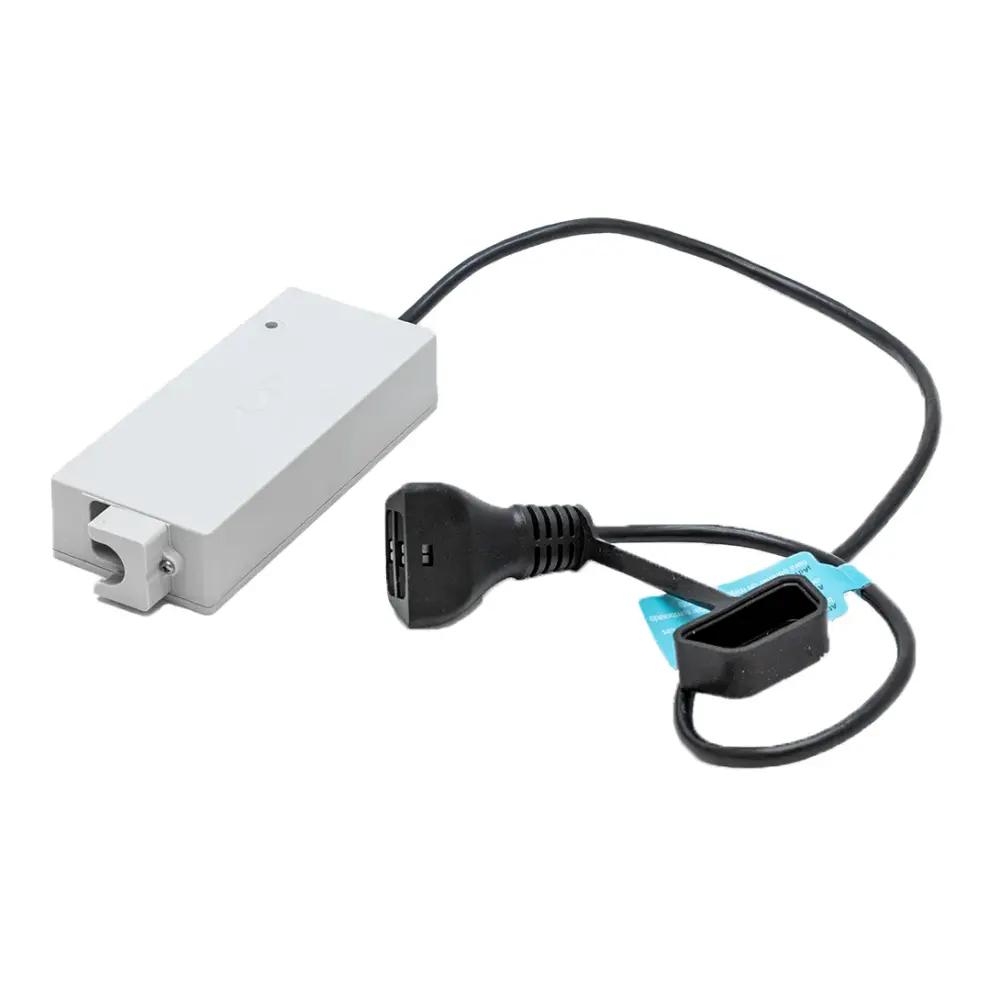
99956070-ASSY
Genuine Maytronics parts · 23 power supplies
Dolphin pool cleaner power supplies.
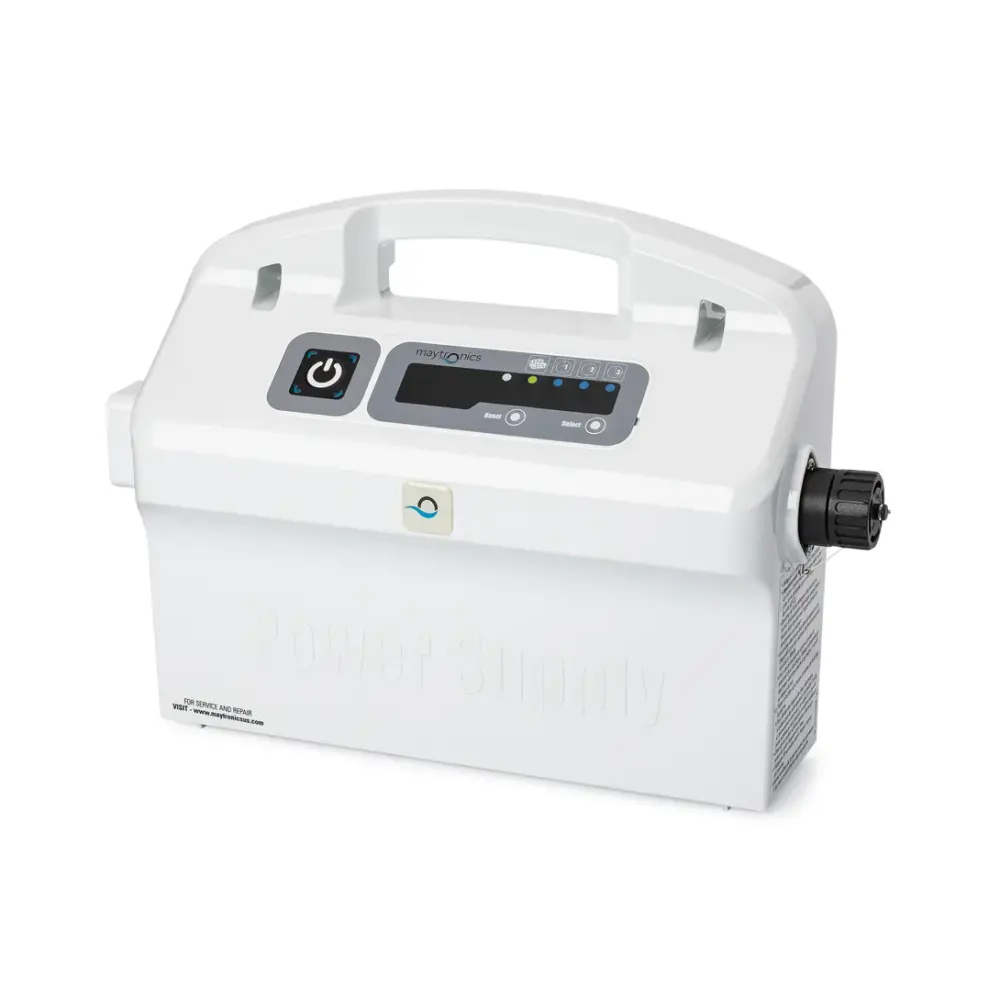
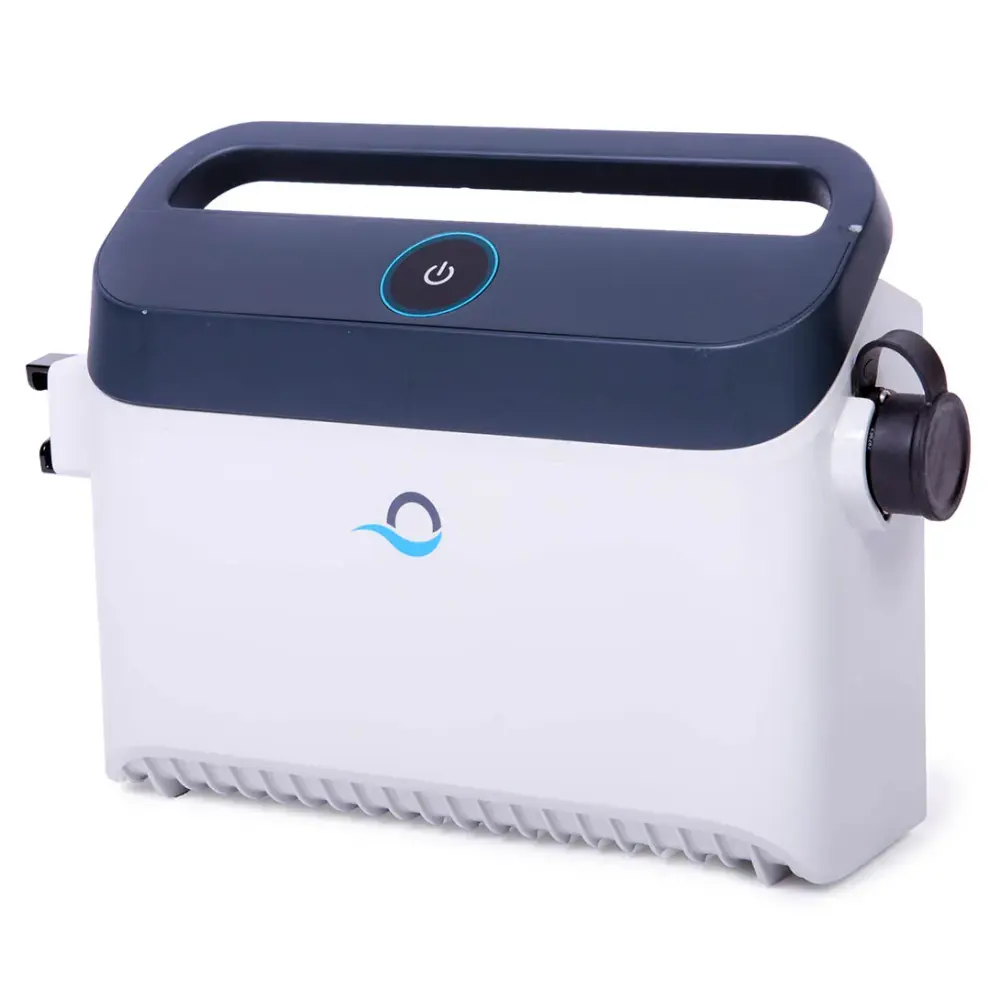
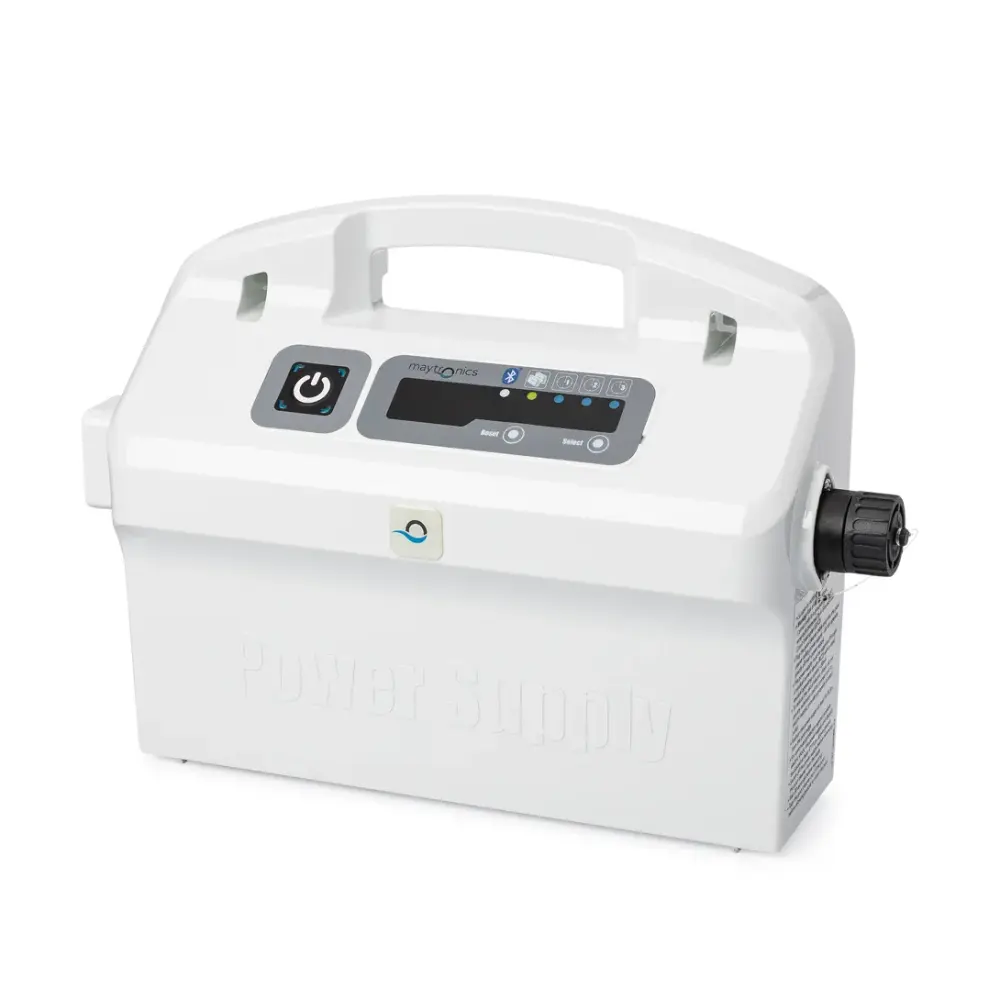
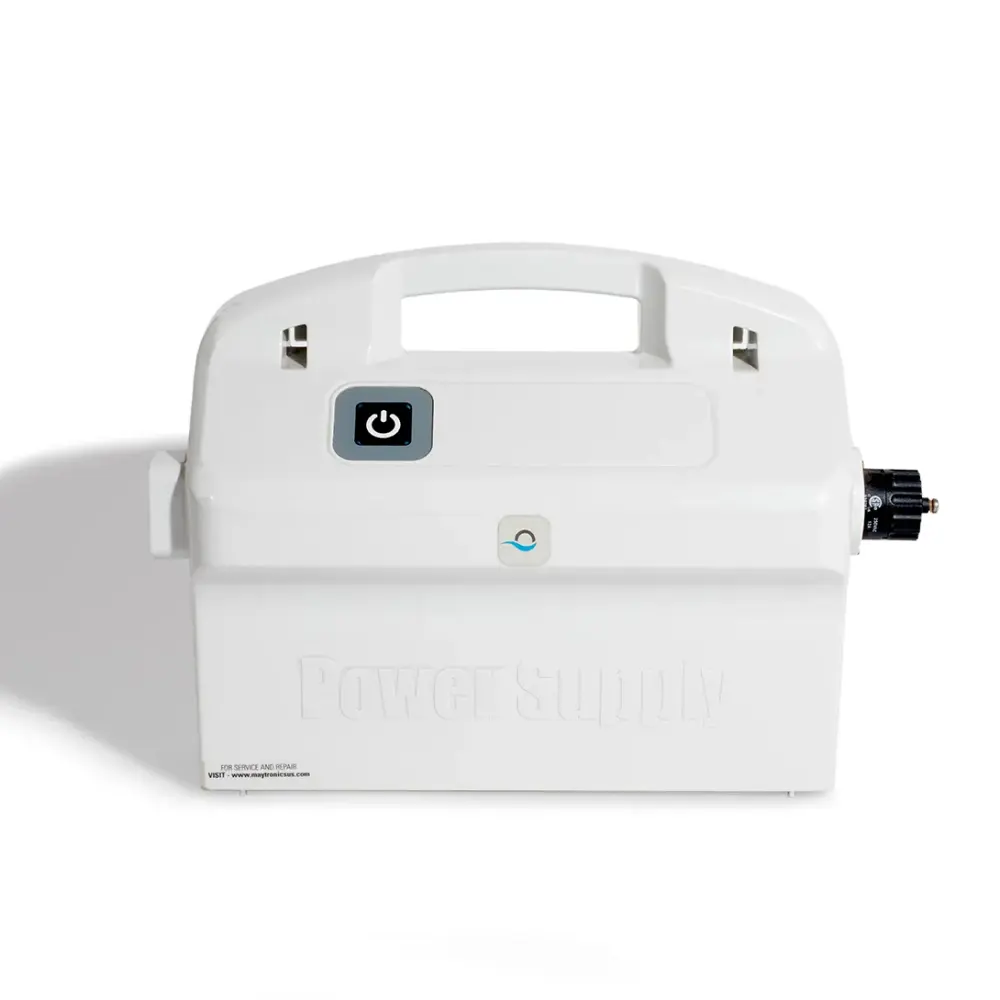
Every genuine Maytronics power supply and charger for a Dolphin robot. The power supply is the robot's brain as much as its plug: it holds the cycle timer, the weekly schedule and the app connection, so the replacement has to match the model exactly. Pick your robot to see the units Maytronics confirms for it.
Match it to your robot
Find the right power supply for your Dolphin.
A Dolphin power supply is matched to the robot by wattage, by connector and by the features the robot's firmware expects. The sticker on the back of your current unit has what you need to confirm the replacement.
Start with your modelChoose your robot in the list above. Corded robots use a power supply; the cordless Liberty, EON and Skimmi use a charger, and the two are not interchangeable.
Read the sticker on the old unitThe label on the back of the power supply shows its part number and wattage (120W or 180W). The replacement should match both. A unit with more features (Wi-Fi, weekly timer) can be an upgrade only when Maytronics lists it for your model.
Rule out the cable and the outlet firstA power supply that lights up but will not start the robot is often a cable or swivel fault. One that will not stay on with the cable unplugged is the power supply itself, and under warranty Maytronics replaces it without the robot being sent in.
Chargers for cordless robots (3)
The chargers for the battery-powered Liberty, the Nautilus EON and the solar Skimmi. A charger only charges the battery; the robot runs on its own.
Power supplies for corded robots (19)
The 120W and 180W power units for corded Dolphins, in on/off, weekly-timer, filter-indicator, Bluetooth and Wi-Fi versions.
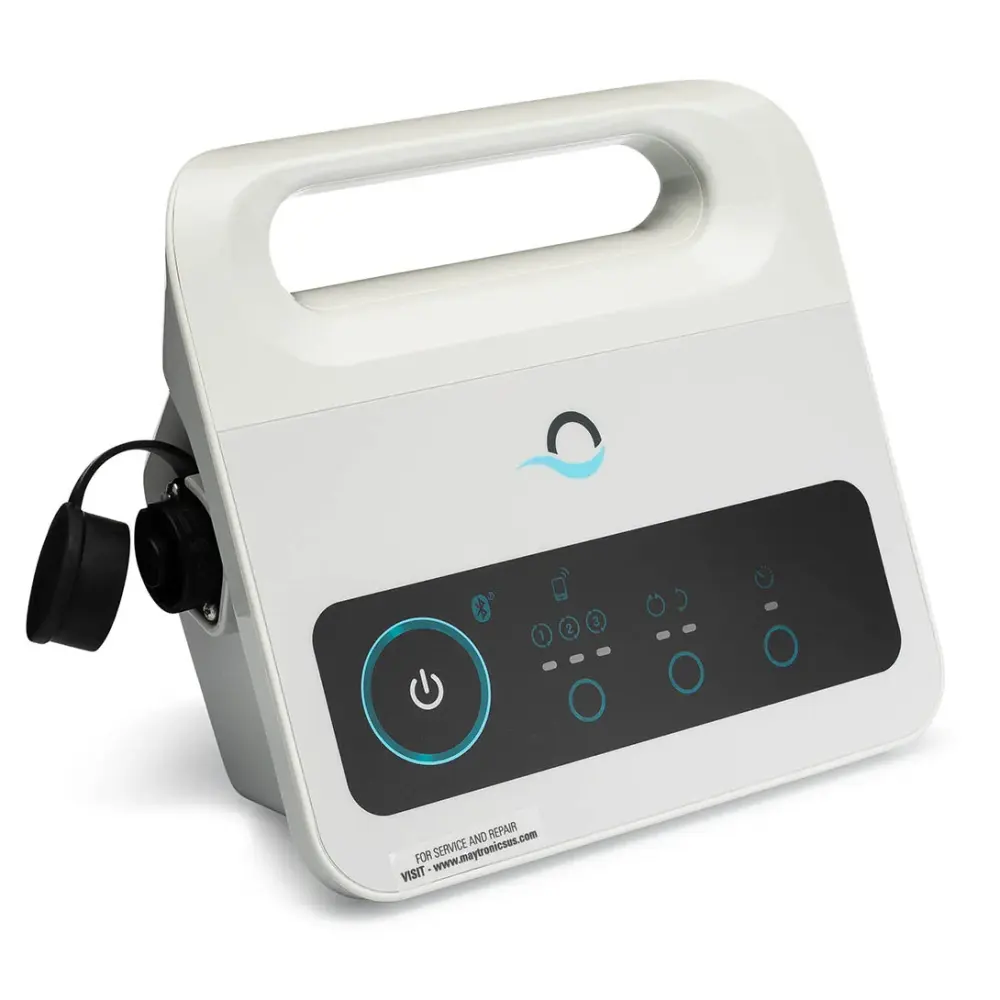
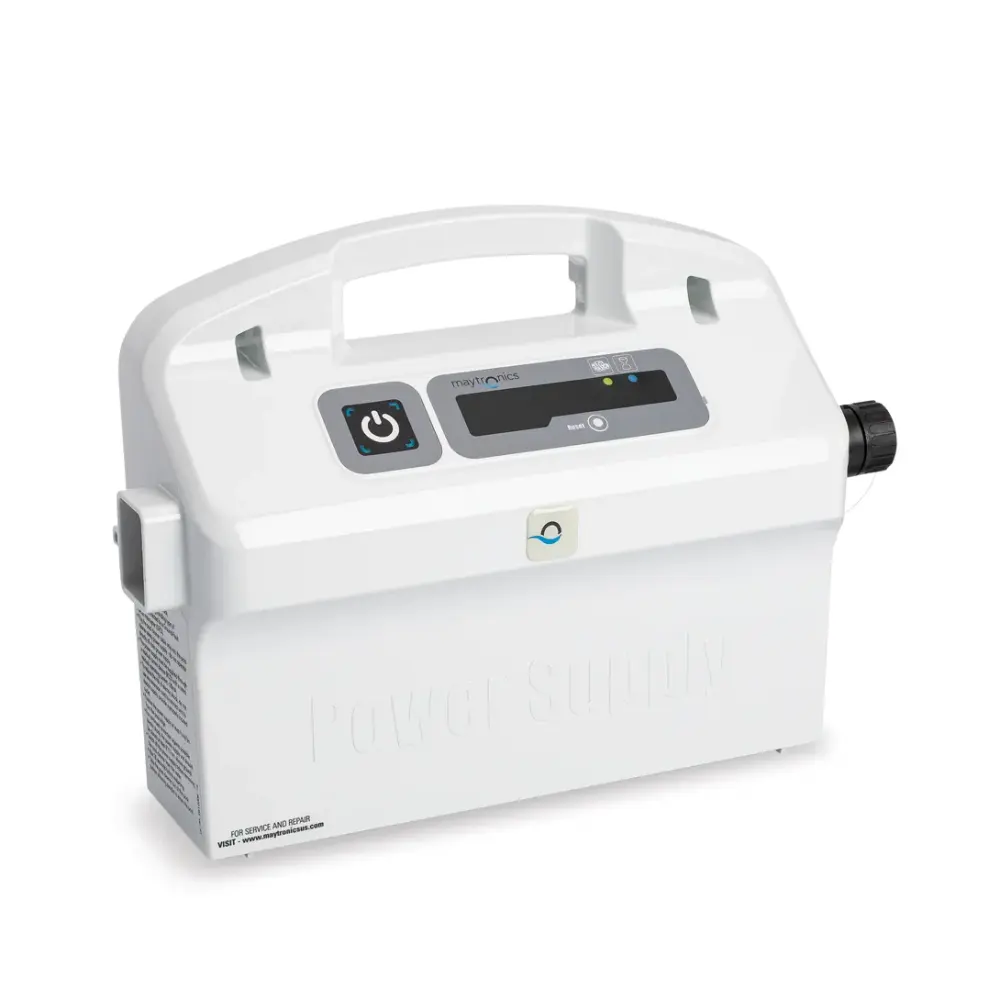
99956035US-F1
Ps Advanced 115V US W.t
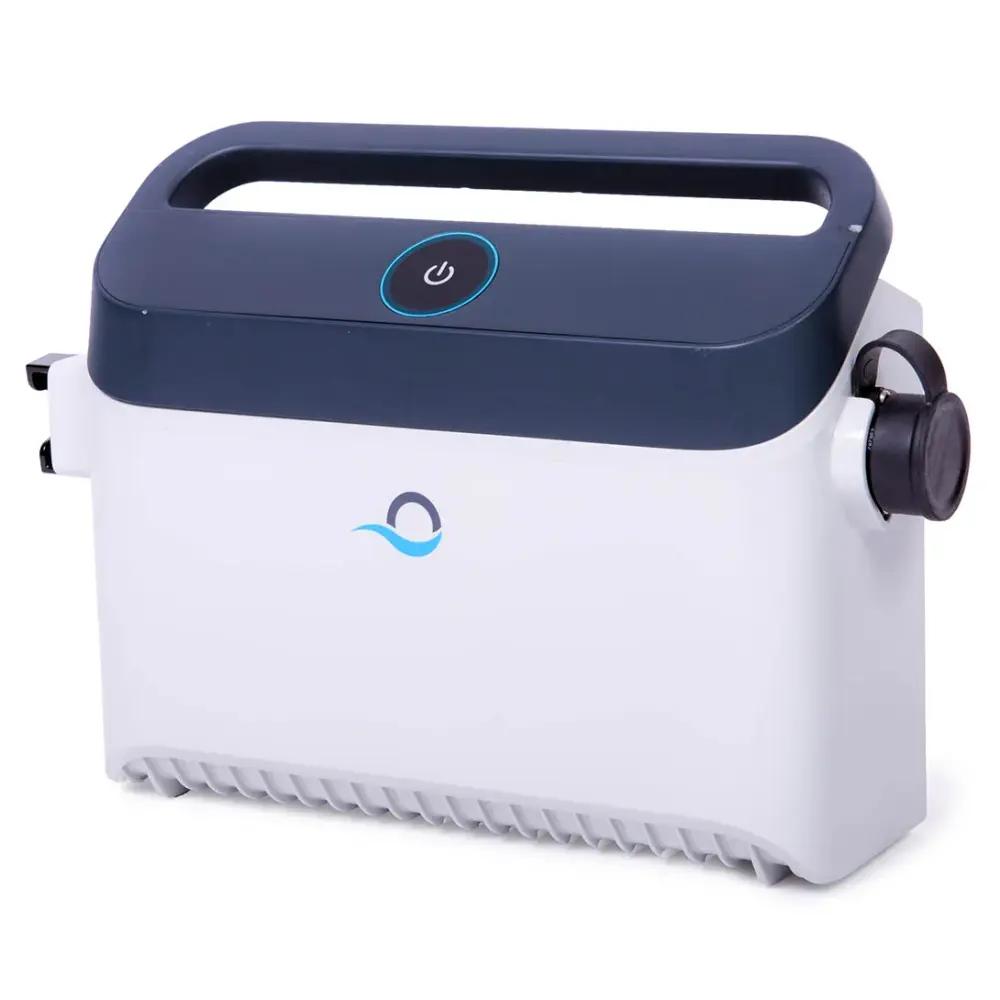
99956083-ASV10
Power Supply 180W, (Wi-Fi®) V10
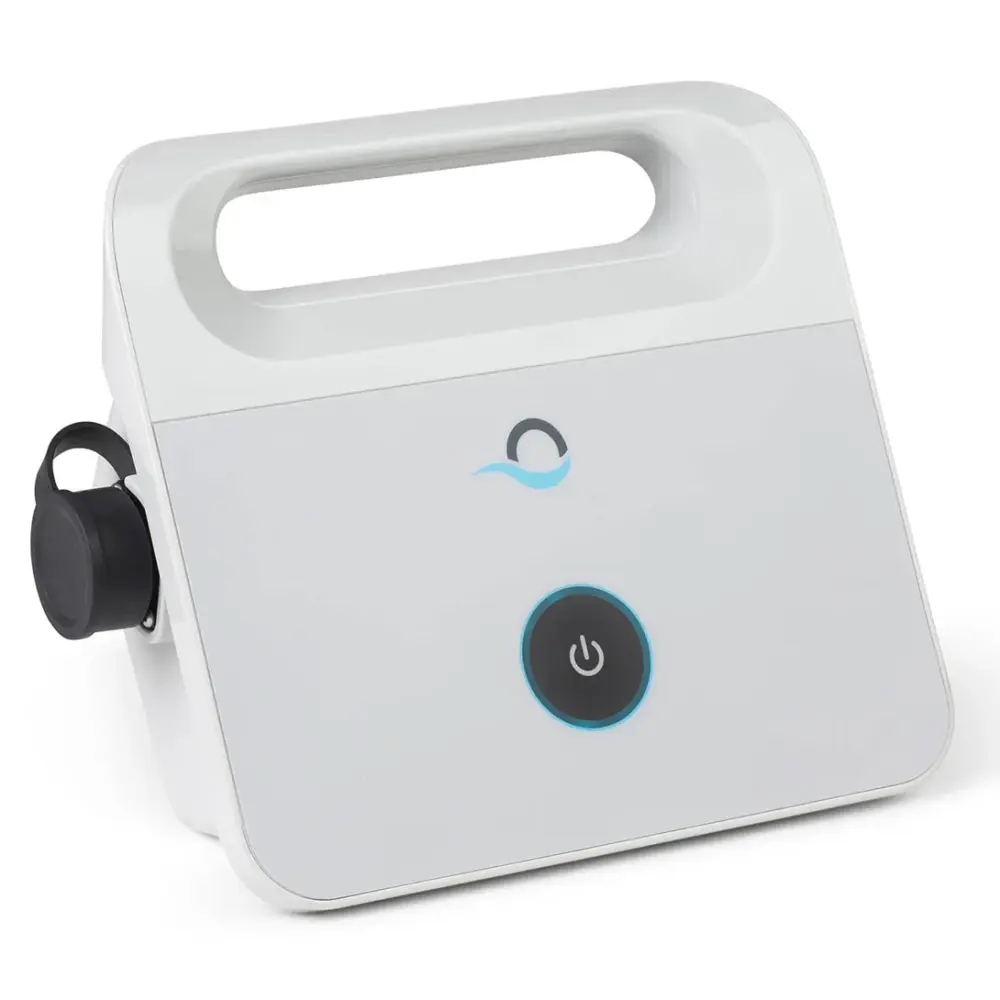
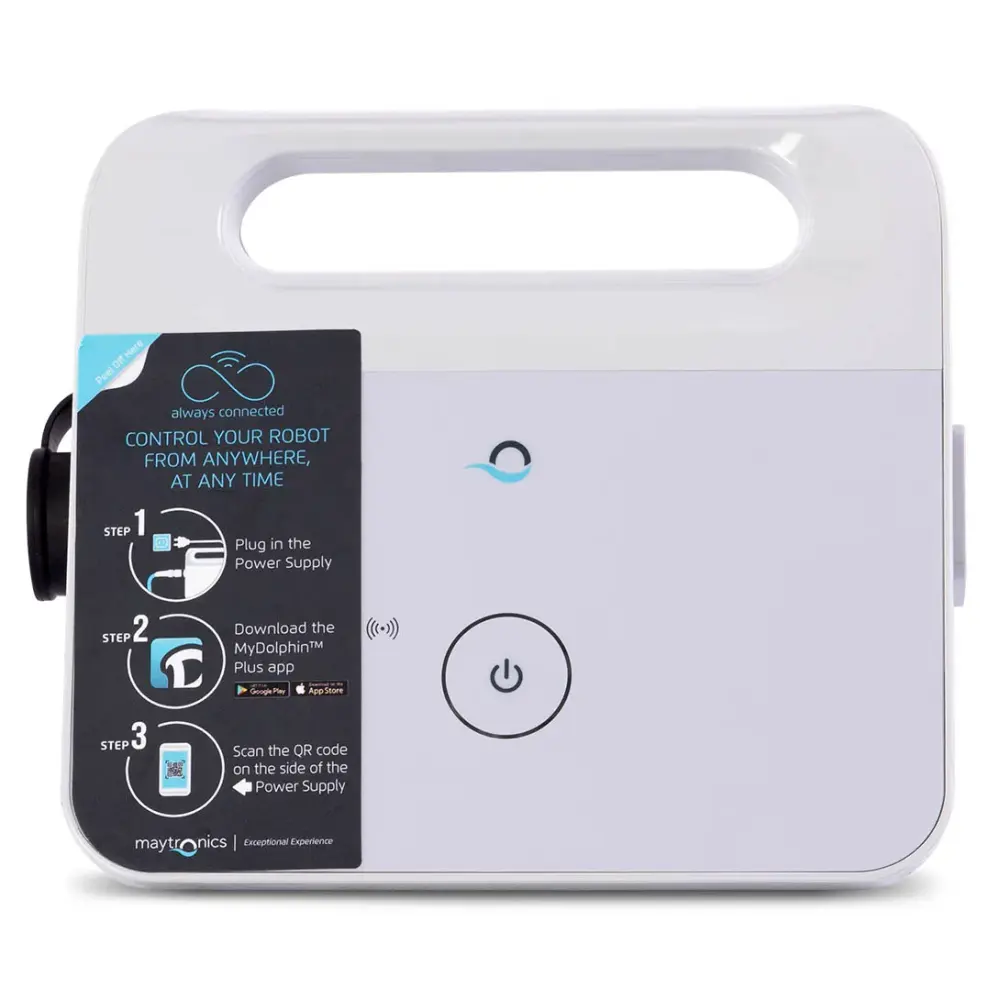
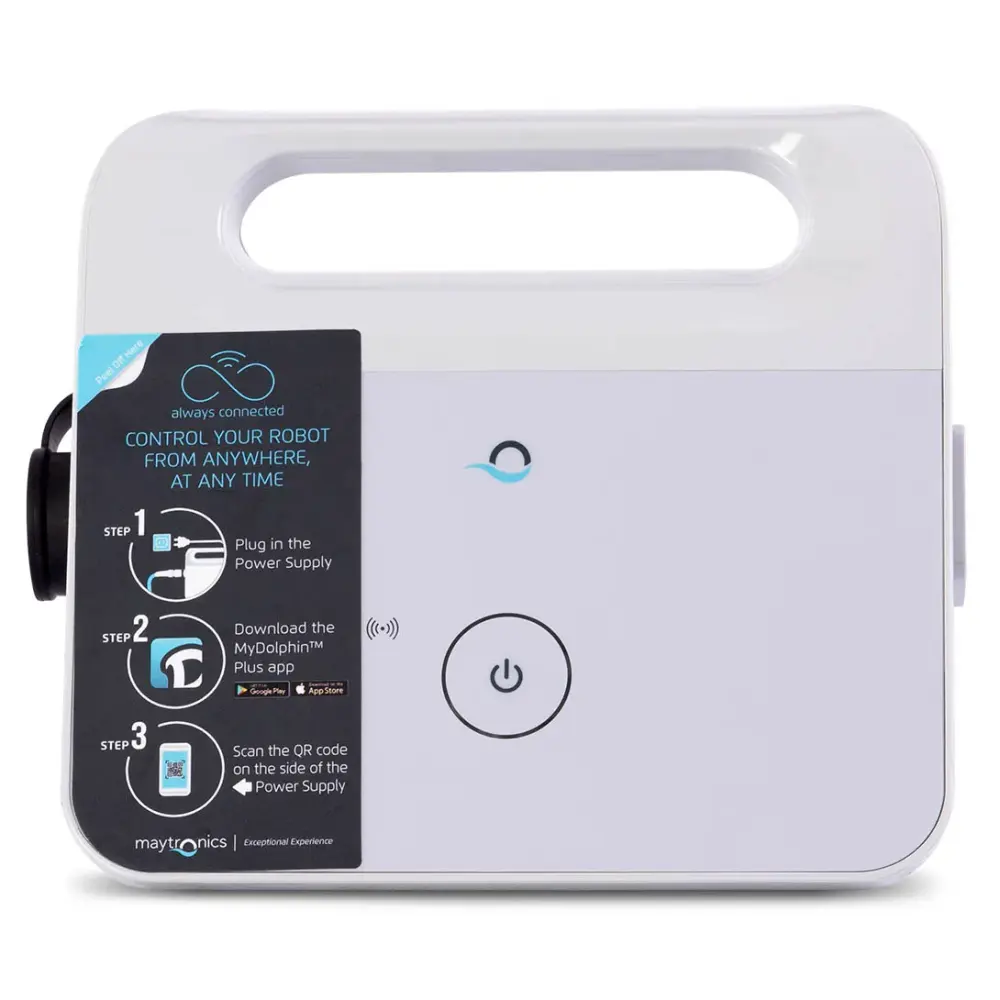
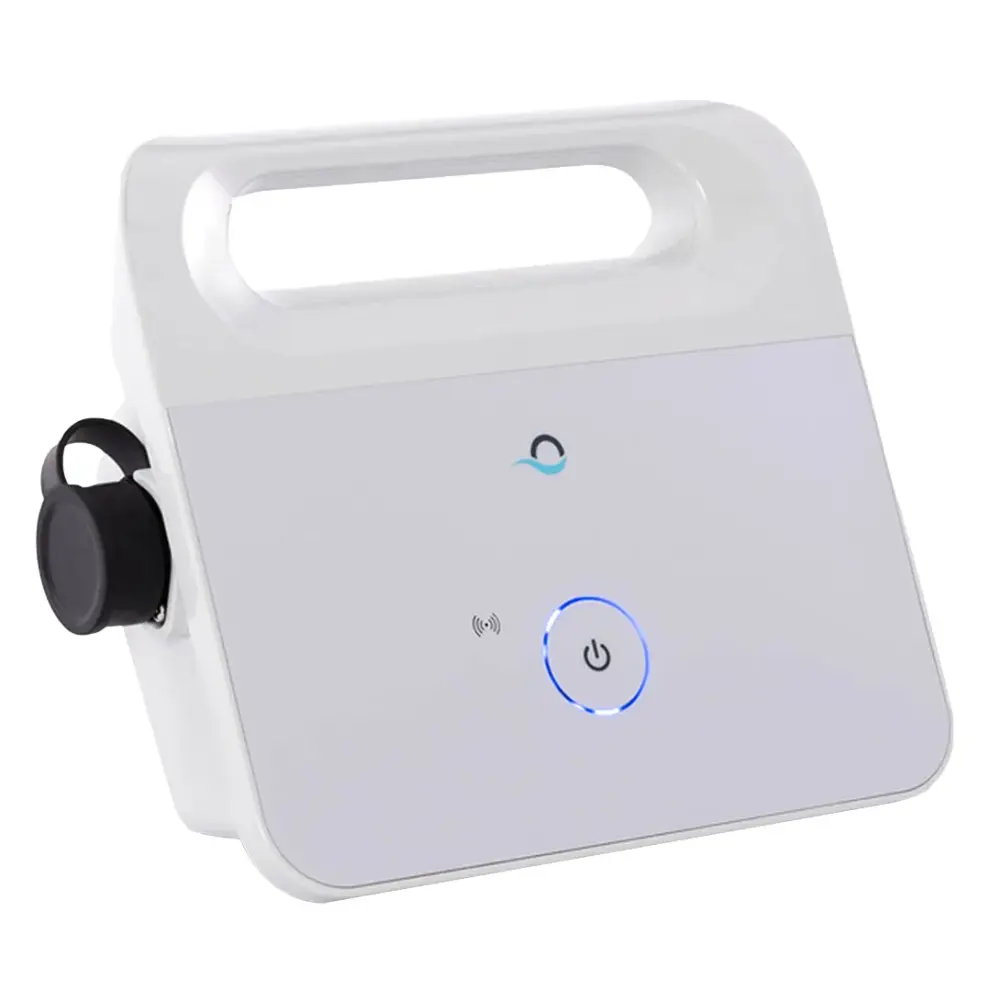
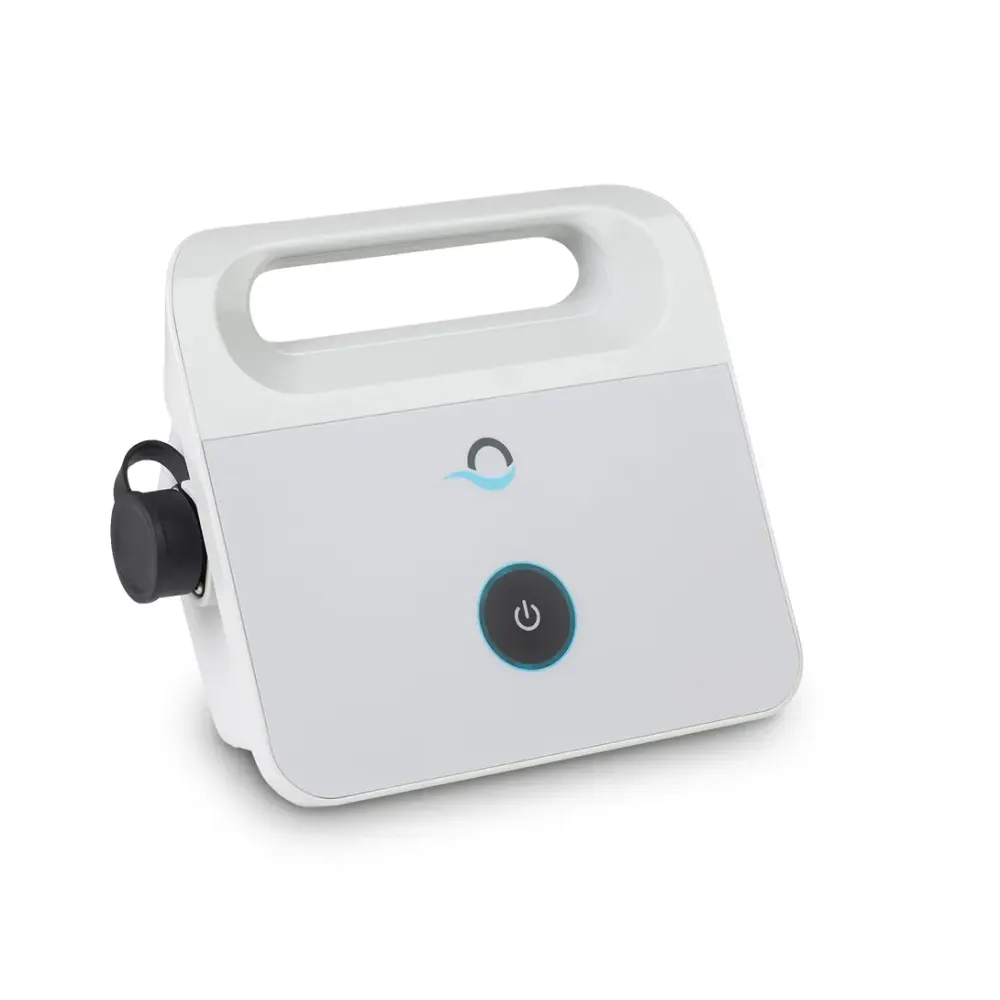
99956032-ASSY
Power Supply 120W 230V, On-Off
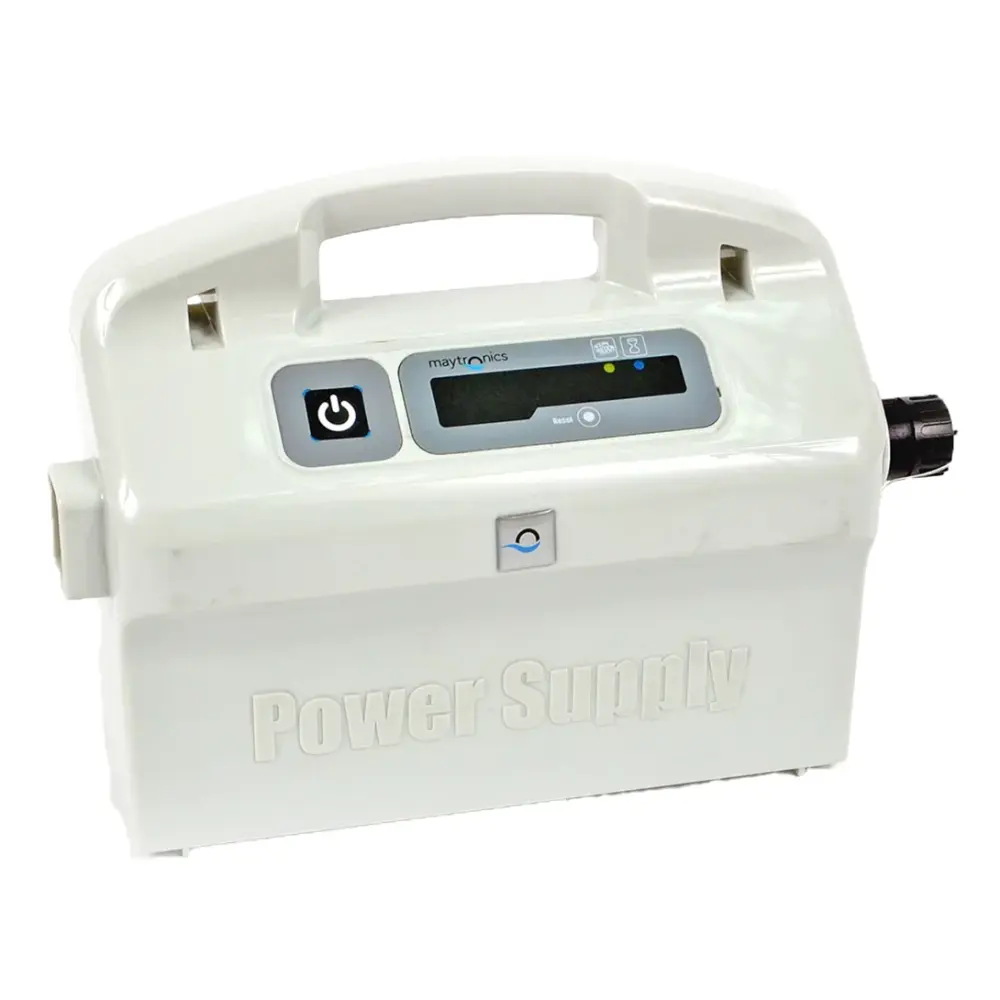
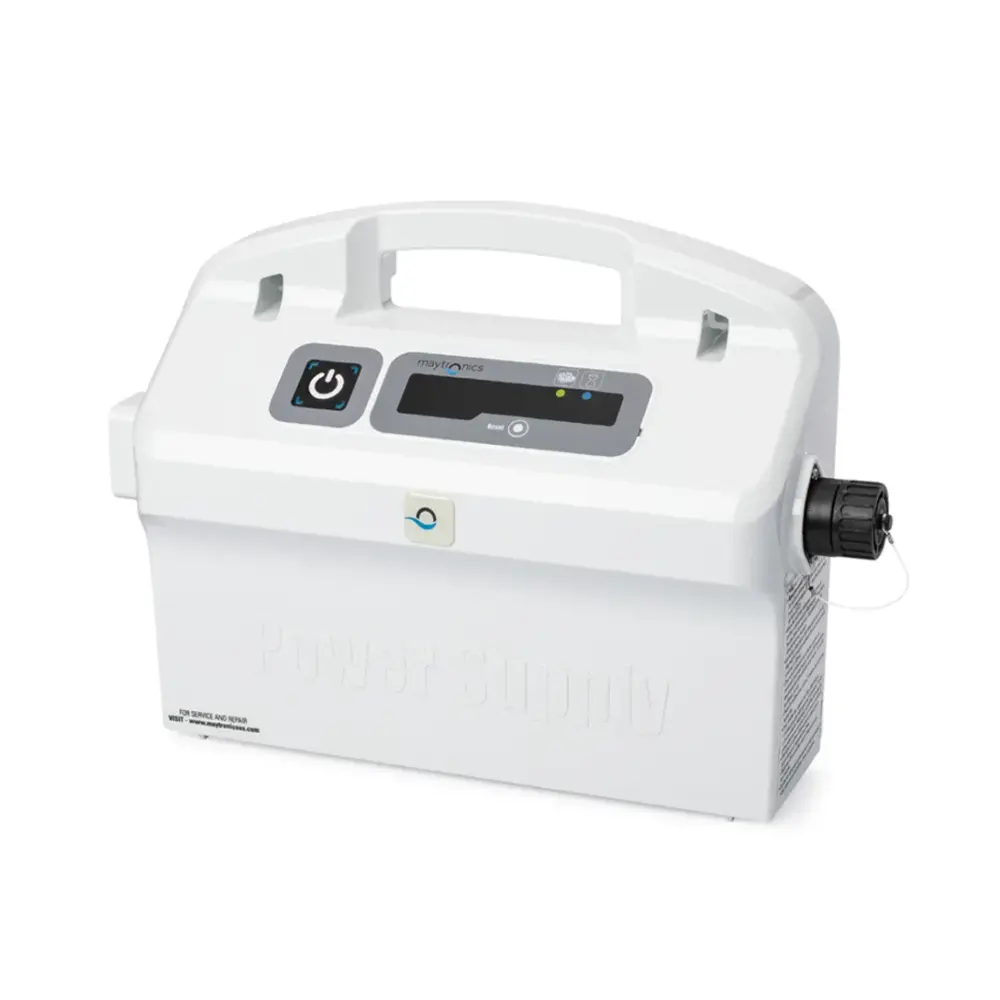
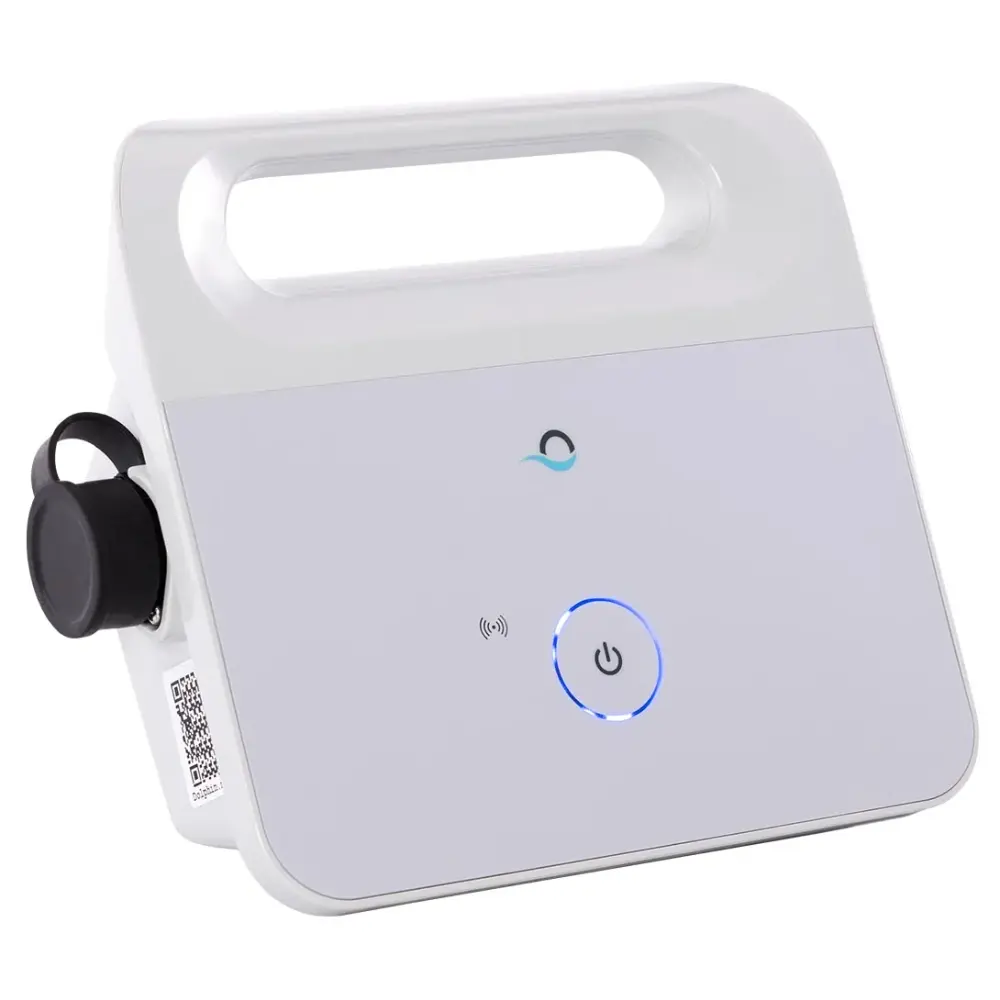
99956086-ASSV10
Ps IOT 120W 230V - V10
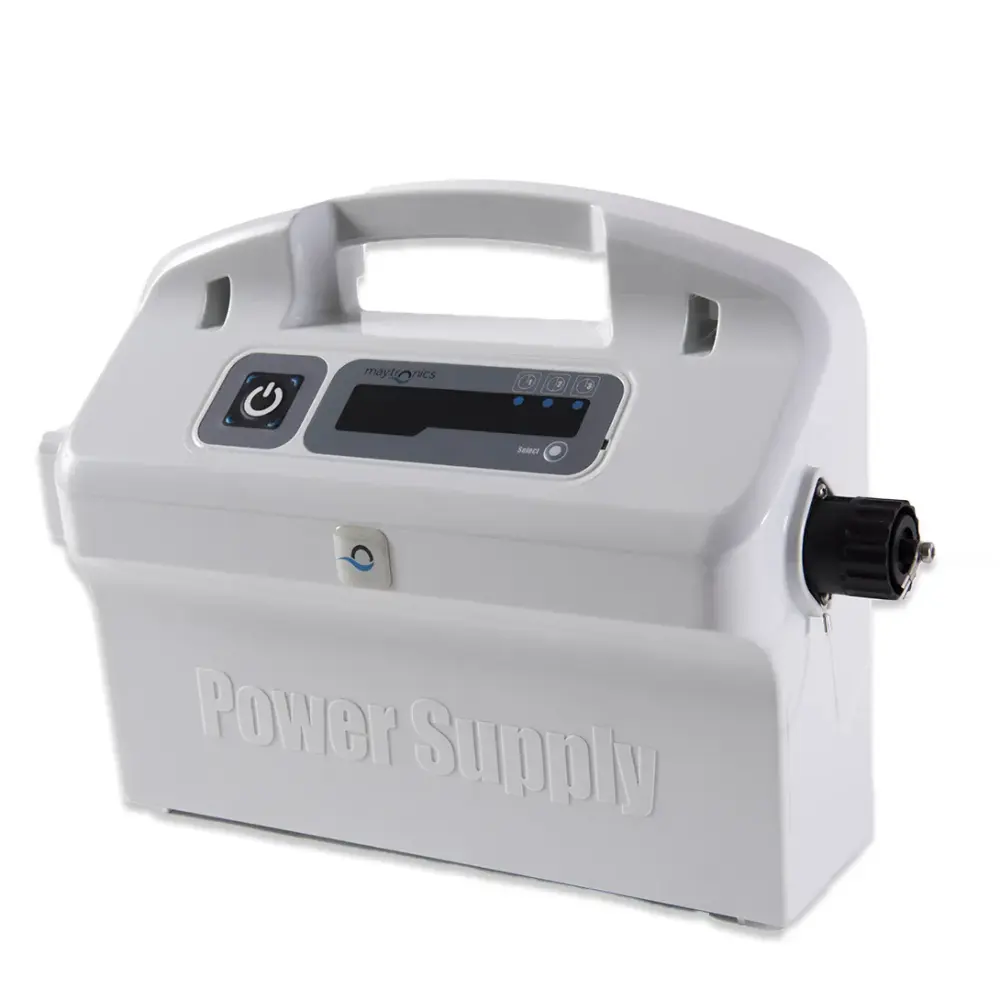
9995672-US-ASSY
Power Supply 180W Weekly Timer
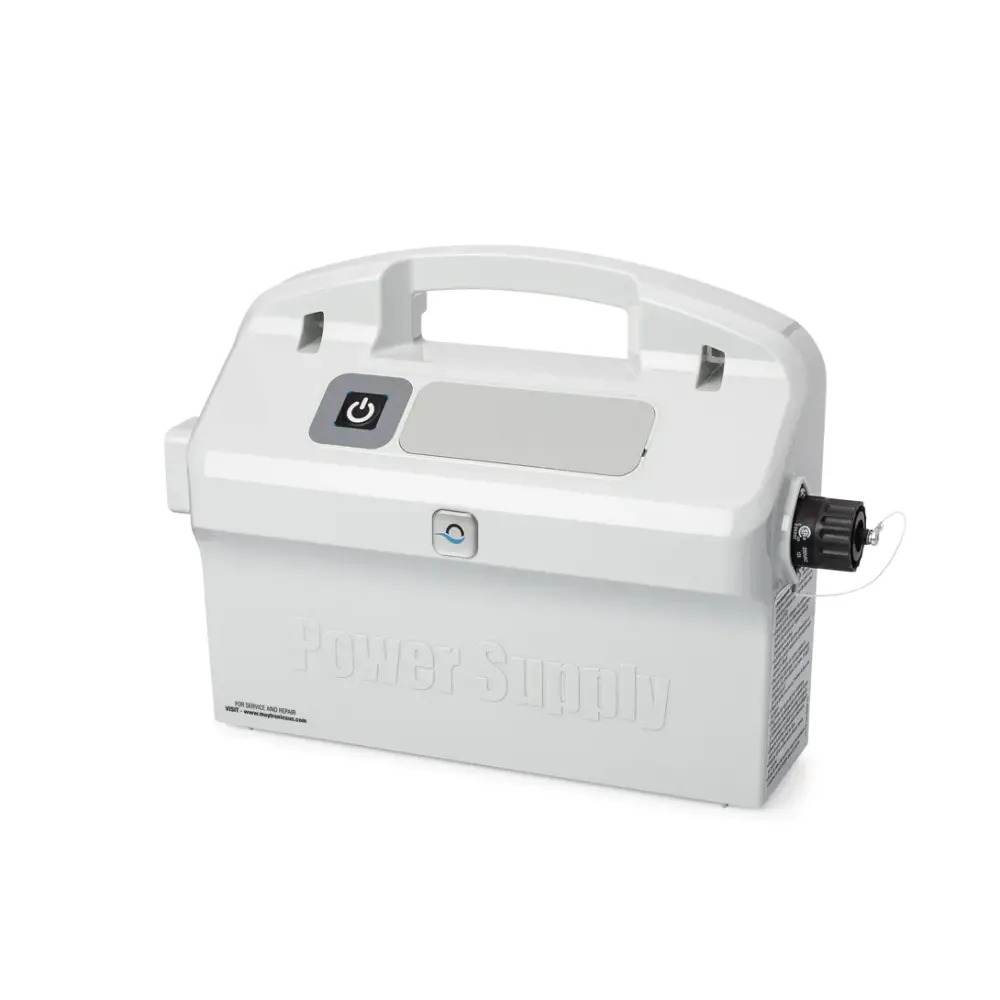
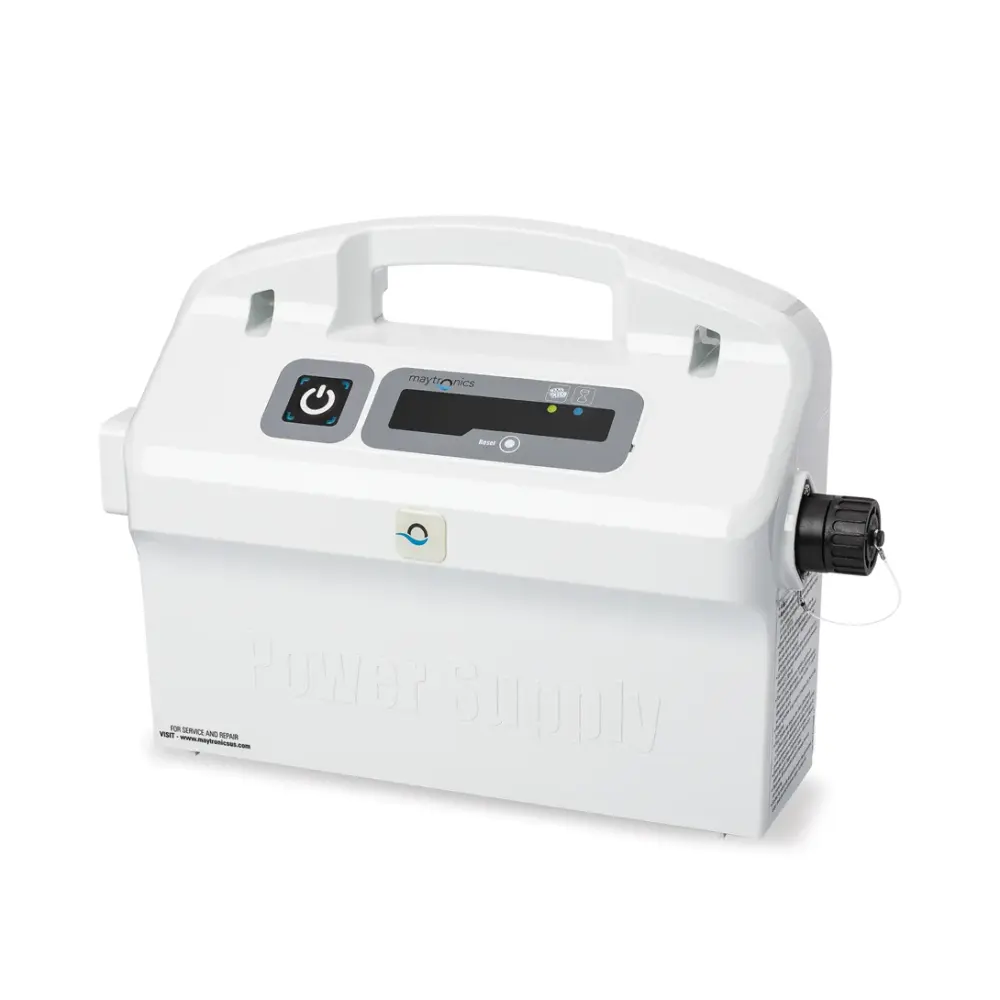
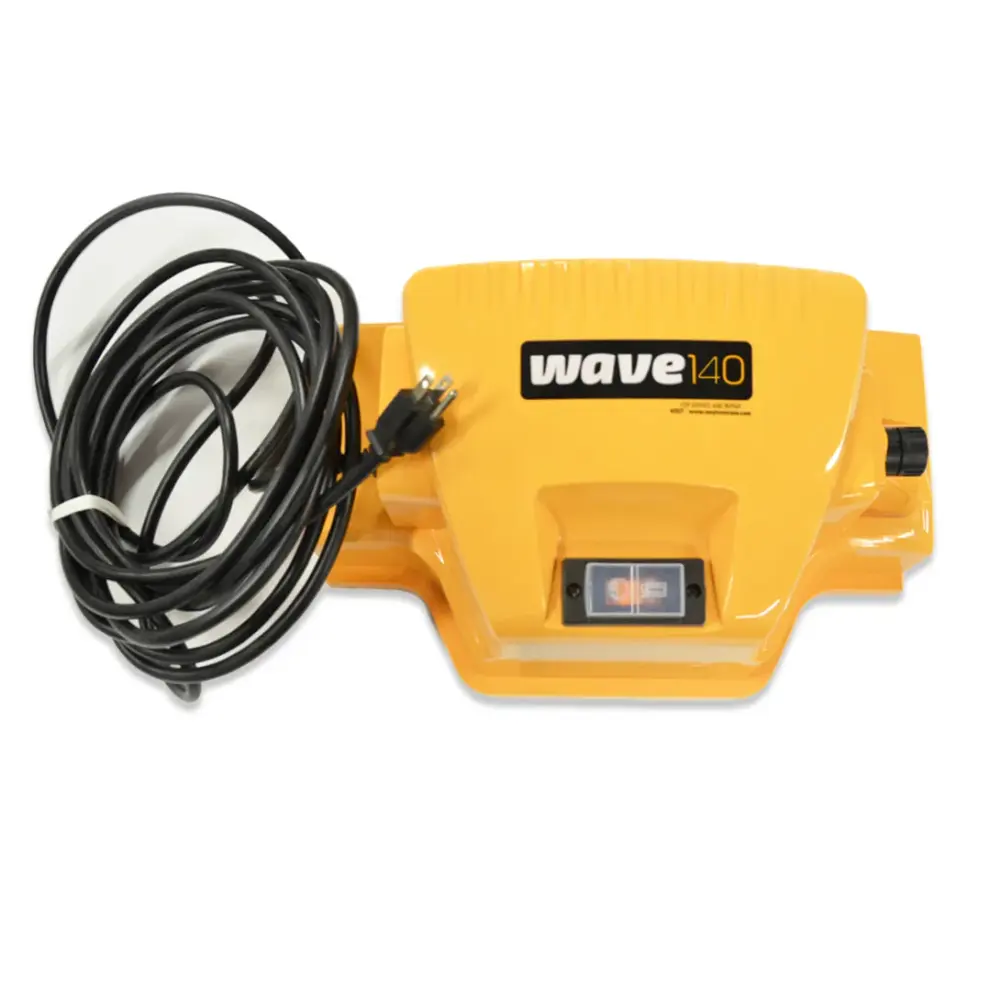
99956027US-ASSY
Ps Wave 140 US
Also in this category (1)
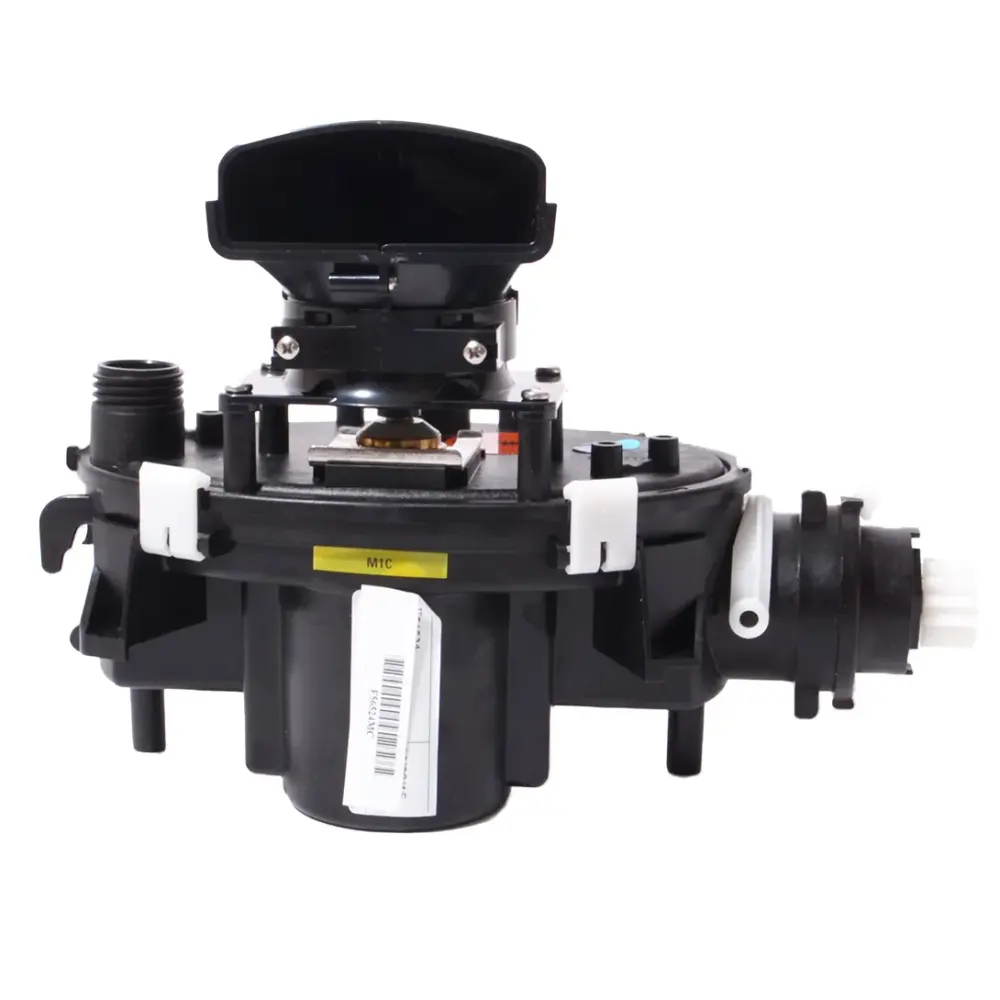
99953060-EX
Motor Unit, Liberty 200-400 Ex
No power supply matches. Send us the model number from the label under the robot's handle and we will find the part.
In our store, shipping free
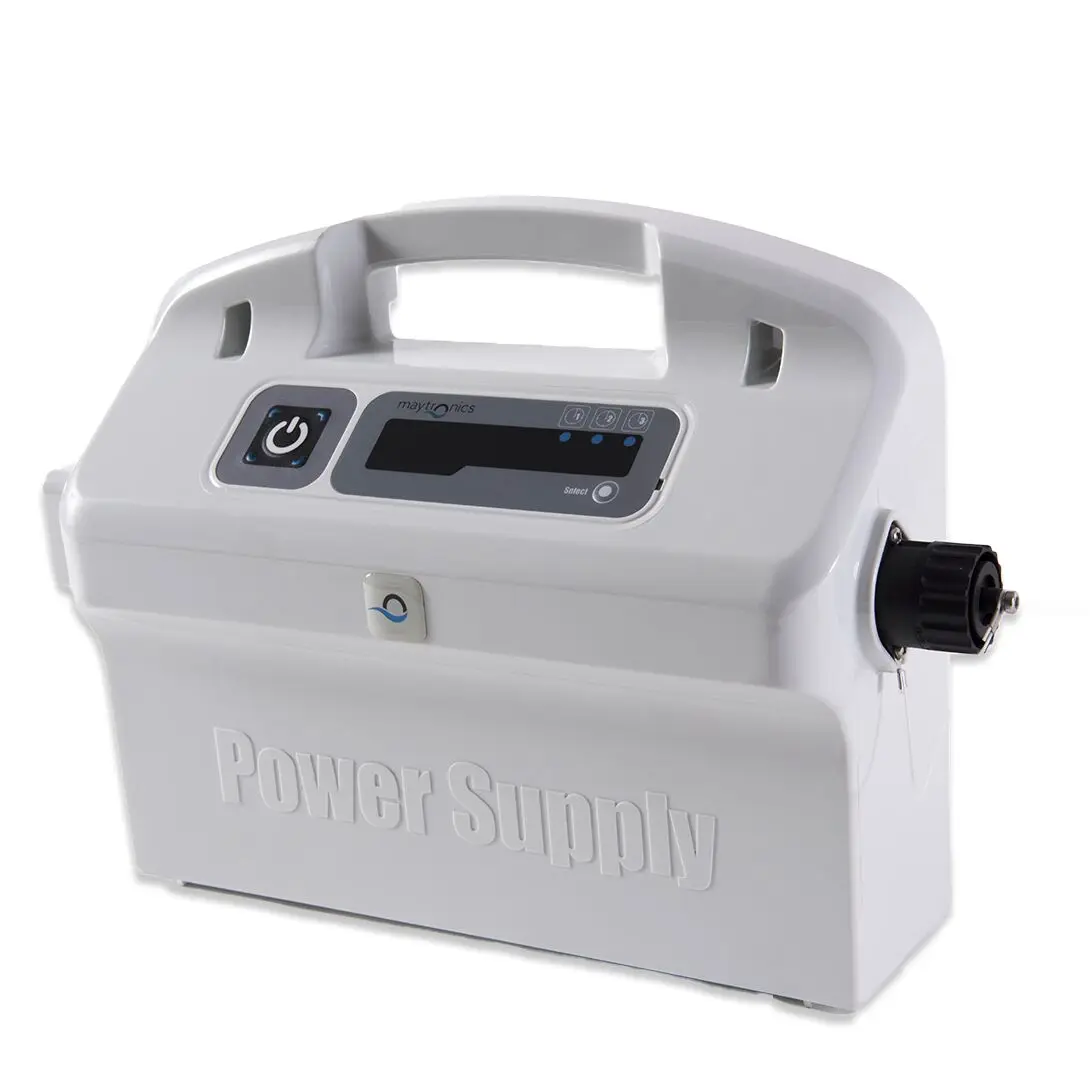
Dolphin power supplies we stock.
By robot
Power Supplies & Chargers by Dolphin model.
The robots we sell first, then every other model Maytronics lists power supplies for. Each link opens that robot's own parts page at its power supplies.
Explorer E50 2Nautilus CC 2Wave 80 2Cayman 1Escape 1Explorer E10 1Explorer E20 1Explorer E30 with Wi-Fi 1Explorer E70 1Liberty 200 1Liberty 300 1Nautilus CC Plus 1Nautilus CC Plus with Wi-Fi 1Nautilus CC Pro 1Nautilus CC Supreme 1Nautilus EON 100 1Nautilus EON 120d 1Nautilus Titan 1Premier 1Quantum 1Sigma 1Wave 100 1Wave 120 1Wave 60 1Wave 90i 1
Every other model (48)
S300 3S400 3Active 10 2Active 30 2Active 40 2Advantage 2Advantage PRO 2Proteus DX3 2Proteus DX5i 2S100 2S200 2S50 2T45 2T55i 2Active 15 1Active 20 1Active 2000 1Active 3000 1Active 60 1Active Solo 1Advantage Ultra 1EON 100 1EON 120d 1Echo 1Explorer E25 1Explorer E40 1Liberty 400 1M400 1M550 1M600 1Nautilus AG 1Oasis Z5i 1Premium 10 1Premium 20 1Premium 2000 1Premium 30 1Premium 3000 1Premium 40 1Premium 60 1Proteus DX4 1S2000 1T15 1T2000 1T25 1T3000 1T35 1T60 1W 20 1
Refurbished and open-box editions use their base model's parts. Not listed? Find your model or send us the model number from the label under the handle.
Before you order
When to replace a Dolphin power supply.
No light, or it will not stay onTry another outlet first. A power supply that shows no light on a good outlet, or shuts itself off with the cable disconnected, has failed and is replaced rather than repaired.
It powers up but the robot never startsCheck the cable and swivel before the power supply: a cut or a worn swivel contact gives the same symptom. If the robot runs on a borrowed cable, the cable is the part to replace.
You want a timer or the appOn models Maytronics lists for it, a weekly-timer or Wi-Fi power supply adds scheduled cleaning or app control to a robot that shipped with a plain on/off unit. The Weekly Timer power supply sold here does that for the robots on its page.
How to replace and care for Dolphin power supplies
- My Power Supply Unit does not work properlyIf your Power Supply stops working, trips the GFCI outlet, or does not turn on at all, follow these troubleshooting steps to help diagnose and resolve the issue: Step 1…
- My Power Supply works, but the Robot does not startIf your robot doesn't start cleaning after powering it on, or if the main LED of the IoT Power Supply shows a Red light, complete the following troubleshooting steps to…
- My Dolphin does not complete a cycle / Red light on the Power SupplyIf your Dolphin robotic pool cleaner starts the cycle but does not complete or stops shortly after, or the Power Supply shows a red light (this means there is an error…
- What are the voltage requirements for the Dolphin power supply unit?The Dolphin requires a standard 120V outlet for power. We recommend using a GFCI-protected outlet. Most Maytronics Dolphin pool cleaners are highly energy-efficient…
- Is it safe to leave the power supply outside? What happens if there is a thunderstorm?The power supply unit should be used in a covered, shaded area protected from the outdoor elements, including rain, heat, and cold. If the robot is set on a weekly…
- How to plug the blue cable into the power supply?Uncover the black cable locker on the power supply. Align the niche on the black Amphenol plug with the niche on the power supply plug opening. Twist the grooved ring on…
- How to replace the Liberty power pack unit?How to replace the Liberty power pack unit: Maytronics shows this step by step in a short video. Liberty 200/300/400:
Questions
Dolphin power supplies, answered.
Can I use any Dolphin power supply with my robot?
No. Power supplies are matched to the robot by wattage, connector and firmware. Pick your model above, or read the part number on the back of your current unit, and only use a unit Maytronics lists for that robot. The wrong supply can leave the robot without features or stop it starting at all.
Is a Dolphin power supply repairable?
Power supplies are sealed and are replaced rather than repaired. Under the Maytronics warranty a failed unit is swapped without sending in the robot; out of warranty, the replacement units on this page are the fix.
What voltage does a Dolphin power supply need?
US power supplies run on a standard 115V household outlet protected by a GFCI. Maytronics says not to use an extension cord or surge protector, and to keep the unit at least 12 ft (3.5 m) from the pool in a covered, shaded spot: it is splash-resistant, not waterproof.
Can I add a timer or Wi-Fi to my Dolphin?
On some models, yes: Maytronics lists a weekly-timer or Wi-Fi power supply as a replacement for the robot's original unit. The compatibility list on each power supply page tells you whether your robot is one of them.
More Dolphin parts
Every other category.
FiltersFine and ultra-fine panels, baskets, cartridges and bags.60 parts ›Brushes & Climbing RingsActive brushes, PVC and combined brush sets, climbing rings.41 parts ›Tracks & WheelsTrack pairs, wheels, gears and guide wheels.12 parts ›Cables & SwivelsSwivel cables by length, two- and three-wire cables, cords.18 parts ›Motor Units & ImpellersSealed motor units by platform, impellers, drive wheels.19 parts ›Caddies & CoversThe Universal Caddy, caddy covers and every caddy part.17 parts ›Remote Controls & TimersBluetooth, manual-drive and Wave remotes, holders.6 parts ›Niya PartsFilters, batteries, chargers, tracks and lids for the Niya range.36 parts ›Other Parts & AccessoriesClickers, hooks, flaps, spring filters and the rest.9 parts ›
Talk to a Dolphin specialist
Live chat about the right power supply, a part number or a fix. Real people, no bots.
Start a chat
Find an authorized dealer
1,200+ Dolphin service dealers across the US for repairs, parts and warranty work.
Find a dealer
Warranty and repairs
What the Maytronics warranty covers, how to register and how a repair claim works.
Warranty details