
Dolphin troubleshooting, by model and by problem.
A guide for every one of the 106 Maytronics robots, built from the manufacturer's support answers and each user manual, rewritten so you can work through it at the pool, with the genuine part that fixes each problem one click away. Most calls end at the power supply or a clogged filter, so start there.
Is it the power supply or the robot?
Maytronics' own first question is always the power supply. Work through these three checks before you suspect the robot.
-
Does the power supply turn on and stay on with the robot connected?
Yes: The supply is fine. Clear the impeller, tracks and filters, then re-run a cycle. Still stopping early? The robot needs service.
No: Go to the next check.
-
Disconnect the blue cable from the power supply. Turn the supply on by itself. Does it stay on?
Yes: The supply is good and the fault is in the robot or cable. Check the cable plug and the robot's impeller and drive before booking a repair.
No: The power supply is the fault. Under warranty, Maytronics replaces the supply without the robot being sent in.
-
Something else: Wi-Fi, app, climbing, cleaning, a part?
Pick your robot below for the fixes written for it, or browse the FAQ by problem.
Cordless robot? Charge it to three green bars first; the Liberty and EON guides below start with charging. Need a power supply, filter or part now? Find it by model. Maytronics' own wizard: self-service troubleshooting and repair request.
Common problems, any corded Dolphin.
These answers apply across the corded lineup. Your model's guide repeats them with the parts for that robot.
- My Dolphin doesn't climb the walls or move sideways on wallsOptimal Pool Conditions for Your Robot The robot should be used in water temperatures of 6°C - 35°C for optimal results. A low pool temperature can significantly hinder…
- Why doesn't my cordless robot respond to the App while underwater?Our cordless models, the EON™ and Liberty 400/600, do not remain connected to Wi-Fi or Bluetooth while submerged and operating in the water. After removing the robot…
- My Power Supply works, but the Robot does not startIf your robot doesn't start cleaning after powering it on, or if the main LED of the IoT Power Supply shows a Red light, complete the following troubleshooting steps to…
- My Dolphin does not complete a cycle / Red light on the Power SupplyIf your Dolphin robotic pool cleaner starts the cycle but does not complete or stops shortly after, or the Power Supply shows a red light (this means there is an error…
- My Power Supply Unit does not work properlyIf your Power Supply stops working, trips the GFCI outlet, or does not turn on at all, follow these troubleshooting steps to help diagnose and resolve the issue: Step 1…
- MyDolphin Plus Wi-Fi Connectivity GuideMaytronics MyDolphin™ Plus application, connected via the Cloud, allows you to control your Dolphin robot from anywhere, at any time, thanks to real-time connectivity…
- My Dolphin is not working, where can I send it to be fixed?Maytronics has regional Master Service Centers across North America to provide repair services. These centers are located in Georgia, Arizona, California, Pennsylvania…
- The Skimmi is in a sunny location, but it isn't chargingThis can occur when the battery is full so that the skimmer runs on solar power instead of battery. When the sunlight becomes weaker, the battery will start to power the…
- The Skimmi movement is jerky and/or making noiseThis can happen if the water is full of debris or if there is very strong wind, making it difficult for the Skimmi to navigate properly. Try the following…
- The front paddlewheel is jammed on my Skimmi - How do I clean it?Here are the steps to follow: Make sure the Skimmi is turned off and remove it from the pool. Remove any debris from the paddlewheel. Empty the filter tray and rinse it…
- The Skimmi often stands still, and cleaning time is reducedIf you often find the Skimmi standing still, and the cleaning time is less than usual, try the following steps: In the MyDolphinSkimmi app, reduce the length of Day…
- My Dolphin's filter is full - How do I clean it?To take the best care of your filters, we recommend cleaning the filters after each cycle to make sure they last longer. Remove the Filter Basket or Panels. Rinse with…
- My Dolphin isn't cleaning the pool properlyIf the robot is not cleaning the pool as it used to or is missing spots, we recommend verifying the following parameters. Check that the chemical levels meet the…
- My EON isn't behaving properlyIf your EON is not working properly, the first and most important step is to make sure your robot software is up to date. Software updates include the latest…
ProLine & Max-Series (5)
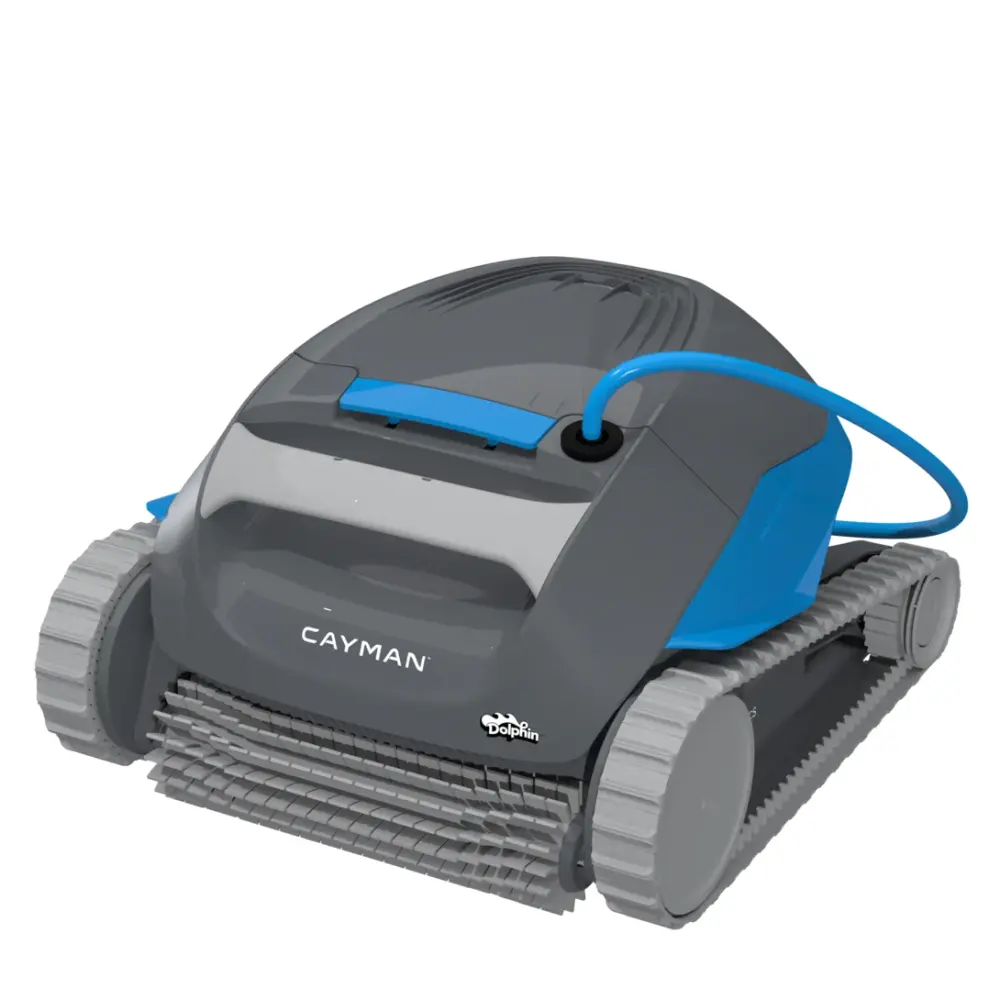
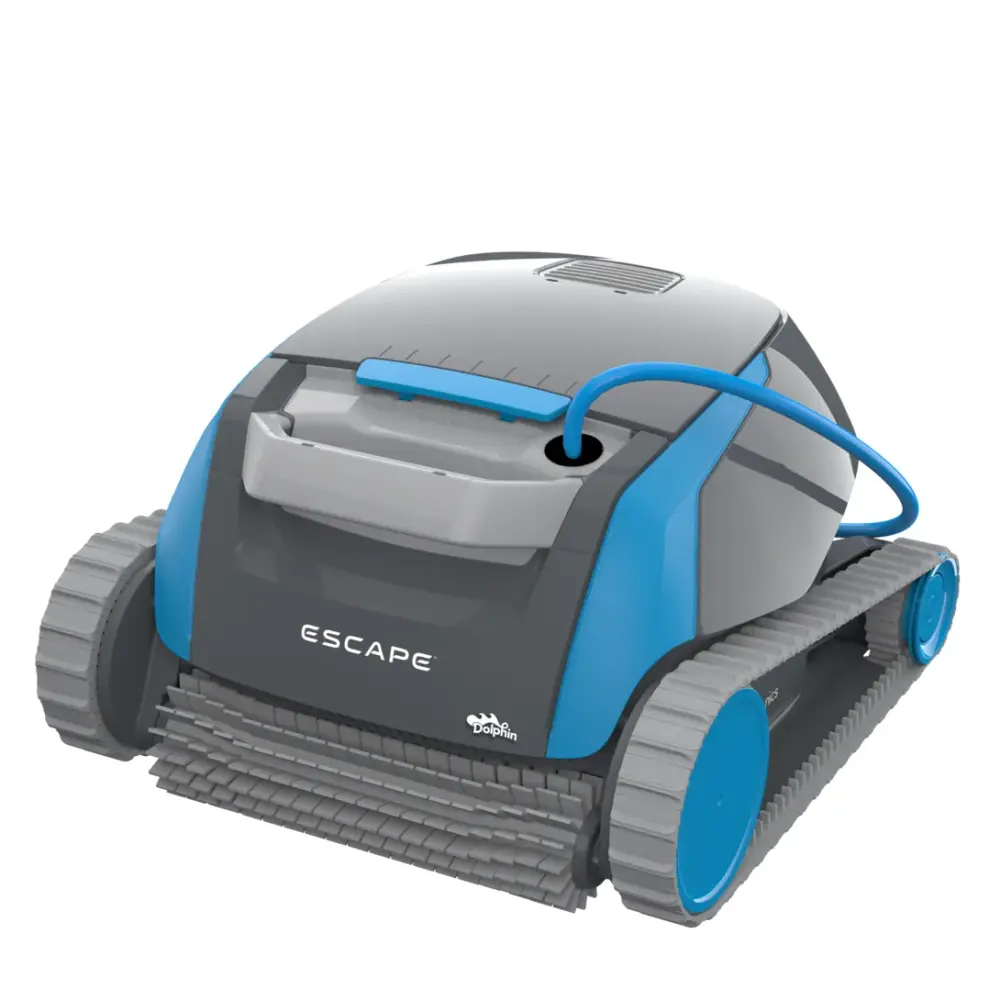
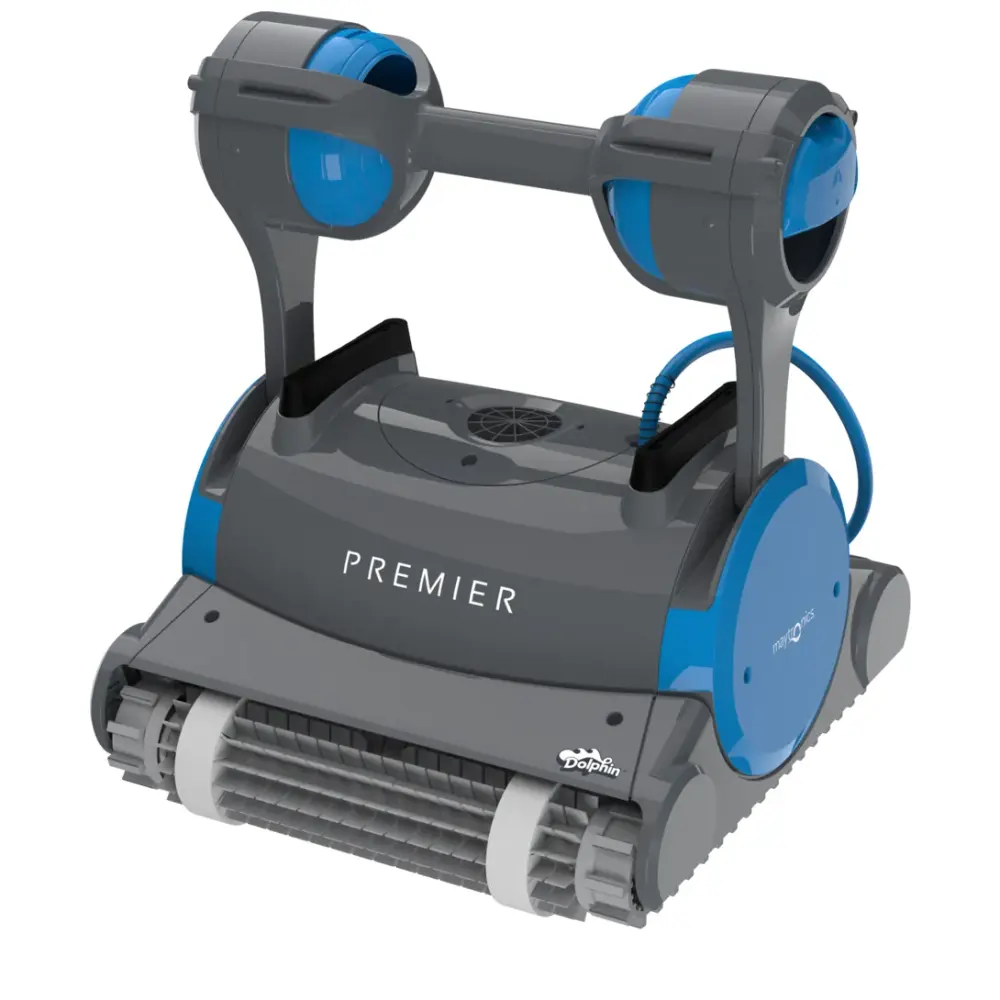
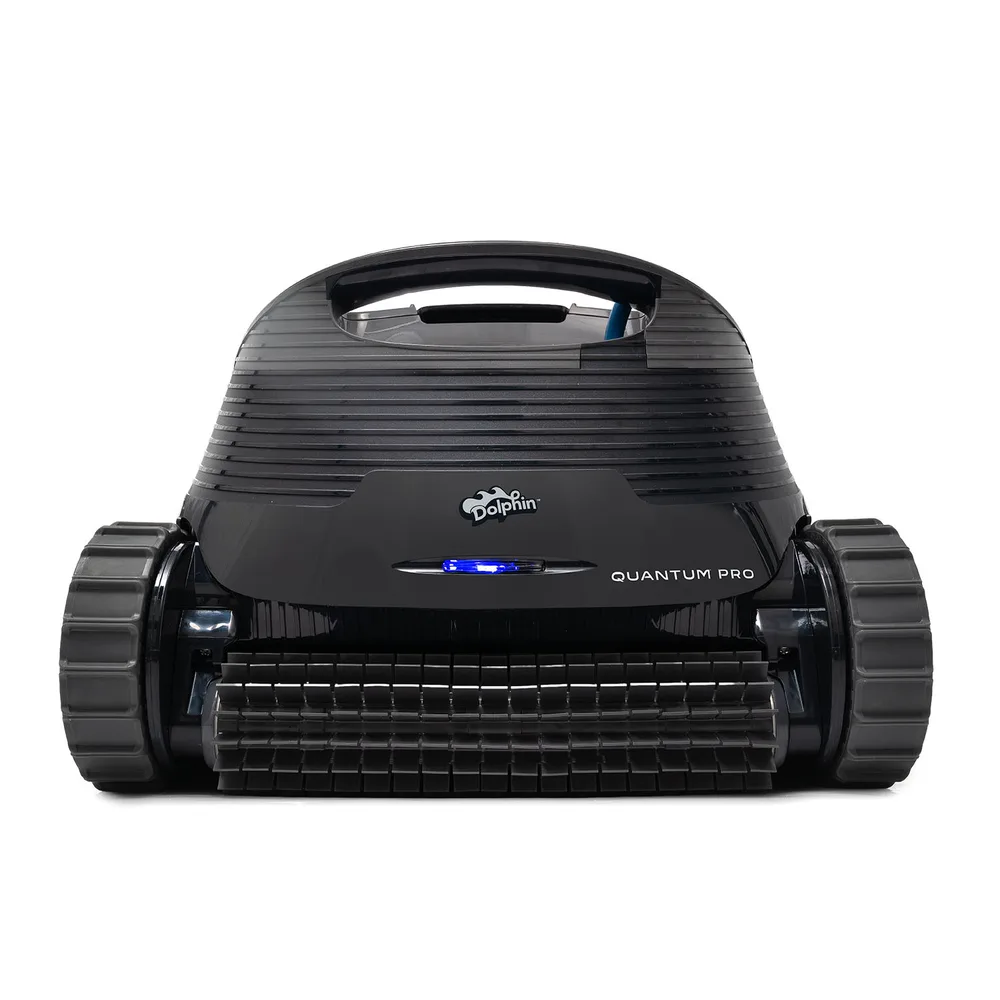
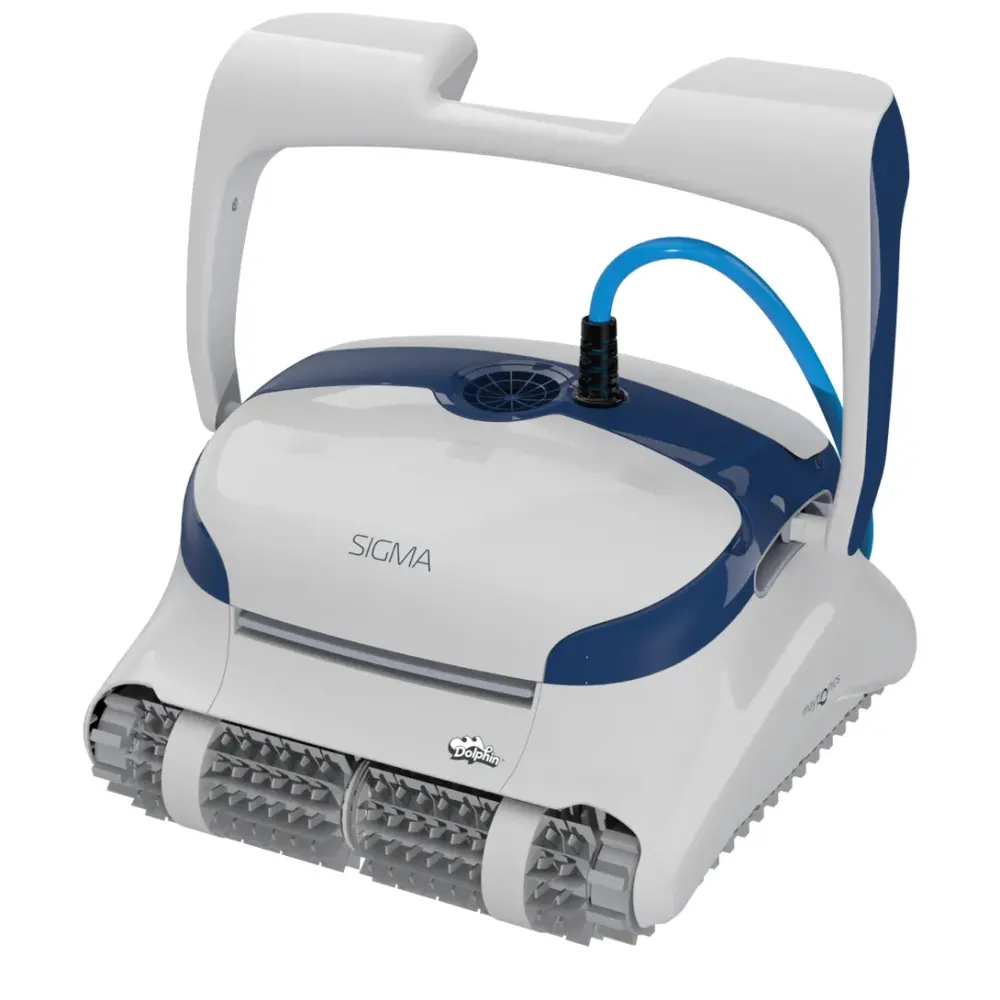
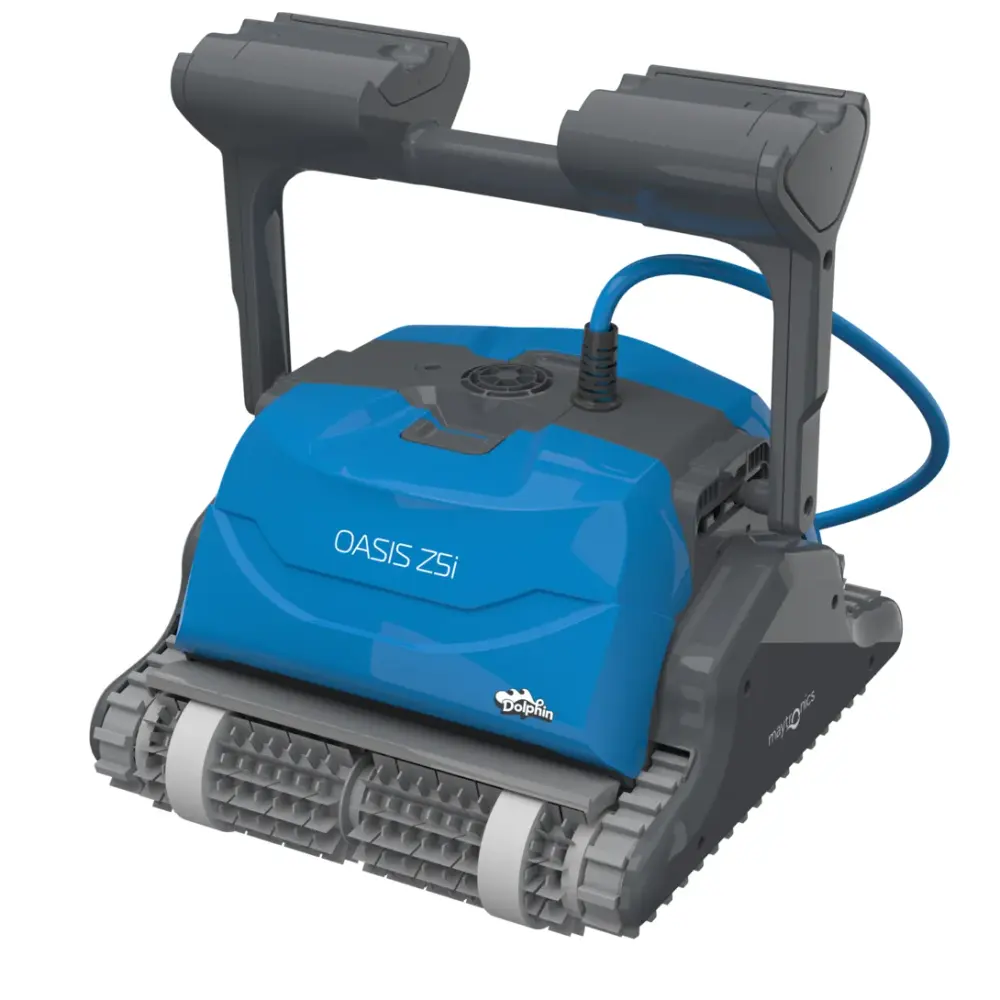
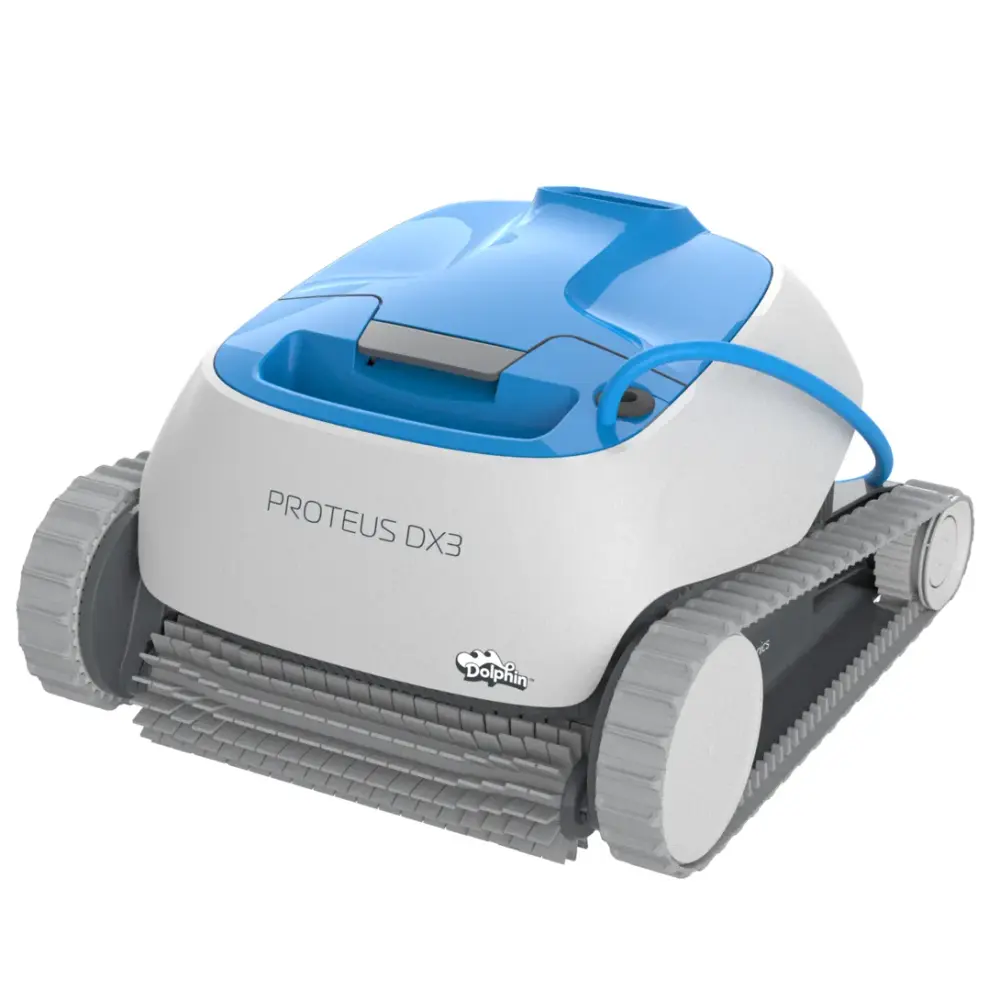
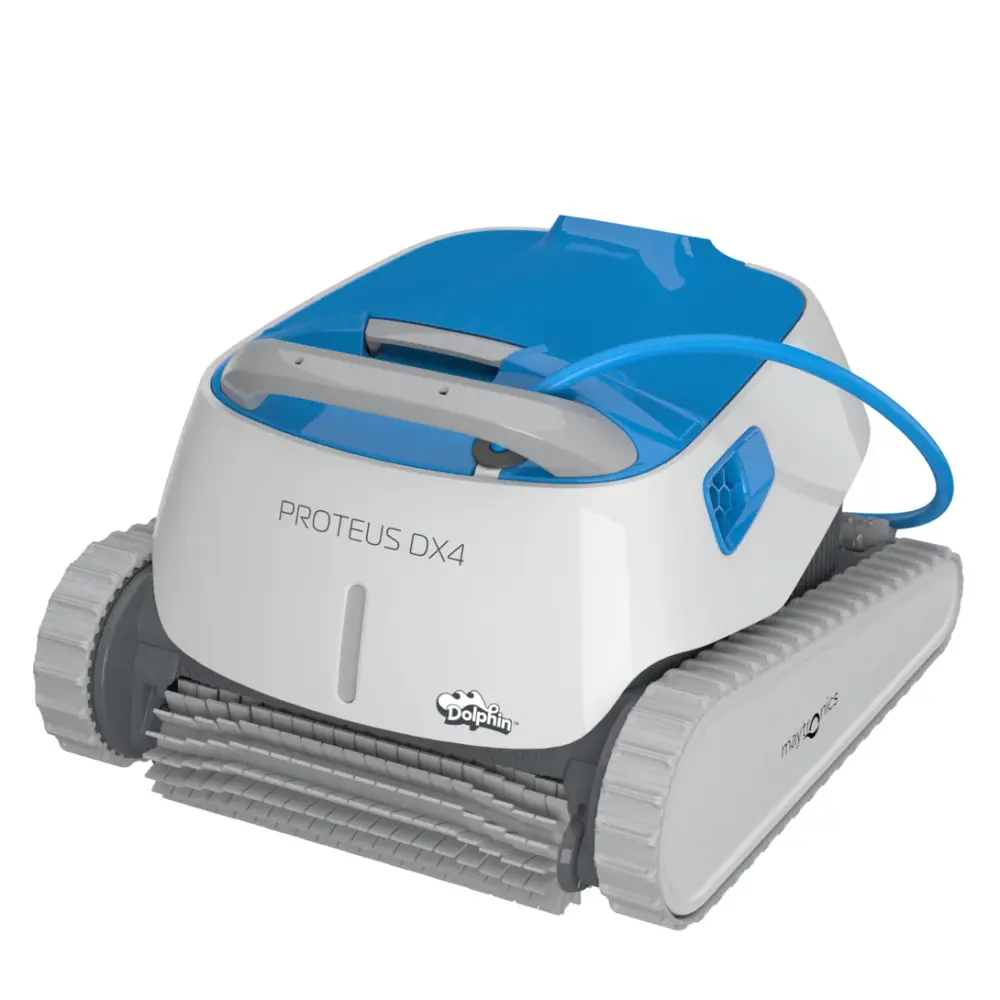
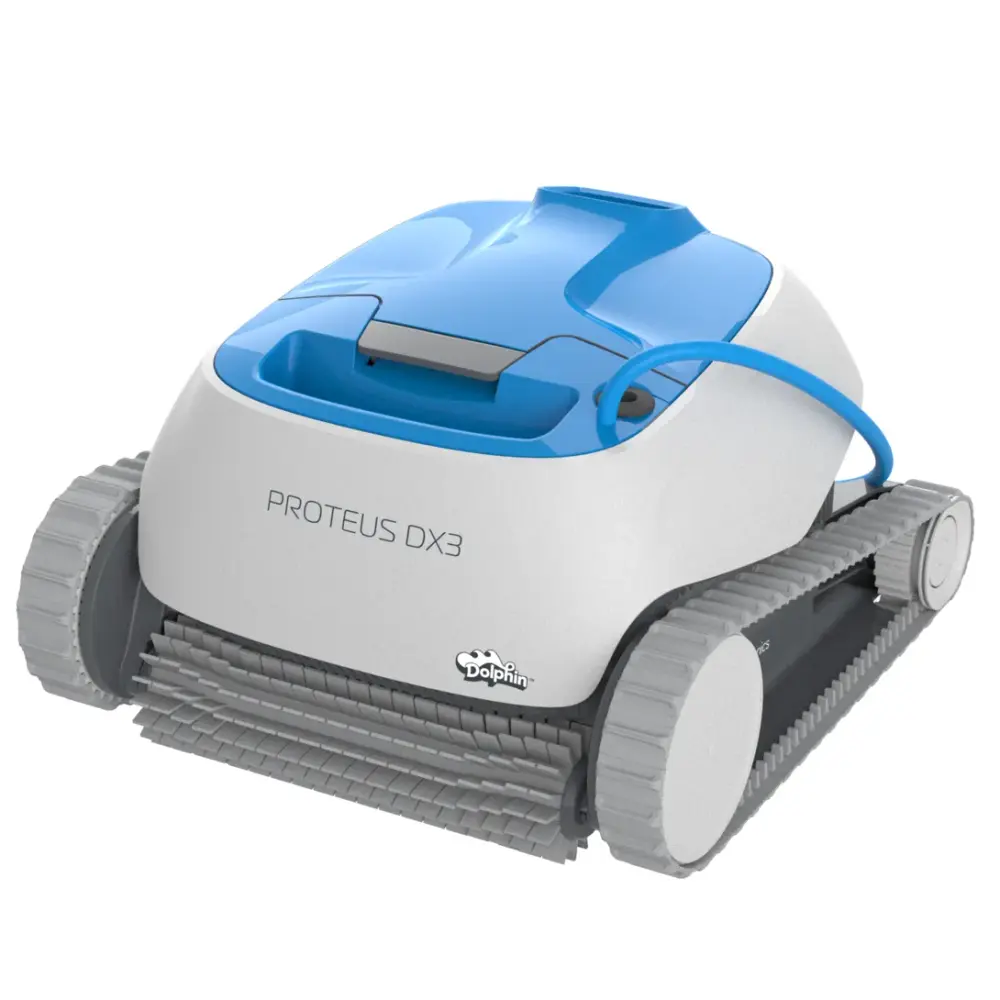
Proteus & Oasis (4)
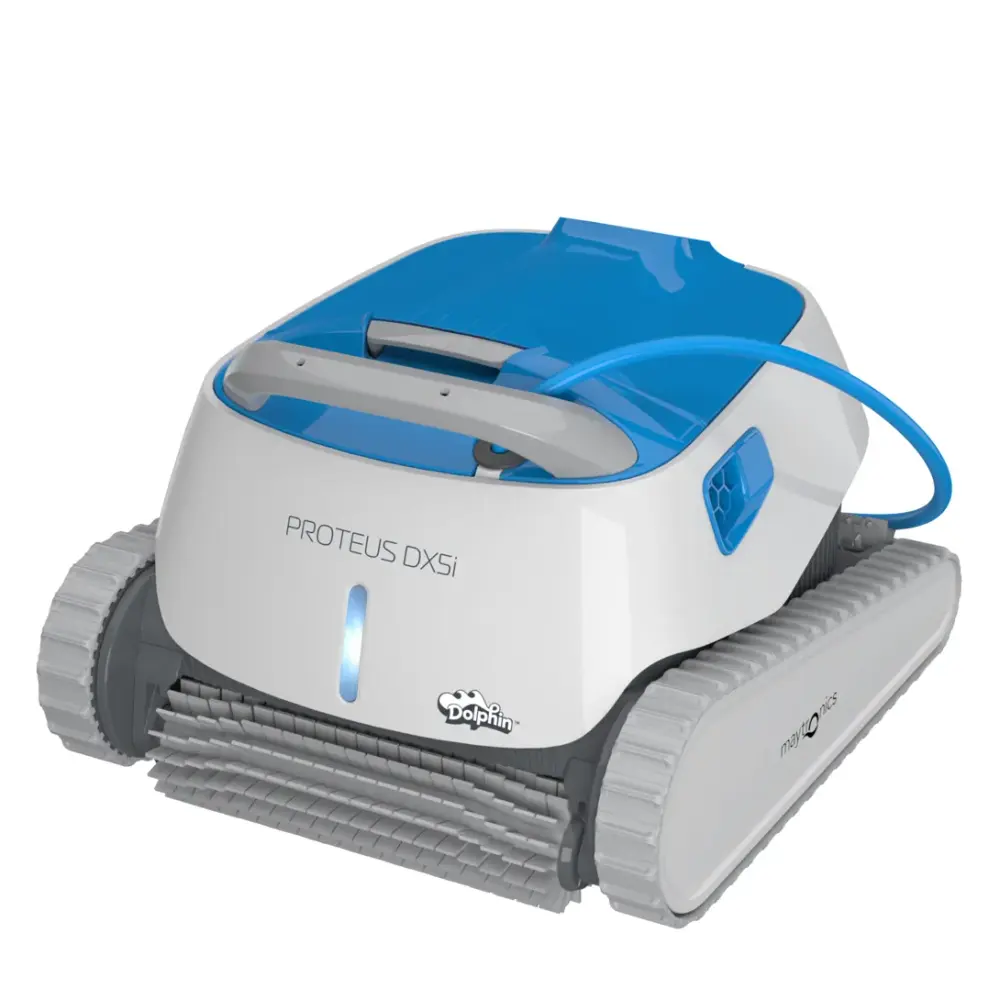
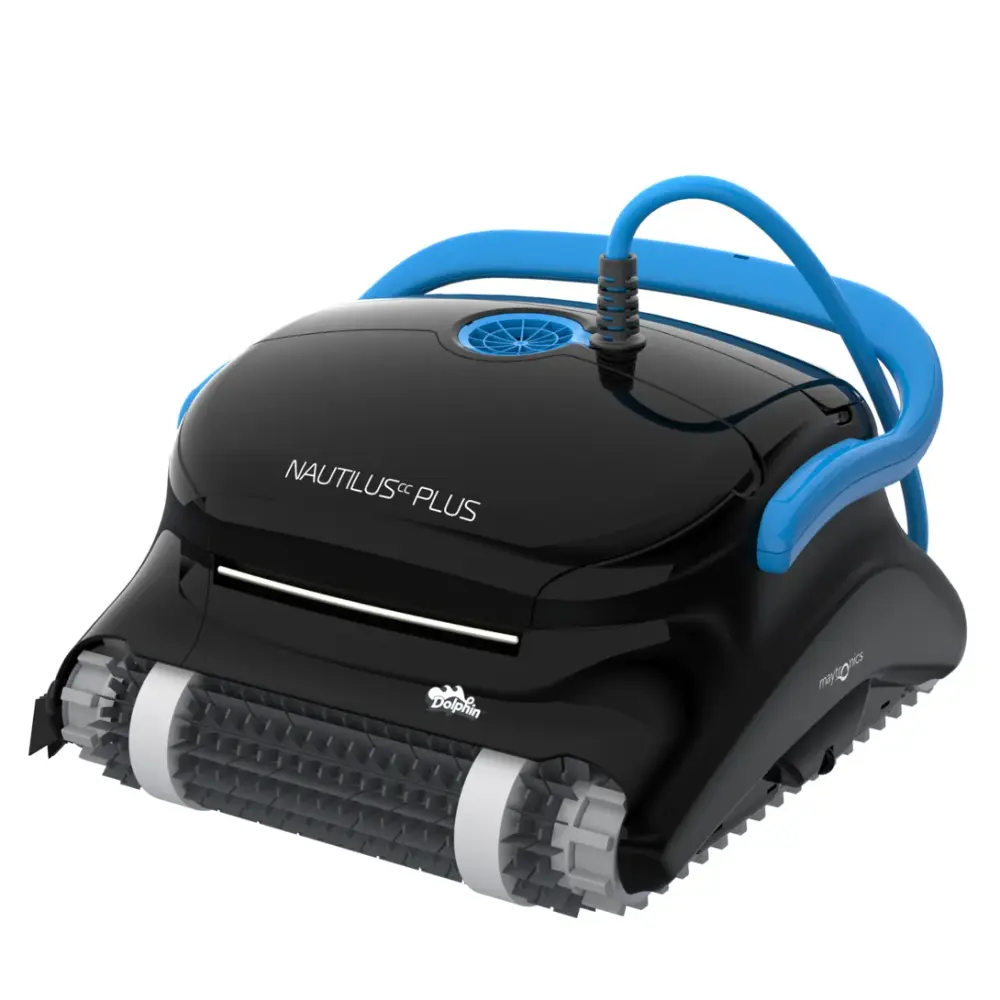
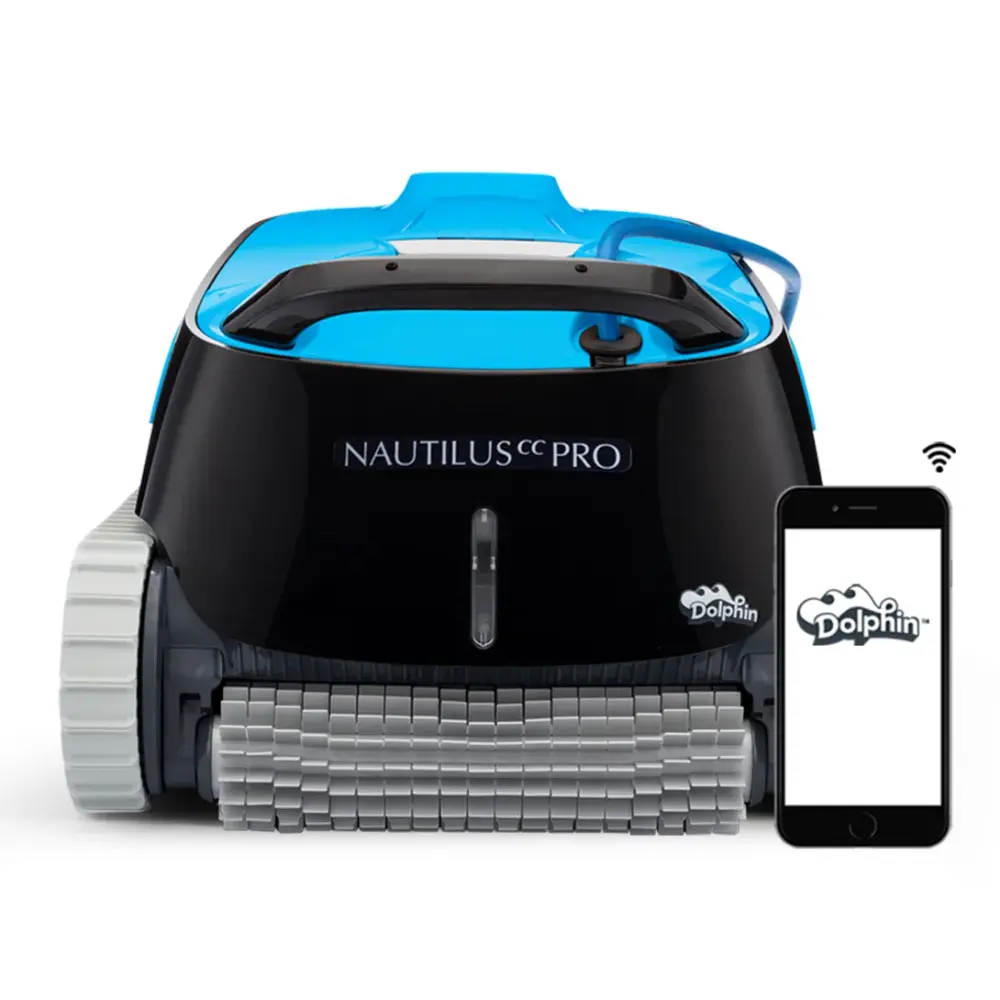
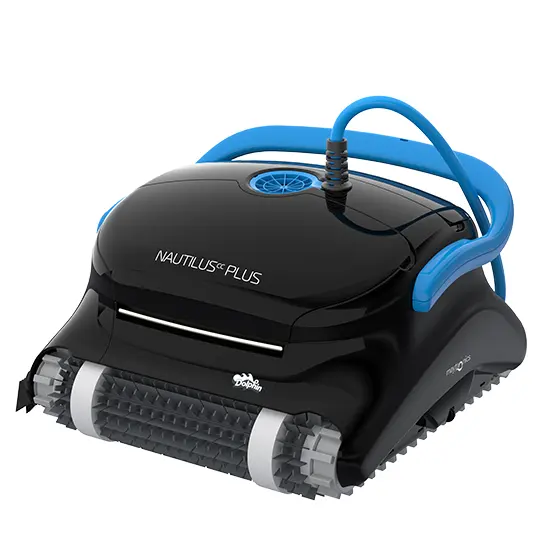
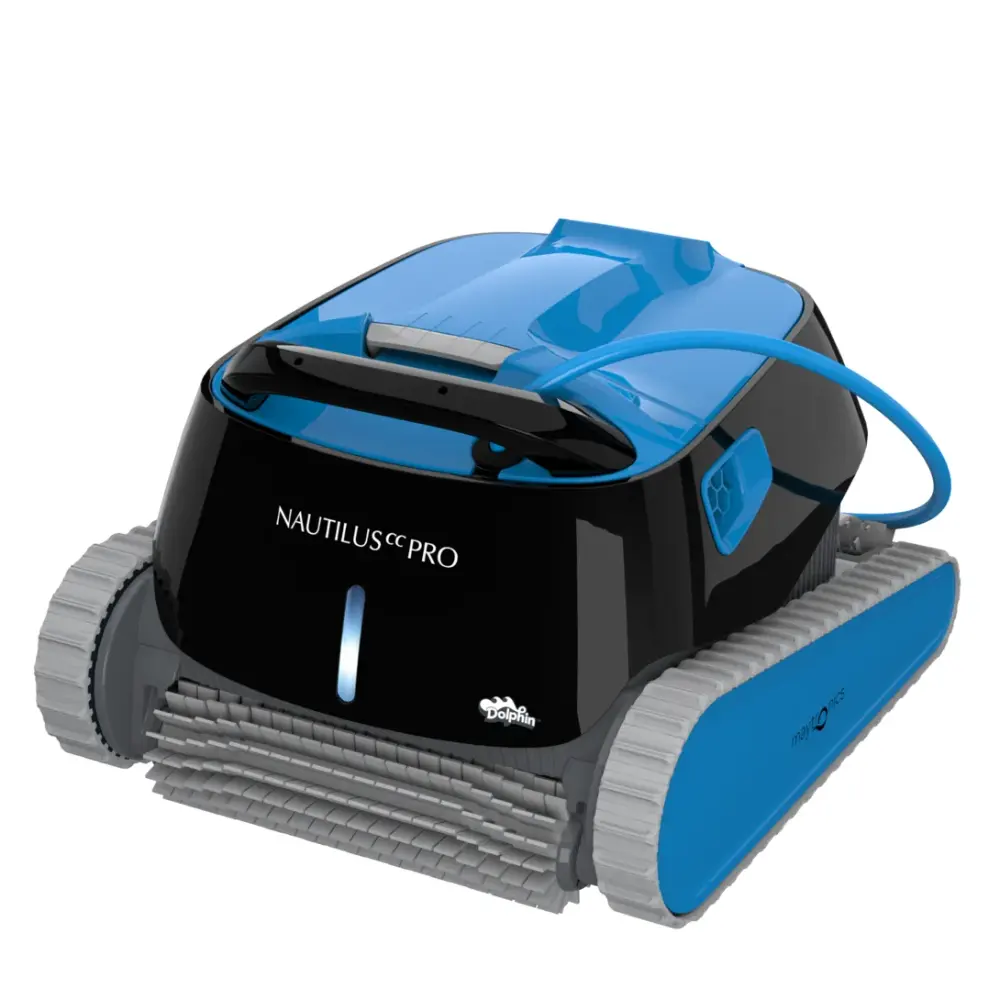
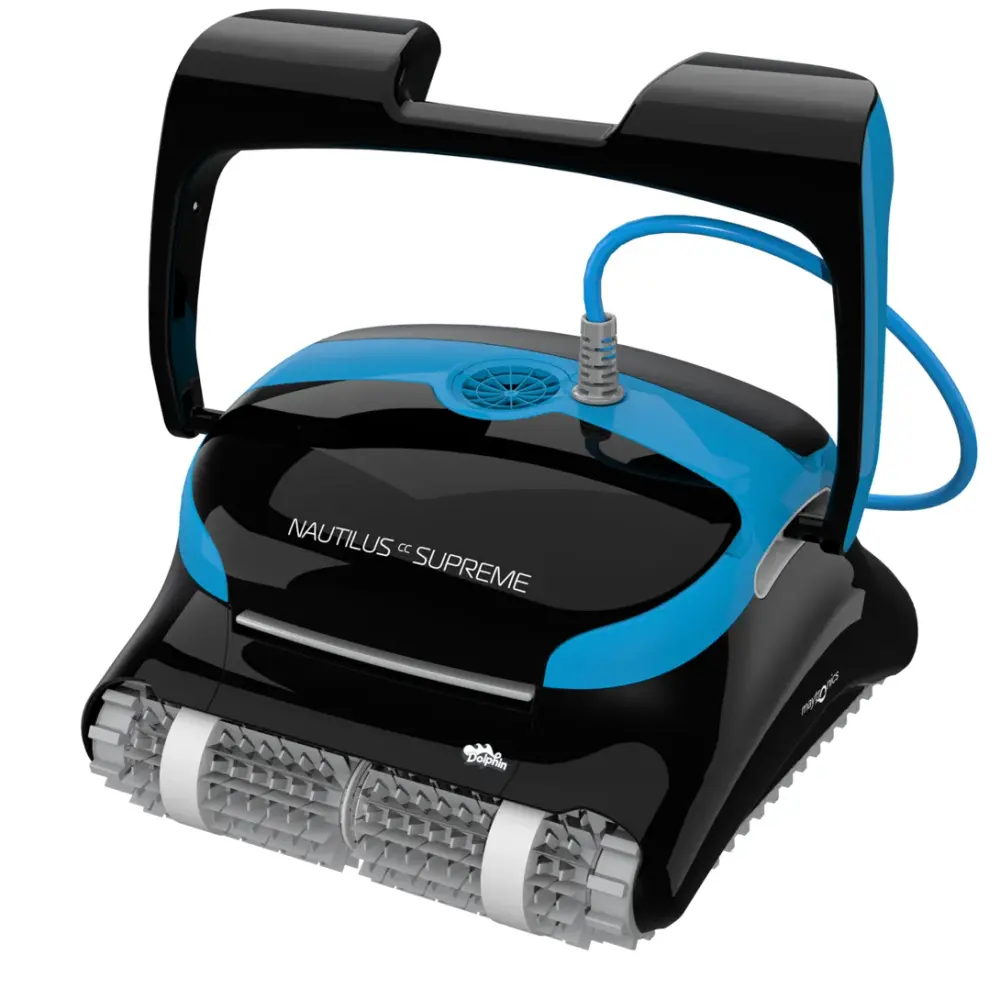
Nautilus (10)
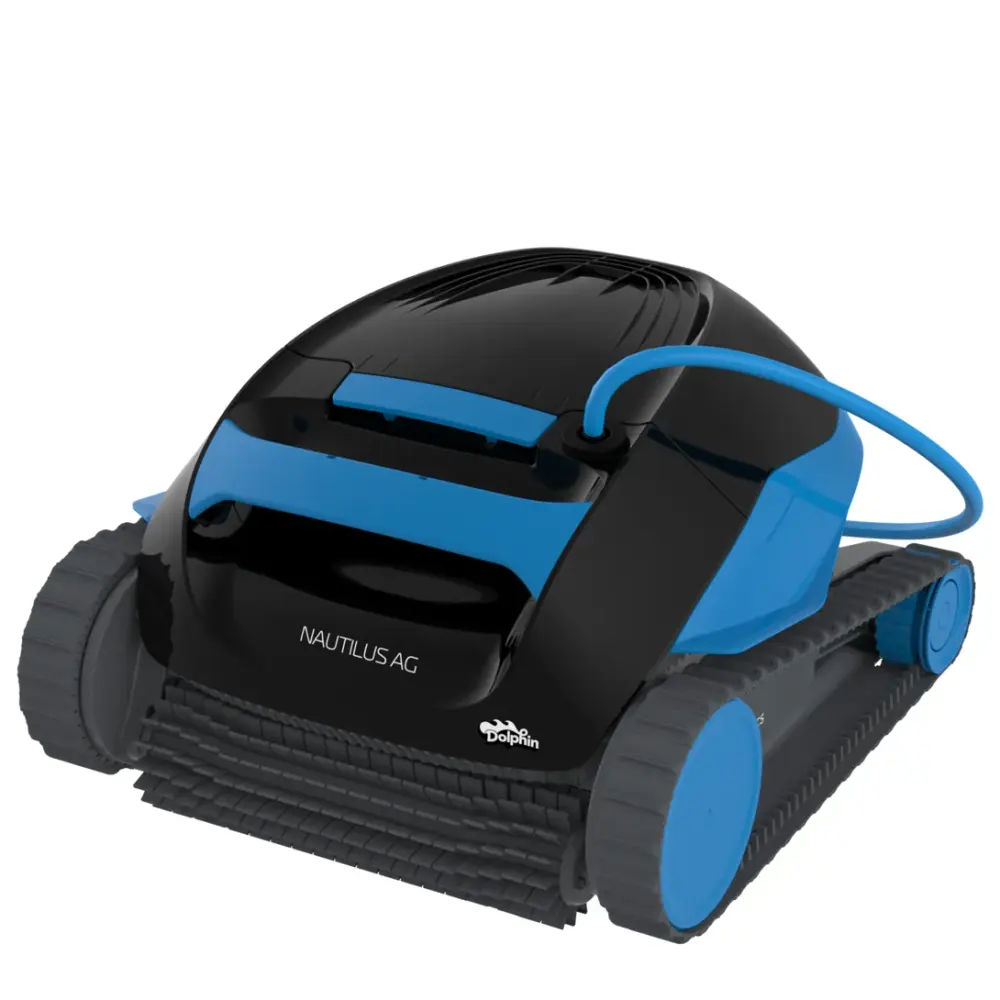
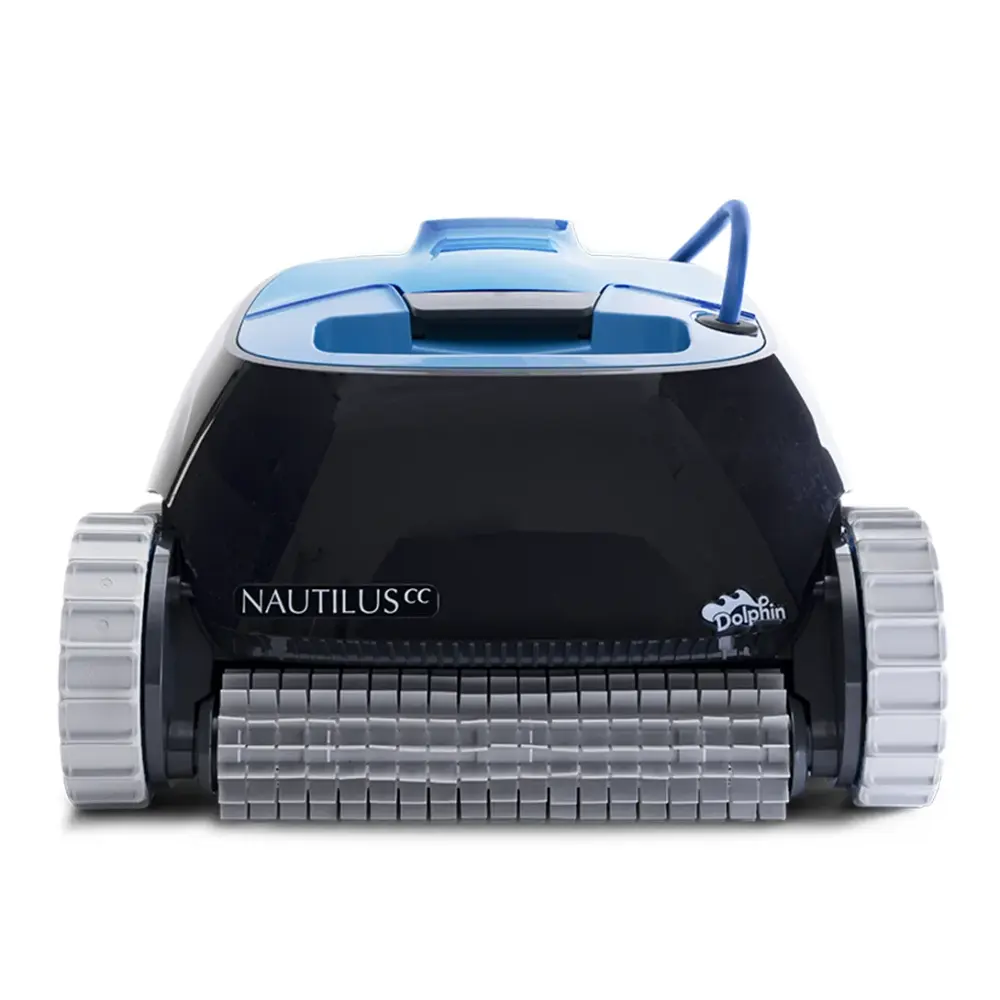
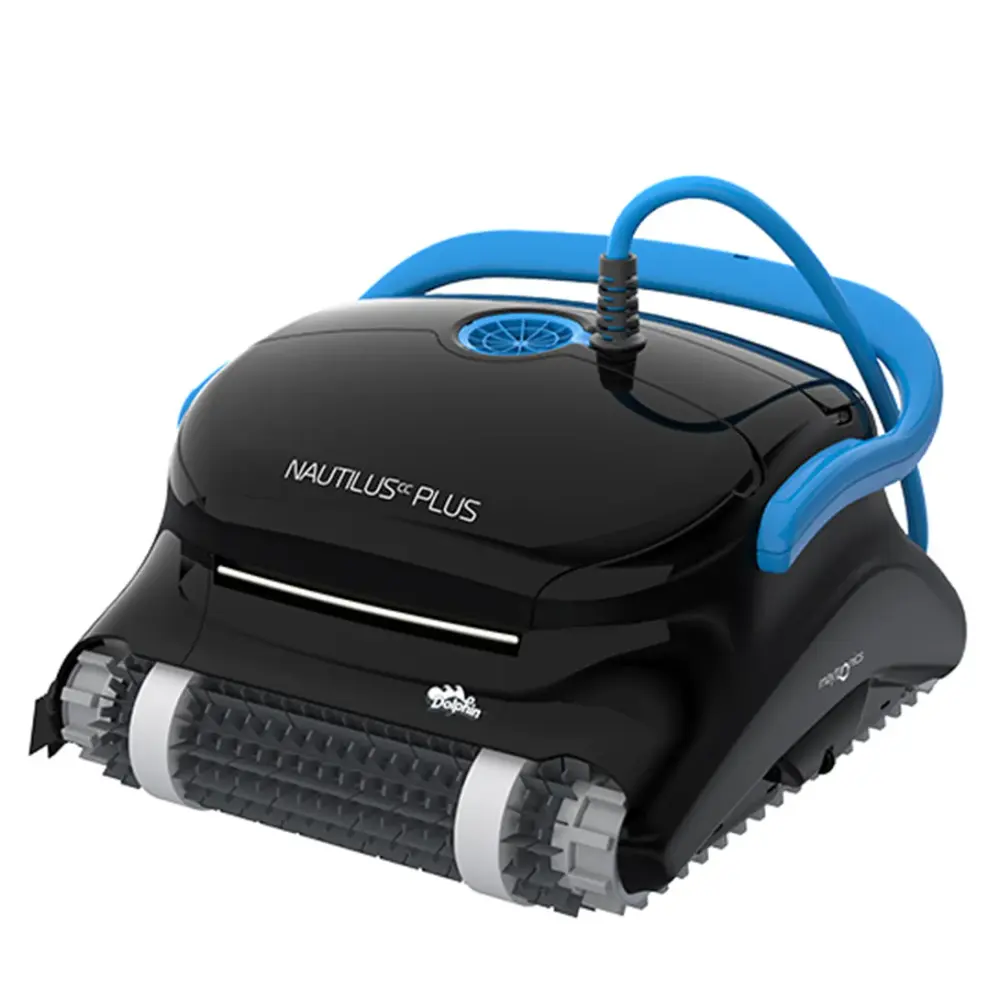
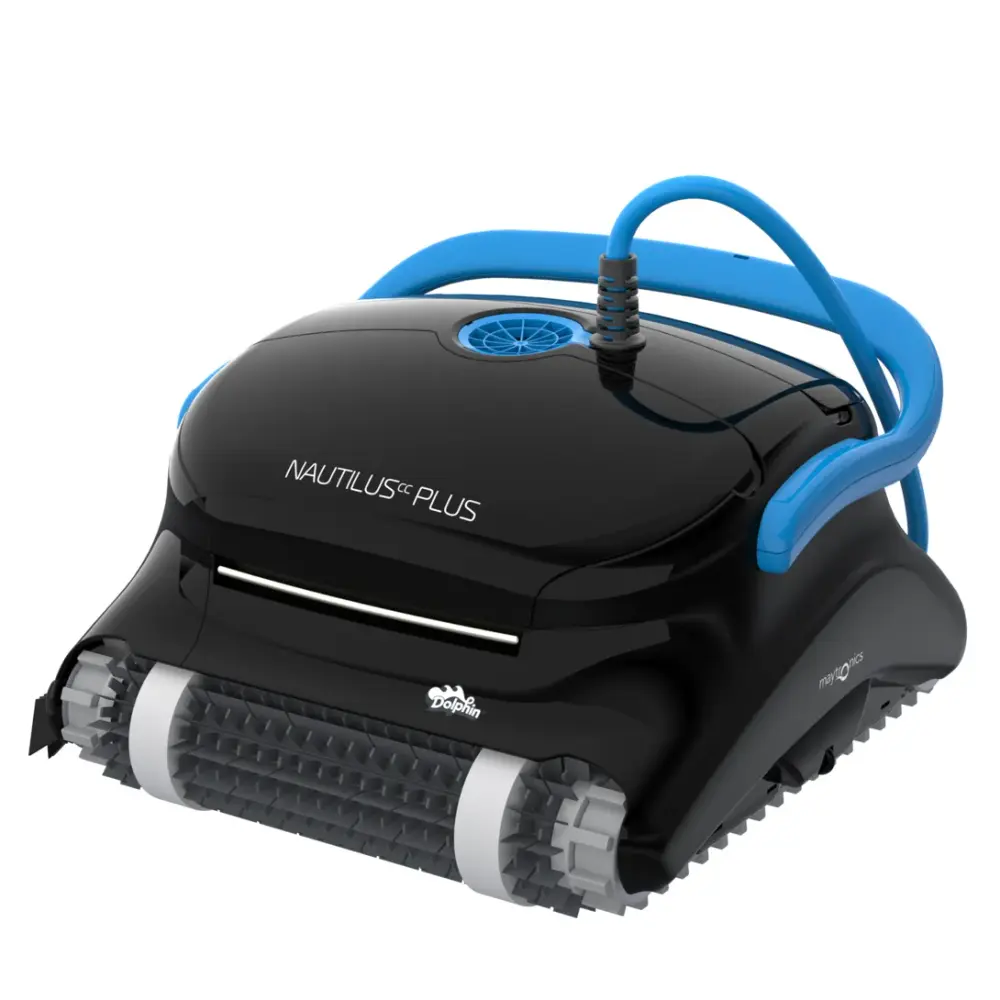
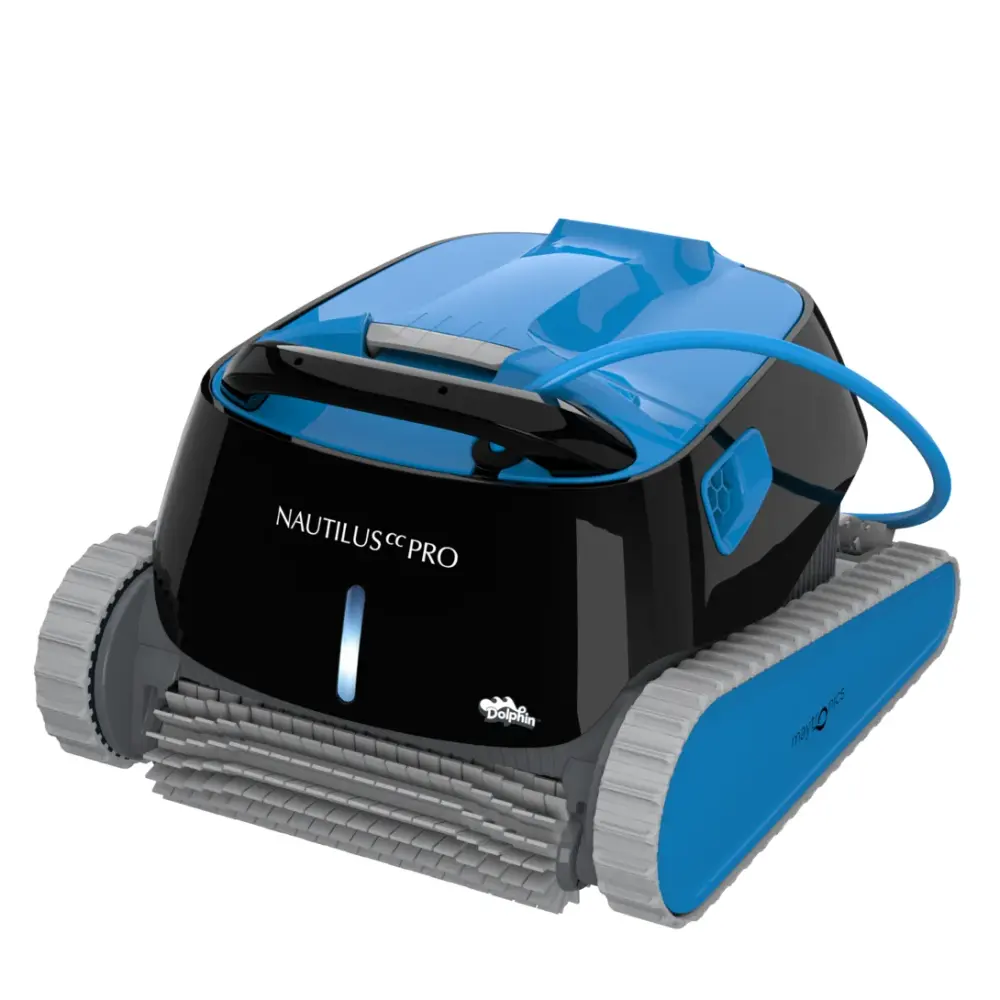
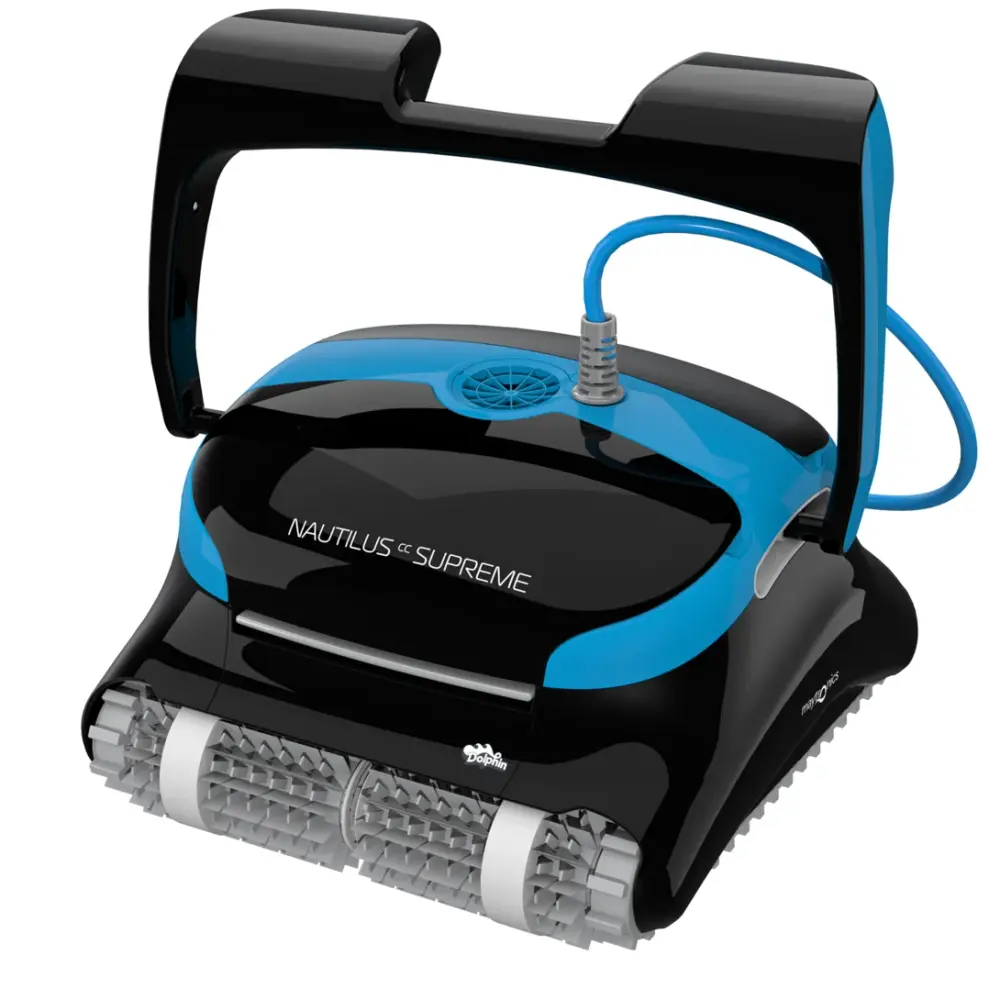
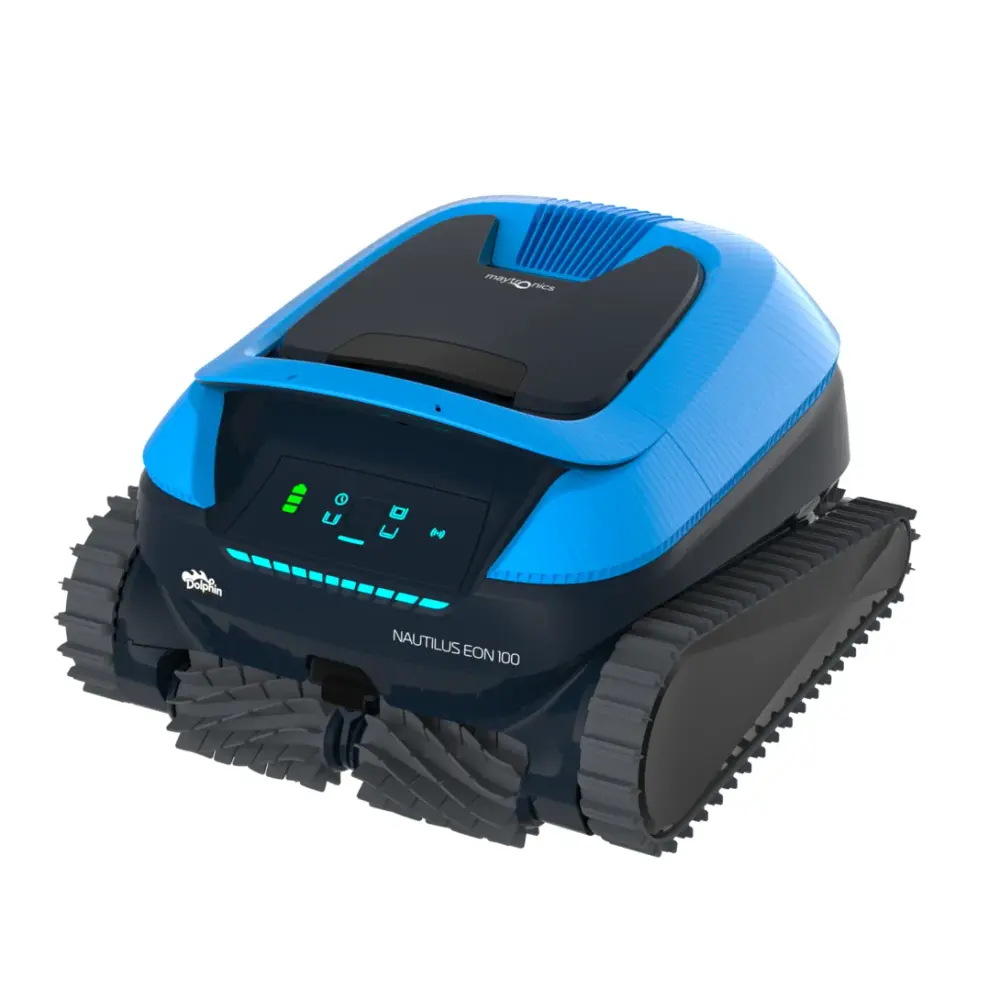
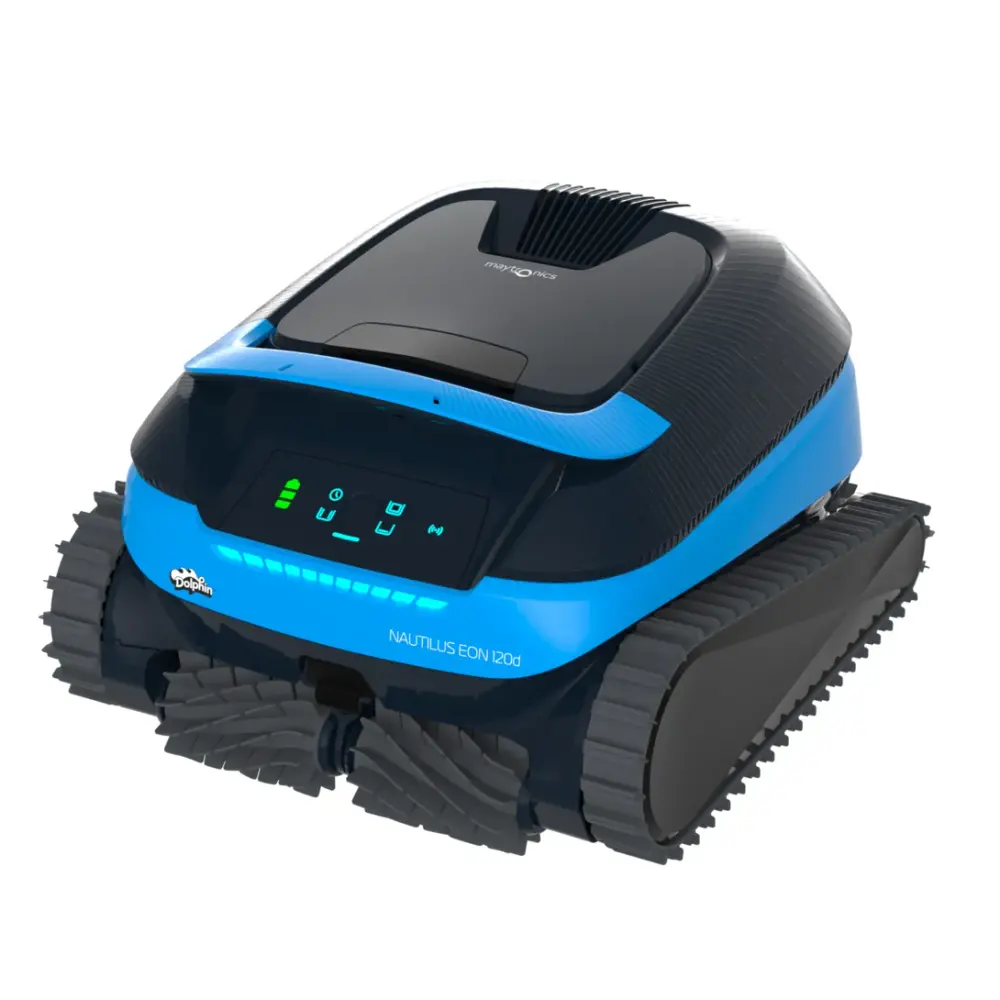
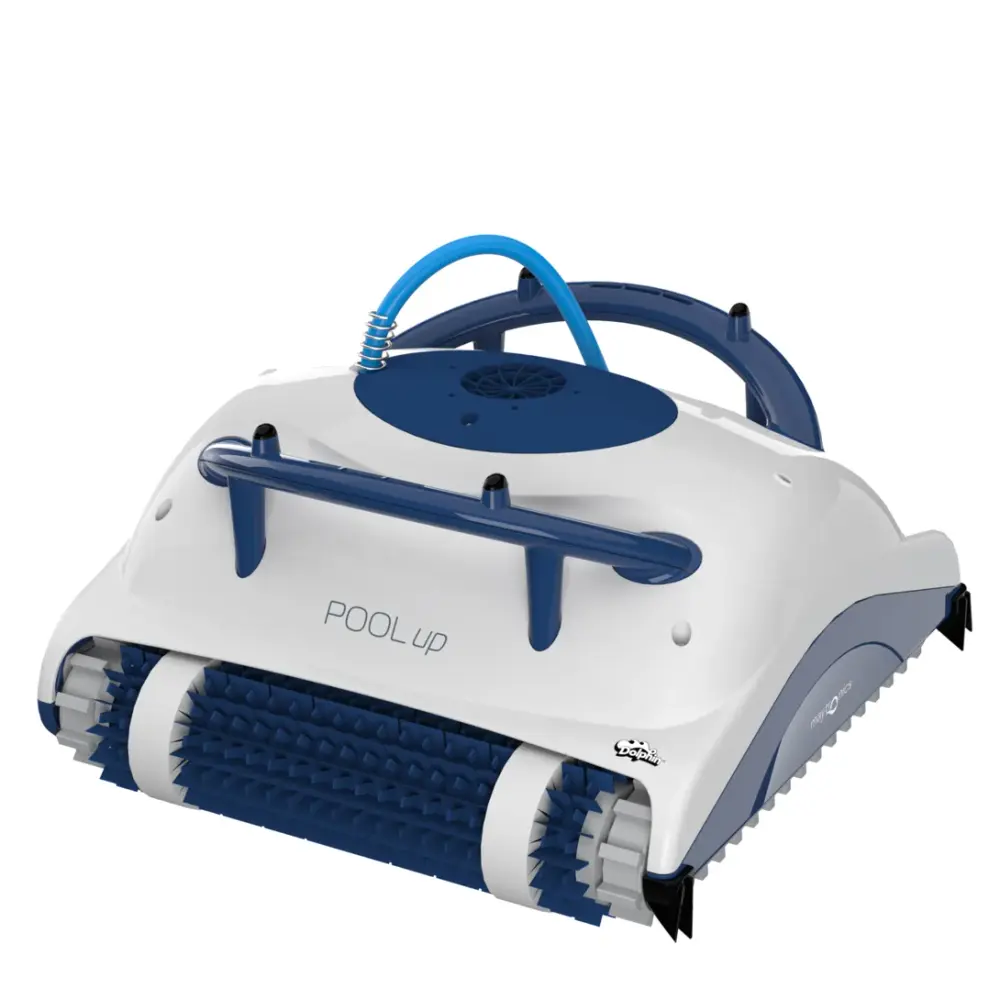
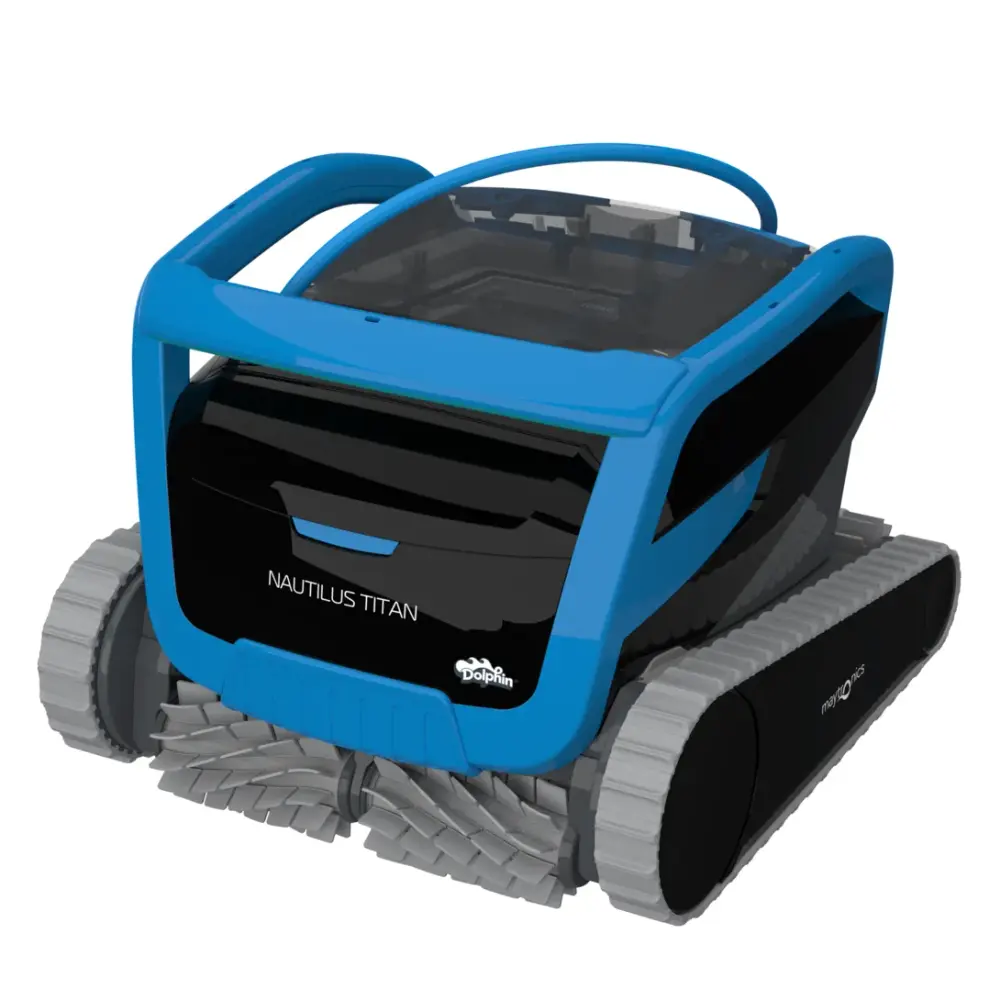
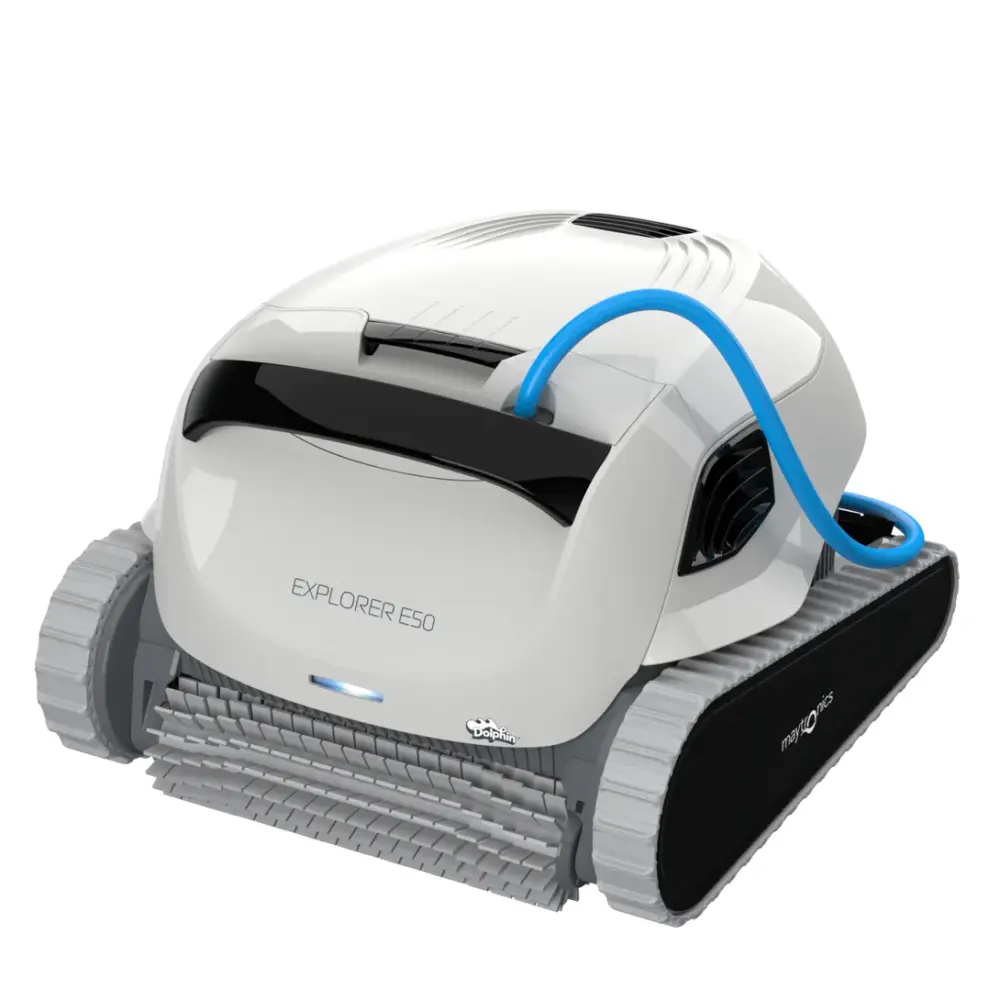
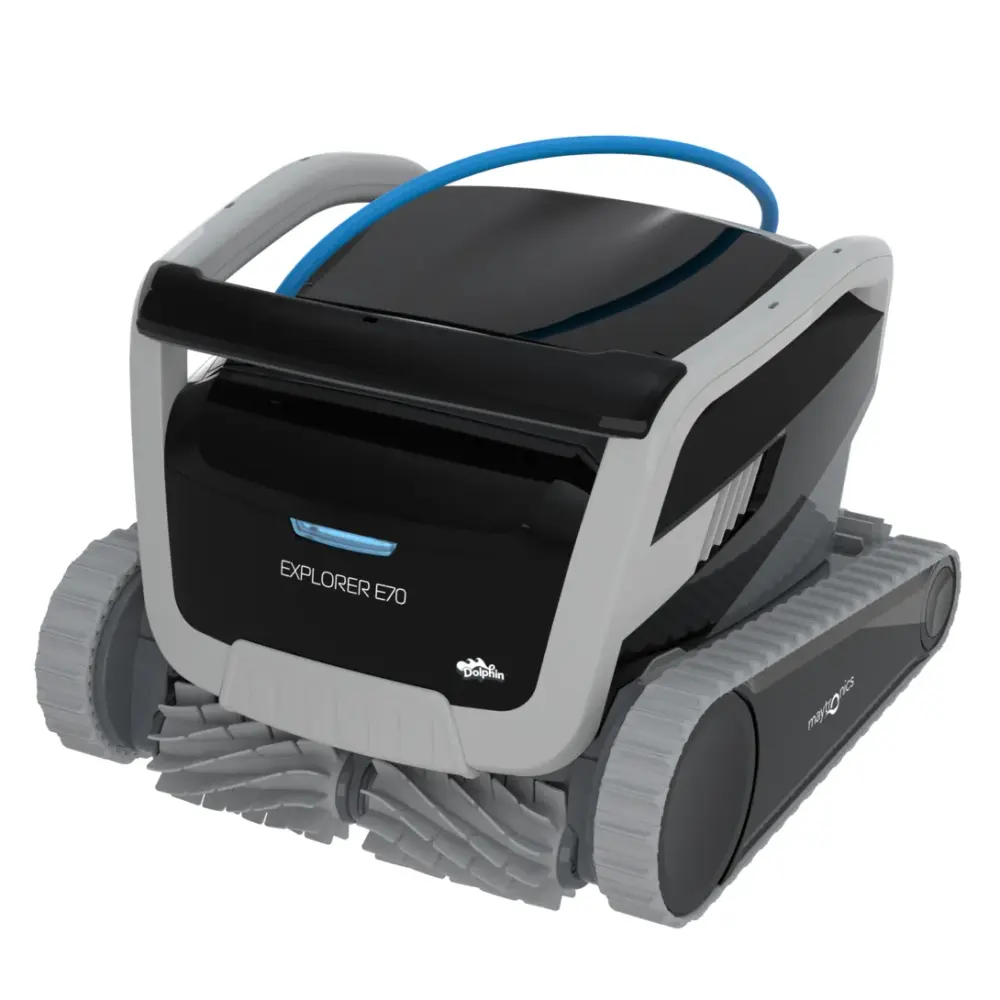
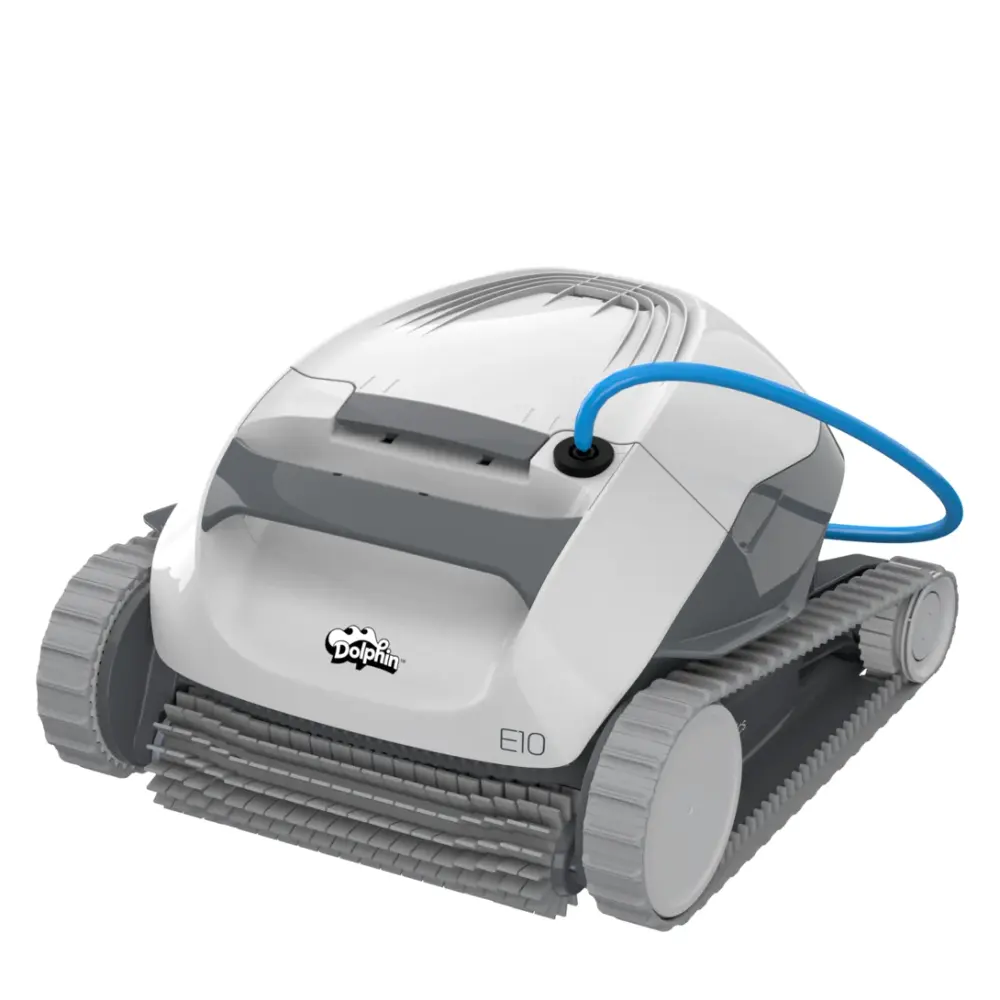
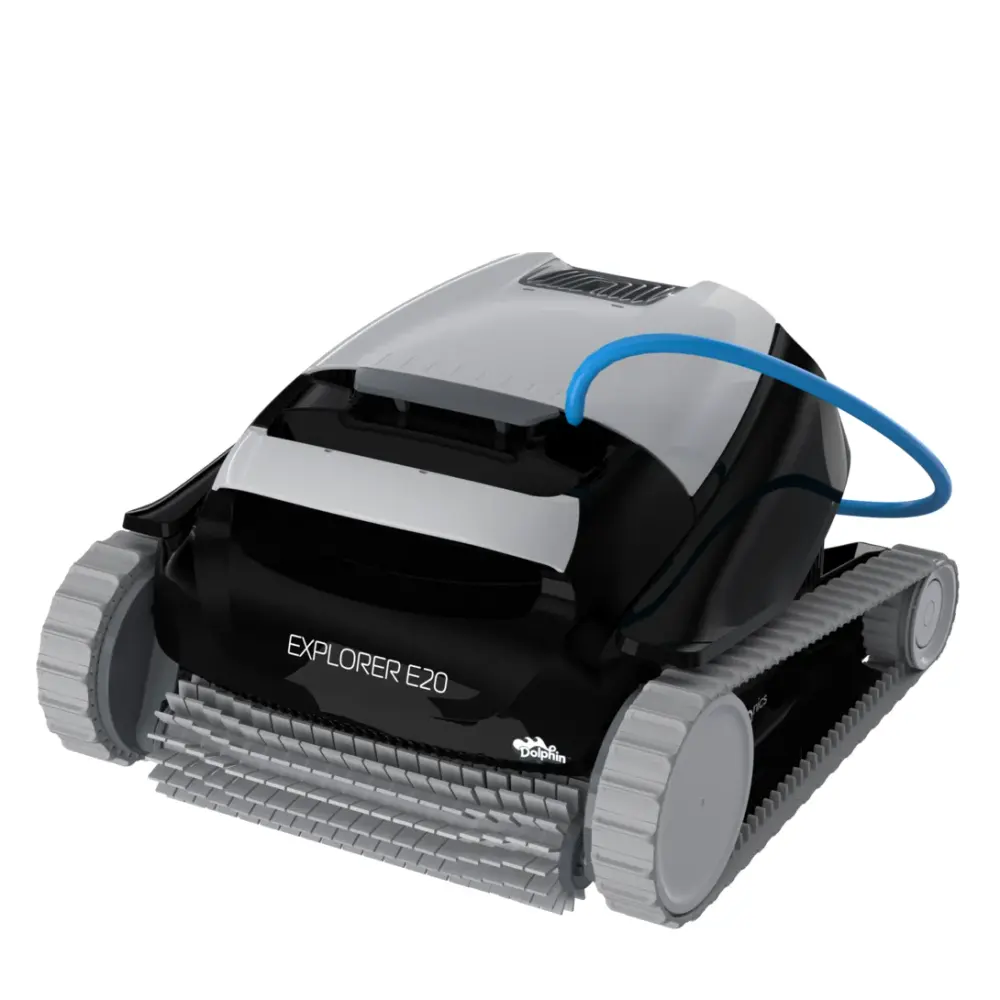
Explorer (7)
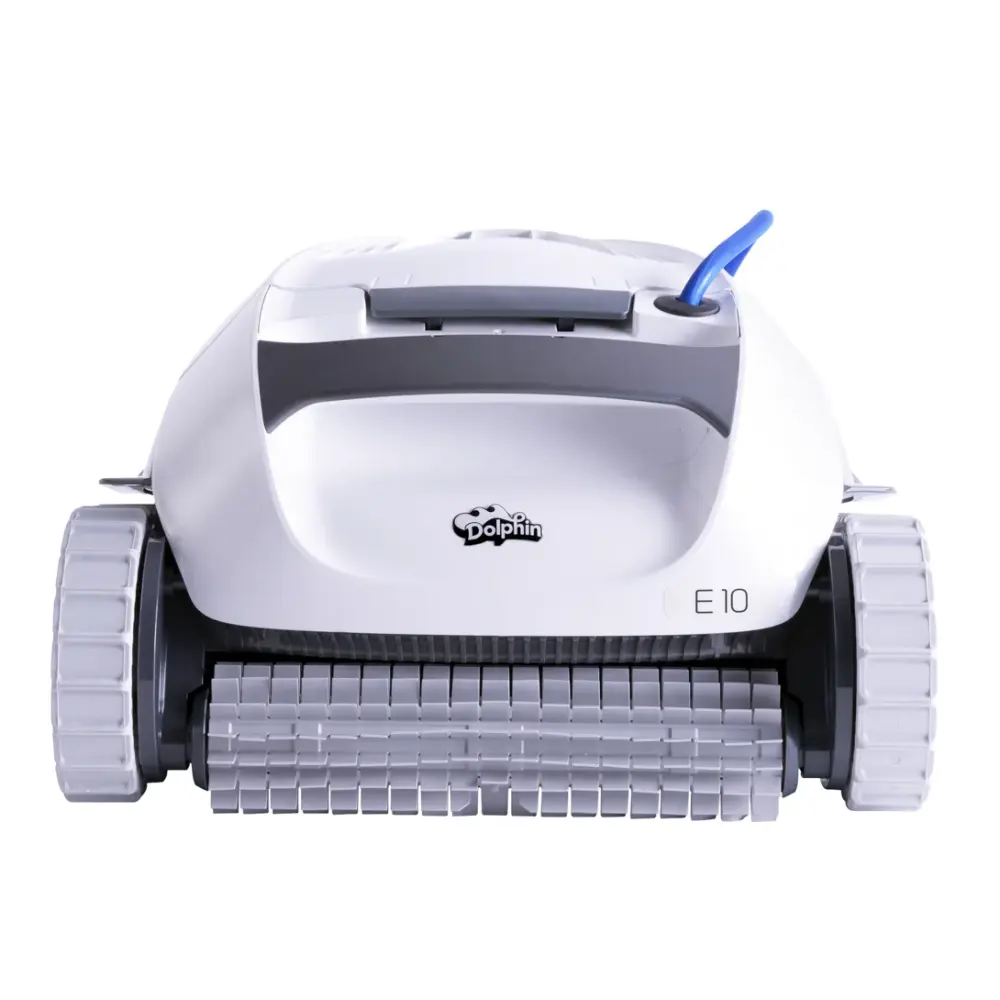
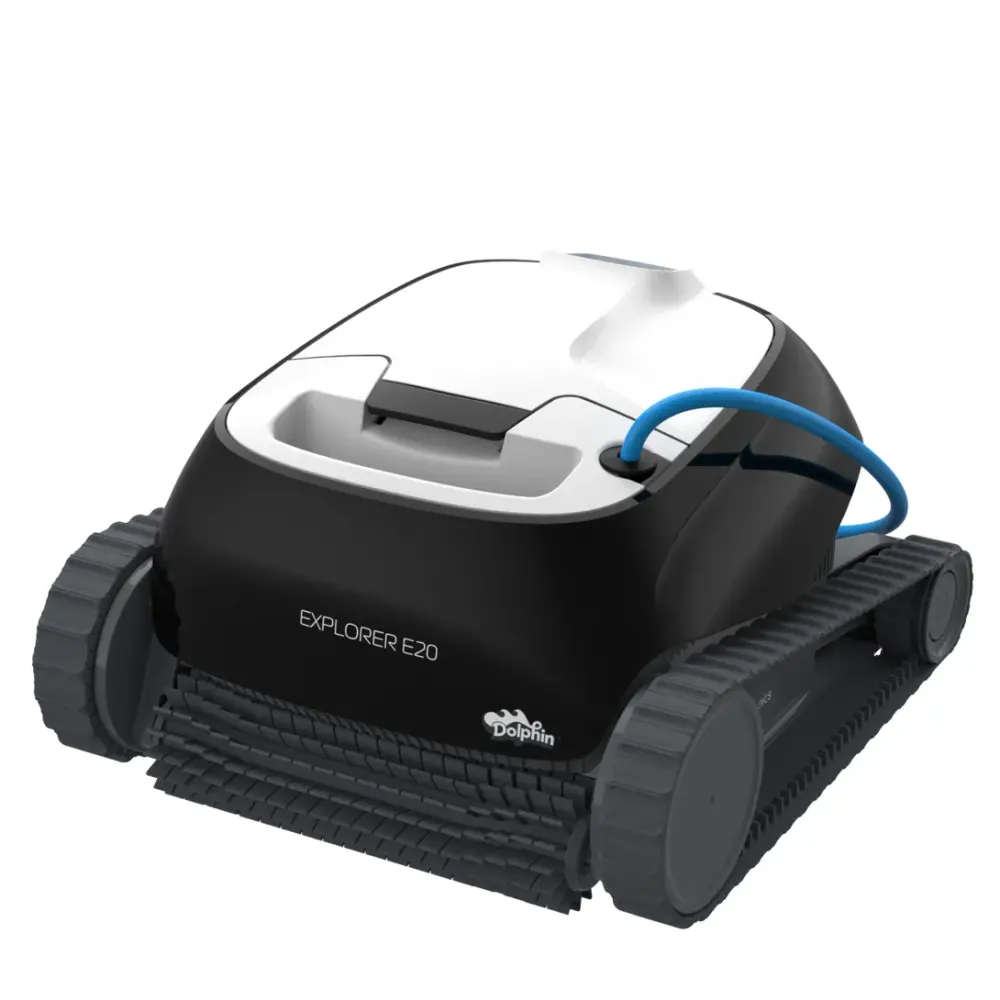
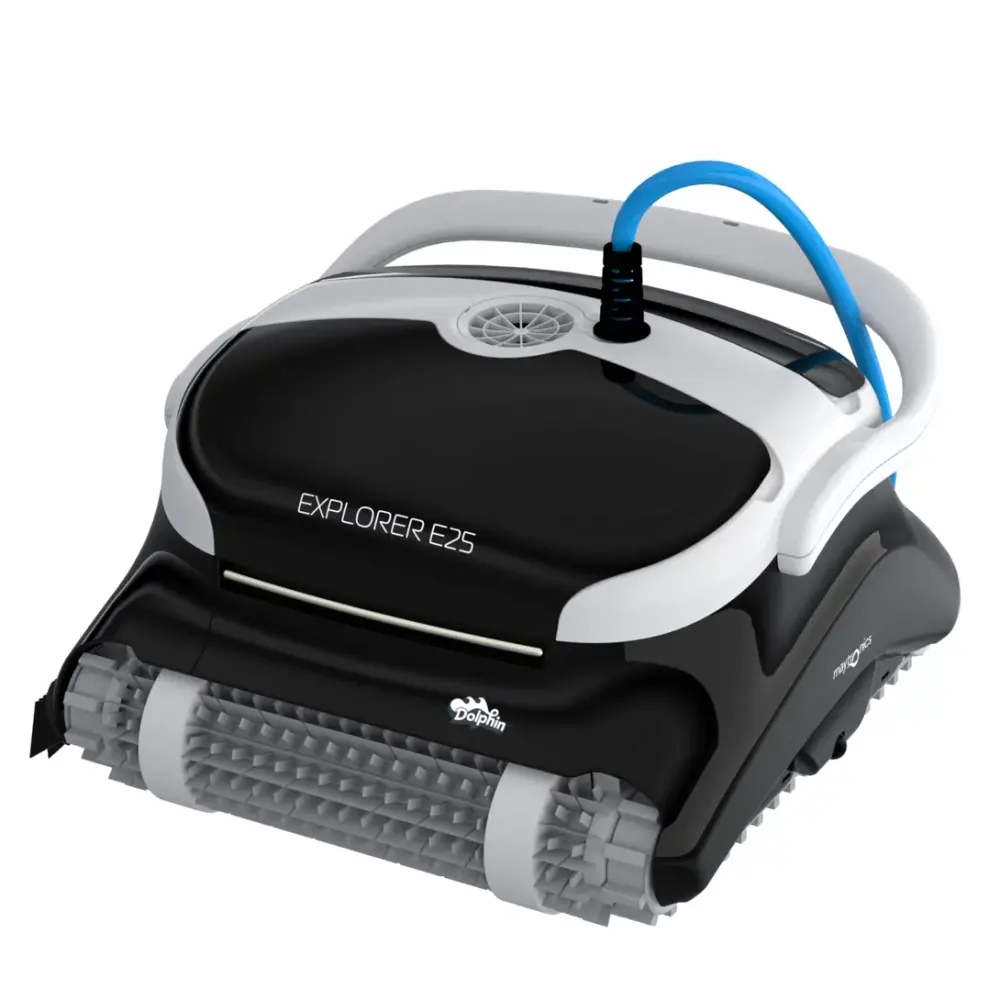
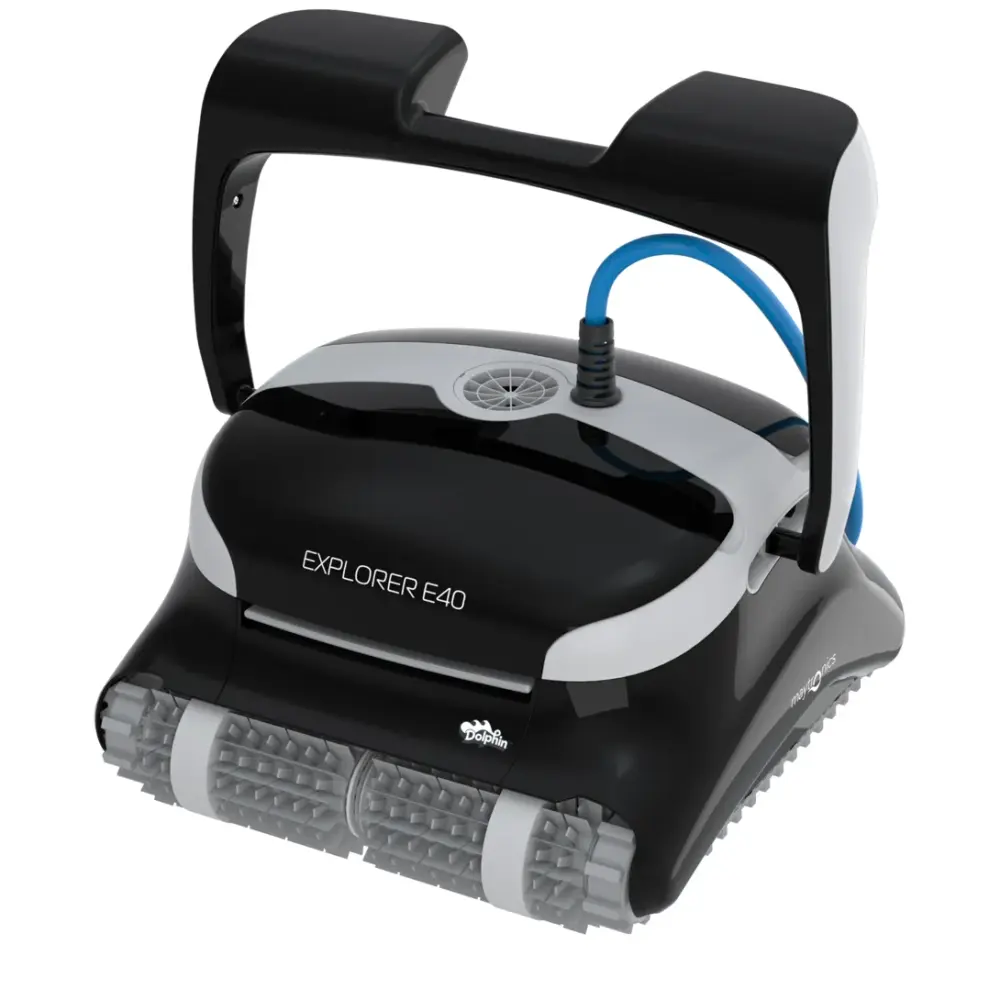
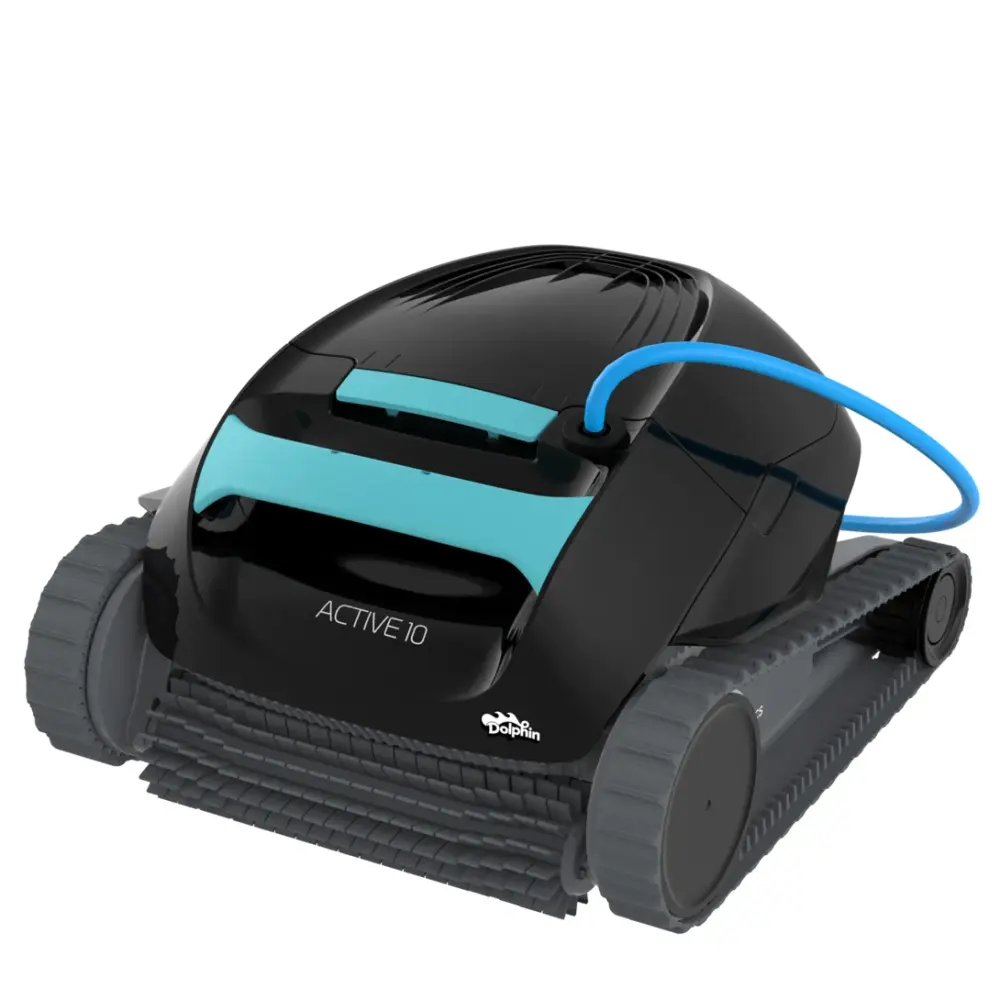
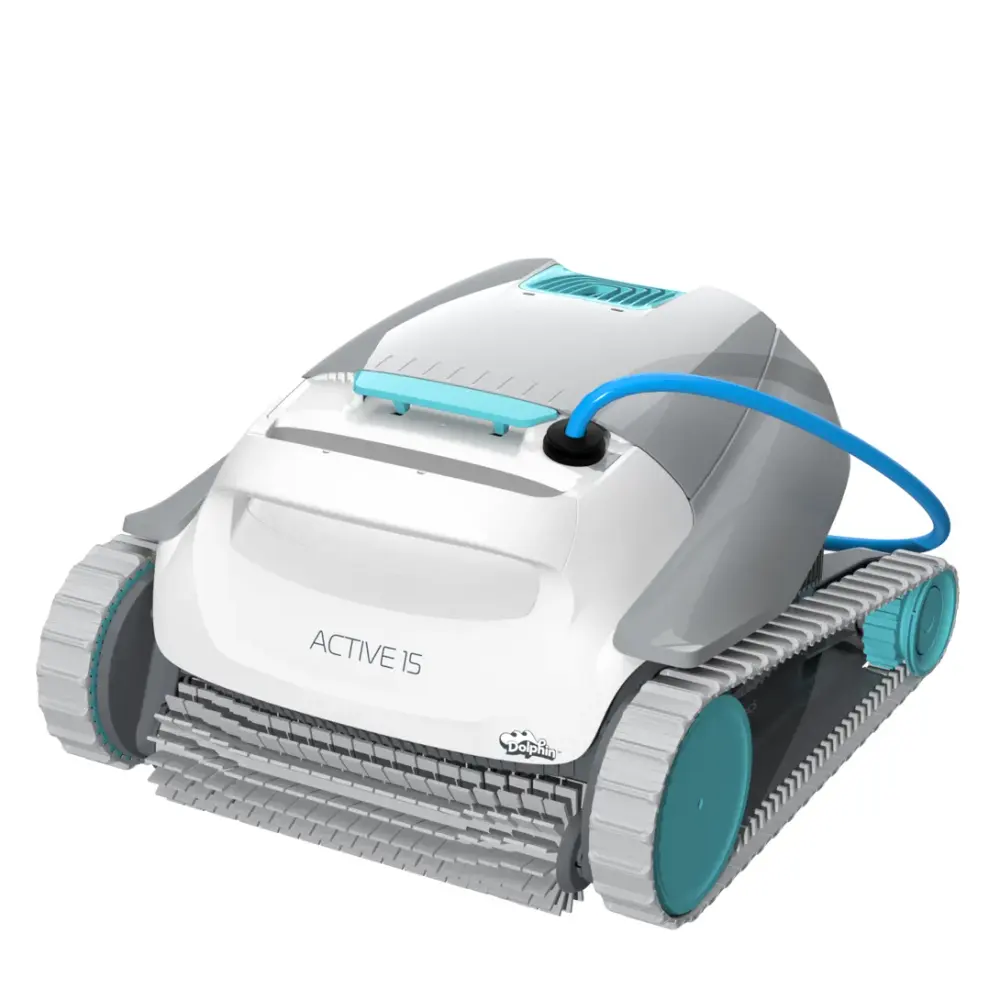
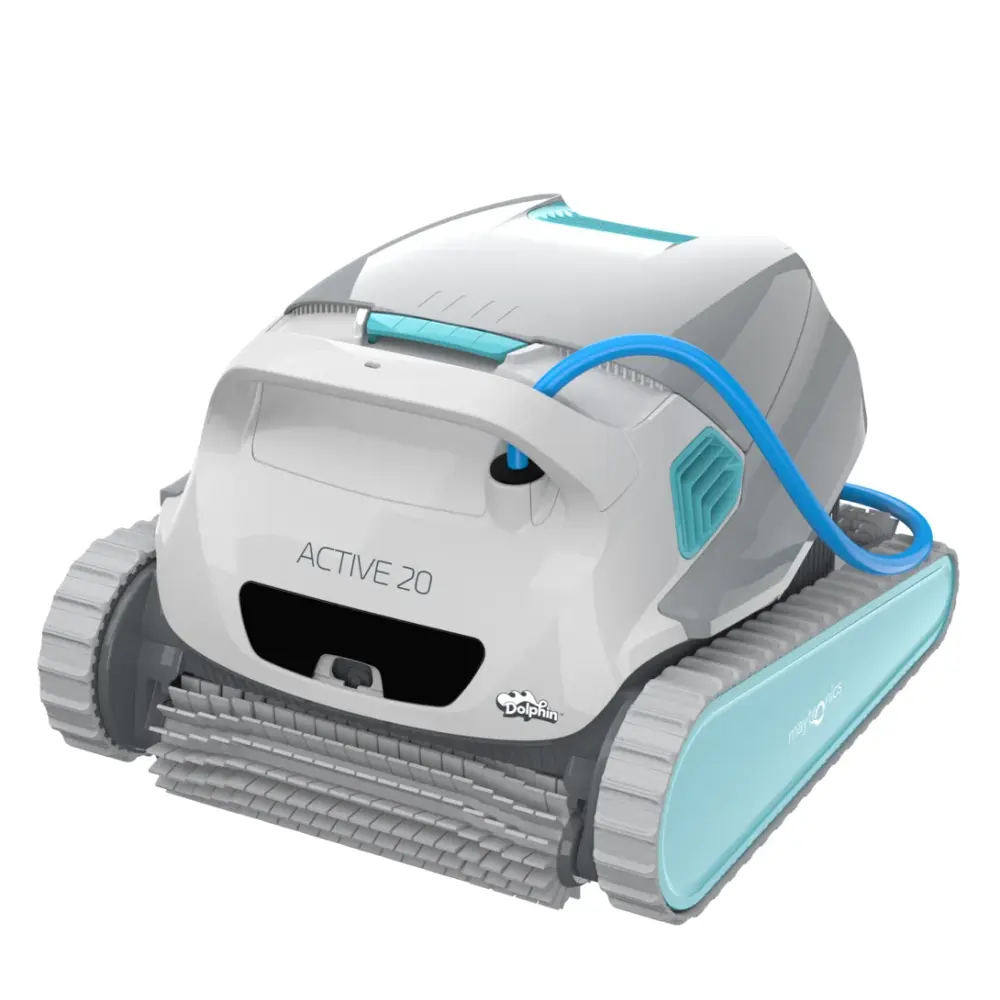
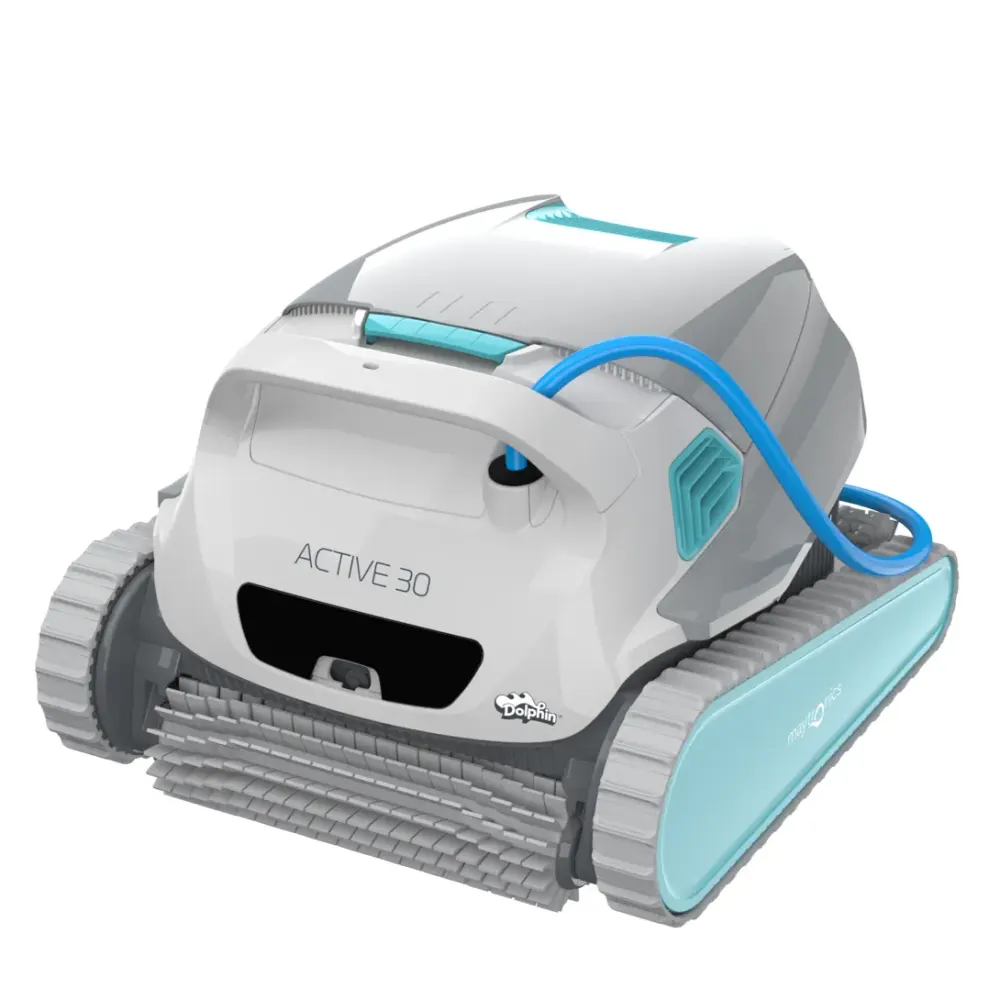
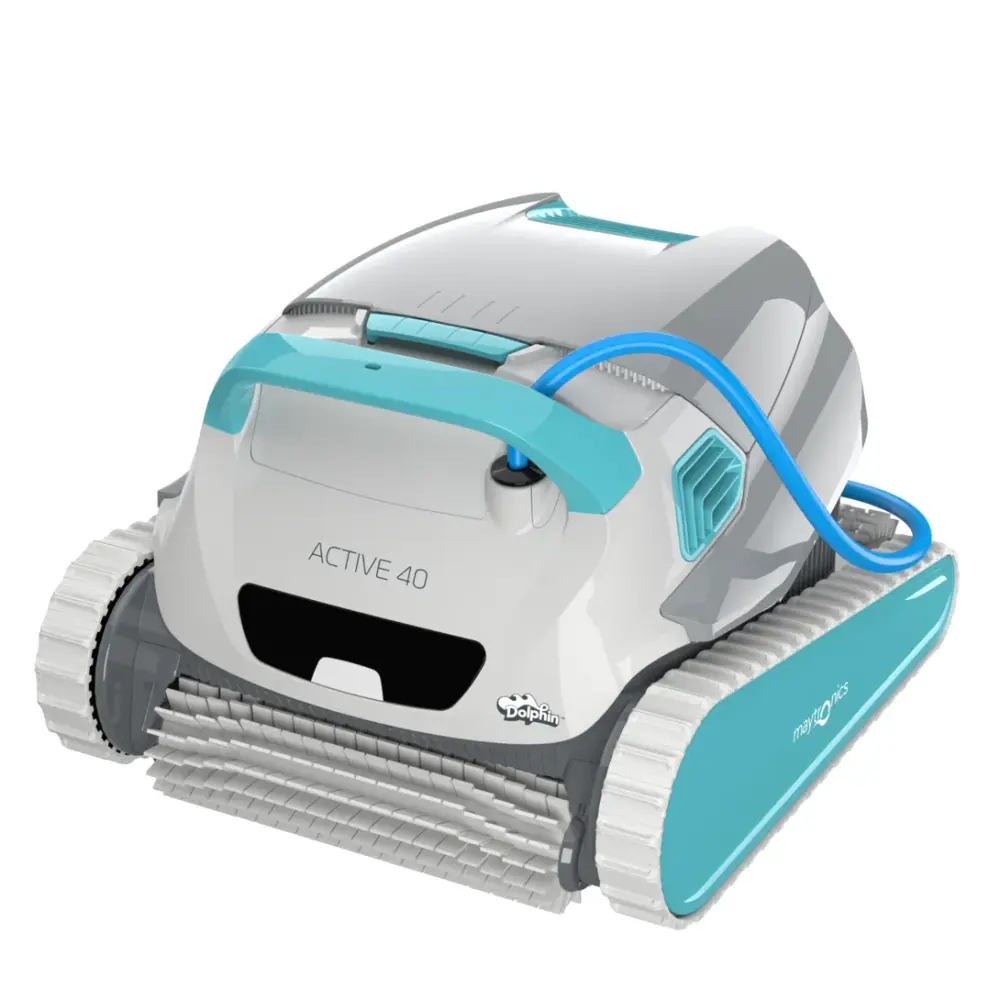
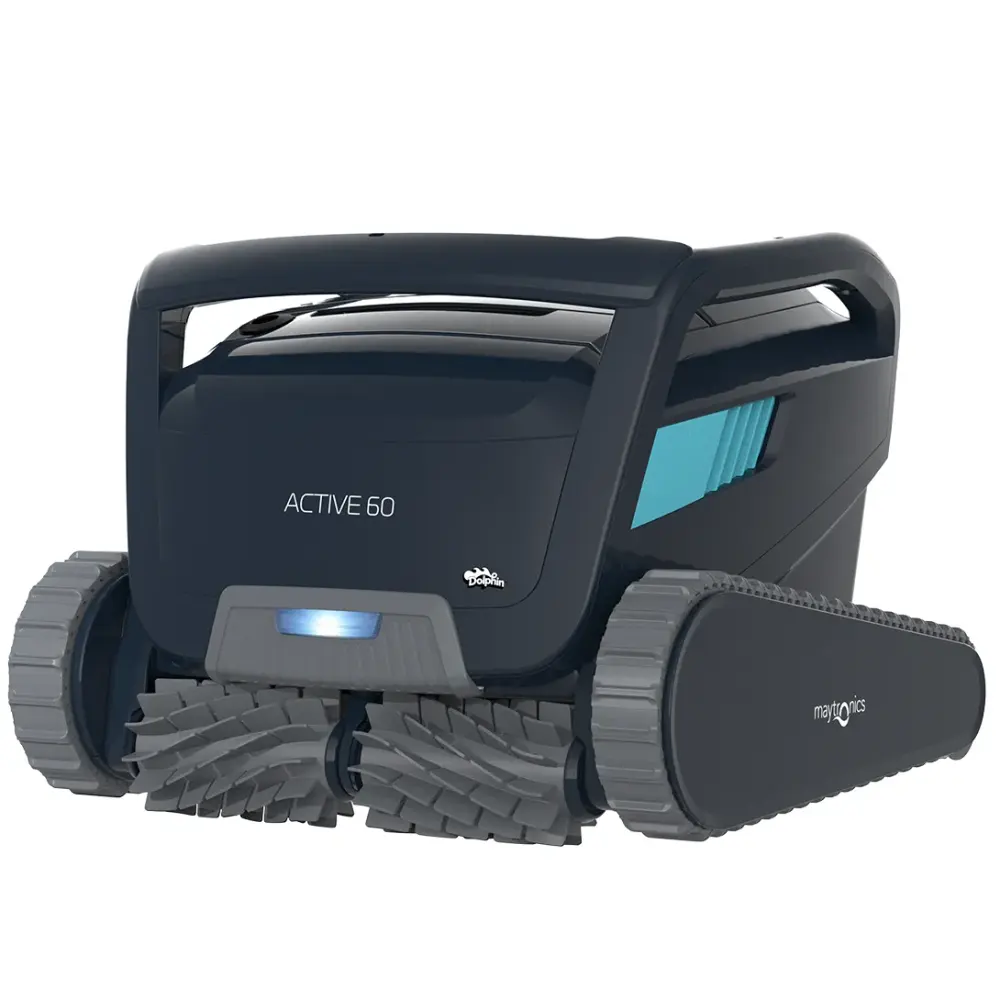
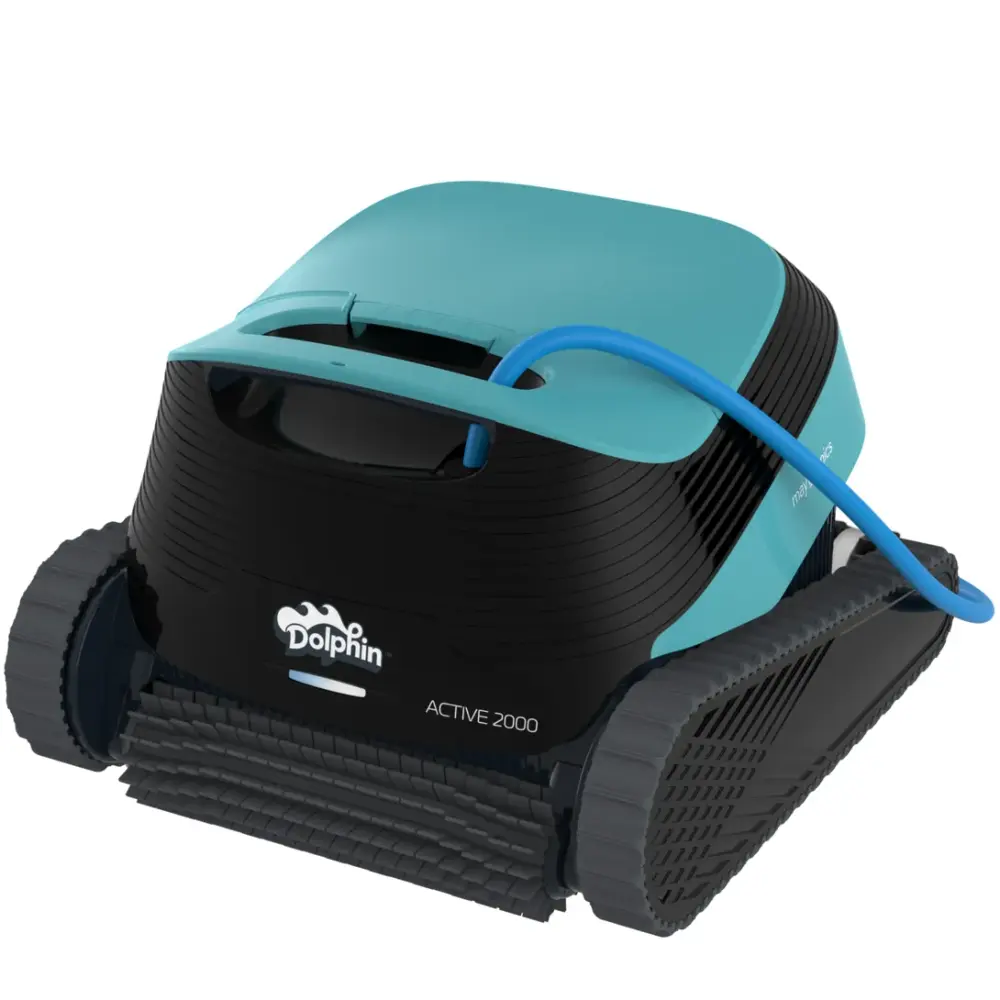
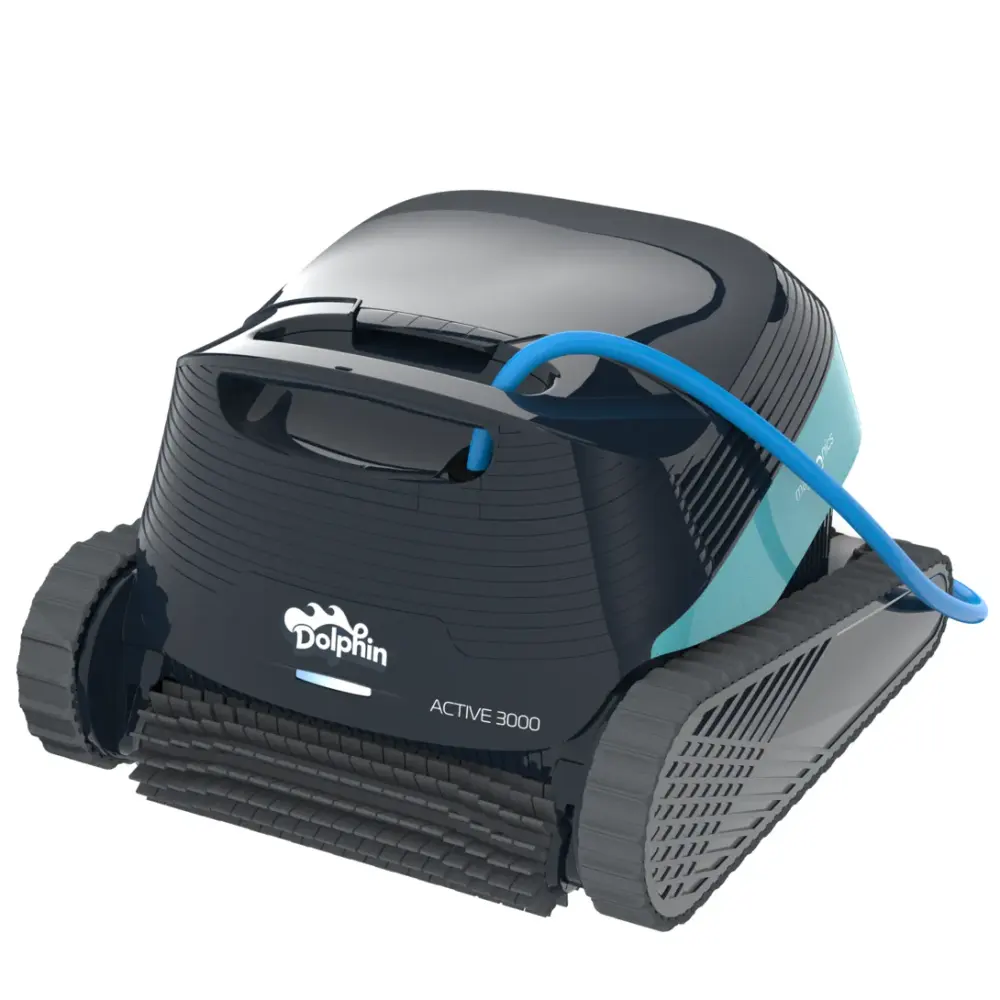
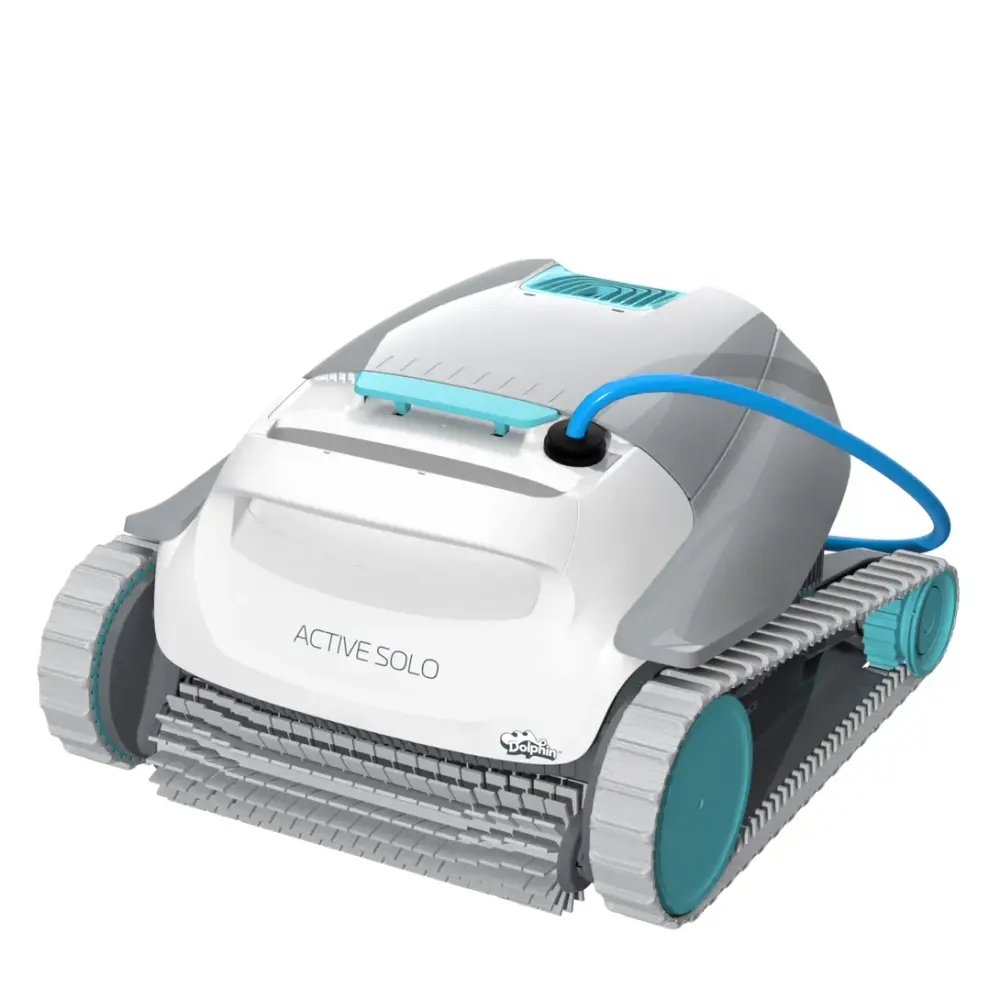
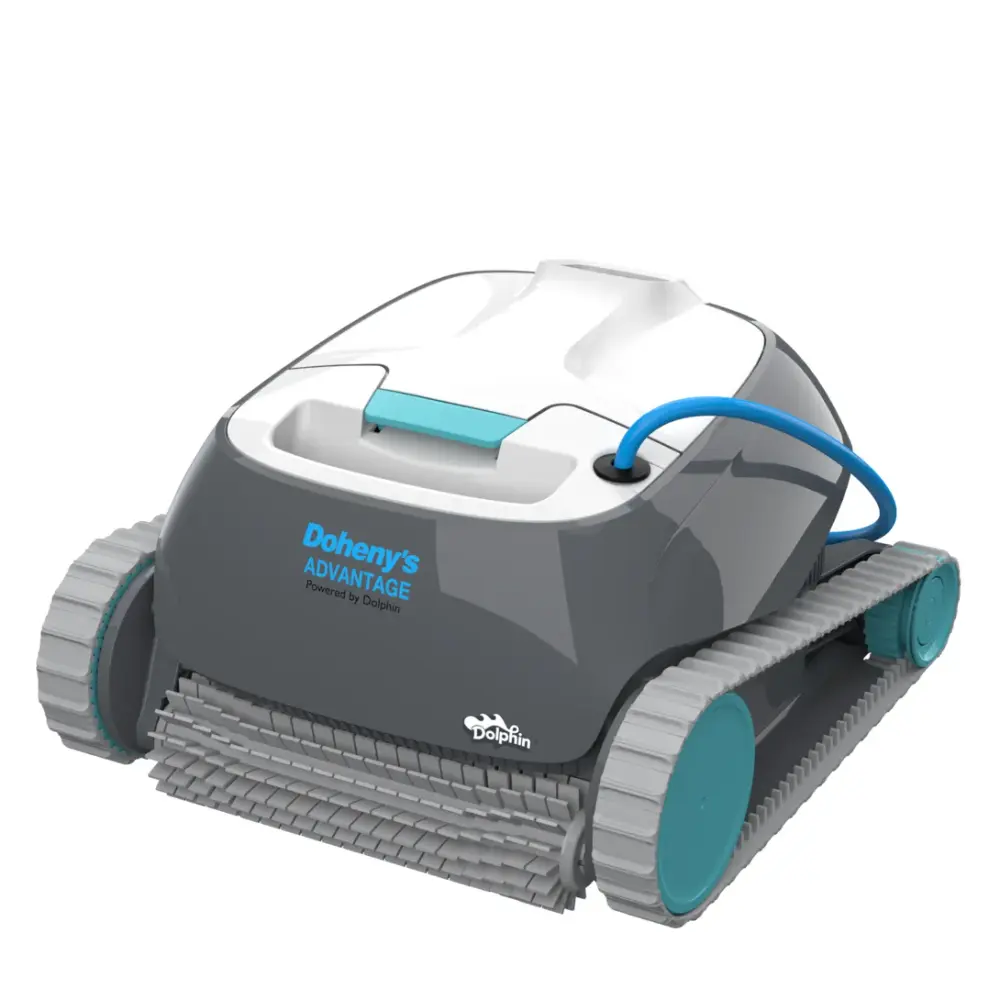
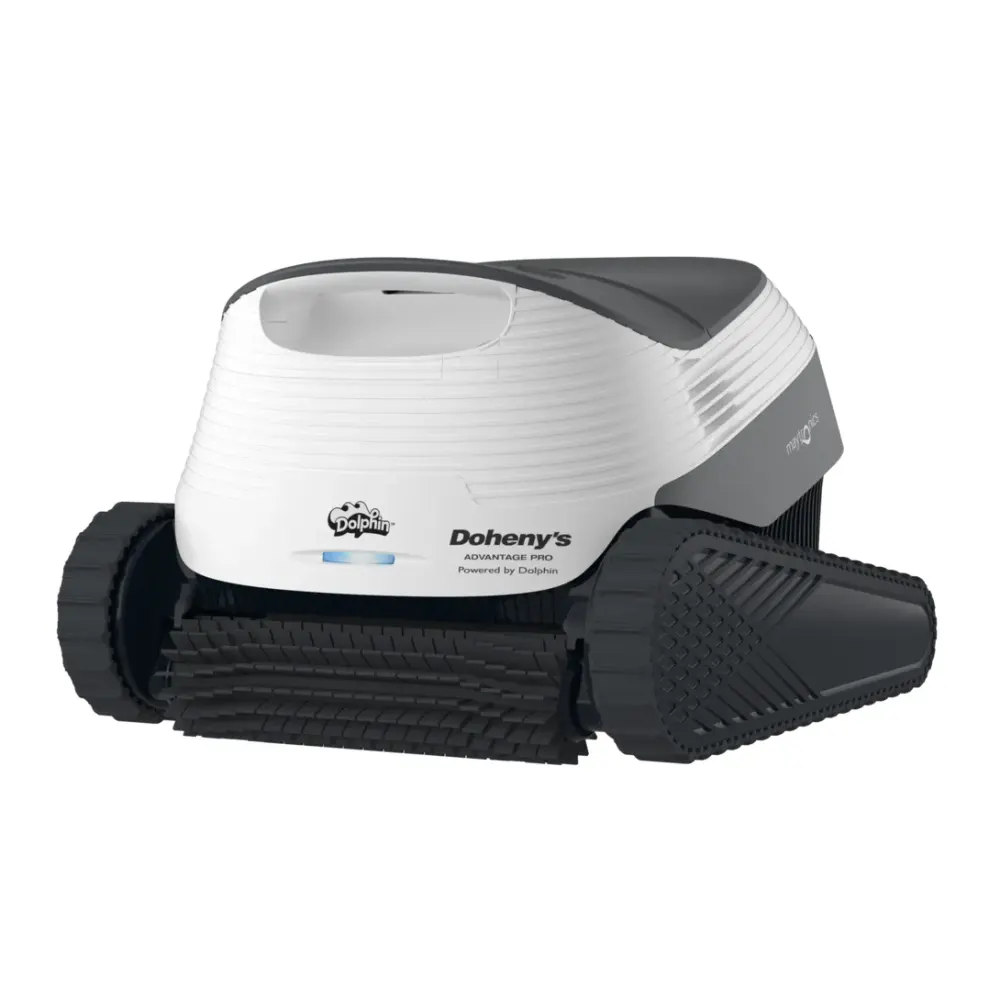
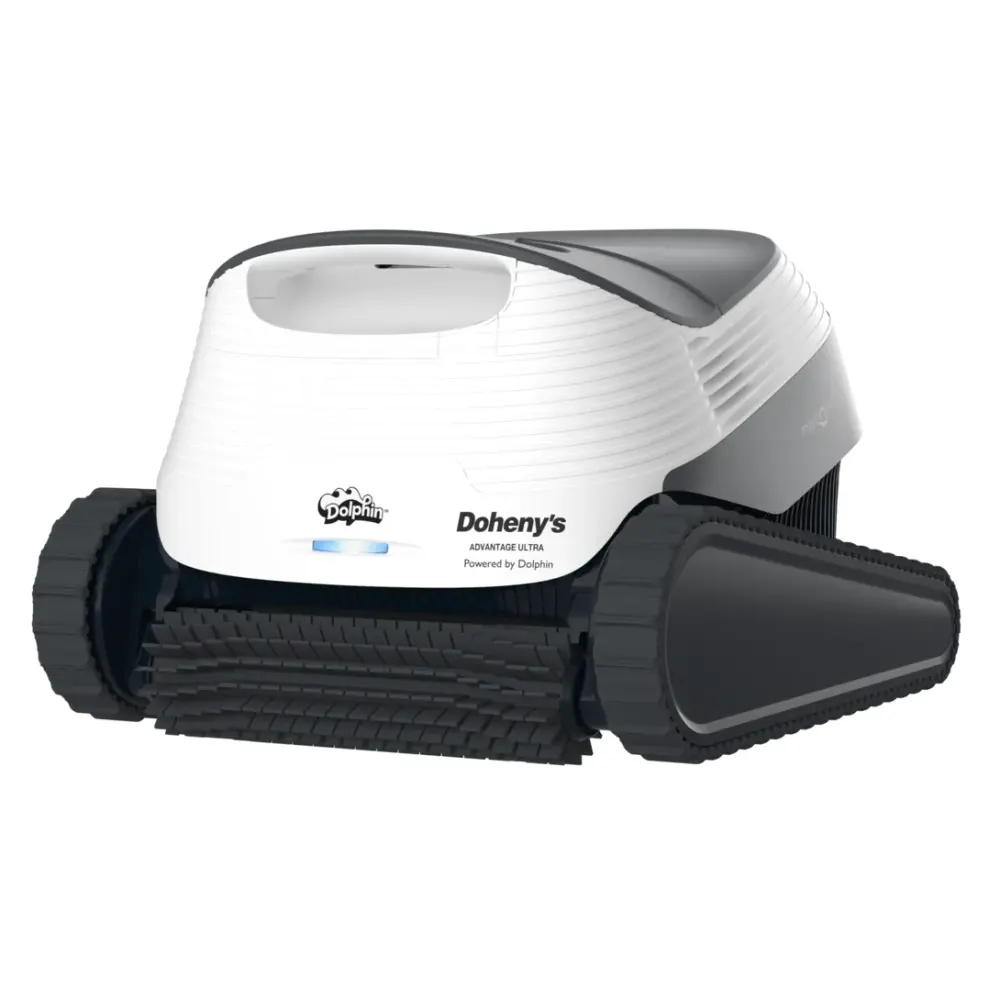
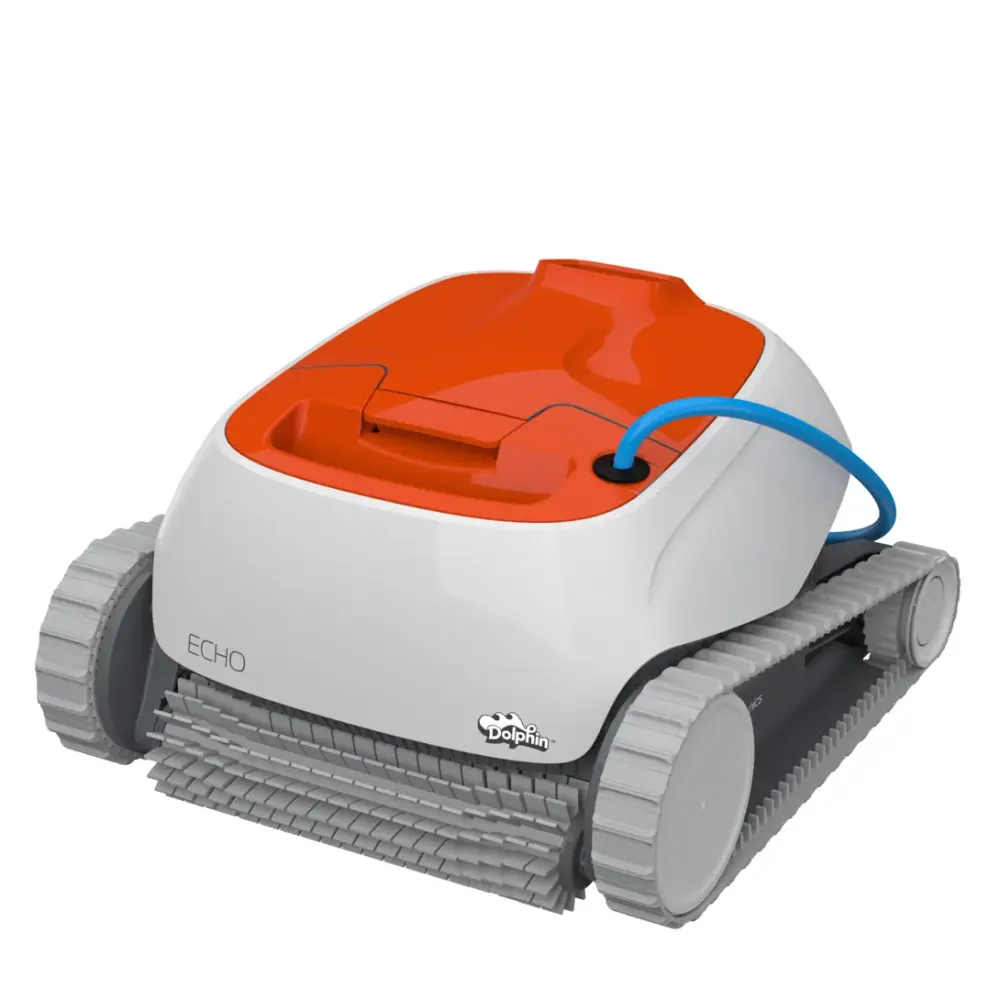
Active, Echo & Advantage (13)
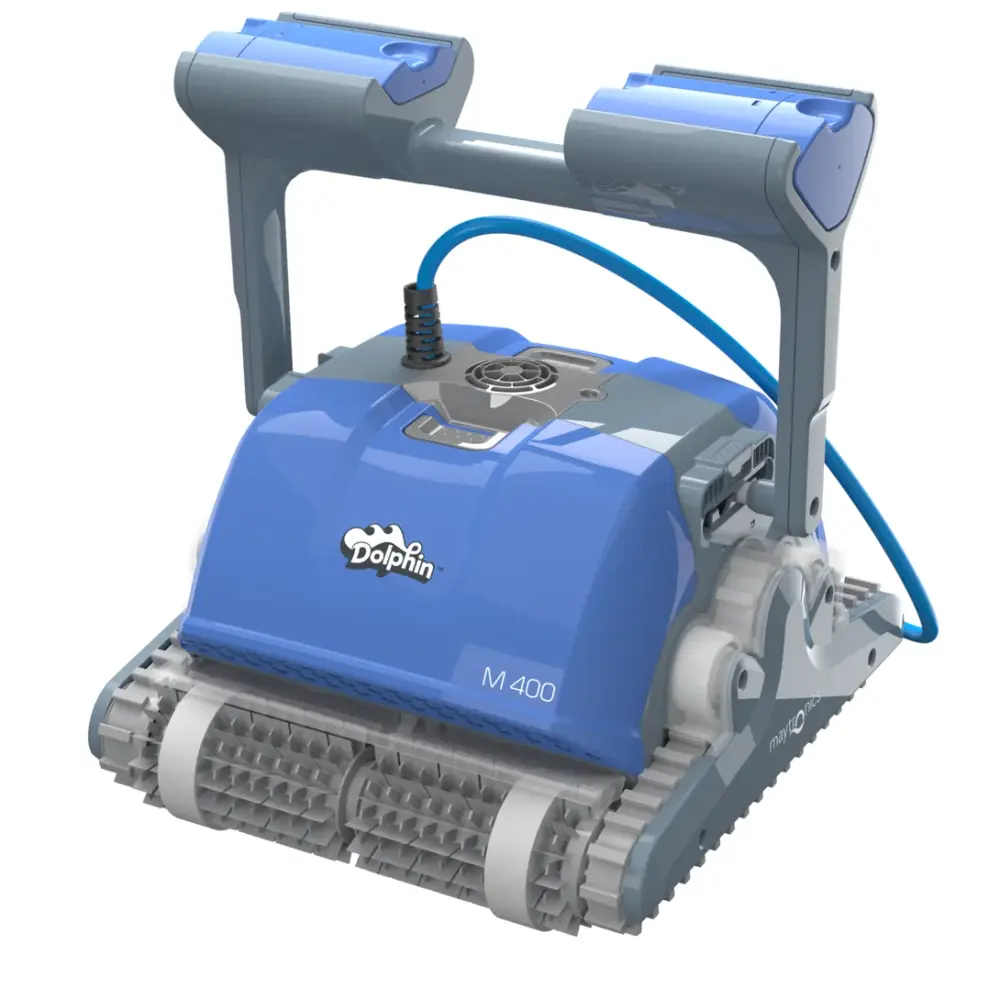
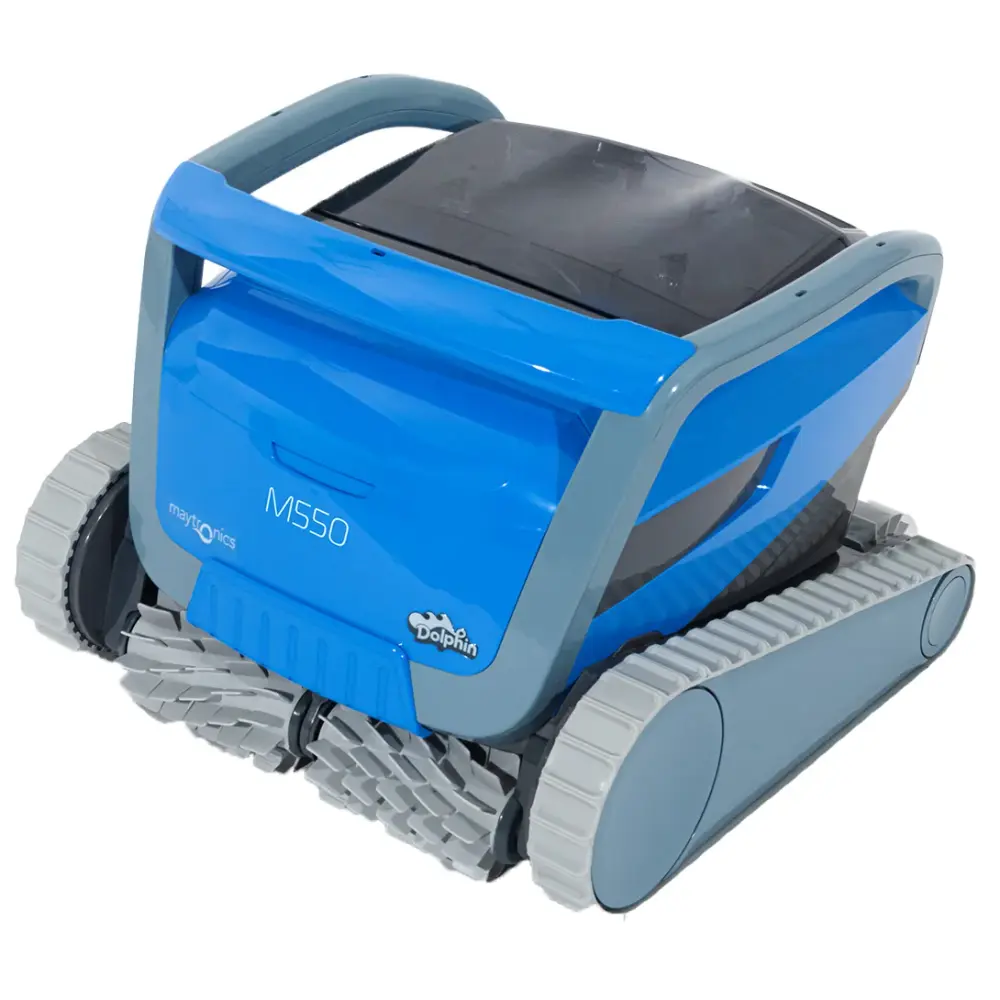
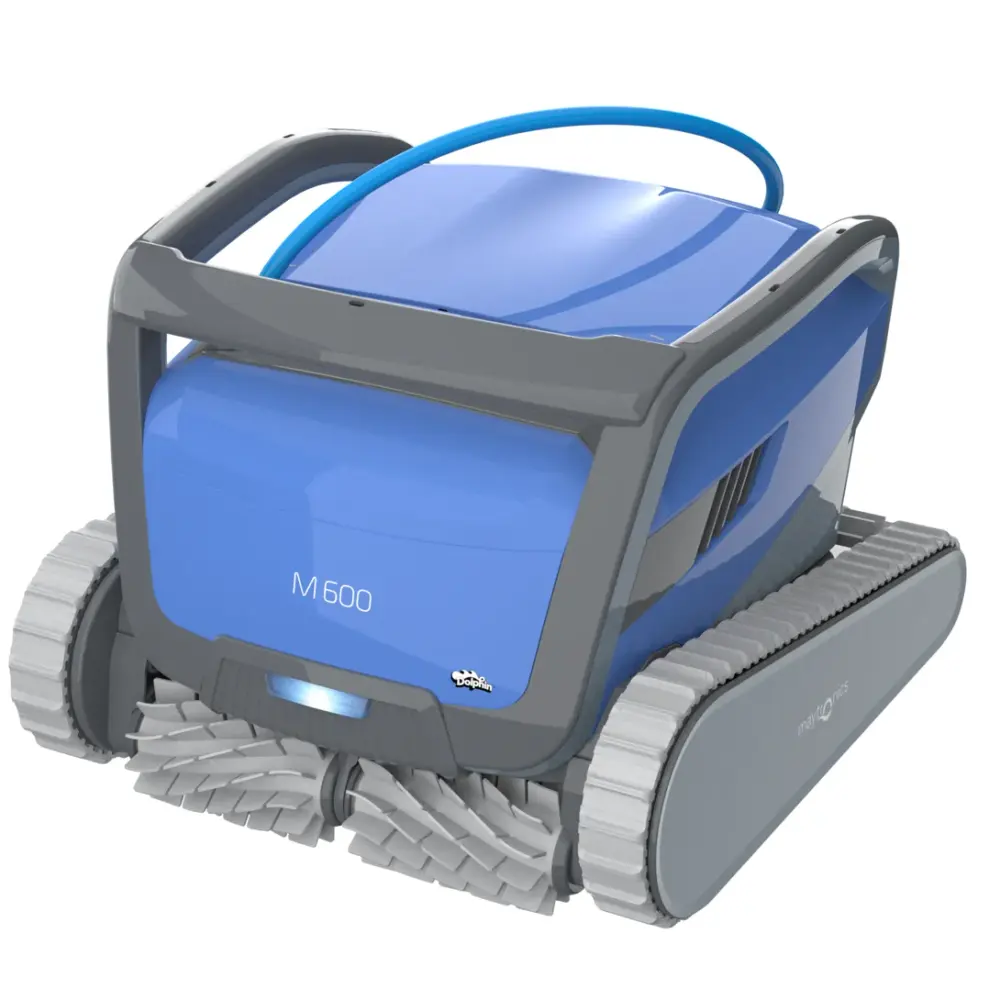
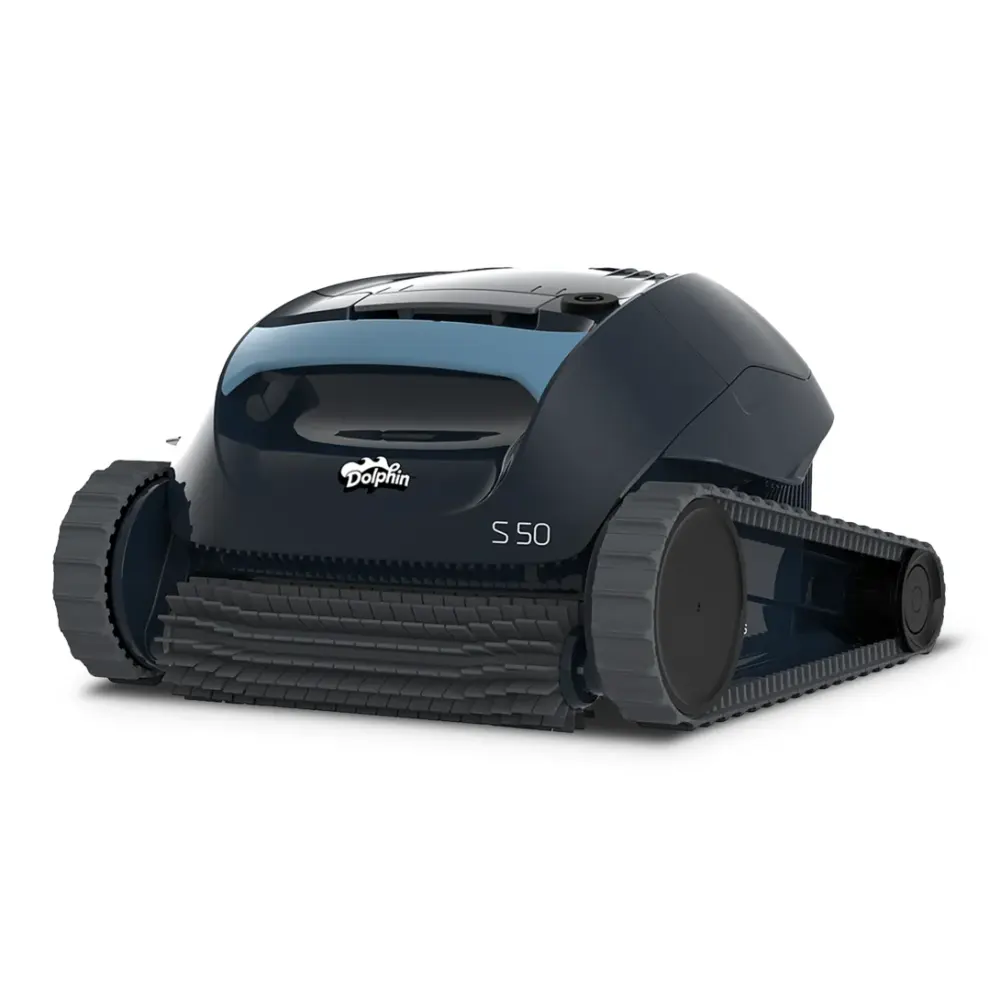
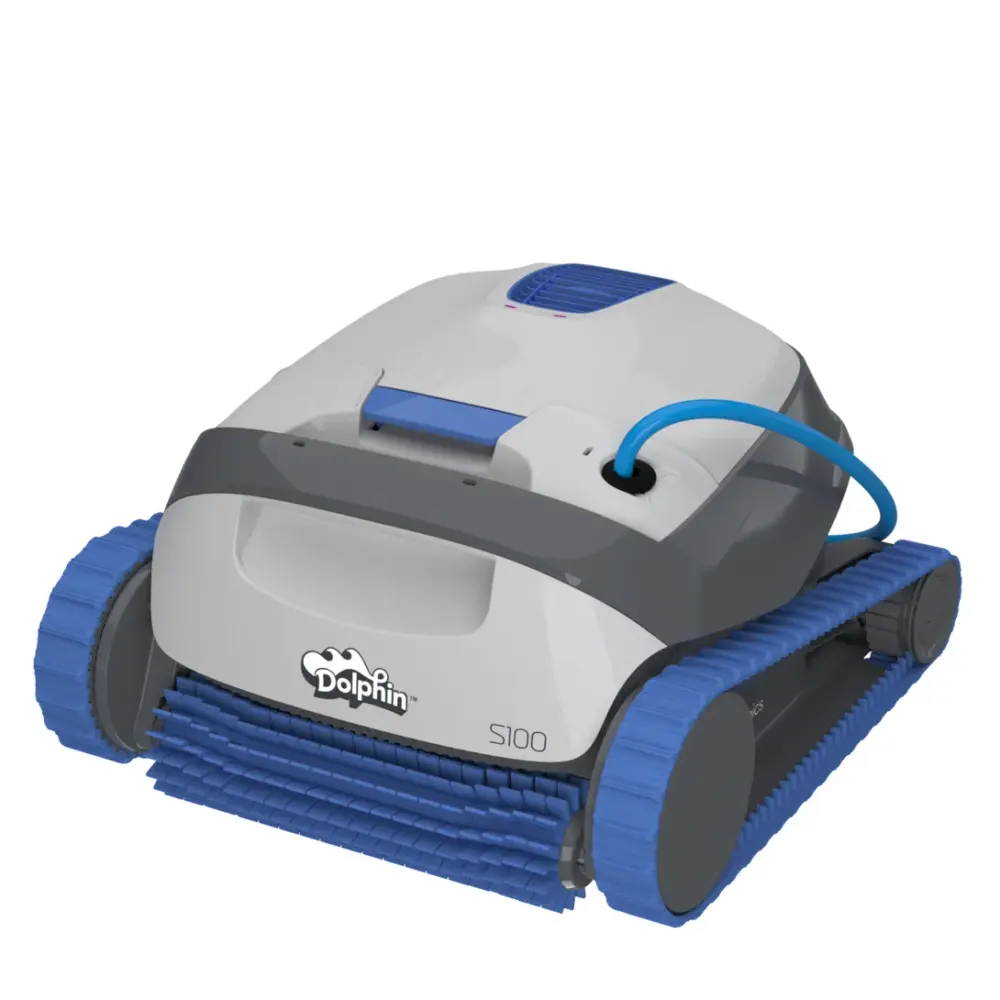
S-Series & M-Series (9)
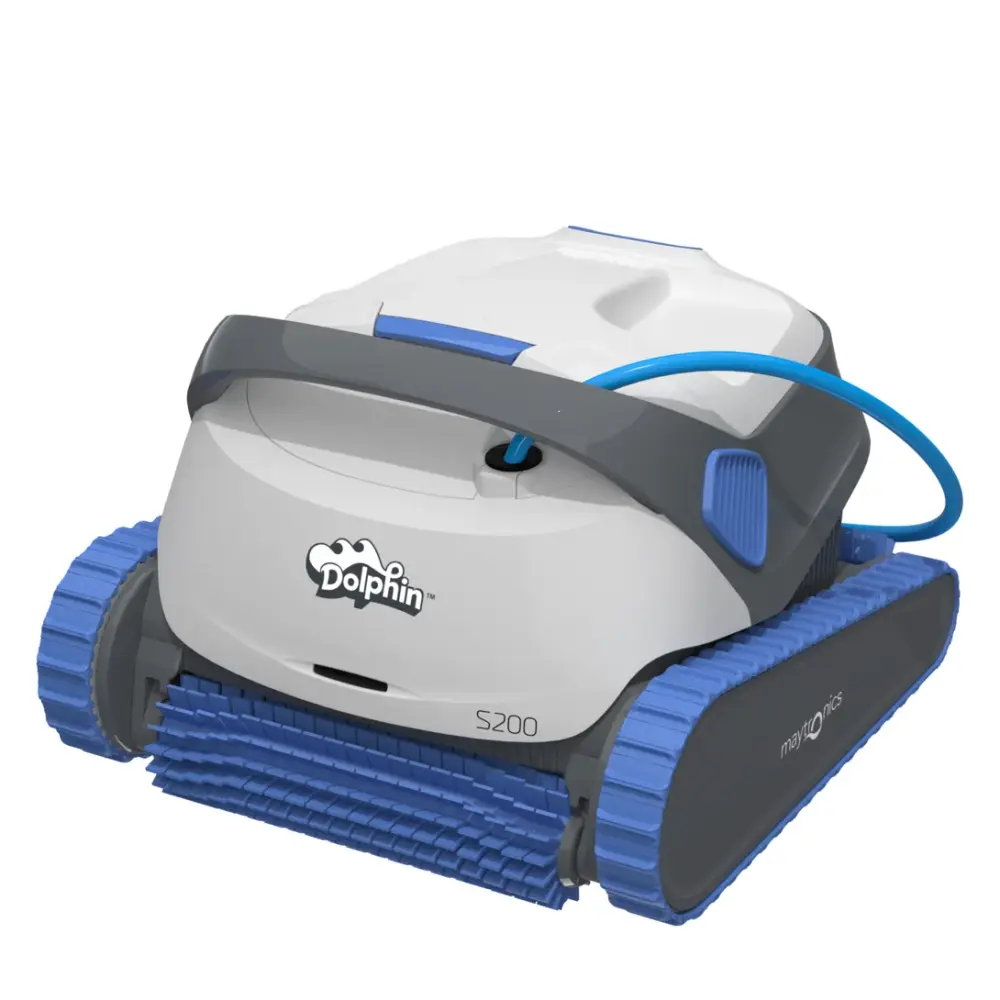
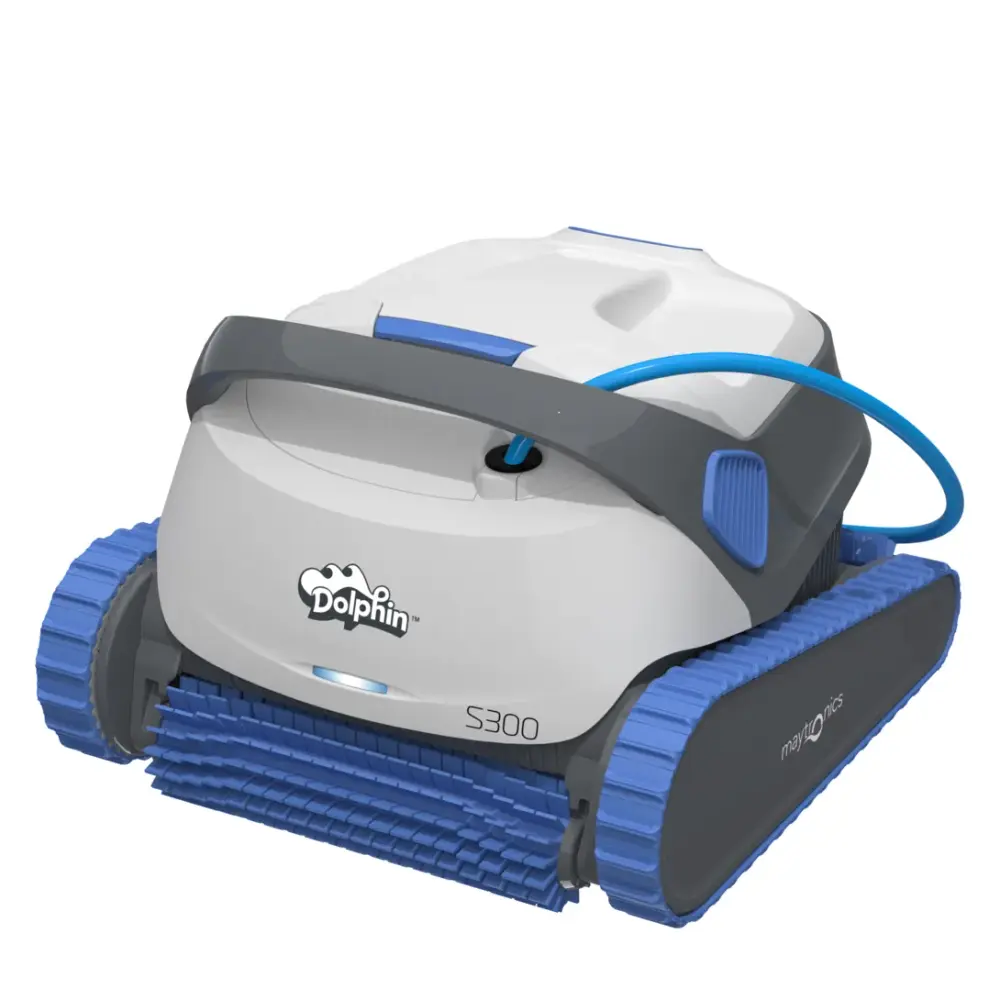
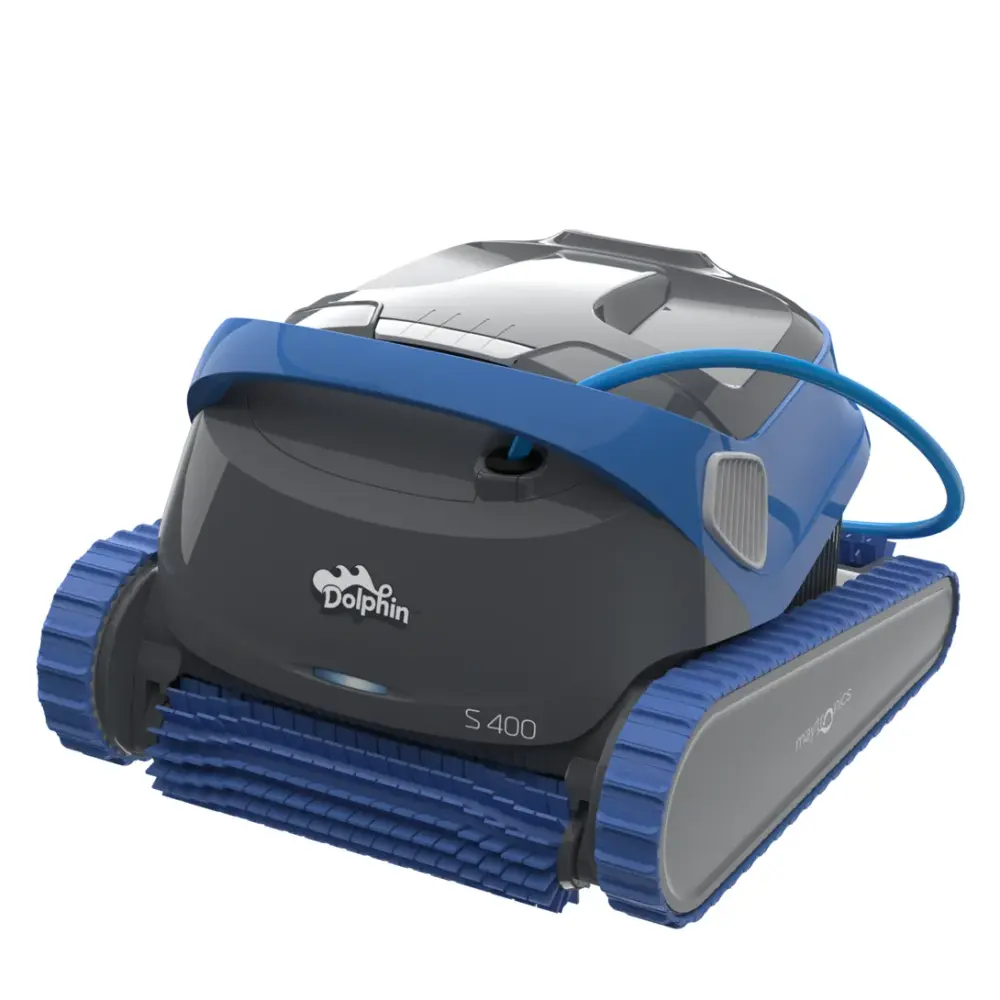
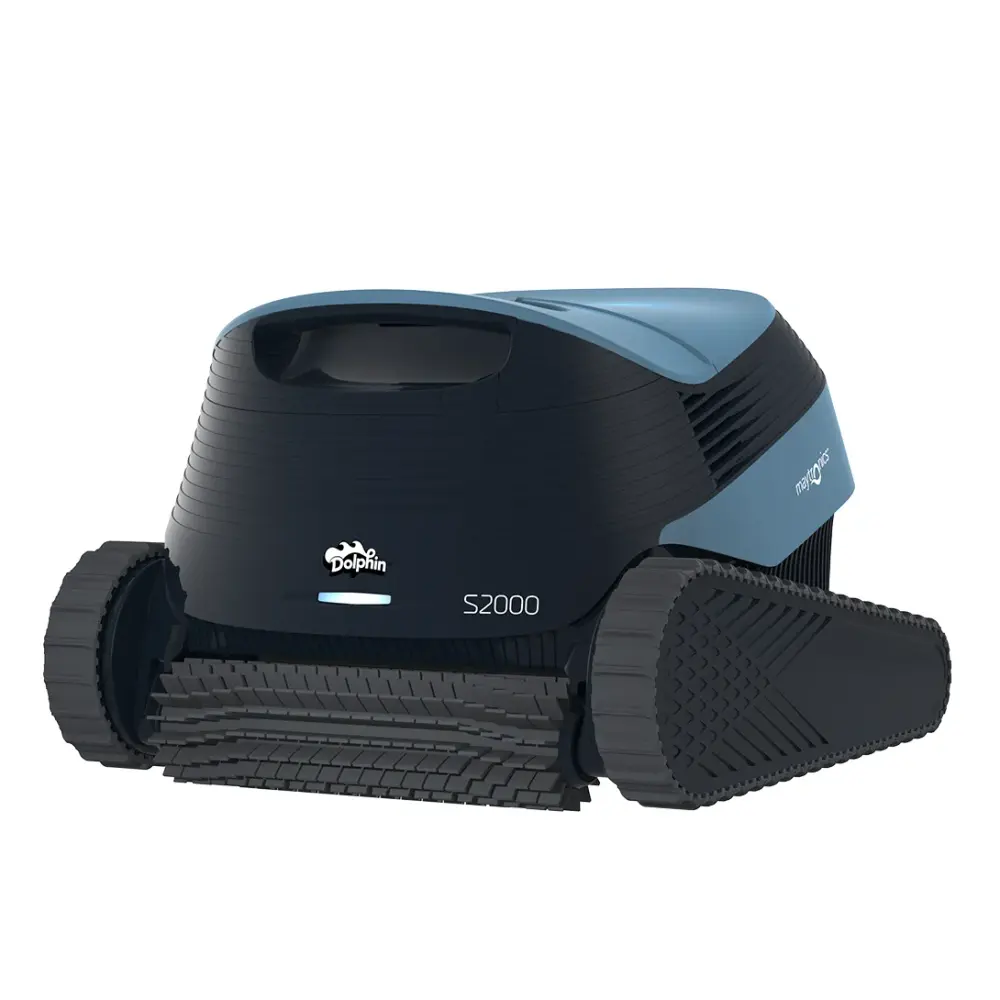
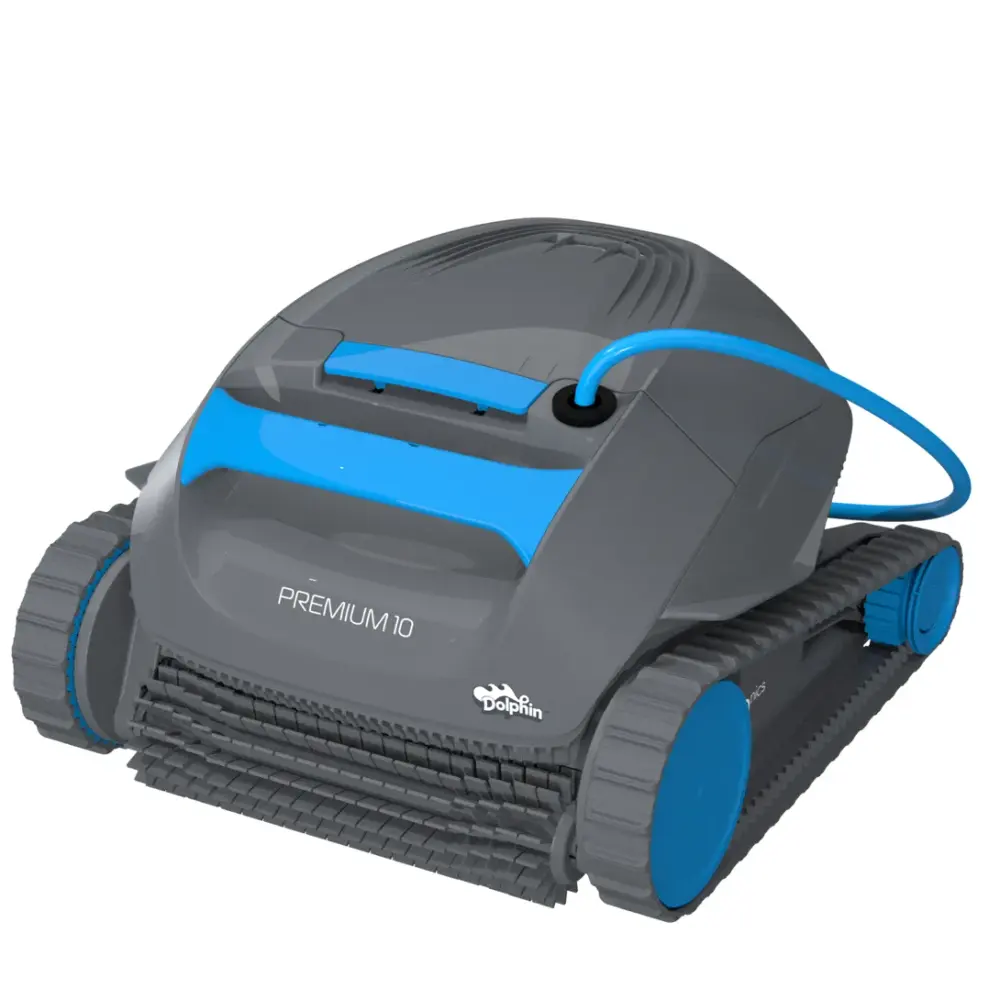
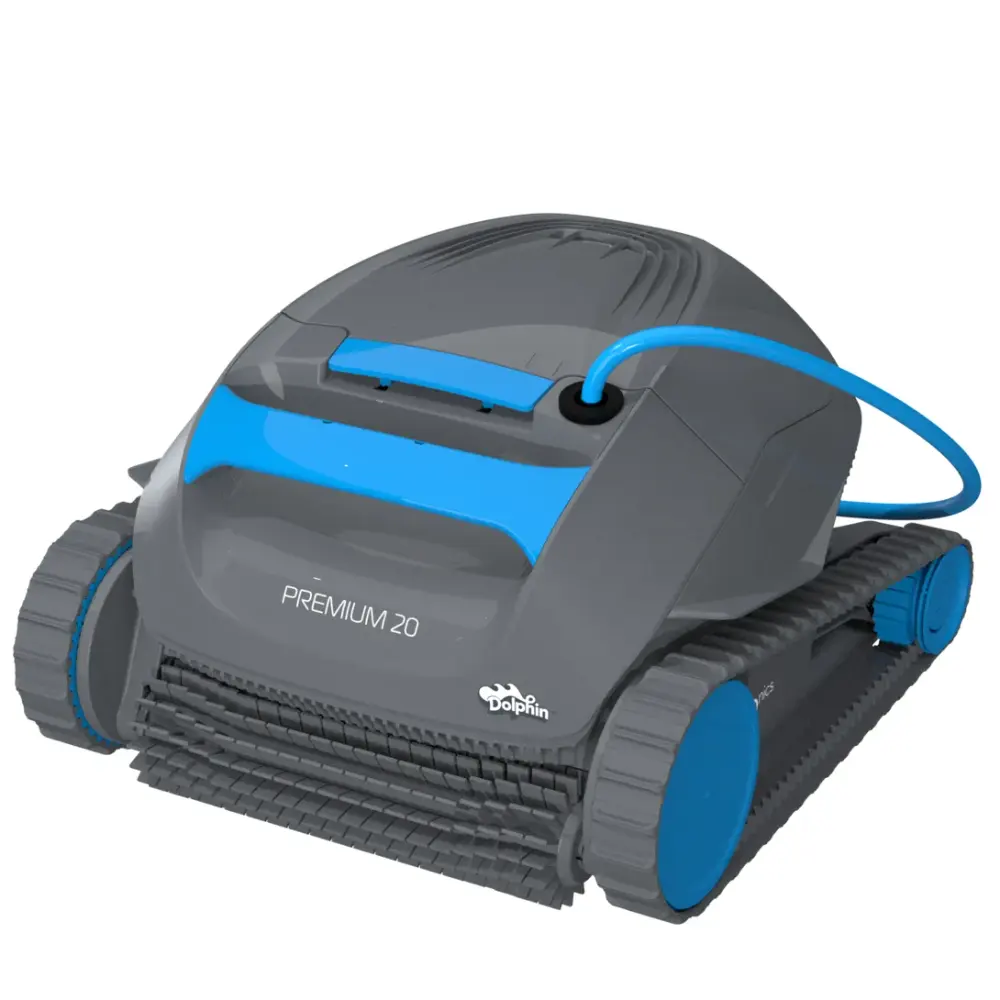
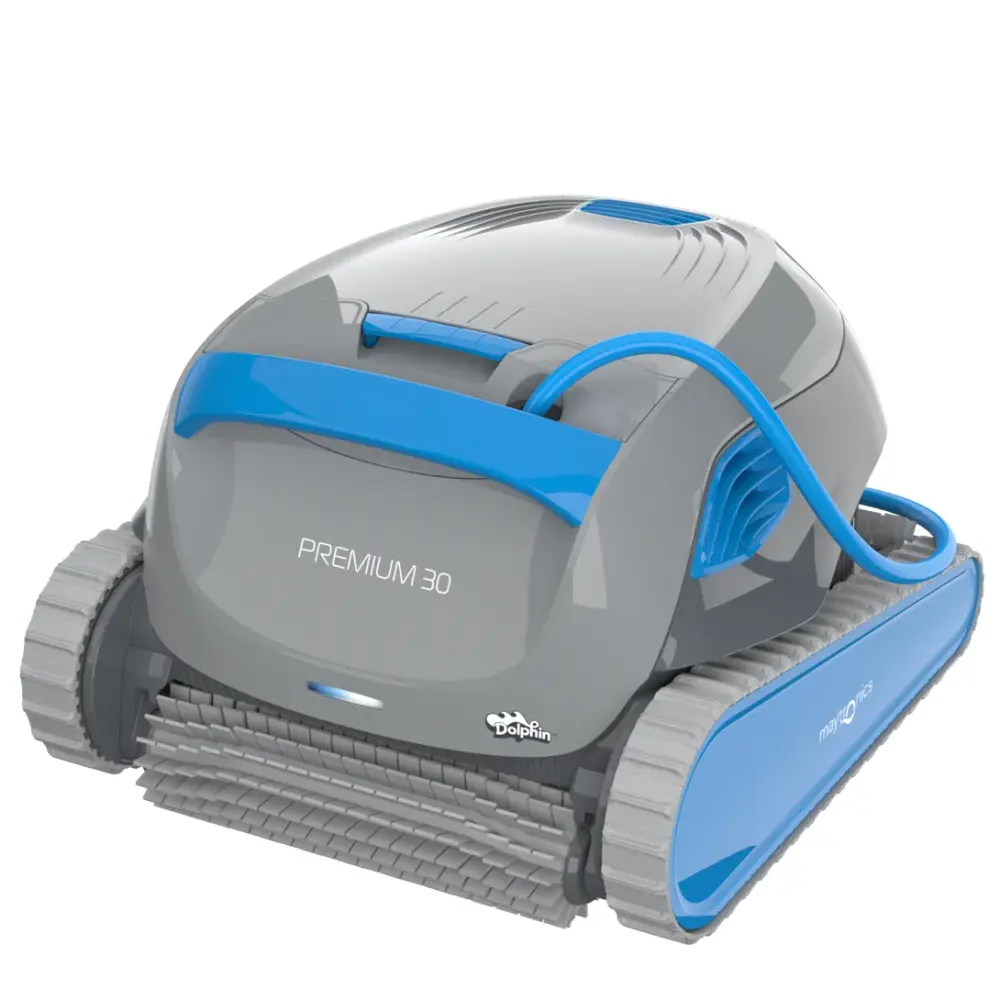
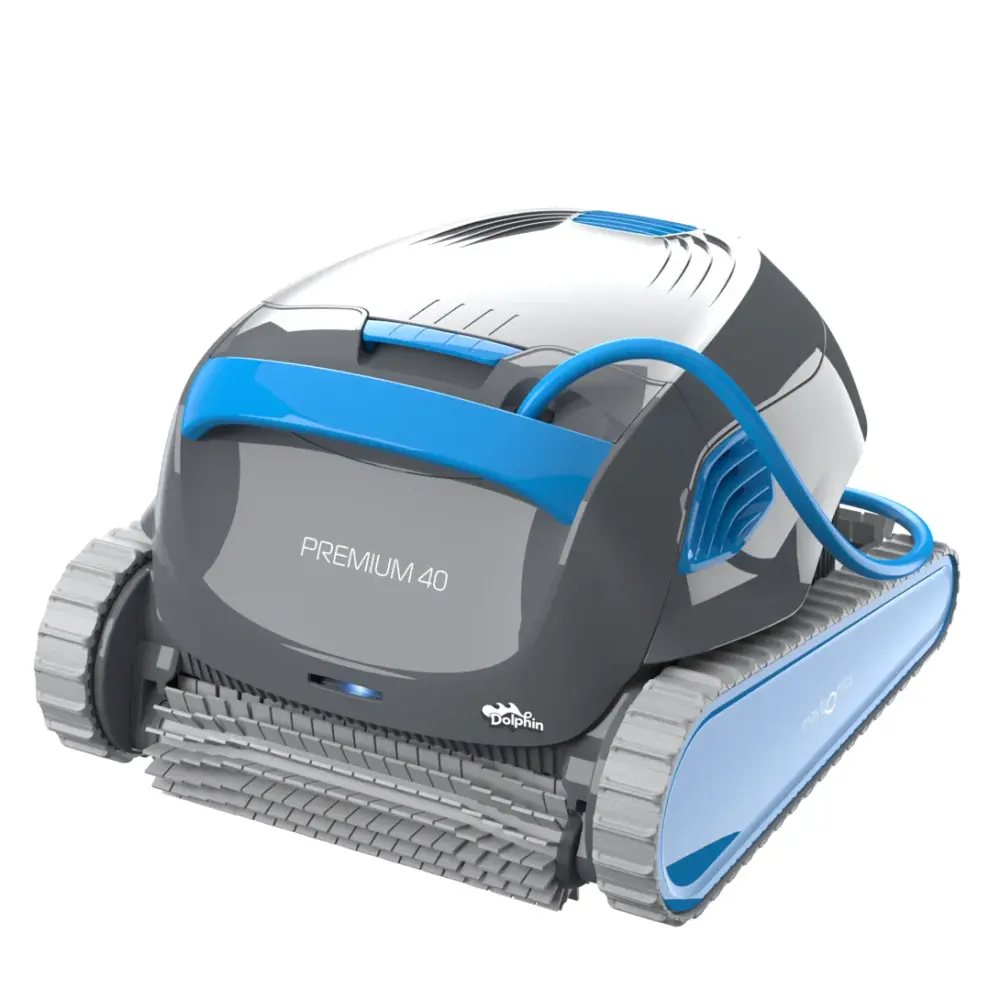
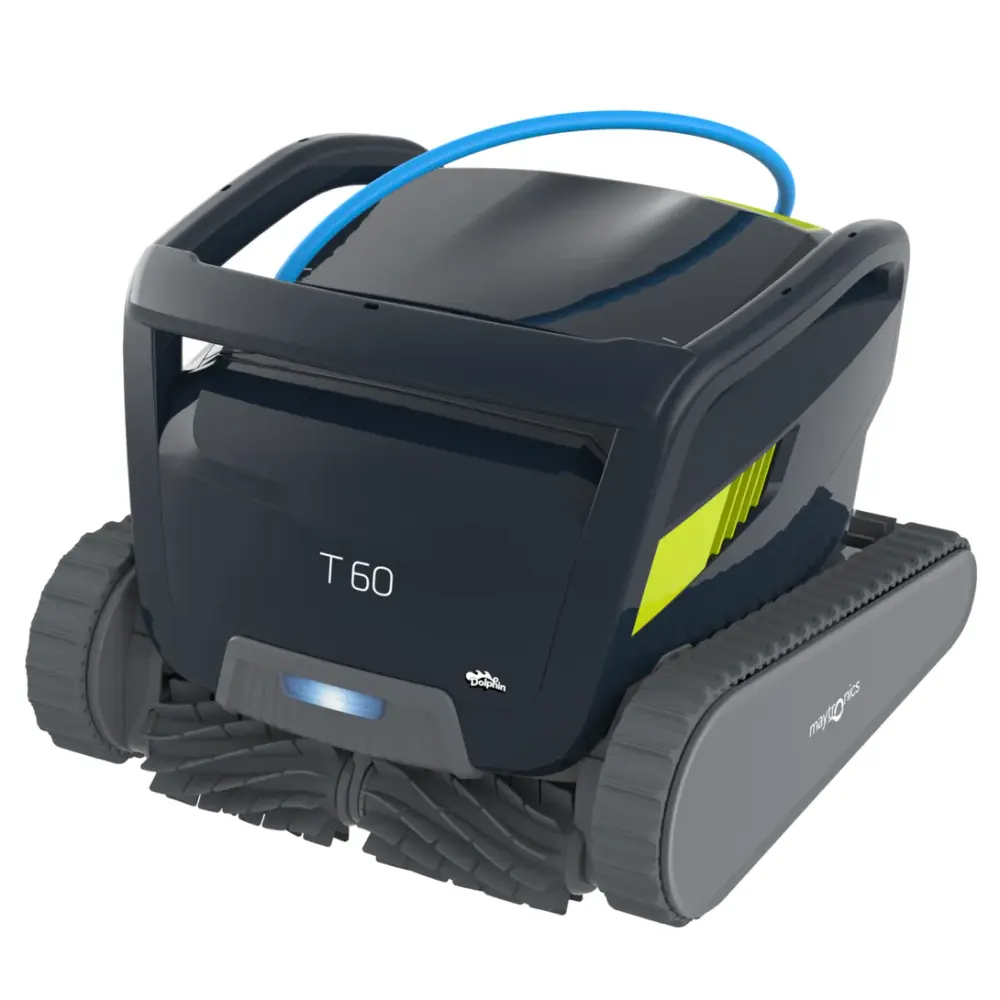
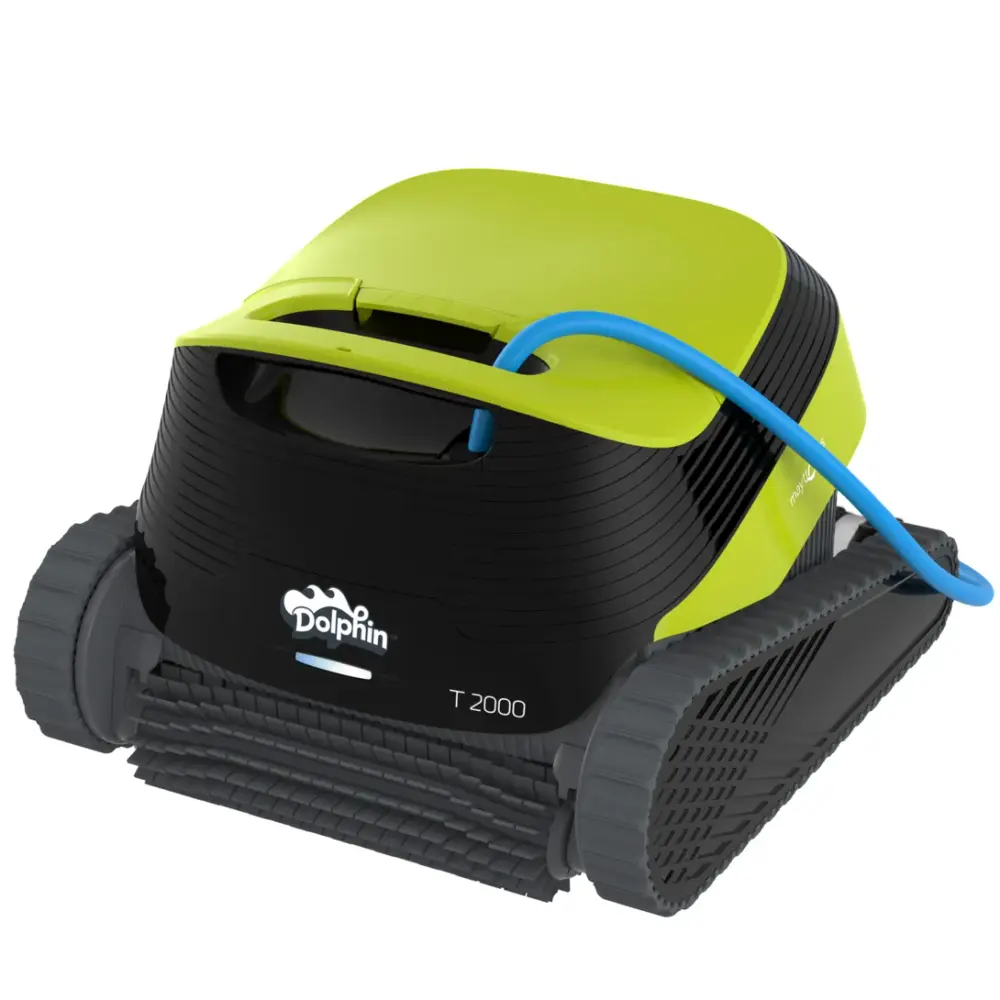
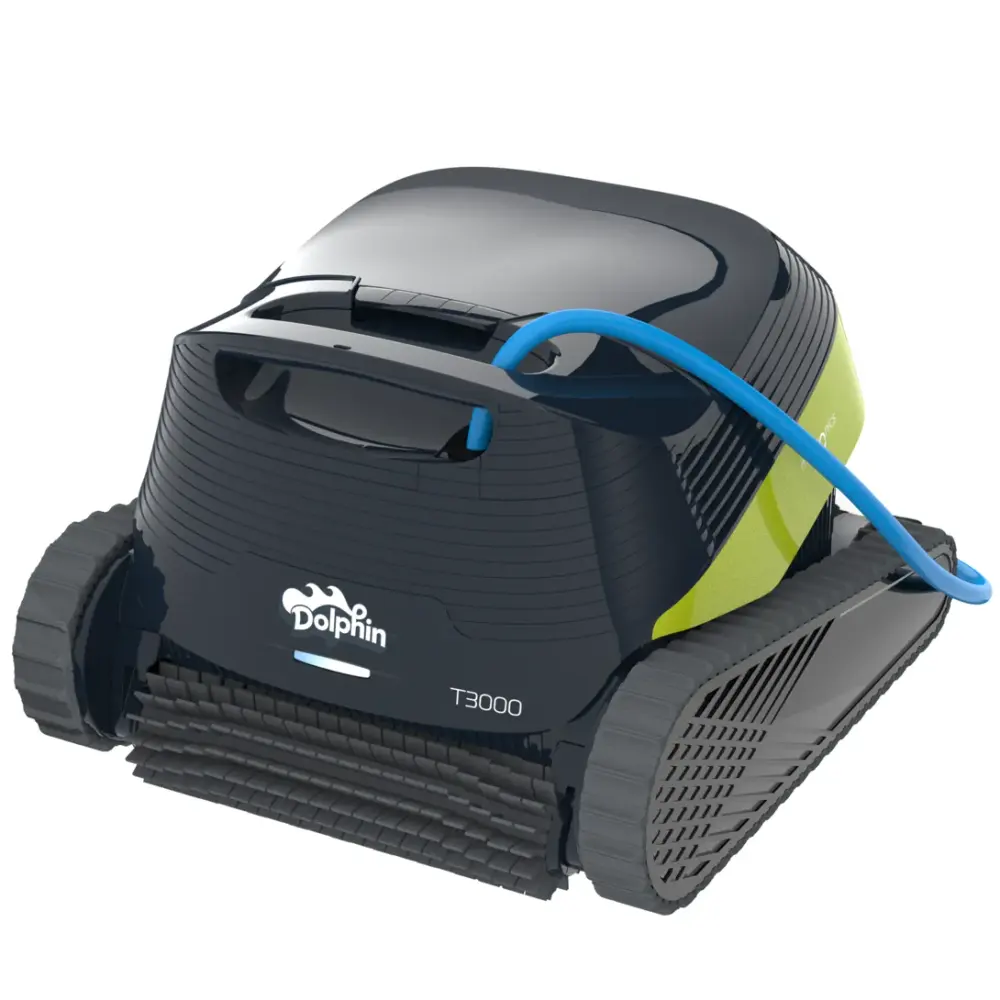
Premium & T-Series (15)
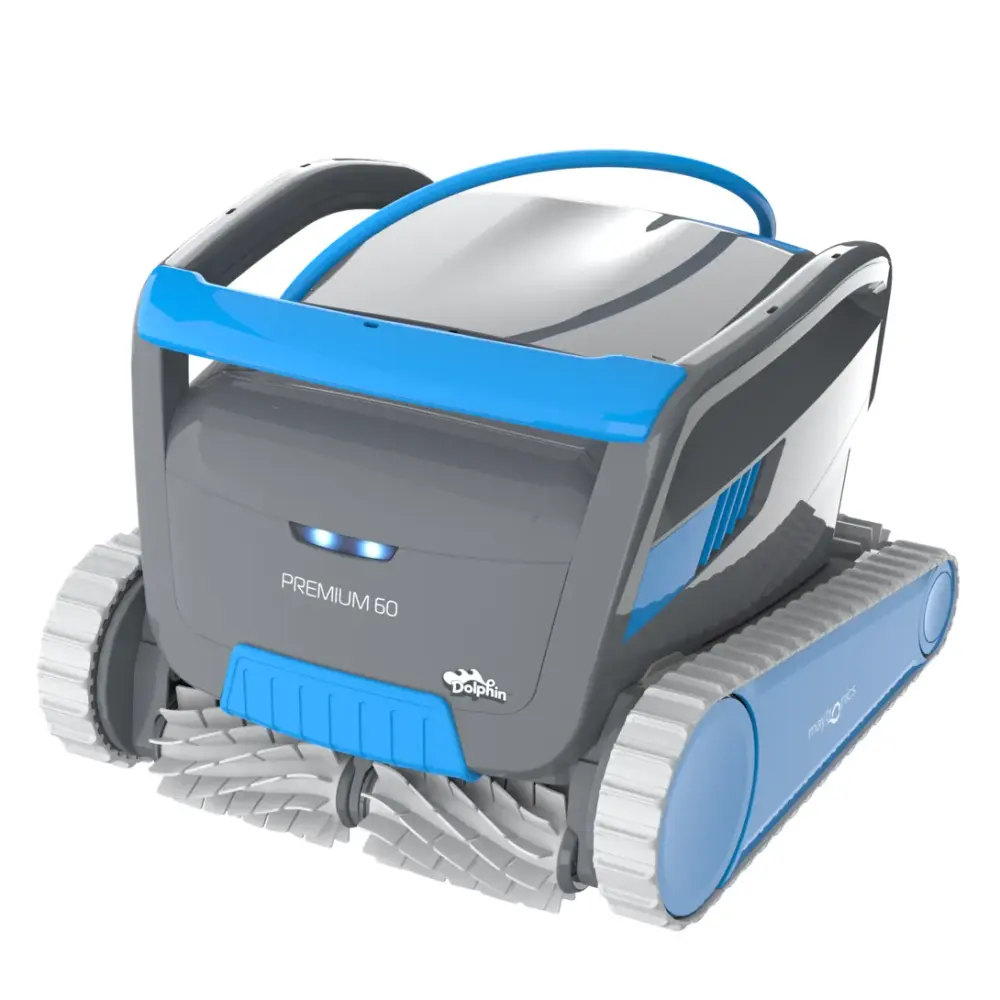
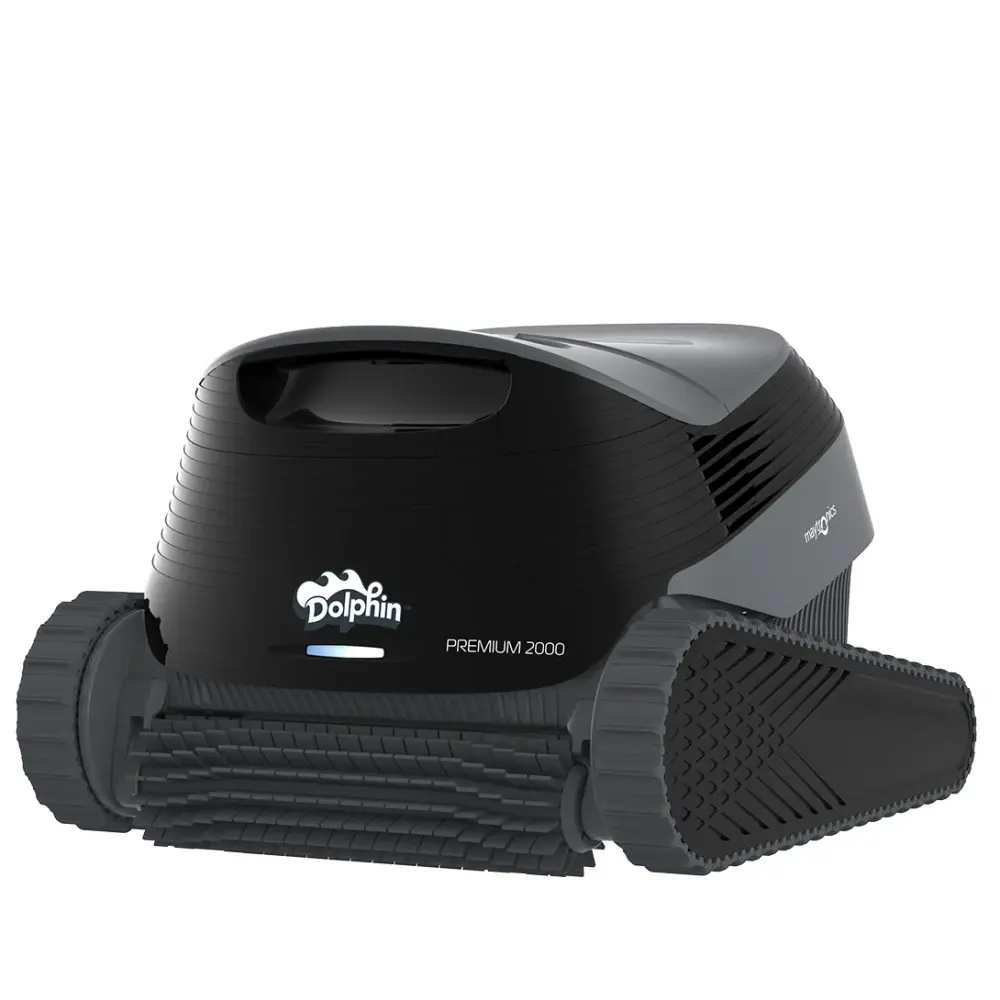
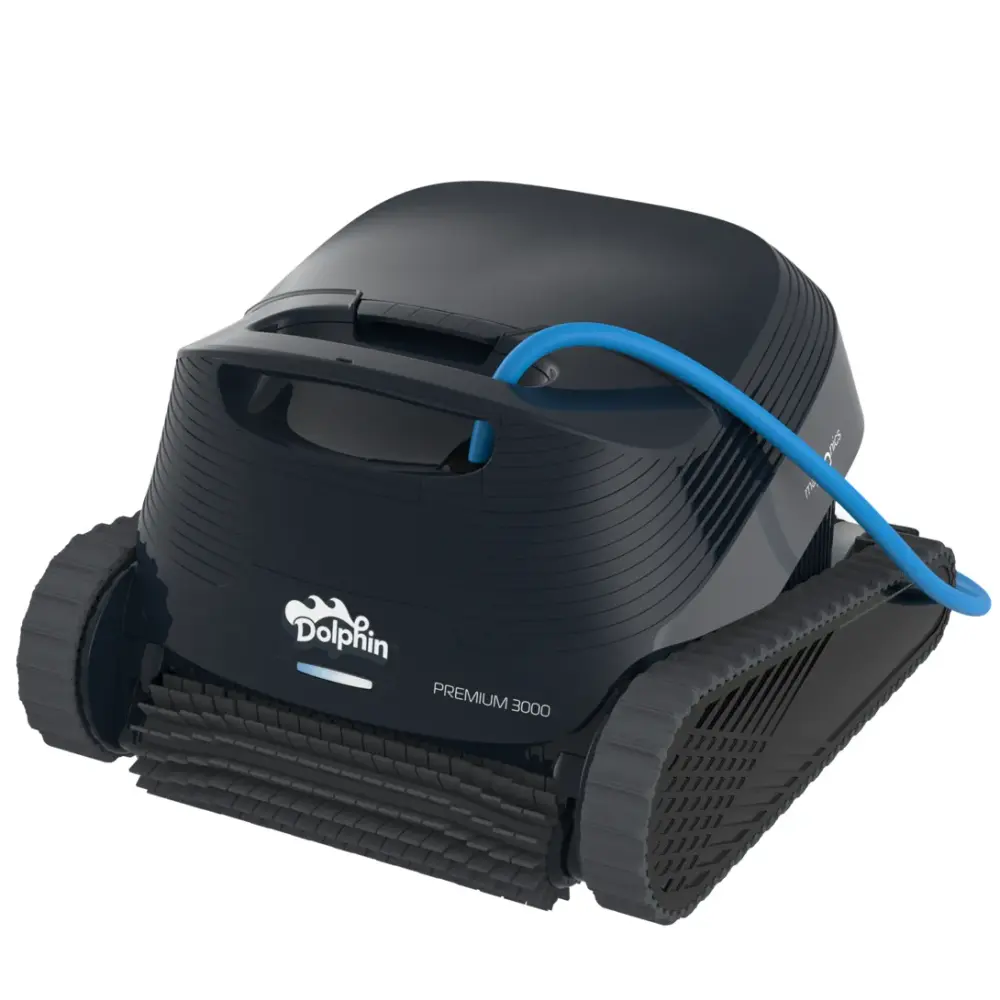
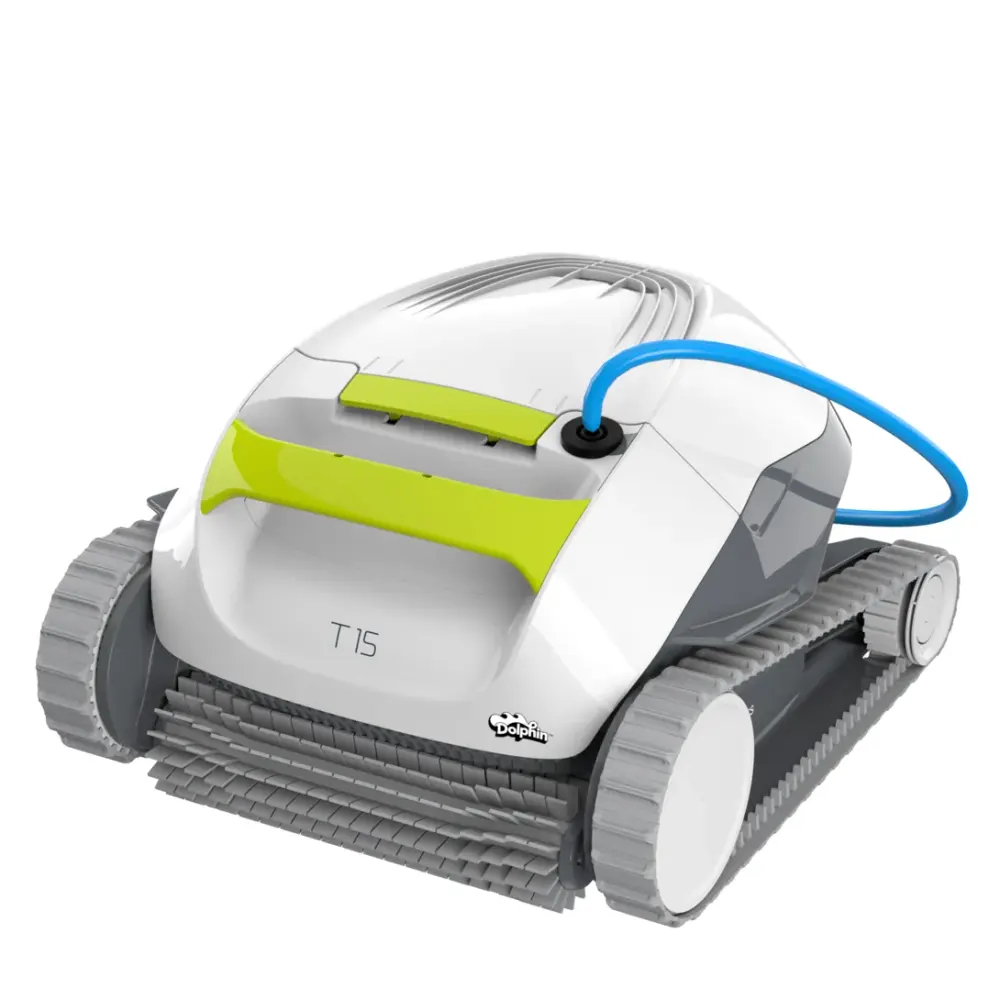
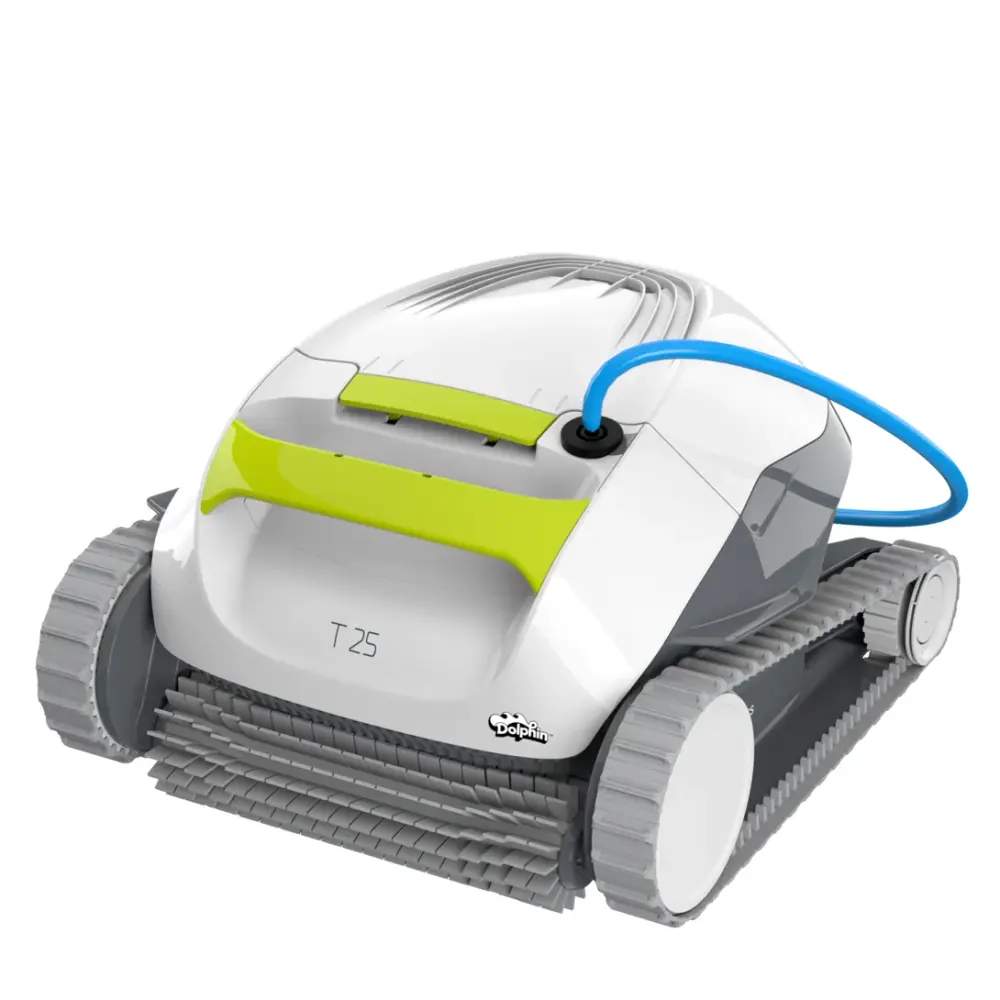
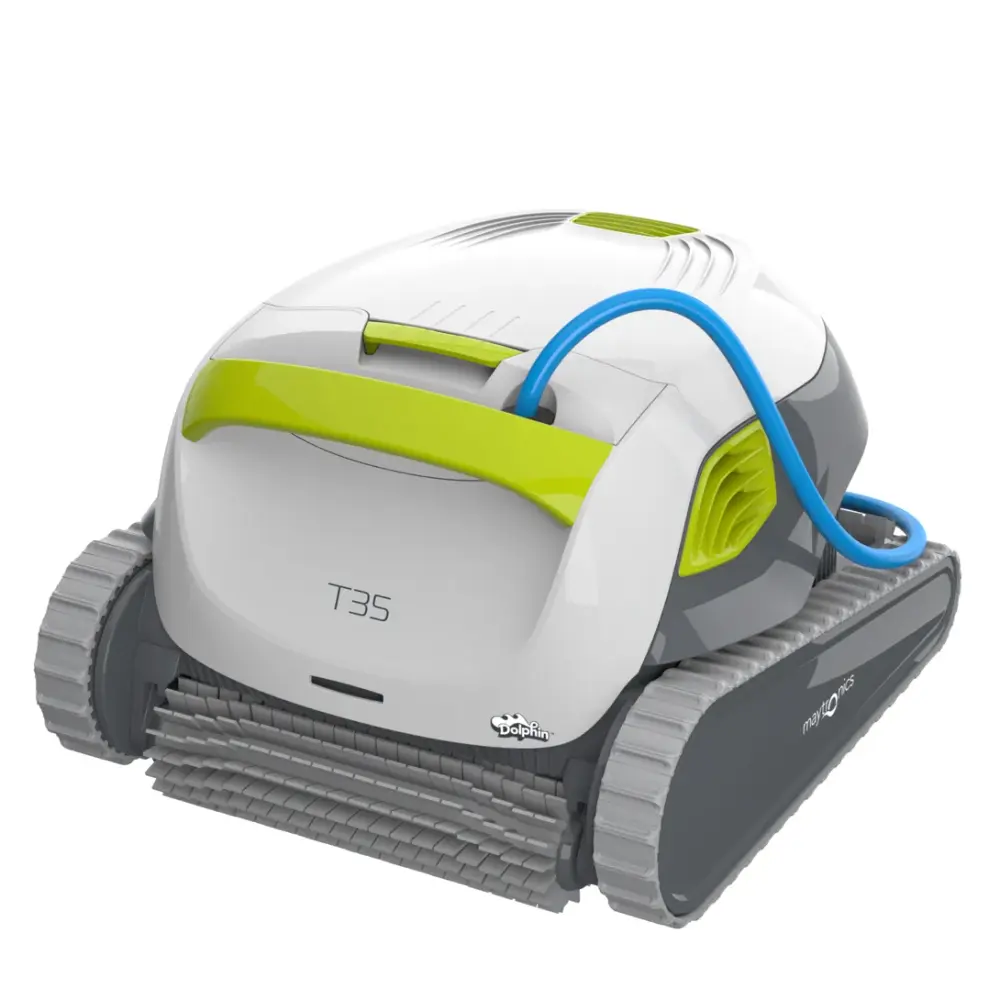
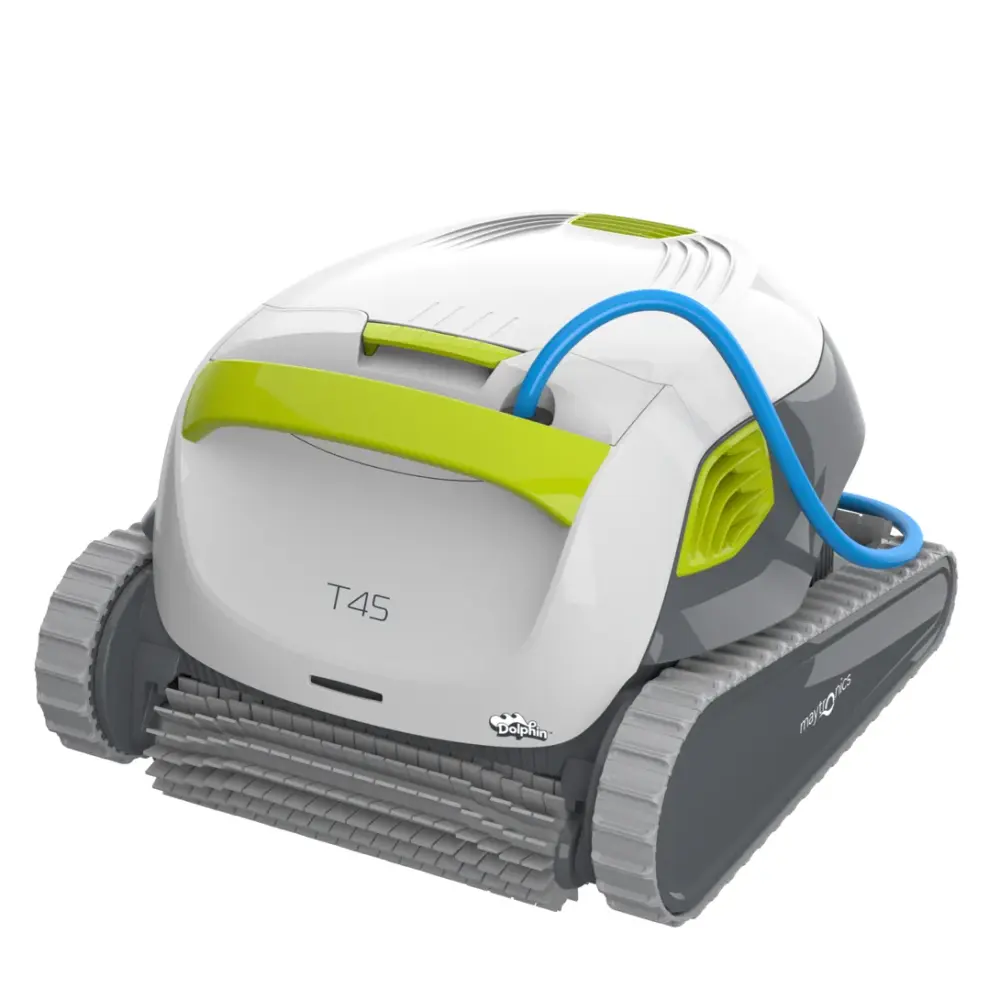
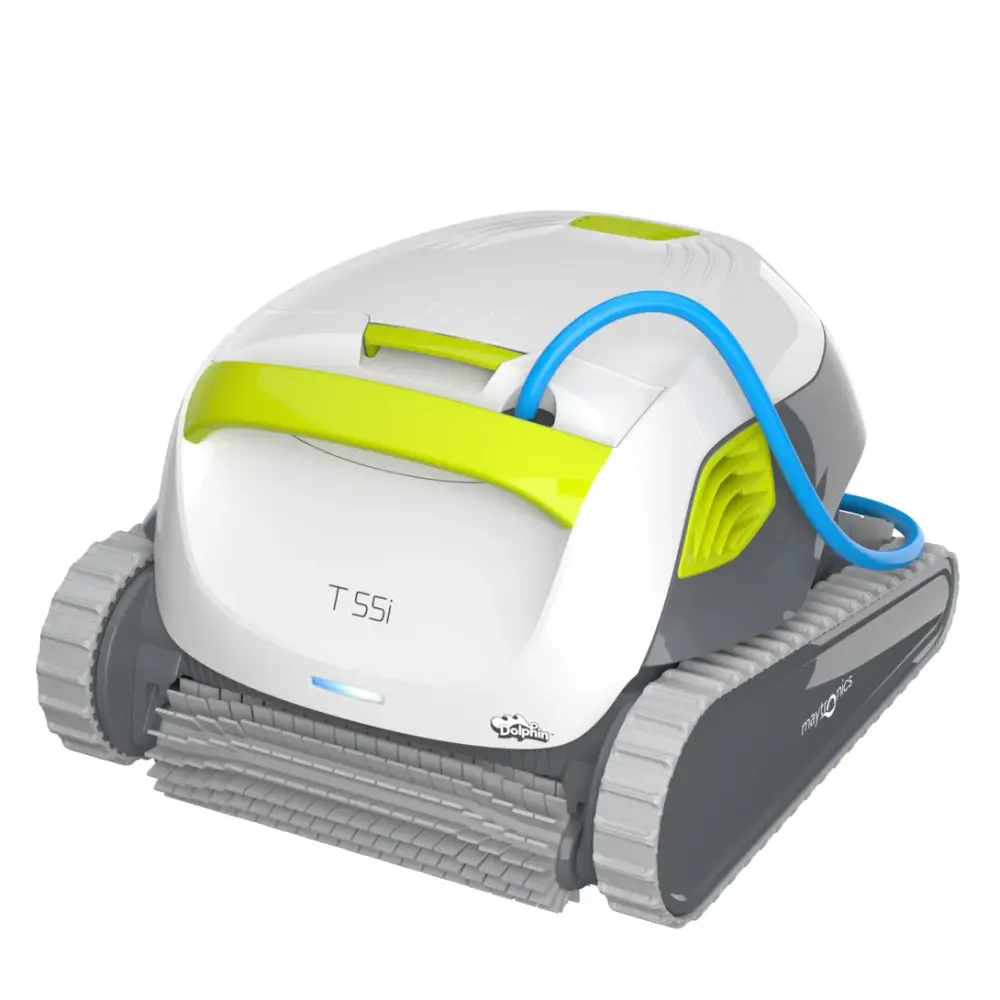
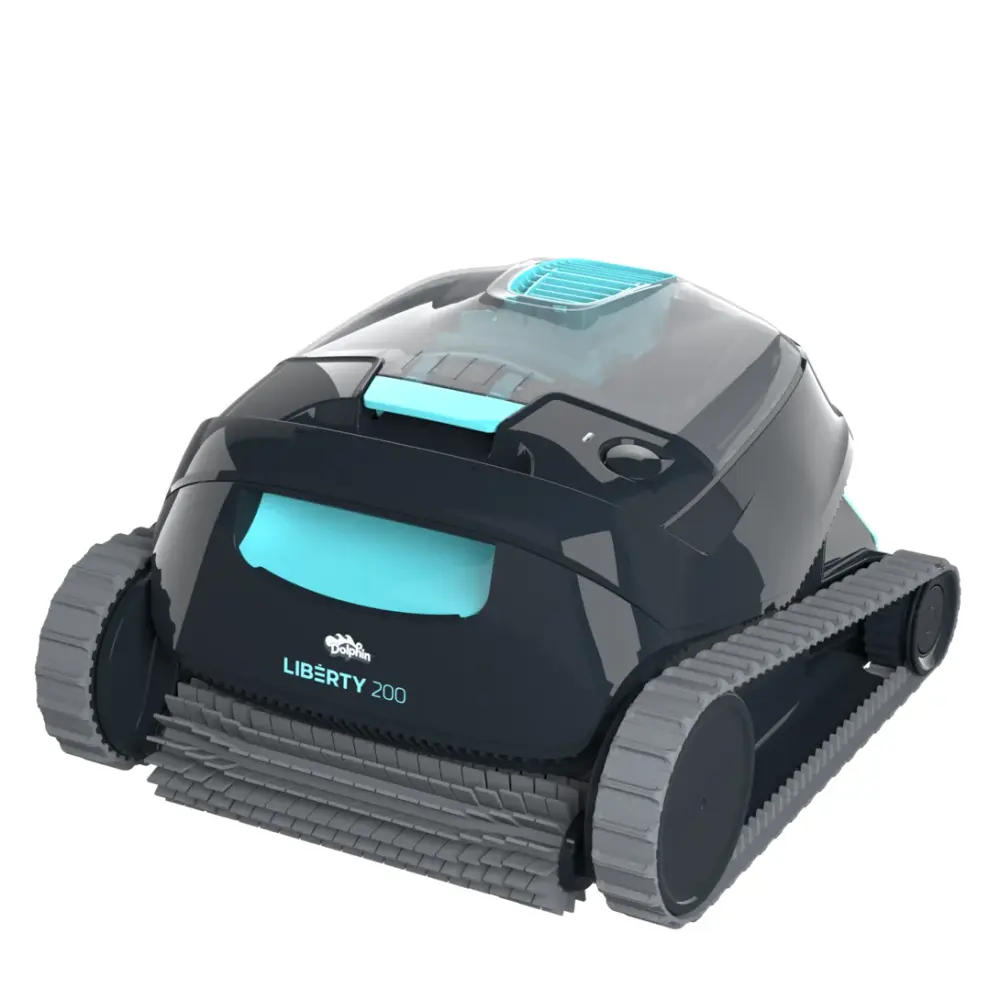
Liberty Cordless (4)
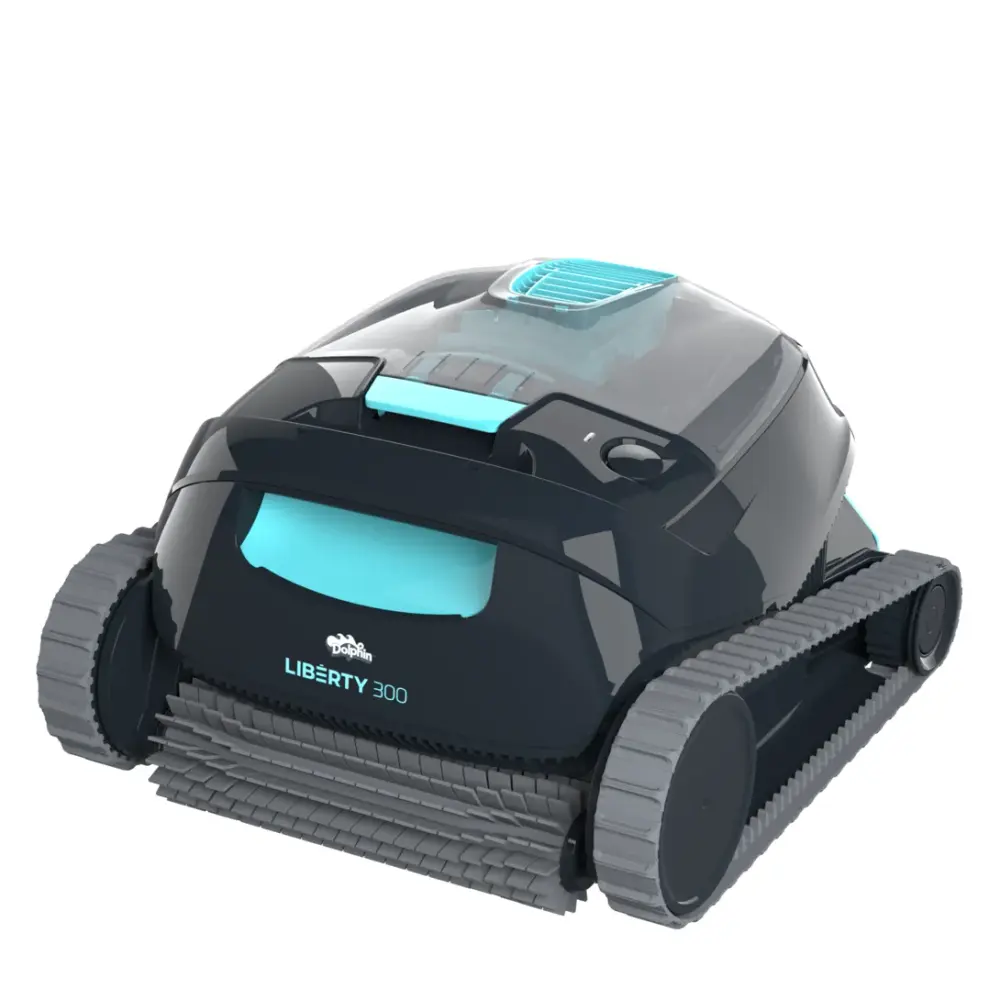
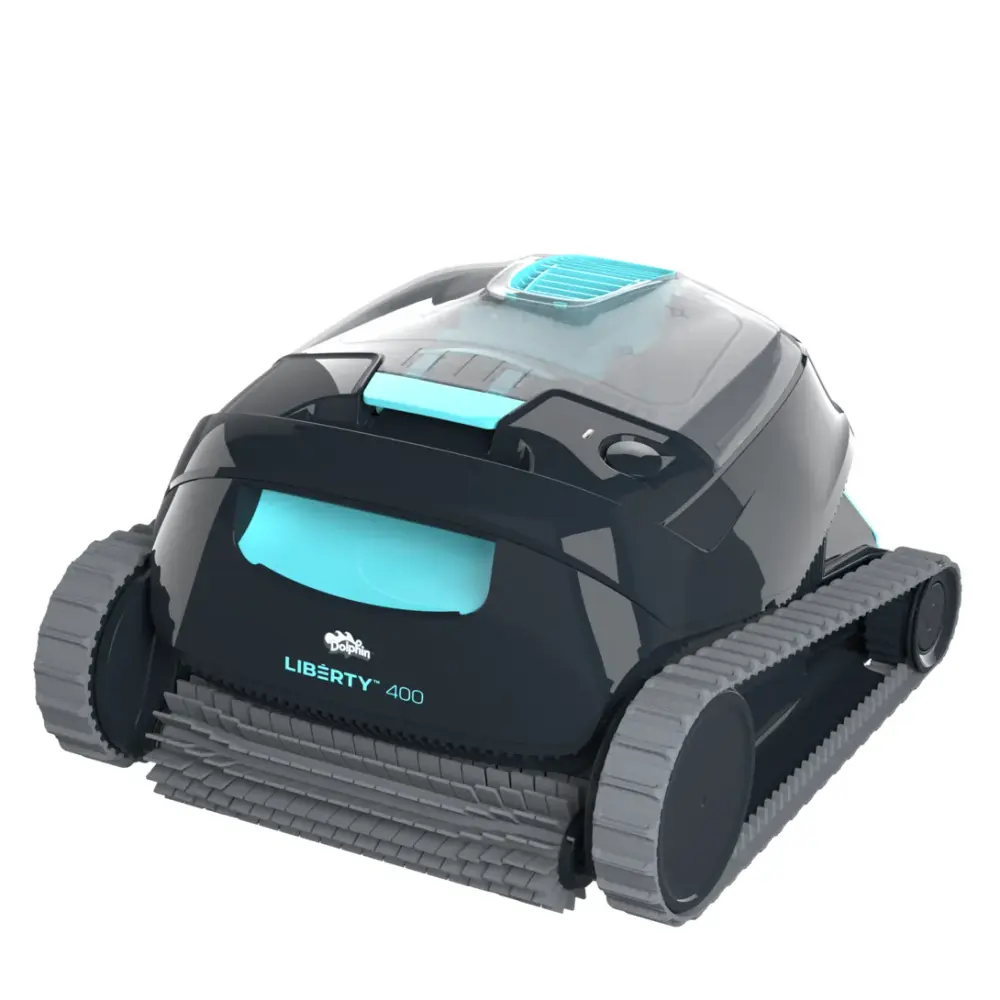
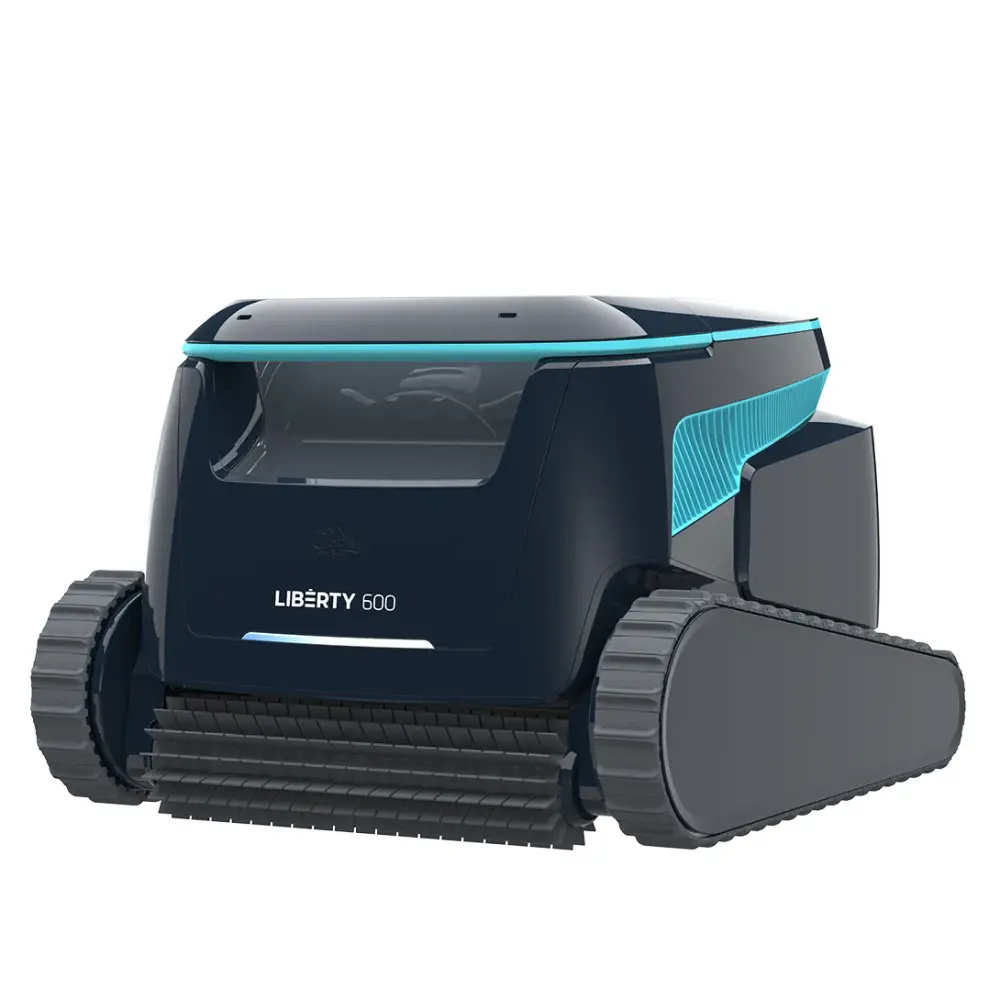
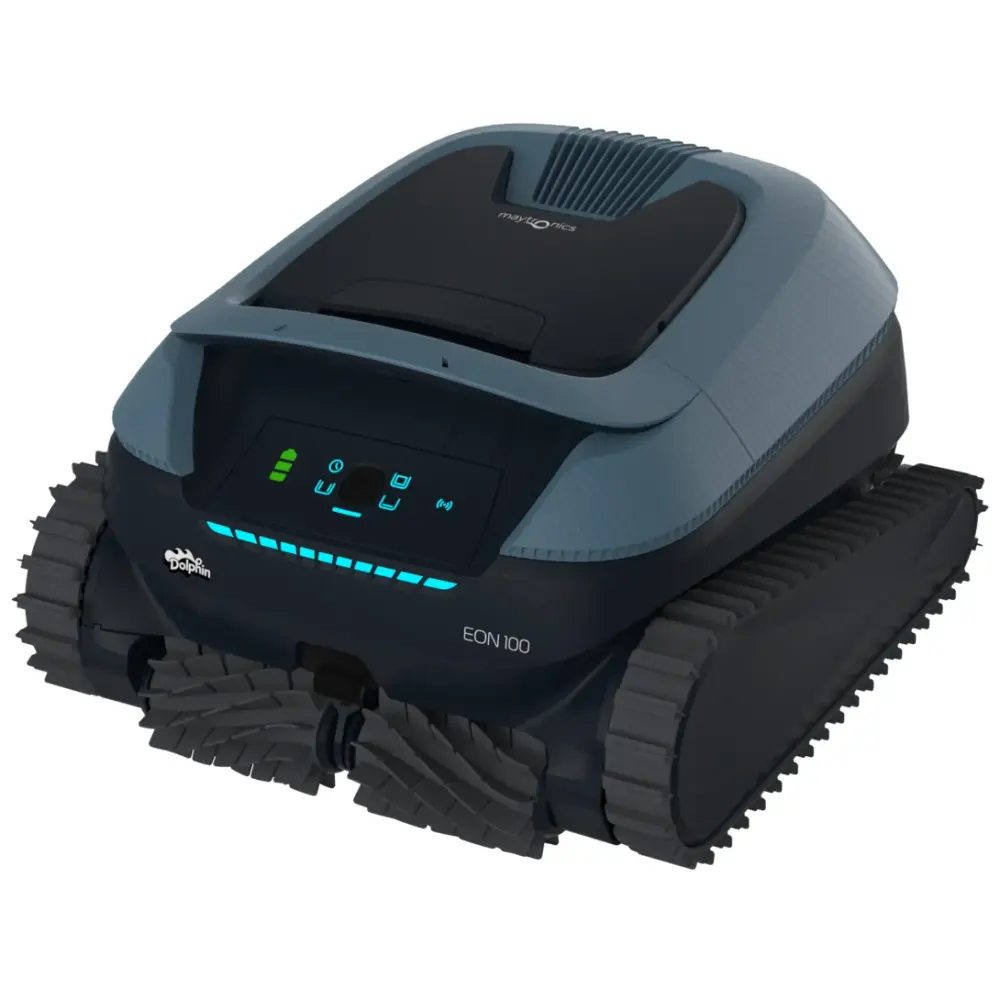
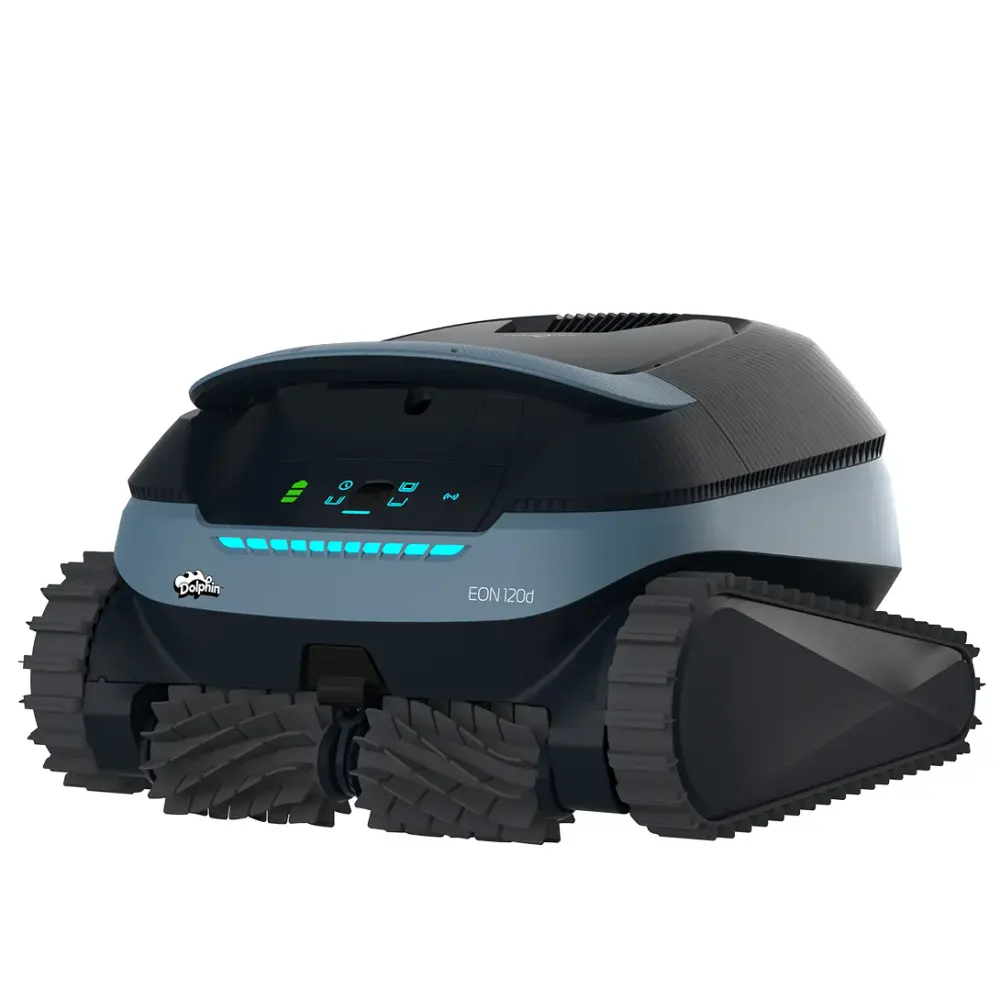
EON Cordless (2)
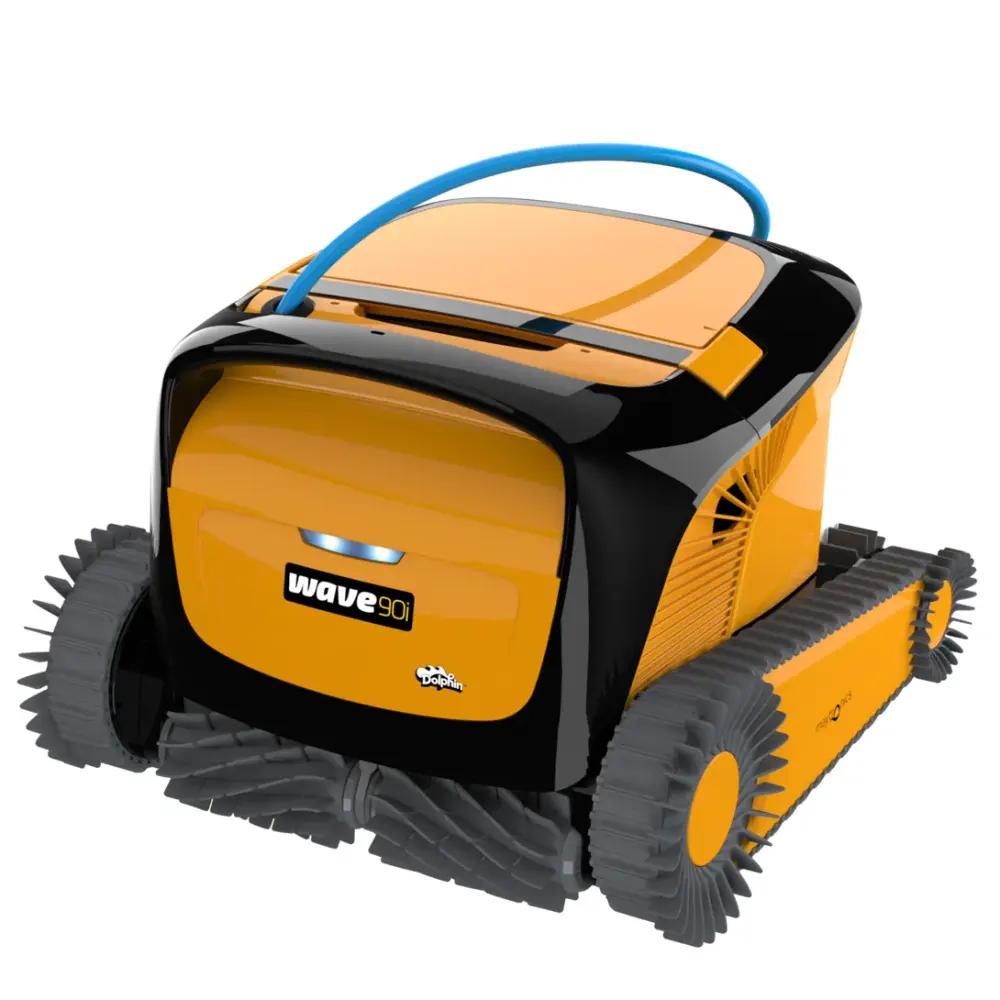
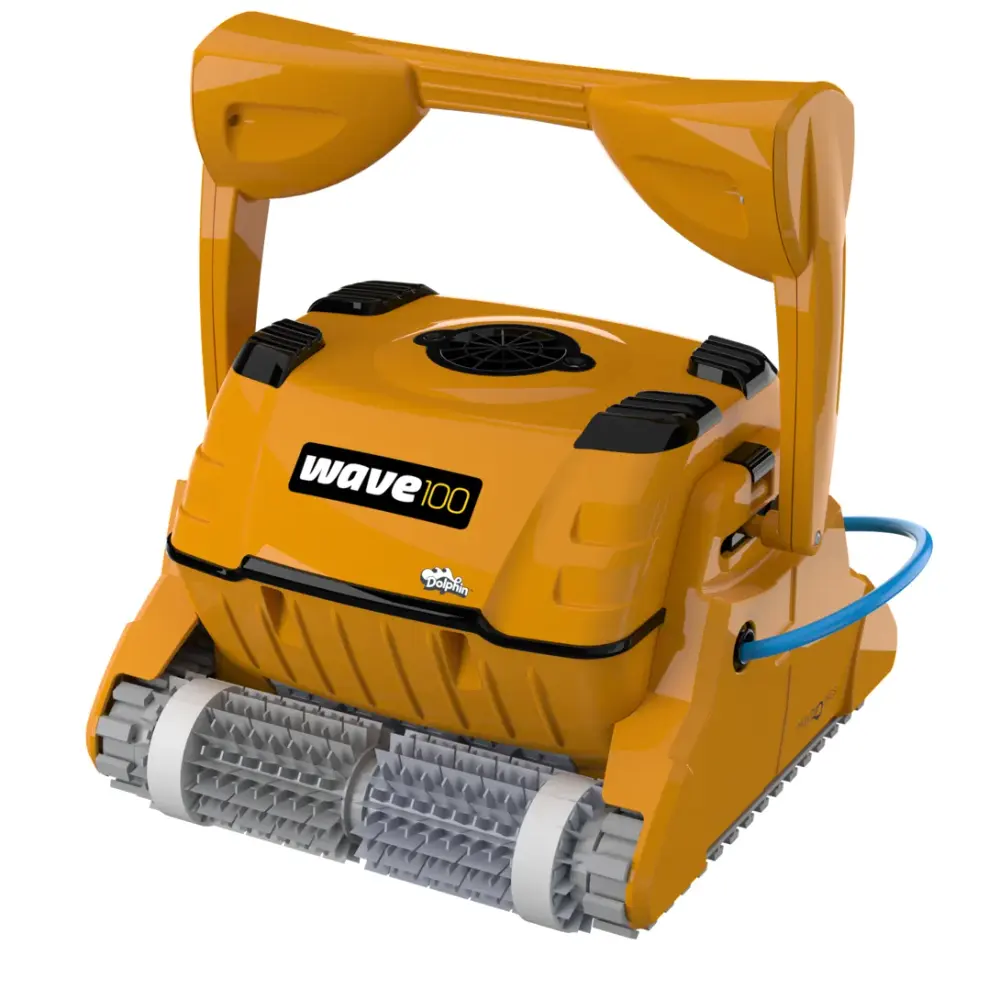
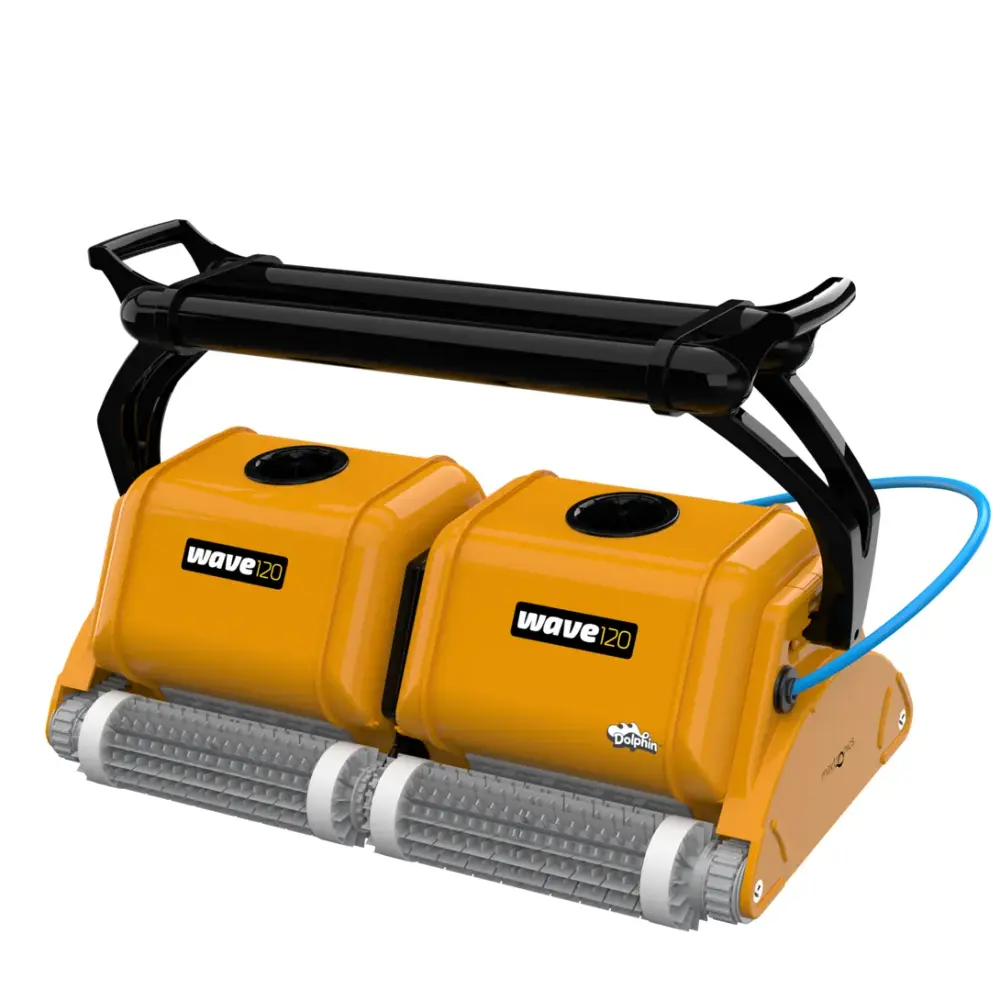
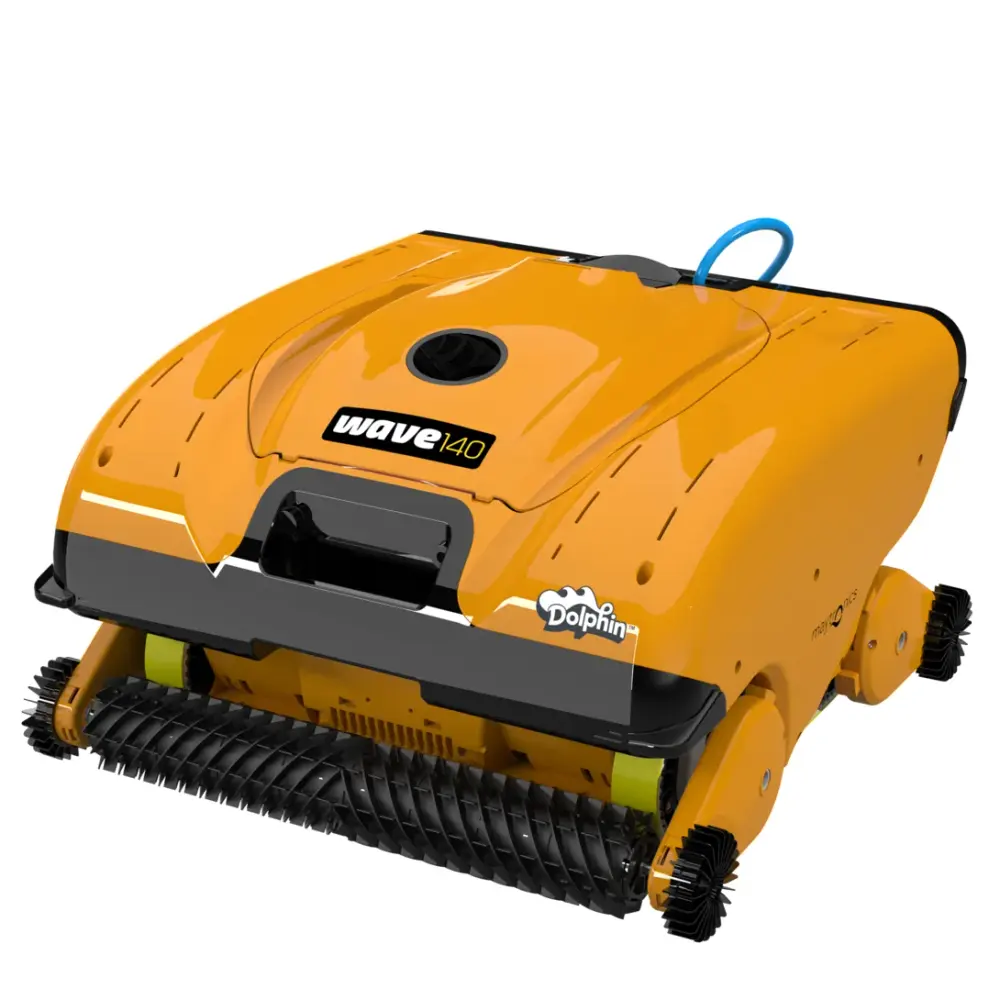
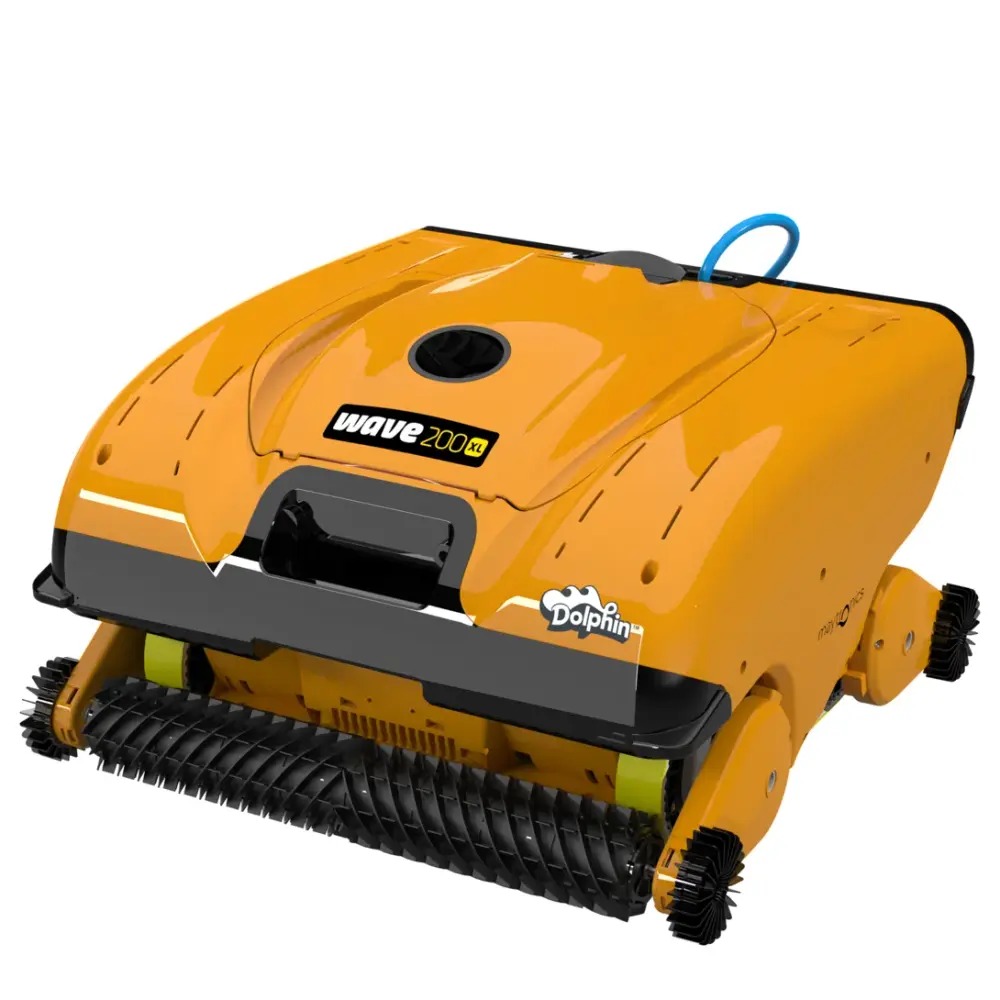
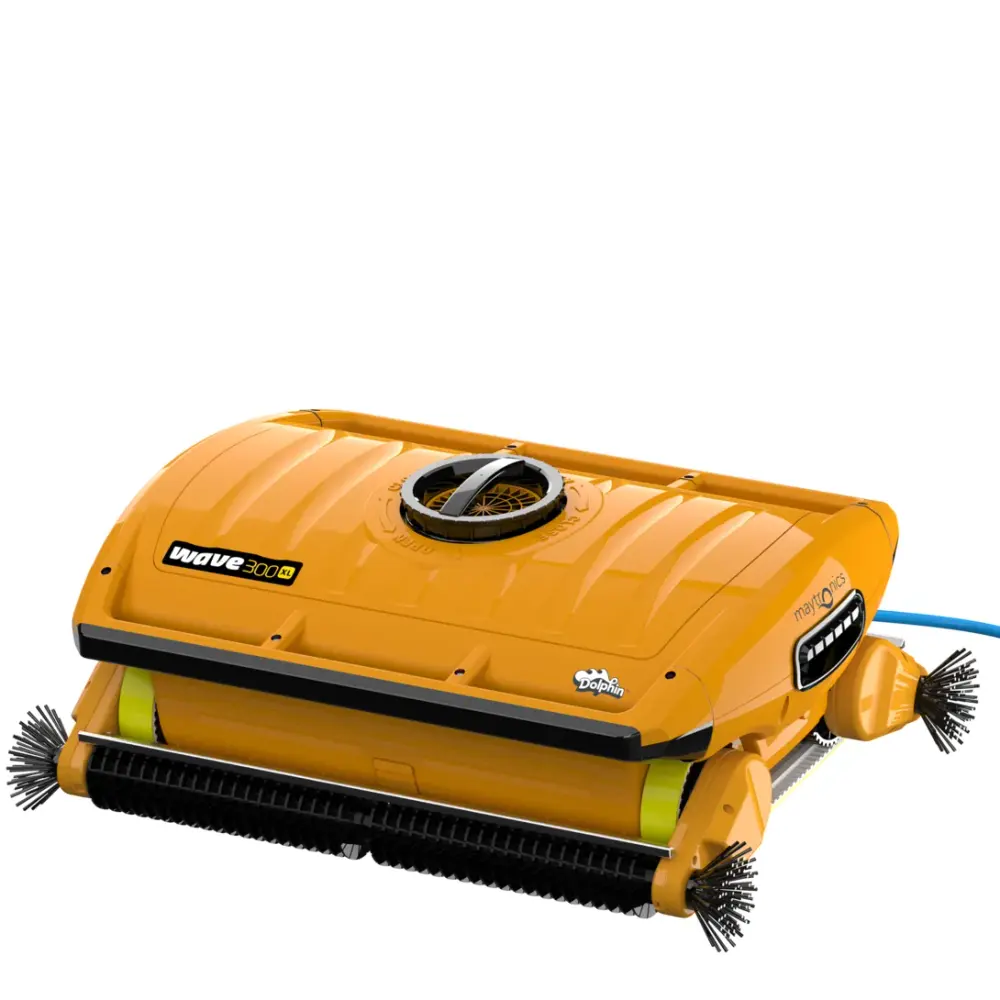
Wave Commercial (9)
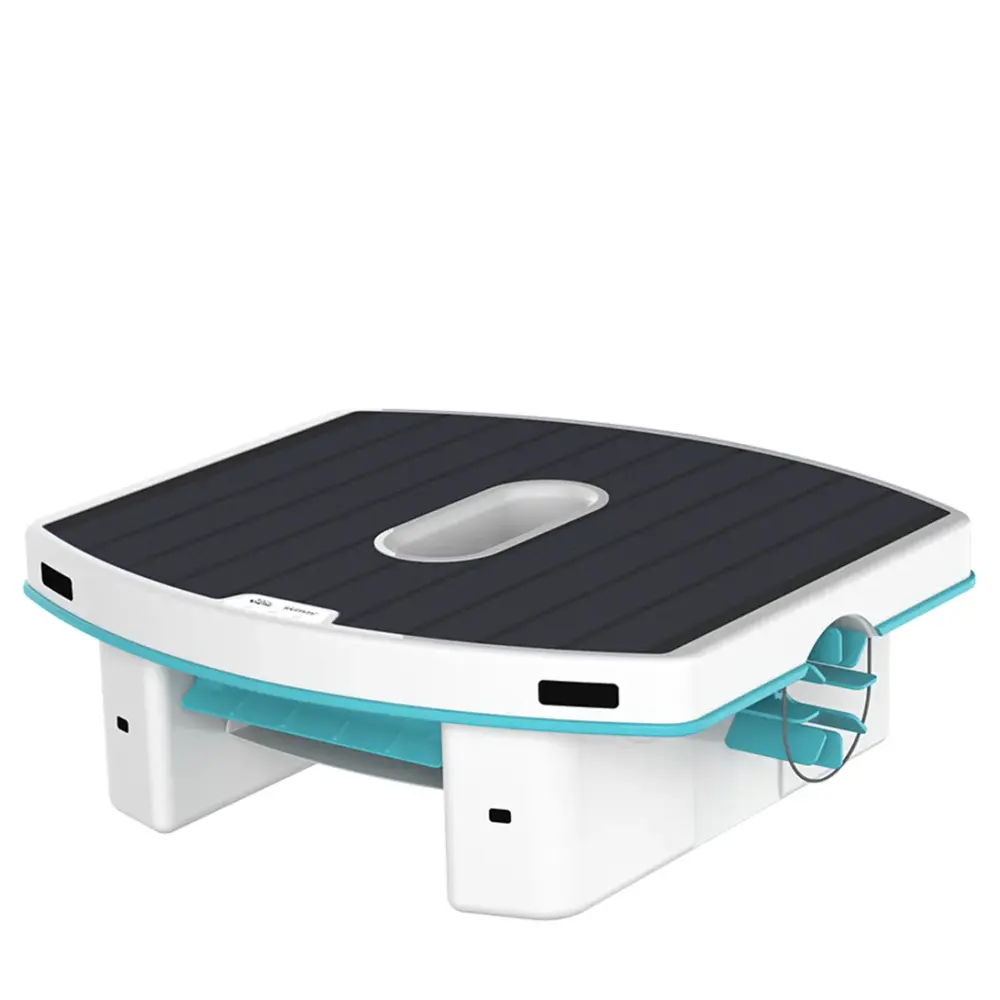
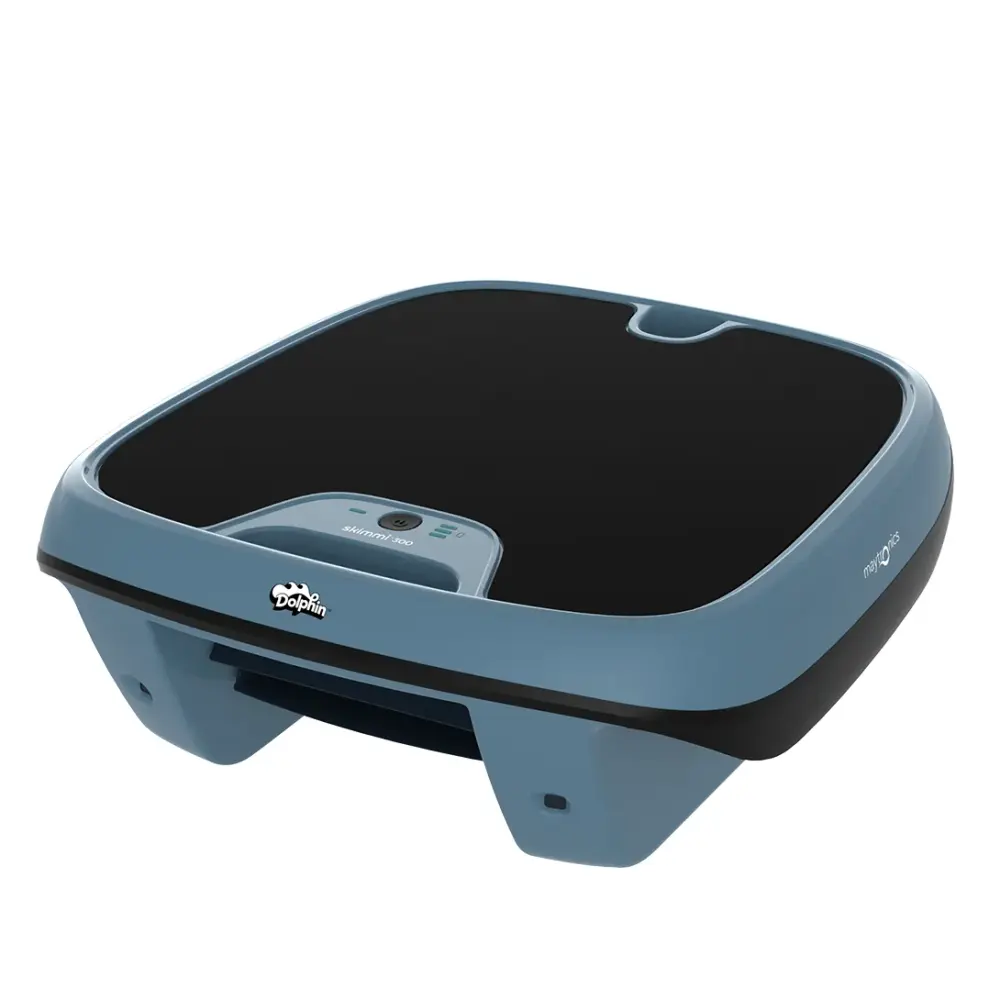
Skimmi (2)
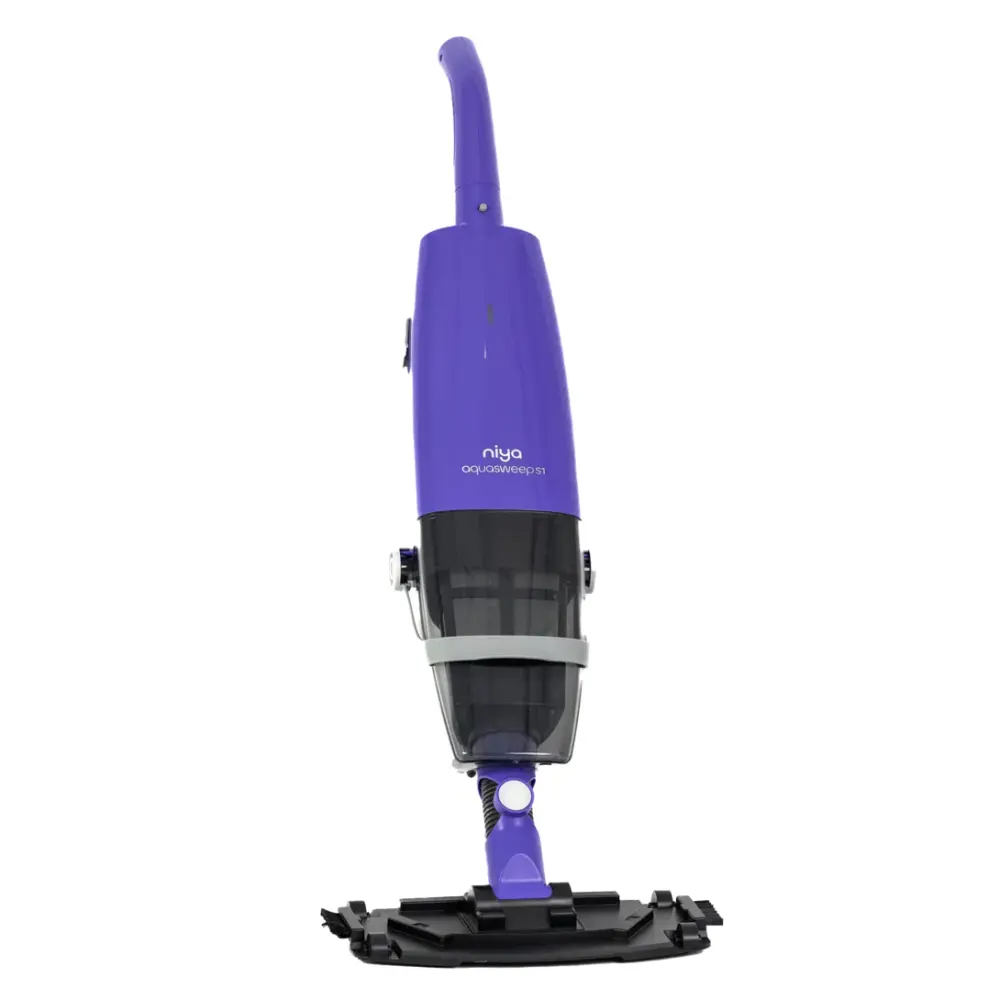
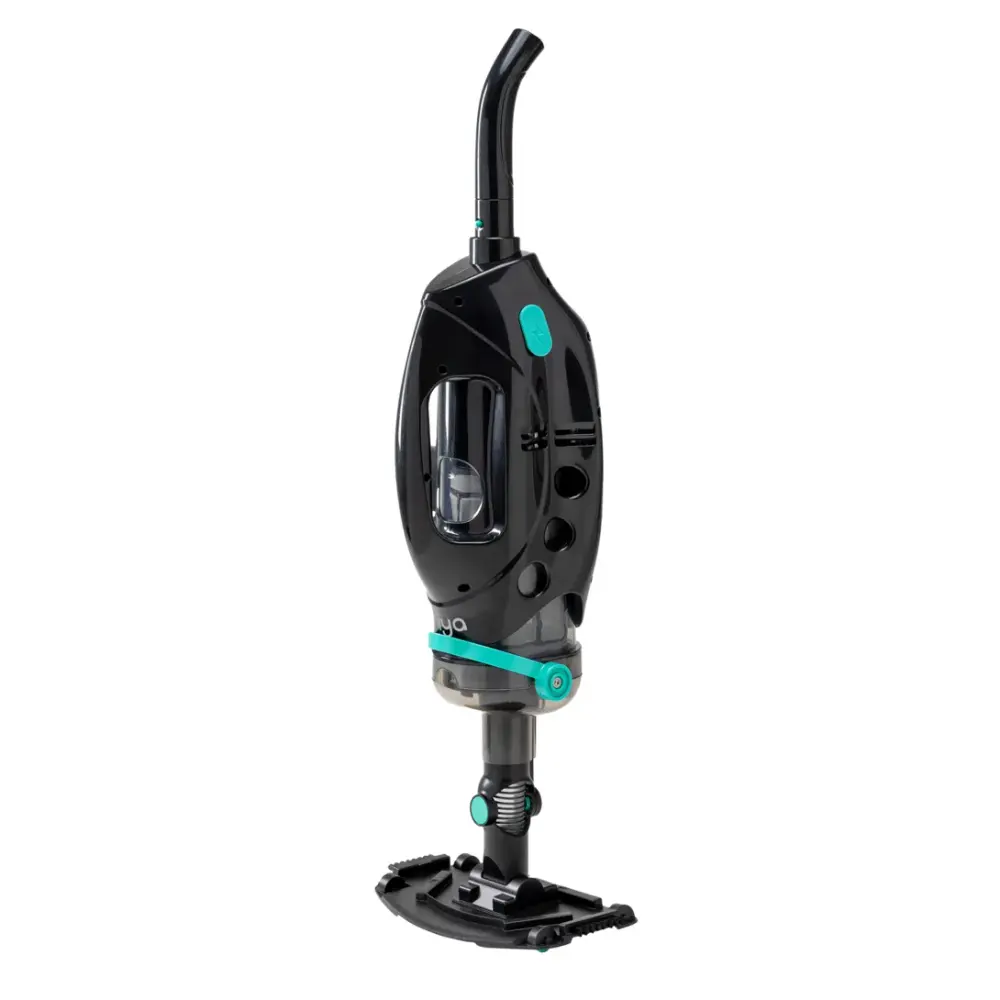
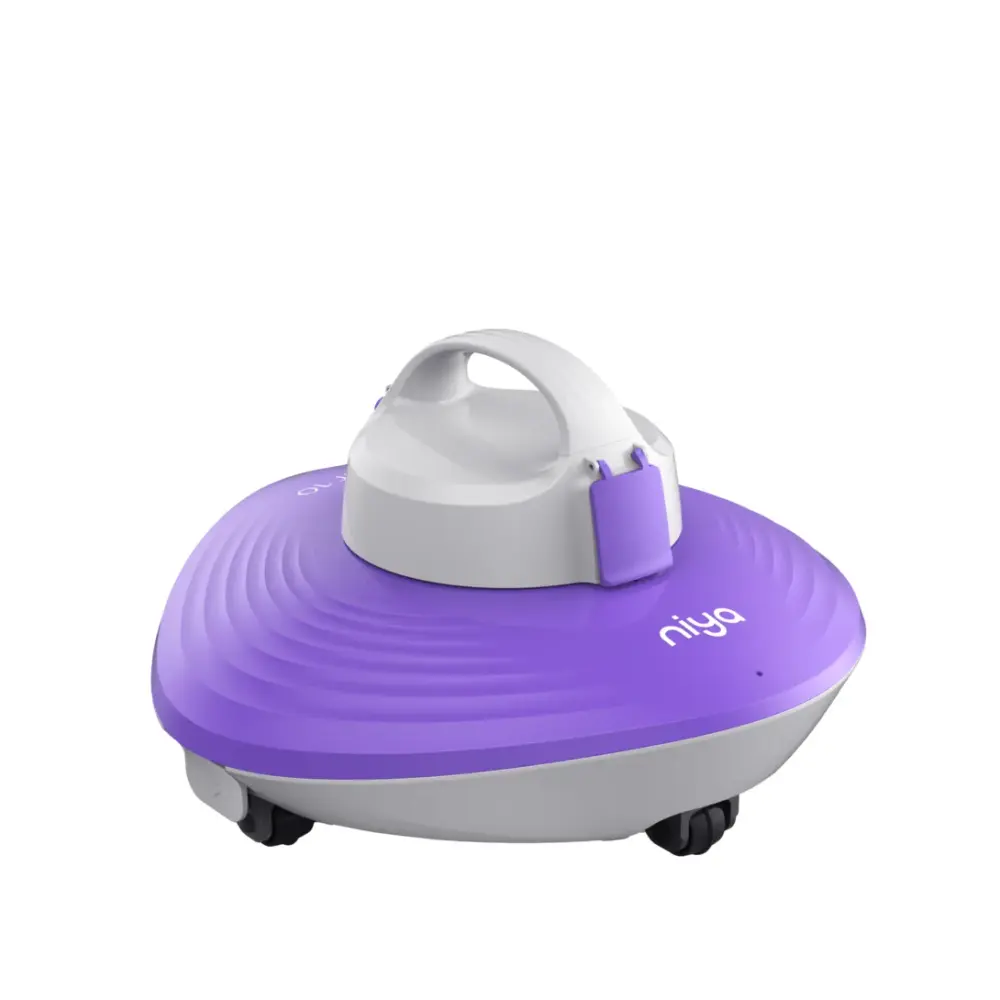
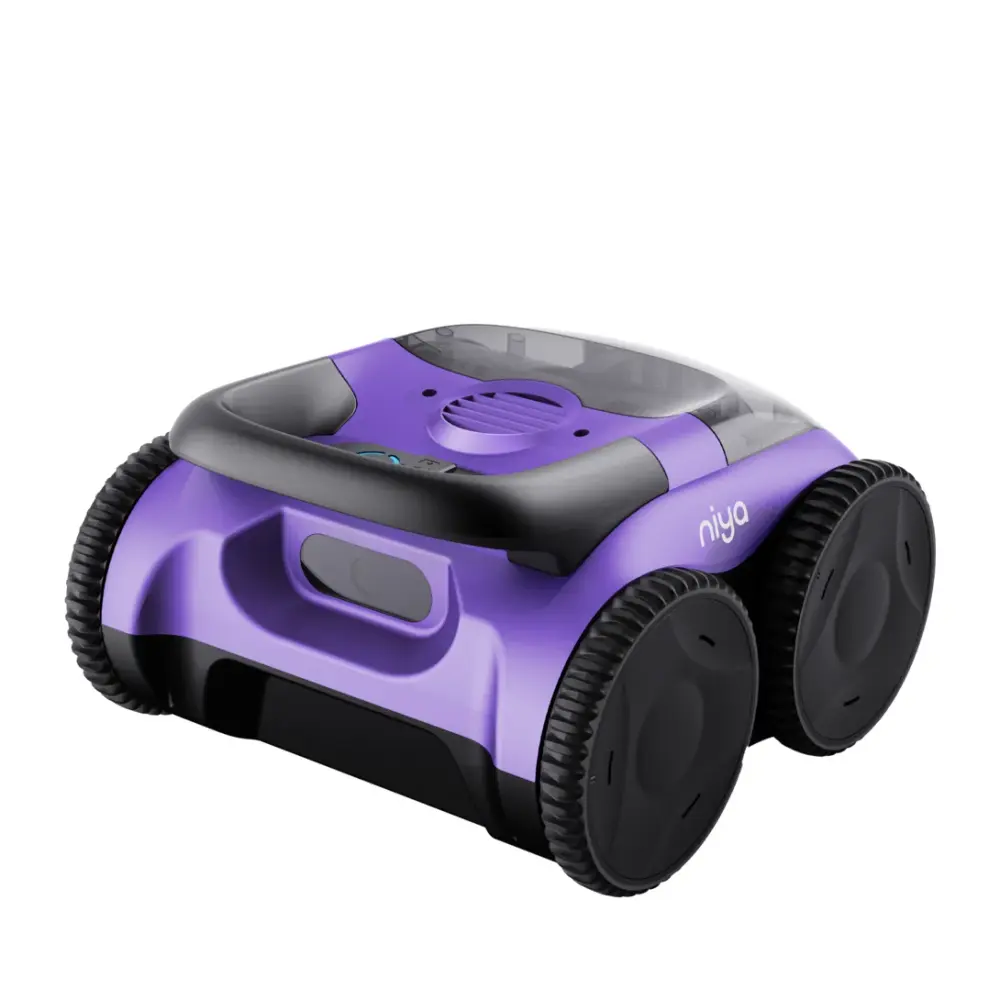
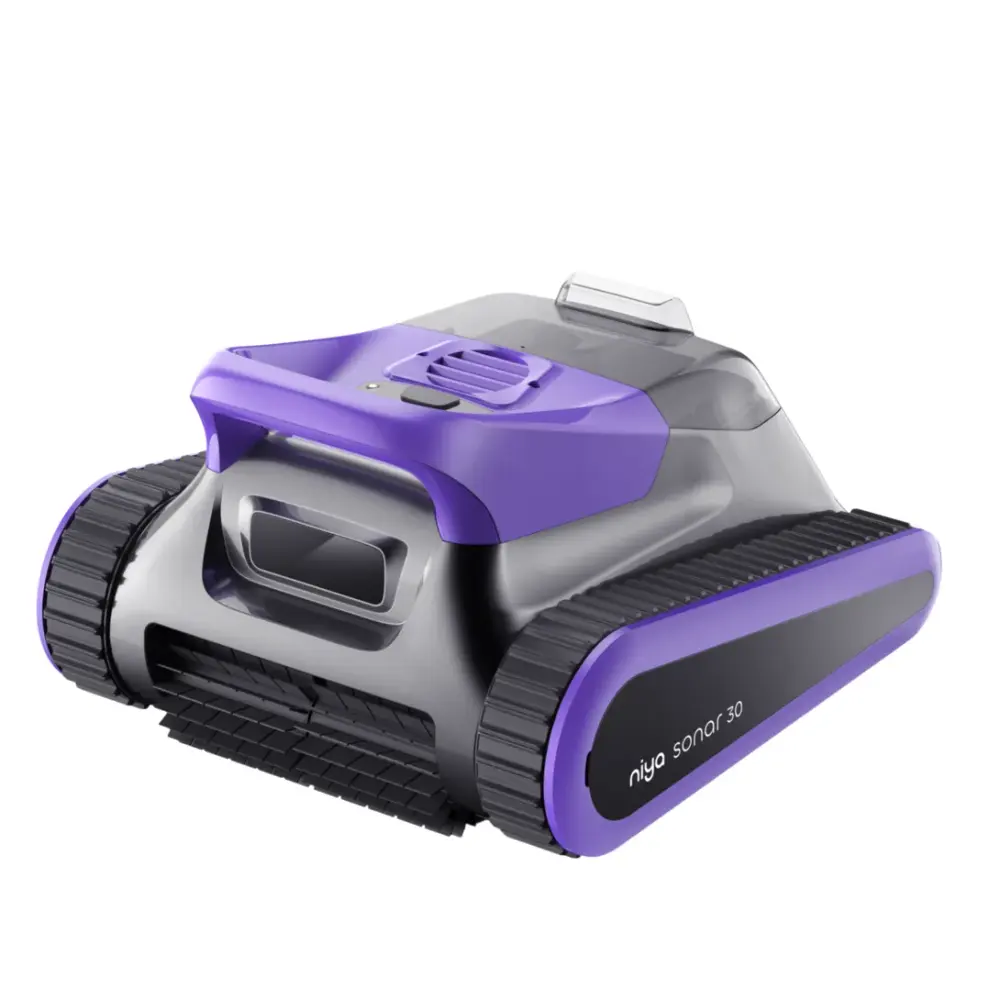
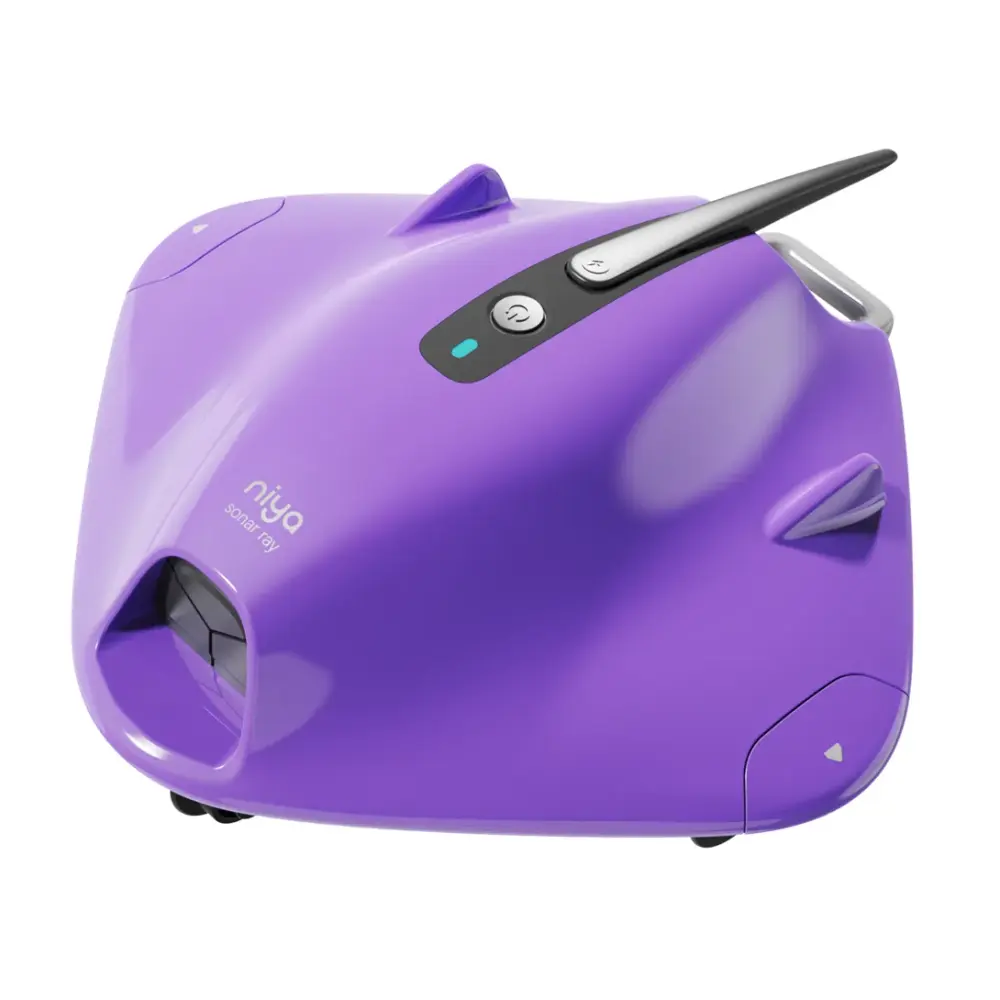
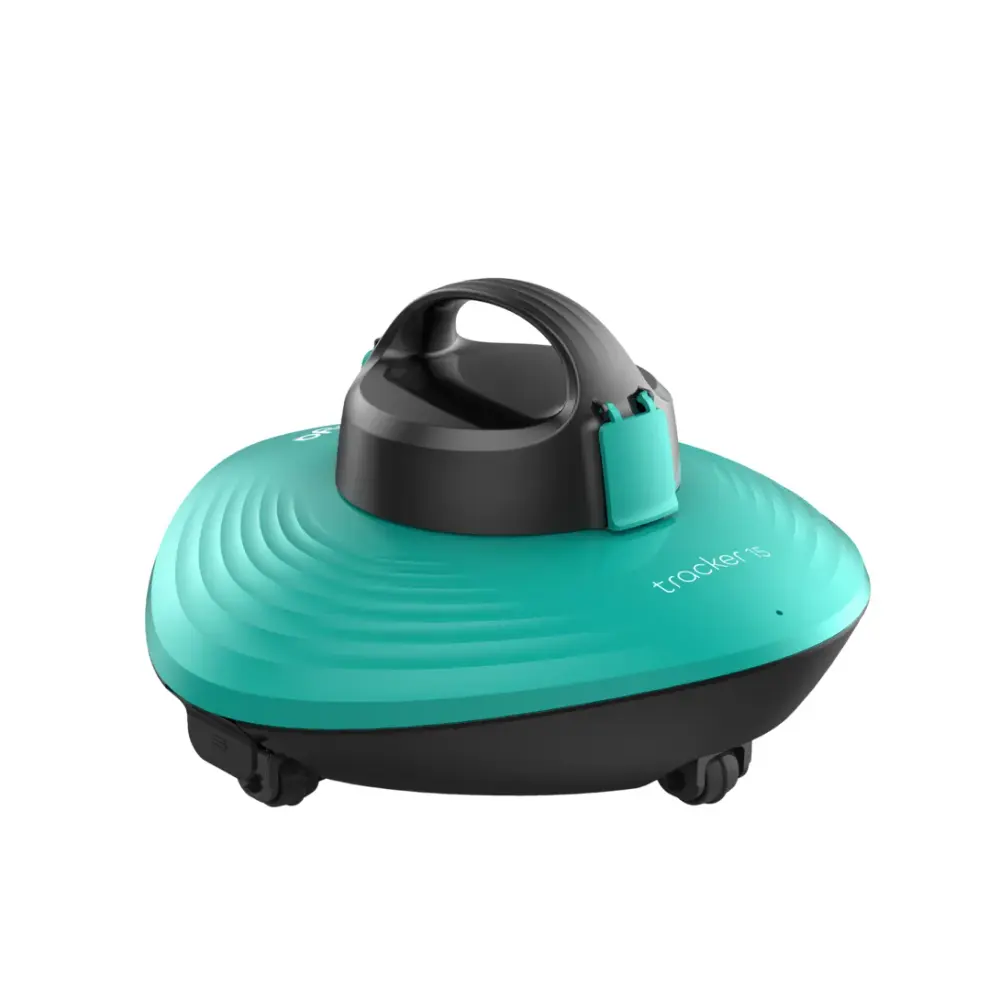
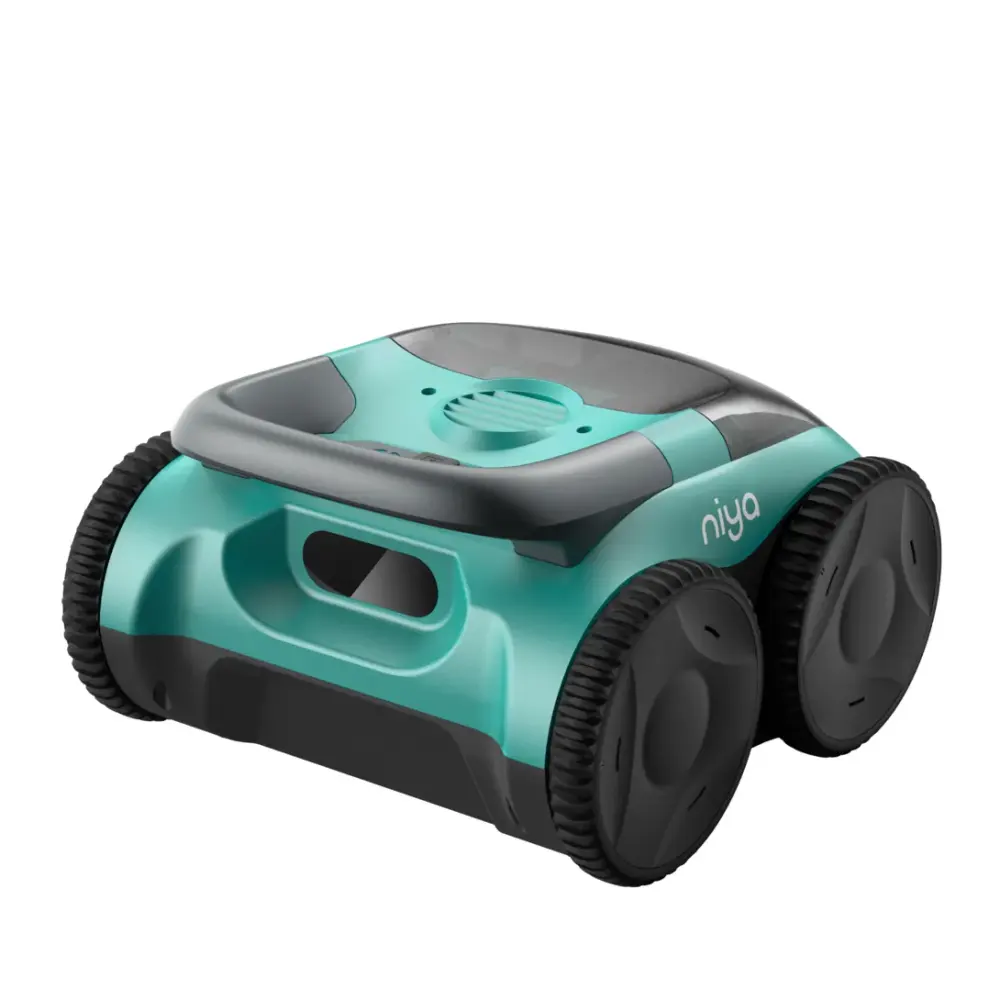
Niya (10)
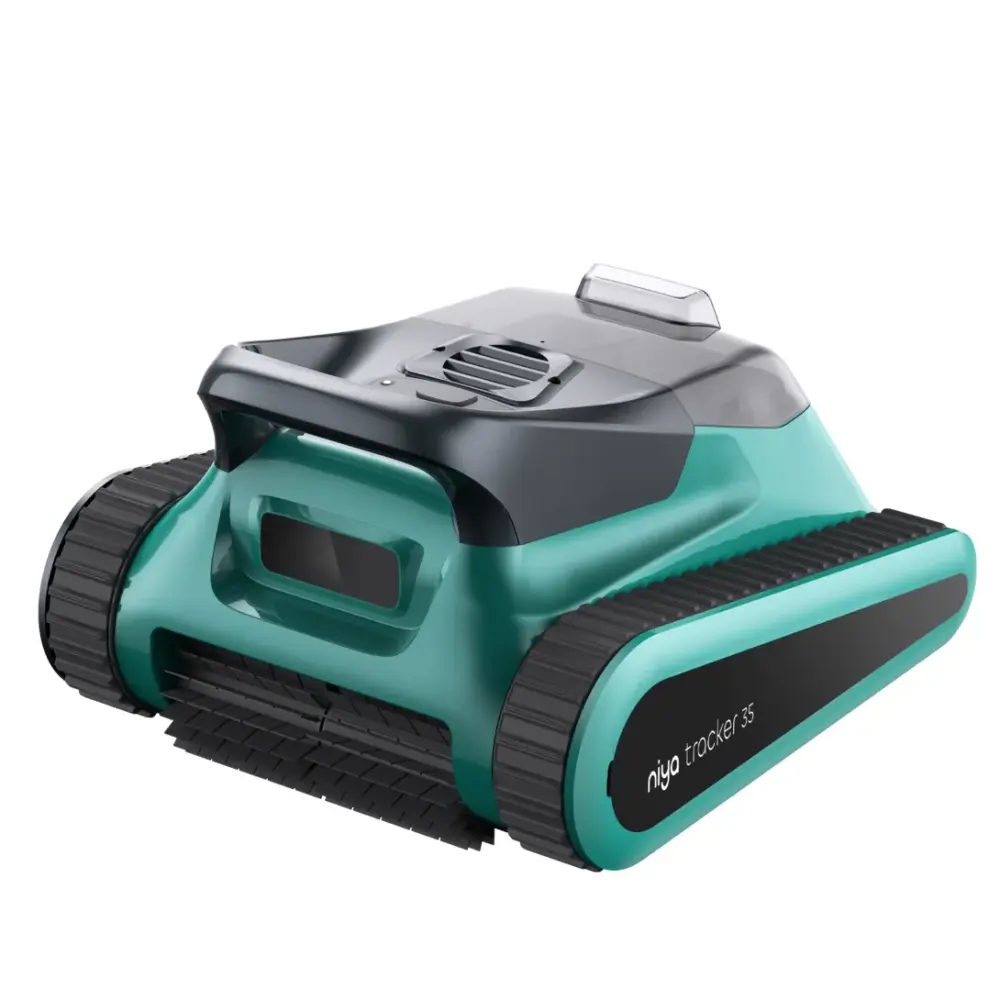
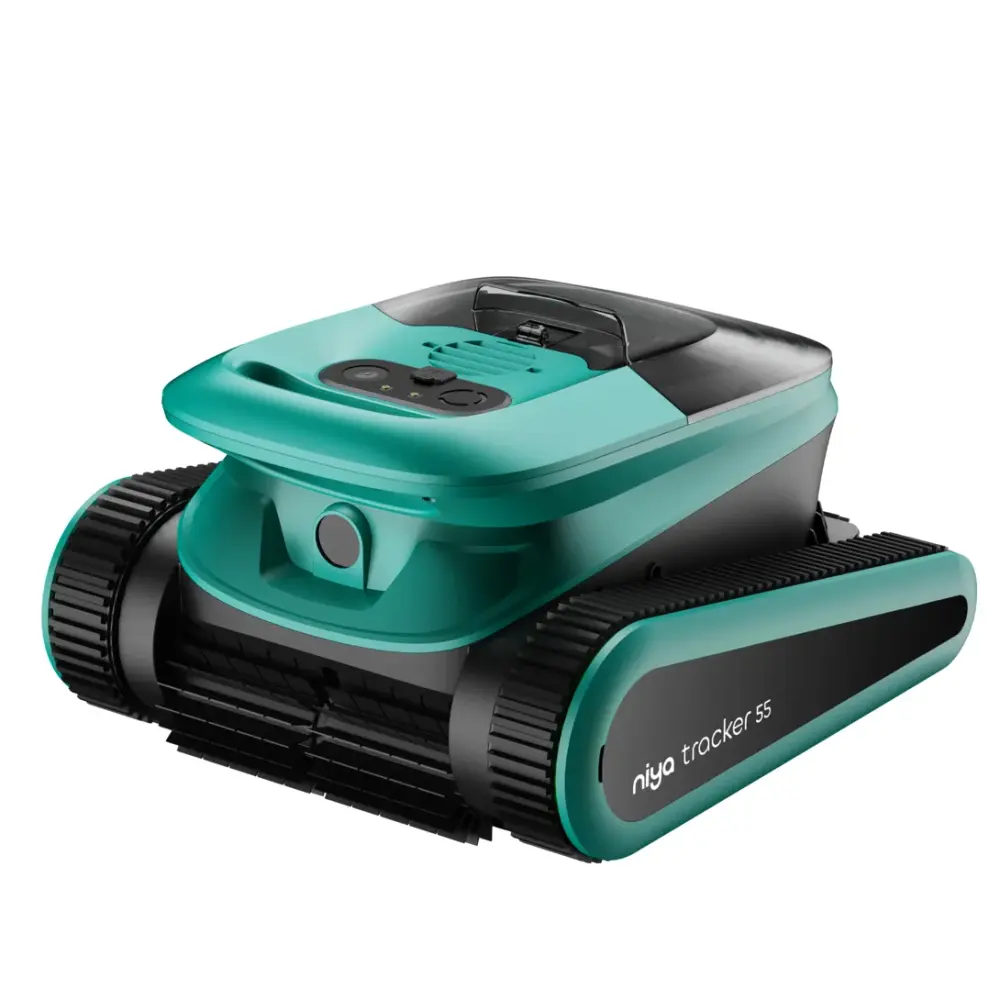
Certified Refurbished & Open Box (16)
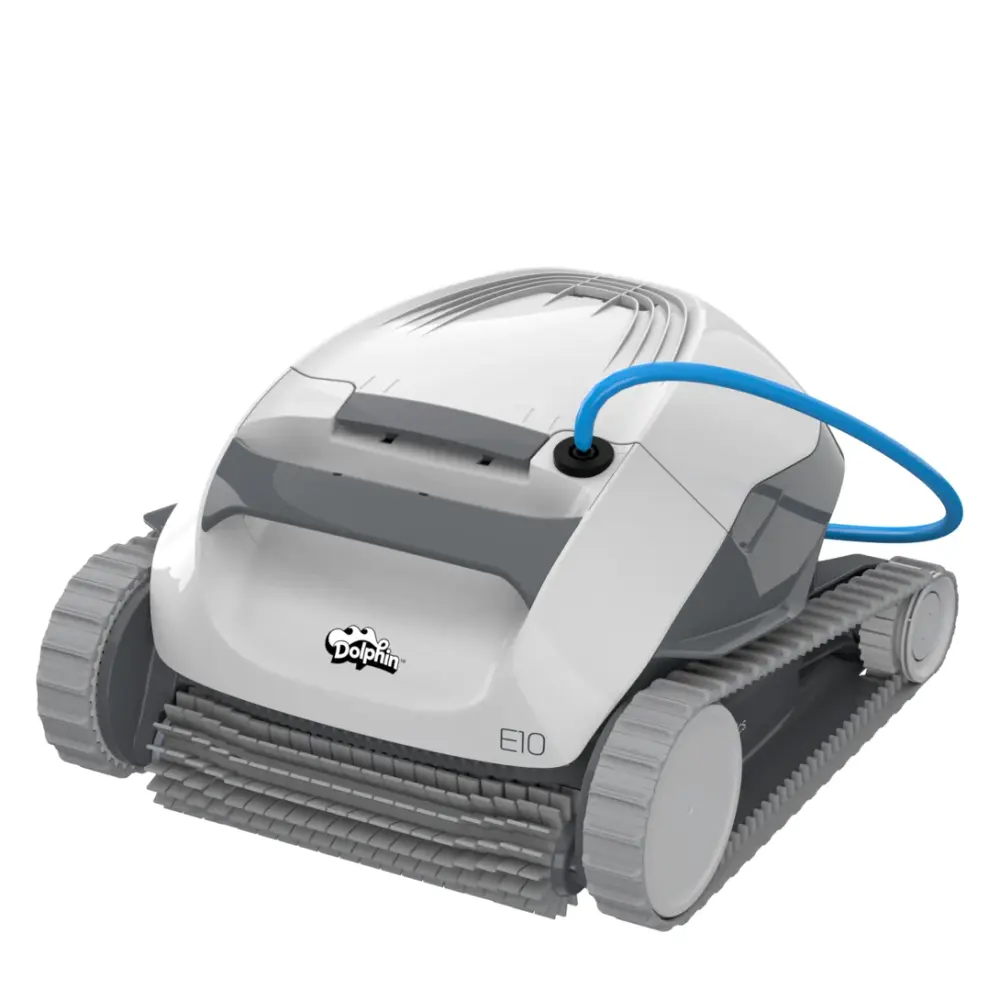
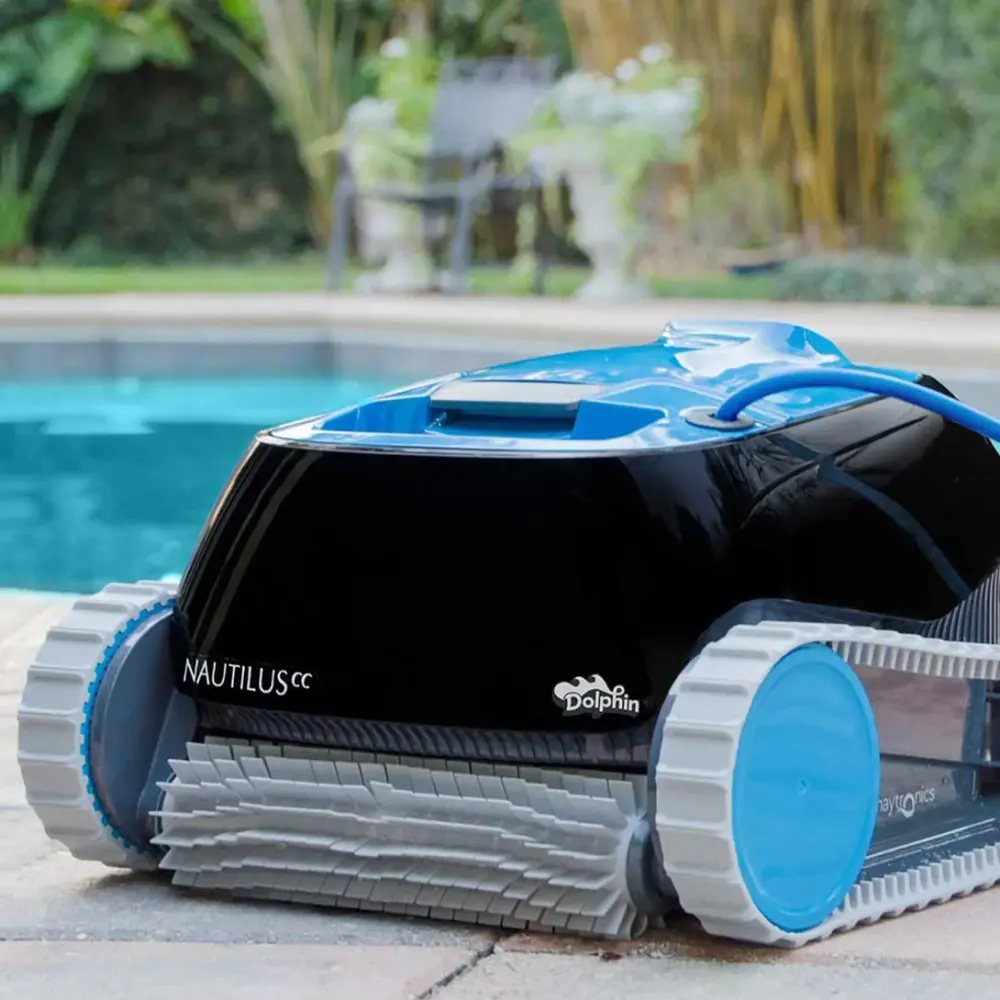
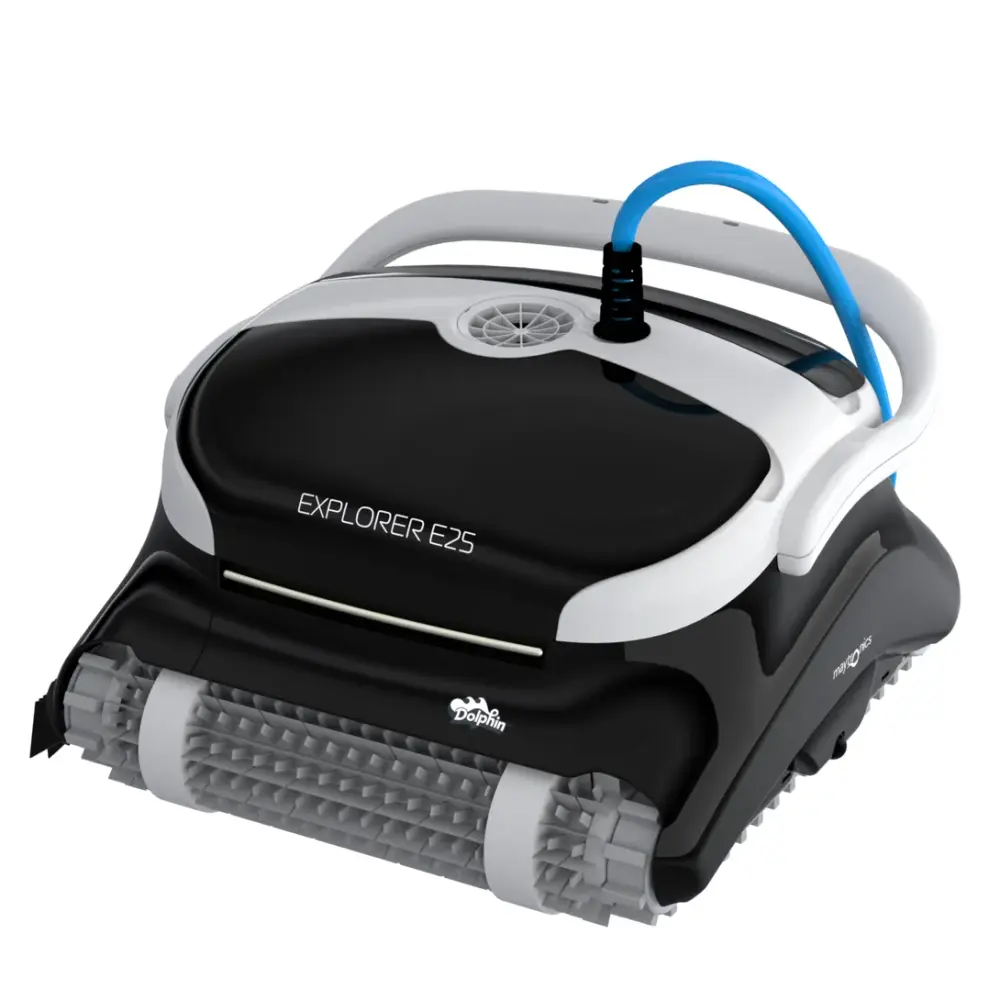
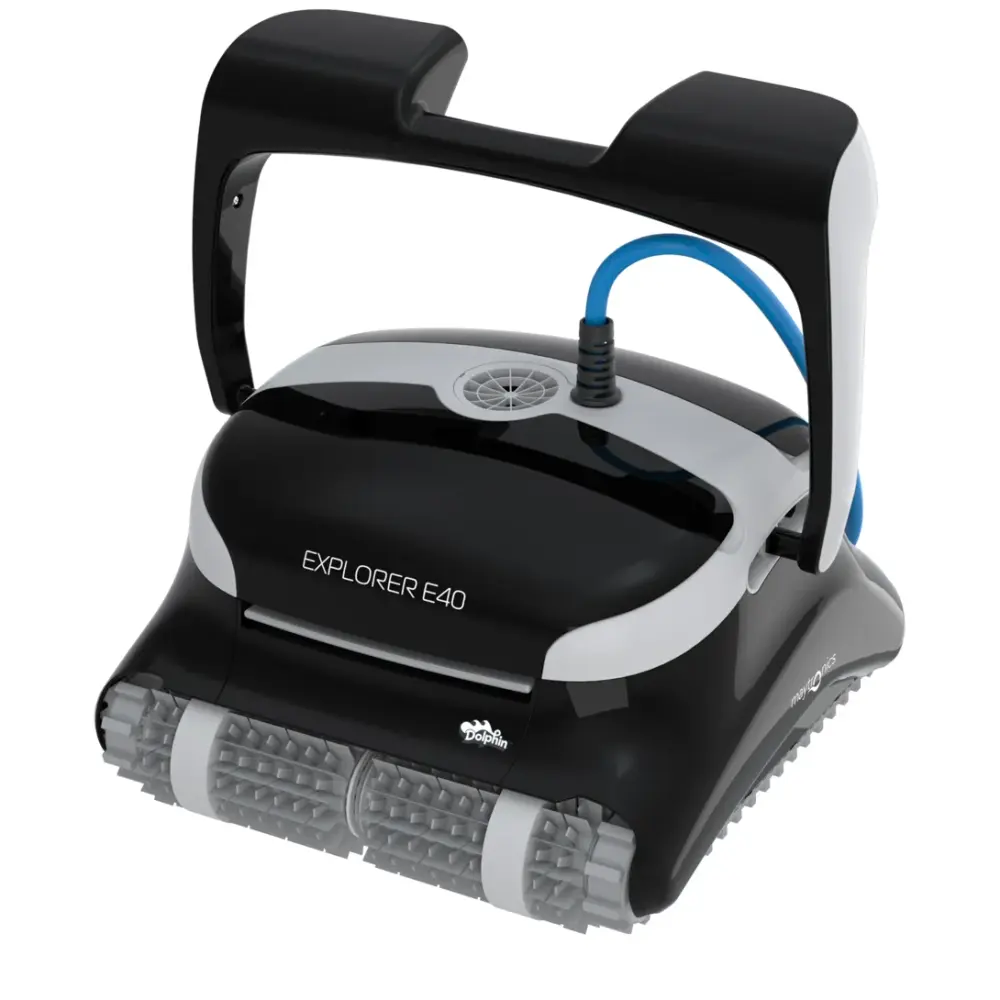
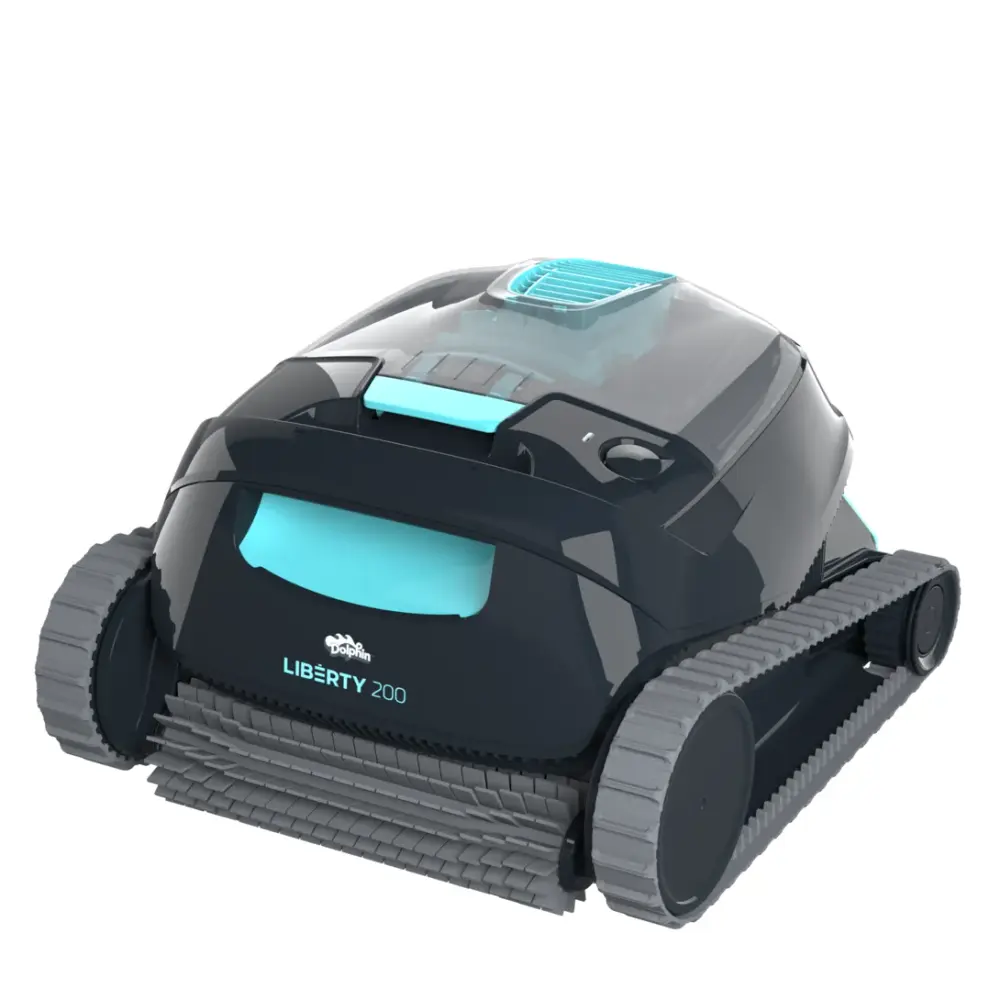
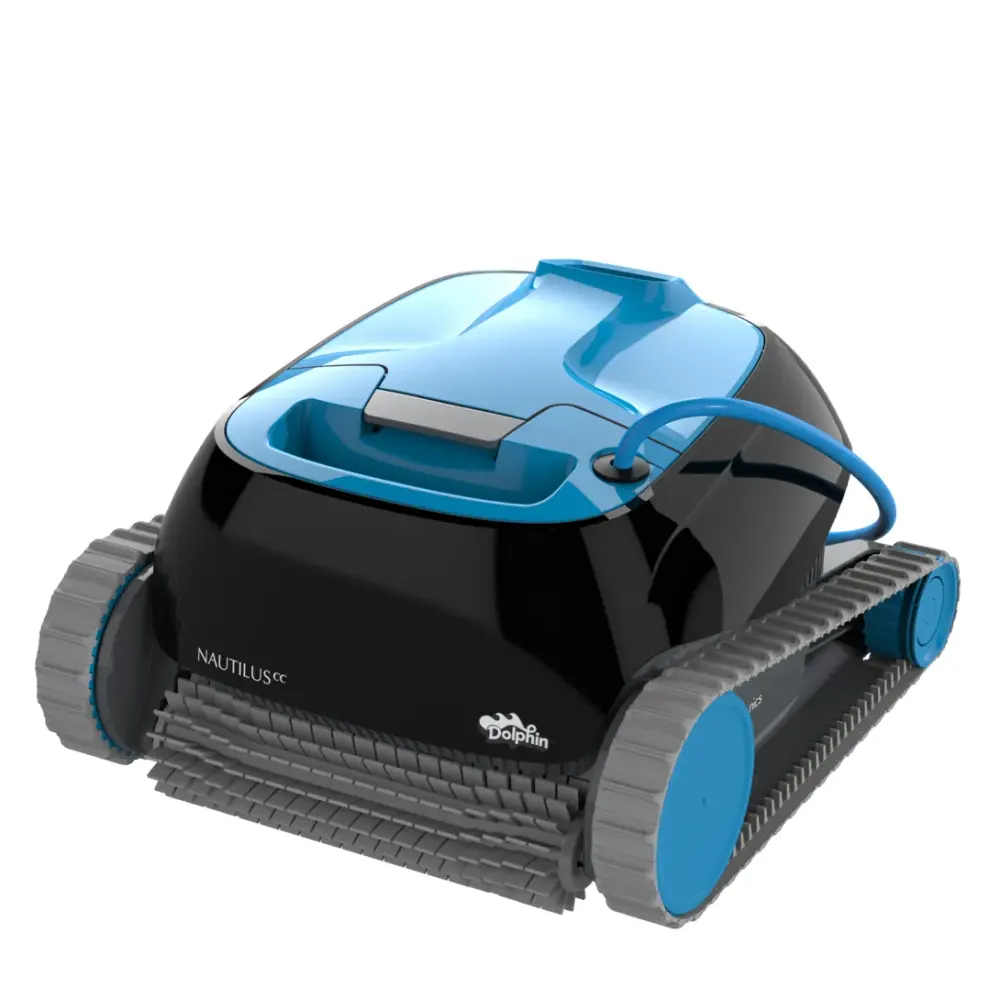
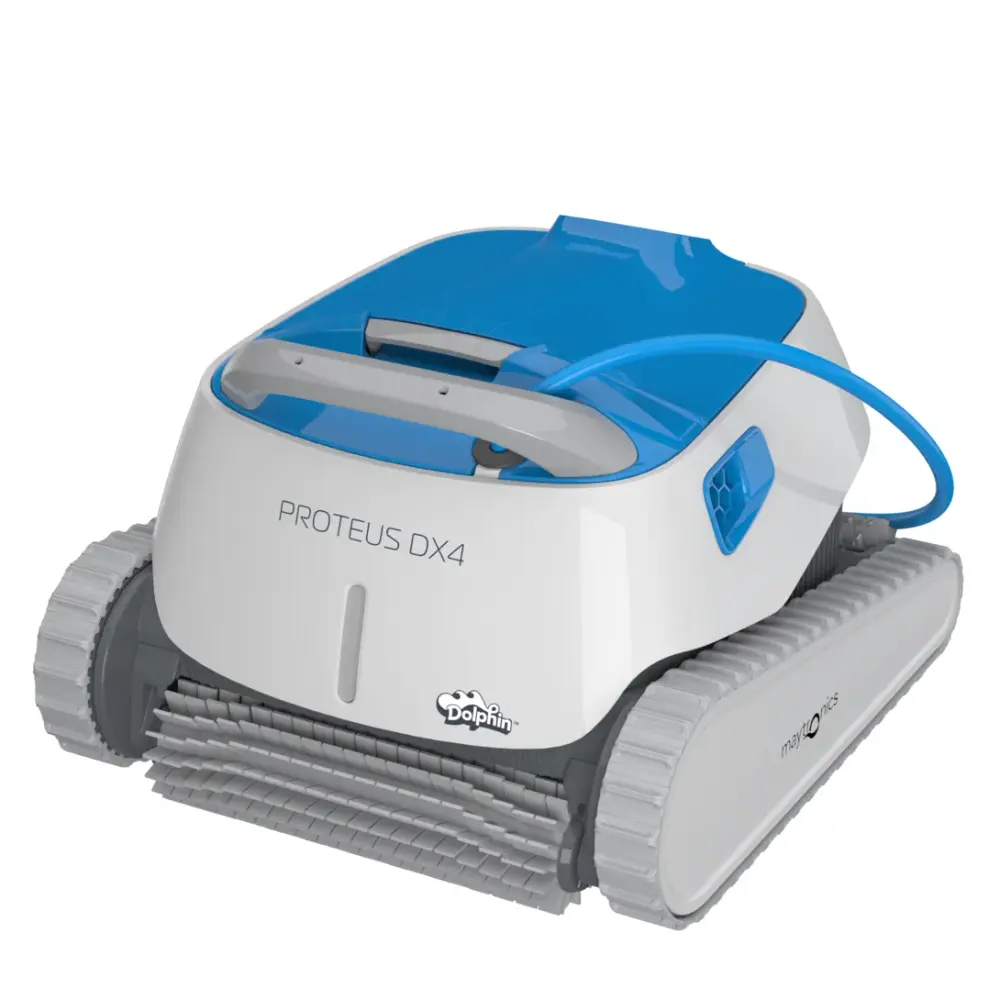
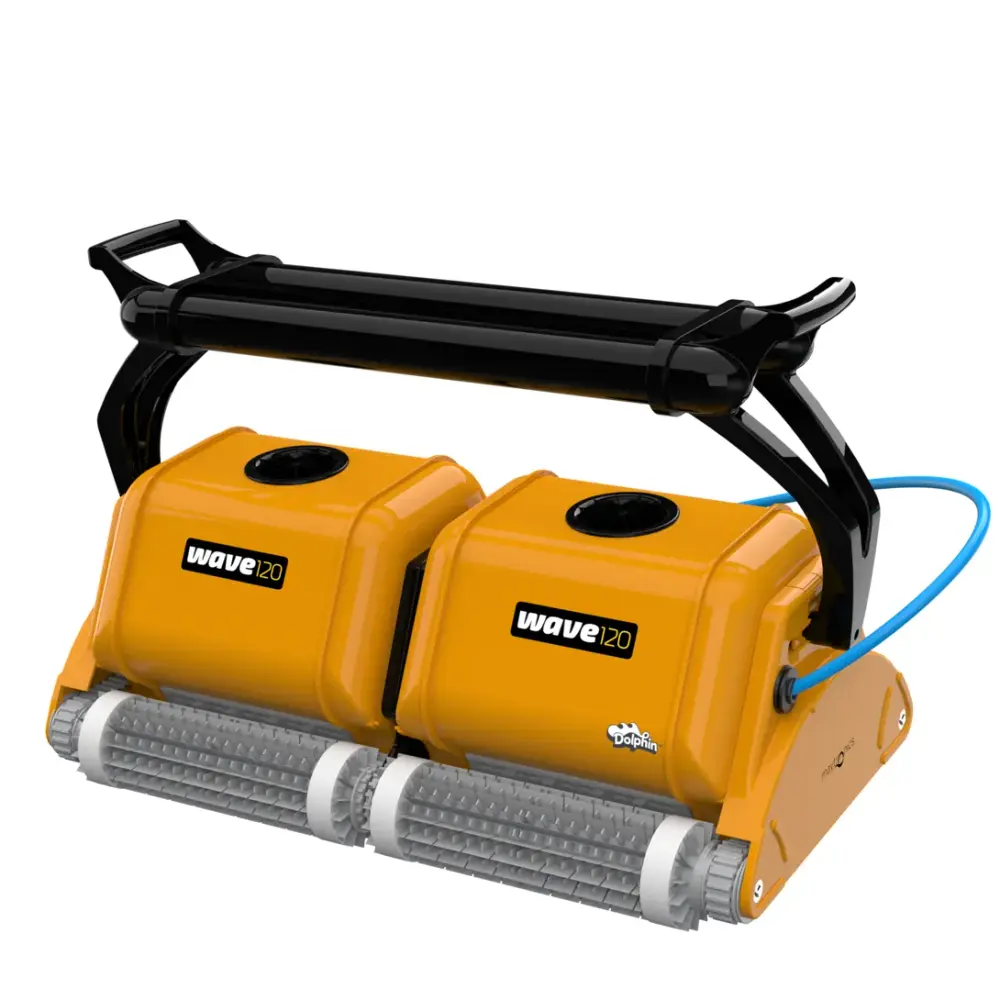
No guide matches that name. The model number is on the label under the handle; browse every model or ask us.