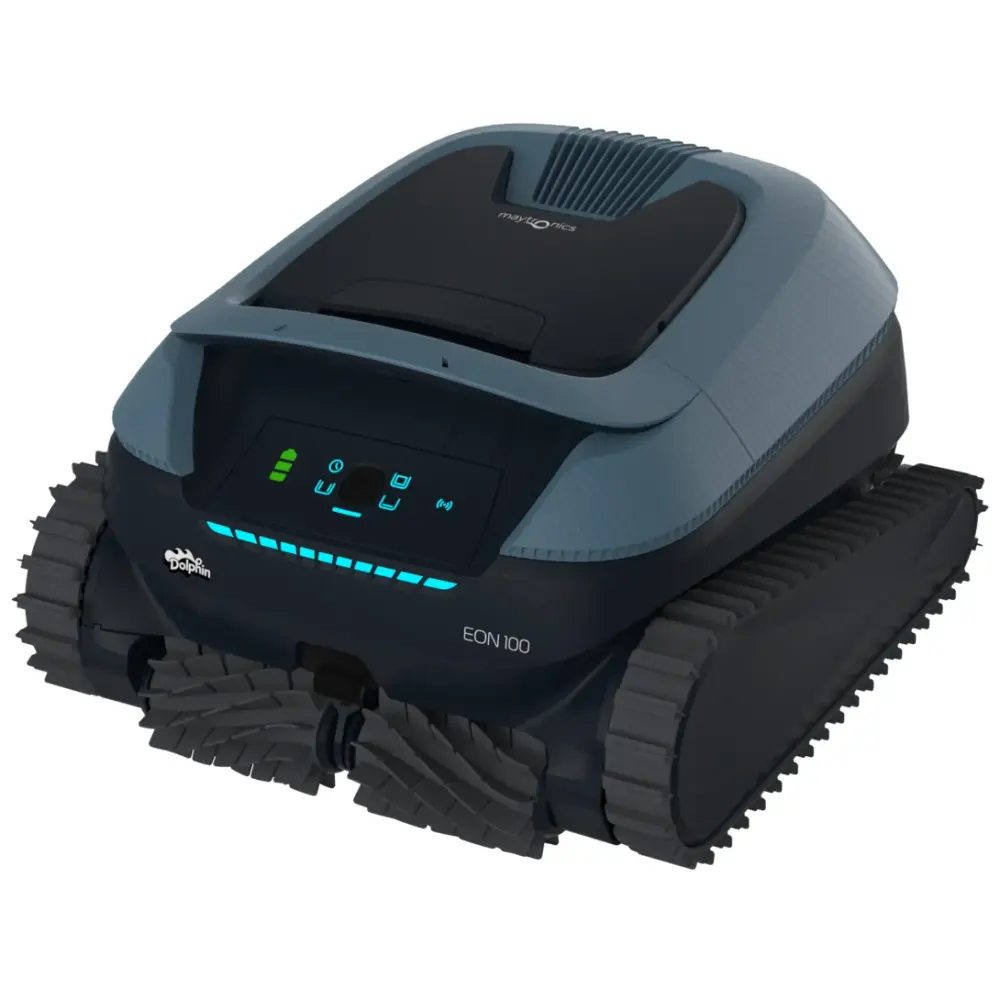
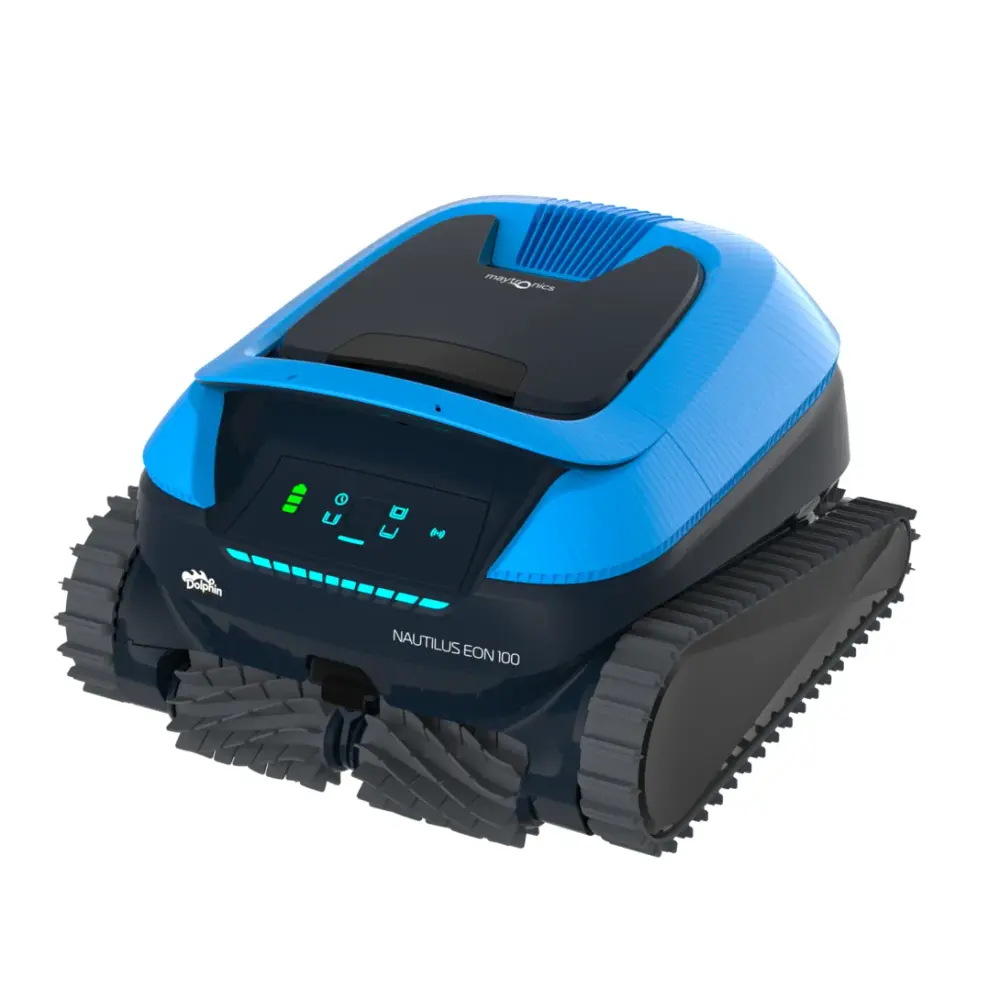
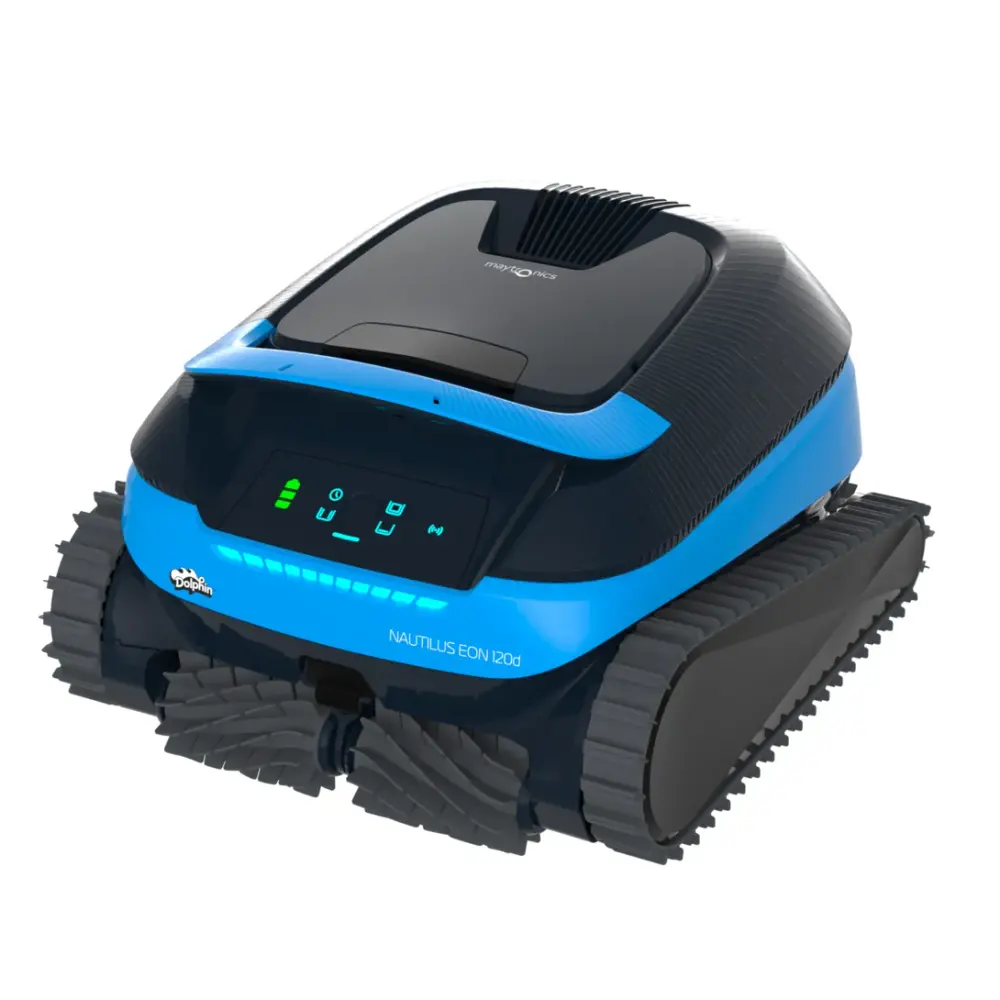
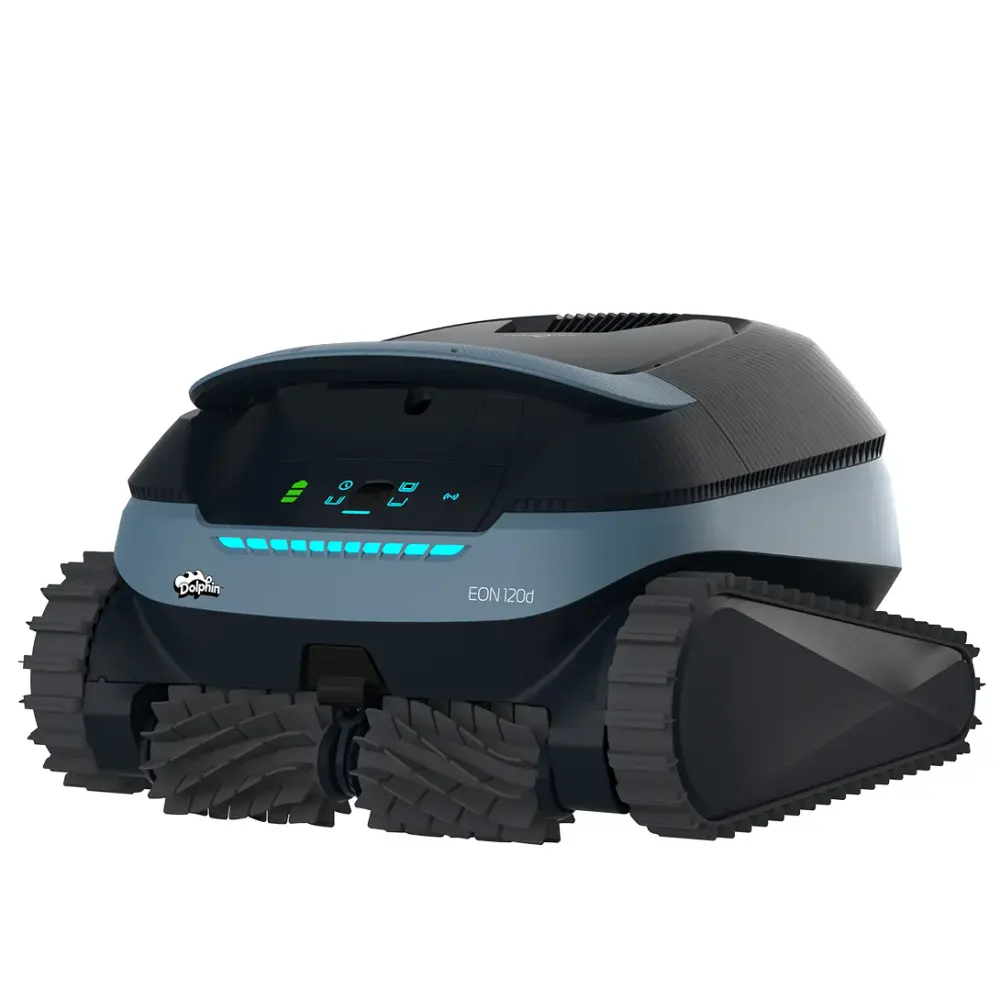
Meet the World's Most Meticulous Robotic Pool Cleaner, The EON. The pool cleaner that reaches where others can’t reach. This Pool Robot cleans steps, corners and tanning ledges as shallow as 8”
Pool size
Up to 50 ft
Cleans
Floor, Walls and Waterline, Steps, Sun Ledge, Corners, Safety Ledge
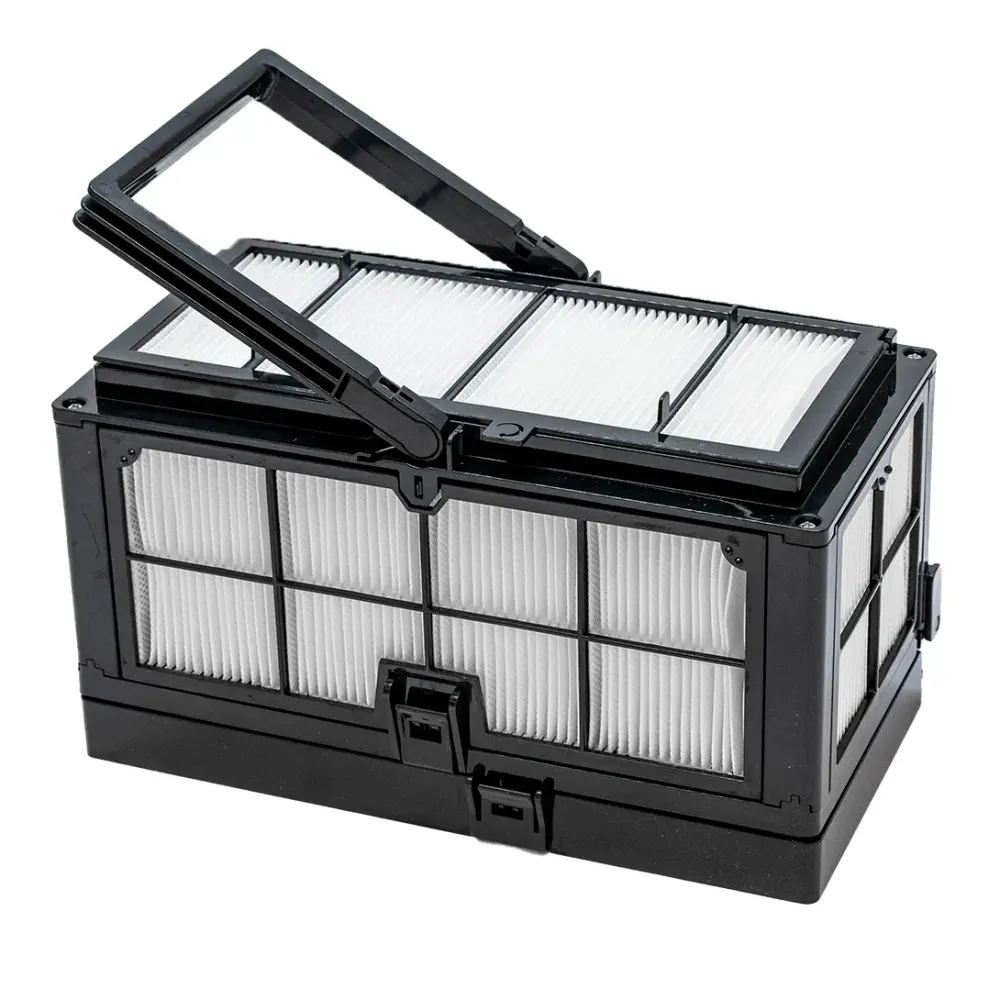
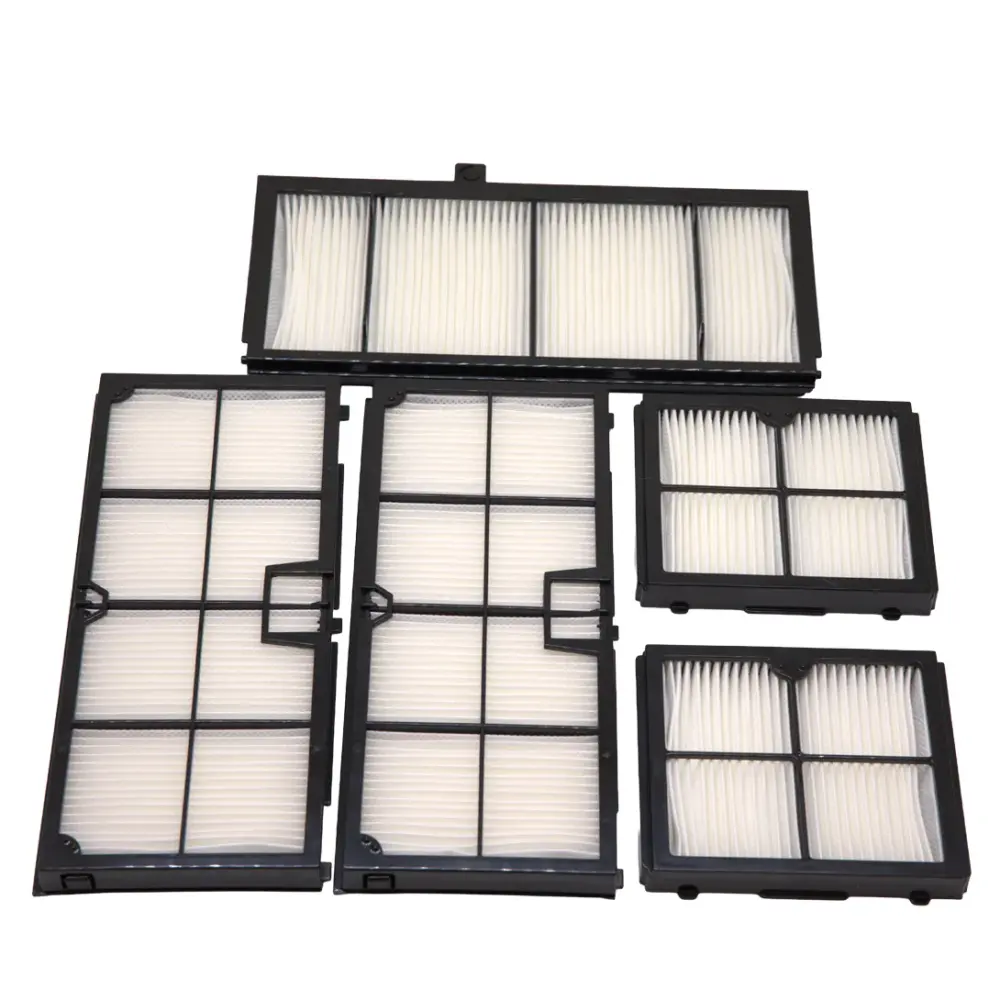
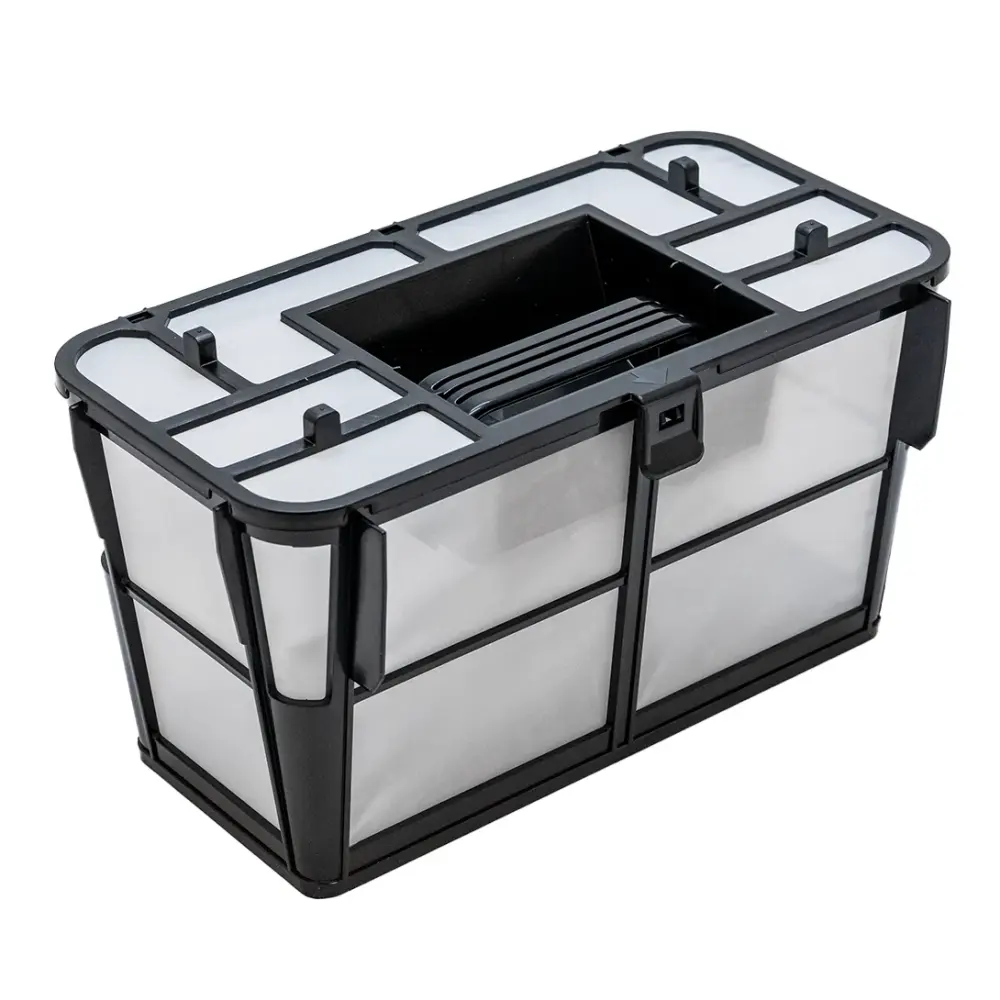
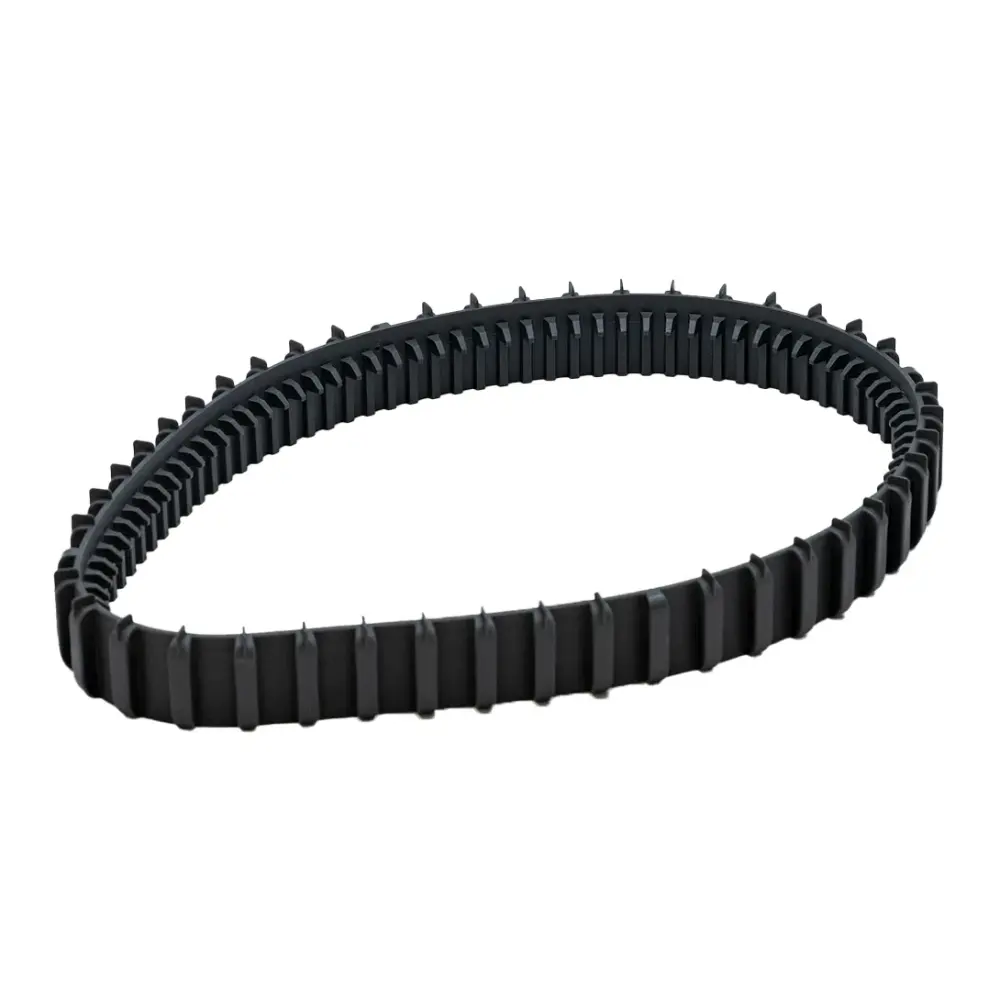
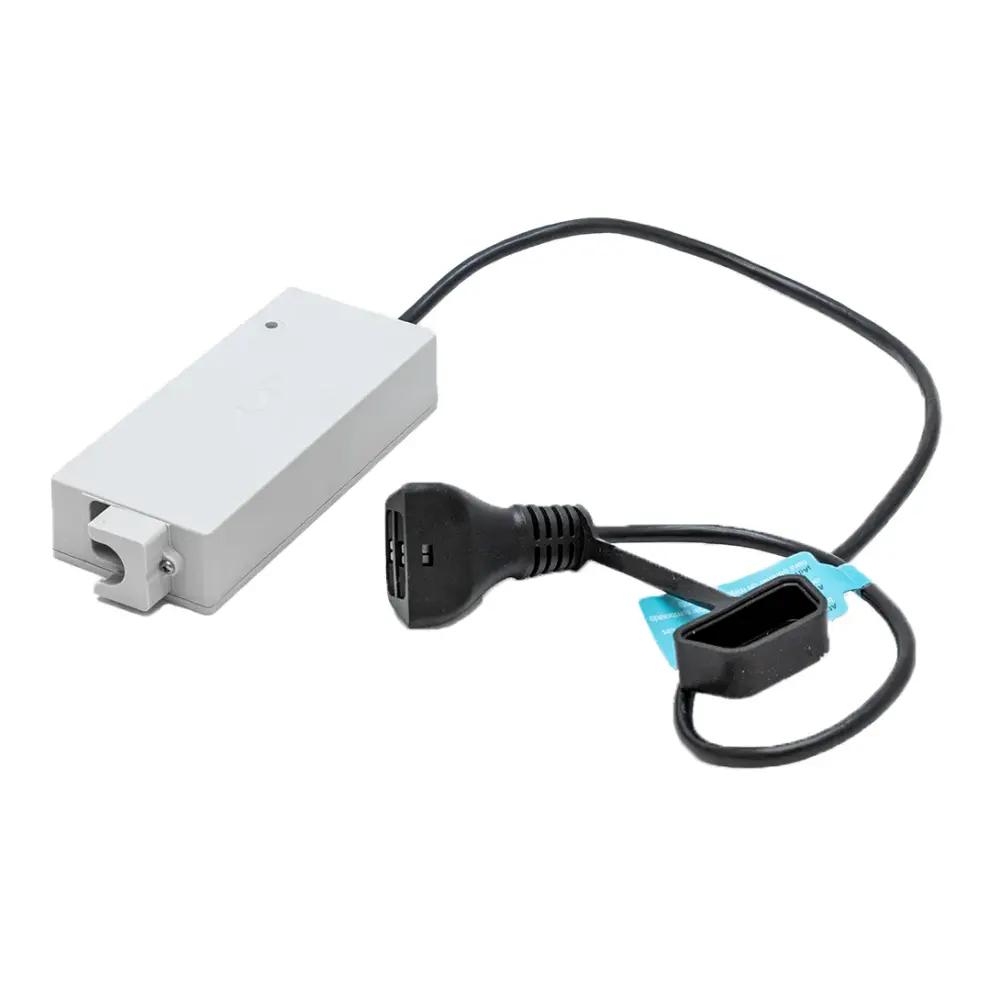
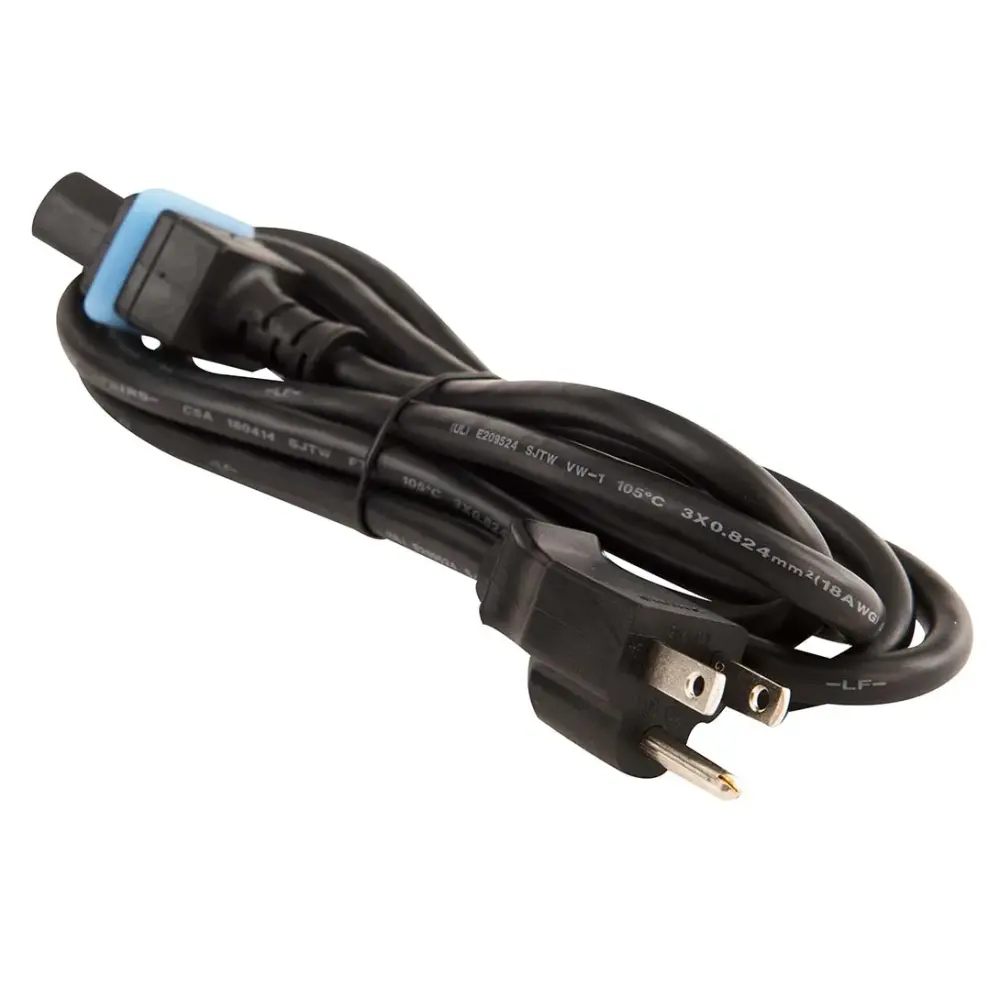
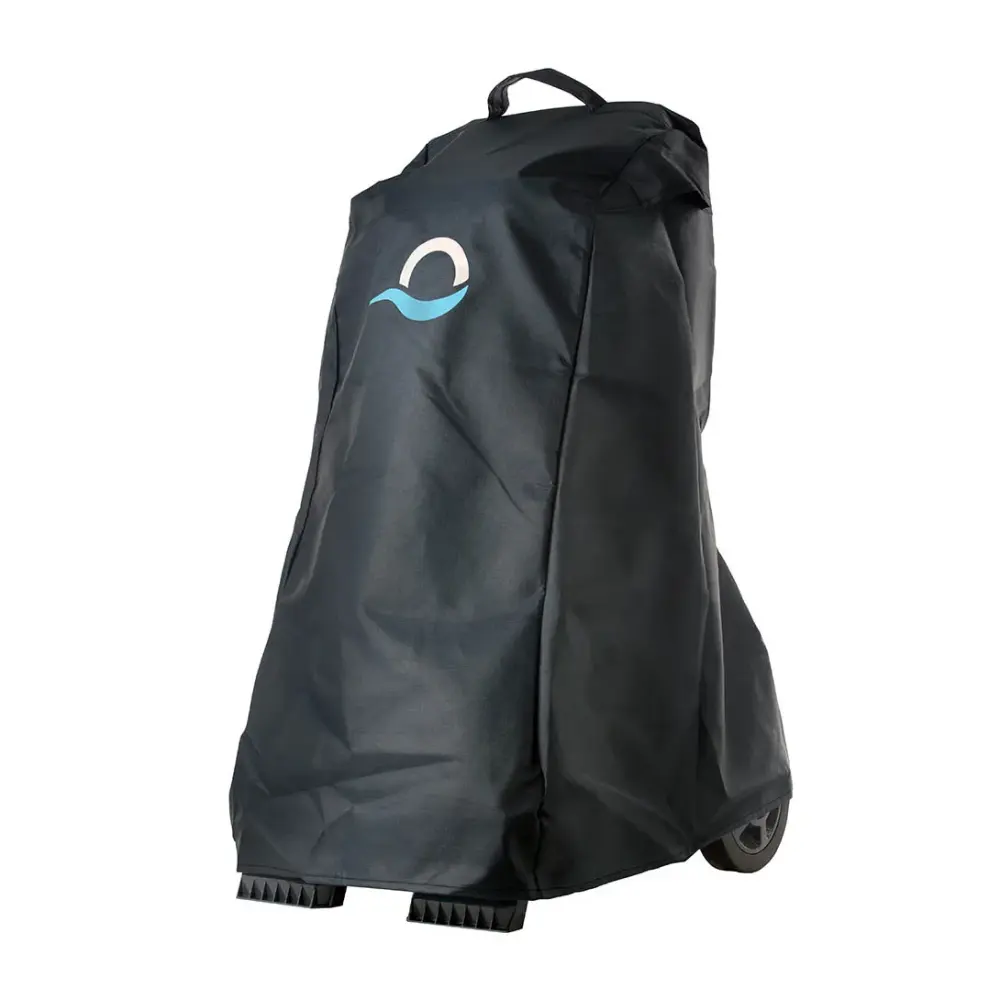
Filters, brushes, tracks, cables and power supplies confirmed by Maytronics for model 99994400-US. Every part page lists the other robots it fits and how to install it.
Something not working? The EON 100 troubleshooting guide has 12 fixes grouped by problem. Below: the official documents and the questions owners ask most.
Why doesn't my cordless robot respond to the App while underwater?Fix
Our cordless models, the EON™ and Liberty 400/600, do not remain connected to Wi-Fi or Bluetooth while submerged and operating in the water.
After removing the robot from the water, if it was connected before, the Wi-Fi connection between the robot and the app will automatically reestablish.
To use the Maytronics One app, connect to the robot via Wi-Fi, configure your desired cleaning mode or weekly schedule (UltraRun™ Mode/Eco Mode), and then place the robot in the pool to begin the cycle. Once the robot is in the pool, it will run the selected program independently.
Our corded units allow for continuous Wi-Fi connectivity, as the connection is maintained through the power supply, which remains outside the water.
Note- The Liberty 400 pairs via Bluetooth only to the MyDolphin Plus app.
If your EON is not working properly, the first and most important step is to make sure your robot software is up to date.
Software updates include the latest improvements and fixes to help ensure your robot performs as expected.
Update Your EON Robot Software
Download the MaytronicsOne app and make sure Bluetooth is enabled on your smartphone.
Fully charge the robot. The battery indicator should show three solid green bars. Disconnect the robot from the charger before continuing.
Open the MaytronicsOne app, create an account or sign in, and enter the validation code sent to your email.
Press and hold the power button for 3–5 seconds to enable Bluetooth pairing. The LED will blink blue.
Follow the on-screen instructions to pair your robot. Once your robot is found, select it to begin pairing. Make sure your smartphone is not currently connected to another Bluetooth device.
Complete the software update if prompted. This step is essential.
During the update:
Stay near the robot.
Do not close the app or leave the update screen until the update is complete.
Do not interrupt the update process.
Once the software update is complete, connect the robot to 2.4 GHz Wi-Fi. You can also choose to skip Wi-Fi setup and connect later.
Once the robot is successfully connected, the LED will blink three times and then turn solid blue.
Important: Always make sure your EON is running the latest available software before continuing with additional troubleshooting.
Keeping the robot software updated ensures your EON has the latest improvements and capabilities.
How does Dolphin EON save you up to 20 hours per year on maintenance?
Dolphin EON™ reduces the time spent cleaning filters thanks to its patented backwash filtration technology (DebrisLock™).
Instead of cleaning the filter frequently, maintenance can be reduced to about 5 minutes once per week, helping save up to 20 hours of maintenance time per year.
DebrisLock™ technology works by:
Compressing and trapping fine particles for more efficient filtration
Providing 1-liter backwash capacity to flush debris out easily
Featuring a bottom double-opening design for quick and convenient cleaning
The DebrisLock™ backwash filter comes with EON 120d and is available as an add-on for EON 100.
To get started, download the Maytronics One App and ensure Bluetooth is enabled on your smartphone.
Make sure the robot is not plugged into charge.
Open the Maytronics One App, sign up, and enter the validation code that is sent to your email.
Press the power button to turn on and hold for 3-5 seconds to enable Bluetooth pairing, then proceed to pair your robot.
Follow the on-screen instructions to connect via Bluetooth. Make sure to complete the software update if prompted!
You can complete the process and connect via Wi-Fi (2.4 GHz Only) or delay the Wi-Fi pairing and connect later. If you get stuck on a loading screen, try going back, selecting the robot again, and continuing.
Once connected, the LED will blink three times and turn solid blue.
After removing the robot from the water, if it was connected before, the connection between the robot and the app will automatically reestablish.
Note: Up to 1 user can connect via Bluetooth at a time, but up to 5 users can connect to the robot via Wi-Fi. You can unpair irrelevant users in the app settings.
How does Dolphin EON deliver water that’s up to 4X clearer than competitors?
Our Dolphin EON™ features an advanced filter design that captures more debris and fine particles during each cleaning cycle. In internal 70-minute turbidity tests, the Dolphin EON™ 120d delivered water up to 4X clearer compared to other leading pool robots.
The test compared Dolphin EON™ 120d, Aiper Scuba X1 ProMax, and M400 robots. All units started with identical water turbidity levels of 7 NTU.
Our filtration advantages include:
4/5-direction filtration that captures debris from multiple angles
4–5 liter debris capacity for longer cleaning cycles
Larger filtration basket for improved debris capture
Closed chamber design that prevents dirt from returning to the water
Together, these features help deliver noticeably clearer pool water after every clean.