
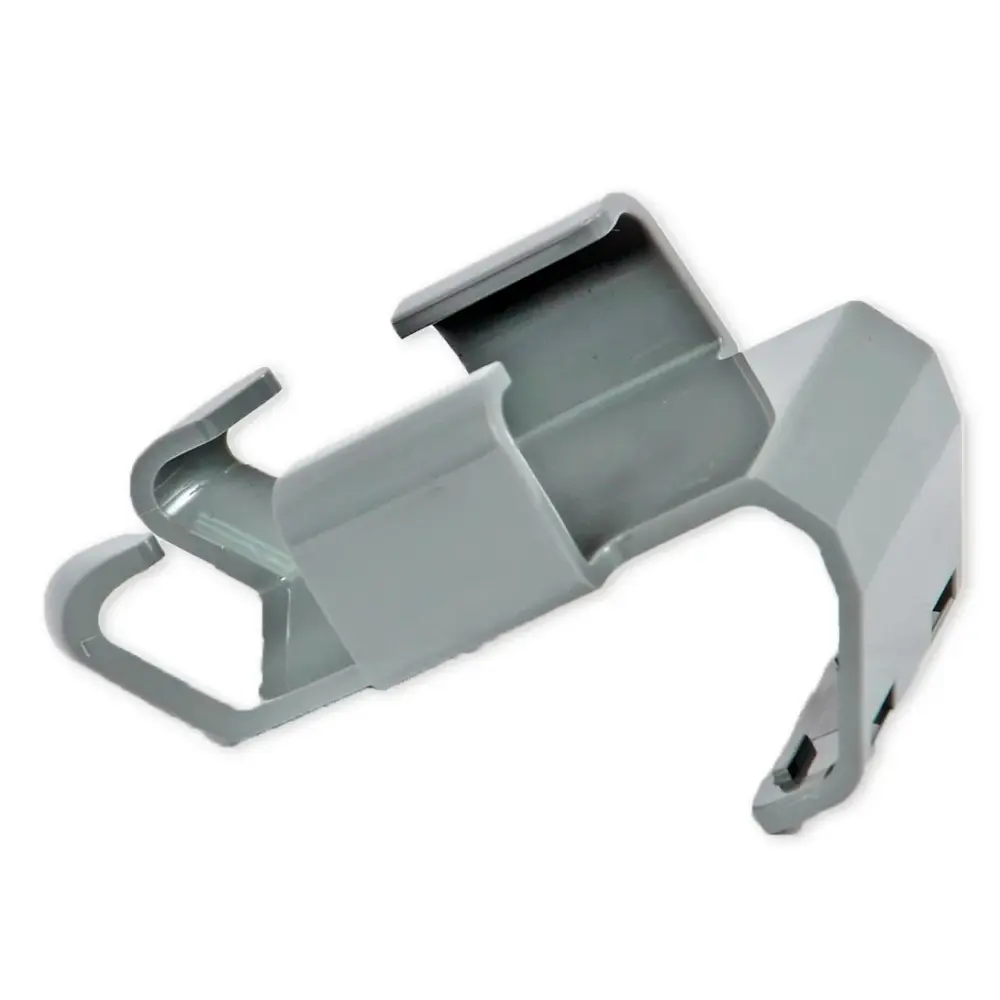
9980679
Genuine Maytronics parts · 6 remote controls
Dolphin remote controls & timers.
Every genuine Maytronics remote control for a Dolphin robot. A remote only works with a robot whose power supply was built for it, so the model number decides the replacement.
Match it to your robot
Find the right remote control for your Dolphin.
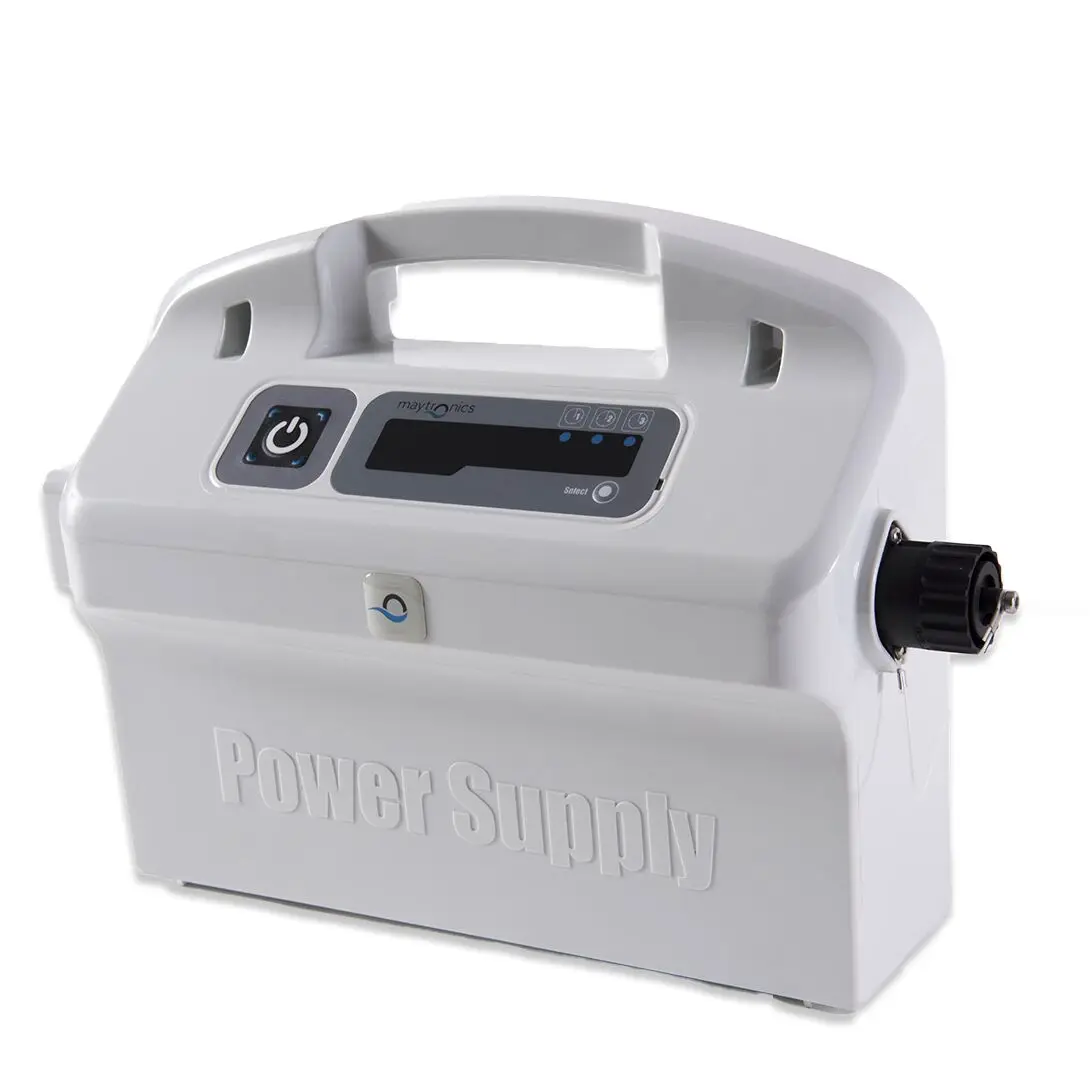
Dolphin remotes are tied to the power supply, not just the robot: a Bluetooth remote needs a Bluetooth-ready power supply and the manual-drive remote needs the remote-ready unit. Check both before ordering.
Start with your modelChoose your robot in the list above and the remotes Maytronics lists for it stay on the page.
Check the power supplyThe label on the back of the power supply says whether it is remote-ready or Bluetooth. A remote cannot be added to a plain on/off power supply.
Try the app firstOn the robots with Wi-Fi or Bluetooth, the MyDolphin Plus app does everything the remote does. If the remote has stopped pairing, the app answer below walks through the reset.
Remote holders (1)
The holder that keeps the remote on the caddy or by the power supply.
Remote controls (5)
The Bluetooth remote, the manual-drive and cycle-selector remote, and the wireless remotes for the commercial Wave robots.
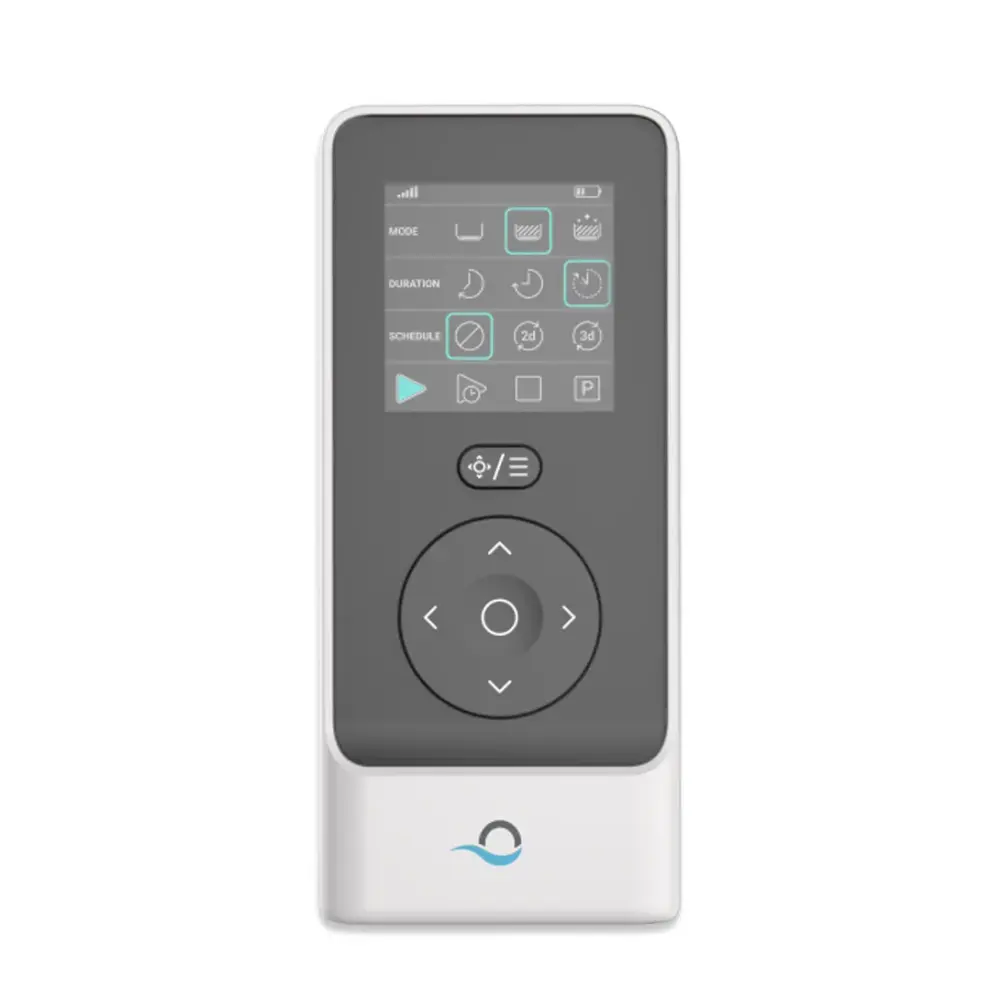
99954230-R1
Bluetooth® Remote Control
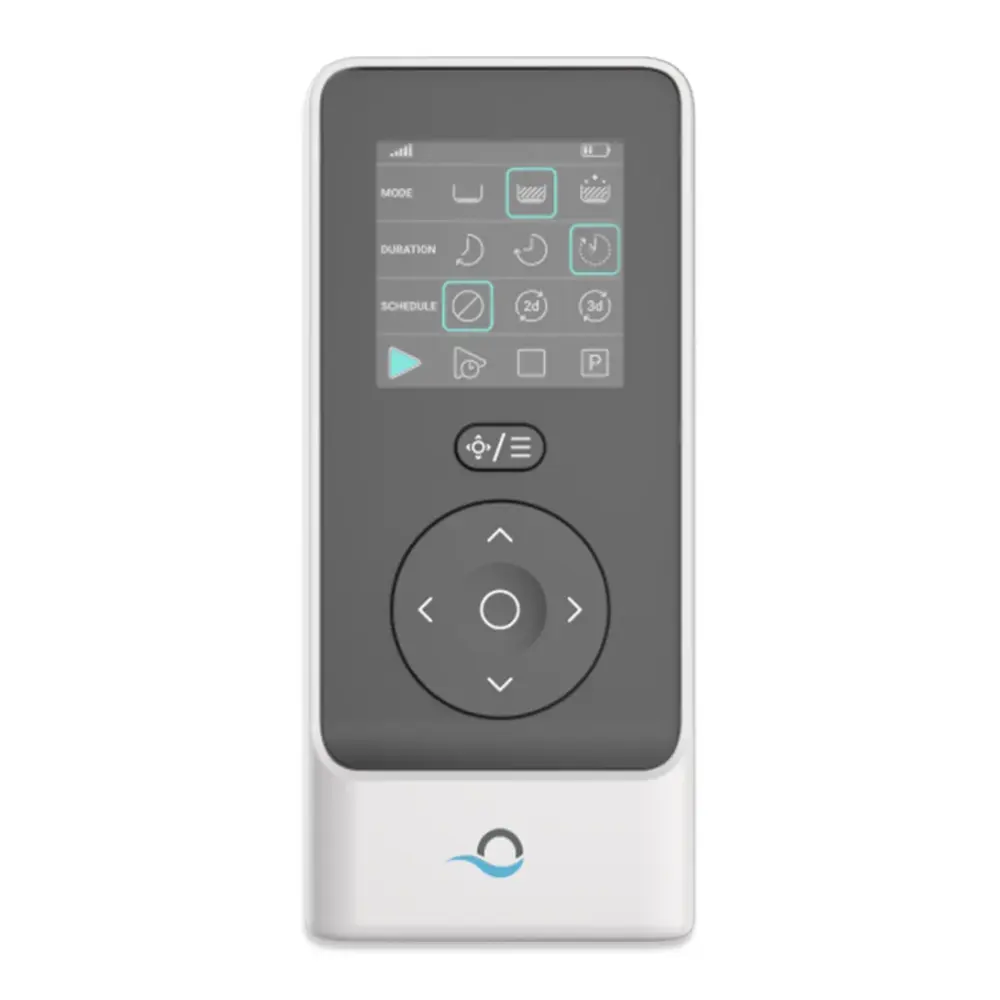
99954230-ASSY
Remote Control, Bluetooth ®
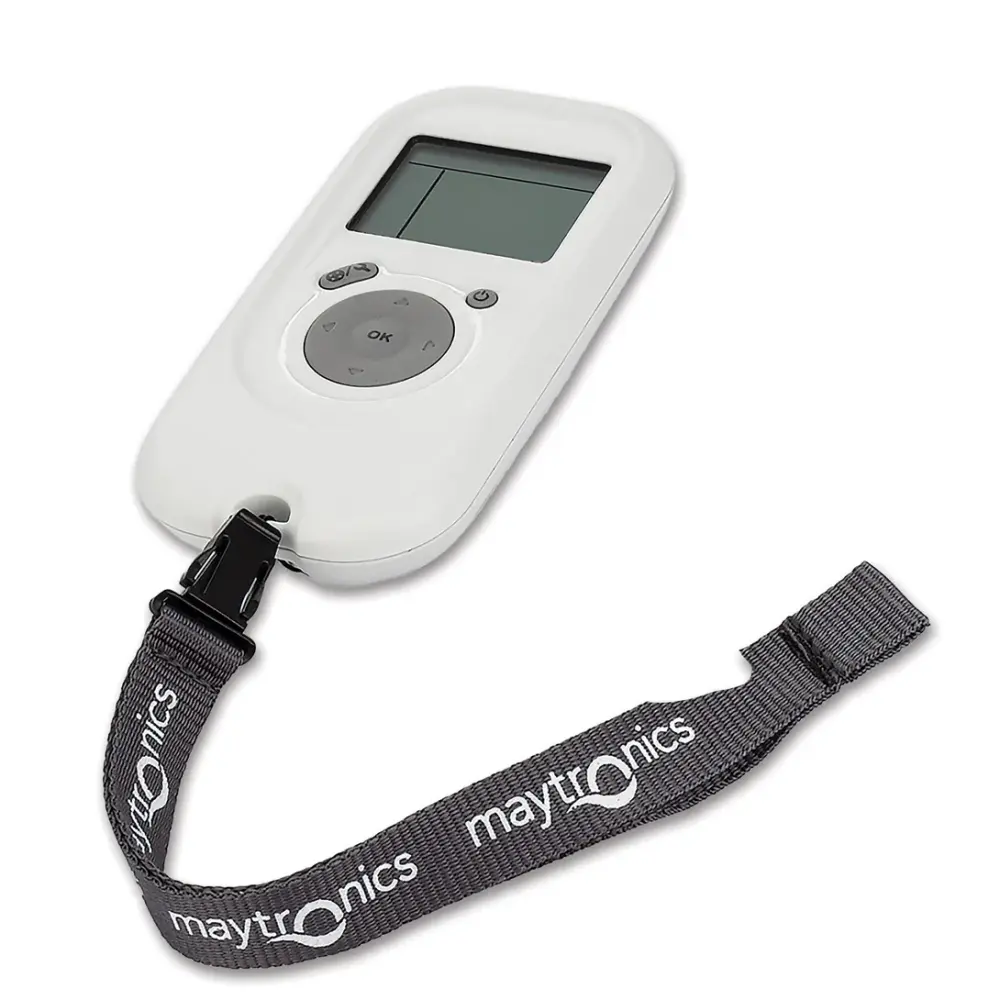
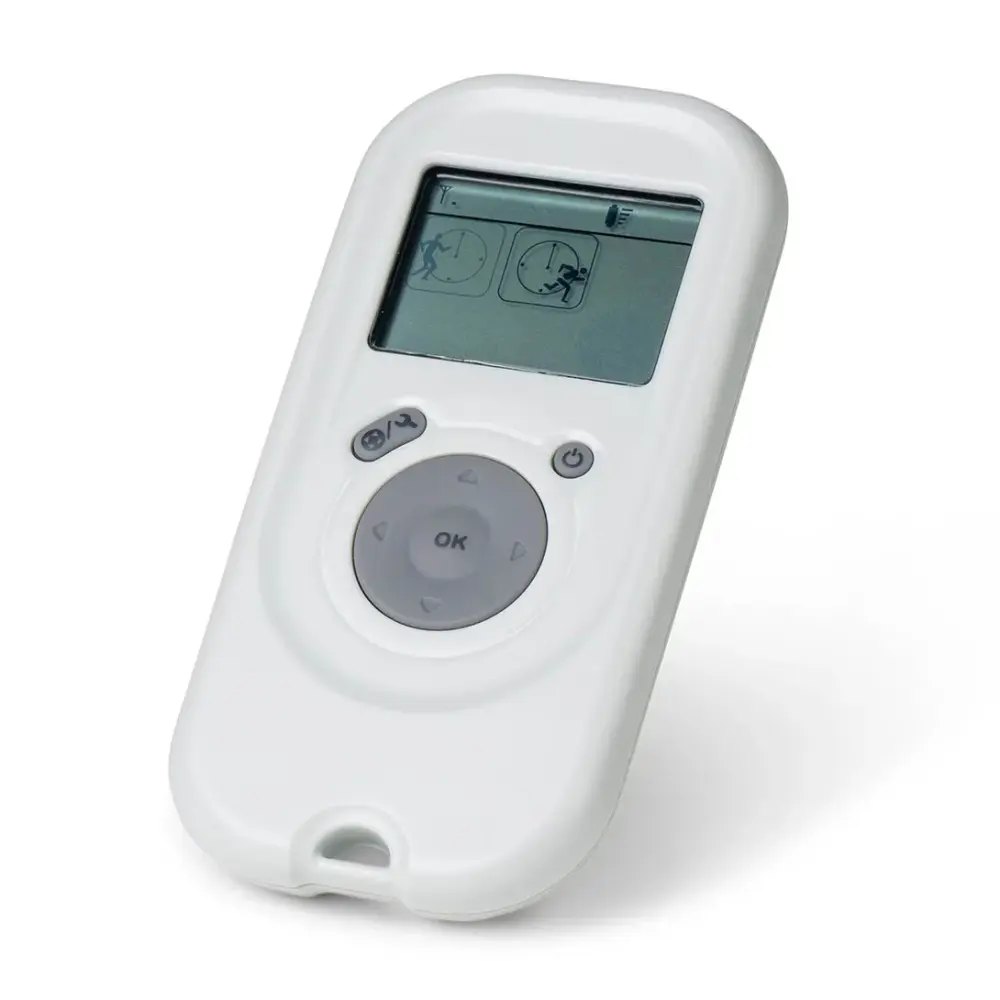
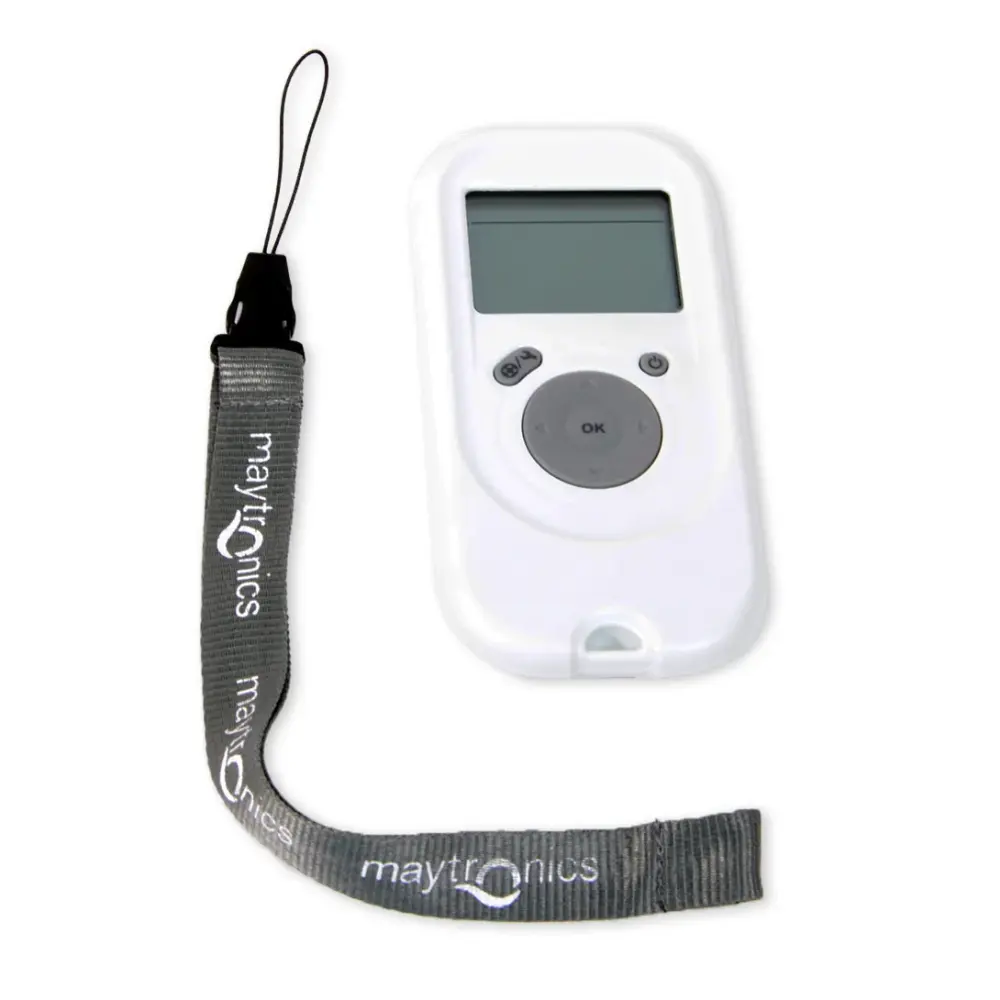
99954227-ASSY
Remote Control, R.f Basic
No remote control matches. Send us the model number from the label under the robot's handle and we will find the part.
In our store, shipping free
Dolphin remote controls we stock.
By robot
Remote Controls & Timers by Dolphin model.
The robots we sell first, then every other model Maytronics lists remote controls for. Each link opens that robot's own parts page at its remote controls.
Explorer E70 2Nautilus CC Supreme 2Nautilus Titan 2Sigma 2Wave 100 2Wave 80 2Wave 90i 2Premier 1Wave 120 1Wave 60 1
Every other model (9)
Refurbished and open-box editions use their base model's parts. Not listed? Find your model or send us the model number from the label under the handle.
Before you order
When to replace a Dolphin remote.
It will not pair after a battery changeReplace the battery, then re-pair the remote to the power supply following the answer below. Only if pairing still fails is the remote itself at fault.
Buttons are worn or the case is crackedA remote that lives by the pool wears out: sun fades the buttons and water gets in through a cracked case. The replacement is the same part Maytronics shipped with the robot.
You lost itThe remote is a convenience, not a requirement; every Dolphin runs from its power supply. Replace it when you miss manual drive or spot cleaning.
How to replace and care for Dolphin remote controls
Questions
Dolphin remote controls, answered.
Which Dolphin robots come with a remote control?
Only the robots sold with a remote-ready or Bluetooth power supply. Pick your model above to see whether Maytronics lists a remote for it; the compatibility list on each remote's page names every robot it works with.
Can I add a remote to a Dolphin that did not come with one?
Only if its power supply is remote-ready or Bluetooth. On other robots the MyDolphin Plus app, where the robot supports it, is the way to drive it manually.
My Dolphin remote stopped working. Is it the remote or the robot?
Change the battery and re-pair it with the power supply first (the answer above shows how). If the robot runs normally from the power supply but ignores a freshly paired remote, the remote needs replacing.
More Dolphin parts
Every other category.
FiltersFine and ultra-fine panels, baskets, cartridges and bags.60 parts ›Brushes & Climbing RingsActive brushes, PVC and combined brush sets, climbing rings.41 parts ›Tracks & WheelsTrack pairs, wheels, gears and guide wheels.12 parts ›Power Supplies & ChargersPower units, timer and Wi-Fi versions, cordless chargers.23 parts ›Cables & SwivelsSwivel cables by length, two- and three-wire cables, cords.18 parts ›Motor Units & ImpellersSealed motor units by platform, impellers, drive wheels.19 parts ›Caddies & CoversThe Universal Caddy, caddy covers and every caddy part.17 parts ›Niya PartsFilters, batteries, chargers, tracks and lids for the Niya range.36 parts ›Other Parts & AccessoriesClickers, hooks, flaps, spring filters and the rest.9 parts ›
Talk to a Dolphin specialist
Live chat about the right remote control, a part number or a fix. Real people, no bots.
Start a chat
Find an authorized dealer
1,200+ Dolphin service dealers across the US for repairs, parts and warranty work.
Find a dealer
Warranty and repairs
What the Maytronics warranty covers, how to register and how a repair claim works.
Warranty details