
Troubleshooting · Skimmi Troubleshooting
The Skimmi often stands still, and cleaning time is reduced
Step by step.
If you often find the Skimmi standing still, and the cleaning time is less than usual, try the following steps:

- In the MyDolphinSkimmi app, reduce the length of Day Cleaning and extend the Day Pauses in 'Device Settings'.
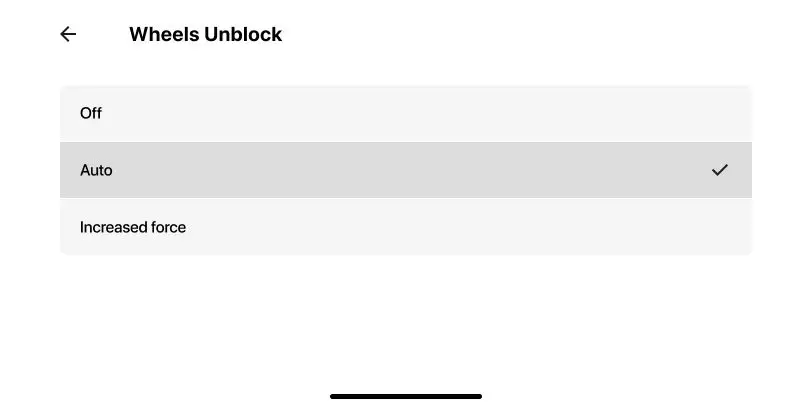


- Turn energy-intensive functions off (i.e., Debris Washing = OFF, Speed = Low, Wheels Unblock = OFF)

-
Turn on 'Smart Solar Recharge' in the MyDolphin Skimmi app. Set the 'Start Delay' to at least 1-2 hours.
Source: Maytronics support. Rewritten for clarity with the same steps; the videos and illustrations are Maytronics' own.
Parts that fix this.
This answer comes down to filters. The exact part depends on the model: choose your robot and we open its parts list, or browse the category for every model.
Browse by category:Filters All genuine Dolphin parts →
This fix on your robot.
Every model below has its own troubleshooting guide that repeats this fix with the exact parts that fit it. The link opens the guide on this fix.
Talk to someone who knows Dolphins.
Talk to a Dolphin specialist
Live chat about this question, a part number or a fix. Real people, no bots.
Start a chat
Find an authorized dealer
1,200+ Dolphin service dealers across the US for repairs, parts and warranty work.
Find a dealer
Warranty and repairs
What the Maytronics warranty covers, how to register and how a repair claim works.
Warranty details