
The Skimmi is beeping and the LED is flashing red
Step by step.

If the Skimmi is beeping and the LED is flashing red, it could mean one of the following:
Flashing Red 3x - Stuck
If the Skimmi red LED is flashing three times (every 2 sec.) then there is an obstacle stuck in the wheels.
Try the following troubleshooting steps:
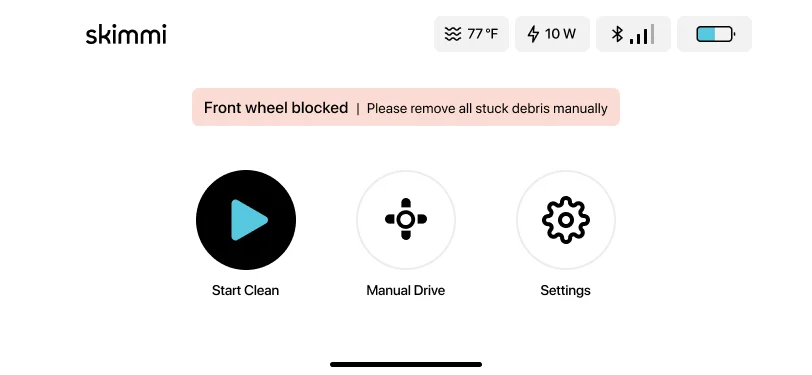
- Open the app to read the error message to find out which wheel is stuck. Remove the object or hair.
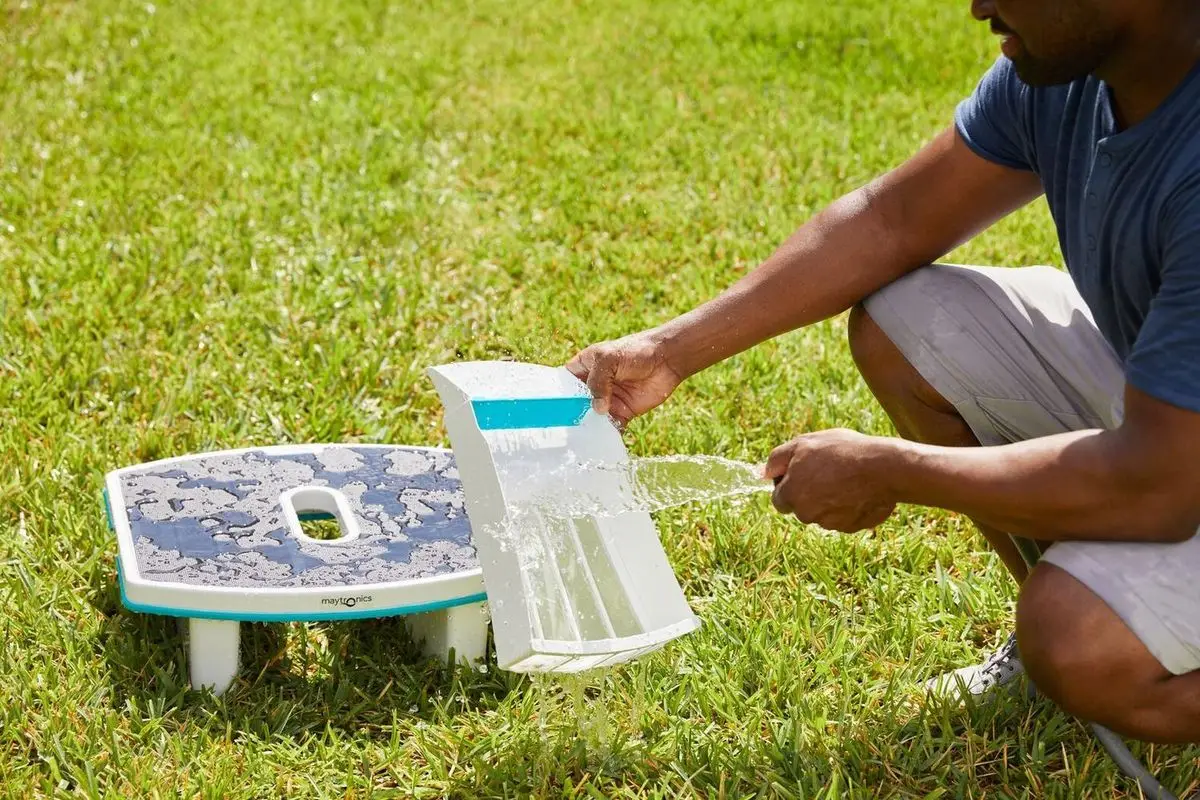
- Empty the filter tray and rinse it.
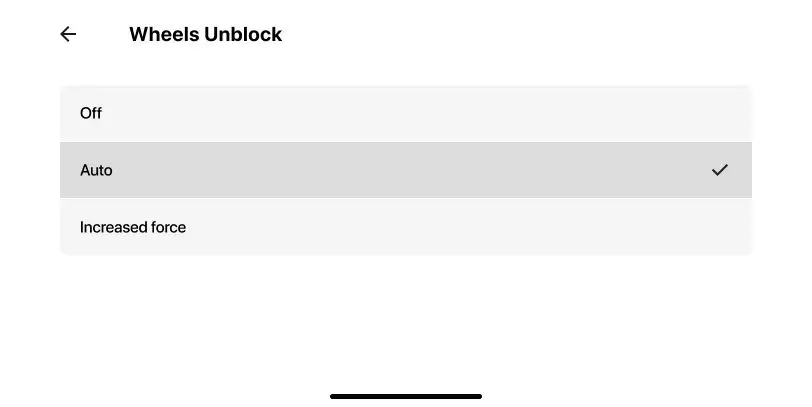
- You can also open the app and set "Wheels Unblock" to "Increased Force" (please note that this setting will increase the Skimmi's power consumption and will reduce the overall cleaning time).
Flashing Red 1x/2x - Overheated or Danger of Freezing
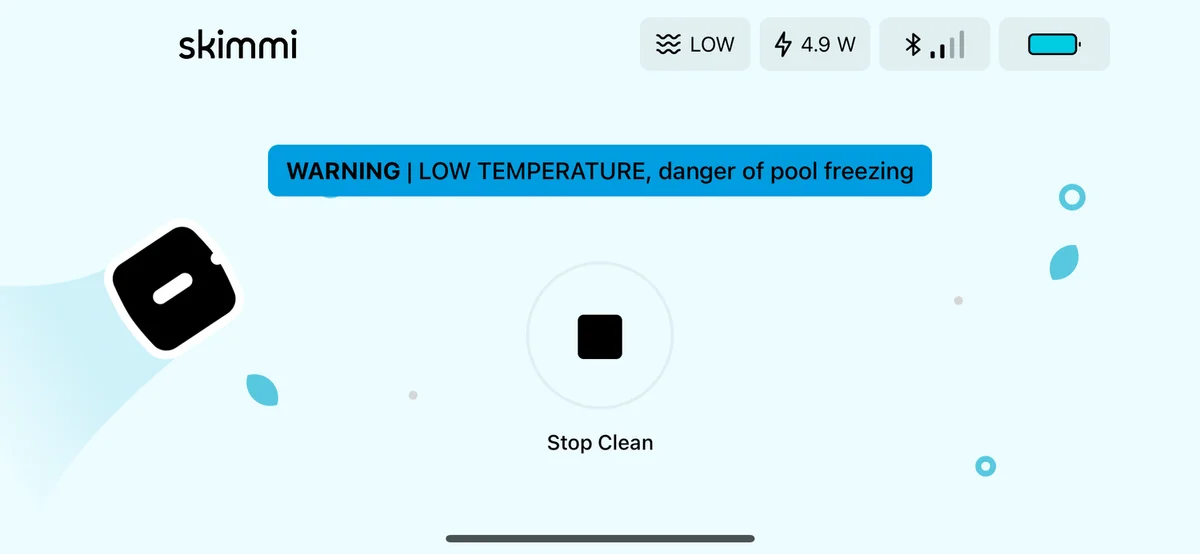
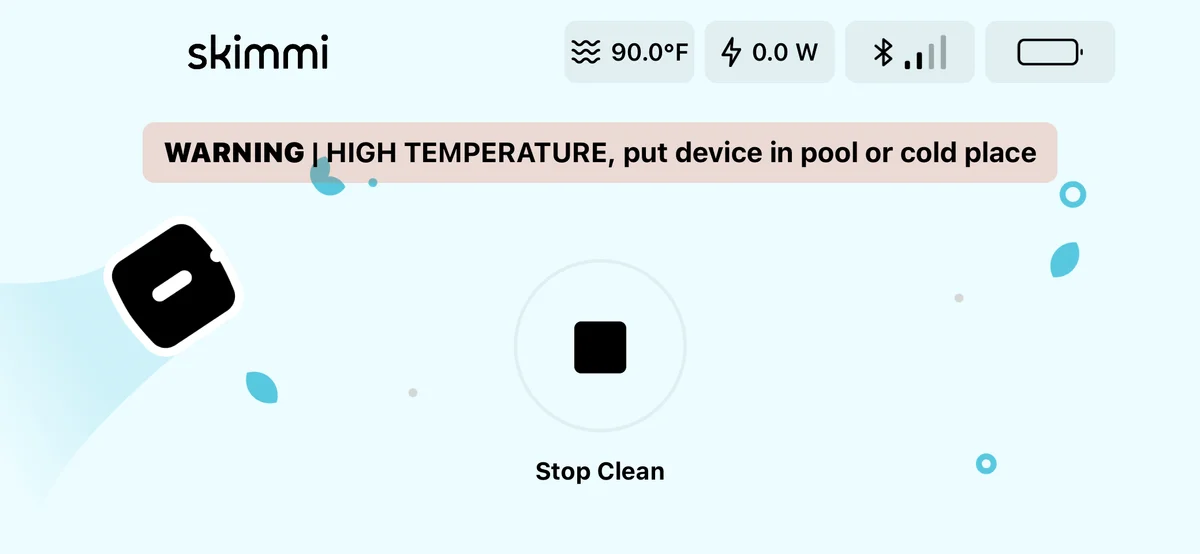
If the Skimmi is overheated or too cold, the Skimmi will start beeping and an error message will appear on the app. This does not mean that the skimmer is malfunctioning. This is a failsafe mechanism that stops the battery from charging while it is overheated until the internal temperature cools down.
Flashing once (every 2 sec.) - the pool/outdoor temperature is below 39°F OR above 131°F (charging will stop)
Flashing twice (every 2 sec.) - the battery temperature is below 39°F OR above 131°F (charging will stop)
Try the following troubleshooting steps:
- If the Skimmi is too cold, bring the skimmer to a sunny/warmer location, and make sure the pool temperature is between 39-131°F before returning the skimmer to the pool.
If the Skimmi is overheated, place the Skimmi for 1-2 hours inside the pool and slightly splash some water on the solar panel.

- On the MyDolphin Skimmi app, set the 'Day Cleaning' (cleaning duration) to 20-30 minutes and the 'Day Pause' (pause intervals) to 1 Hour during the day. This will help preserve the Skimmi battery.

- If you prefer to turn the beeping off, you can change the setting in the app under 'Device Setting', then turn the 'Alert Sound' off. The setting can be changed again when the weather cools down.
Source: Maytronics support. Rewritten for clarity with the same steps; the videos and illustrations are Maytronics' own.
This fix on your robot.
Every model below has its own troubleshooting guide that repeats this fix with the exact parts that fit it. The link opens the guide on this fix.