
The front paddlewheel is jammed on my Skimmi - How do I clean it?
Step by step.
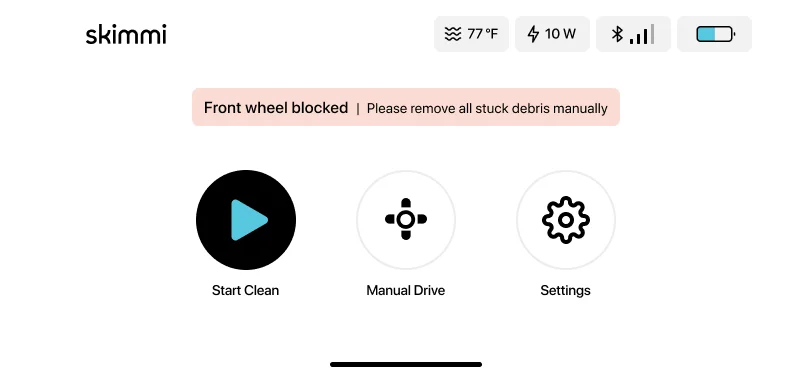
Here are the steps to follow:
-
Make sure the Skimmi is turned off and remove it from the pool.
-
Remove any debris from the paddlewheel.
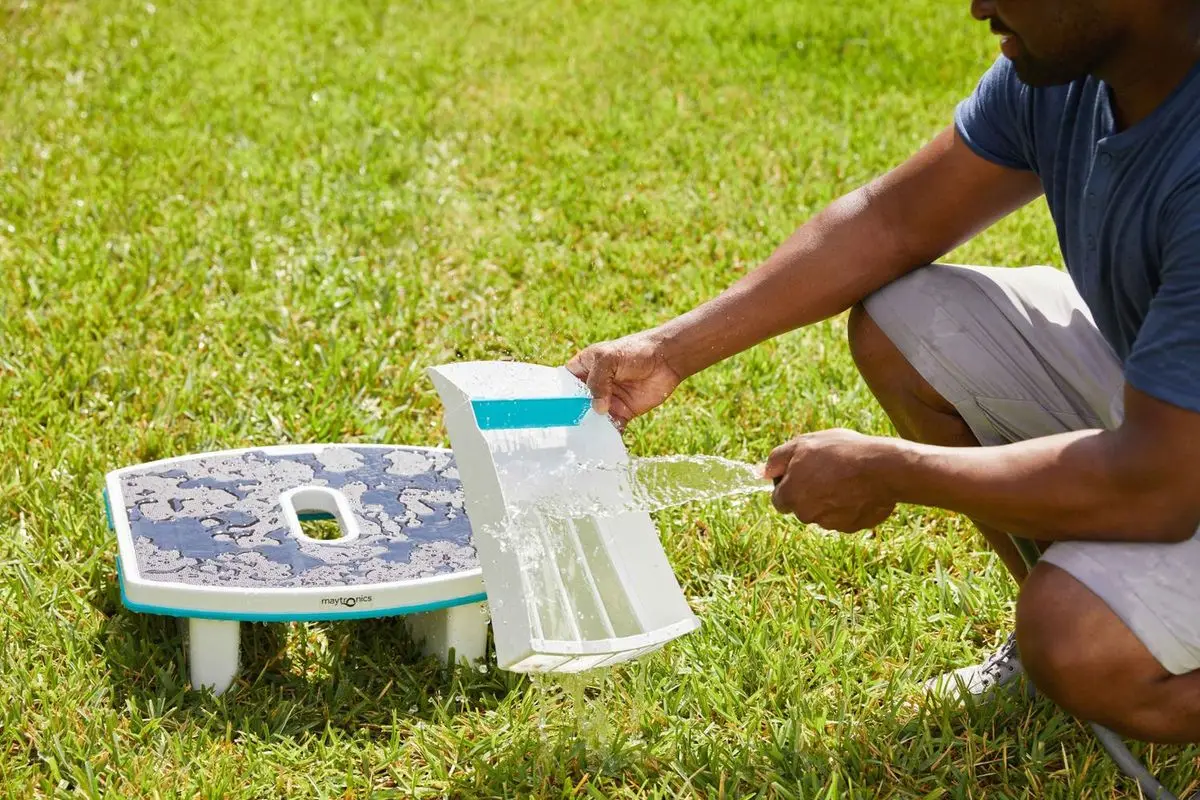
- Empty the filter tray and rinse it thoroughly to remove any remaining debris.
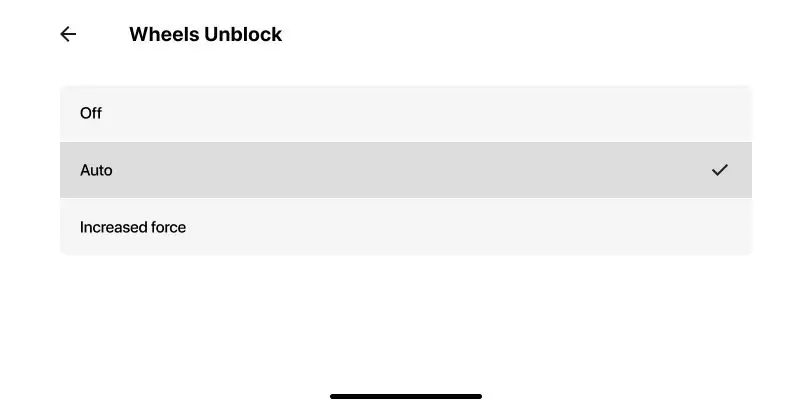
- If this continues to happen even after completing the troubleshooting steps, open the app and set 'Wheels Unblock' to 'Forced'.
Please note that this option increases the skimmer's power consumption, which can potentially reduce the overall cleaning time. However, it ensures the wheels can move freely. Once there is less debris in the pool, change the setting back to Auto.
Source: Maytronics support. Rewritten for clarity with the same steps; the videos and illustrations are Maytronics' own.
Parts that fix this.
This answer comes down to filters and tracks & wheels. The exact part depends on the model: choose your robot and we open its parts list, or browse the category for every model.
Browse by category:FiltersTracks & Wheels All genuine Dolphin parts →
This fix on your robot.
Every model below has its own troubleshooting guide that repeats this fix with the exact parts that fit it. The link opens the guide on this fix.