
Niya Sonar Ray troubleshooting.
Maytronics publishes little support content for the Niya Sonar Ray, so this guide starts with the checks that solve most problems. Our specialists can help with the rest.
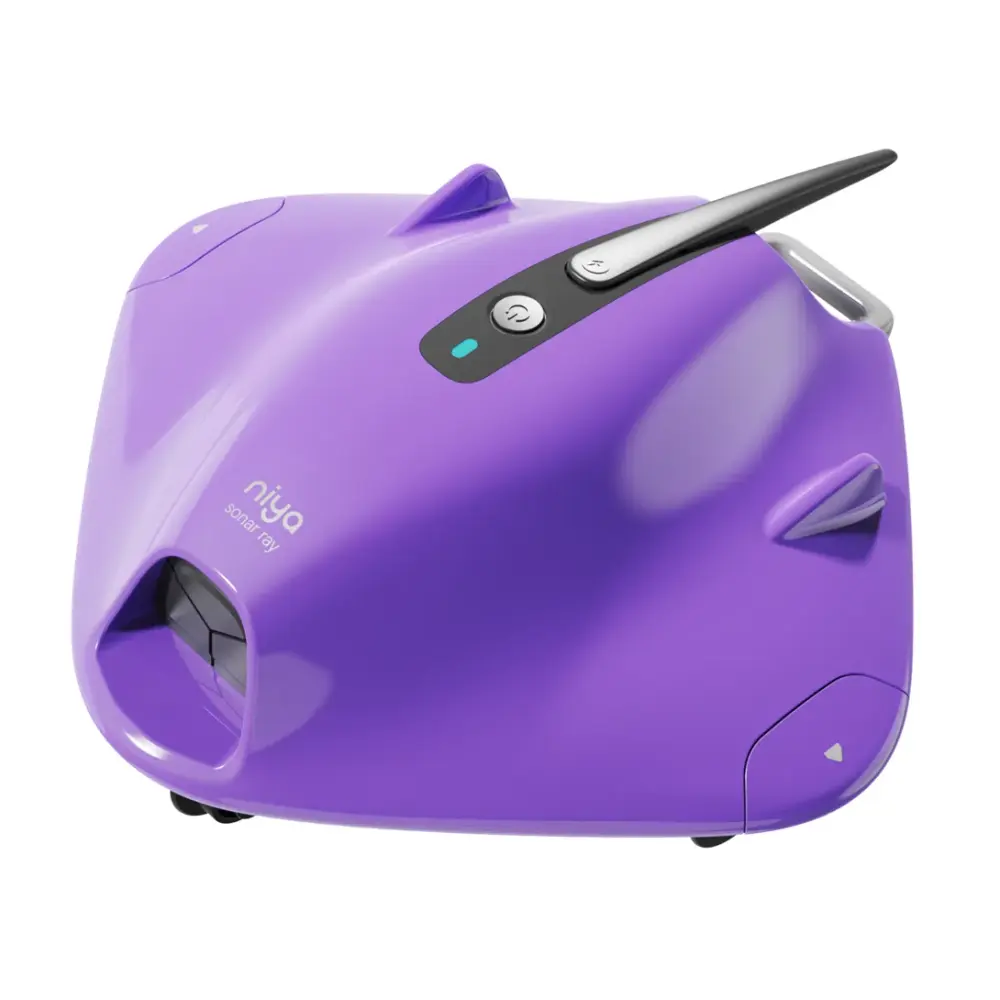
Three checks before you suspect the robot.
Charge, filter, impeller, tracks: in that order.
-
Charge fully with the Niya charger
Use the charger supplied with the robot and charge indoors, out of direct sun.
-
Clean the filter and impeller
Rinse the filter after each cycle and check the impeller grill for hair and debris.
-
Check the tracks or wheels
Remove anything caught in the tracks; worn tracks are a cheap replacement part.
Manuals, guides and how-to videos.
Real help for the Niya Sonar Ray.
If the checks above did not fix it, the robot may need a repair. Under warranty, Maytronics handles power supplies by replacement and robots through its repair centers; have the serial number from the label under the handle ready.
Maytronics' own tools: self-service diagnostic and repair request · register your robot.