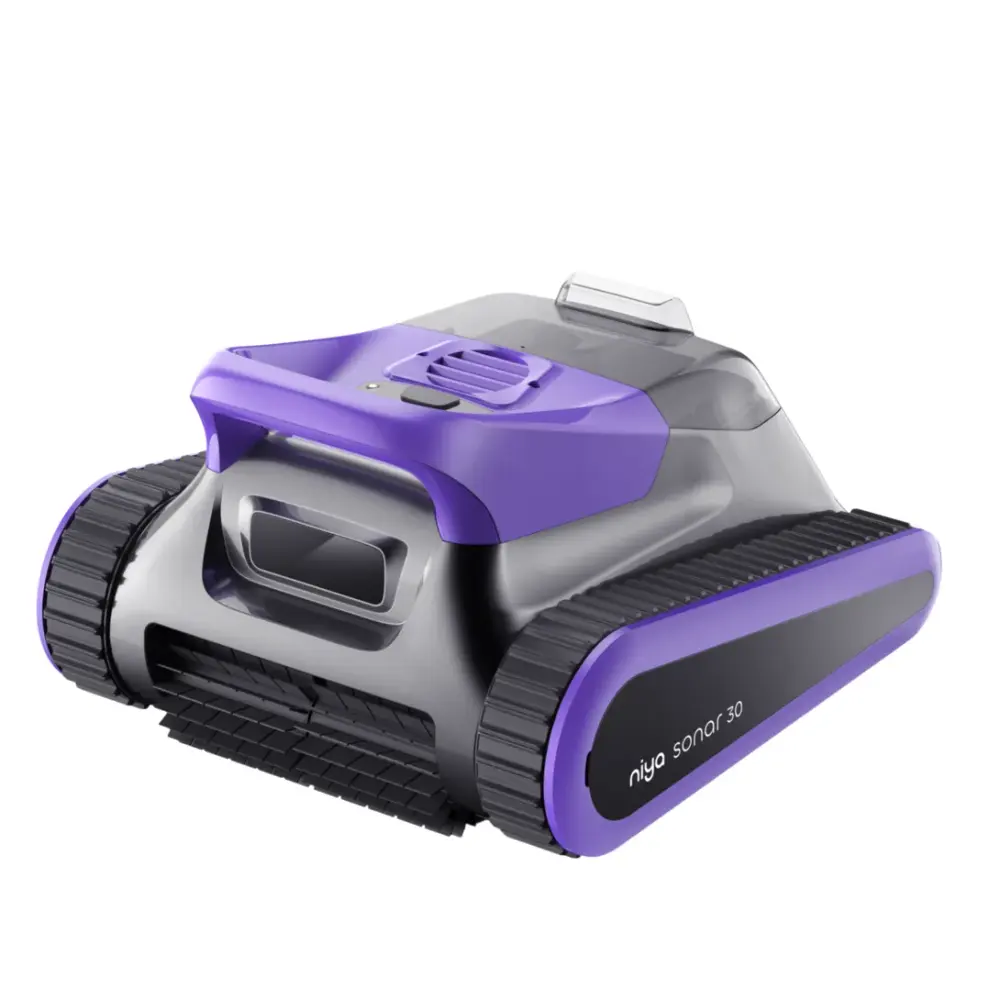
Maytronics publishes little support content for the Niya Sonar 30, so this guide starts with the checks that solve most problems, then the symptom table from the user manual and the parts that fit it. Our specialists can help with the rest.
The troubleshooting table printed in the Niya Sonar 30 manual, one card per symptom. A part named here is in the parts list below.
What pool is the Sonar 30 suitable for?
What to do
The Sonar 30 is recommended for standard pools up to 32.8 ft in length.
Why doesn’t the cleaner respond after turning on the machine?
What to do
The battery may have discharged due to extended delivery or storage. Please charge the device. The LED indicator will light up steady RED during the charging process. In some models, the LED may flash GREEN while charging.
How to charge my Sonar 30?
What to do
Charge your Niya in a shaded, dry area with a GFCI outlet. Do not use an extension cord to connect the battery charger to the electrical socket. For user safety, place the battery charger at least 4 feet above the ground while in use.
1. Connect the robot to the electrical socket using the provided battery charger. The LED indicator will light up steady RED during the charging process. In some models, the LED may flash GREEN while charging.
2. When the device is fully charged, the LED indicator will show steady GREEN. After 10 minutes, it will turn off automatically.
3. Disconnect the charger from the robot and the electrical socket.
What is the issue when the cleaner lights up with a purple LED indicator?
What to do
The purple LED indicator means that the cleaner is stuck. Pull the cleaner out of the water. When the blue LED indicator starts to flash, place it back in the pool to continue the cleaning process.
Why does the cleaner automatically switch off after a few hours of charging?
What to do
The device is designed to shut off automatically in 10 minutes after being fully charged to protect the battery and ensure its lifespan.
Why is the robot not cleaning effectively?
What to do
The device may absorb a significant amount of debris quickly when placed in a dirty pool. Check and clean the filters if needed.
Why can't the cleaner clean the wall or waterline?
What to do
The device may contain too much debris in the filter basket. This could weaken its suction capacity.
Why can’t the cleaner climb the wall?
What to do
There may be dirt or debris in the filter basket. Remove the basket and clean it. If the filter is clean and the robot still doesn't climb properly, clean the impeller. Follow the instructions in section 8.
Replacement parts
12 genuine parts that fit the Niya Sonar 30.
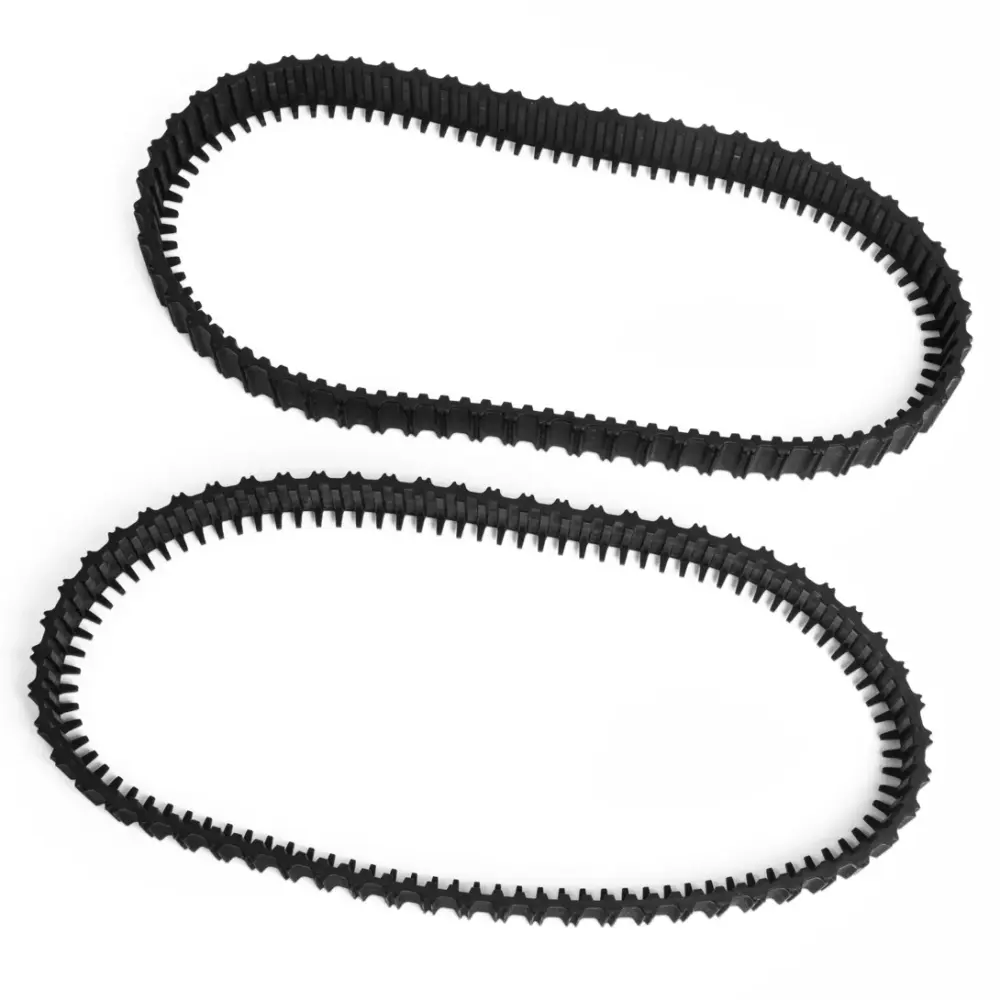
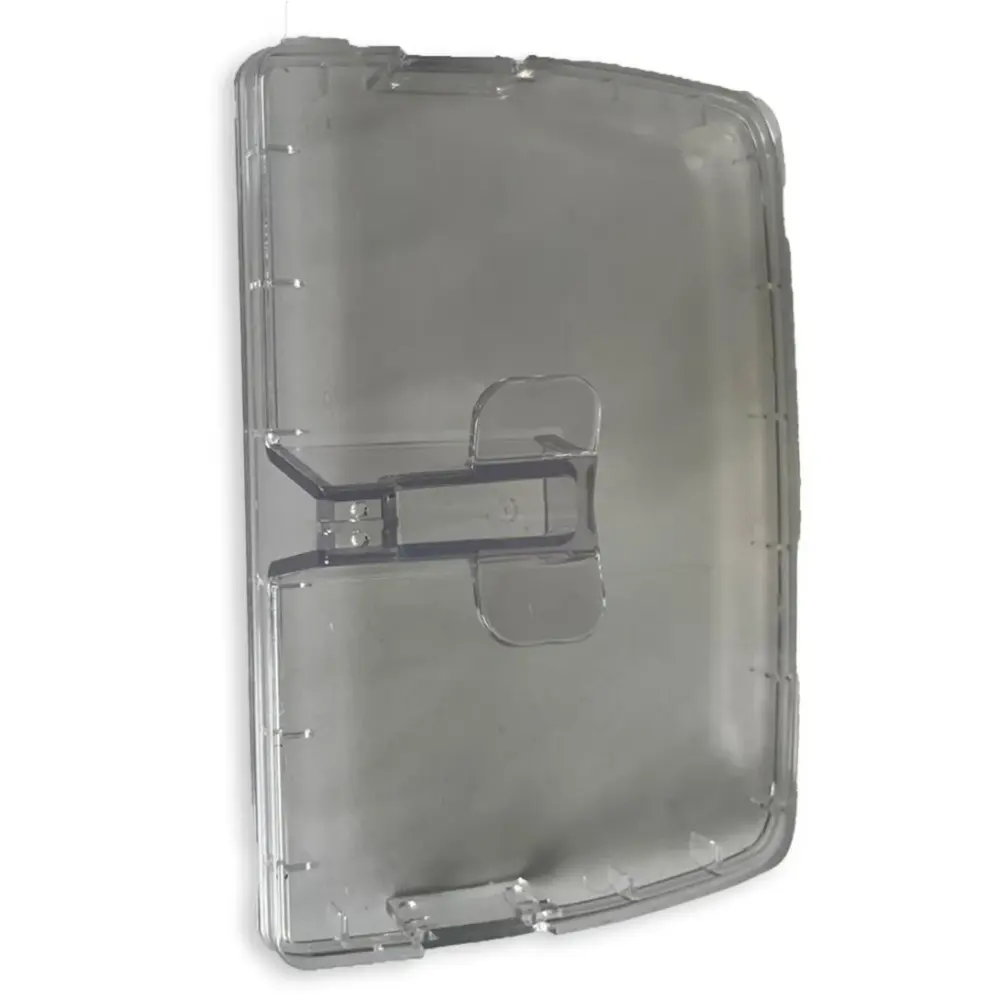
Worn filters, brushes and tracks cause most of the problems above. These are the genuine parts Maytronics lists for model 07.009.0002; each one opens with its price and fitting notes.
If the checks above did not fix it, the robot may need a repair. Under warranty, Maytronics handles power supplies by replacement and robots through its repair centers; have the serial number from the label under the handle ready.