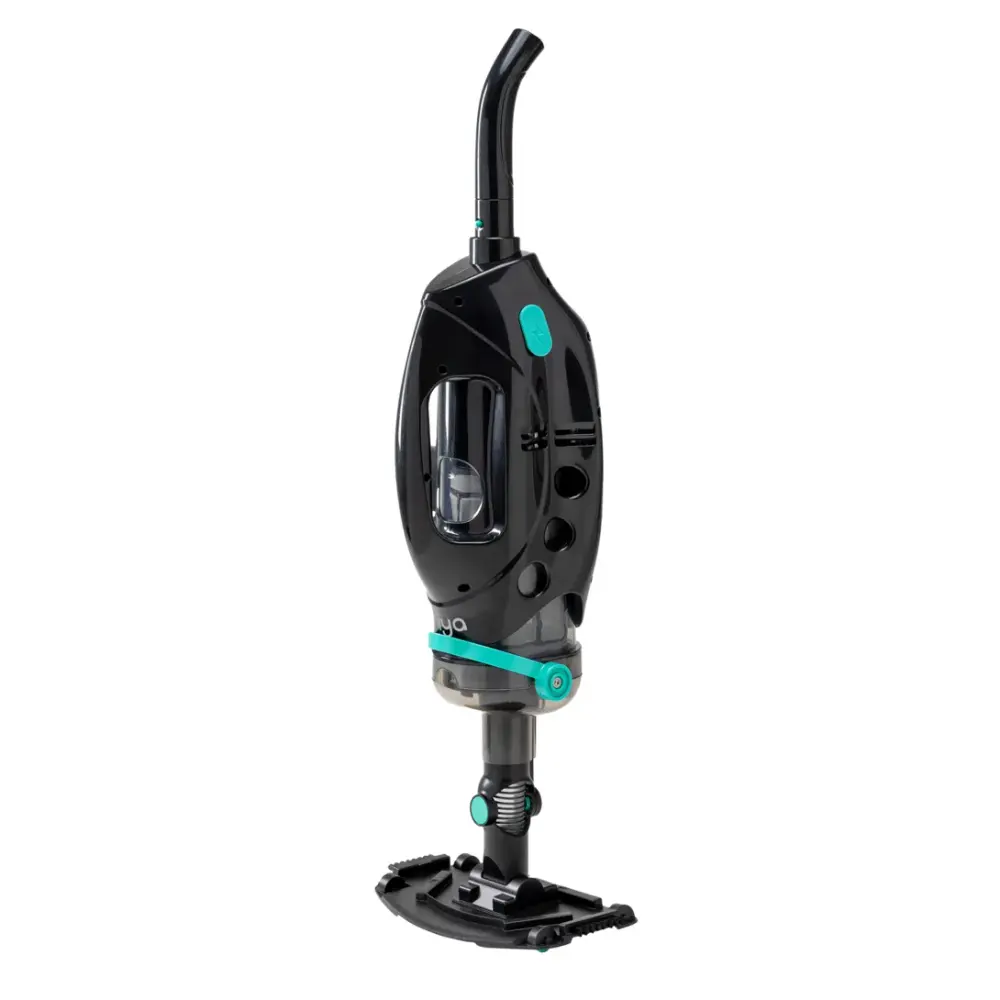
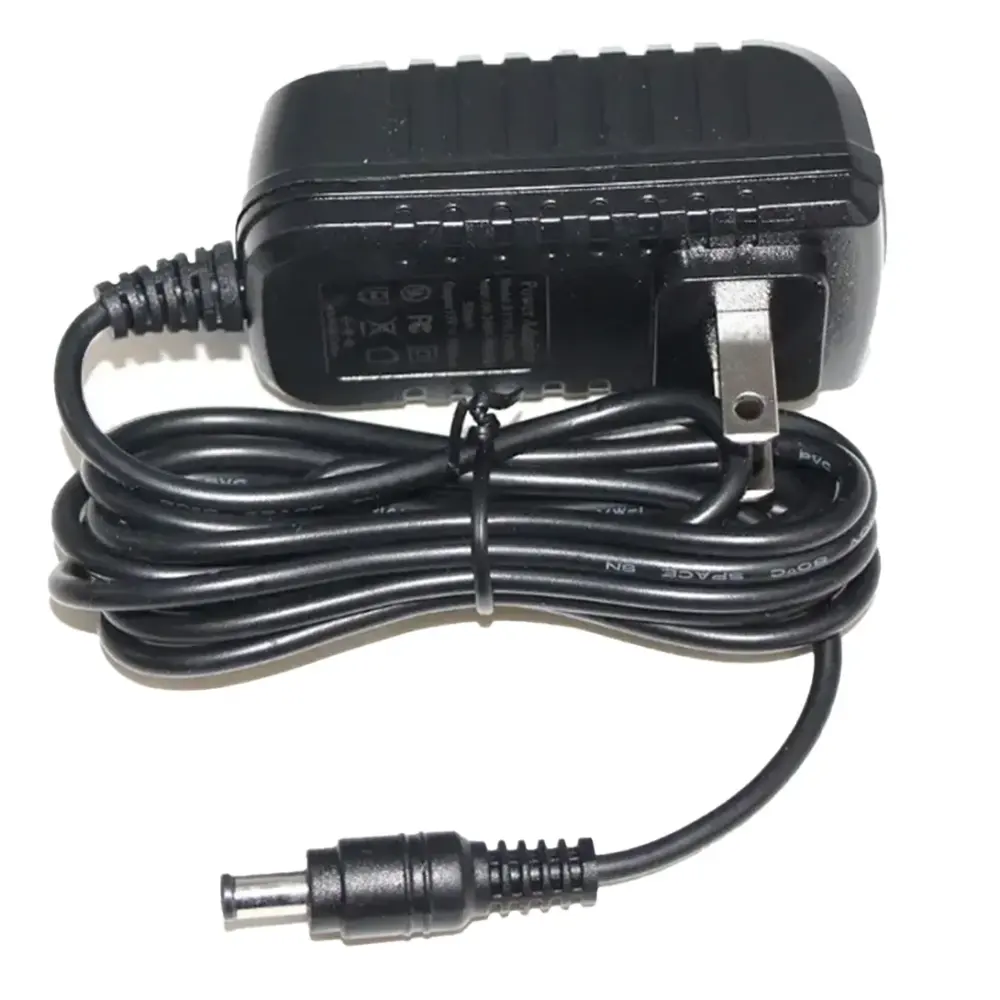
Maytronics publishes little support content for the Niya Aquasweep S10, so this guide starts with the checks that solve most problems, then the symptom table from the user manual and the parts that fit it. Our specialists can help with the rest.
The troubleshooting table printed in the Niya Aquasweep S10 manual, one card per symptom. A part named here is in the parts list below.
Doesn't work
Likely cause
Whether the ON/OFF knob is fully toggled in place or not
See if something is stuck in the impeller. Use a flashlight if needed
The battery pack is damaged
What to do
Try to toggle the ON/OFF knob
Contact Maytronics customer care
Poor suction
Likely cause
Ensure the machine is fully submerged underwater
Check that the brush suction is not blocked by a large object
What to do
Completely submerge the device
Remove the large foreign object from the suction
Smells Bad
Likely cause
The filter has not been properly cleaned after use
Plastic odor
What to do
Clean and rinse the debris from the filter after each use
Leave the new machine in an empty area for 20 minutes until the plastic odor dissipates.
Indicator light is off
Likely cause
Check that the pool cleaner is turned on
Motor is running. Potential indicator light malfunction Light damage
What to do
Flip the switch knob to check whether the indicator light is on on when the machine starts up
Check if the light works in a darker location. lf not, contact Maytronics customer care
The machine automatically shuts down during operation
Likely cause
The out-of-water protection is triggered. When the machine cannot sense water within 15 seconds, the red light will stay on for 3 seconds and then it will automatically shut down
What to do
Please reset the switch and immerse the machine completely in water before turning it on for use
The machine shuts down automatically during cleaning
Likely cause
Automatic-shut down protection after 15 seconds out of the water Battery is low - LED is either flashing or red.
What to do
Completely submerge the pool cleaner in water Charge the battery
The machine shuts down after the blue light flashes for 6 seconds during operation
Likely cause
The battery pack low temperature protection is triggered during operation
What to do
Water temperature should be between 5 C°(41F°) and 35 C°(95F°).
The light does not turn on after the machine has been charging for a while
Likely cause
The charging protection is triggered. If the machine is charged continuously for more than 7 hours, the blue light will go out and it will enter sleep mode
What to do
Please unplug the adapter and use it normally
When the machine is charging, the red light flashes quickly for 20 seconds and then turns off
Likely cause
Battery Damage
What to do
Contact Maytronics customer care
The machine shuts down after the red light flashes for 3 seconds during operation
Likely cause
Battery Damage
What to do
Contact Maytronics customer care
Replacement parts
1 genuine parts that fit the Niya Aquasweep S10.
Worn filters, brushes and tracks cause most of the problems above. These are the genuine parts Maytronics lists for model 9997301-US; each one opens with its price and fitting notes.
If the checks above did not fix it, the robot may need a repair. Under warranty, Maytronics handles power supplies by replacement and robots through its repair centers; have the serial number from the label under the handle ready.