
Step by step.
The first step we recommend is removing the robot from the pool and stretching the cable in the sun for at least 3 hours to remove the kinks and twists.
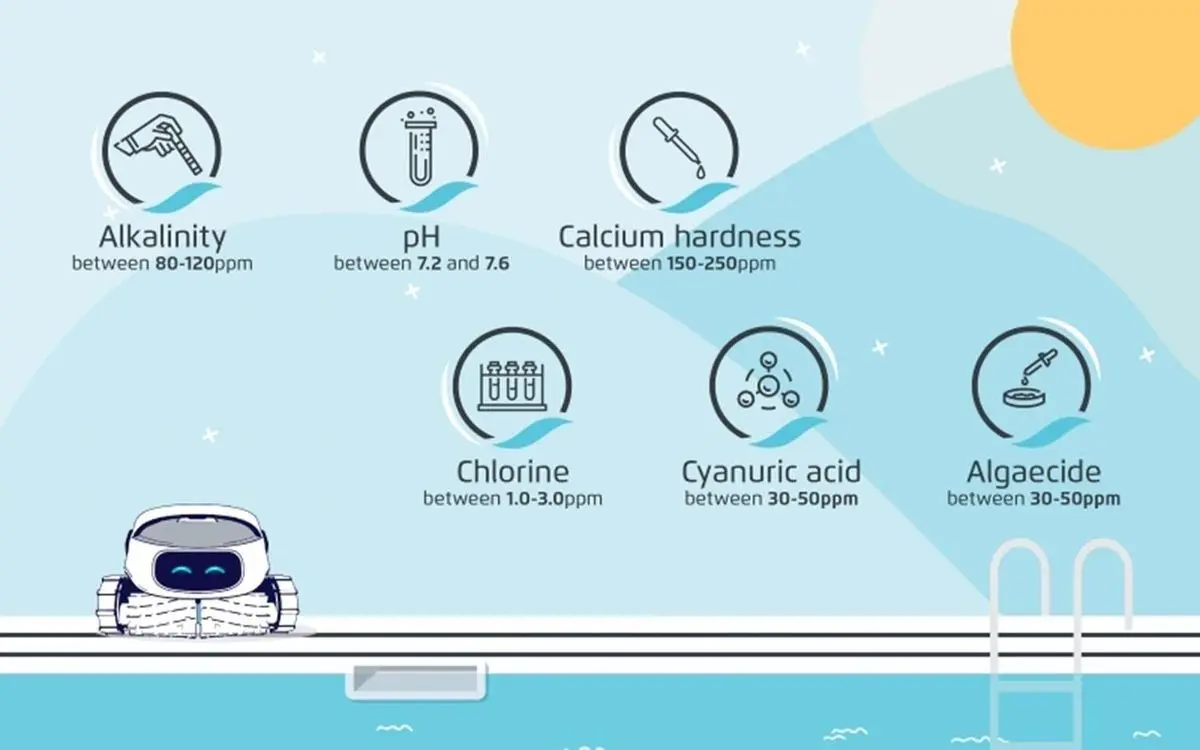
Once you've done that, to make sure you keep the cable free of tangles, we recommend keeping the water temperature over 59°F, and ensuring that the pool chemicals are within our recommended usage range.
to shop our pool chemicals
Most importantly – don't use too much cable! If your Dolphin has a Swivel, and especially if it doesn't, it is very important to measure out the right amount of cable.
To do that, measure out the same length of cable as the longest length in your pool. That's the amount of cable your robot needs.
The power supply should be positioned near the midpoint of the pool's longest side and set back several feet from the pool edge. This allows the blue cable to enter the water in a straight, relaxed line, helps maintain even tension as the robot moves through the pool, and lets the swivel rotate freely.
When placing the robot in the pool, loosely coiling the excess blue cable at the pool’s edge also helps it naturally feed in as the cleaner moves.
It's important to make sure the cable is wound correctly after each use.
We recommend that you also check that nothing is obstructing the Dolphin wheels or tracks, as this could cause the Dolphin to spin in circles and twist the cable. How to clean the tracks
Source: Maytronics support. Rewritten for clarity with the same steps; the videos and illustrations are Maytronics' own.
Parts that fix this.
This answer comes down to cables & swivels. The exact part depends on the model: choose your robot and we open its parts list, or browse the category for every model.
Browse by category:Cables & Swivels All genuine Dolphin parts →