
How to replace the climbing rings on my Dolphin brushes?
What to know.
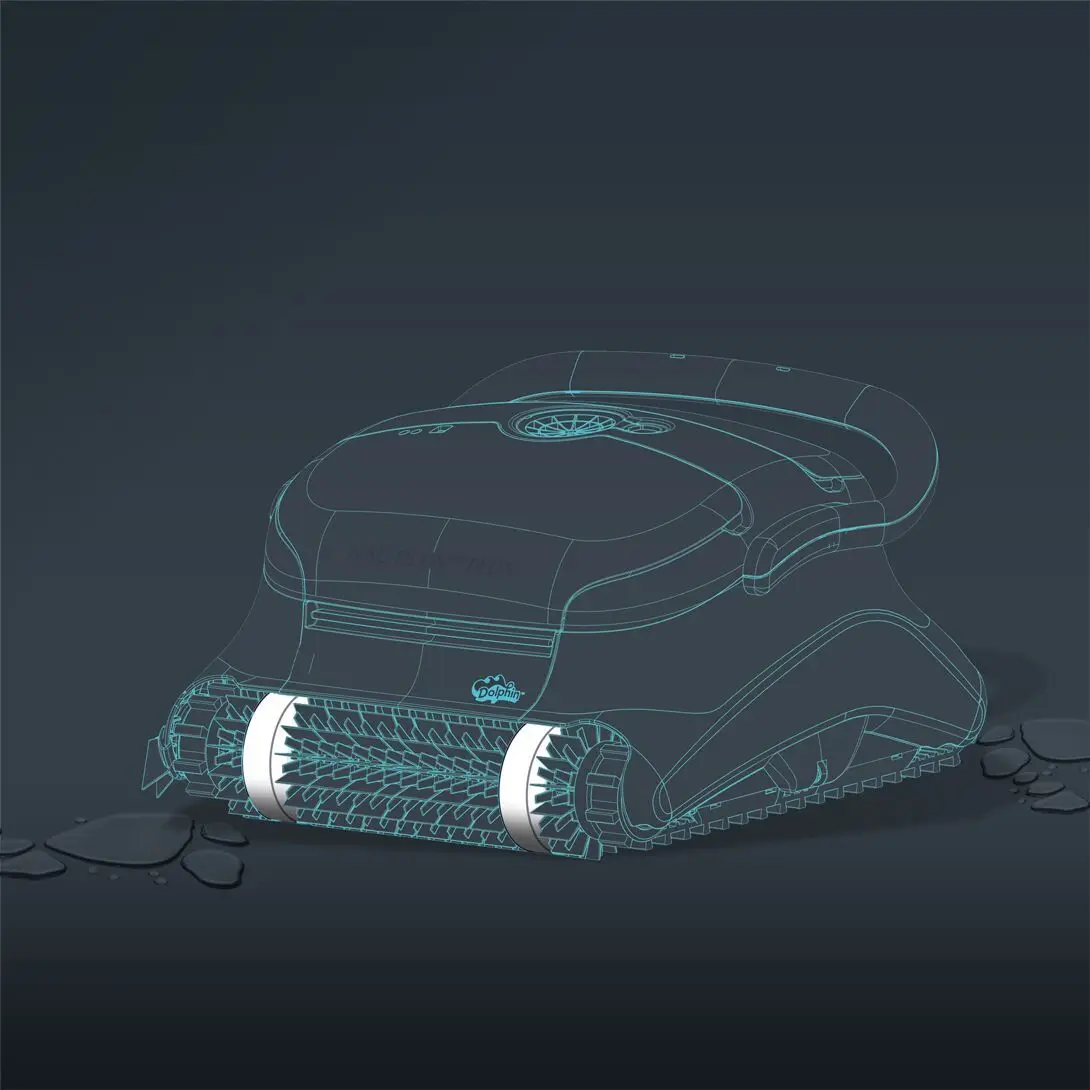
Please follow the steps below for proper installation:
(The following steps are applicable for all models that have climbing rings)
-
Wet the climbing rings in the pool or soak them in water for 10 minutes until they are fully soaked.
-
Remove the robot from the pool, and turn the robot upside down.
-
Make sure the power supply is unplugged from the outlet.
-
Use a flathead screwdriver to release the brush from it on both sides.
-
Remove the brush.
-
Remove the climbing rings.
-
Soak the new climbing rings in water so they are flexible. Take the new climbing rings and work them onto the brushes.
-
Once the climbing rings are in place, slide the brush back into its sockets and push it into place.
Video references for assistance in how to remove and install the brushes (applicable for steps 2-5, and 8):
M Line (DX3/Sigma/Nautilus CC Plus/Nautilus CC Supreme/M400)
M600 (Active 60, Explorer E70)
If you are interested in purchasing replacement climbing rings, our replacement parts.
Source: Maytronics support. Rewritten for clarity with the same steps; the videos and illustrations are Maytronics' own.
Parts that fix this.
This answer comes down to brushes & climbing rings. The exact part depends on the model: choose your robot and we open its parts list, or browse the category for every model.
Browse by category:Brushes & Climbing Rings All genuine Dolphin parts →