
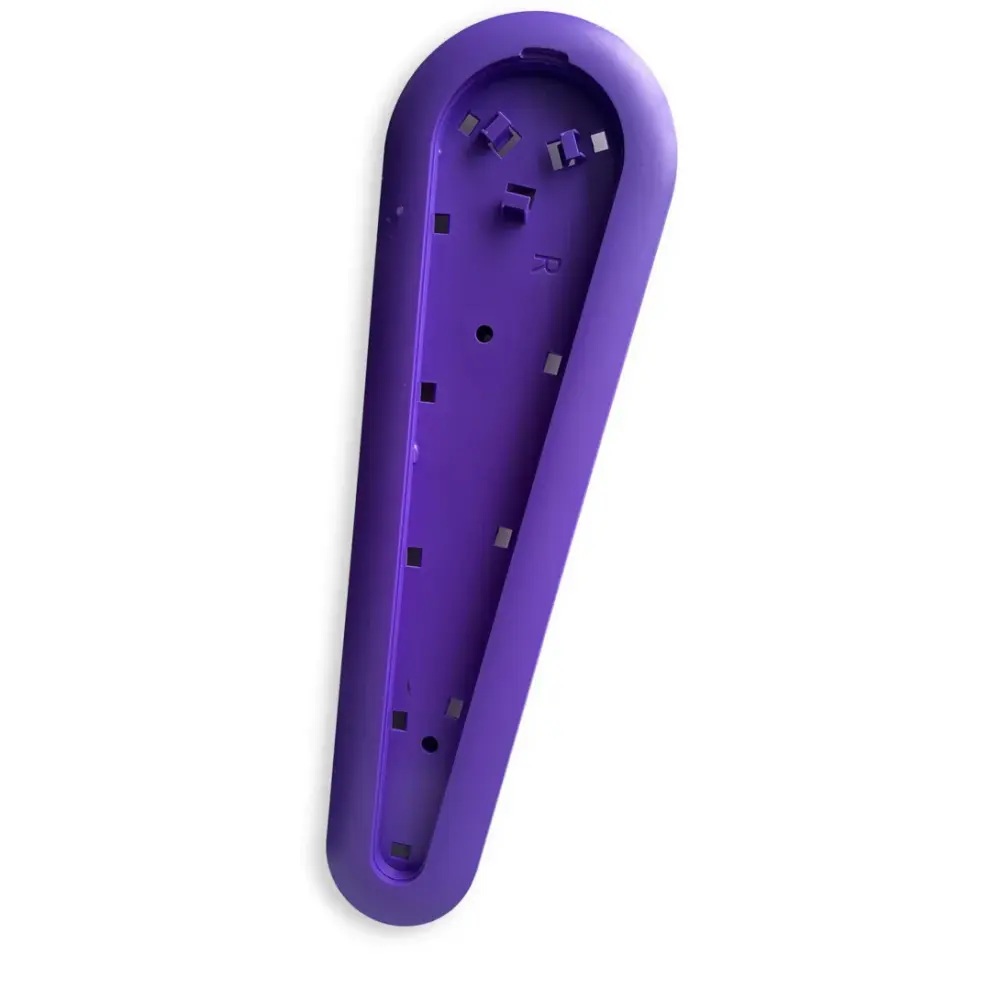
Maytronics part · Niya Parts
Side Panel Right Purple Snr-SP
Part number 06.013.0026A-SP · UPC 810071222689 · 0.5-year warranty
$9.99 Maytronics list price
We do not stock this part in our own store yet. Our specialists can confirm the right part number for your robot before you order anywhere.
Compatibility
Fits these Niya robots.
Confirmed by Maytronics' compatibility checker and each robot's spare-parts list.
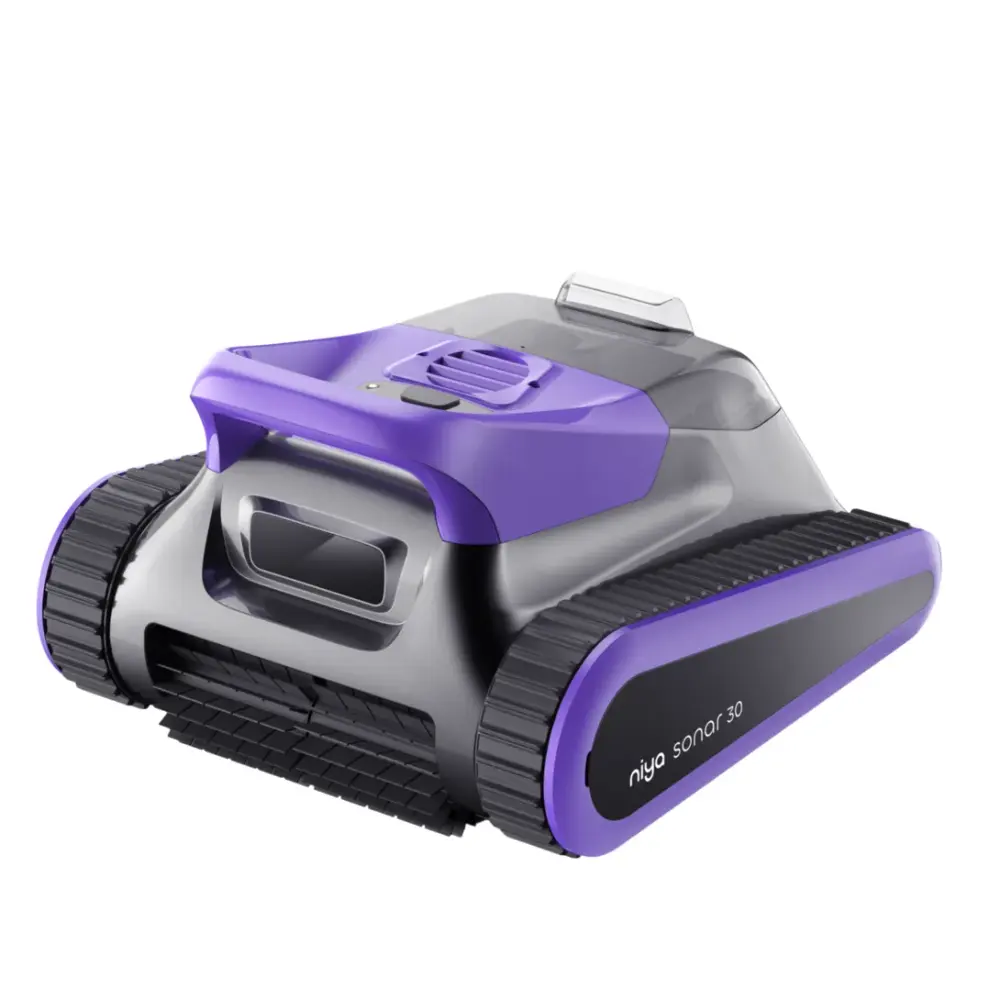
Do it yourself
How to replace it at home.
Maytronics' own step-by-step answers and videos for this kind of part.
How to replace the side panel on the Nautilus CC Plus?Video
on how to replace the side panels on the Nautilus CC Plus.
Steps:
- Open the lids and remove the filters.
- Remove the four screws securing the top frame.
- Use a flathead screwdriver to unlock the impeller cover.
- Remove the impeller cover.
- Release the blue floating cable and lift off the top frame.
- Carefully remove both side panels.
- Install the new side panels, ensuring all panel grooves align with the robot body.
- Reposition the top frame and route the blue cable back into its original position.
- Reinstall the impeller cover and lock it securely.
- Secure the top frame using the four screws.
- Reinsert both filters and close the top lids.
Specifications
General Info
- Warranty (years)
- 0.5
- UPC
- 810071222689
Niya Parts
Related parts.
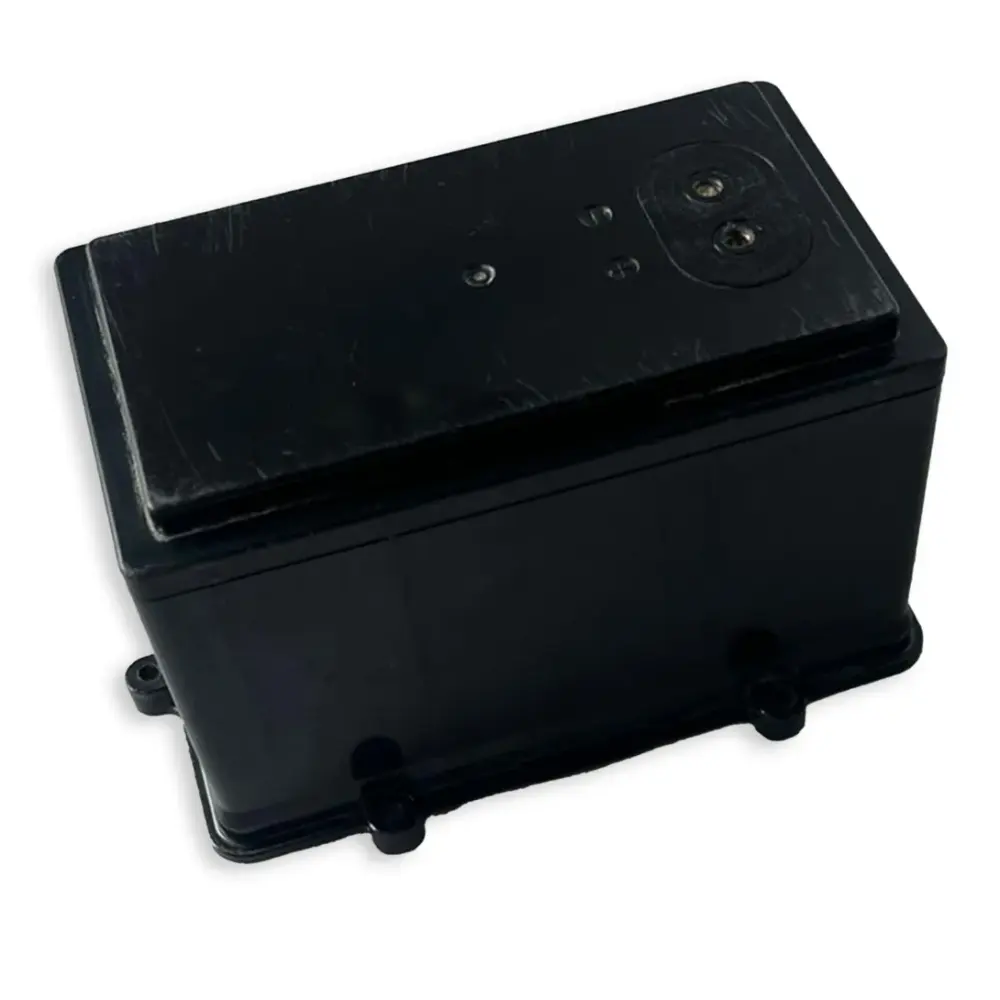
06.013.0024A-SP
Battery 7.8AH SNR30/F3, TRK35-SP
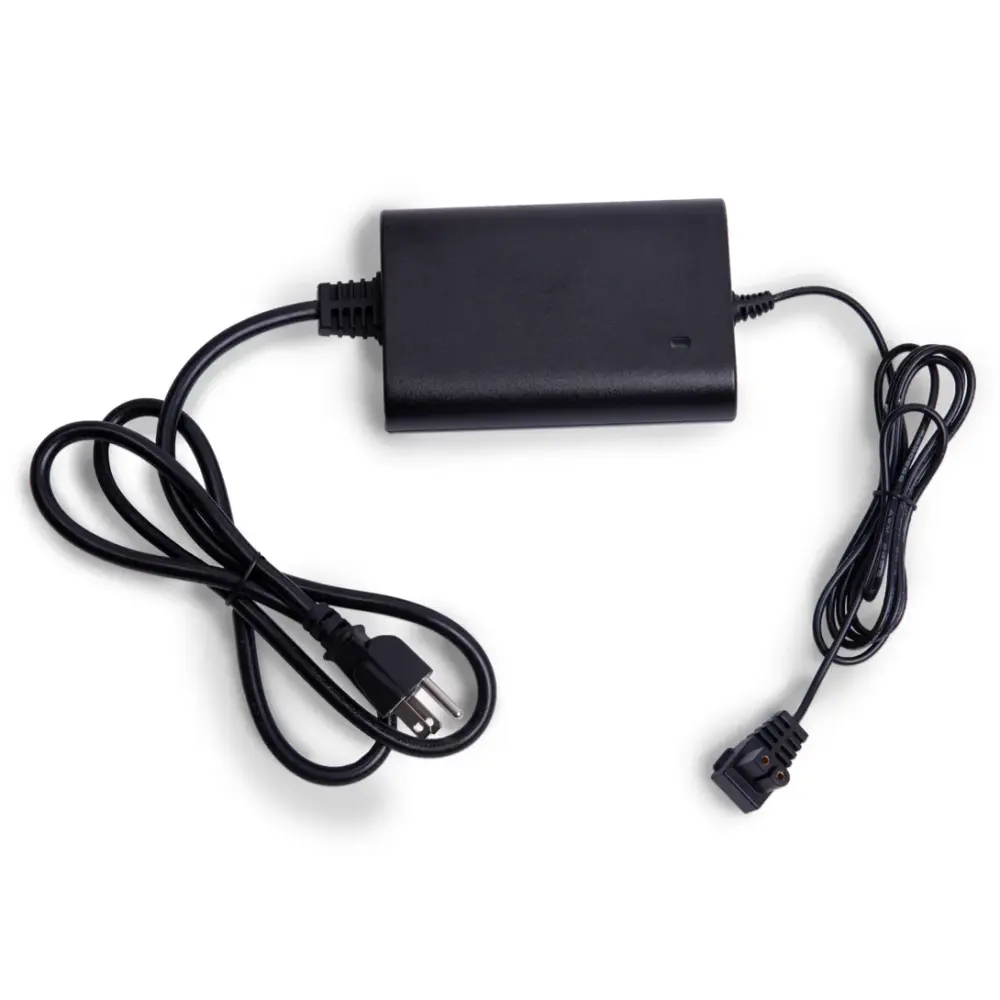
06.014.0001-SP
Charger 65W US Niya-SP
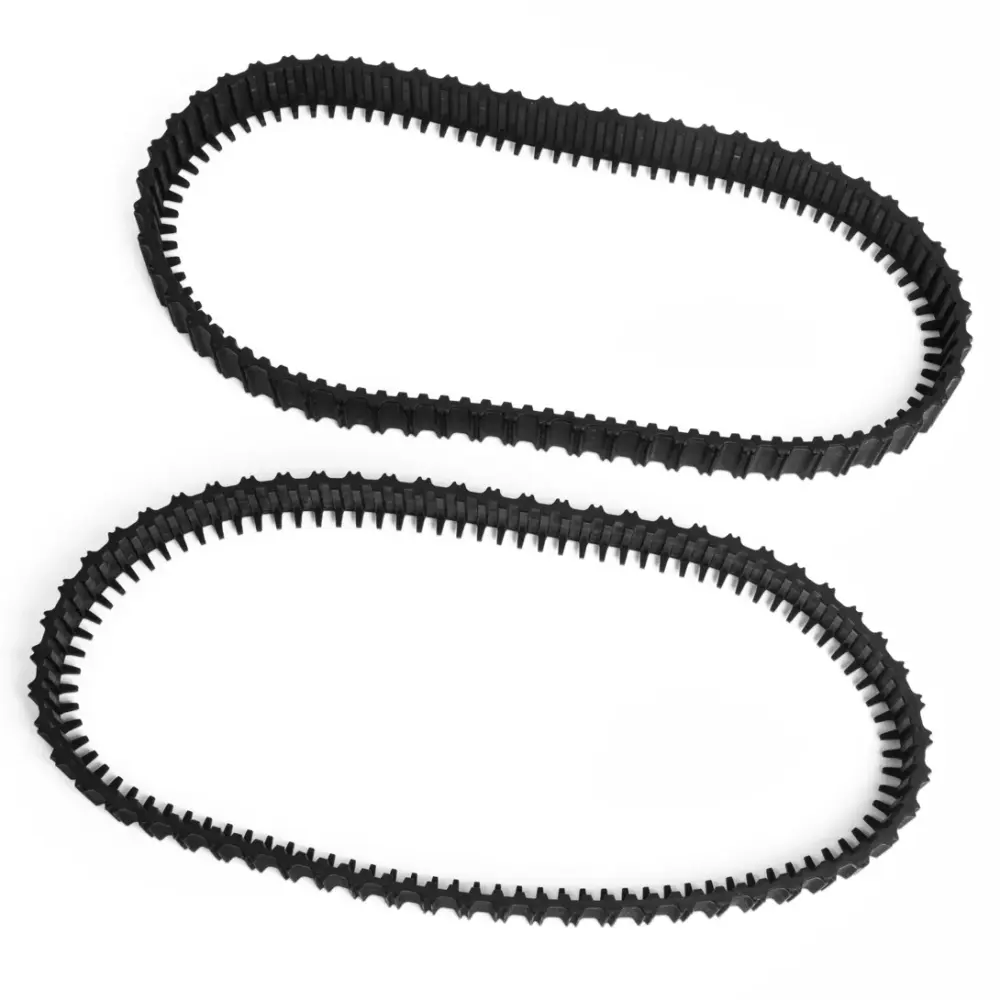
02.001.0038B-SP
Tracks (2PK)
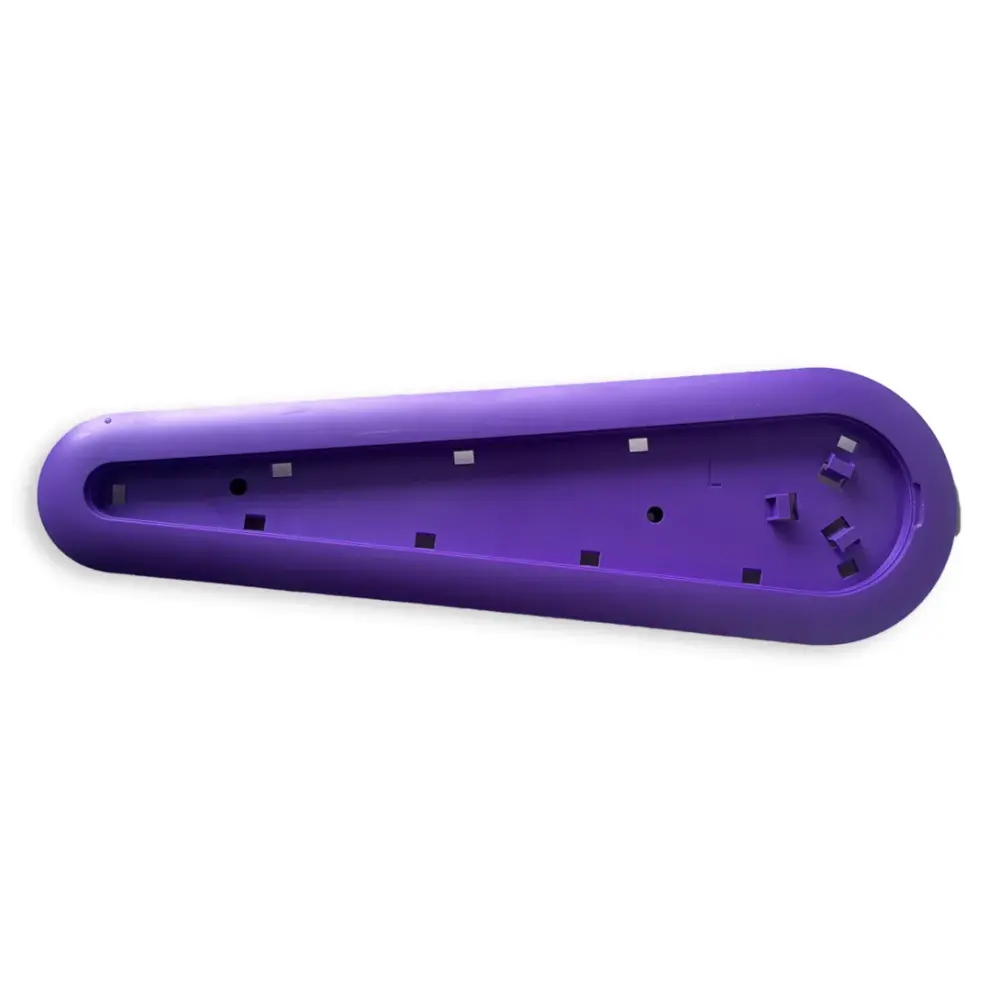
06.013.0025A-SP
Side Panel Left Purple Snr-SP
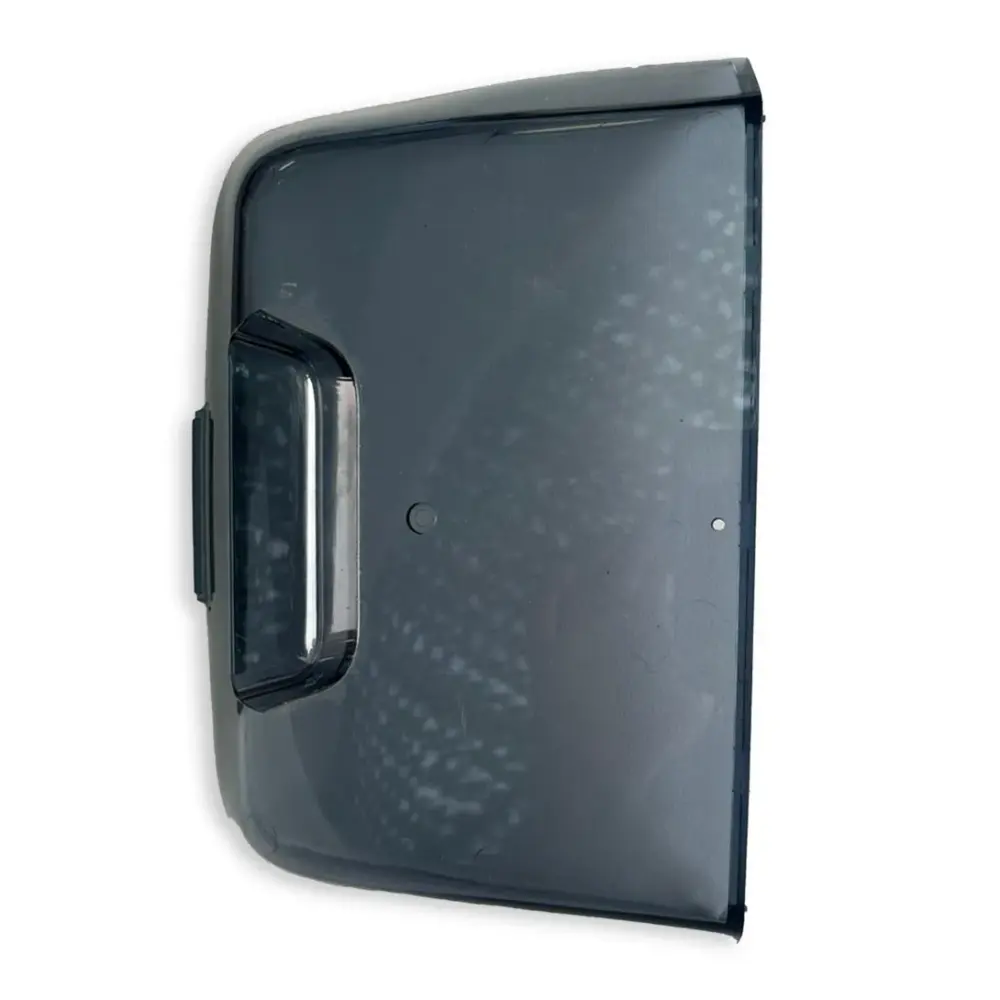
06.013.0021A-SP
Robot Lid SNR30/F3, TRK35-SP
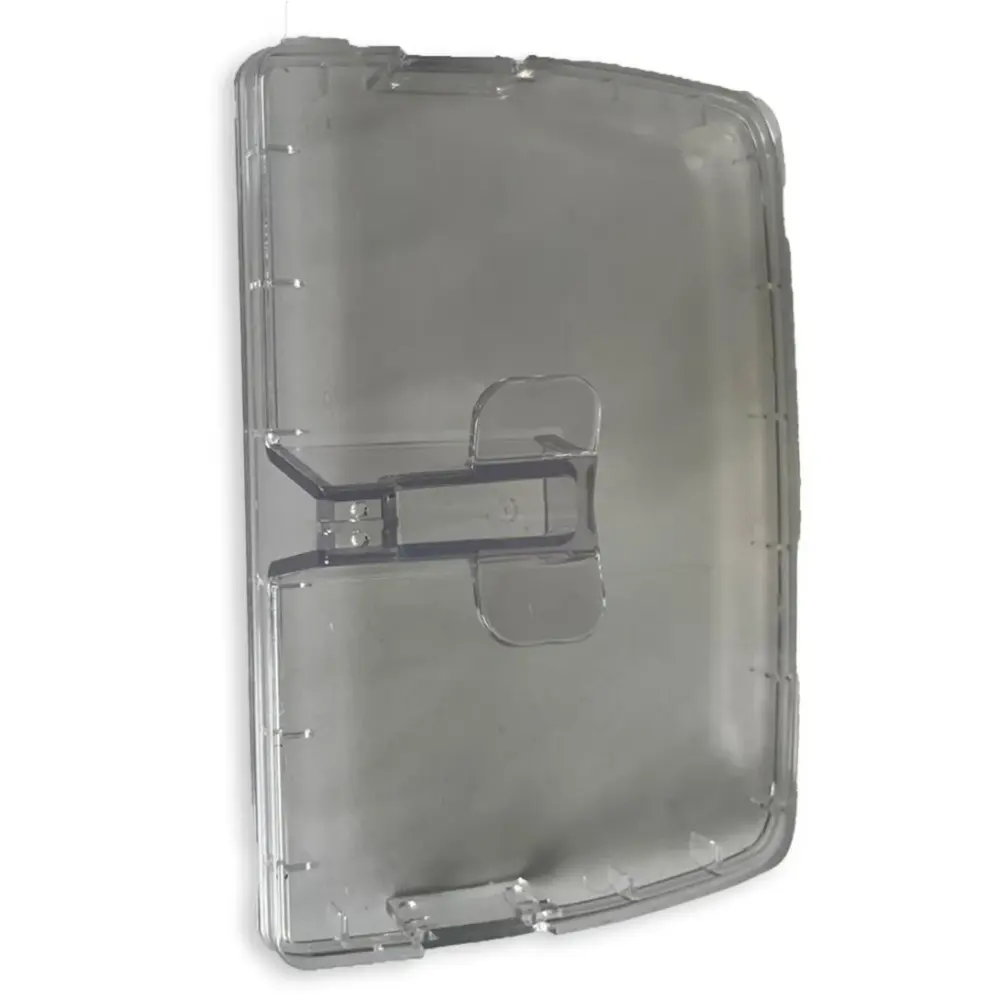
02.003.0007-SP
Filter Lid SNR30/F3, TRK35-SP
Need a hand?
Not sure this is the right part?
Talk to a Dolphin specialist
Live chat about part 06.013.0026A-SP, a part number or a fix. Real people, no bots.
Start a chat
Find an authorized dealer
1,200+ Dolphin service dealers across the US for repairs, parts and warranty work.
Find a dealer
Warranty and repairs
What the Maytronics warranty covers, how to register and how a repair claim works.
Warranty details