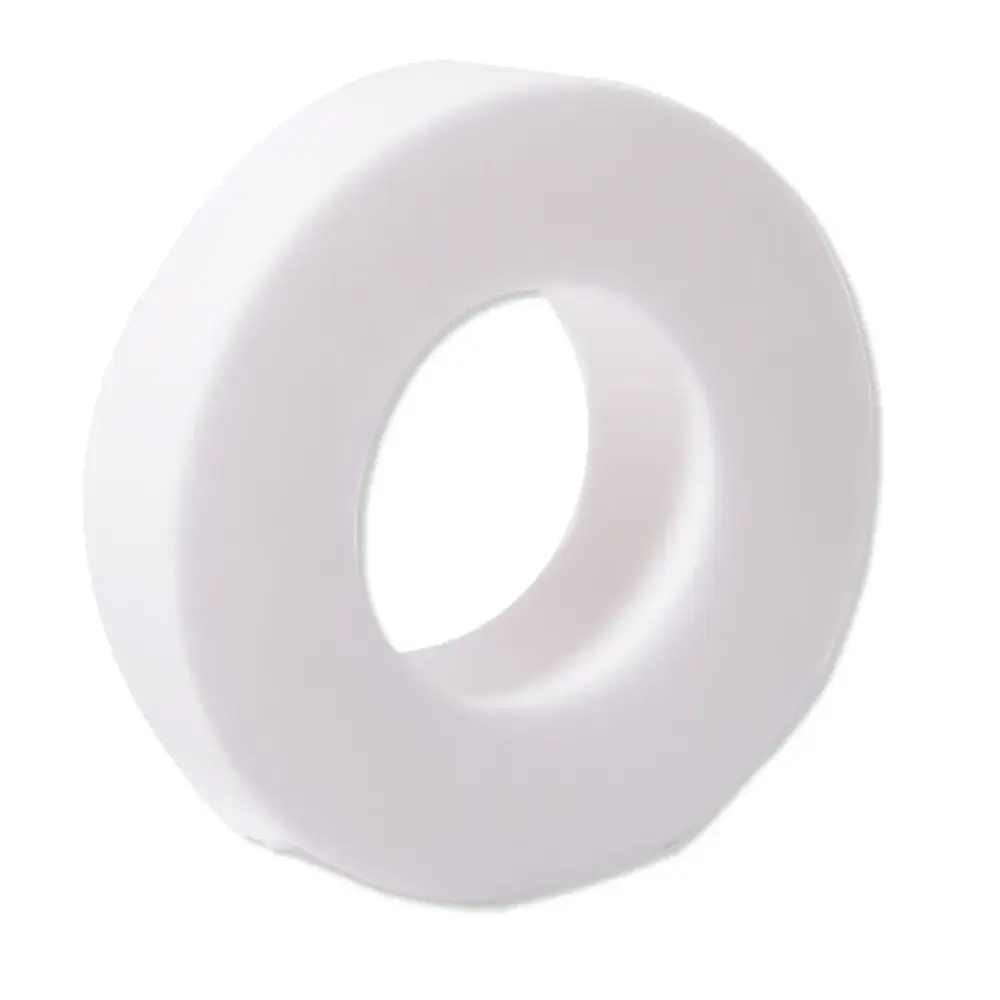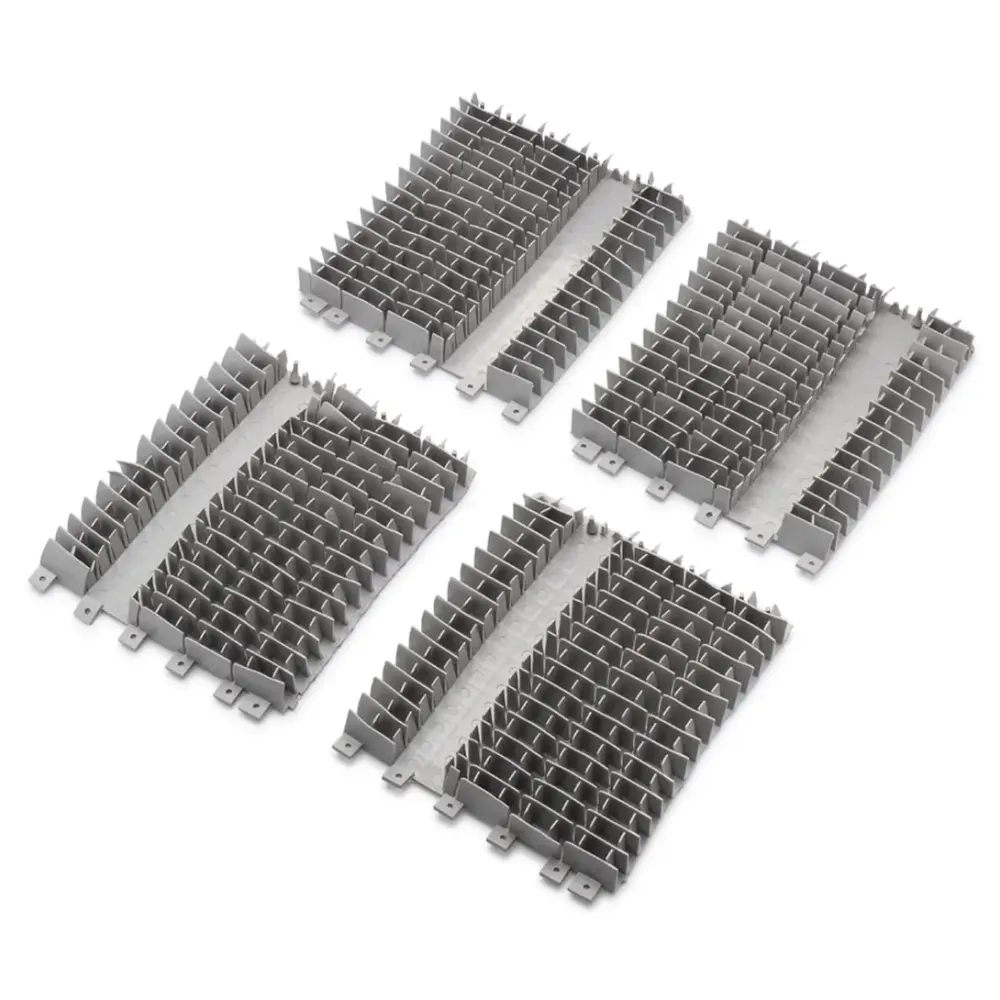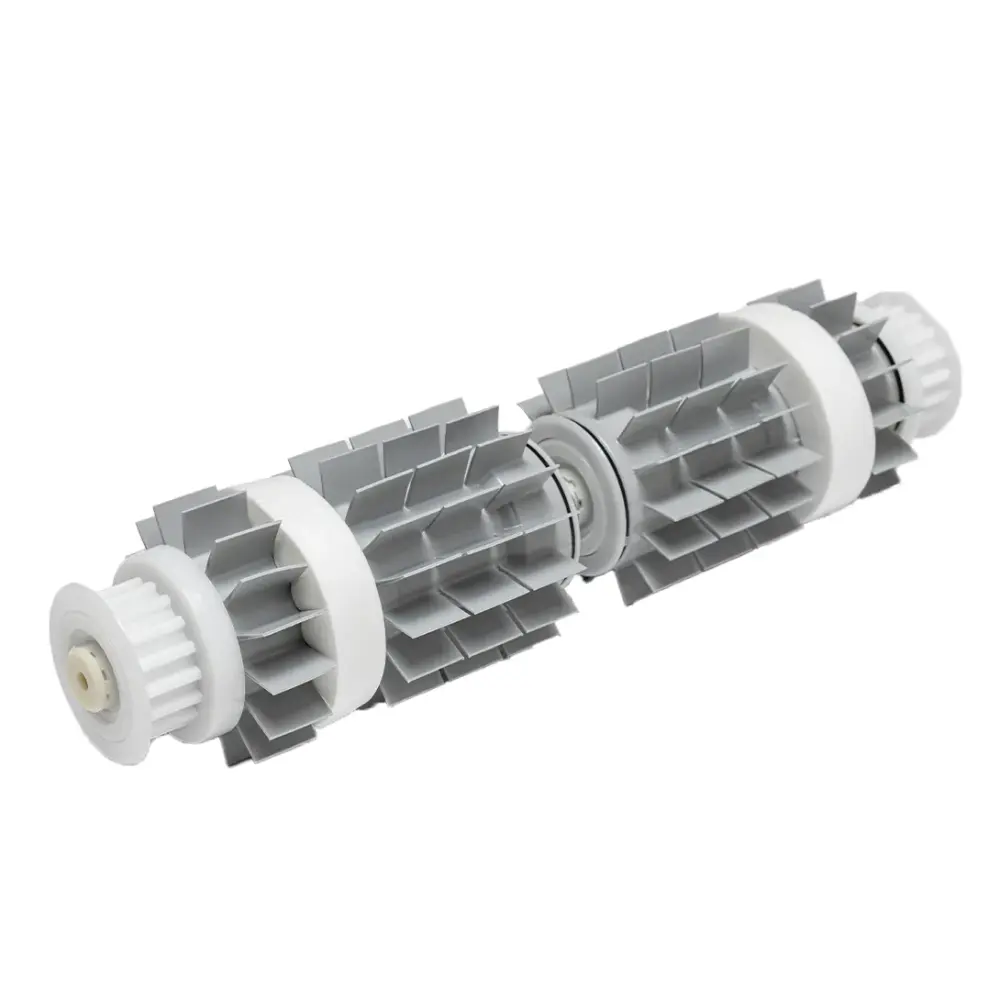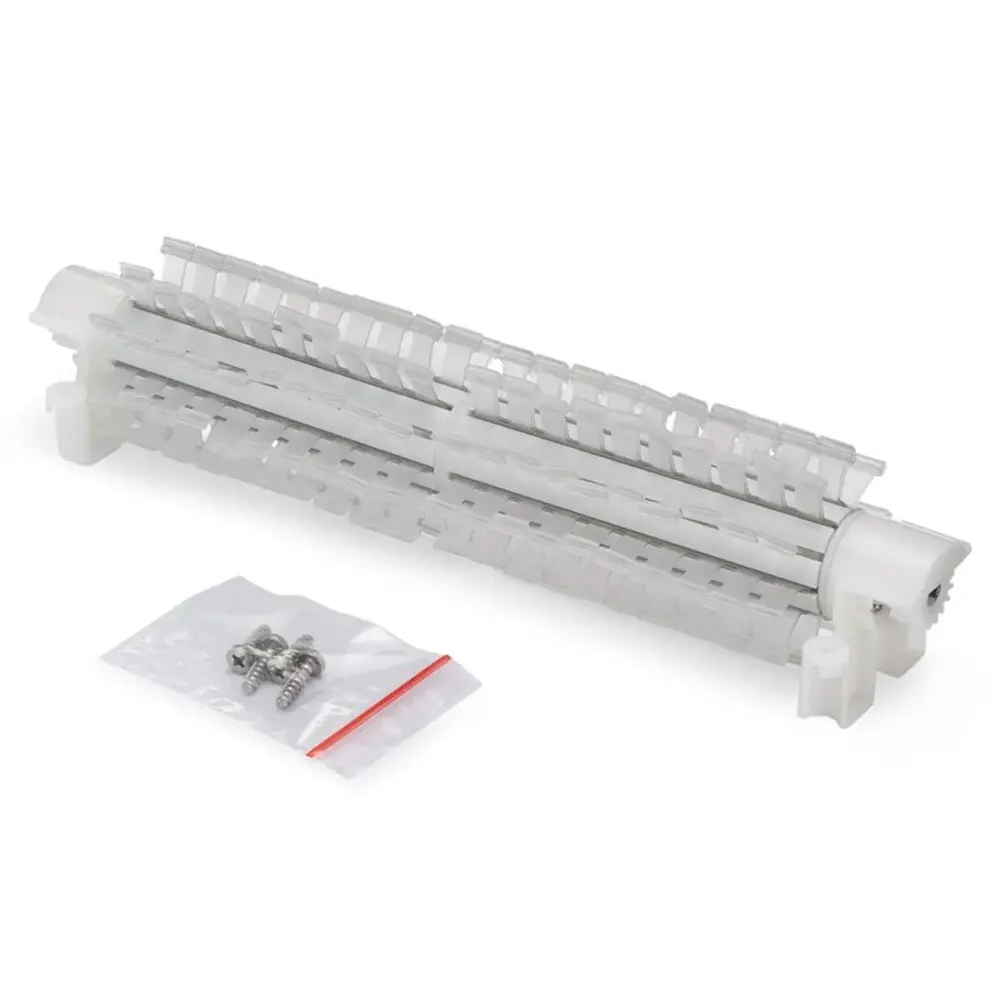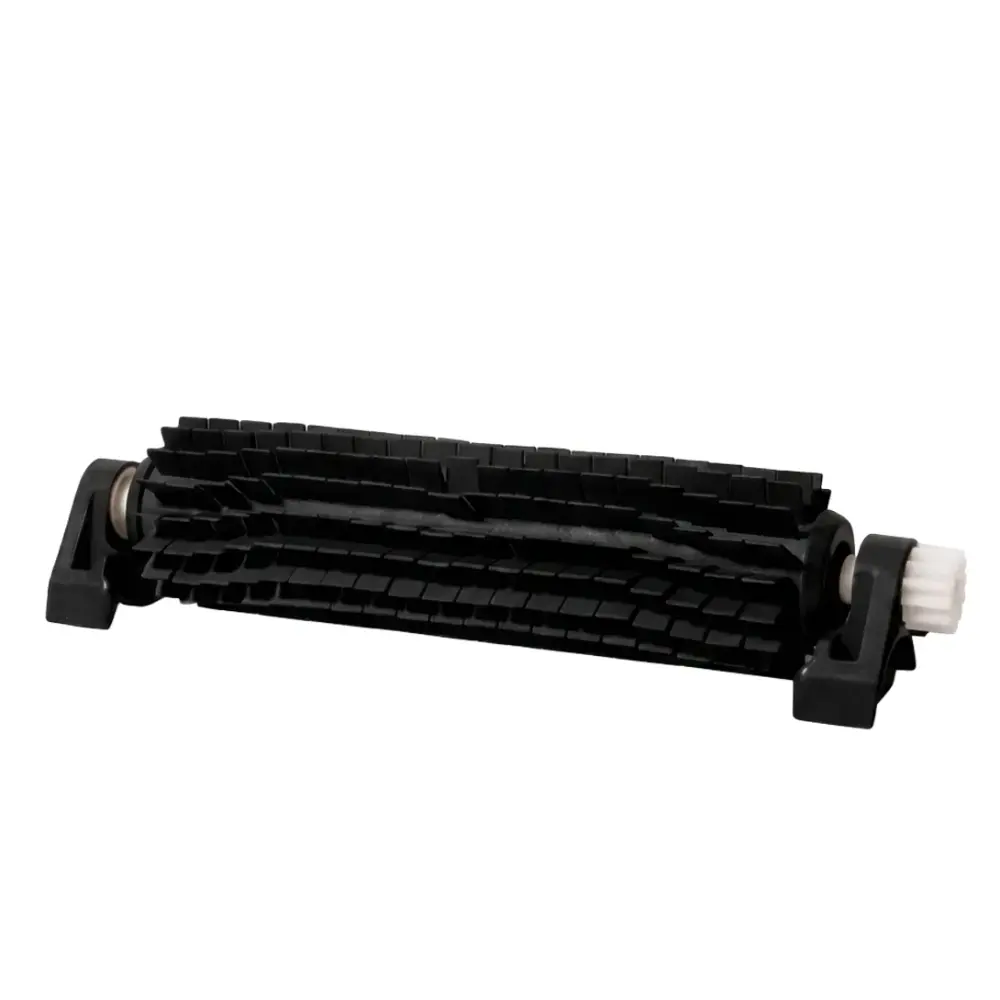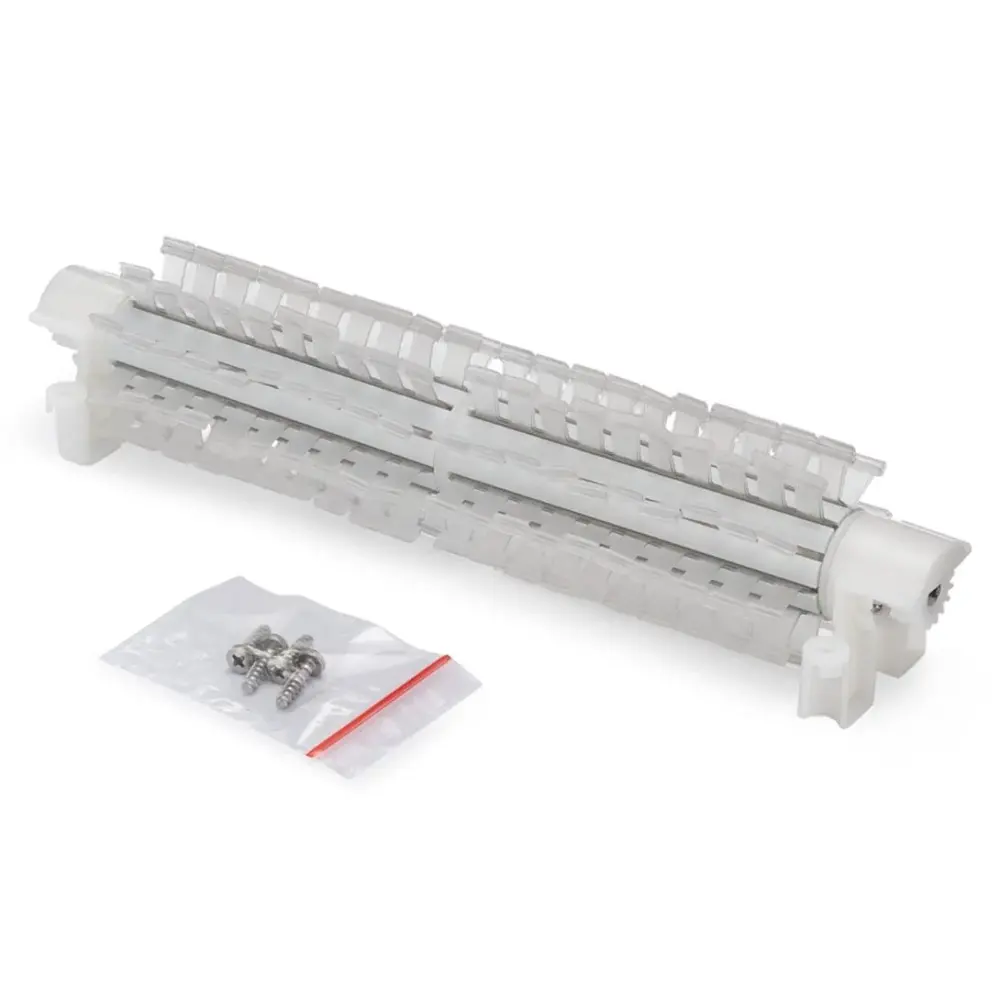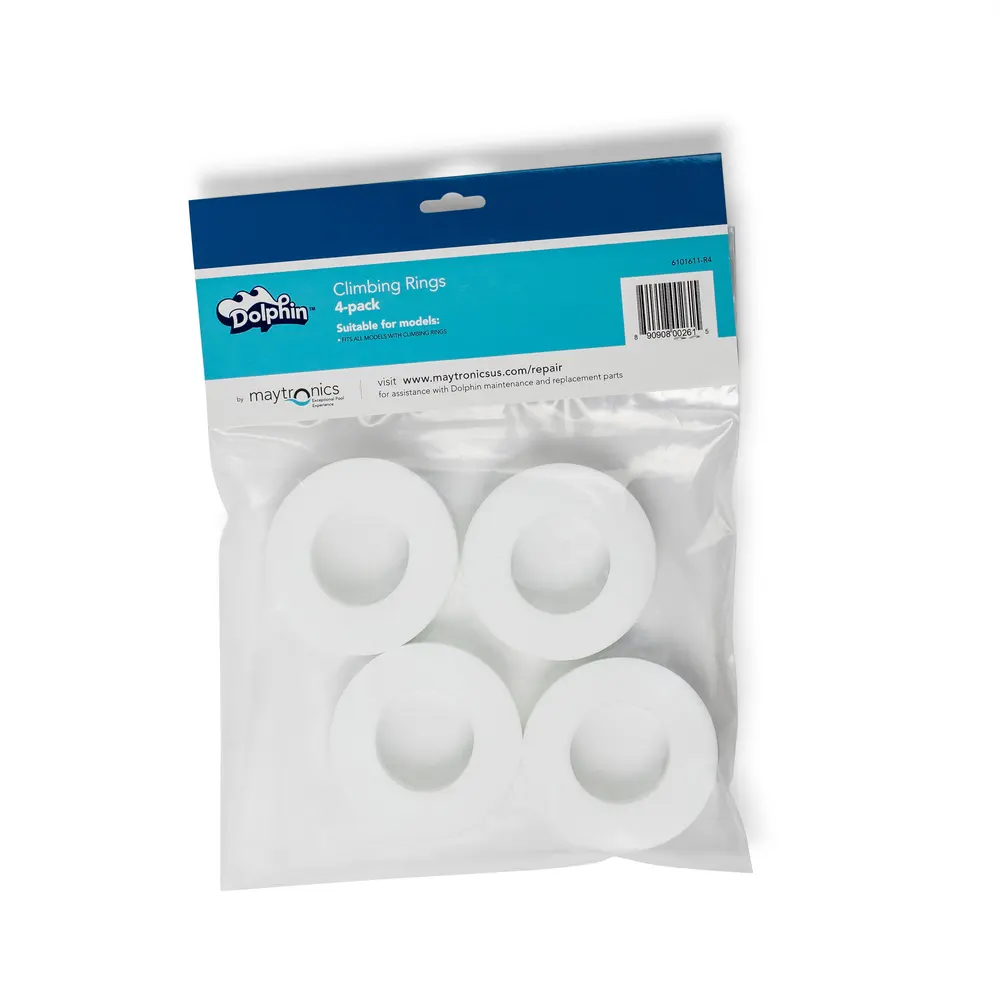
Sponge Climbing Rings (4)
Part number 6101611-R4 · UPC 810071220975 · 1-year warranty
See today's price on Amazon
Maytronics list price $29.99
We do not stock this part in our own store yet, so the link goes to the genuine listing on Amazon. It is also sold by Maytronics. As an Amazon Associate we earn from qualifying purchases.
- Replacement Climbing Rings (4 pk)
Fits these Dolphin robots.
Confirmed by Maytronics' compatibility checker and each robot's spare-parts list.
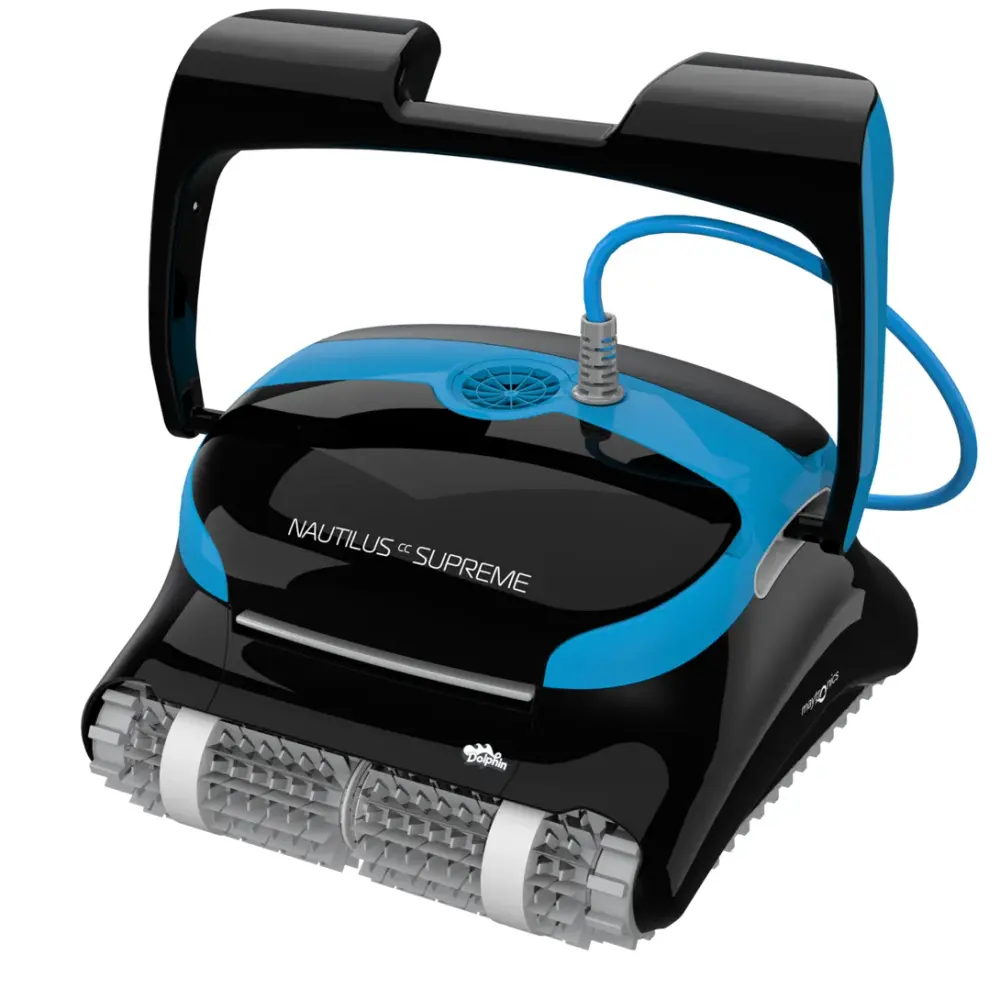
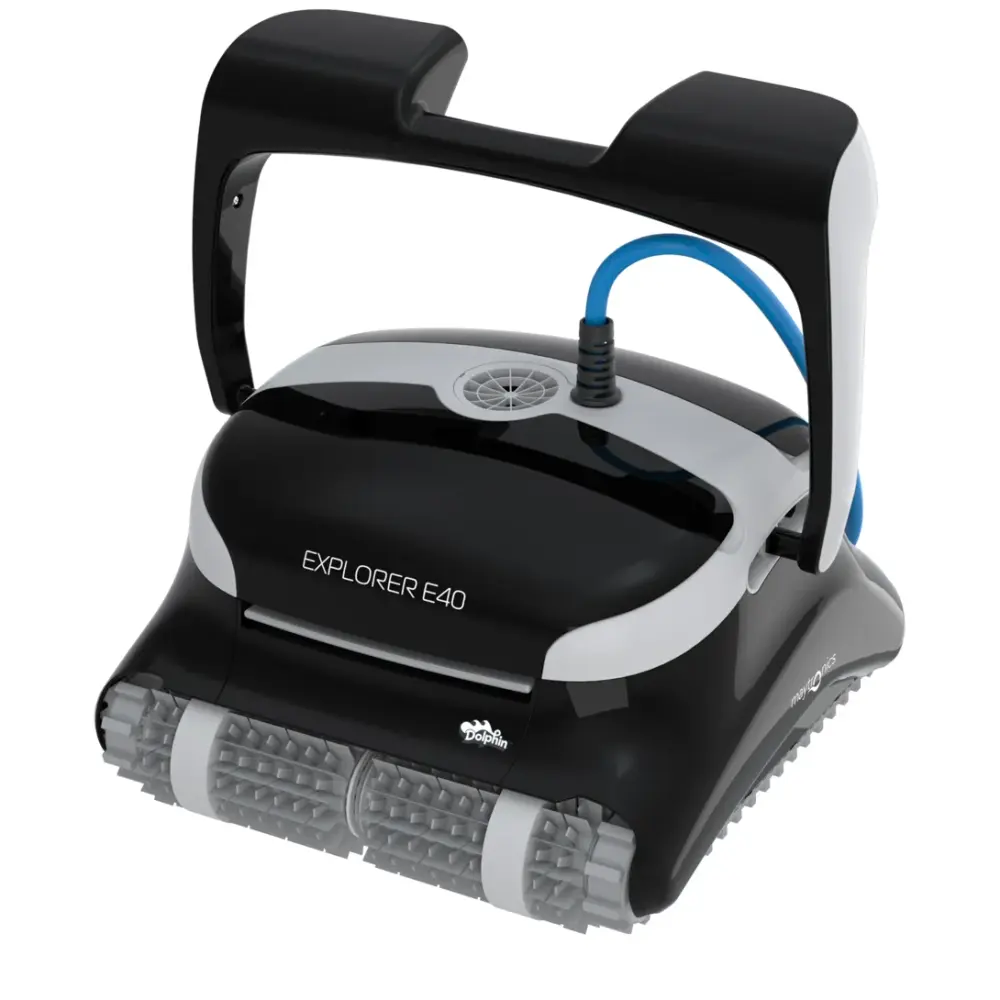
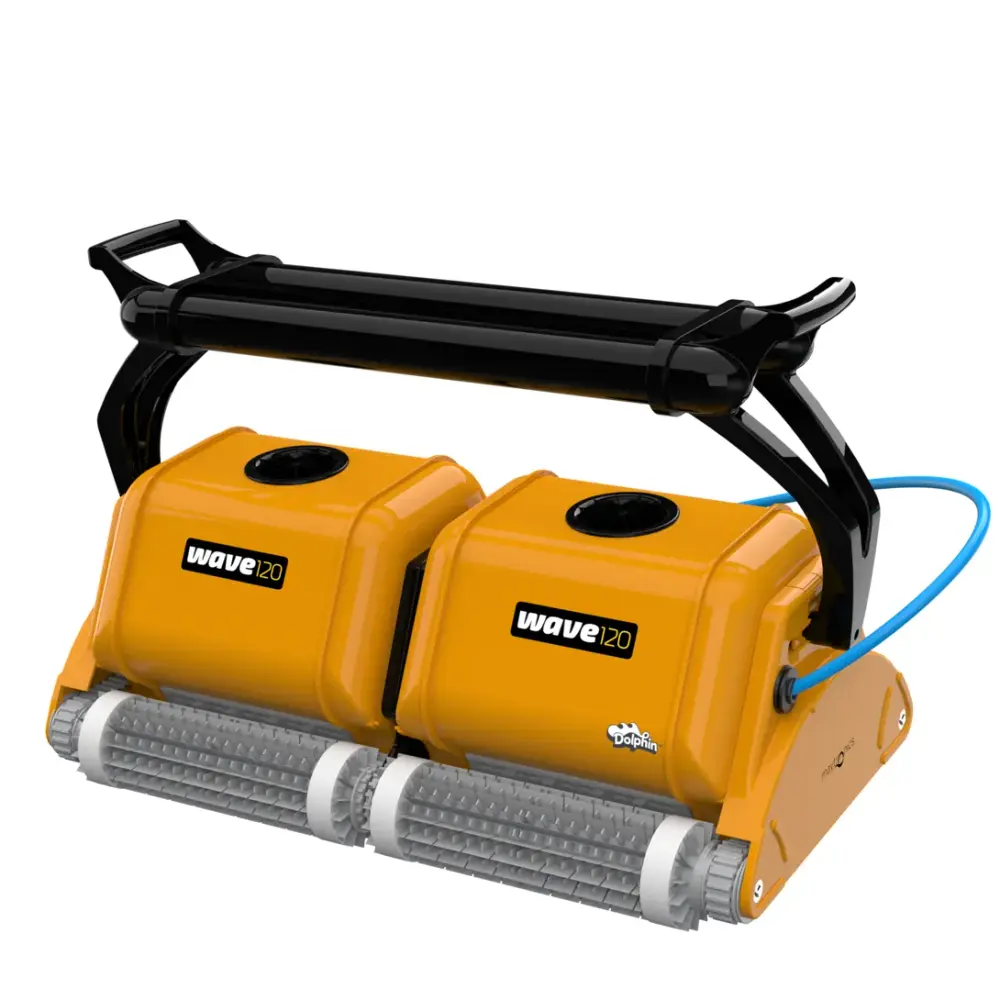
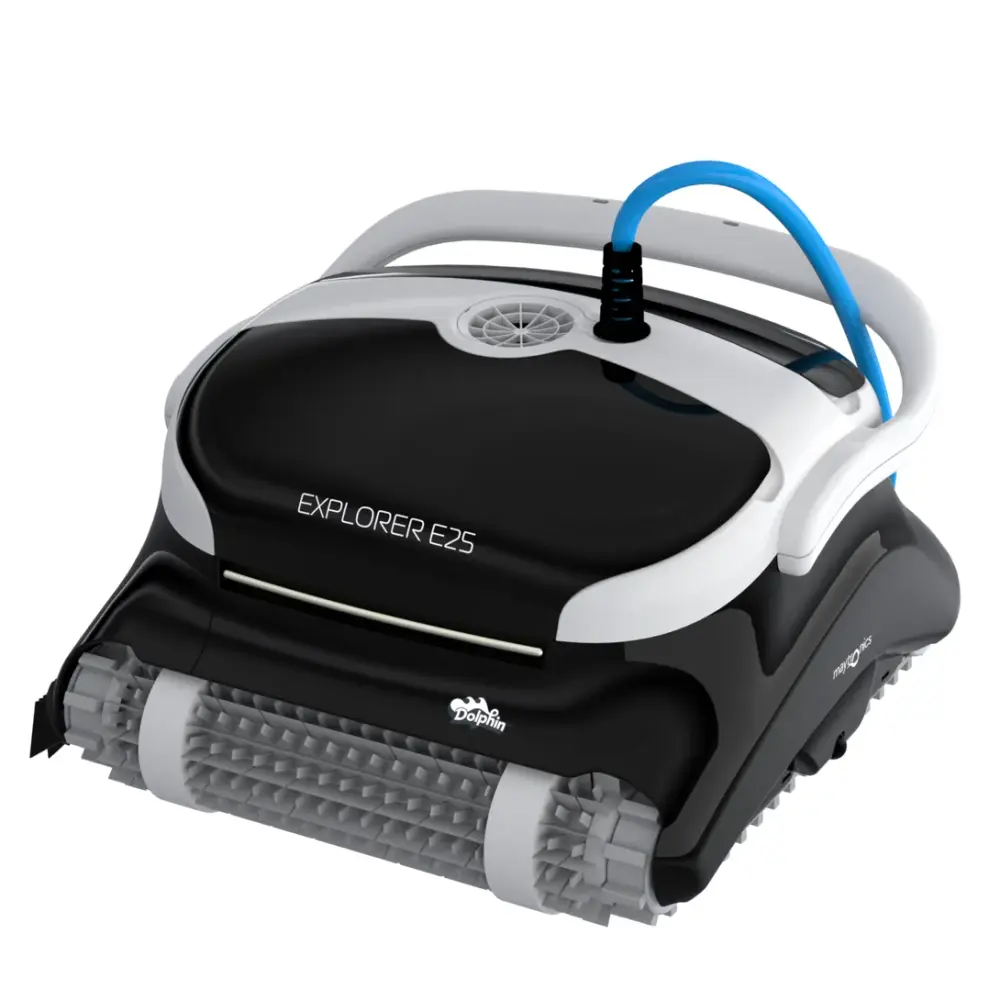
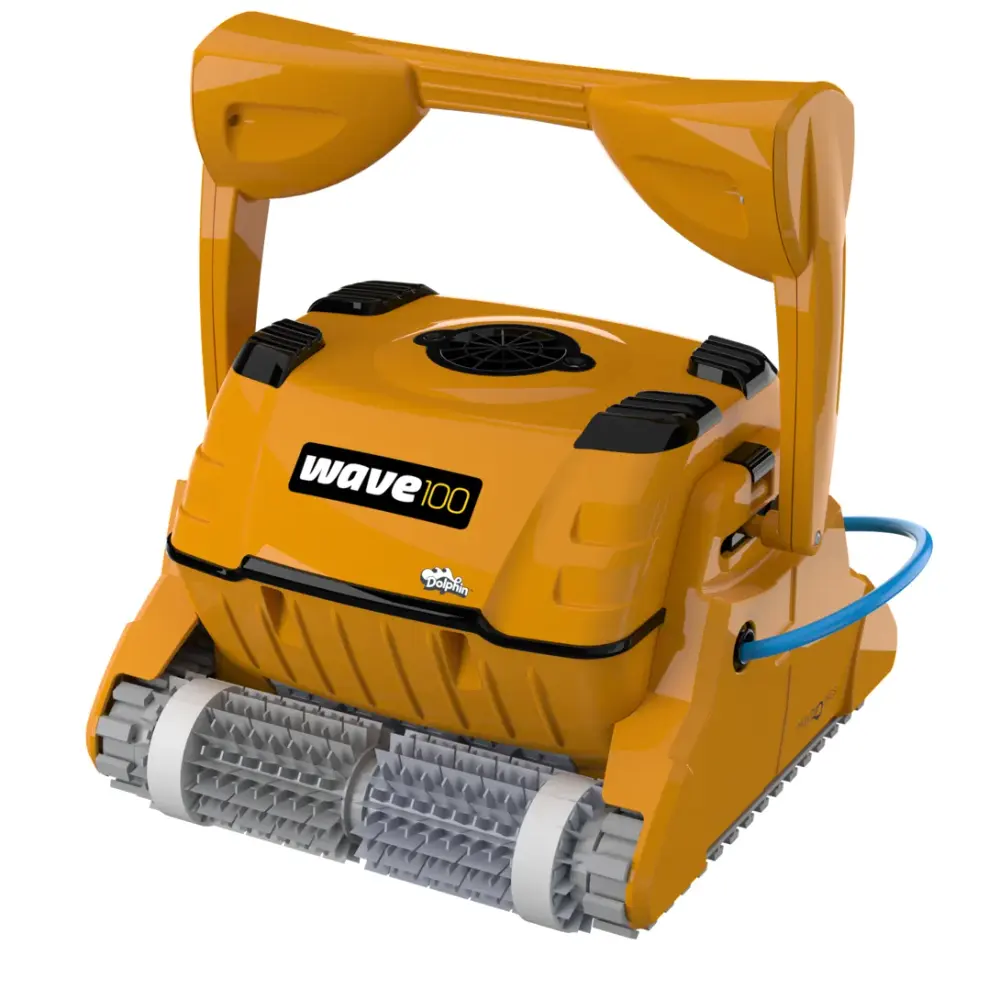
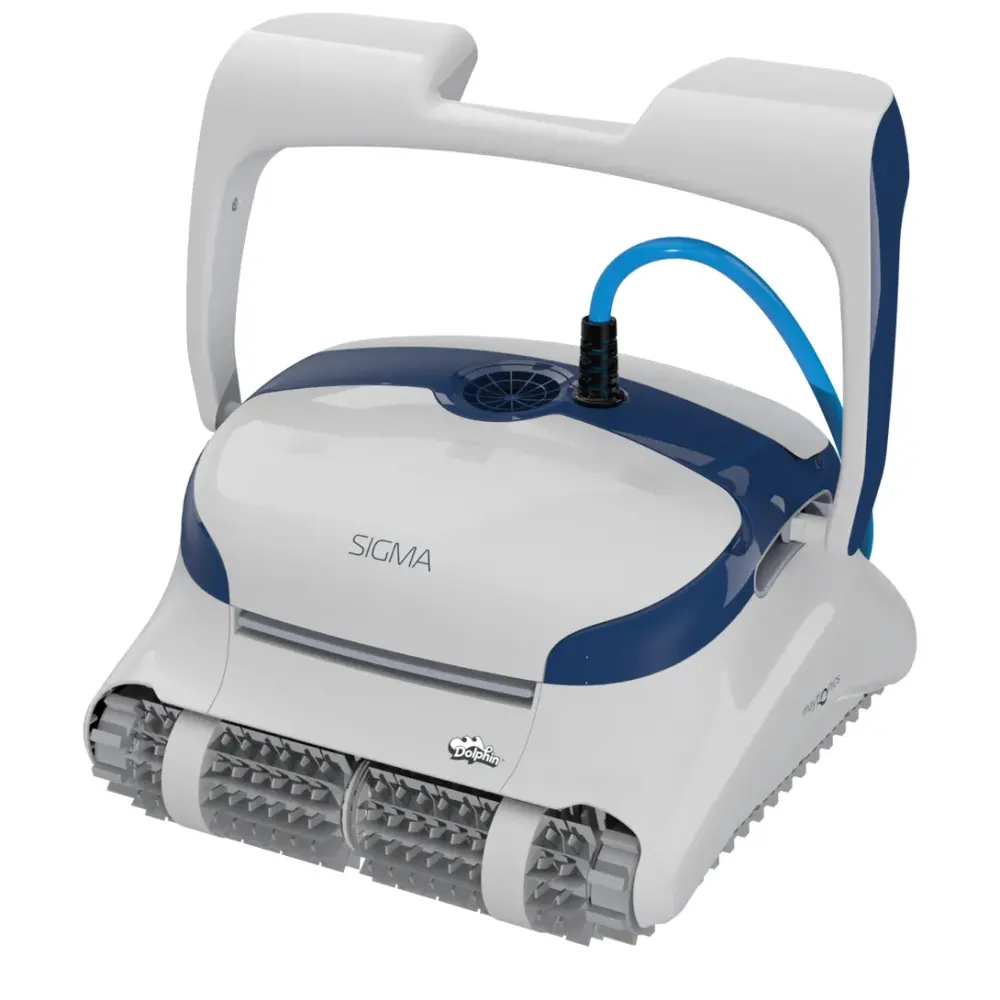
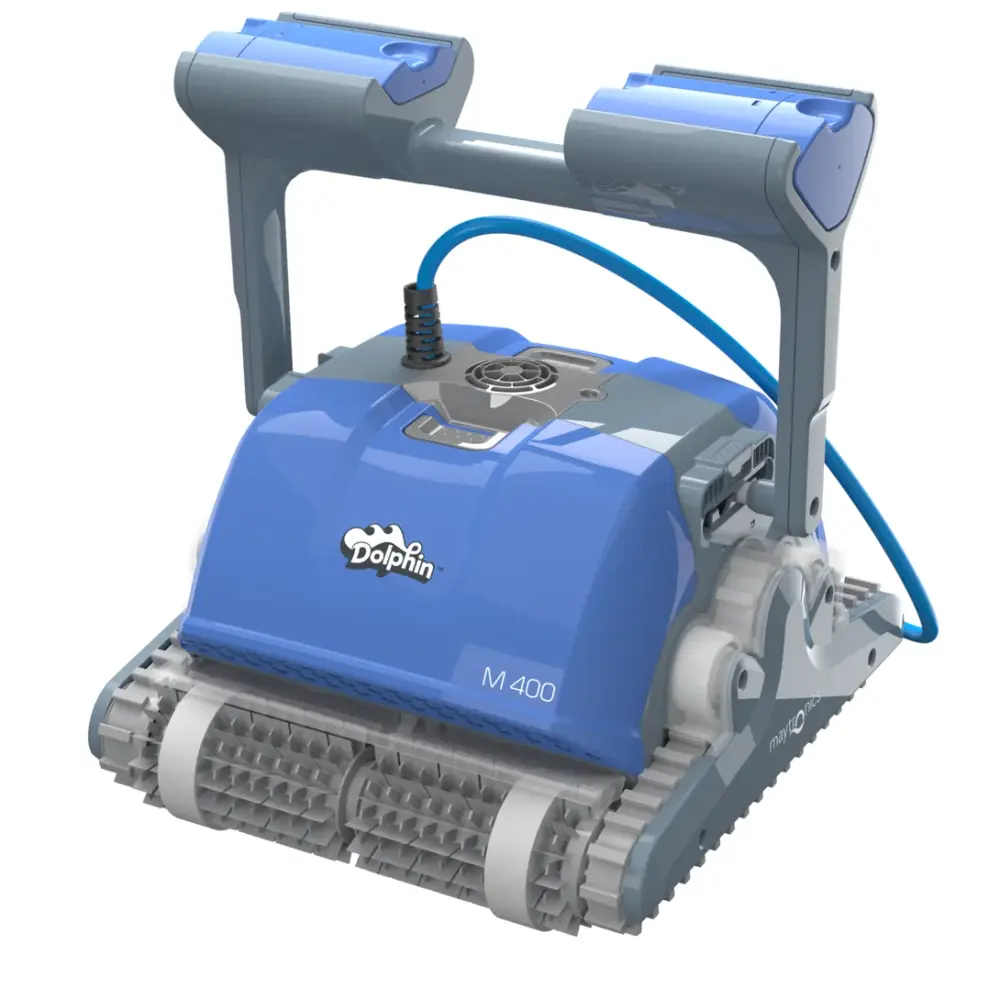
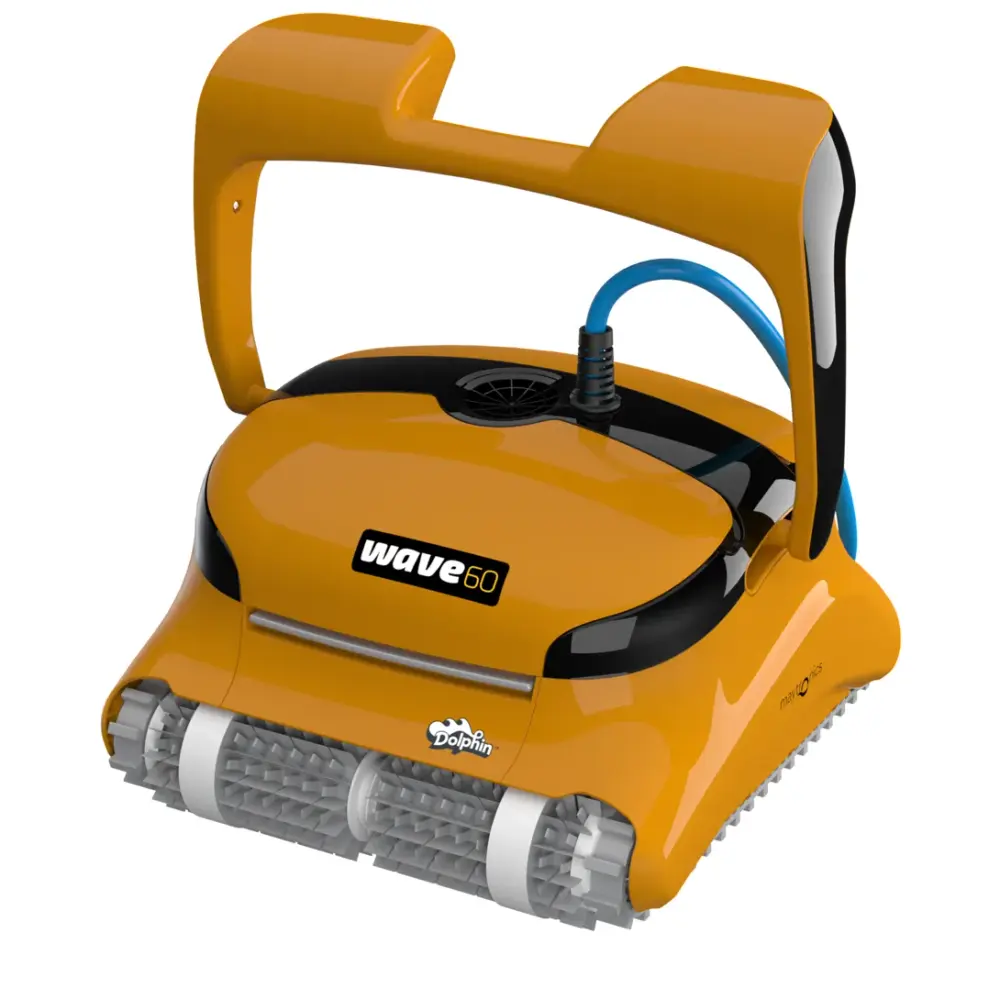
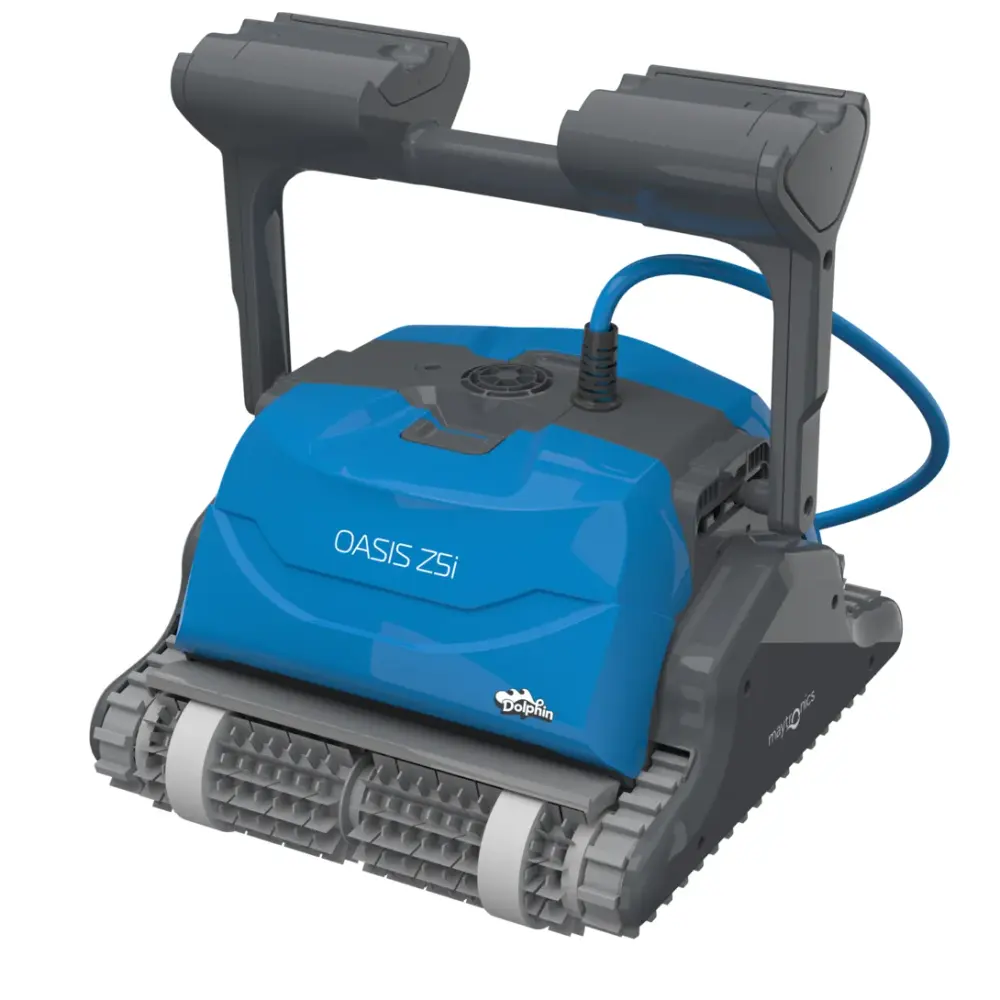
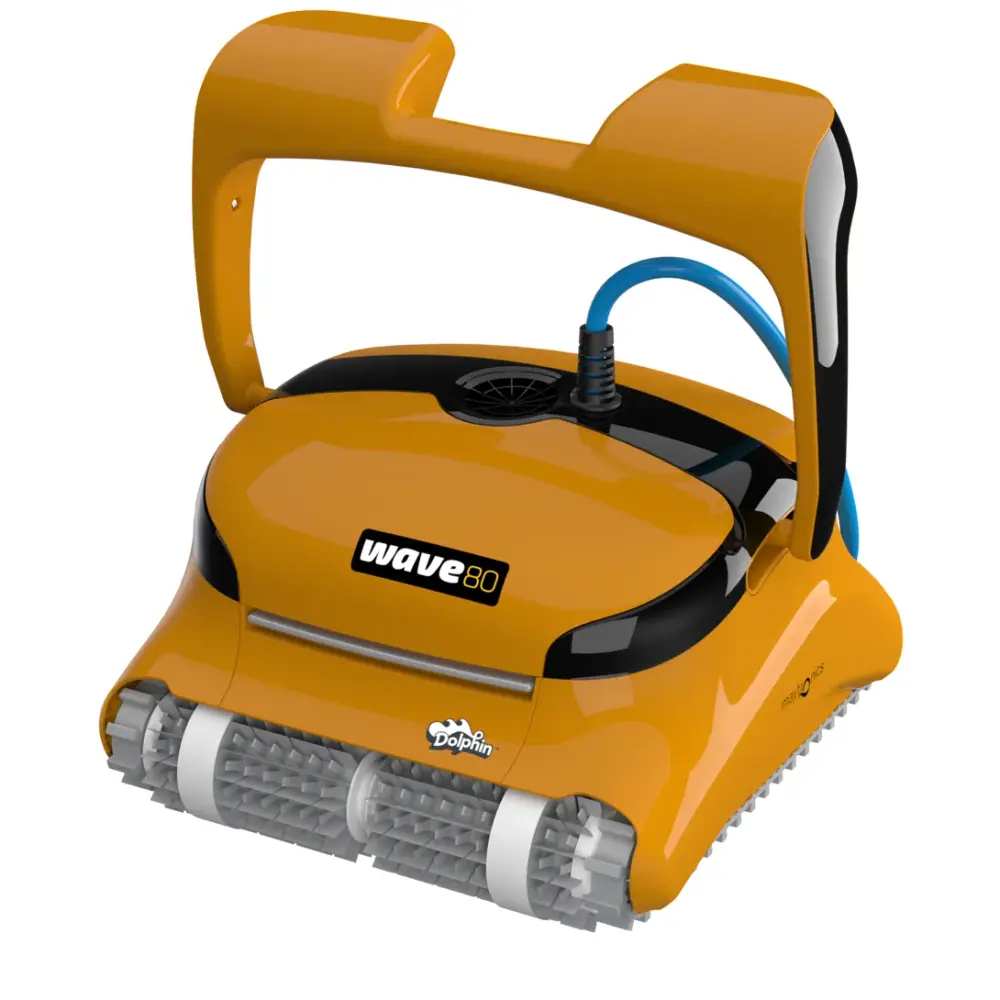
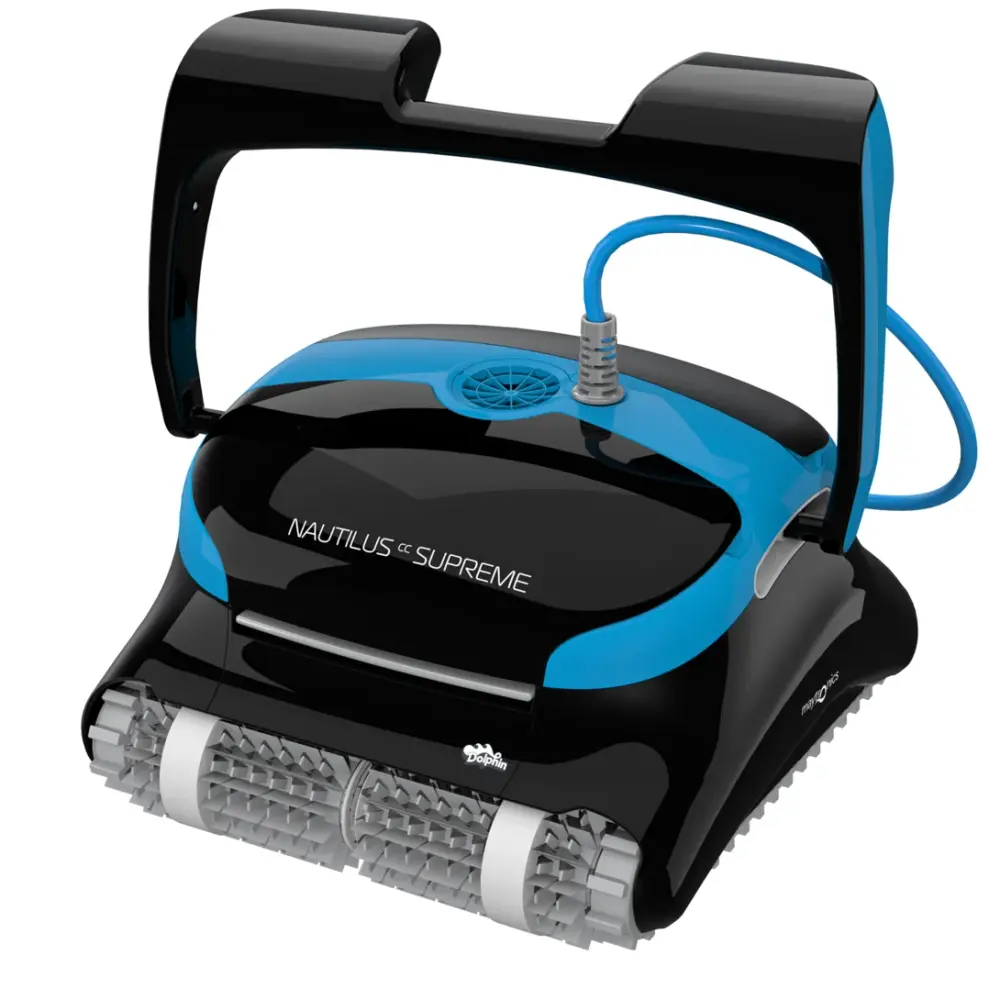
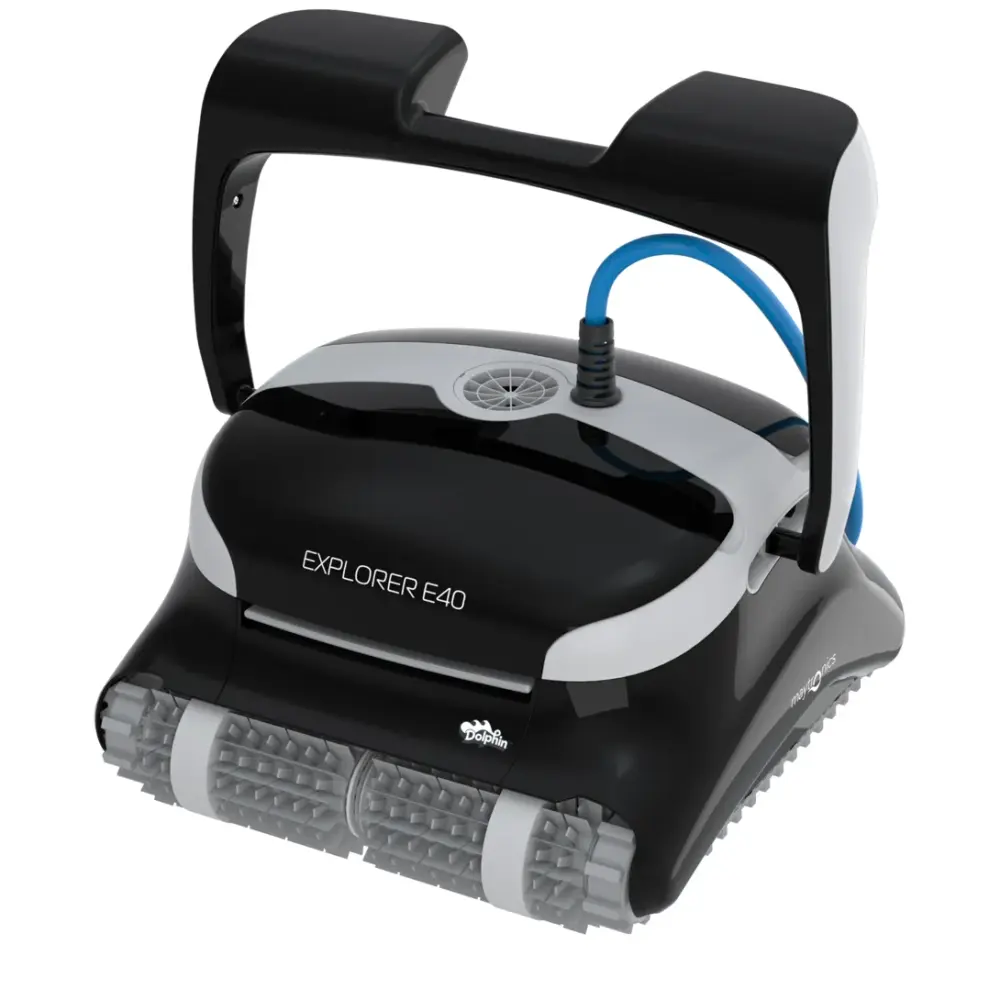
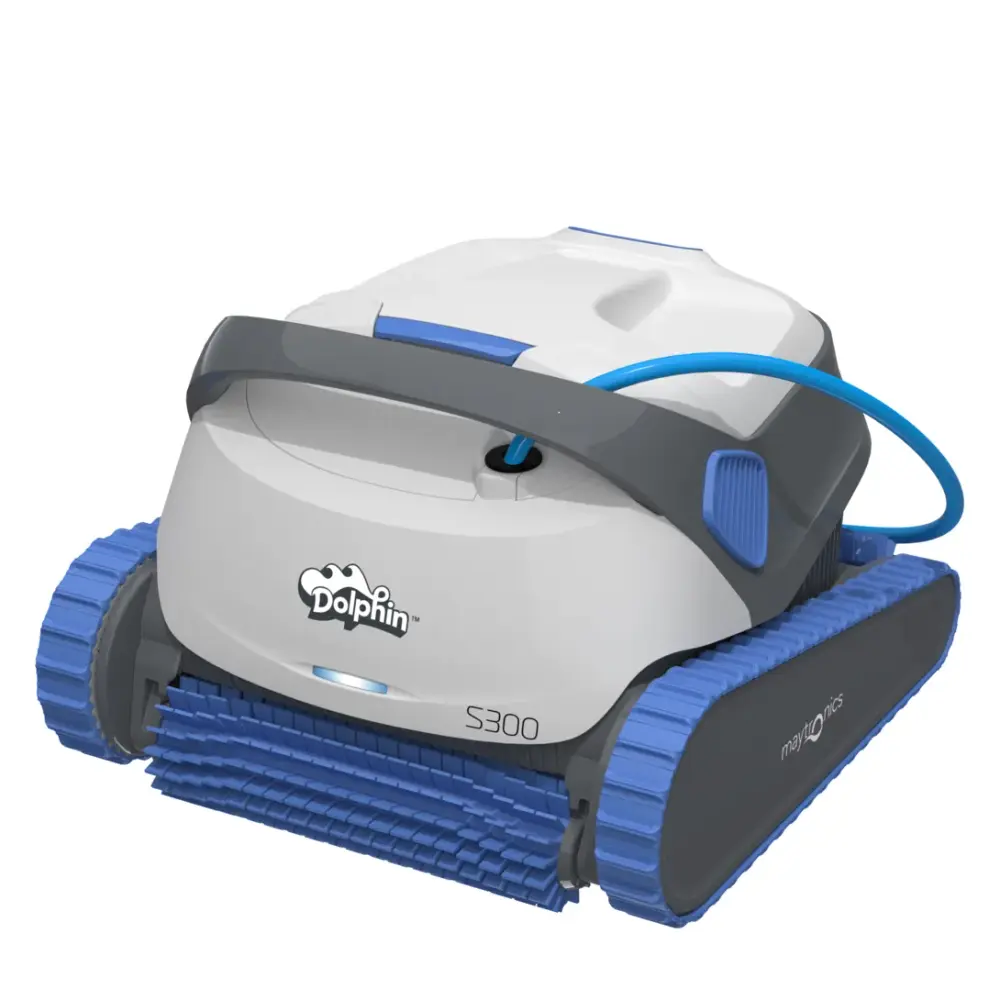
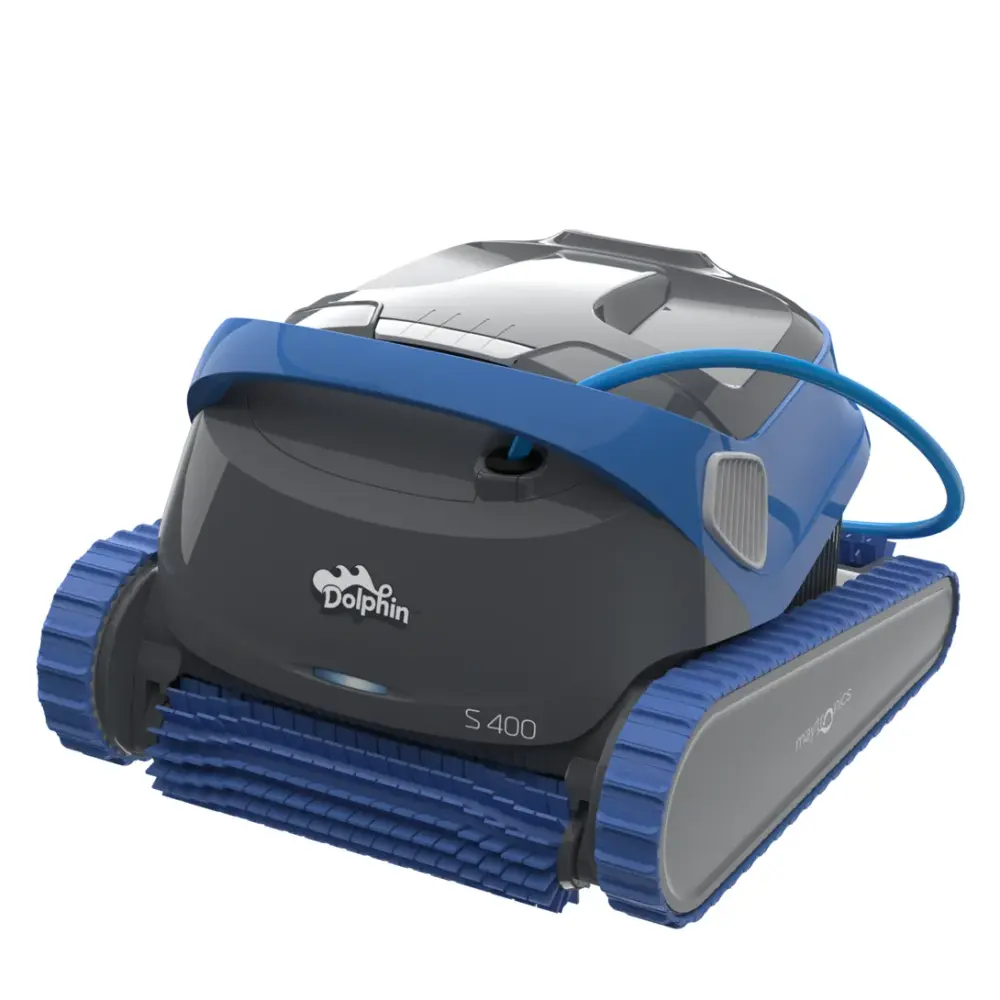
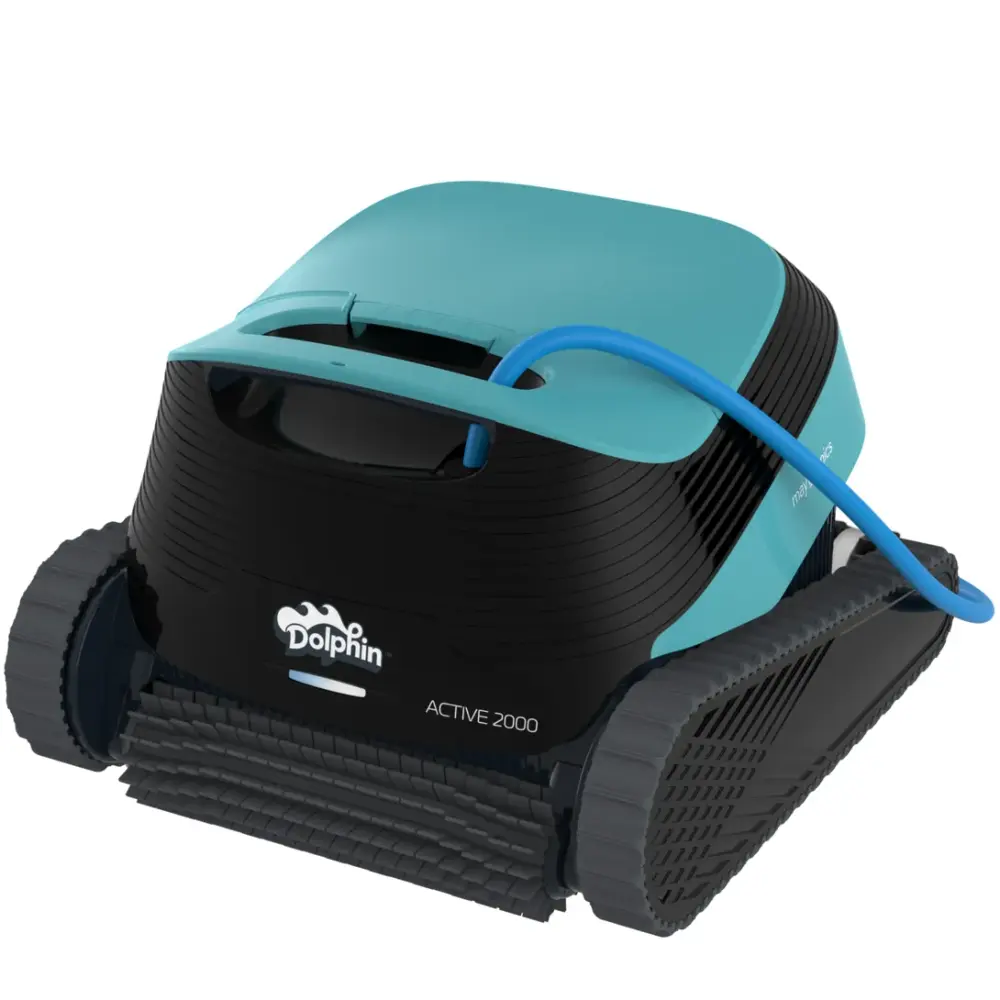
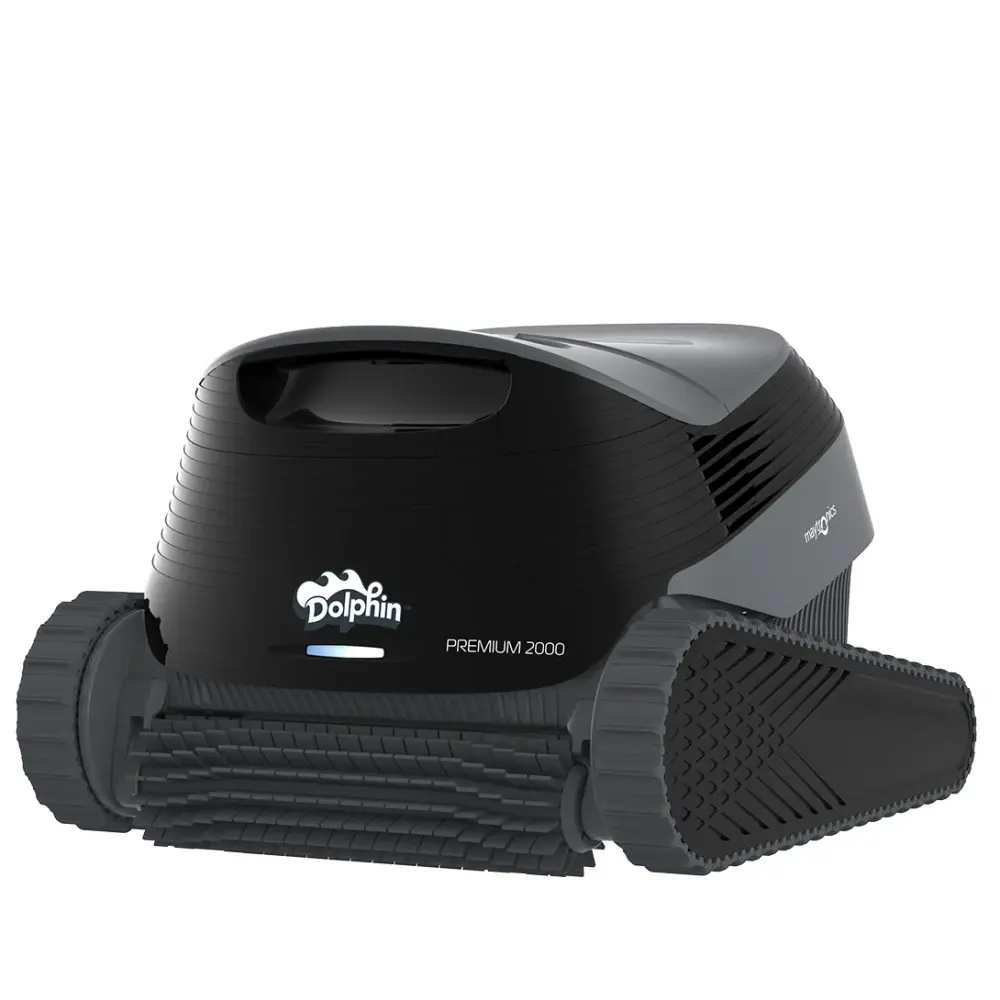
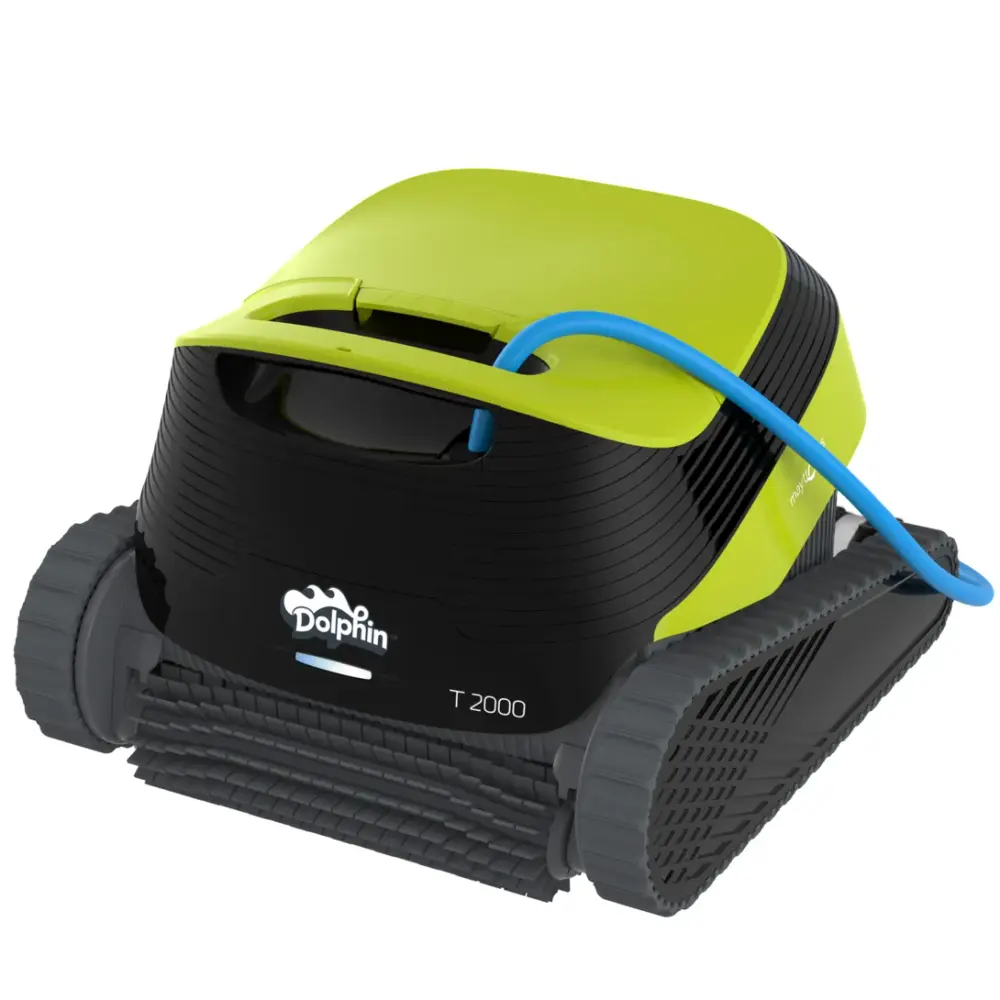
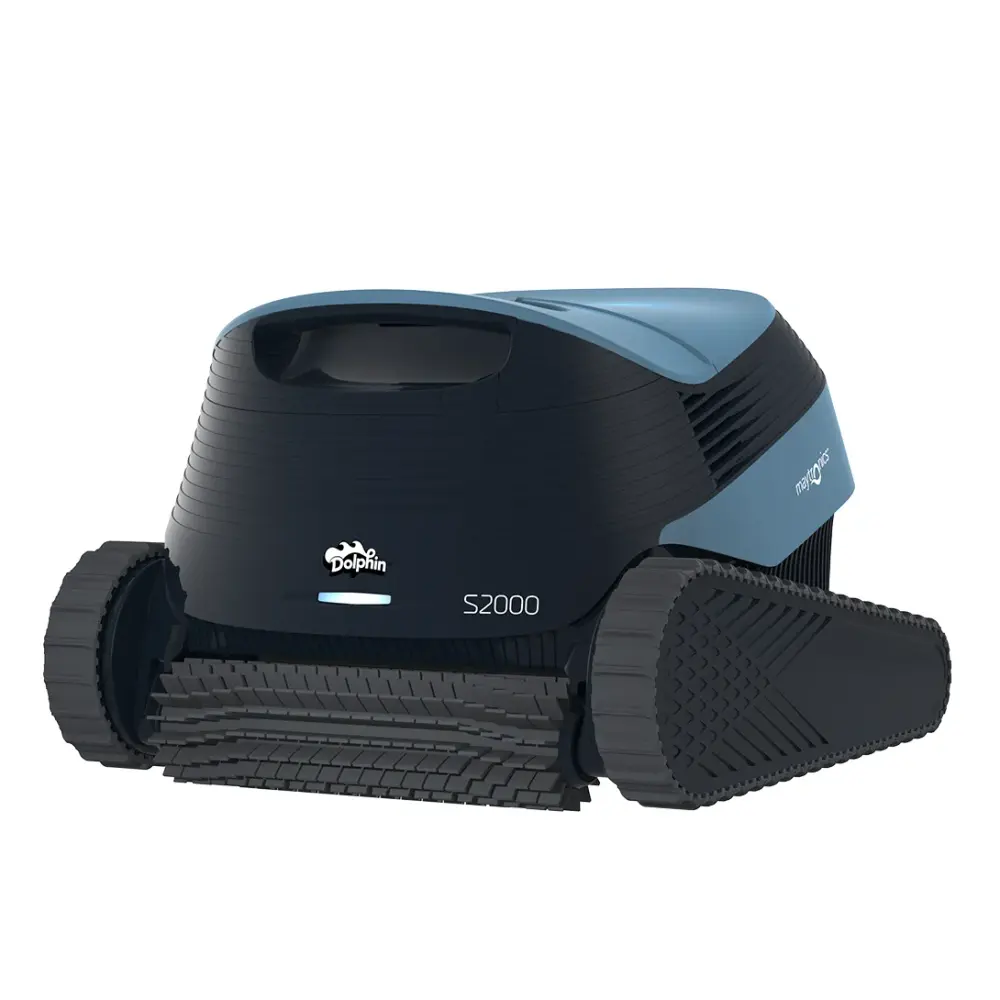
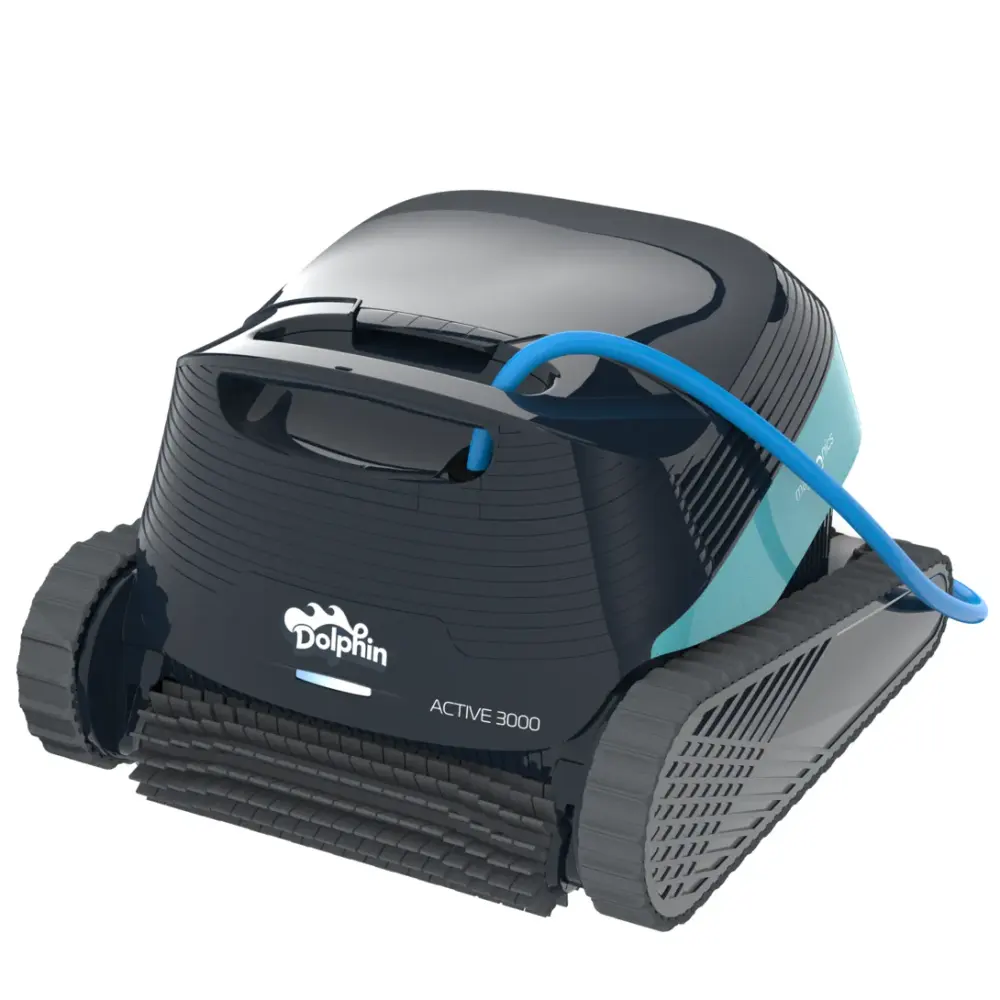
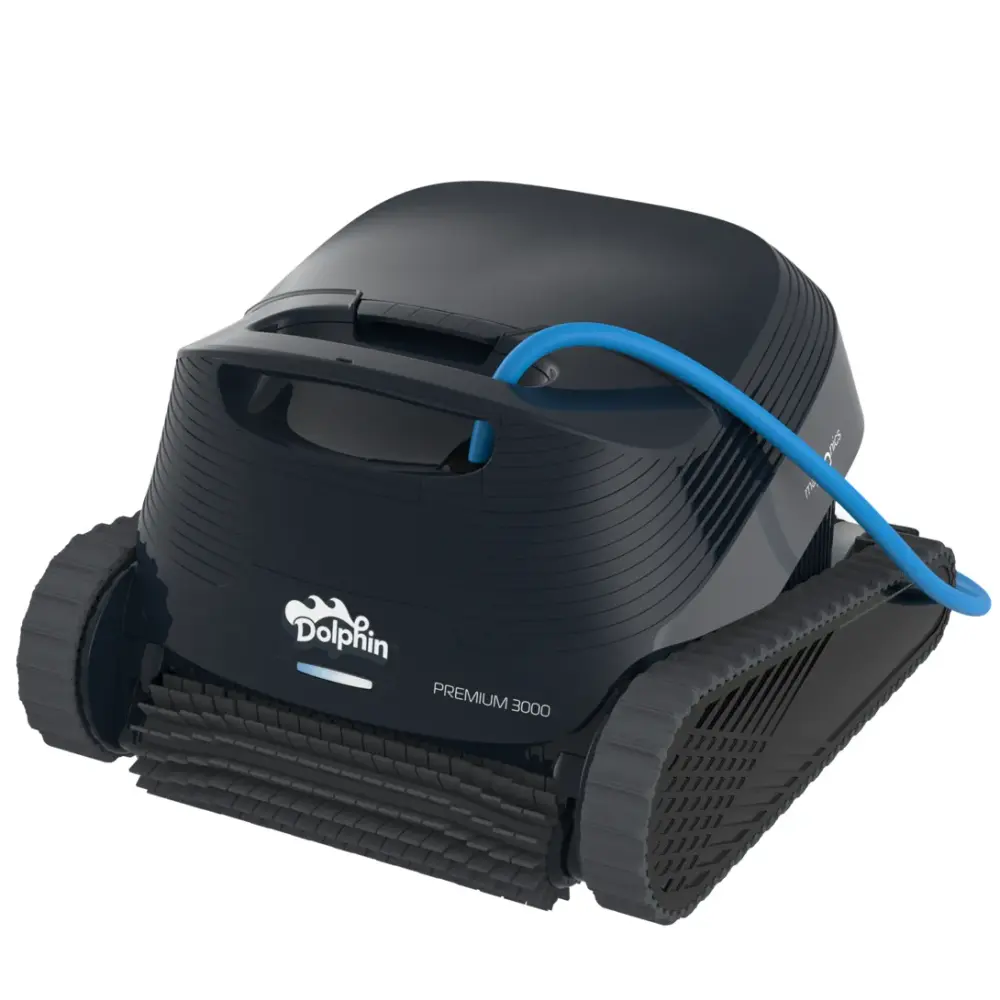
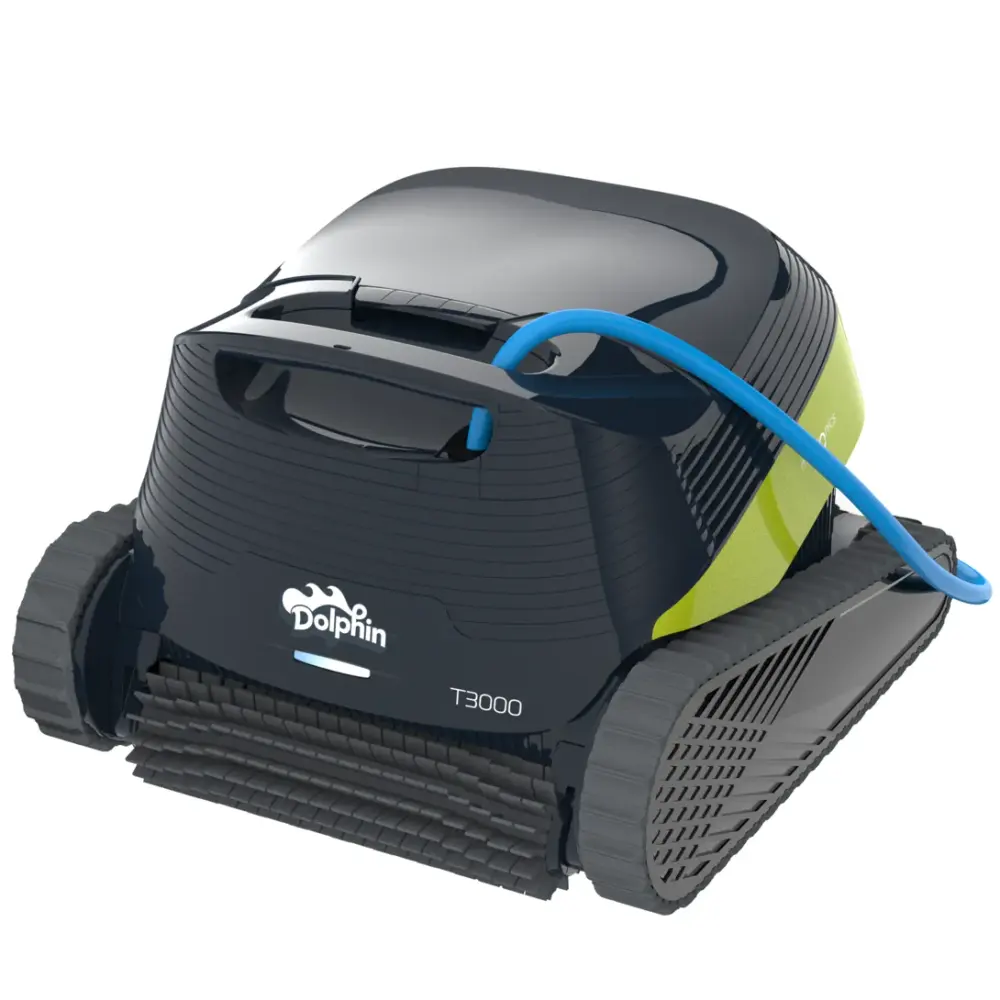
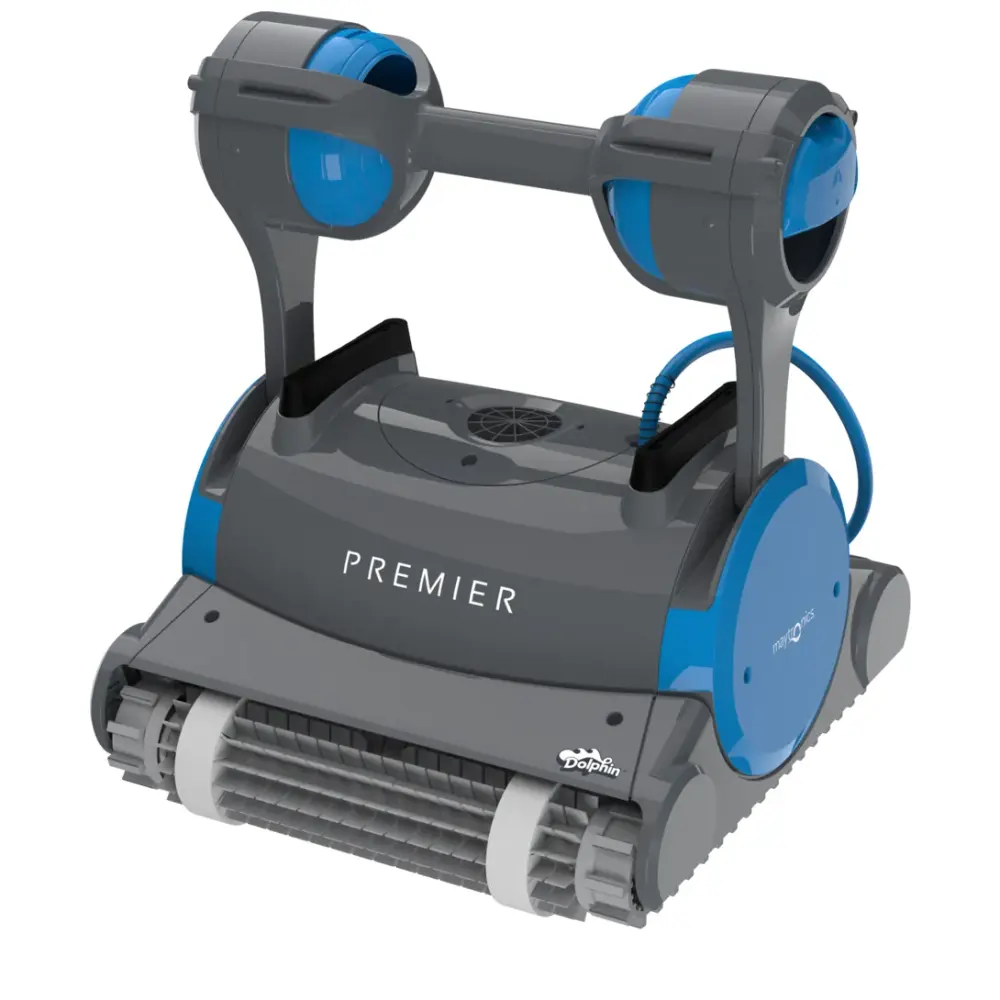
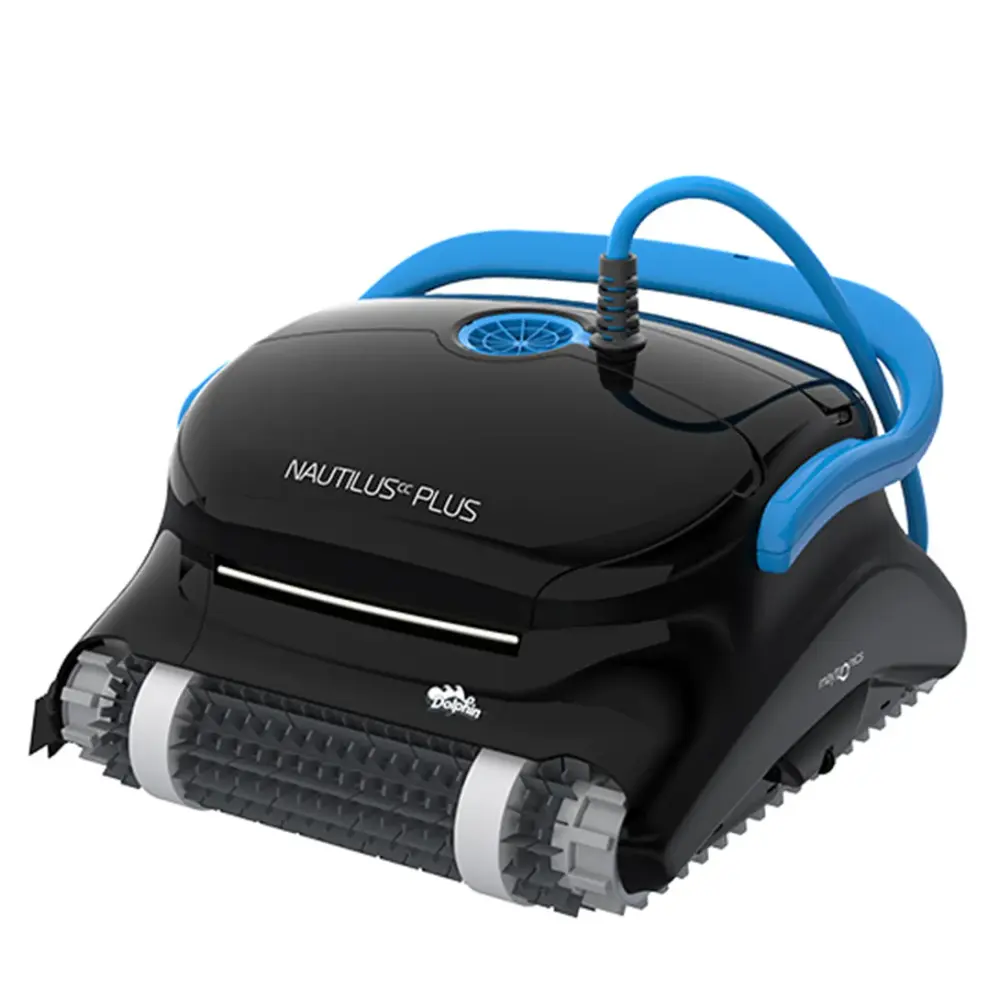
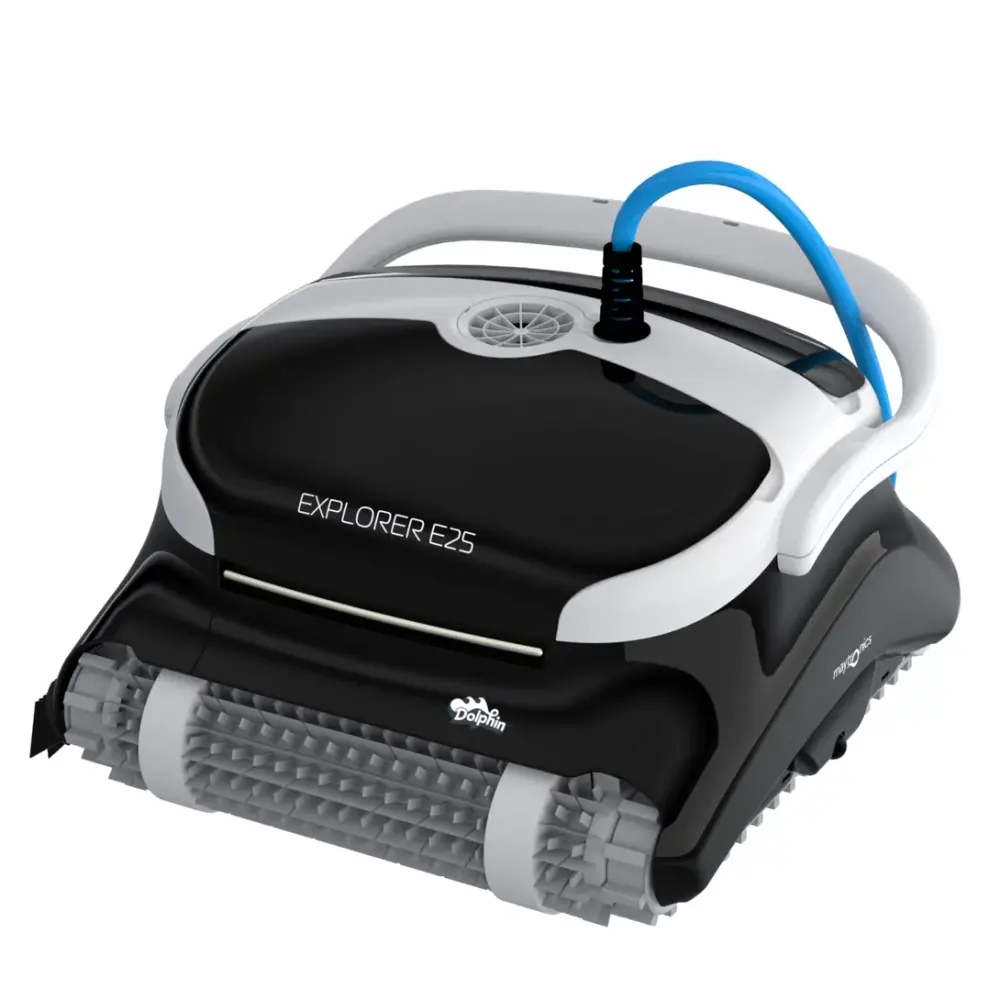
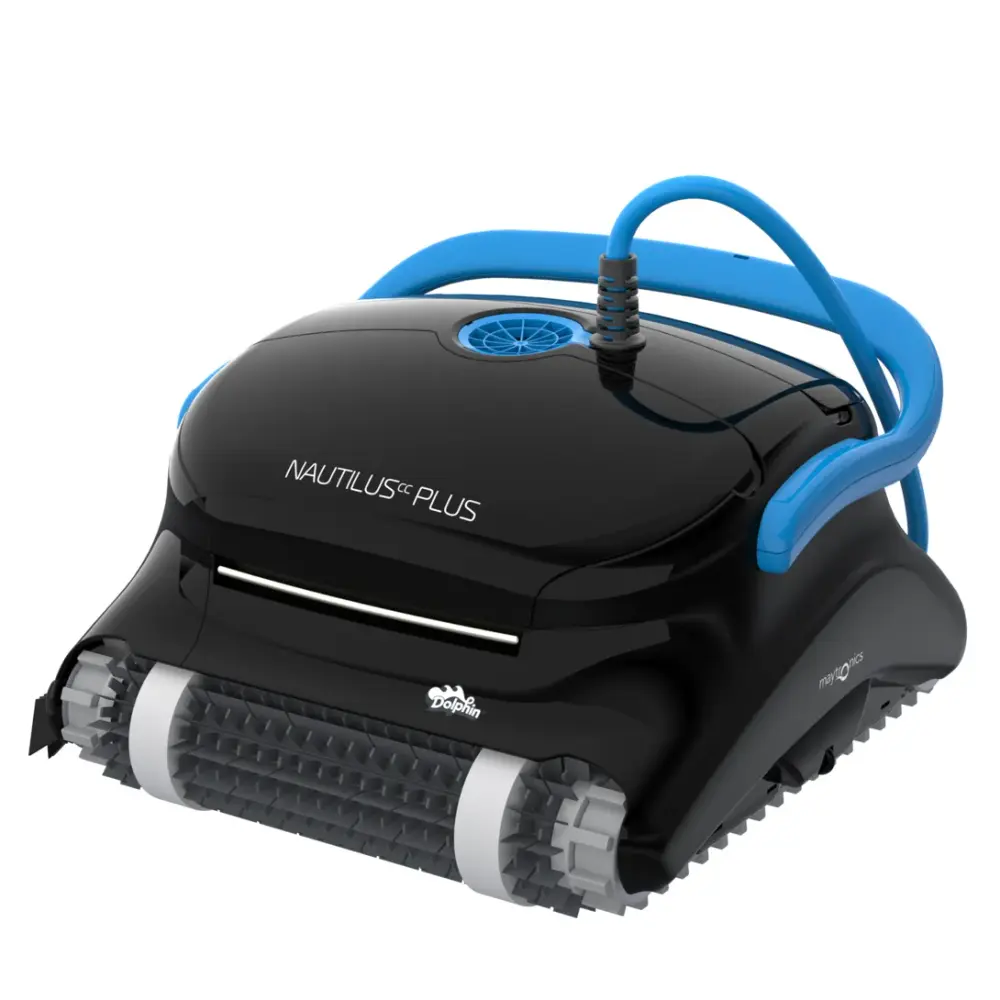
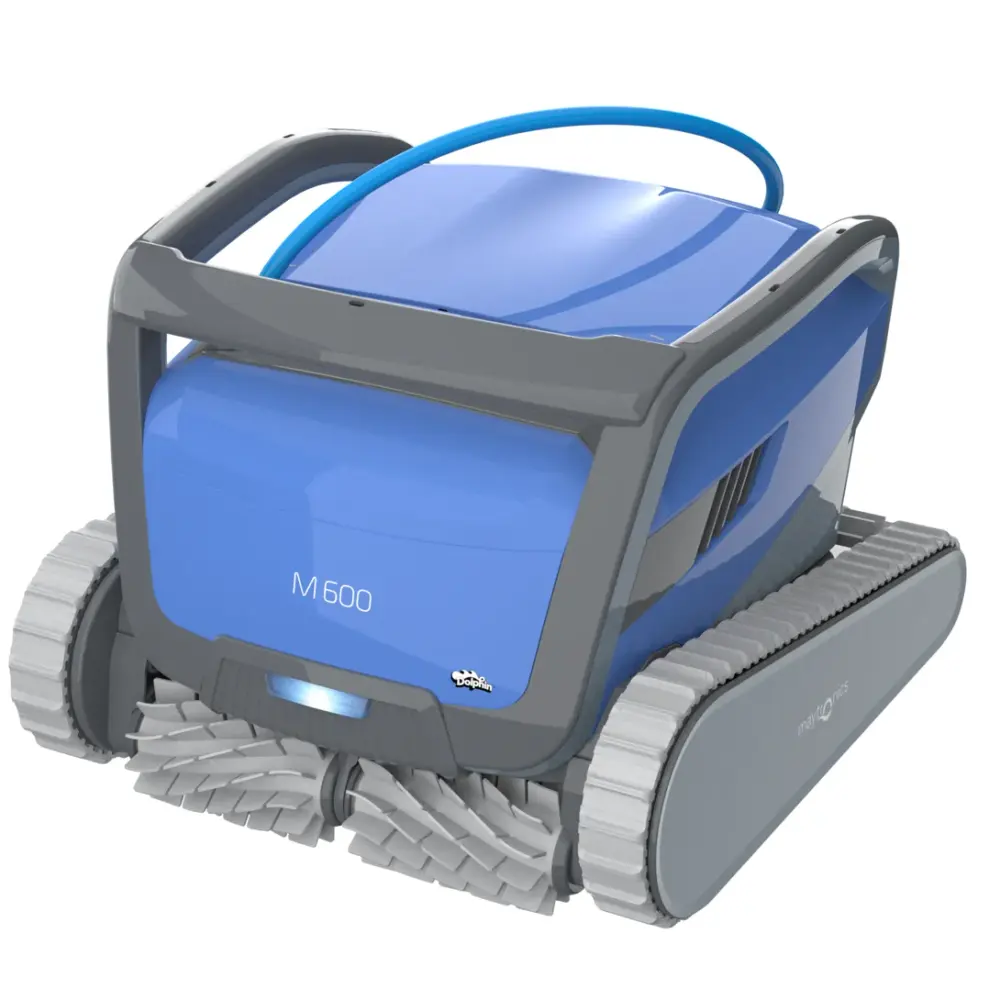
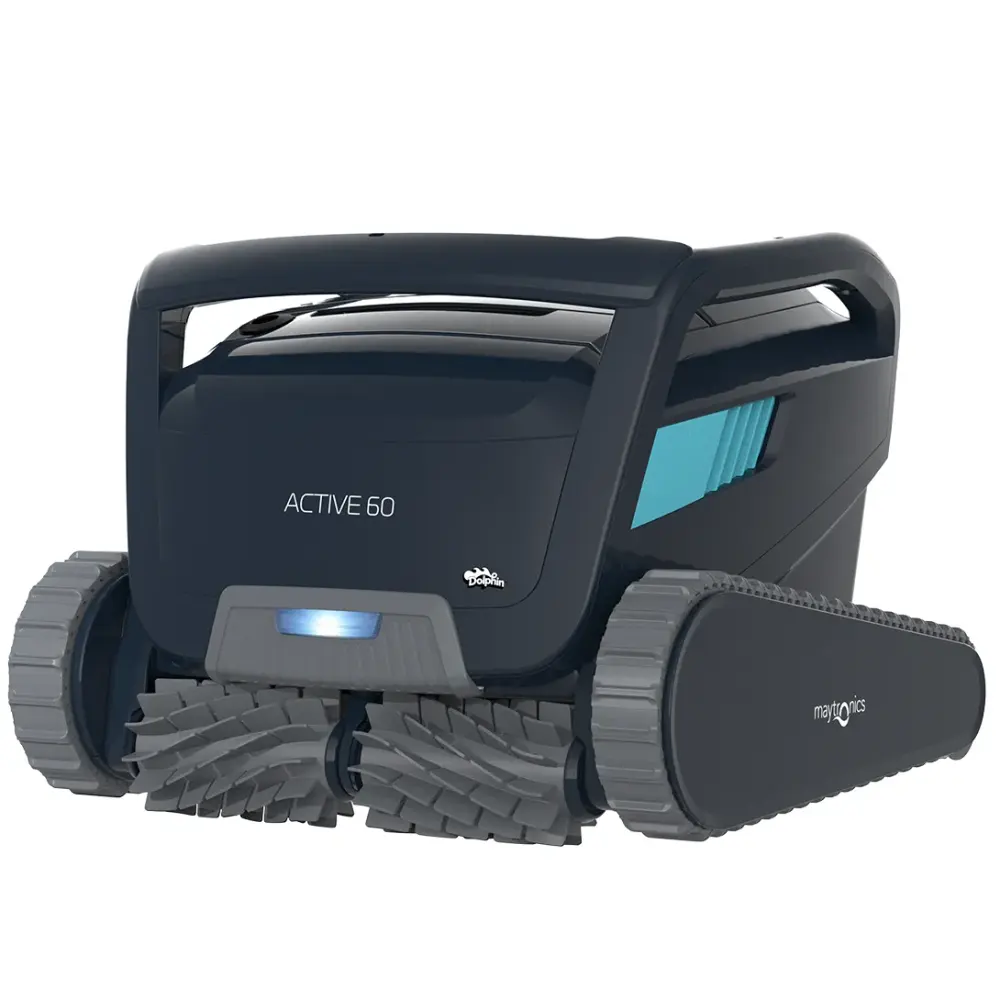
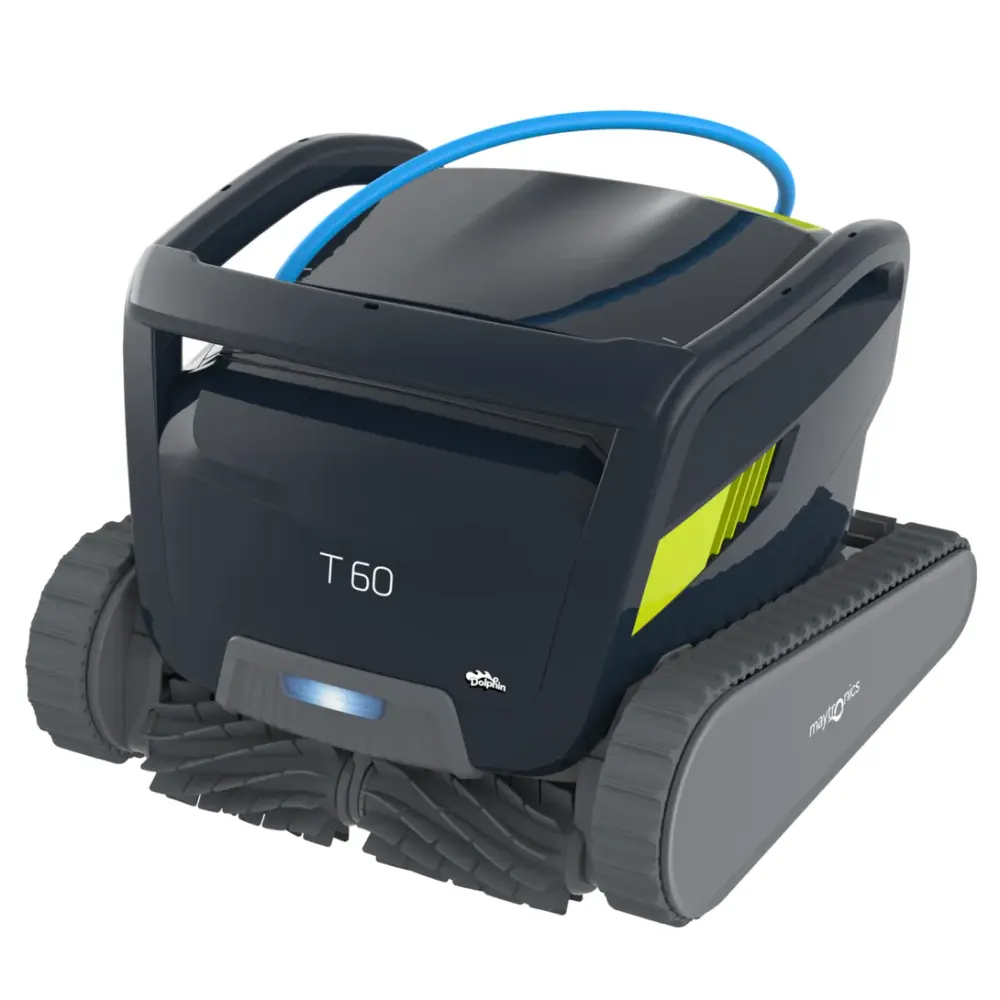
Also listed by Maytronics for: Dolphin Wave 100, Dolphin Sigma, Dolphin M400, Dolphin Wave 60, Dolphin Wave 80, Dolphin Nautilus CC Supreme, Dolphin Wave 120, Dolphin Premier, Dolphin Nautilus CC Plus, Dolphin Nautilus CC Plus w/ Wi-Fi, Dolphin 2X2 C6 Plus, 2X2, Dolphin 2X2, Pro X2, Dolphin Pro X2, Wave 100, Dolphin C6, Explorer, Dolphin Hydro 40, Dolphin DIVER PRO 150, Dolphin Evolution 40, EX45, Dolphin EX45, F40, PS40, SF40, Dolphin SF40, Dolphin Swell M, Dolphin Active Classic, Dolphin Easy Comfort, Dolphin KAPTUR 150, Dolphin X60, Dolphin Zenit 15, Dolphin Active X4, Dolphin Comfort Active, Dolphin KAPTUR 400, PS50, Dolphin Dolphin 4, Dolphin SOPRA PE RFECT, Dolphin TopStar gold.
How to replace it at home.
Maytronics' own step-by-step answers and videos for this kind of part.
How to replace the climbing rings on my Dolphin brushes?Video
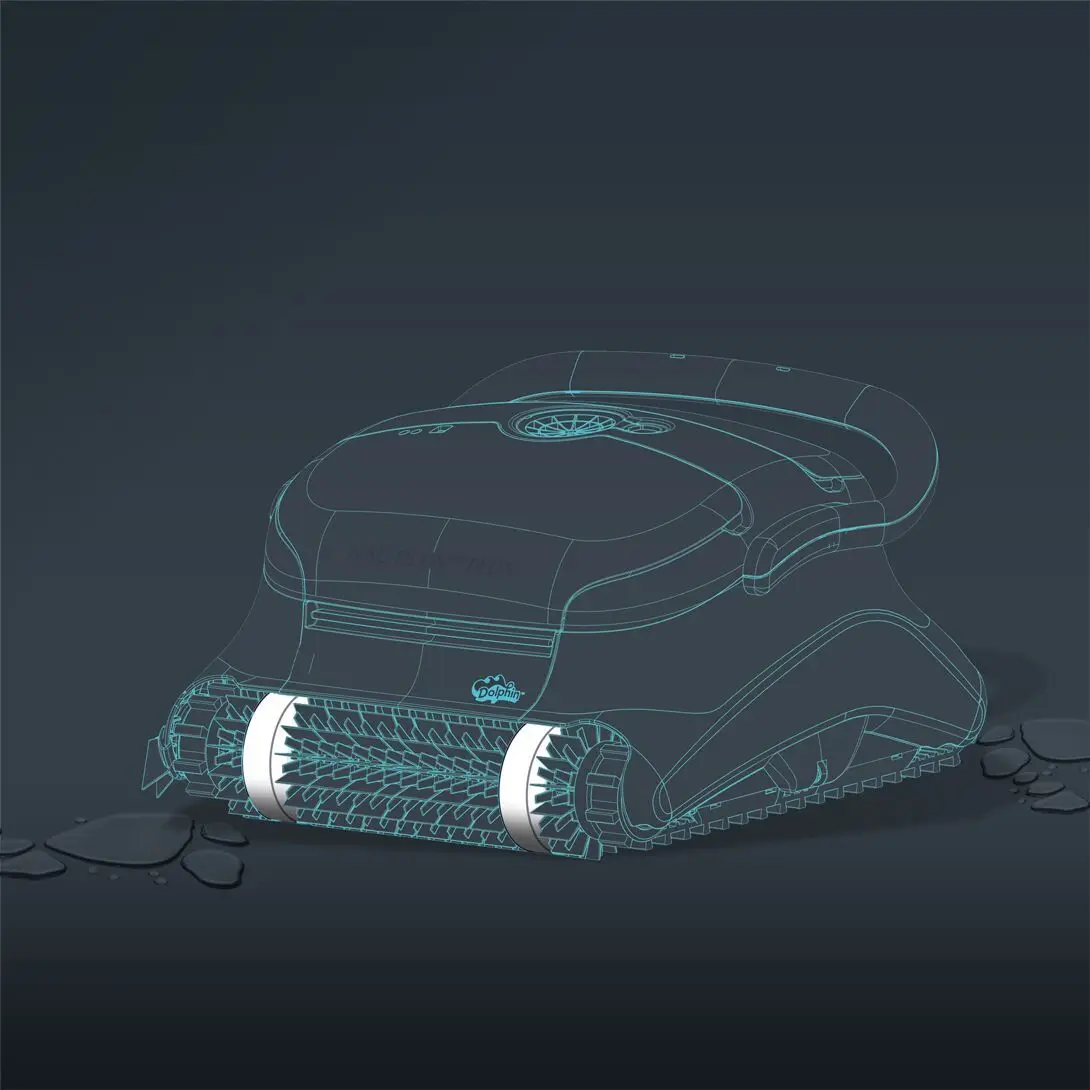
Please follow the steps below for proper installation:
(The following steps are applicable for all models that have climbing rings)
-
Wet the climbing rings in the pool or soak them in water for 10 minutes until they are fully soaked.
-
Remove the robot from the pool, and turn the robot upside down.
-
Make sure the power supply is unplugged from the outlet.
-
Use a flathead screwdriver to release the brush from it on both sides.
-
Remove the brush.
-
Remove the climbing rings.
-
Soak the new climbing rings in water so they are flexible. Take the new climbing rings and work them onto the brushes.
-
Once the climbing rings are in place, slide the brush back into its sockets and push it into place.
Video references for assistance in how to remove and install the brushes (applicable for steps 2-5, and 8):
M Line (DX3/Sigma/Nautilus CC Plus/Nautilus CC Supreme/M400)
M600 (Active 60, Explorer E70)
If you are interested in purchasing replacement climbing rings, our replacement parts.
Specifications
Product Info
- Active Brush
- No
- Brush Type
- Combine Brush
Size & Dimension
- Package Dimensions
- 13.8x9.9x2.8 inch
General Info
- Warranty (years)
- 1
- UPC
- 810071220975