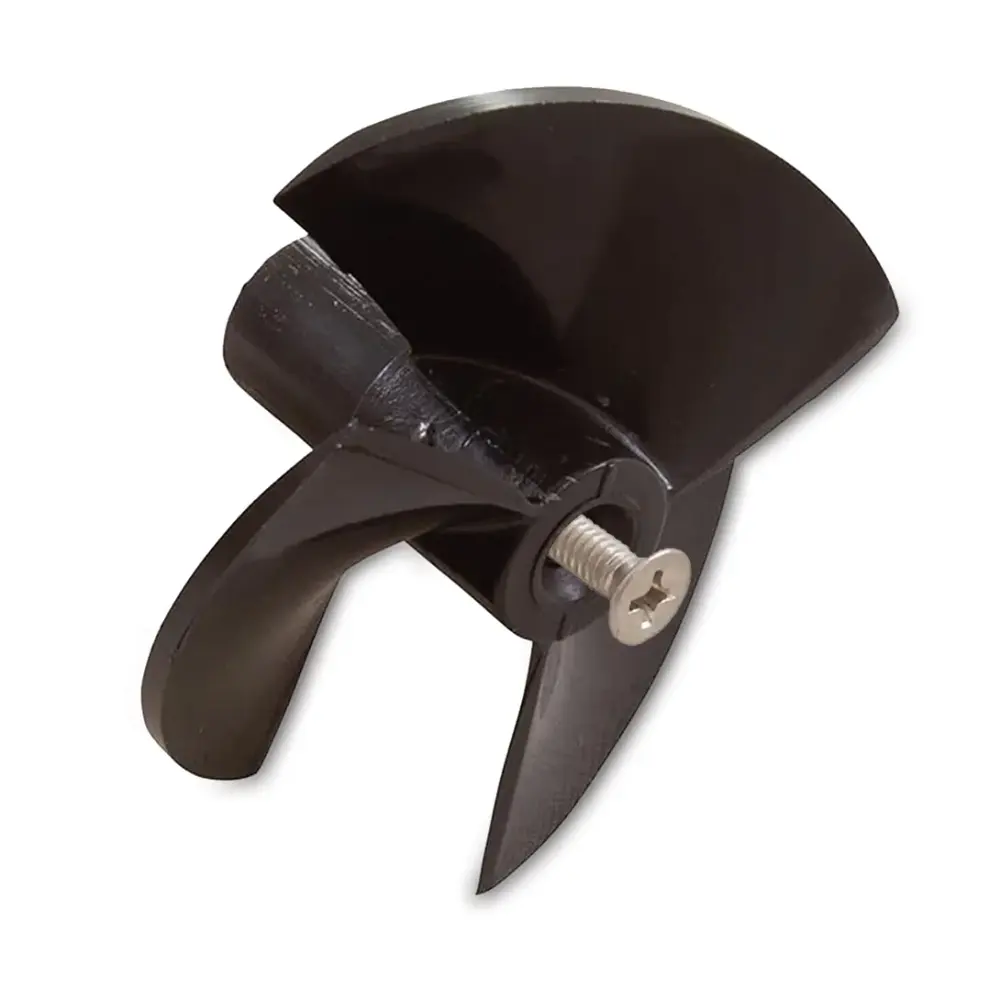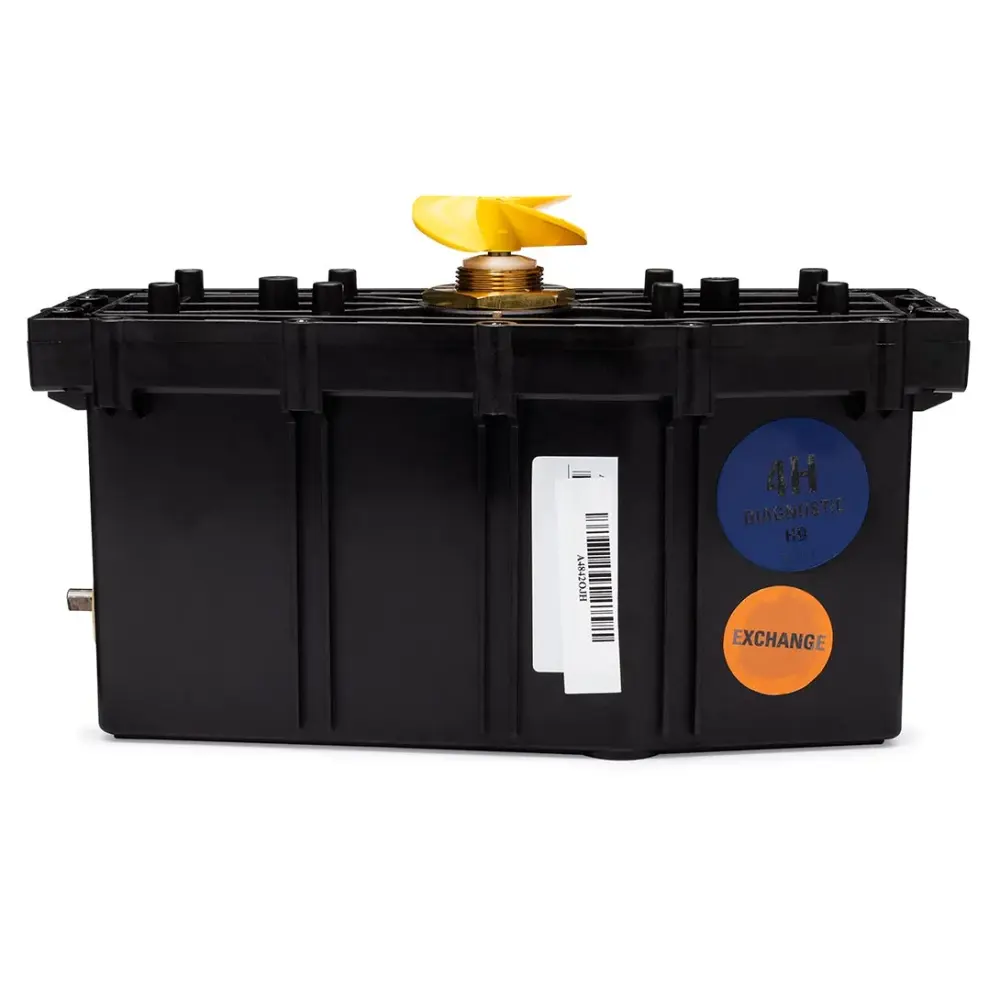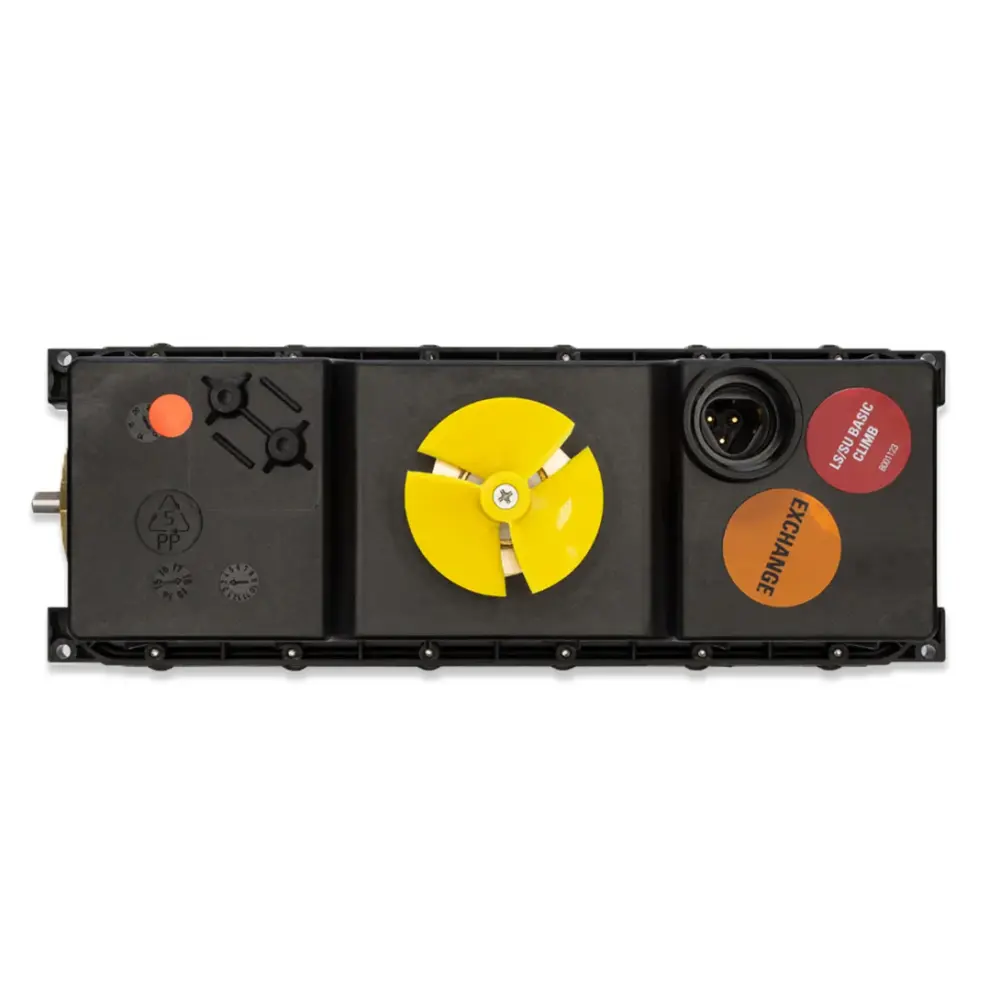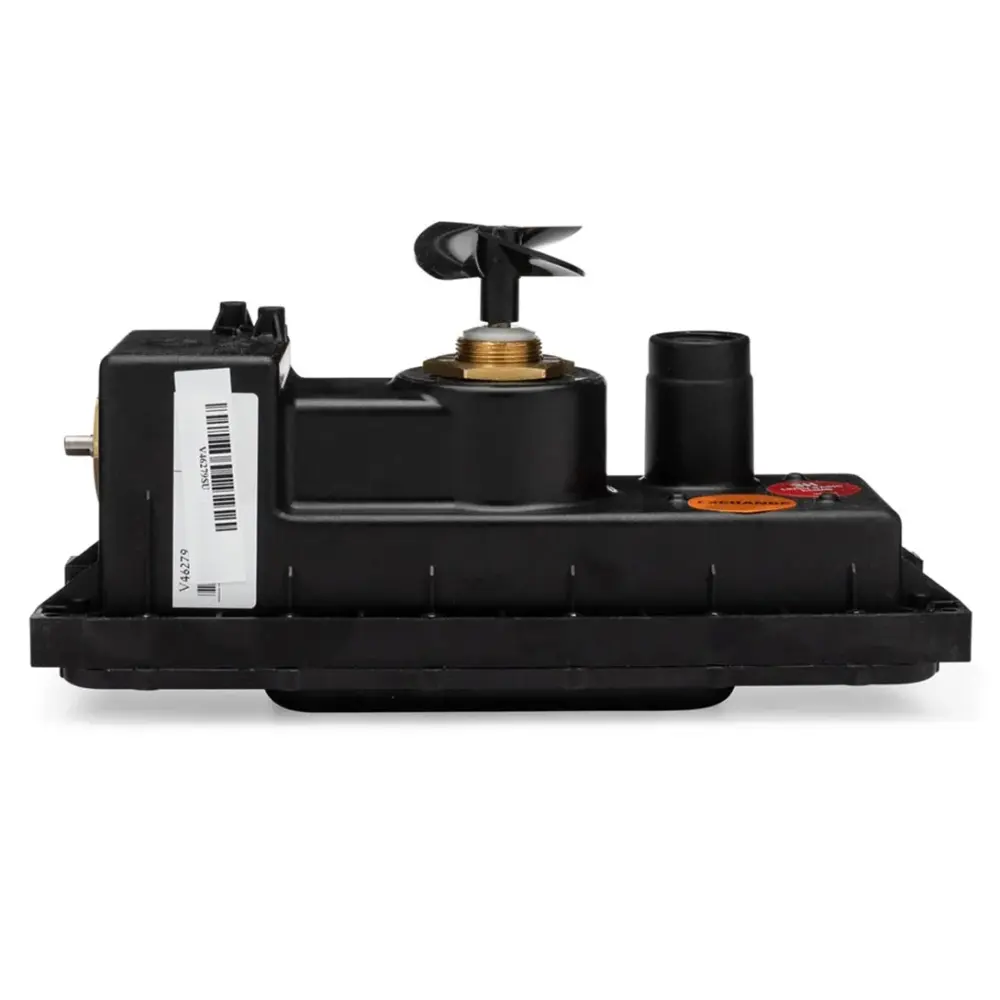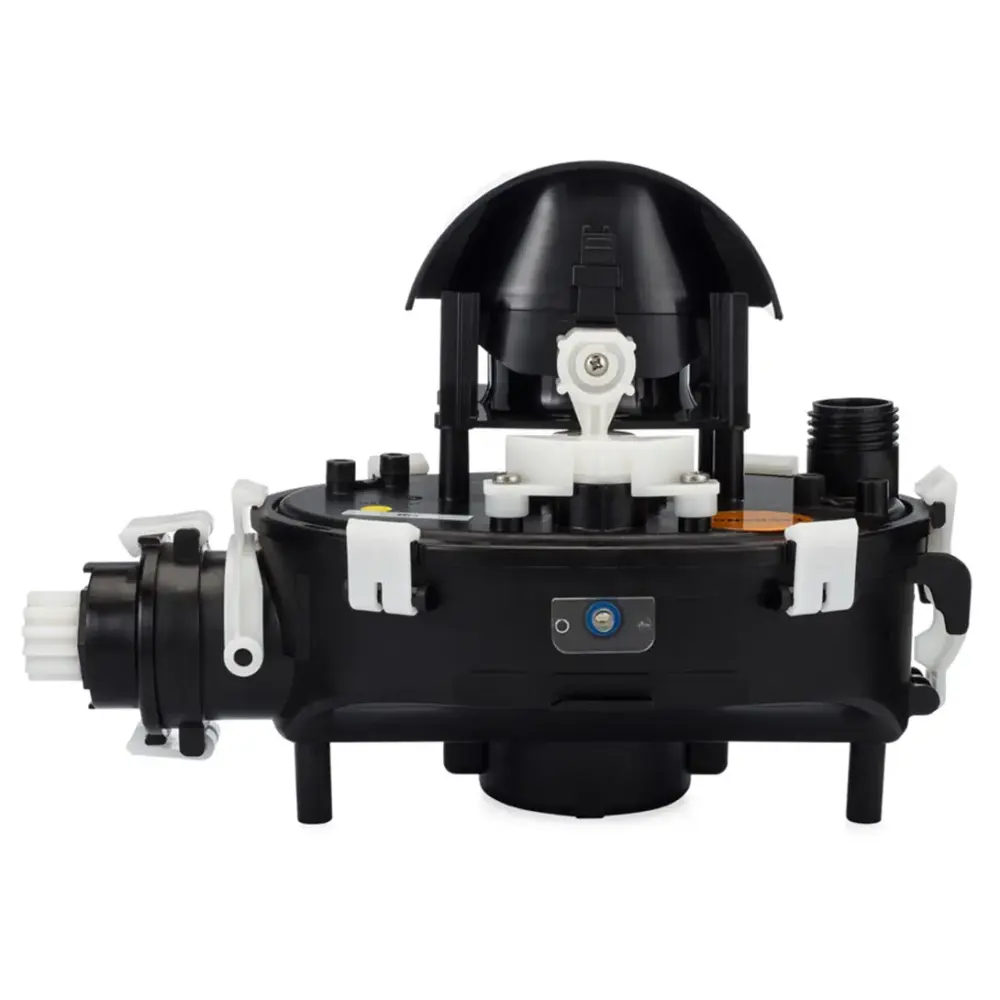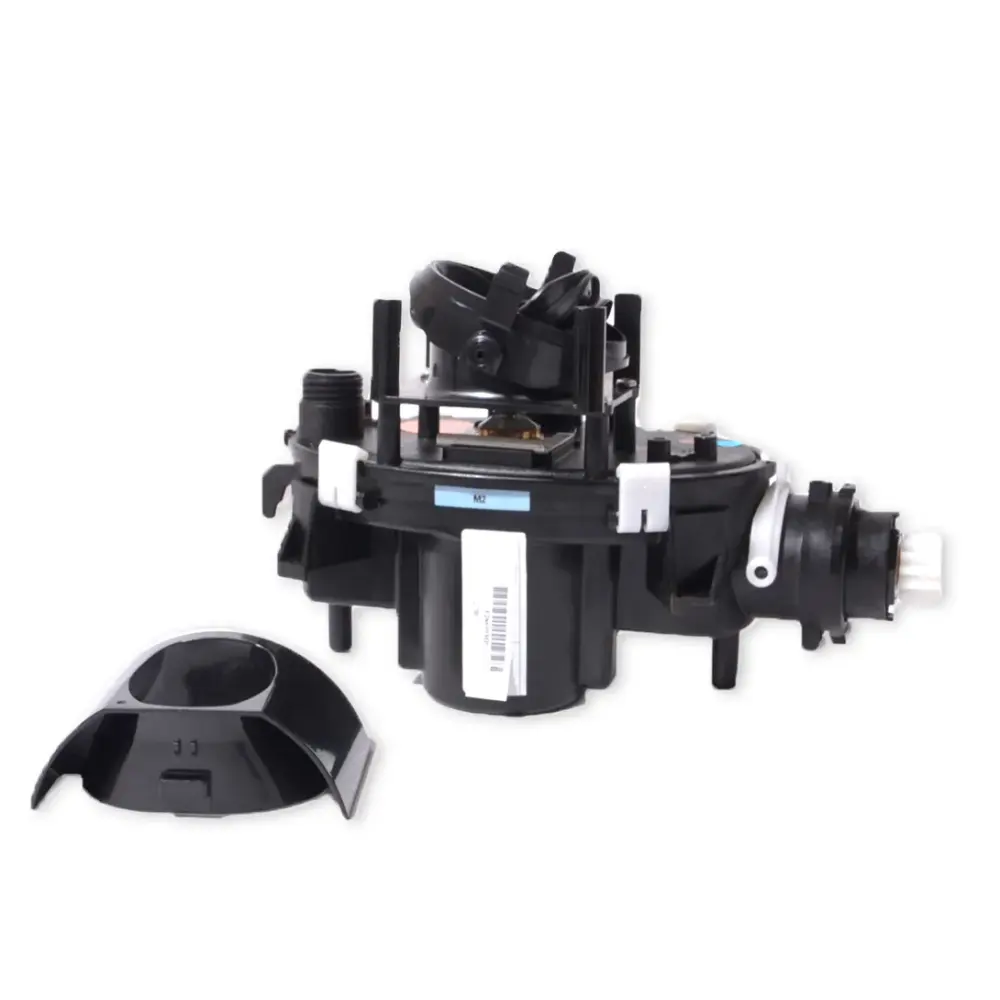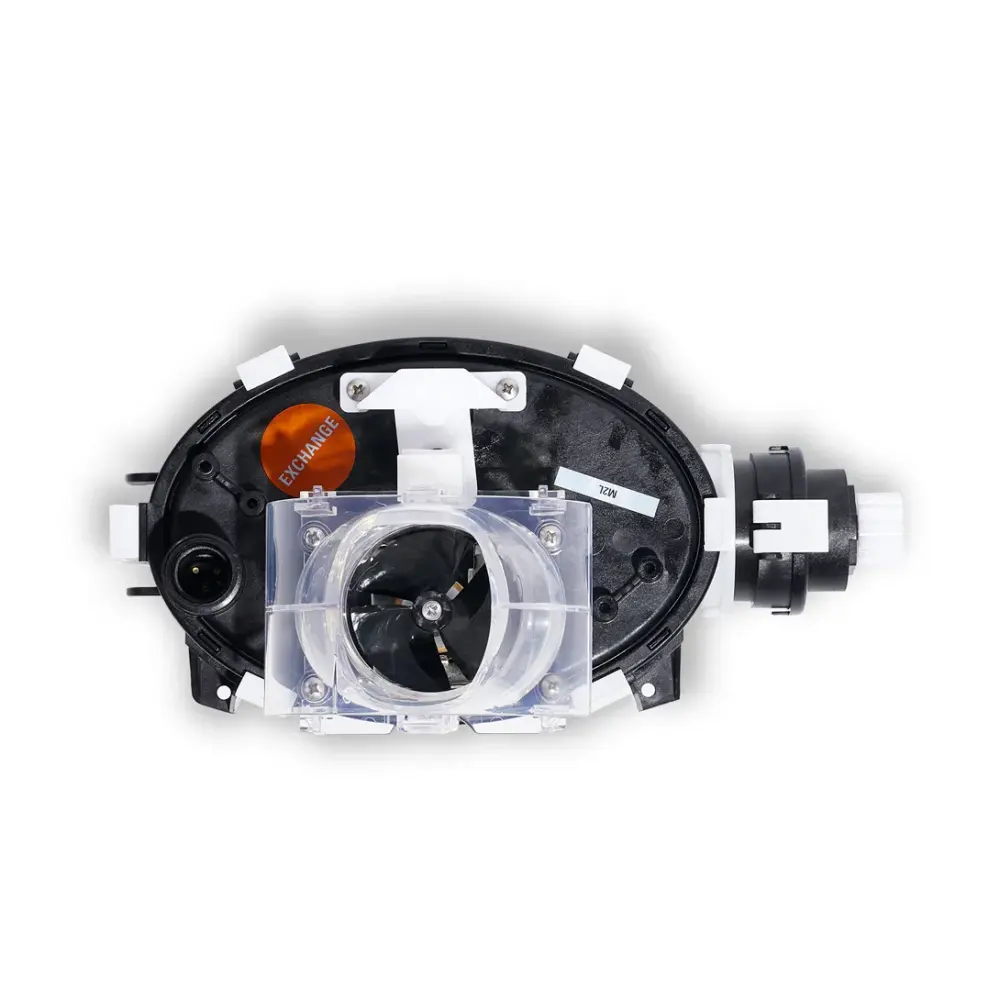
Motor Unit, LED and Ffi S2
Part number 9995396-EX · UPC 810071220326 · 1-year warranty
$400 Maytronics list price
We do not stock this part in our own store yet. Our specialists can confirm the right part number for your robot before you order anywhere.
- Replacement Motor Unit
Fits these Dolphin robots.
Confirmed by Maytronics' compatibility checker and each robot's spare-parts list.
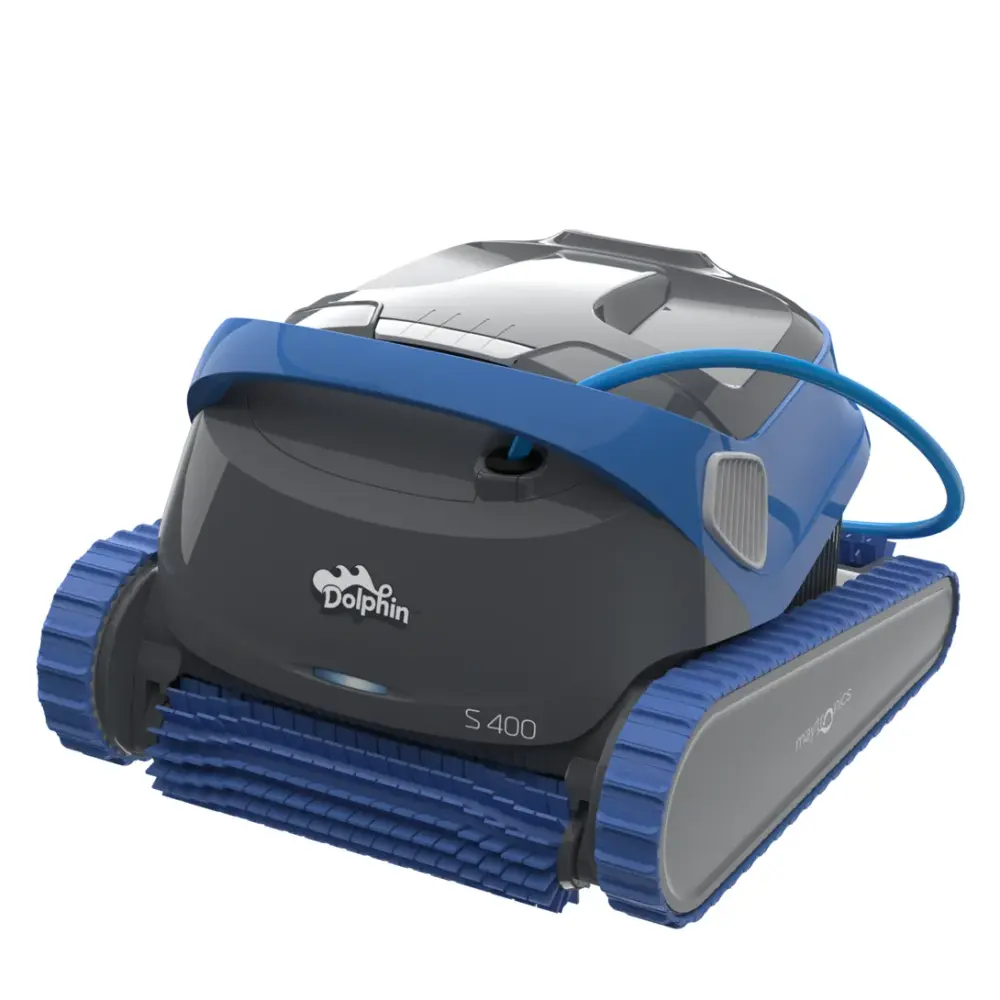
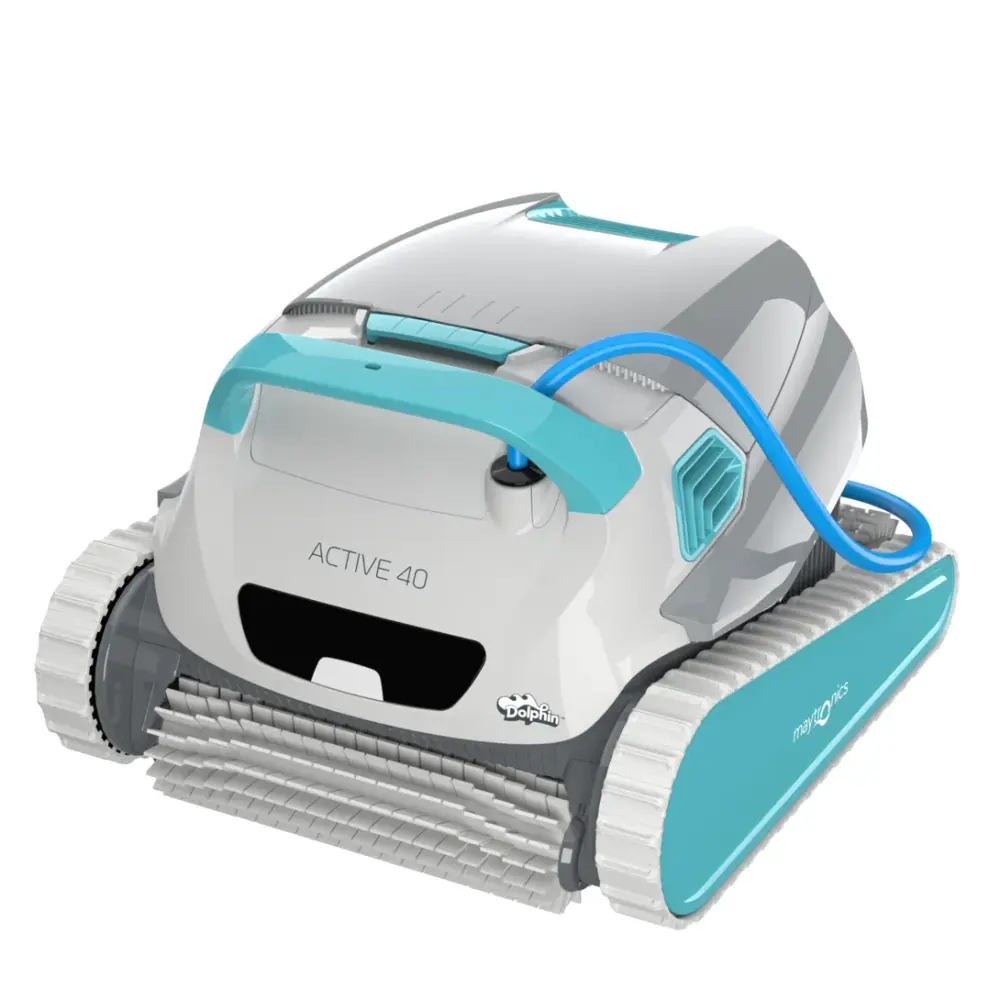
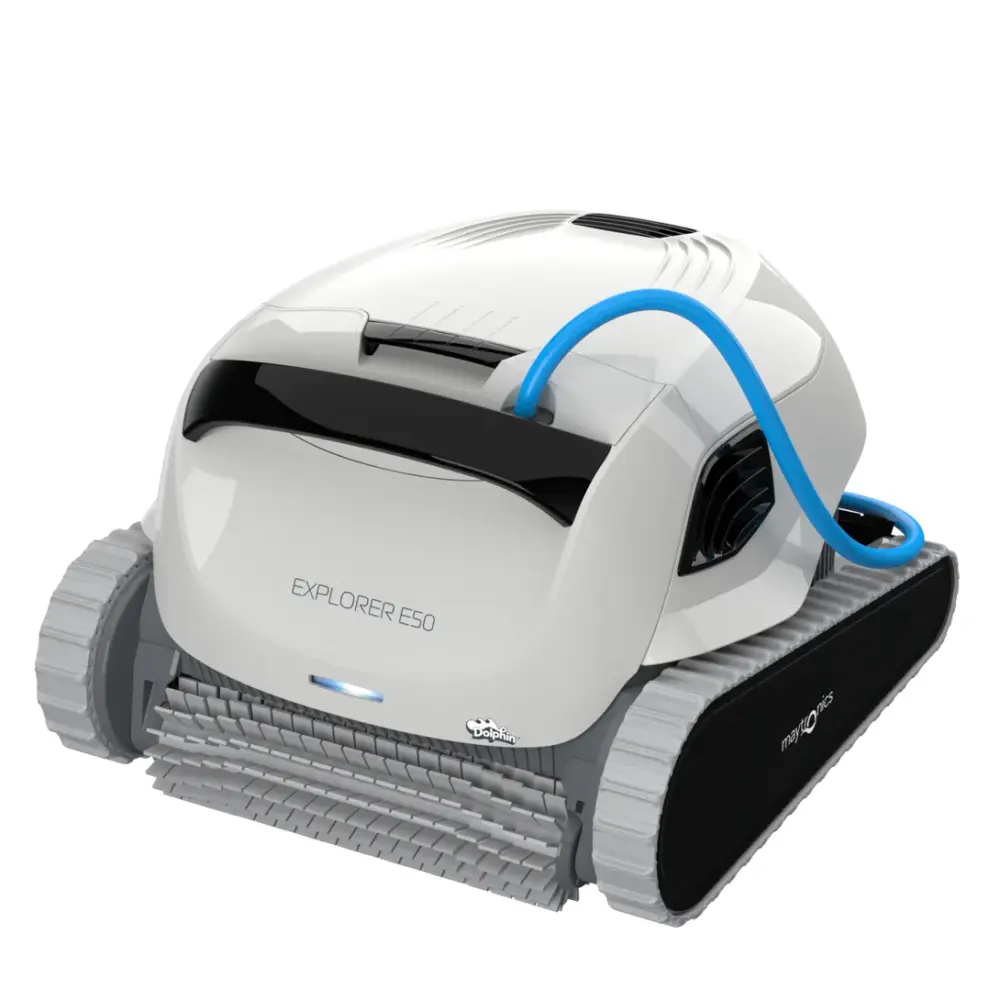
Also listed by Maytronics for: Dolphin S400, Dolphin Active 40, Dolphin Explorer E50.
How to replace it at home.
Maytronics' own step-by-step answers and videos for this kind of part.
How do I replace the motor unit on my Dolphin?Video
Click your robot model from the following list to see the video and instructions.
M250 (Nautilus CC Plus)
Tools Needed:
- Phillips screwdriver
- Phillips flathead screwdriver
- Wrench
Disassembly
- For your safety, please unplug the power supply.
- Open both top lids and remove the filters.
- Release and remove the 4 screws holding the frame into place.
- Unlock the impeller cover using a flat screwdriver.
- Release and remove the impeller cover.
- Release the blue floating cable and remove the top frame.
- Remove both floaters.
- For each cable holder, remove one screw and release the other one halfway.
- Rotate both cable holders backward to release the blue floating cable.
- Release the power cable screw using the Maytronics multi-purpose handle.
- Slide out the screw and rubber seal then pull hard to unplug the cable.
- Release and remove the 4 screws holding the motor unit.
- Tilt the robot and rotate the brush until the engine hinge socket is rotated upwards.
Assembly
- Position the new motor unit.
- Fasten the motor with all of its screws.
- Plug in the cable, then slide the rubber seal and screw back in place.
- Tighten the power cable screw using the Maytronics multi-purpose tool.
- Rotate the cable fasteners back into place, then tighten all screws.
- Reposition the floaters and top frame back into place.
- Reposition the cable back into its place in the frame.
- Reposition the impeller cover and lock it.
- Fasten the top frame with the screws.
- Reposition both filters and close the top lids.
M400/M500 (Sigma/Nautilus CC Supreme/Nautilus CC Plus/Oasis Z5i)
Tools Needed:
- Phillips screwdriver
- Phillips flathead screwdriver
- Wrench
Disassembly
- Unplug the power supply and lower the handle towards the back of the robot.
- Remove the screw holding the impeller cover. Remove the impeller cover.
- Release the blue floating cable from the frame.
- Open both top lids and remove the filters.
- Release and remove the four screws holding the frame and then remove the frame.
- Remove both floaters.
- For each cable holder, remove one screw and release the other one halfway, then rotate them backward.
- Using the Maytronics multi-purpose handle release the power cable screw. Slide out the screw and the rubber seal, then pull on the cable to unplug it.
- Release and remove the 4 screws holding the motor unit.
- Rotate the brush until the engine hinge socket is rotated upwards.
- Remove the motor unit.
Assembly
- Place the new motor unit
- Fasten the motor with all of the screws
- Plug in the new cable then slide the rubber seal and screw in place
- Tighten the screw, using Maytronics multi-purpose handle
- Rotate the cable fasteners into place, then screw and tighten the screws.
- Reposition both floaters
- Reposition the frame, then screw and tighten its four screws
- Place both filters inside the robot and close the top lids.
- Reattach the blue floating cable to the frame, place the impeller cover, and tighten it with the screw.
S50 (E10, Cayman, Active 10, E20/E25, Escape, Encore)
Tools Needed:
- Phillips screwdriver
- Phillips flathead screwdriver
- Wrench
Disassembly
- Unplug the power supply.
- Pull the top lid handle, open the lid, and take out the filter.
- Release and remove the screws holding the top panel.
- Slide the top panel out along the blue floating cable.
- Release and remove the screws holding the cable fastener
- Slide out the top panel and the cable fastener.
- Release the left motor clip and unhook the blue floating cable.
- Using the Maytronics multi-purpose handle release the blue floating cable screw.
- Unplug and remove the old blue floating cable.
- Release and remove the 2 screws holding the motor unit.
- Remove the motor unit.
Assembly
- Position the new motor unit.
- Plug in the new blue floating cable.
- Using the Maytronics multi-purpose handle, tighten the blue floating cable screw.
- Form a loop in the blue floating cable, hook it to the motor, and close the left motor clip
- Reassemble the top panel and cable fastener.
- Tighten the screws holding the cable fastener.
- Reposition the top panel
- Tighten the screws to secure the top panel.
- Place the filter back inside the robot.
S100 (Explorer E20, Advantage, Proteus DX3, Saturn, Nautilus CC, Active Solo, Active 15, Echo)
Tools Needed:
- Phillips screwdriver
- Phillips flathead screwdriver
- Wrench
Disassembly
- Unplug the power supply.
- Pull the top lid handle, open the lid, and take out the filter.
- Remove the screws holding the top panel.
- Slide the top panel out along the blue floating cable.
- Remove the screws to release the cable from the top panel.
- Remove both parts of the top panel.
- Release the motor's left clip and unhook the blue floating cable.
- Using the Maytronics multi-purpose handle, release the blue floating cable screw.
- Remove the screw and rubber seal and pull the blue floating cable to unplug it.
- Release and remove the 2 screws holding the motor unit.
- Remove the motor unit.
Assembly
- Place the new motor unit and fasten the screws.
- Plug in the new blue floating cable and slide the rubber seal and screw into place.
- Using the Maytronics multi-purpose handle, tighten the blue floating cable screw.
- Form a loop in the blue floating cable and hook it, then close the left motor clip.
- Re-assemble both parts of the top panel, screw in, and tighten the screws.
- Reposition the top panel and fasten it with the screws.
- Put the filter back into the robot and close the top lid.
S200 (E30, Proteus DX4, Advantage Ultra, Active 20, Quantum, T30/T35, Triton PS)
Tools Needed:
- Phillips screwdriver
- Phillips flathead screwdriver
- Wrench
Disassembly
- Unplug the power supply.
- Pull the top lid handle, open the lid, and take out the filter.
- Remove the screws holding the Motor Unit cover.
- Gently pull the cover and slide it along the blue floating cable.
- Take out the manifold.
- Open the motor’s left clip and unhook the blue floating cable.
- Using the Maytronics multi-purpose handle, release the blue floating cable screw.
- Slide out the screw and the rubber seal, and pull on the blue floating cable to unplug it.
- Release and remove the 2 screws holding the motor unit.
- Remove the motor unit.
Assembly
- Place the new motor unit and fasten it's screws.
- Plug in the new blue floating cable, slide the rubber seal, and screw in place.
- Plug in the new blue floating cable, slide the rubber seal, and screw in place.
- Form a loop in the blue floating cable and hook it. Close the motor’s left clip.
- Place the manifold back into its original position.
- Slide the cover back to its original position and fasten the screw.
- Place the filter back and close the top cover.
S300 (E35/E35i, Proteus DX5i, Advantage Pro, Mercury, Active 30, T35/T45, Premium 40, Explorer E30, E40i, Active 30i, T55i) & S400 (E50i, Active 40, Explorer E50)
Tools Needed:
- Phillips screwdriver
- Phillips flathead screwdriver
- Wrench
Disassembly
- Unplug the power supply.
- Pull the top lid handle, open the lid, and take out the filter.
- Remove the screws holding the Motor Unit cover.
- Gently pull the cover and slide it along the blue floating cable.
- Take out the manifold.
- Open the motor’s left clip and unhook the blue floating cable.
- Using the Maytronics multi-purpose handle, release the blue floating cable screw.
- Slide out the screw and the rubber seal, and pull on the blue floating cable to unplug it.
- Release and remove the 2 screws holding the motor unit.
- Remove the motor unit.
Assembly
- Place the new motor unit and fasten it's screws.
- Plug in the new blue floating cable, slide the rubber seal, and screw in place.
- Plug in the new blue floating cable, slide the rubber seal, and screw in place.
- Form a loop in the blue floating cable and hook it. Close the motor’s left clip.
- Place the manifold back into its original position.
- Slide the cover back to its original position and fasten the screw.
- Place the filter back and close the top cover.
M550
M600/M700 (Active 60, E60i, Explorer E70)
Tools Needed:
- Phillips screwdriver
- Phillips flathead screwdriver
- Wrench
Disassembly
- For your safety, please unplug the power supply.
- Pull the top lid handle, open the lid, and take out the filter.
- Release and remove the two screws holding the Motor Unit cover.
- Gently pull the cover and slide it along the blue cable.
- Take out the manifold.
- Unlock the front panel with a flat screwdriver.
- Release and remove the front panel.
- Remove the front float. Use caution with the float as it is fragile.
- Release and remove all four screws holding the frame, then tilt the frame forward.
- Remove one of the cable fastener screws and release the second screw halfway.
- Rotate the cable fastener backward to release the power cable.
- Using the Maytronics multi-purpose handle, release the blue floating cable and the white LED cable screws. Then remove them. Remove the frame.
- Peel off the rubber track.
- Remove the wheel cover, screw, disk, front wheel, and wheel bushing.
- Remove the chassis door.
- Release and remove both motor unit screws.
- Lift the motor unit and remove the left and right floats. Use caution with the floats as they are fragile.
- Remove the motor unit.
Assembly
- Position the new motor unit.
- Carefully reposition left and right floats.
- Screw and tighten both motor unit screws.
- Reposition the chassis door.
- Reposition the wheel bushing, front wheel, disk, screw, and wheel cover.
- Mount the rubber track.
- Reposition the frame.
- Connect the power and LED cables, and tighten their screws using the Maytronics tool.
- Rotate the cable fastener to its original position, and tighten the screws.
- Tilt the frame back into position.
- Screw and tighten all its screws.
- Reposition the front float and front panel. Use caution with the float as it is fragile.
- Push in the top corners of the front panel until it clicks.
- Reposition the manifold.
- Slide the top panel back into place and tighten both its screws.
- Reposition the filter and close the top lid.
Liberty (Liberty 200, Liberty 300)
Tools Needed:
- Phillips screwdriver
- Phillips flathead screwdriver
- Wrench
Disassembly
- Remove the filter
- Unscrew the screws holding the outer casing cover and remove the top frame.
- Release the blue wire from the hooks on the side of the motor unit.
- Unscrew the power plug with the Maytronics multipurpose tool and pull it hard to unplug it.
- Remove the float.
- Unscrew the two screws holding the motor and remove the motor unit.
Assembly
- Install the new motor unit, making sure to fit the motor unit's protrusion into the niche in the chassis.
- Reattach the motor to the chassis with the two screws.
- Return the float.
- Plug in the blue wire. Tighten the power plug screw with the Maytronics multipurpose tool.
- Reattach the blue wire to the hooks on the side of the motor unit.
- Reinstall the outer casing cover with the two screws.
Premier
Specifications
General Info
- Warranty (years)
- 1
- UPC
- 810071220326
Size & Dimension
- Package Dimensions
- 13.2x8.0x9.2 inch
- Gross Weight
- 4.851 lb