
My Dolphin robot came with 2 sets of filters, which filter should I use?
What to know.
Basket Filters:
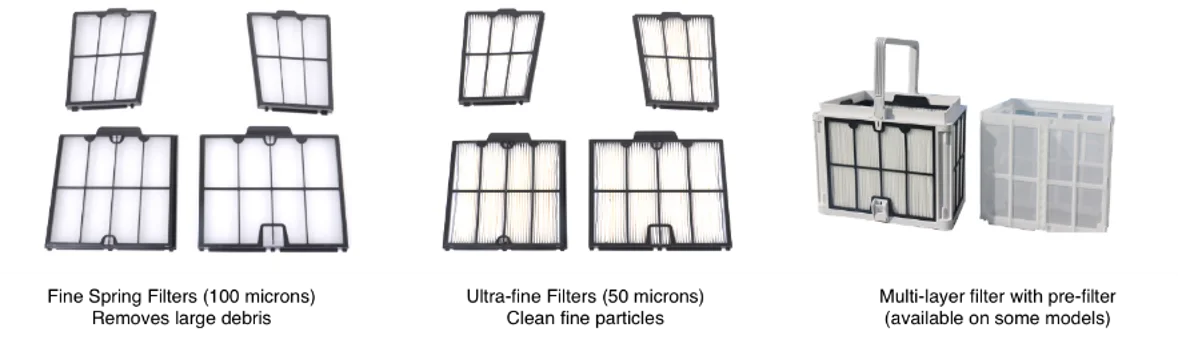
Super Filtration: Multilayer ultra-fine filter with pre-filter (30 microns)
Cartridge Filters:
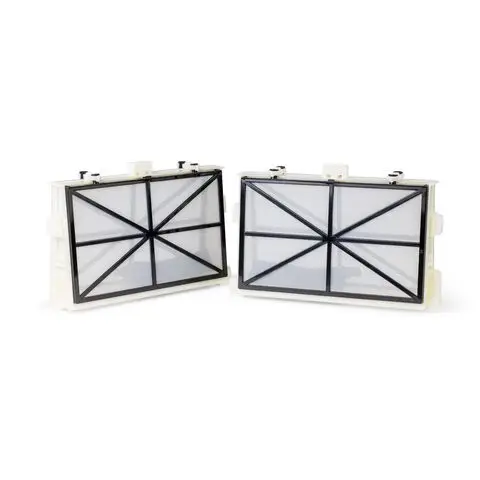
The Dolphin comes with fine (mesh) filters installed. The fine filters collect large debris (such as leaves, grass, and twigs). We recommend running the first cycle of the season with these filters.
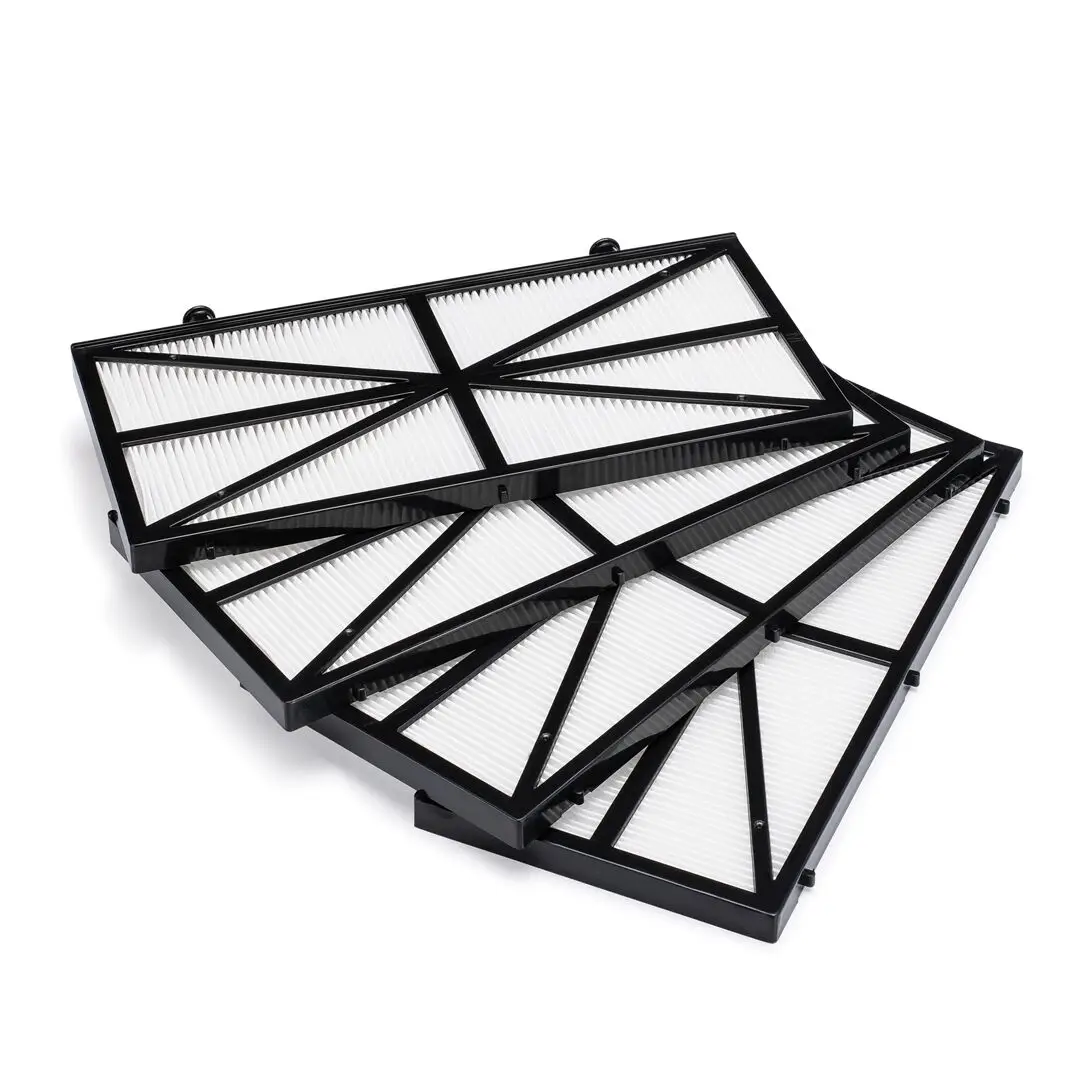
Depending on your robot model, there will also be pleated ultra-fine filters (corrugated paper). The ultra-fine filters collect small debris up to 50 microns (such as dirt, sand, and algae).
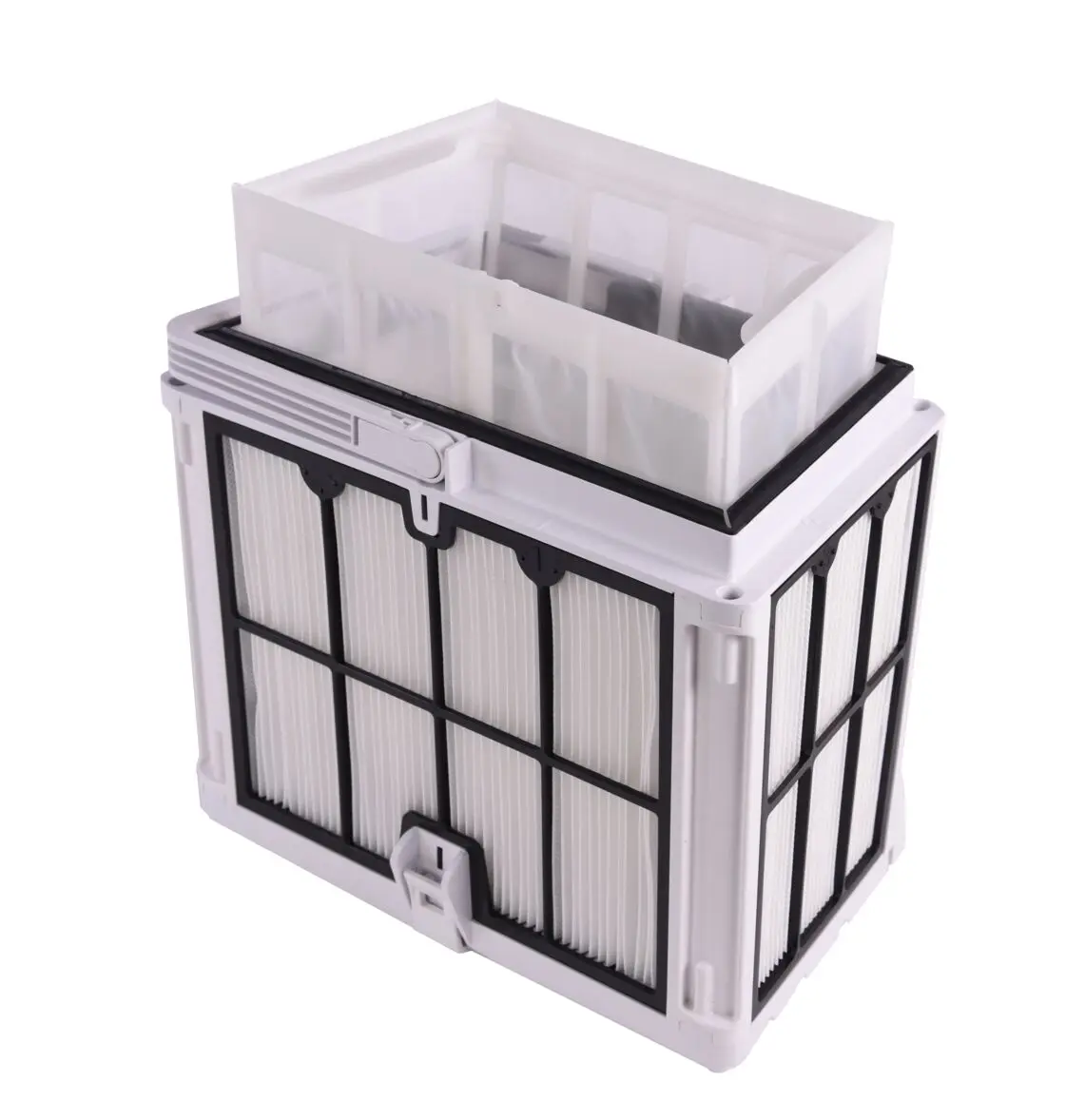
Some robot models have an additional spring filter that can be added to the ultra-fine filter basket for super filtration (30 microns). More and see if it is compatible with your robot model
Refer to the user manual to verify which filters come with your robot
We recommend switching to the ultra-fine filters after a cycle has been completed with the fine filters. If you start the first cycle with ultra-fine filters, they may clog more quickly, depending on how much debris is in the pool, and may need to be cleaned a few times during the cleaning cycle.
If you have different filters, look at the user manual for installation instructions.
Source: Maytronics support. Rewritten for clarity with the same steps; the videos and illustrations are Maytronics' own.
Parts that fix this.
This answer comes down to filters. The exact part depends on the model: choose your robot and we open its parts list, or browse the category for every model.
Browse by category:Filters All genuine Dolphin parts →