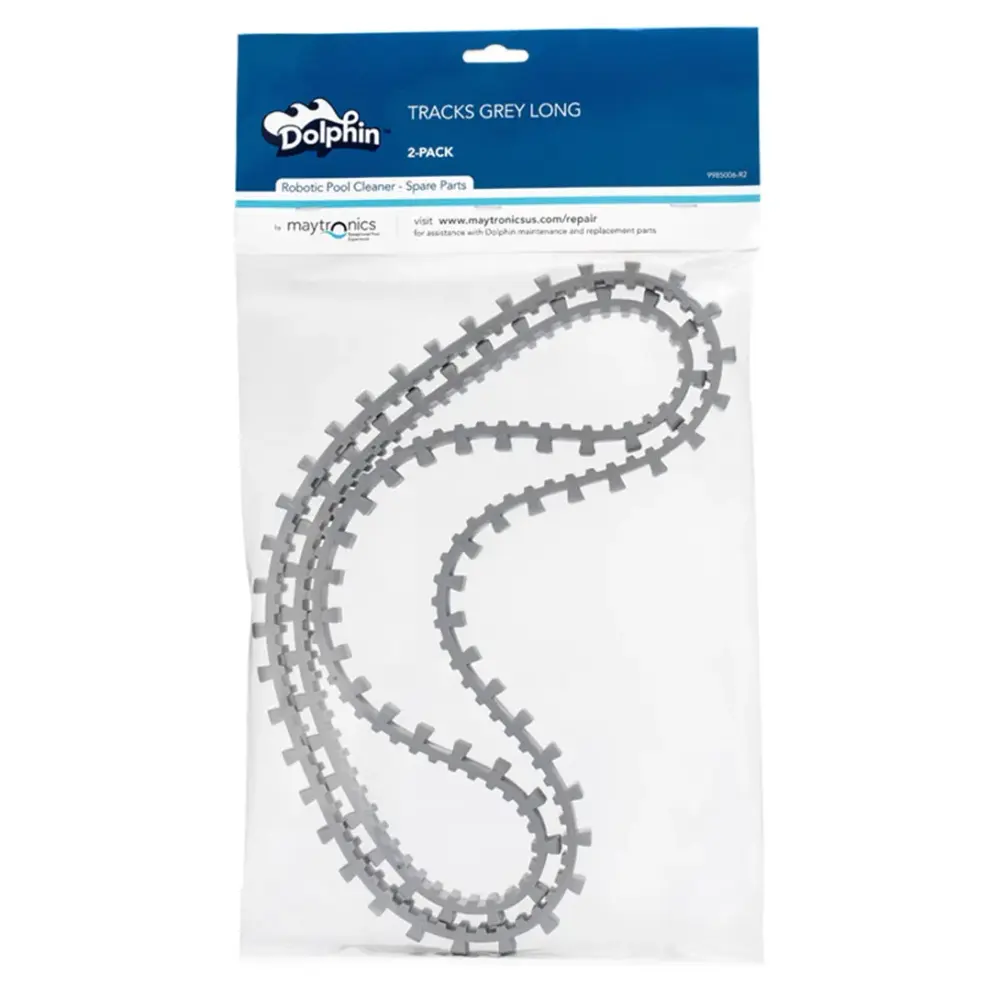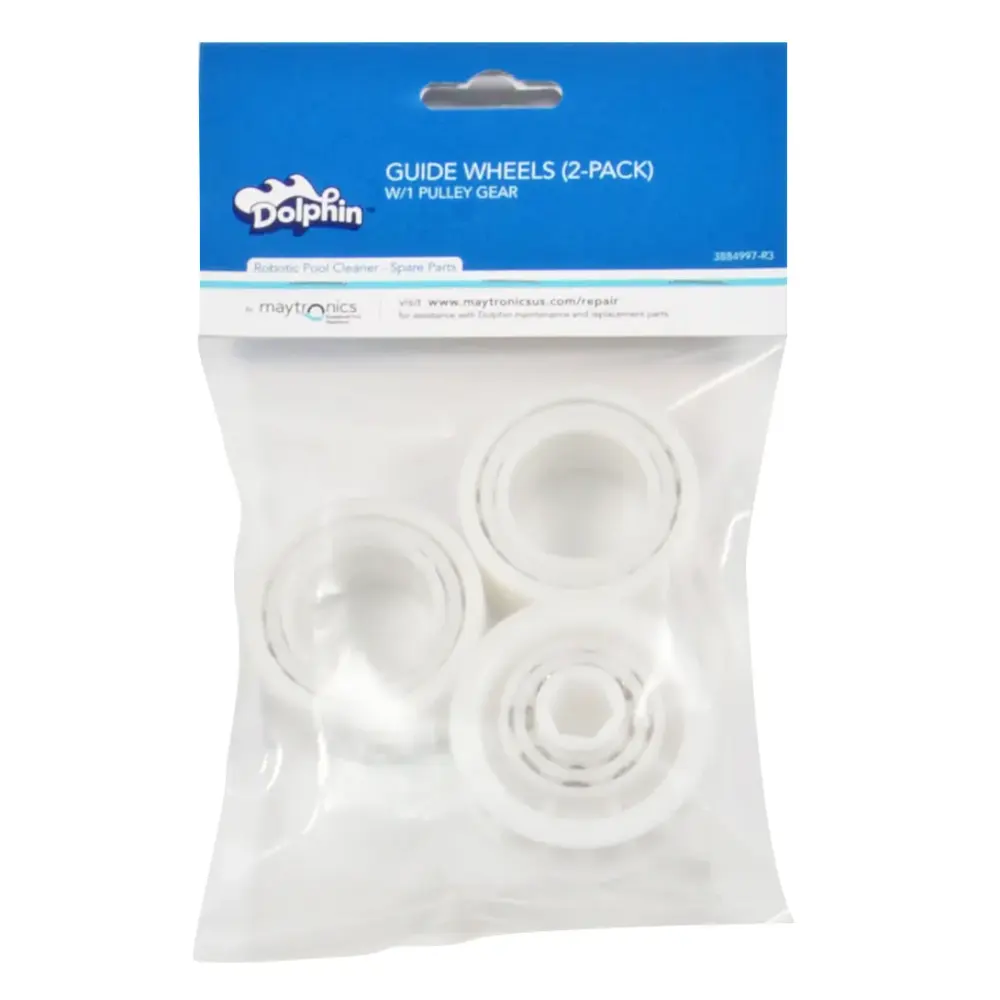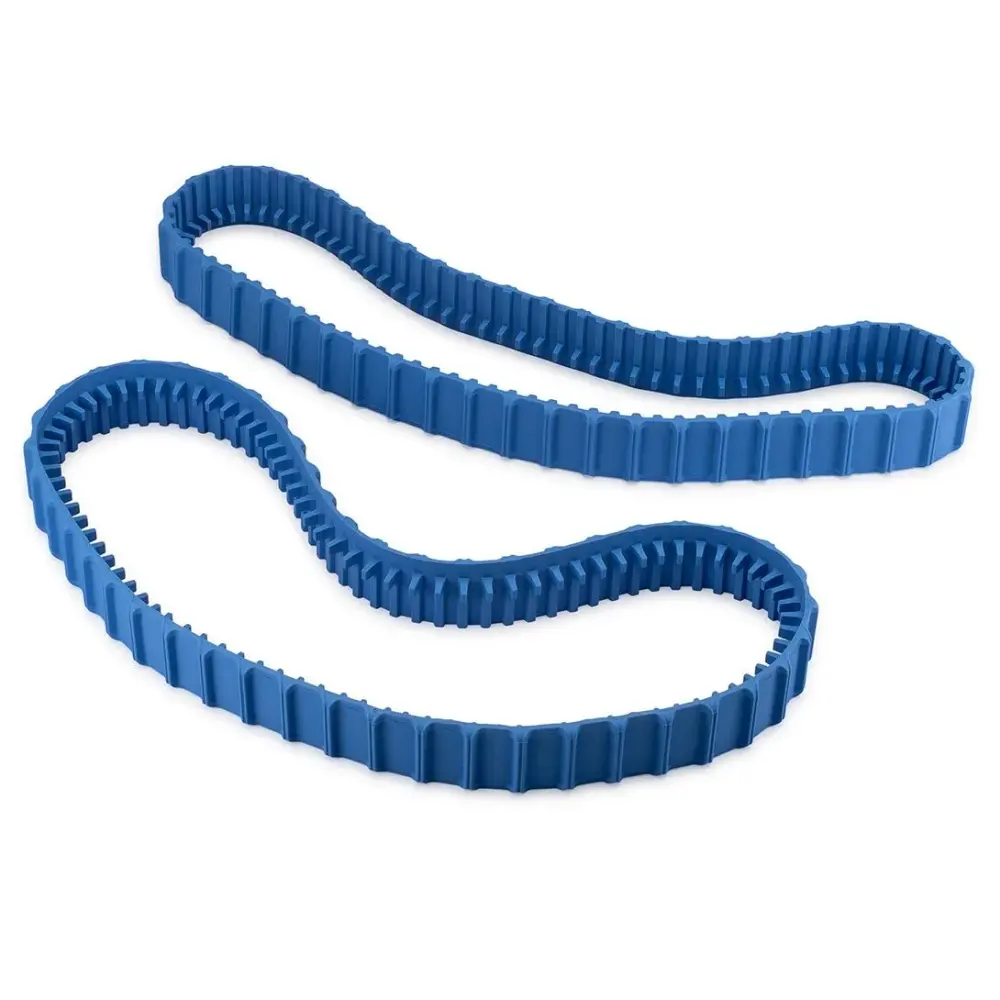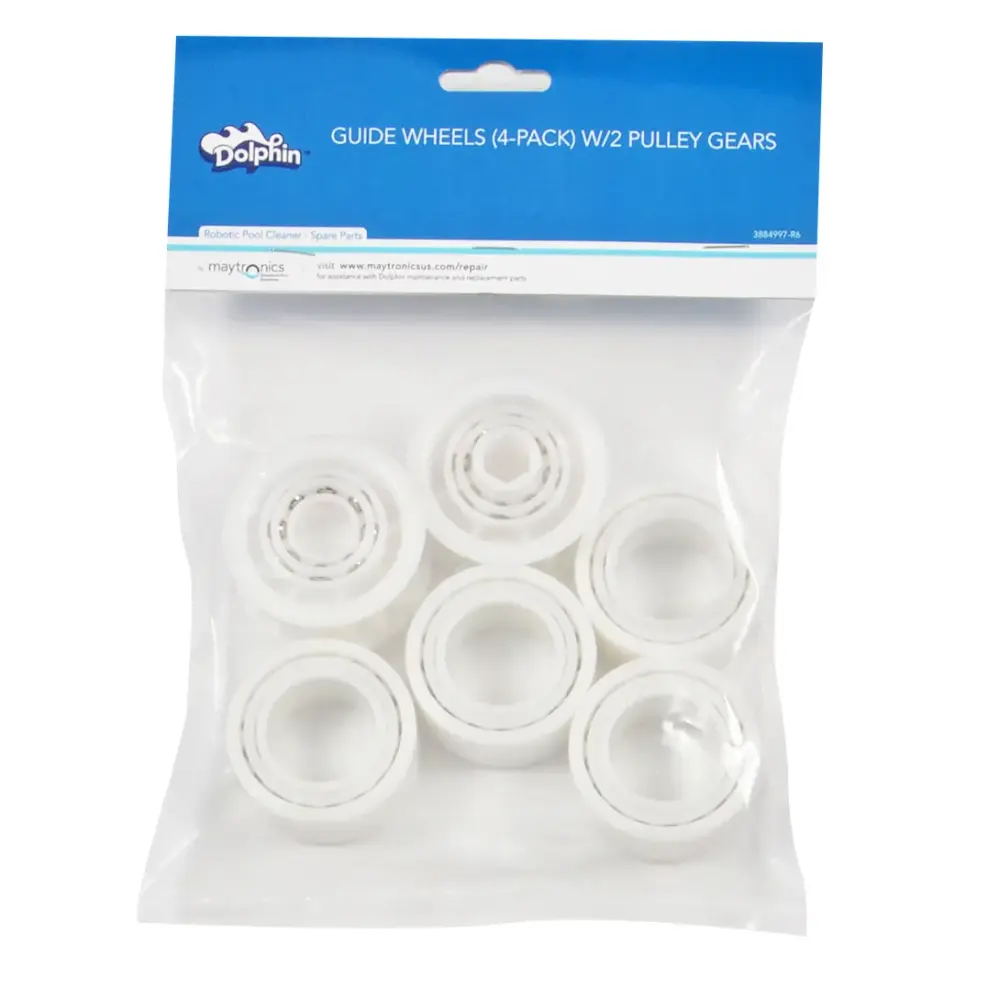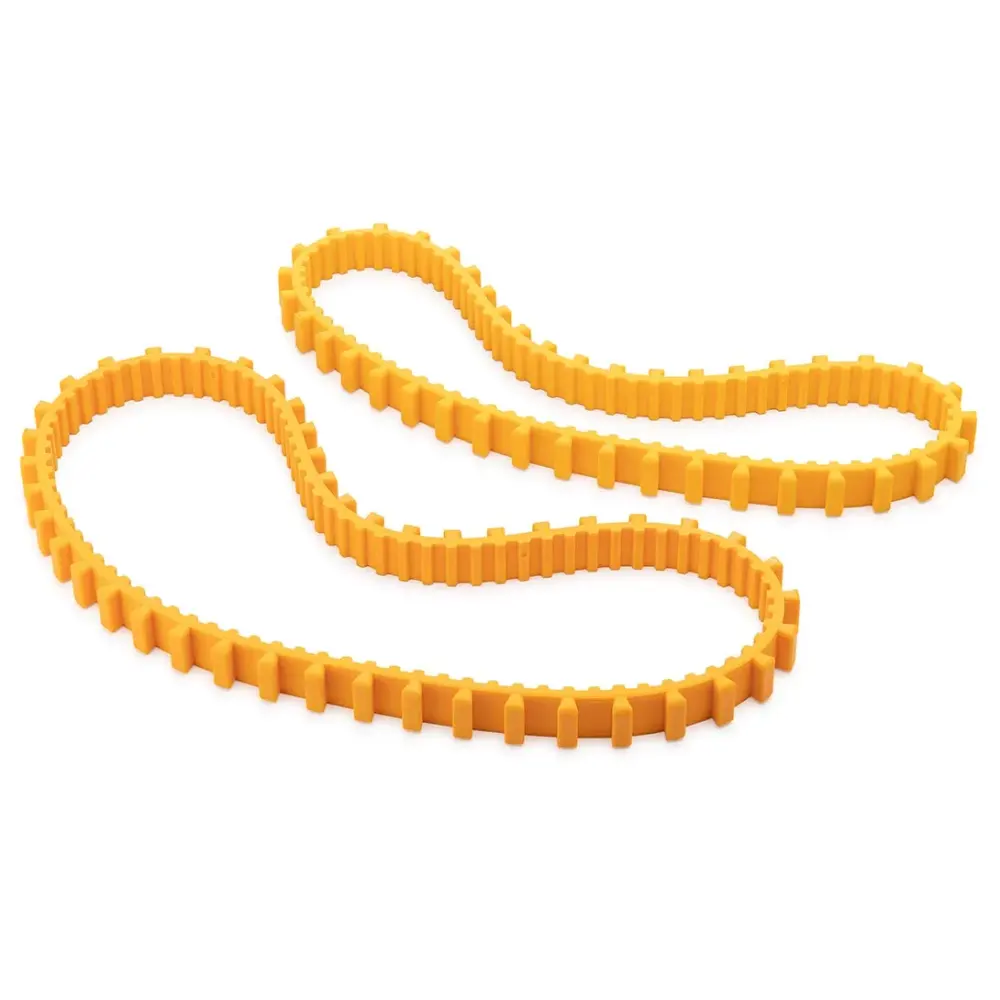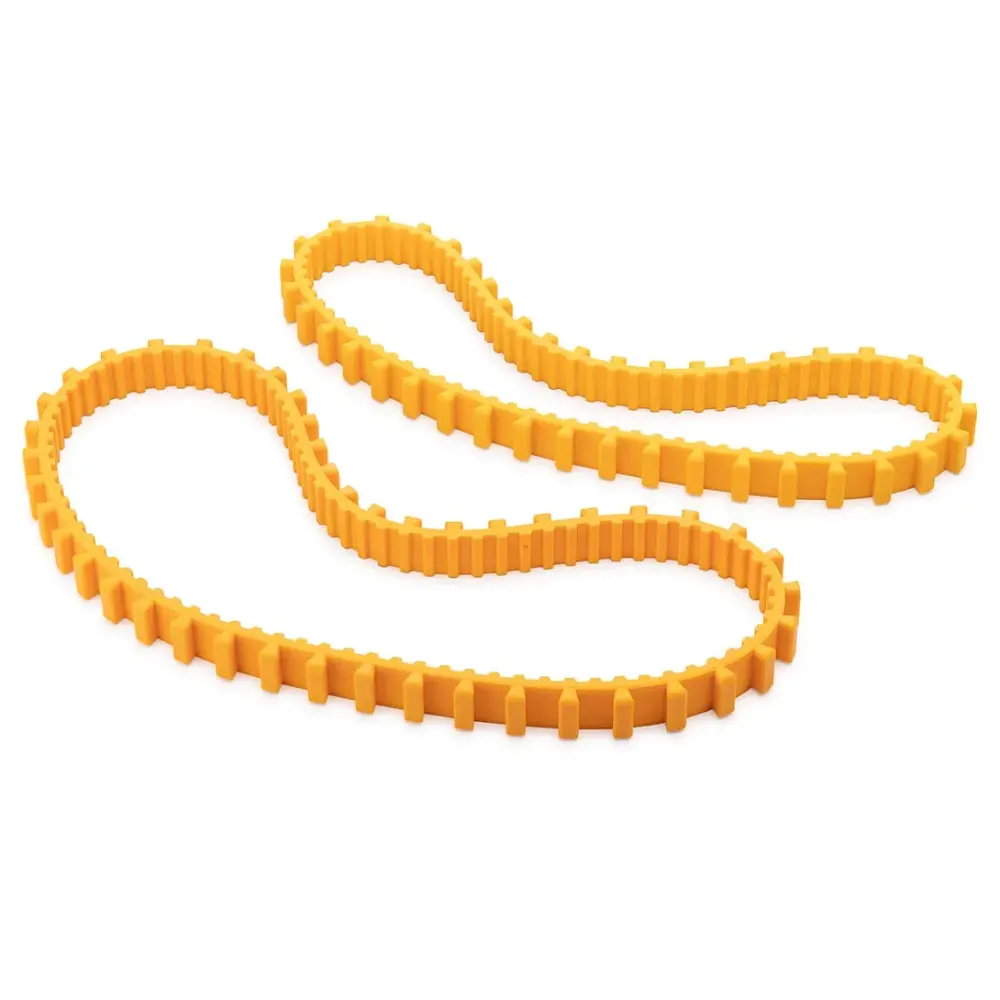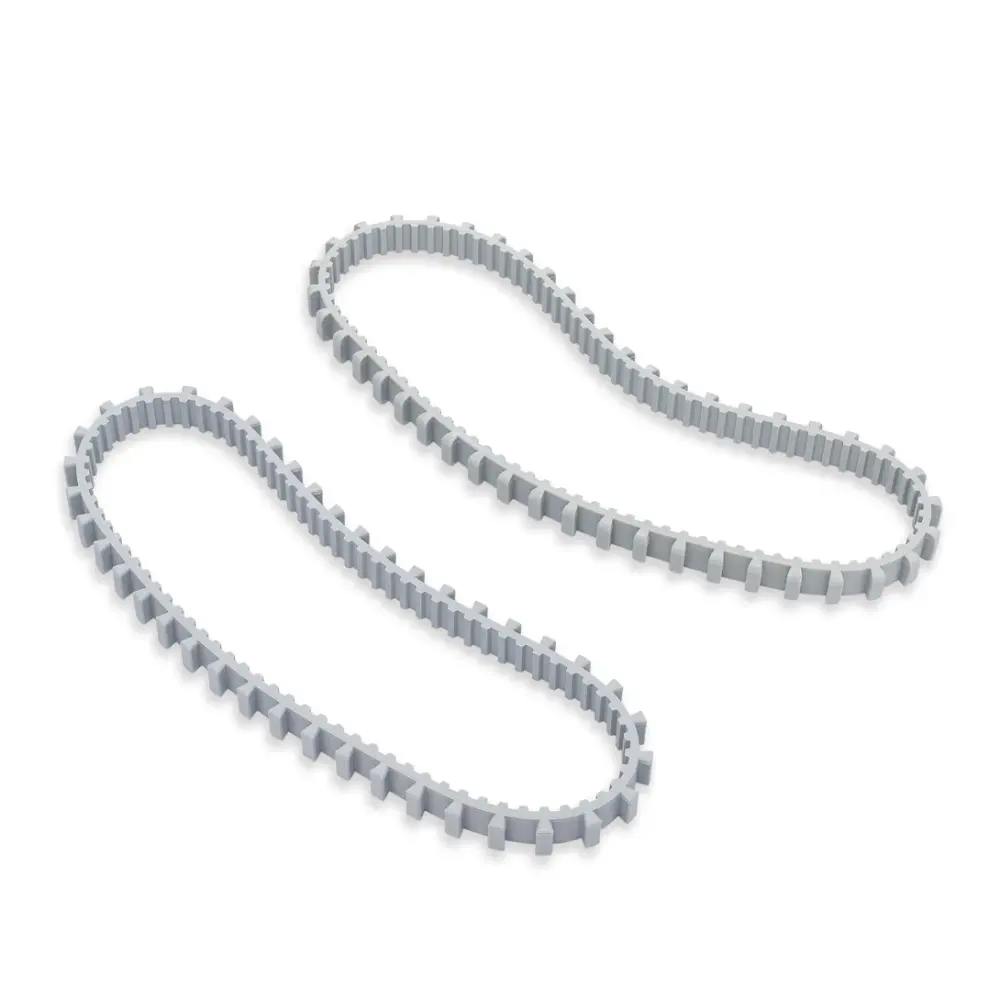
Tracks, Grey, Long and Short
Part number 9985015-R2 · UPC 810071221248 · 1-year warranty
$34.99 Maytronics list price
We do not stock this part in our own store yet. Our specialists can confirm the right part number for your robot before you order anywhere.
- Replacement Long and Short Tracks, Grey (2 pk)
Fits these Dolphin robots.
Confirmed by Maytronics' compatibility checker and each robot's spare-parts list.
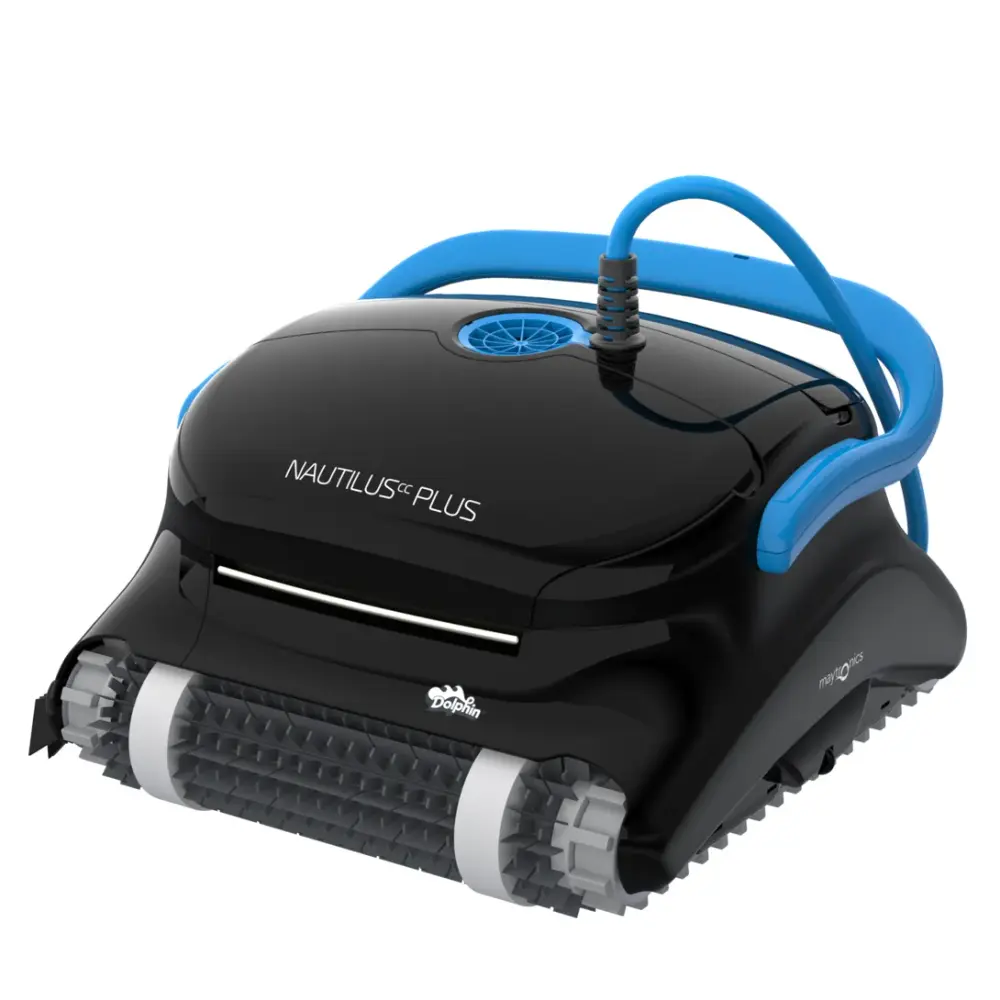
Also listed by Maytronics for: POOL IN, POOL UP, Dolphin POOL UP, Dolphin X FORCE 10, M200, Dolphin M200, Dolphin DX3, Dolphin Swell, Dolphin Triton 2014, Dolphin Swash CL, Cosmos 20, Dolphin X FORCE 20.
How to replace it at home.
Maytronics' own step-by-step answers and videos for this kind of part.
How do I replace the tracks on my Dolphin robot?Video
Click your robot model from the following list to see the video and instructions.
M400/M500/Aquarius XL
- Unplug the power supply from the outlet
- Lower the handle and flip the robot over onto its backside
- Using a screwdriver, remove the back brush from its sockets
- Gently remove the brush without removing the tracks from their place
- Using your hands, pull the front bush out of the sockets
- Unscrew and remove all four side panel screws, and remove the side panel
- Remove the rubber track
- Unscrew and remove all four side panel screws, and remove the side panel on the other side
- Remove the rubber track
- Reposition the new tracks and reposition the side panels with the four screws on the side. Repeat on the other side.
- Install the brushes in the designated sockets
- Flip the robot back to its original position and straighten the handle
S50 (S50, E10, E20, Active 10, Cayman, Escape, Encore)
S50: tracks
E10/E20/Active 10/Cayman/Escape/Encore: tracks
Unplug the power supply from the outlet.
- Turn the robot upside-down.
- Remove the tracks from the robot.
- Reinstall the new tracks on each side.
- Rotate the brush to ensure that the tracks are correctly installed.
S100 (Advantage, Proteus DX3, Saturn, Echo, Nautilus CC, Active 15, Cayman, Escape, Explorer E20)
- Unplug the power supply from the outlet.
- Turn the robot upside-down.
- Remove the tracks from the robot.
- Reinstall the new tracks on each side.
- Rotate the brush to ensure that the tracks are correctly installed.
S200 (E30, Advantage Ultra, Active 20, Quantum, T35, Triton PS)
- Unplug the power supply from the outlet.
- Turn the robot upside-down.
- Remove the tracks from the robot.
- Reinstall the new tracks on each side.
- Rotate the brush to ensure that the tracks are correctly installed.
S300/S400 (Proteus DX5i, Active 30, T35/T45, Premium 40, Explorer E30, Active 30i, T55i, E50, Active 50, Explorer E50)
- Unplug the power supply from the outlet.
- Turn the robot upside-down.
- Remove the tracks from the robot.
- Reinstall the new tracks on each side.
- Rotate the brush to ensure that the tracks are correctly installed.
M550/M600/M700 (Active 60, E60i, Explorer E70)
- Unplug the power supply from the outlet.
- Turn the robot upside-down.
- Remove the tracks from the robot.
- Reinstall the new tracks on each side.
- Rotate the brush to ensure that the tracks are correctly installed.
Liberty 200/300/400
- Unplug the power supply from the outlet.
- Turn the robot upside-down.
- Remove the tracks from the robot.
- Reinstall the new tracks on each side.
- Rotate the brush to ensure that the tracks are correctly installed.
Liberty 600
Nautilus CC Plus
Premier
Sigma/Nautilus CC Supreme
If you wish to purchase replacement tracks for your robot, please visit our Dolphin Spare Parts & Accessories page or check with your local Dolphin dealer if they sell replacement tracks.
Specifications
Size & Dimension
- Package Dimensions
- 17.0x2.4x9.9 inch
General Info
- Warranty (years)
- 1
- UPC
- 810071221248