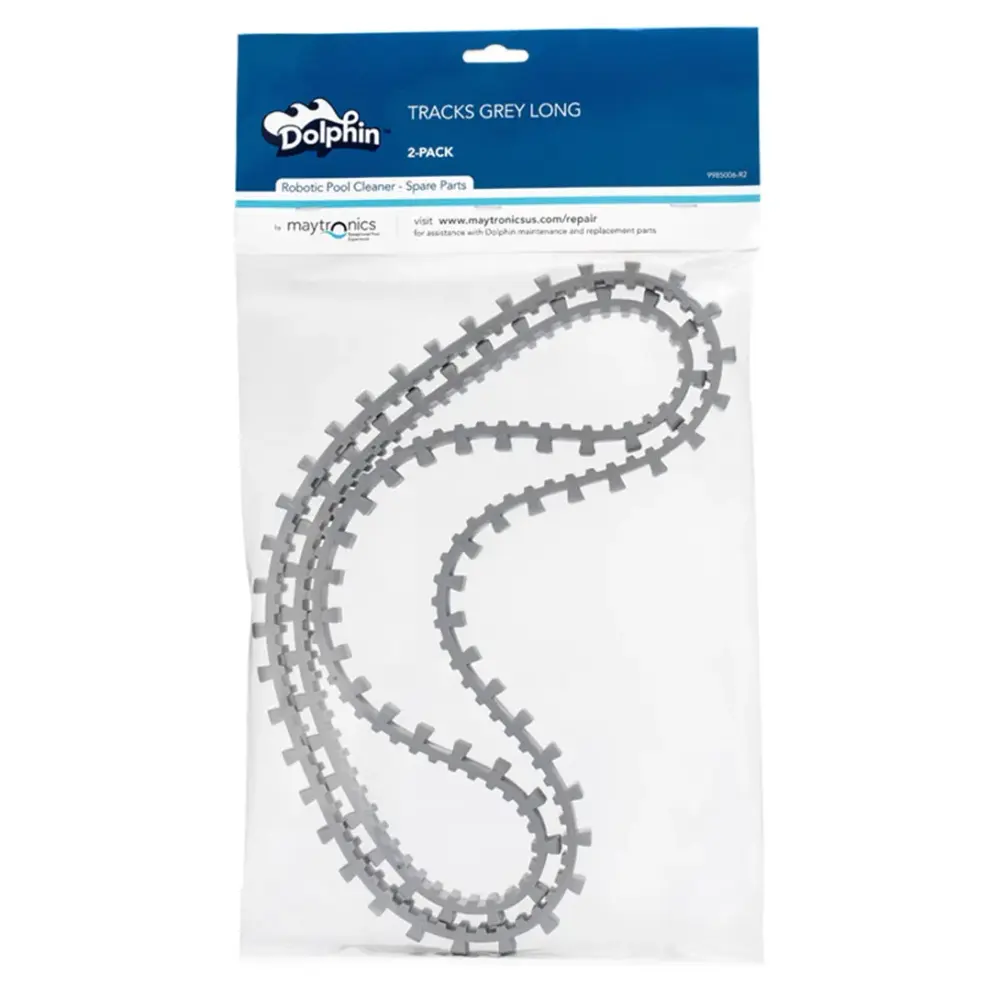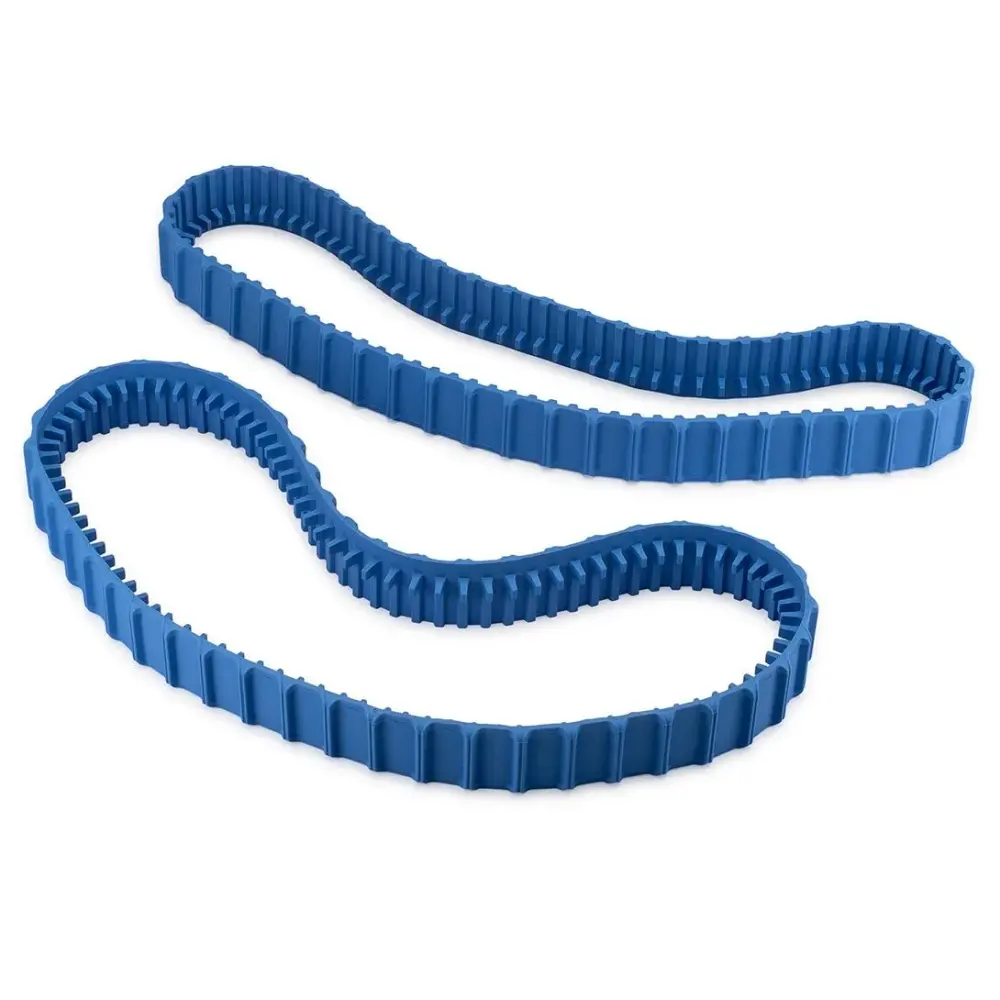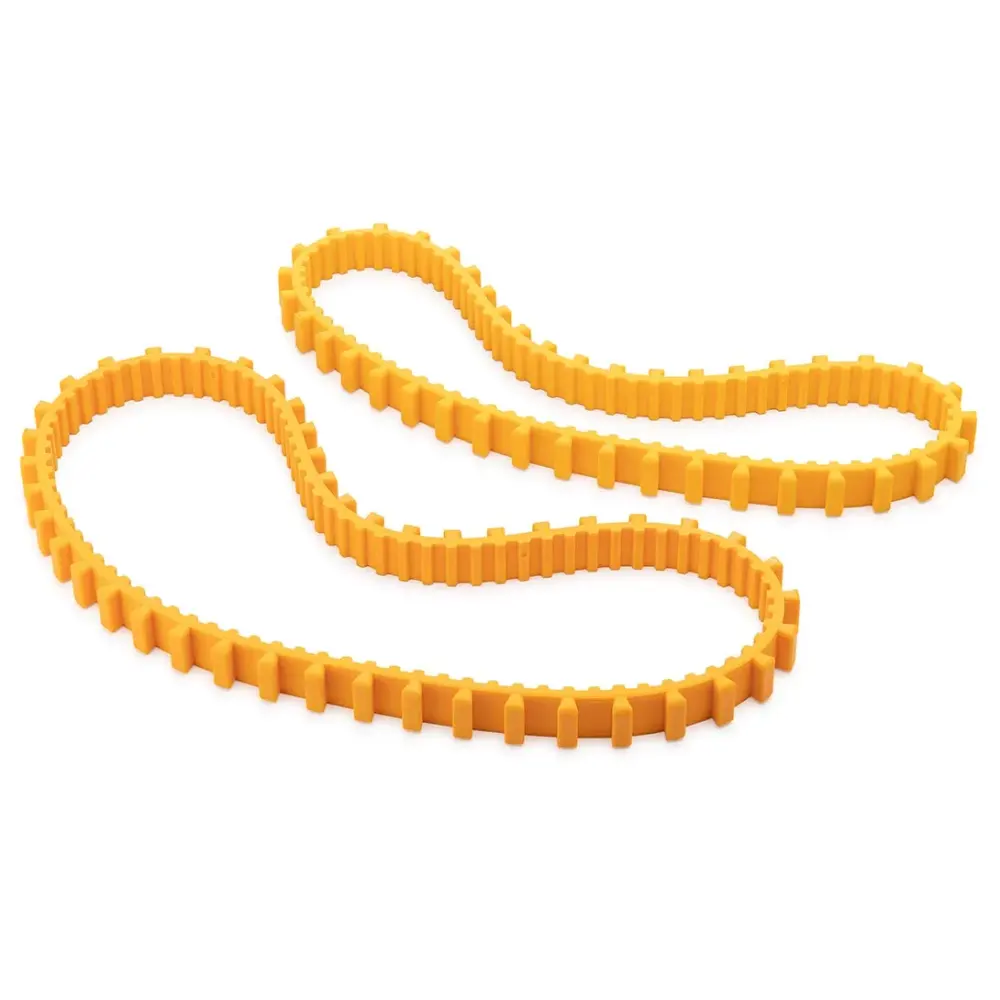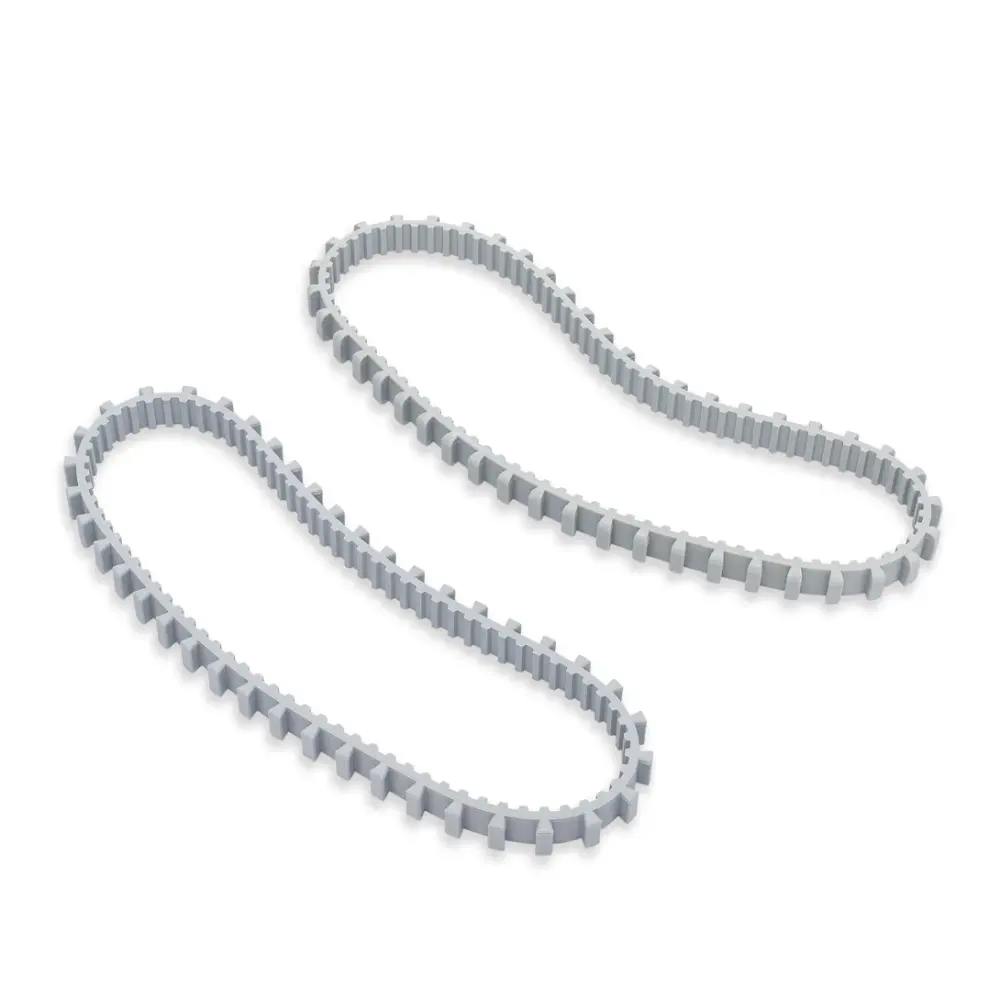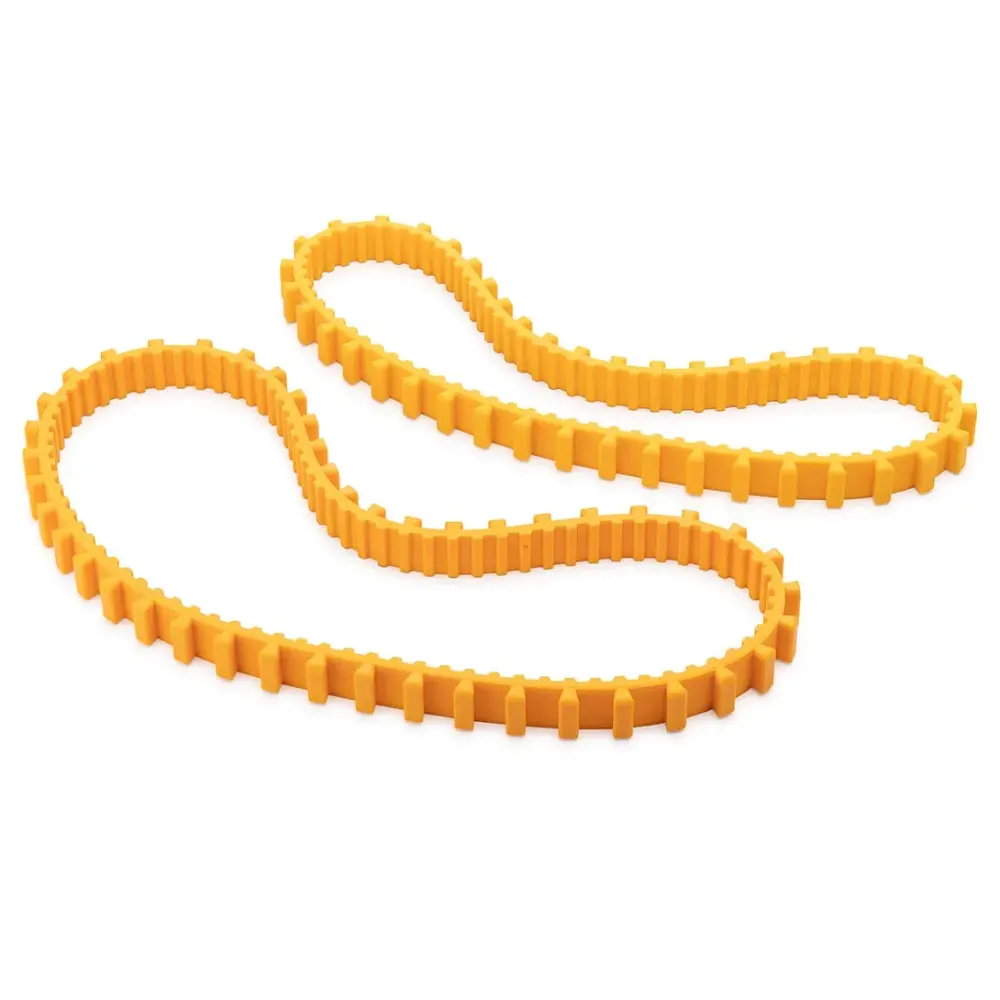
Combo Long/Short Tracks, Yellow (2PK)
Part number 9985016-R2 · UPC 810071221309 · 1-year warranty
$49.99 on Amazon
Maytronics list price $49.99
We do not stock this part in our own store yet, so the link goes to the genuine listing on Amazon. It is also sold by Maytronics. As an Amazon Associate we earn from qualifying purchases.
- Replacement Combo Long/Short Tracks, Yellow (2 pk)
Check the fit before you order.
Maytronics lists no US robot for this part number; its spec sheet names Dolphin Swift. Send us your robot's model number (on the label under the handle) and we will confirm whether this is the right part.
How to replace it at home.
Maytronics' own step-by-step answers and videos for this kind of part.
How do I replace the tracks on my Dolphin robot?Video
Click your robot model from the following list to see the video and instructions.
M400/M500/Aquarius XL
- Unplug the power supply from the outlet
- Lower the handle and flip the robot over onto its backside
- Using a screwdriver, remove the back brush from its sockets
- Gently remove the brush without removing the tracks from their place
- Using your hands, pull the front bush out of the sockets
- Unscrew and remove all four side panel screws, and remove the side panel
- Remove the rubber track
- Unscrew and remove all four side panel screws, and remove the side panel on the other side
- Remove the rubber track
- Reposition the new tracks and reposition the side panels with the four screws on the side. Repeat on the other side.
- Install the brushes in the designated sockets
- Flip the robot back to its original position and straighten the handle
S50 (S50, E10, E20, Active 10, Cayman, Escape, Encore)
S50: tracks
E10/E20/Active 10/Cayman/Escape/Encore: tracks
Unplug the power supply from the outlet.
- Turn the robot upside-down.
- Remove the tracks from the robot.
- Reinstall the new tracks on each side.
- Rotate the brush to ensure that the tracks are correctly installed.
S100 (Advantage, Proteus DX3, Saturn, Echo, Nautilus CC, Active 15, Cayman, Escape, Explorer E20)
- Unplug the power supply from the outlet.
- Turn the robot upside-down.
- Remove the tracks from the robot.
- Reinstall the new tracks on each side.
- Rotate the brush to ensure that the tracks are correctly installed.
S200 (E30, Advantage Ultra, Active 20, Quantum, T35, Triton PS)
- Unplug the power supply from the outlet.
- Turn the robot upside-down.
- Remove the tracks from the robot.
- Reinstall the new tracks on each side.
- Rotate the brush to ensure that the tracks are correctly installed.
S300/S400 (Proteus DX5i, Active 30, T35/T45, Premium 40, Explorer E30, Active 30i, T55i, E50, Active 50, Explorer E50)
- Unplug the power supply from the outlet.
- Turn the robot upside-down.
- Remove the tracks from the robot.
- Reinstall the new tracks on each side.
- Rotate the brush to ensure that the tracks are correctly installed.
M550/M600/M700 (Active 60, E60i, Explorer E70)
- Unplug the power supply from the outlet.
- Turn the robot upside-down.
- Remove the tracks from the robot.
- Reinstall the new tracks on each side.
- Rotate the brush to ensure that the tracks are correctly installed.
Liberty 200/300/400
- Unplug the power supply from the outlet.
- Turn the robot upside-down.
- Remove the tracks from the robot.
- Reinstall the new tracks on each side.
- Rotate the brush to ensure that the tracks are correctly installed.
Liberty 600
Nautilus CC Plus
Premier
Sigma/Nautilus CC Supreme
If you wish to purchase replacement tracks for your robot, please visit our Dolphin Spare Parts & Accessories page or check with your local Dolphin dealer if they sell replacement tracks.
Specifications
Size & Dimension
- Package Dimensions
- 17.0x2.4x9.9 inch
General Info
- Warranty (years)
- 1
- UPC
- 810071221309