
Robot is not responding Error / Communication Issue
Step by step.
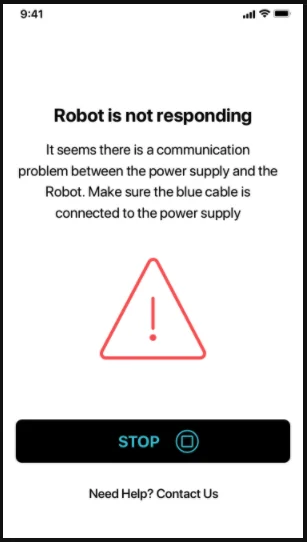
If this error message appears on the My Dolphin Plus App, this indicates an issue with the blue cable's ability to communicate commands to the robot (sent by the app) from the Power Supply unit.
Try the following troubleshooting steps:
-
Check the blue cable connection. Make sure the blue cable is securely plugged in and check the cable for any damage.
-
Test the robot. Place the robot in the pool and try using the app's Manual Drive feature or switching to a different cleaning mode (if applicable). If the app shows the Communication Error message again, there is a Communication Issue, and the robot must be repaired.
Click run the power supply checks to complete a warranty claim and send your robot to our service center for repair.
If the robot was purchased through a local dealer, please refer to your local dealer for repair services.
Source: Maytronics support. Rewritten for clarity with the same steps; the videos and illustrations are Maytronics' own.