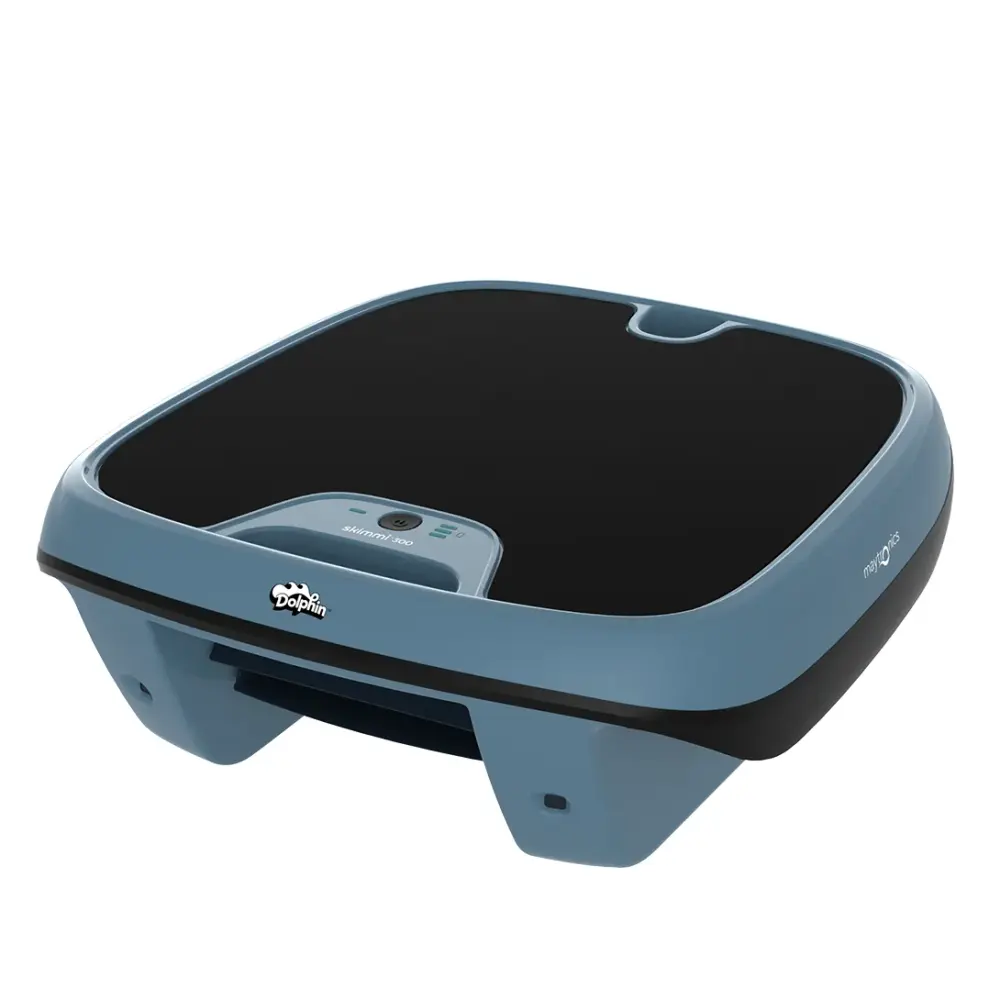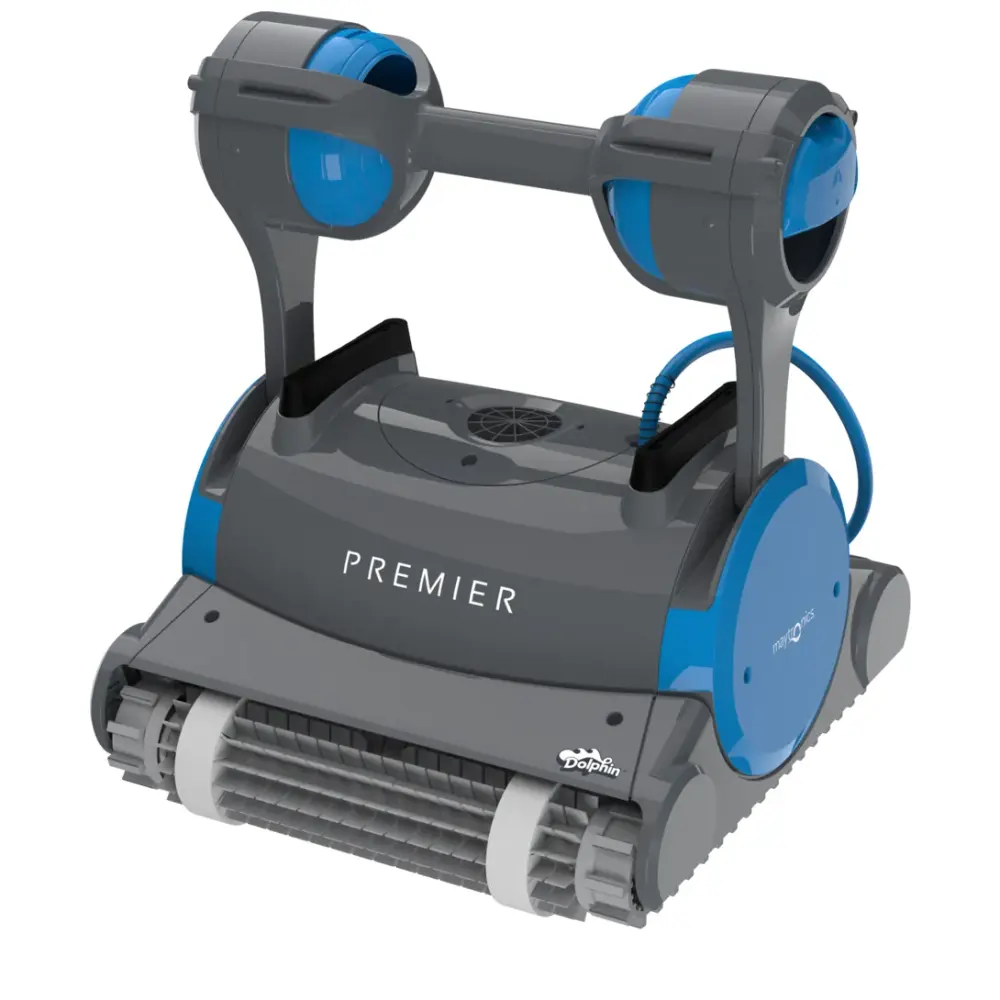
ProLine™
Dolphin Premier
3-year warrantyMultiMedia™ filtration with NanoFilters™ and an oversized leaf bag in the box. Pools to 50 ft.

Your Cart
Free shipping on every order.
Your bag is empty.
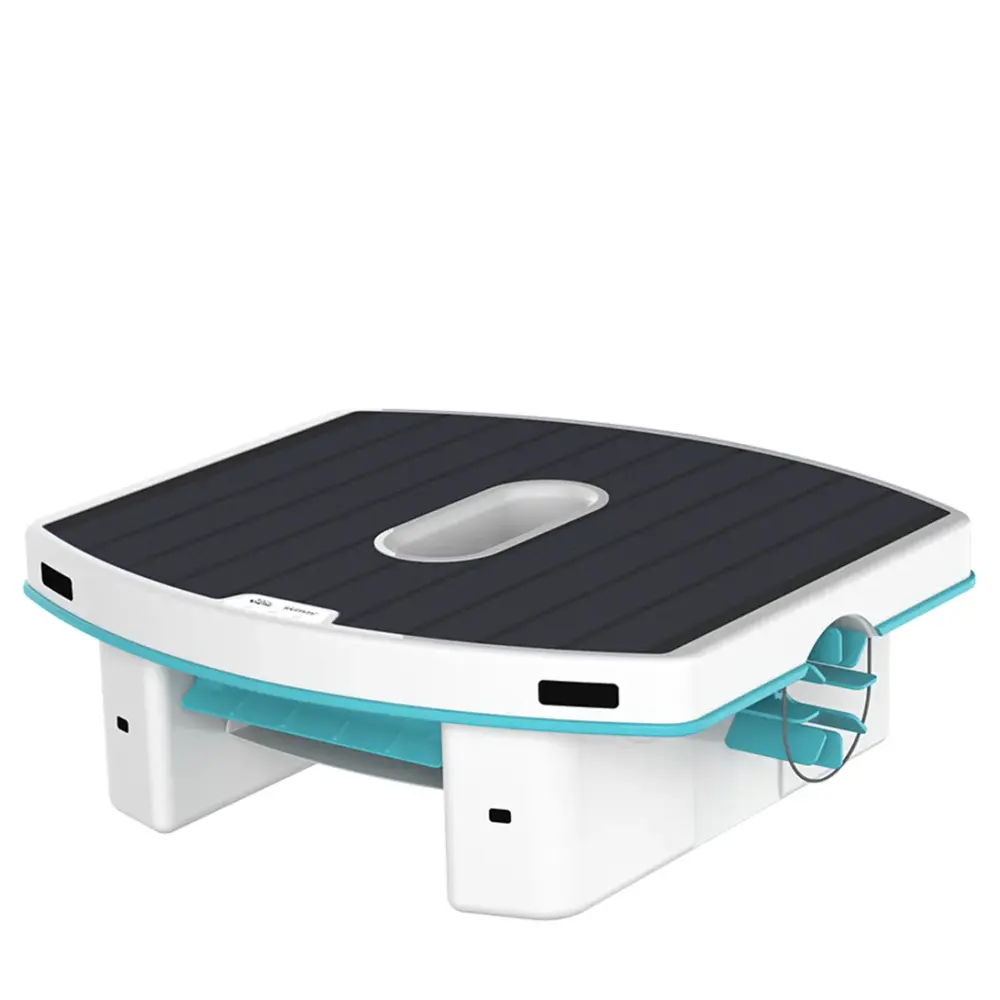
The Dolphin Skimmi carries a 1-year limited manufacturer warranty from Maytronics, in full when you buy it from an authorized dealer such as RoboticPool. Here is what the warranty covers, how to register, where the serial number is and how a claim works.
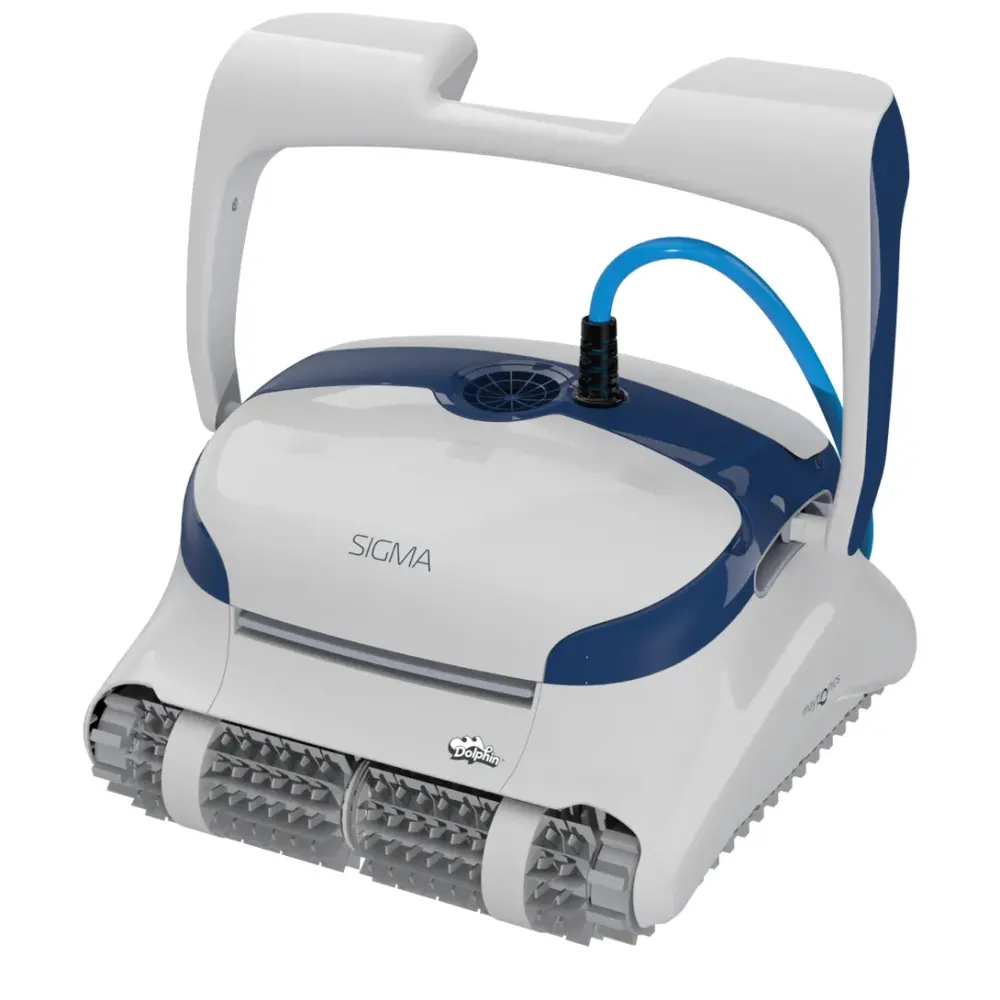
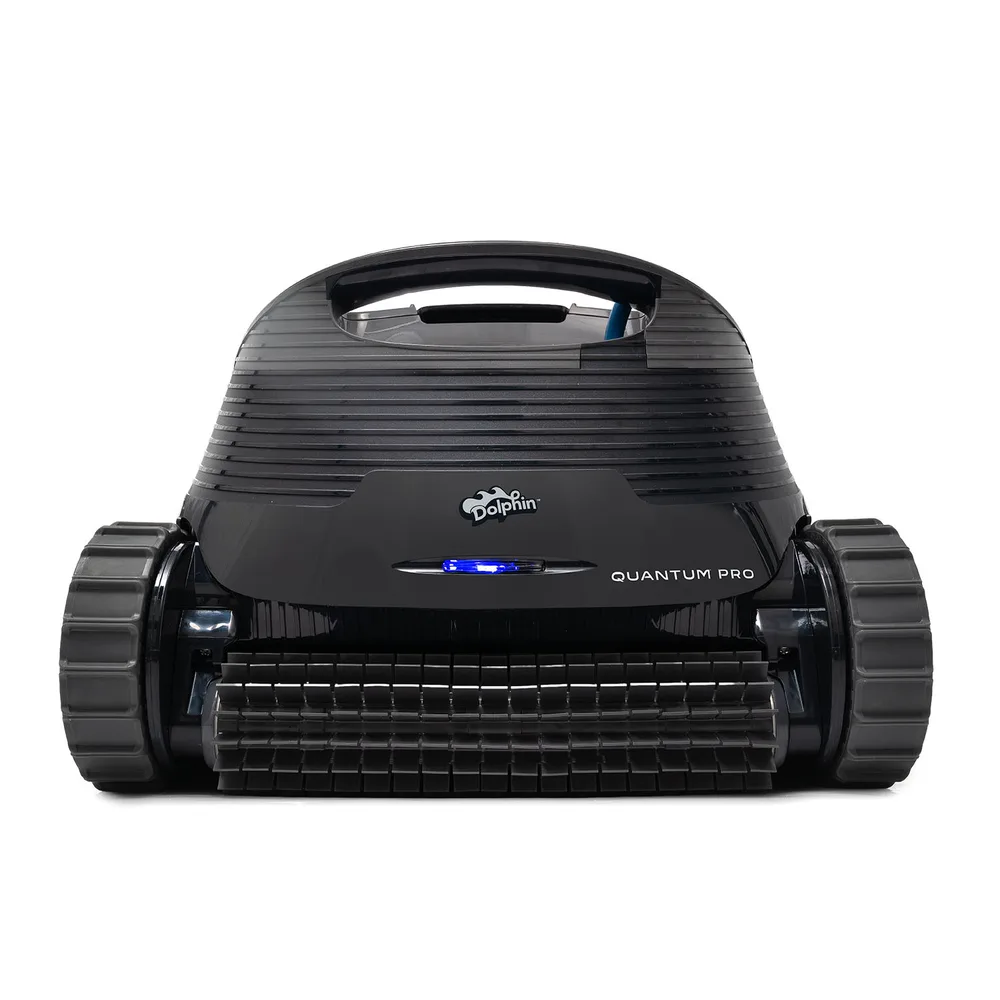
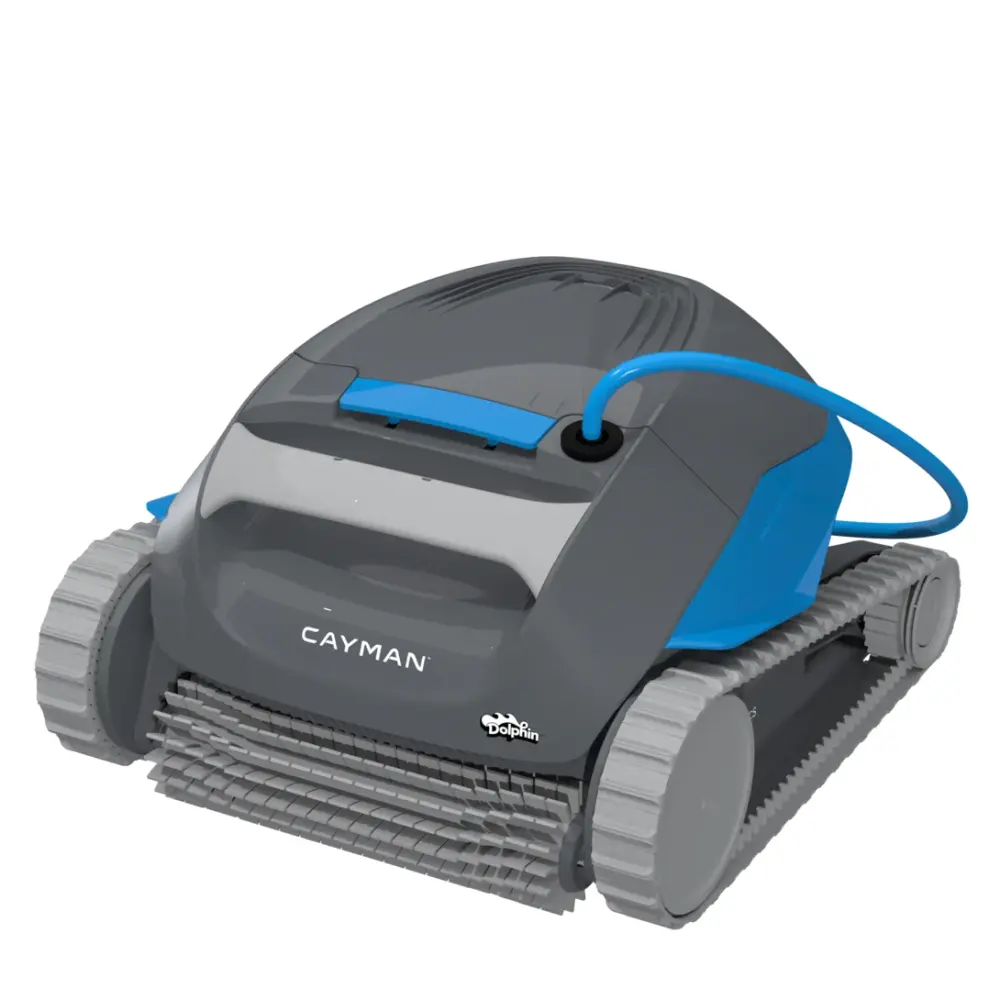
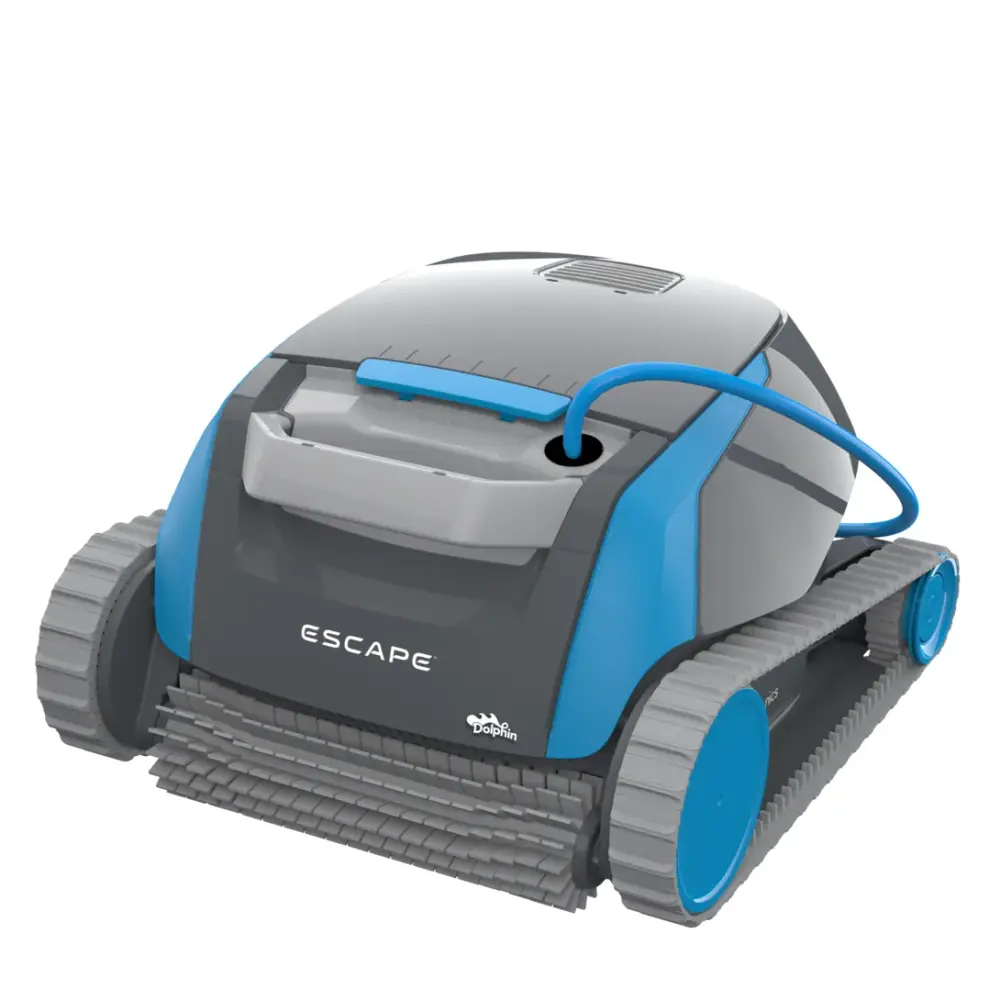
ProLine™ robots carry Maytronics' longest warranty, 3 years on the Premier and Sigma, and every Max-Series™ robot carries 2. Each one ships free from our store with a 30-day trial and the full manufacturer warranty, and each has a warranty page, parts list and troubleshooting guide of its own.
MultiMedia™ filtration with NanoFilters™ and an oversized leaf bag in the box. Pools to 50 ft.
Gyroscope navigation, app control, dual active brushes and NanoFilters™ in the box. Pools to 50 ft.
The XXL MaxBin™ with NanoFilters™ and a weekly timer, floor to waterline. Pools to 50 ft.
HyperBrush™ scrubbing, MaxBin™ filtration and a weekly timer, walls included. Pools to 40 ft.
The lowest-priced Max-Series™ robot, for above-ground and small in-ground pools. Pools to 30 ft.
Keeping the Skimmi? Its 3 genuine replacement parts are listed with how to fit each one, and the Skimmi troubleshooting guide covers the fixes to try before a claim.
A Maytronics manufacturer warranty covers defects in materials and workmanship on the robot and its power supply for the term printed on the warranty card (1 year for the Skimmi). The full conditions are in the user manual (download it here); the points below are the ones owners ask about.
Bought here? Every new Skimmi from RoboticPool is sold as an authorized Maytronics dealer with the full manufacturer warranty, free shipping and a 30-day return window.
Registration is free at Maytronics' portal and puts the robot's details on file, so a warranty claim is verified in minutes and the registration doubles as proof of ownership.
The 10-character serial number is printed on the white label on the outside of the box, on the warranty card, and on the white barcode label inside the robot's casing (on the Skimmi, see the answer below).
Proof of purchase from an authorized dealer sets the warranty start date. A photo of the receipt is fine.
Go to registration.maytronics.com, enter the serial number and your details, and upload the receipt if a rebate is also being claimed.
Maytronics asks every owner to troubleshoot before a repair, because most calls are a clogged filter, a blocked impeller or the power supply. Then the path depends on where the robot was bought.
Work through the Skimmi troubleshooting guide: power supply first, then impeller, tracks and filters.
If the supply will not stay on with the blue cable disconnected, Maytronics replaces the supply under warranty through its self-service claim, with no need to ship the robot.
Contact that dealer first; many service Dolphins in store. Find a dealer if you need another one nearby.
Use Maytronics' self-service tool to open a repair request (RMA). Robots go to one of the regional Master Service Centers in Georgia, Arizona, California, Pennsylvania, Illinois or Canada.
Bought the Skimmi from us? Chat with a specialist and we will walk you through the claim.
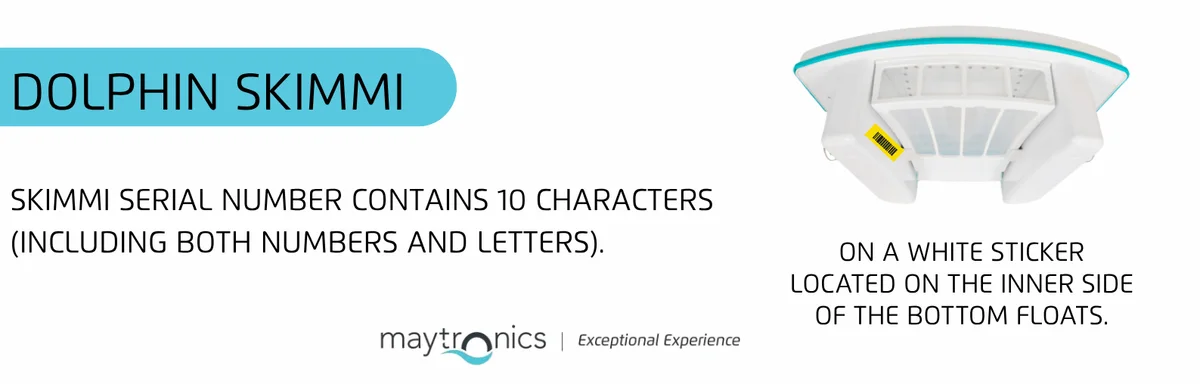
You can find the serial number on a white sticker located on the inner side of the bottom floats. The Skimmi serial number contains 10 characters (including both numbers and letters).
Registering your Dolphin robotic pool cleaner is a simple step that ensures you get the best possible service and support. By registering your robot, you’ll enjoy the following benefits:
Taking a few minutes to register your Dolphin today ensures you’re covered and ready for worry-free pool cleaning. Register your Dolphin’s warranty now!
You can complete your product registration and rebate submission through our online portal at https://registration.maytronics.com/.
Before you get started, make sure you have your robot’s serial number and your proof of purchase available.
You can find your Dolphin’s 10-character serial number located in these three places:
Follow the steps below to register your product:
Go to the registration portal: https://registration.maytronics.com/.
Enter your robot’s serial number: Type the serial number into the first field. If you need help locating it, click the “i” icon next to “Where do I find my robot’s serial number?”.
Select your previous pool-cleaning method, then click Continue.
Enter your personal information:
Preferred: Original receipt or original invoice (must show purchase date, product, and price).
If the original receipt cannot be located:
Agree to the Terms & Conditions, then click Continue.
Review your information and click Submit to complete the registration.
To check your Dolphin’s warranty length, visit your model’s product page every Dolphin model. (Warranty lengths vary per model and region.)
Does your Dolphin need to be repaired? run the power supply checks to use our self-service tool to complete a warranty claim (RMA/Return Merchandise Authorization) to repair your Dolphin or to replace the power supply.
Maytronics has regional Master Service Centers across North America to provide repair services. These centers are located in Georgia, Arizona, California, Pennsylvania, Illinois, and Canada.
Before proceeding with a repair, we recommend using our troubleshooting tool to diagnose the issue. run the power supply checks to troubleshoot and to complete a warranty claim (RMA/Return Merchandise Authorization) to repair your Dolphin or to replace the power supply.