
What to know.
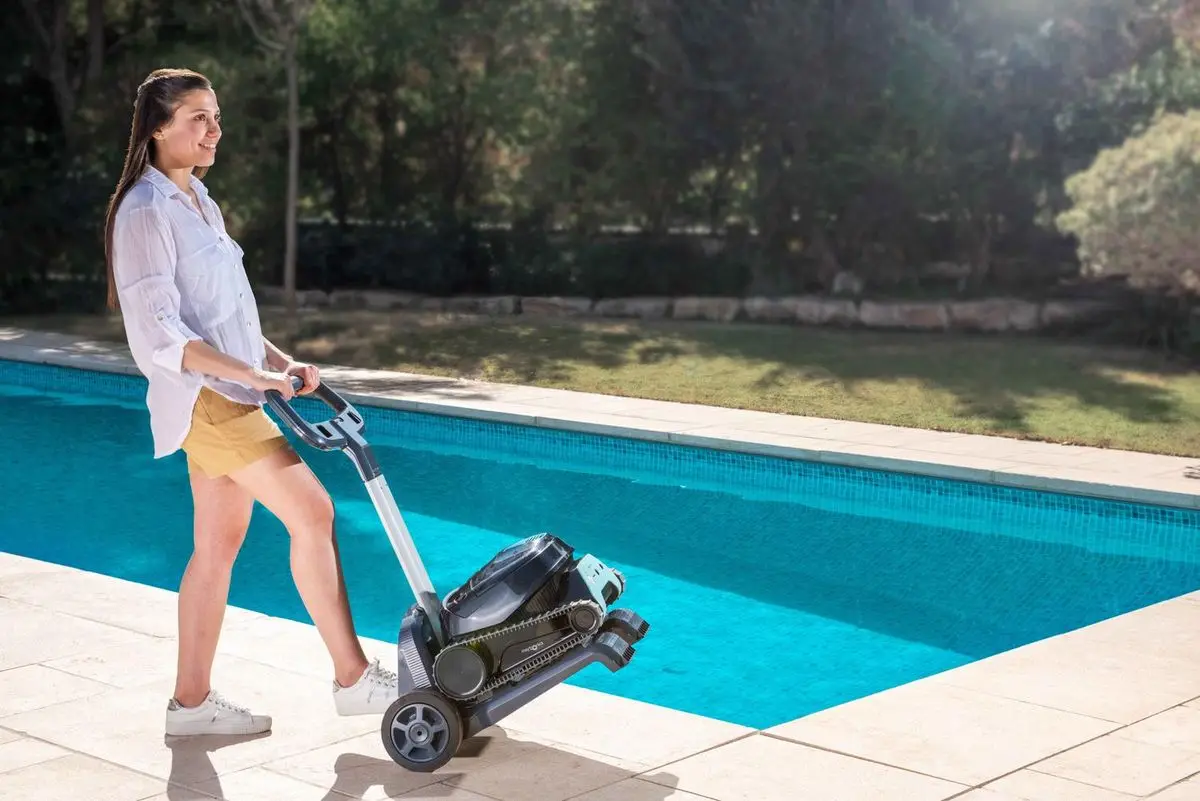
To take the best care of your Liberty robot, these are our recommended storage steps after each cleaning cycle:
- Remove the Dolphin Liberty from the pool and clean the filter.
- Store the robot away from direct sunlight, excessive heat, or cold.
- Connect it to the charger so it will be ready to use.
For off-season storage, when the Liberty will not be used for an extended period of time, these are our recommended storage steps:
- Make sure the robotic pool cleaner is OFF and not connected to the charger.
- Drain all the water from the robotic pool cleaner.
- Clean the filter basket thoroughly and let it dry.
- Charge the robot battery to at least 50% capacity (two full battery indicator LEDs).
- Store the robotic pool cleaner in an area sheltered from the sun, rain, and frost in a storage temperature of 14°F to 95°F.
Once the robot is not used for 21 days or more, it will automatically enter sleep mode. It will wake once it is connected to the charger. Charge the robot before the first use after off-season storage.
Source: Maytronics support. Rewritten for clarity with the same steps; the videos and illustrations are Maytronics' own.
Talk to someone who knows Dolphins.
Talk to a Dolphin specialist
Live chat about this question, a part number or a fix. Real people, no bots.
Start a chat
Find an authorized dealer
1,200+ Dolphin service dealers across the US for repairs, parts and warranty work.
Find a dealer
Warranty and repairs
What the Maytronics warranty covers, how to register and how a repair claim works.
Warranty details