
What is the safest way to use my Dolphin Liberty induction charger?
What to know.
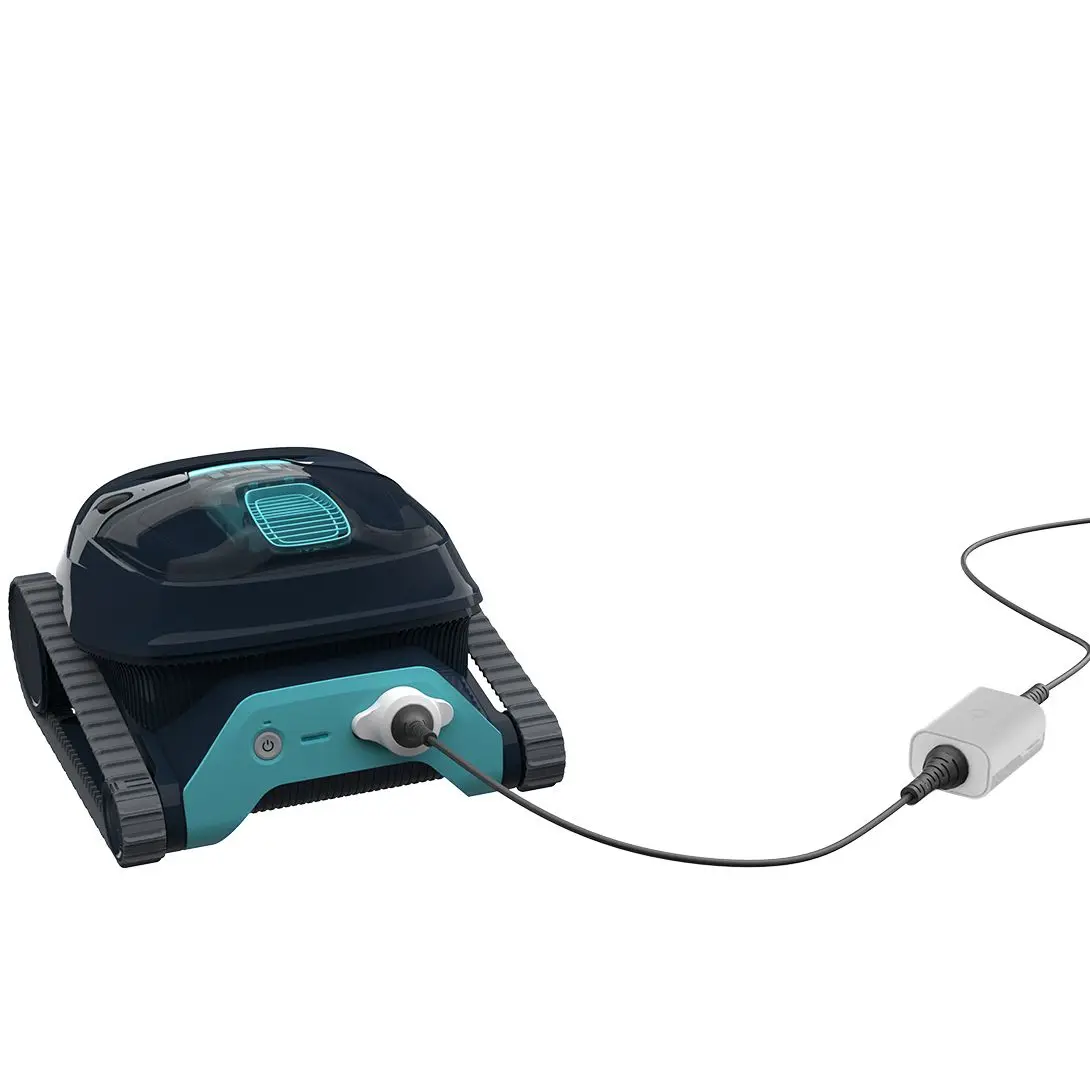
- Remember to always charge the pool cleaner in a protected and shaded area at a temperature range of 43°F - 95°F, until you see 3 green bars in the battery indicator panel (up to 6 hours).
- Make sure that the charger surface and power unit surfaces are clean, and that there is no object between the robot and the charger.
- The charger is water-resistant and protected from water splashes. However, do not put the charger in the water. It is not designed to be underwater.
- Use only the original Maytronics-issued battery charger that came with your Liberty robot.
- The charger must be connected only to a 120V ground-fault circuit interrupter (GFCI).
This GFCI should be tested on a routine basis.
How to test the GFCI
- To test the GFCI, push the test button. The GFCI should interrupt power.
- Push the reset button. Power should be restored. If the GFCI fails to operate in this manner, the GFCI is defective.
- If the GFCI interrupts power to the battery charger without the test button being pushed, a ground current may be flowing, indicating the possibility of an electric shock.
Do not use the battery charger. - Disconnect the battery charger and contact Customer Care here for assistance.
To reduce the risk of electric shock, do not use a damaged battery charger. If the charger is damaged, in case of mechanical damage to the robotic pool cleaner and/or its battery, DO NOT USE the robotic pool cleaner and/or its battery.
Do not use an extension cord to connect the battery charger to the electrical outlet; only plug it directly into the electrical outlet.
To avoid the risk of fire and burns, DO NOT open, crush, heat, or burn the battery case.
Source: Maytronics support. Rewritten for clarity with the same steps; the videos and illustrations are Maytronics' own.
Parts that fix this.
This answer comes down to power supplies & chargers. The exact part depends on the model: choose your robot and we open its parts list, or browse the category for every model.
Browse by category:Power Supplies & Chargers All genuine Dolphin parts →