
Step by step.
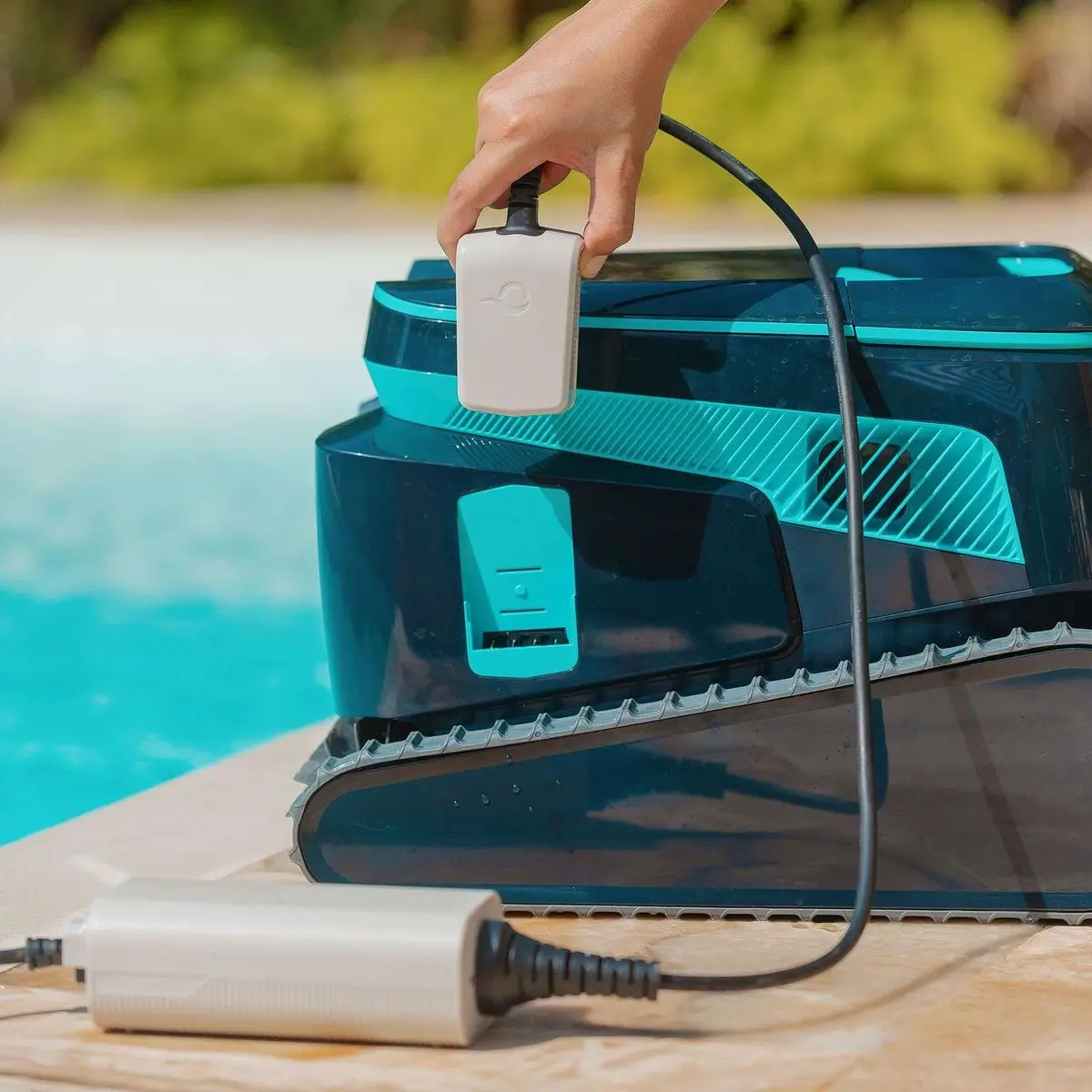
If the robot doesn't start working after pressing the power button or by initiating from the app, then try the following troubleshooting steps:
- Please ensure the robot is fully charged and that the charger is functioning correctly.
- Ensure the robot is fully submerged in the water for proper operation. Place the robot in the water within 30 seconds after starting it.
- Ensure nothing obstructs the robot impeller and driving system.
If the power button LED is red, please open the MaytronicsOne App to check for an error alert and follow the relevant troubleshooting steps.
Source: Maytronics support. Rewritten for clarity with the same steps; the videos and illustrations are Maytronics' own.
This fix on your robot.
Every model below has its own troubleshooting guide that repeats this fix with the exact parts that fit it. The link opens the guide on this fix.
Talk to someone who knows Dolphins.
Talk to a Dolphin specialist
Live chat about this question, a part number or a fix. Real people, no bots.
Start a chat
Find an authorized dealer
1,200+ Dolphin service dealers across the US for repairs, parts and warranty work.
Find a dealer
Warranty and repairs
What the Maytronics warranty covers, how to register and how a repair claim works.
Warranty details