
Step by step.
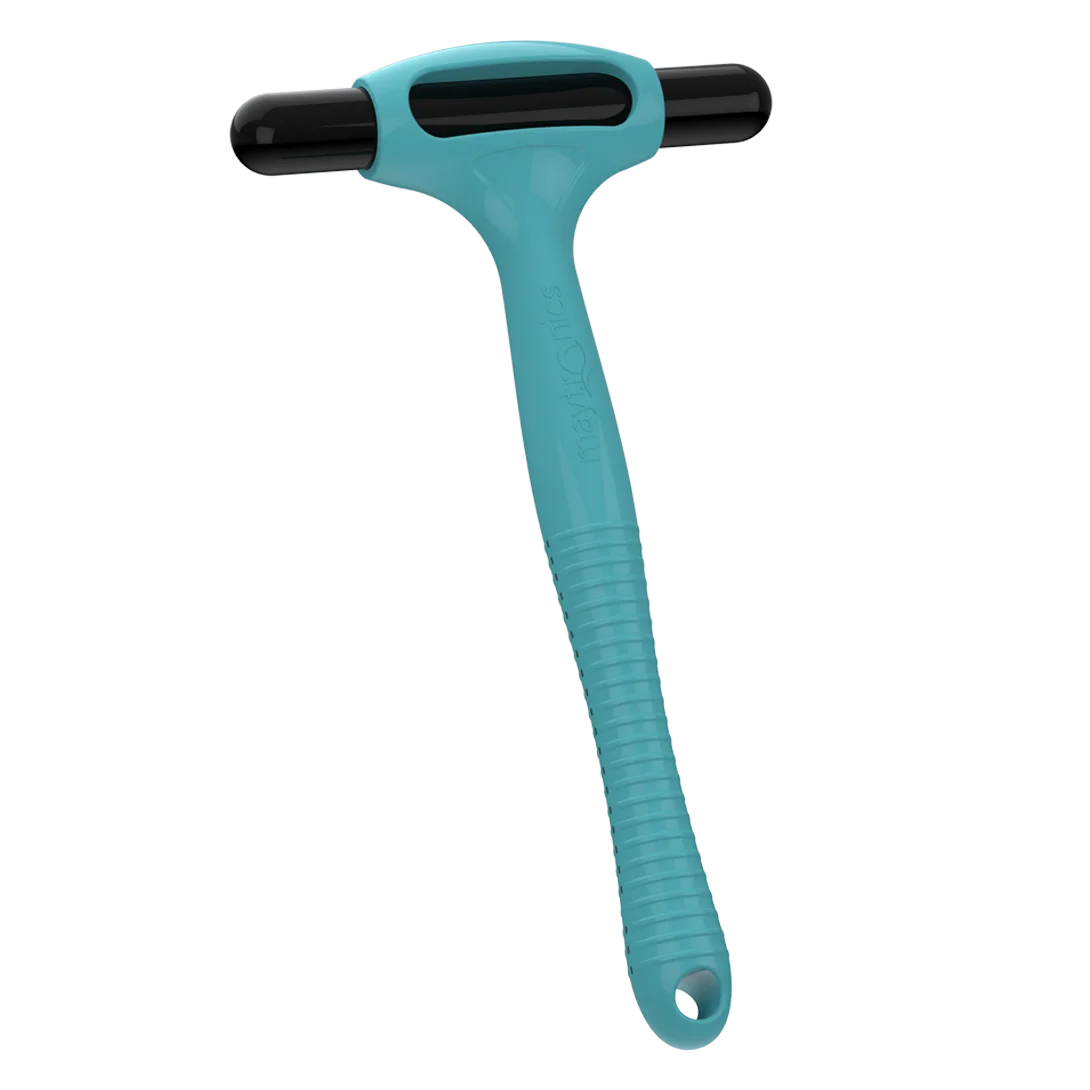
Note: The Clicker is for retrieving the Dolphin Liberty 300/400/600 at the end of a cycle.
The Liberty 600 and EON™ 100/120d feature the Click-to-Stop feature, which lets you stop the robot mid-cycle.
- For the Liberty 600 and EON™ 100/120d, activating Beach Entry under Pool Features disables Click-to-Stop. You can still use the Clicker at the end of the cycle to bring the robot over, but it won’t stop mid-cycle. Turn off Beach Entry to re-enable Click-to-Stop.
- In Eco Mode/UltraRun™, the first Clicker shake cancels the mode. The second shake calls the robot to the waterline for pickup.
Try these steps if Click Up isn’t working:
- Pool filtration or circulation can create noise that blocks the Clicker signal. Turn the system off temporarily and try again.
- Shake the Clicker vigorously for at least 3 seconds before use, then shake for 5 seconds while submerging it.
- Confirm the robot was fully charged. If the battery was low, it may have entered Shutdown Mode. Check the LED: blinking green means enough battery; no green means it needs charging; flashing red indicates an internal error.
- Shake the Clicker to check for water inside.
- Fully charge the robot, let it finish a full cycle, then try the Clicker again, shaking it strongly and submerging it in water deep enough.
This can also occur if the pool or ground surface has steep slopes.
Source: Maytronics support. Rewritten for clarity with the same steps; the videos and illustrations are Maytronics' own.
Talk to someone who knows Dolphins.
Talk to a Dolphin specialist
Live chat about this question, a part number or a fix. Real people, no bots.
Start a chat
Find an authorized dealer
1,200+ Dolphin service dealers across the US for repairs, parts and warranty work.
Find a dealer
Warranty and repairs
What the Maytronics warranty covers, how to register and how a repair claim works.
Warranty details