
What do the LEDs on my Liberty 600 mean?
What to know.
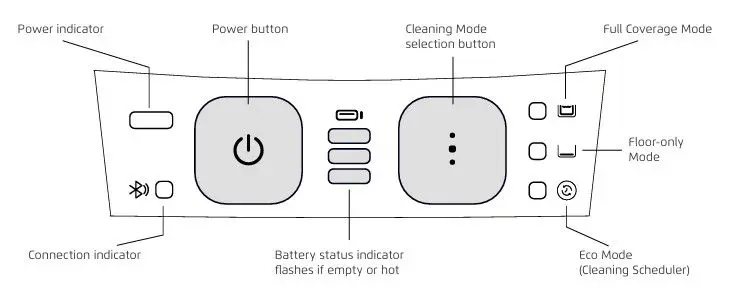
The Liberty 600 has an ambient LED on the front of the robot. This can be set through the MaytronicsOne app, on the home screen, under Visual Effects. The front LED is for ambiance only and does not indicate errors.
Read more to see what the LEDs on the interface panel mean:
Robot powering ON:
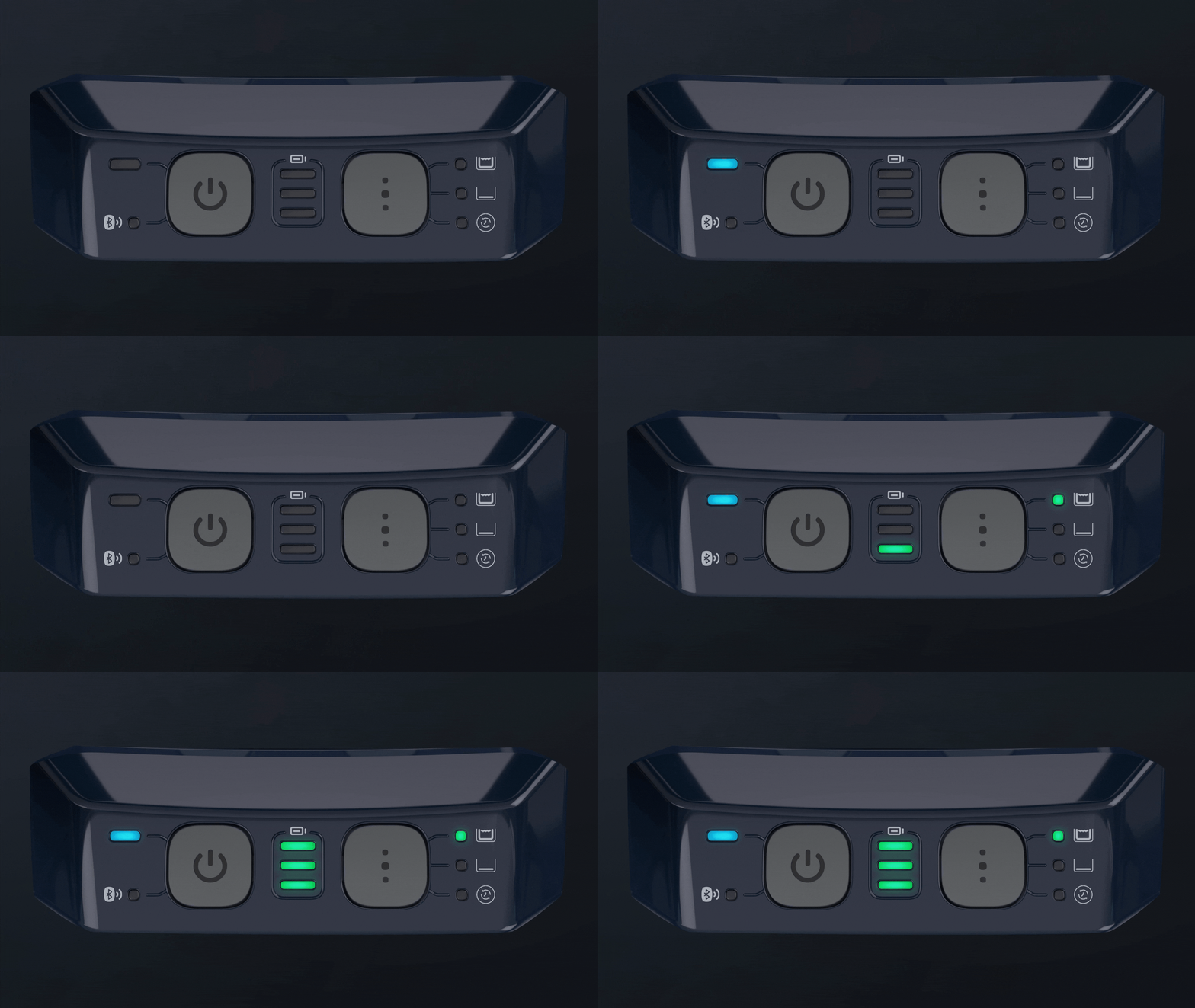
Solid red power button LED:

This indicates a malfunction. Check the Maytronics One app to find out what the error is and follow the onscreen instructions.
Blinking green power button LED:
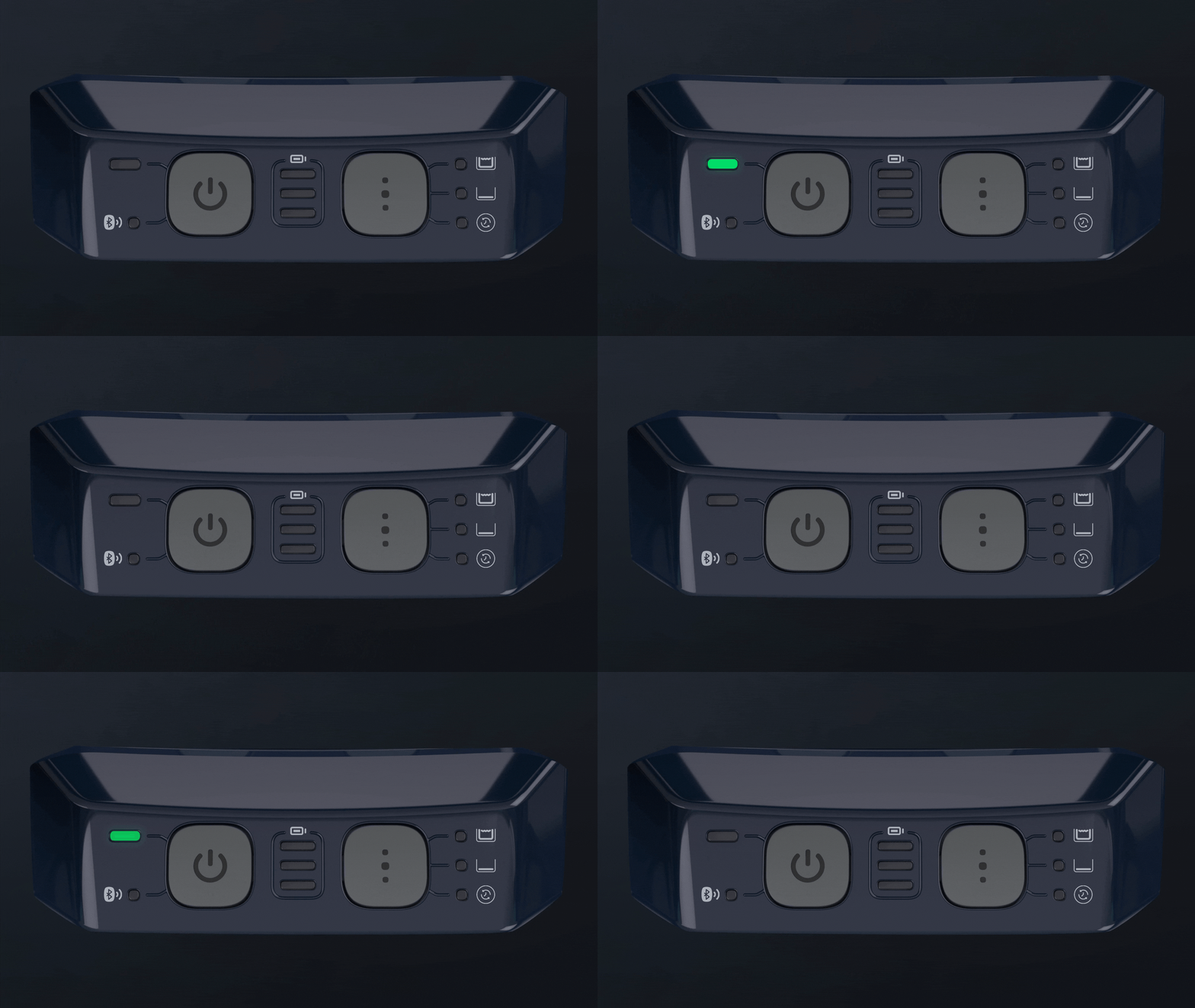
After completing a cleaning cycle, the robot is in Pick-Up Ready mode and is waiting for the Clicker.
Blinking battery status indicator (middle, top, and bottom):
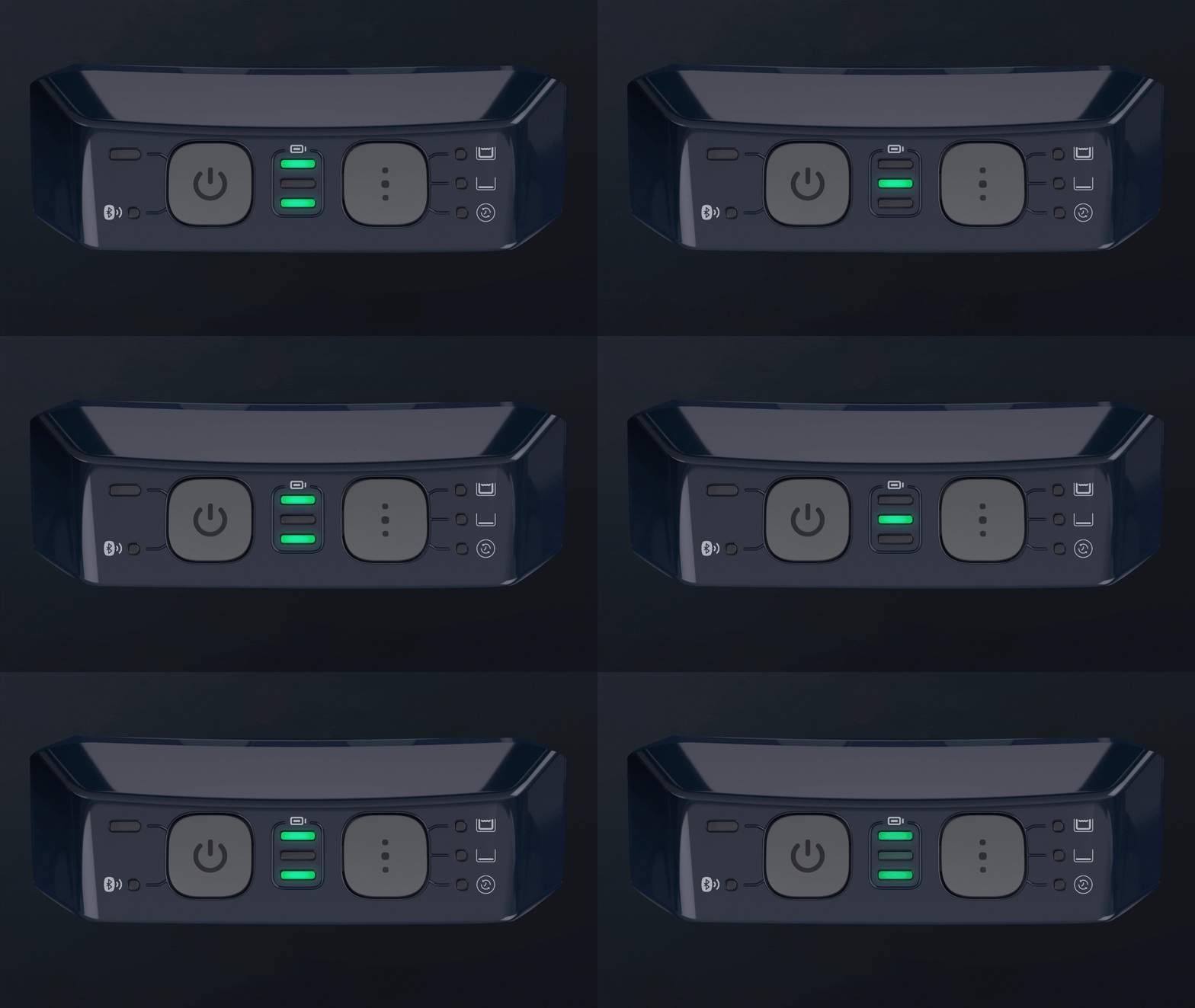
The battery is too hot or cold. Move the robot to a shaded area or bring it inside in cold weather. Charge in an environment between 41°F-95°F.
Battery status indicator lights up one LED at a time:
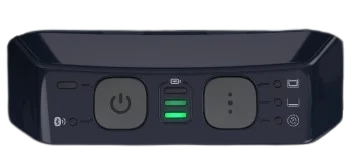
The battery is charging.
The bottom battery status LED is blinking:
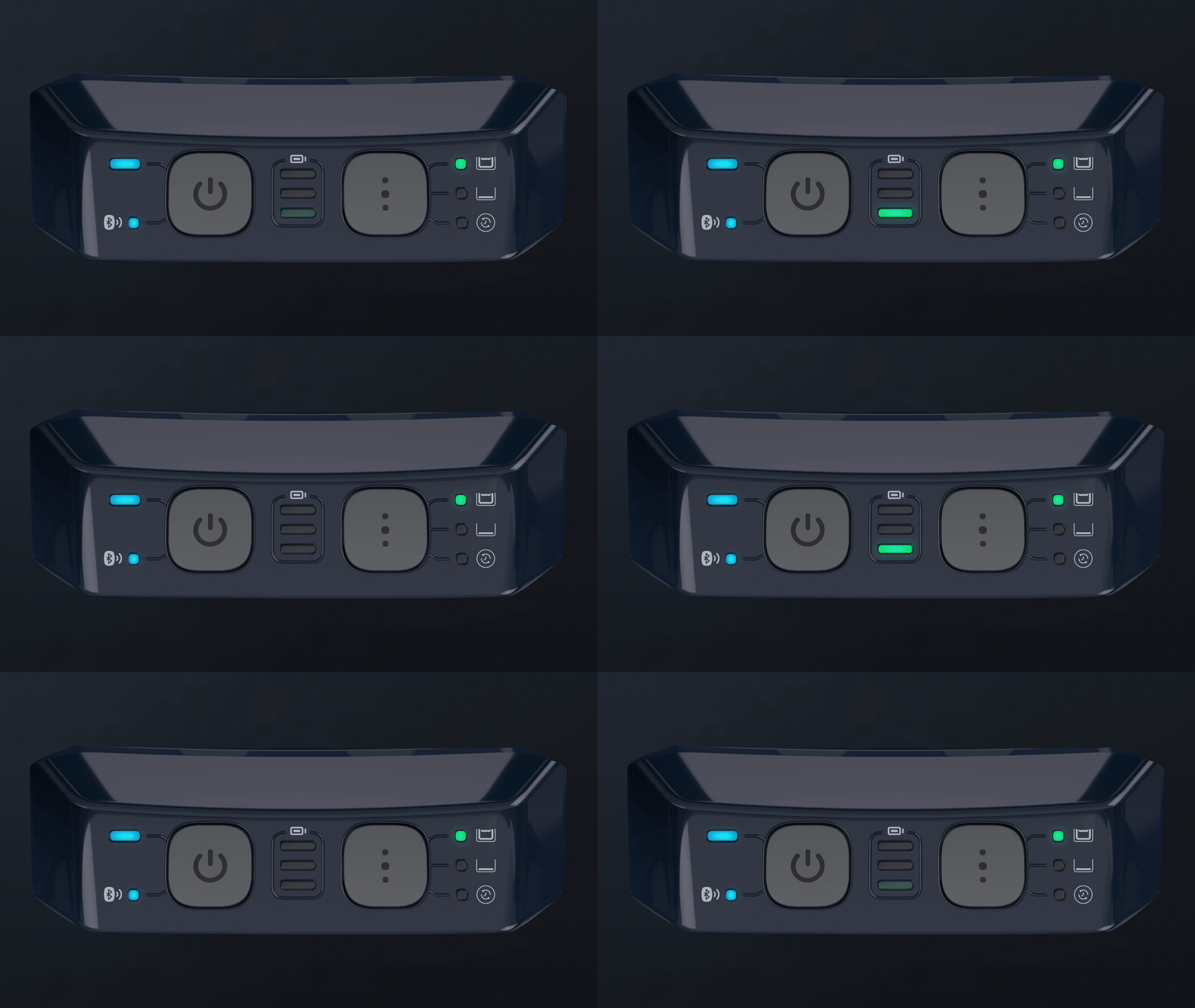
The battery is low.
Ultra-Clean Mode:
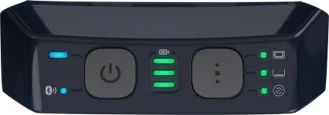
When the robot is set on Ultra-Clean mode, all the cleaning mode LEDs will be lit solid green.
Source: Maytronics support. Rewritten for clarity with the same steps; the videos and illustrations are Maytronics' own.
This answer on your robot.
Maytronics tags this answer for the 1 model below.