
Step by step.
Use the Clicker to stop or pick up the robot! Read more to understand the differences:
Note: The Clicker is for retrieving the Dolphin Liberty 300/400/600 at the end of a cycle.
The Liberty 600 and EON™ 100/120d feature the Click-to-Stop feature, which lets you stop the robot mid-cycle.
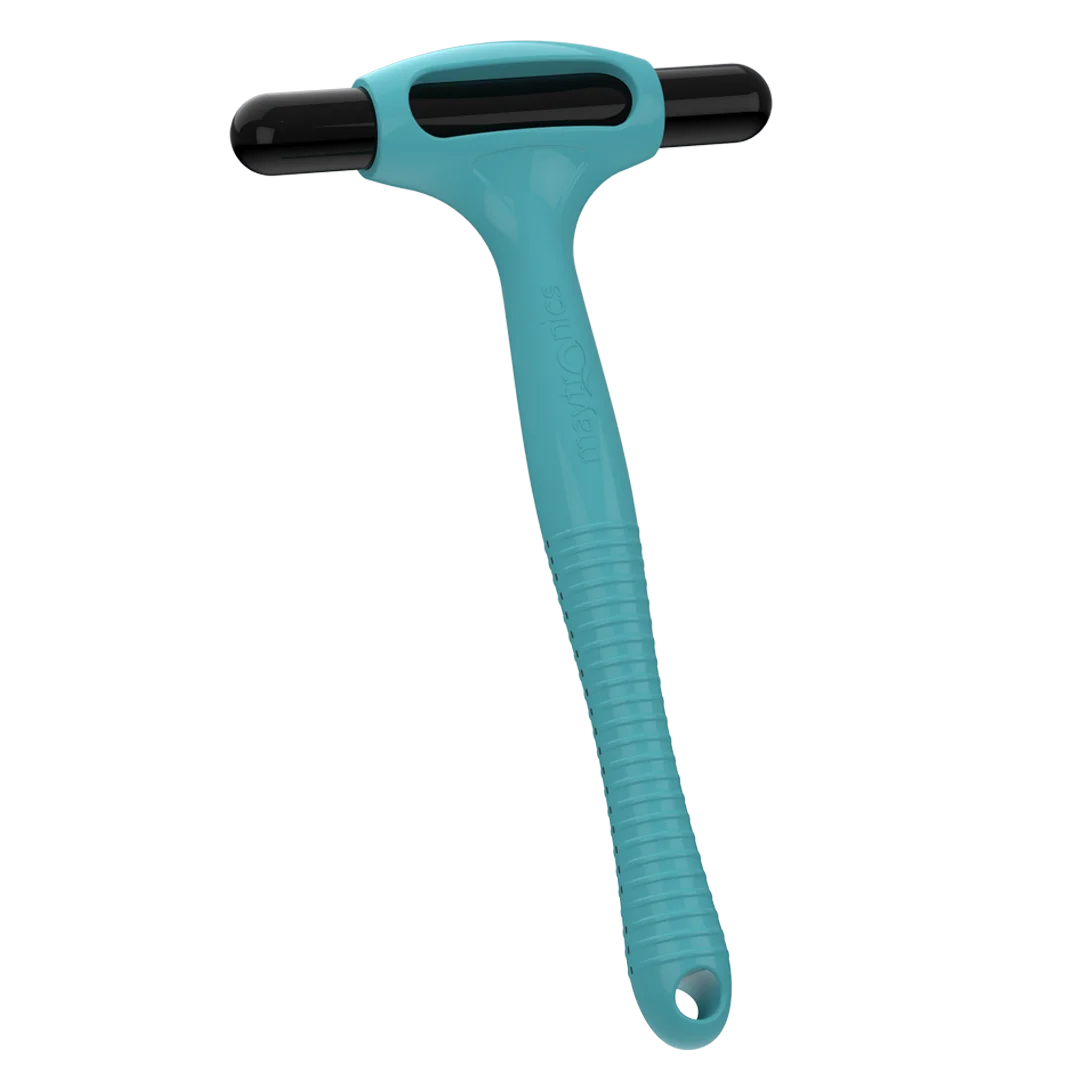
If you want to pick up your robot:
When the cleaning cycle ends, the robot will wait at the preferred Homing wall selected in the Maytronics One app, or at a wall chosen at the beginning of the cycle if no Homing wall is set, and wait for pickup.
To retrieve the robot, shake the Clicker in the water for at least 3 to 5 seconds. The robot will climb the wall and remain there for about one minute. If it is not removed, it will go back down and wait again at another wall.
If you want to stop your robot (Liberty 600 and EON™ 100/120d):
During the cleaning cycle, shake the Clicker for 3–5 seconds to stop the robot. Make sure the robot is on the pool floor and not climbing when you shake the Clicker.
Then, shake it again, and the robot will go towards the Homing wall, provided the Homing feature has been calibrated.
Important: The robot will not respond to the Clicker while it is actively climbing. The Homing feature is also unavailable when Beach Entry is enabled in the app.
Clicker in Eco Mode/UltraRun™ Mode:
Using the Clicker in Eco/UltraRun™ Mode cancels the remaining scheduled cycles. Restart the Eco/UltraRun™ Mode before returning the robot to the pool.
While in Eco/UltraRun™ Mode, the robot can detect the Clicker for 14 days. If the Eco/UltraRun™ Mode starts with a full battery, the Clicker feature remains available for at least 2 days after the 2-week (when applicable) Eco/UltraRun™ Mode.
Source: Maytronics support. Rewritten for clarity with the same steps; the videos and illustrations are Maytronics' own.