
How do I remove the EON 100/120d from the pool?
What to know.
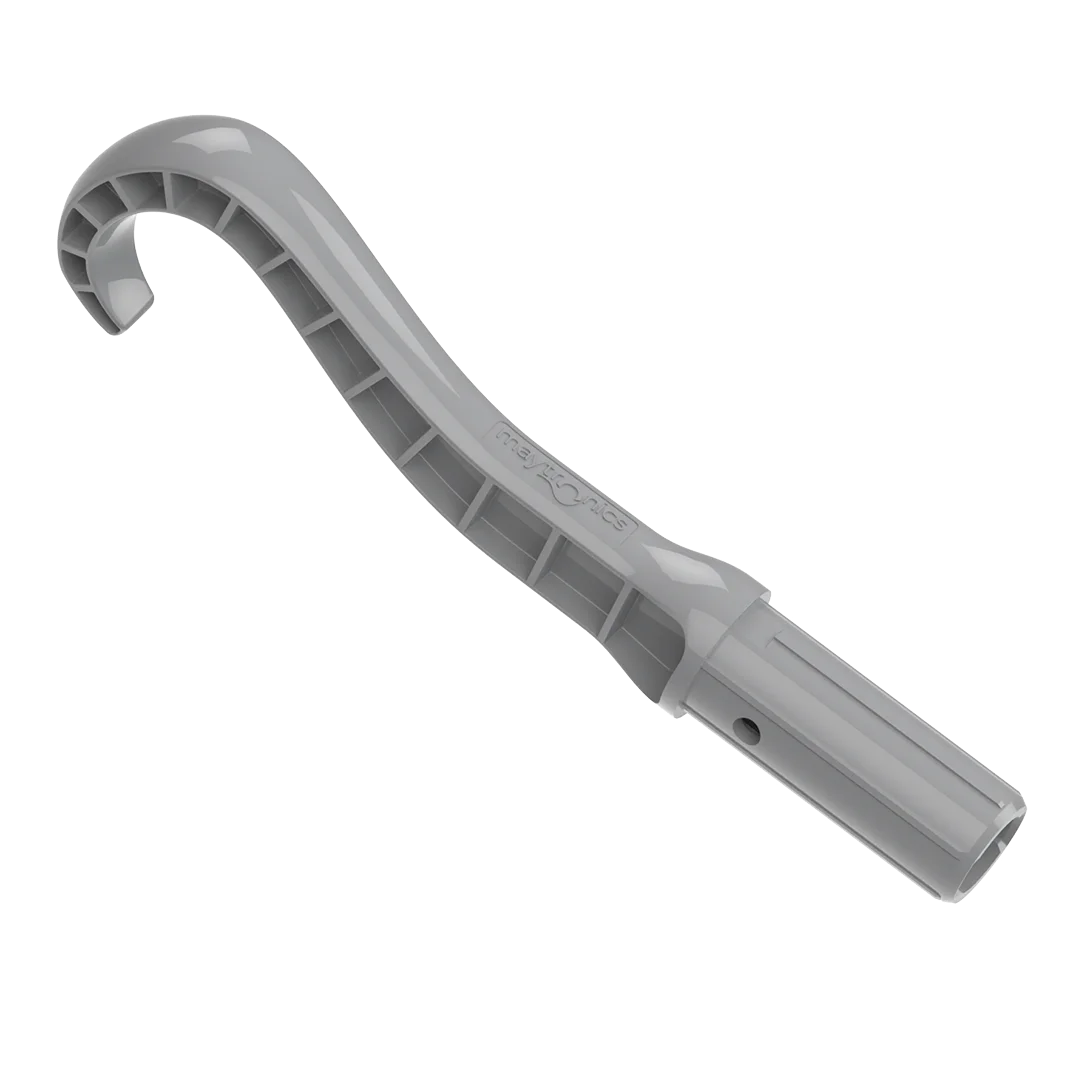
To remove the EON™ 100 & 120d from the pool, use the grab hook that is included with your robot. The hook can be attached to any standard pool pole. Use the hook to pull the robot to the waterline, then lift it out using the handle. Always lift the robot by the handle (not the back) to avoid putting pressure on the panels.
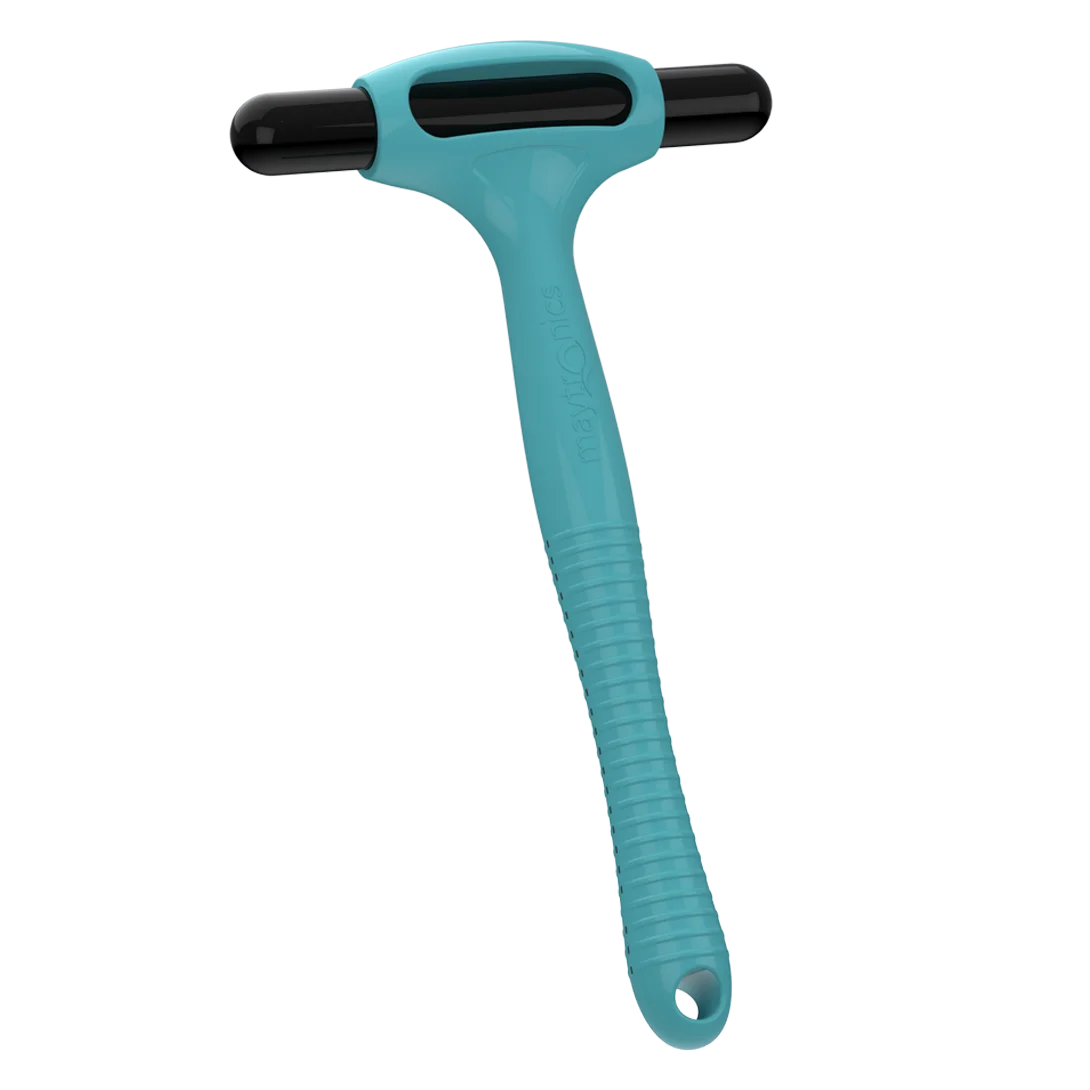
The EON™ 120d includes the Clicker. At the end of a cleaning cycle, use the ClickUp™ feature to call the robot to the wall by shaking the Clicker in the water for 3–5 seconds. To stop the robot mid-cycle, shake the Clicker to stop it, then shake it again to call the robot to the wall.
The ClickUp™ is also available as an add-on accessory for the EON™ 100 if you would like to add it. Purchase
Source: Maytronics support. Rewritten for clarity with the same steps; the videos and illustrations are Maytronics' own.
This answer on your robot.
Maytronics tags this answer for the 1 model below.