
What do the LEDs on the EON 100/120d mean?
What to know.
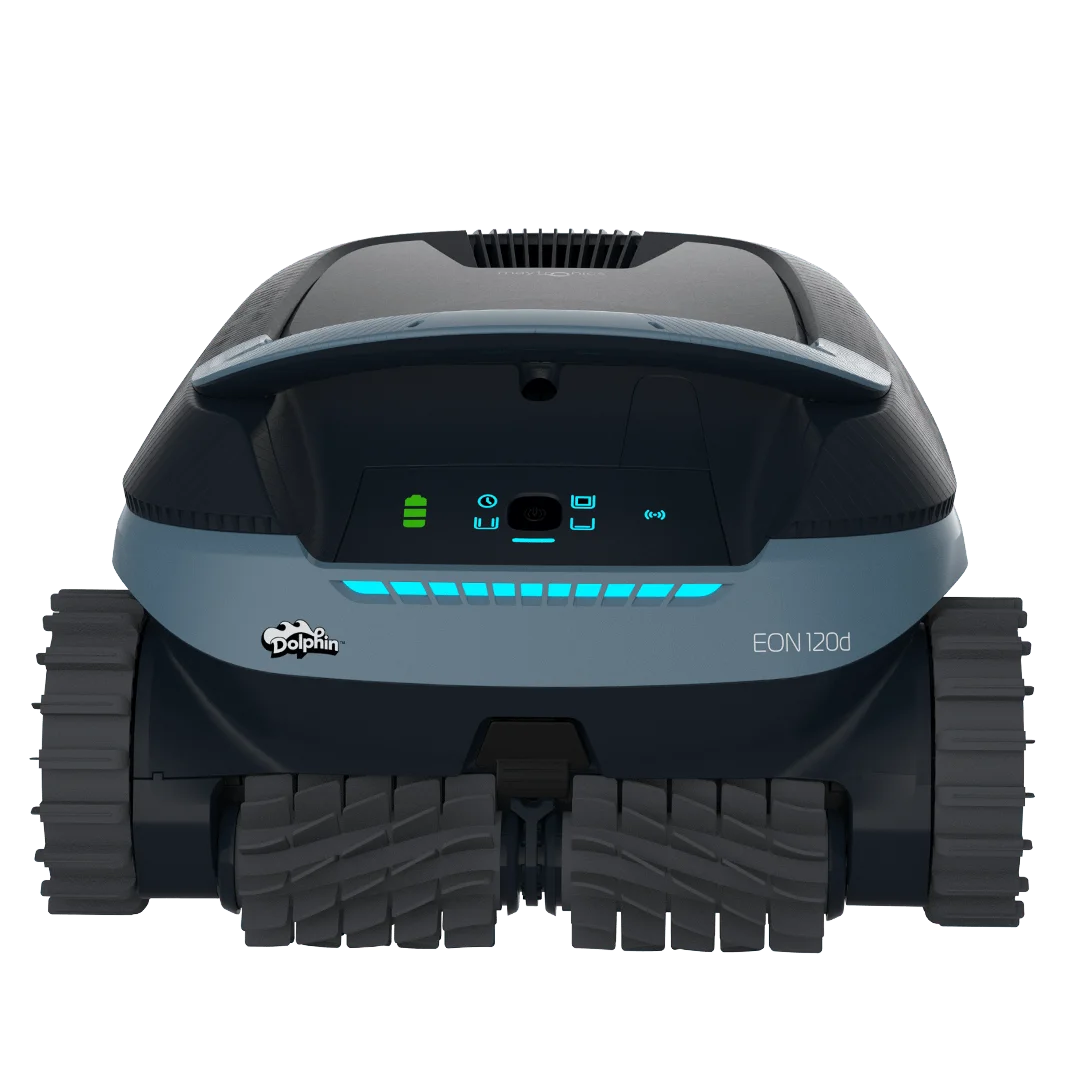
The blue ambient LED on the front of the EON™ 100/120d is for ambiance only. You can change the ambient LED intensity through the Maytronics One app Settings.
The panel interface has a power LED indicator, four cycle indicators, a battery indicator, and a connectivity indicator.
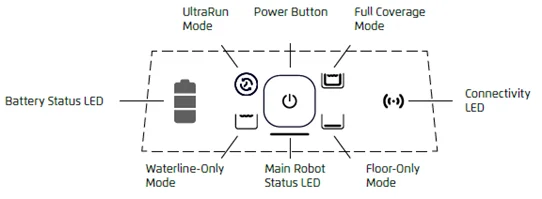
The battery LED indicates the battery status. When all 3 bars are lit up in solid green, the robot is fully charged. The battery LED will blink green while charging to indicate its charge level.
Main Robot Status LED Table:
| Color | State | Meaning |
|---|---|---|
| Blue | Constant | ON - Waiting to be put in the water |
| Blue | Blinking | The robot is working in the water |
| Green | Blinking | The robot is working in UltraRun™ mode or waiting for pickup |
| Red | Blinking | Error – Check the app for instructions |
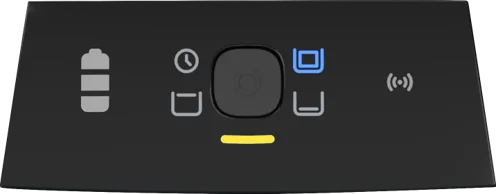
| Yellow | Constant | The filter is full |
Here are visual examples showing what the LEDs on the interface panel indicate:
Powering On:
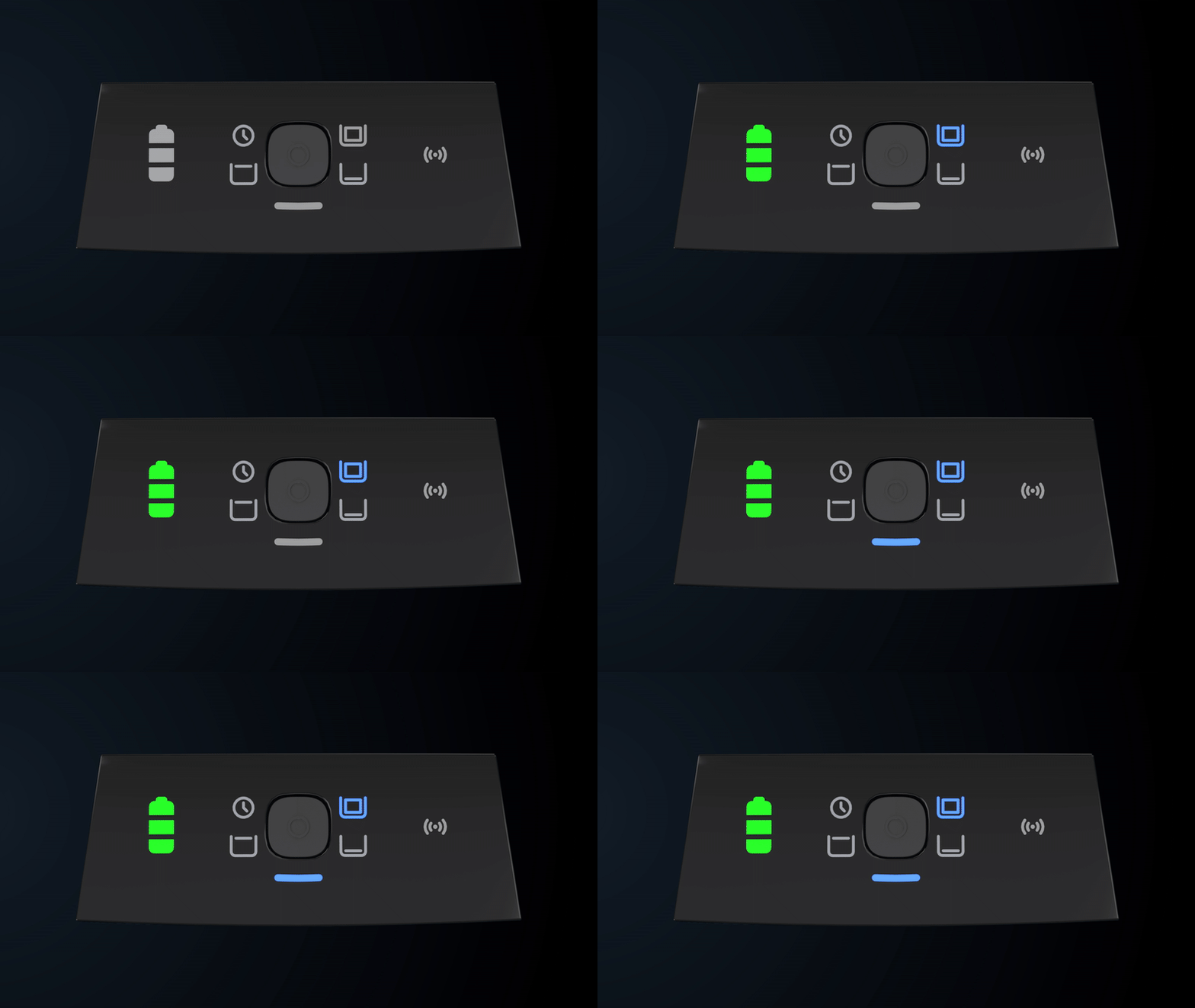
Robot is Active:
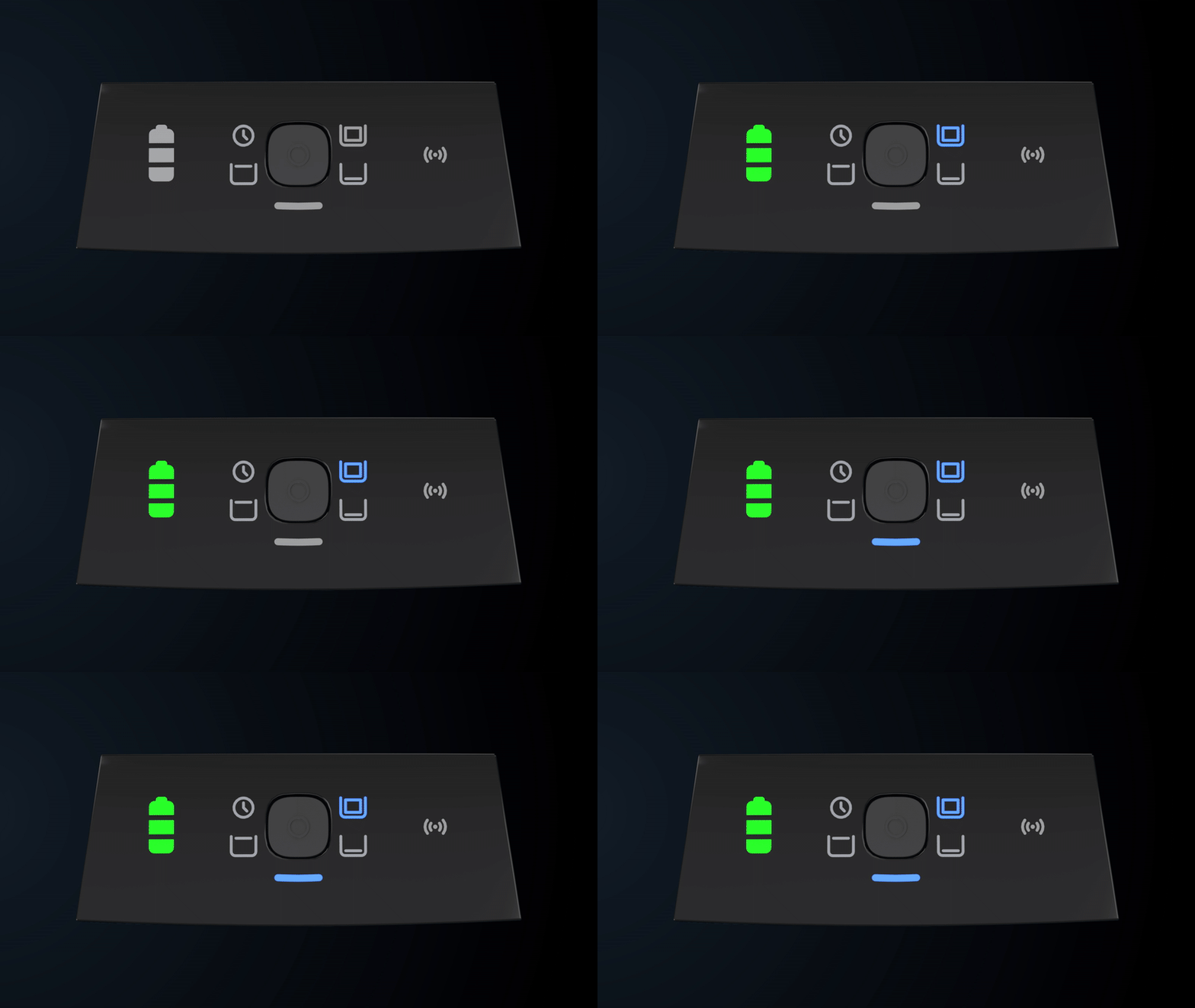
The robot is working in the water
Bluetooth Pairing:
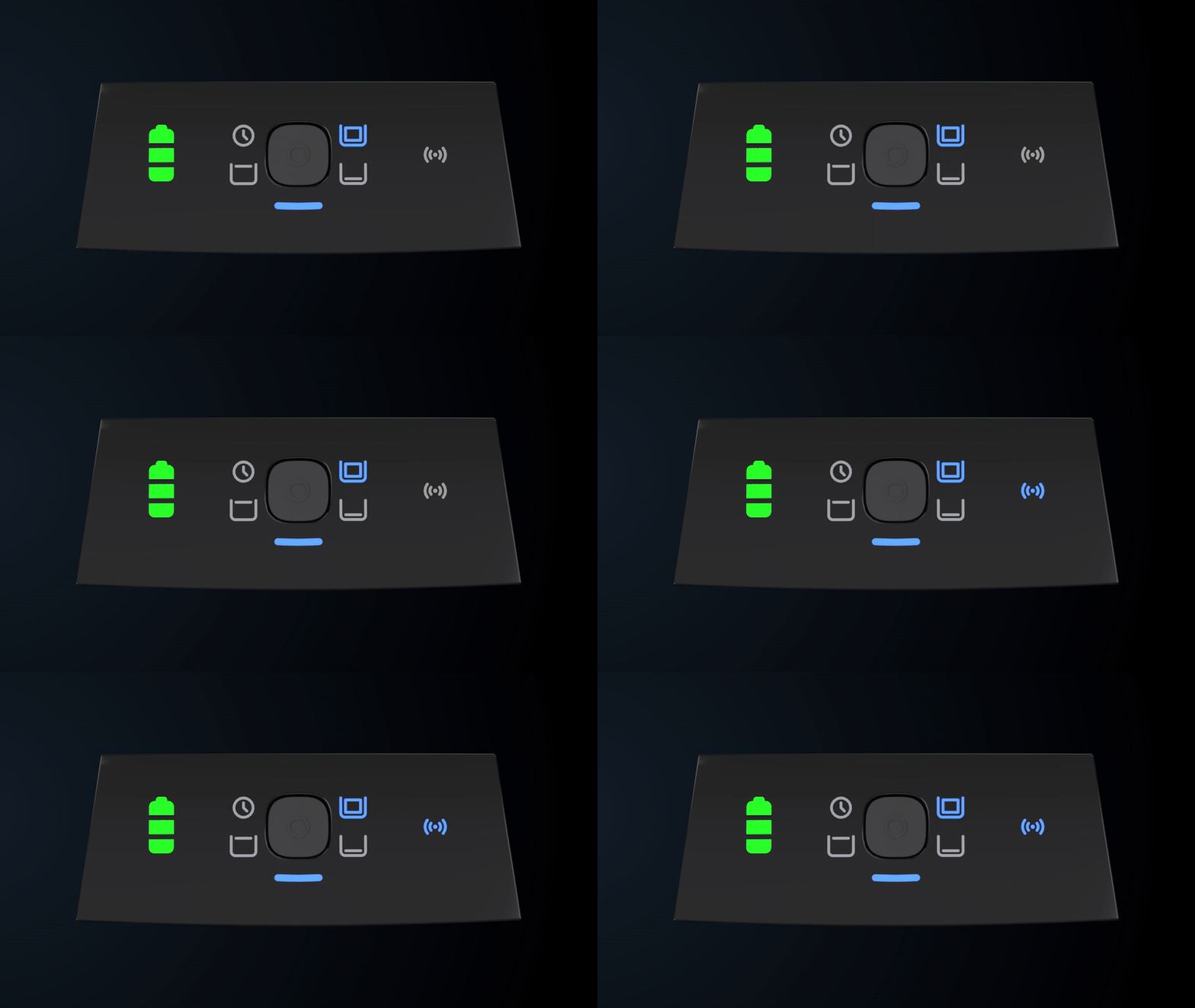
The connectivity LED will blink blue while the robot is in Bluetooth pairing mode. The robot's Wi-Fi connectivity can be configured through the app. Once the BLE/Wi-Fi connection has been established, the connectivity LED will become solid blue.
Cleaning Mode Selector:
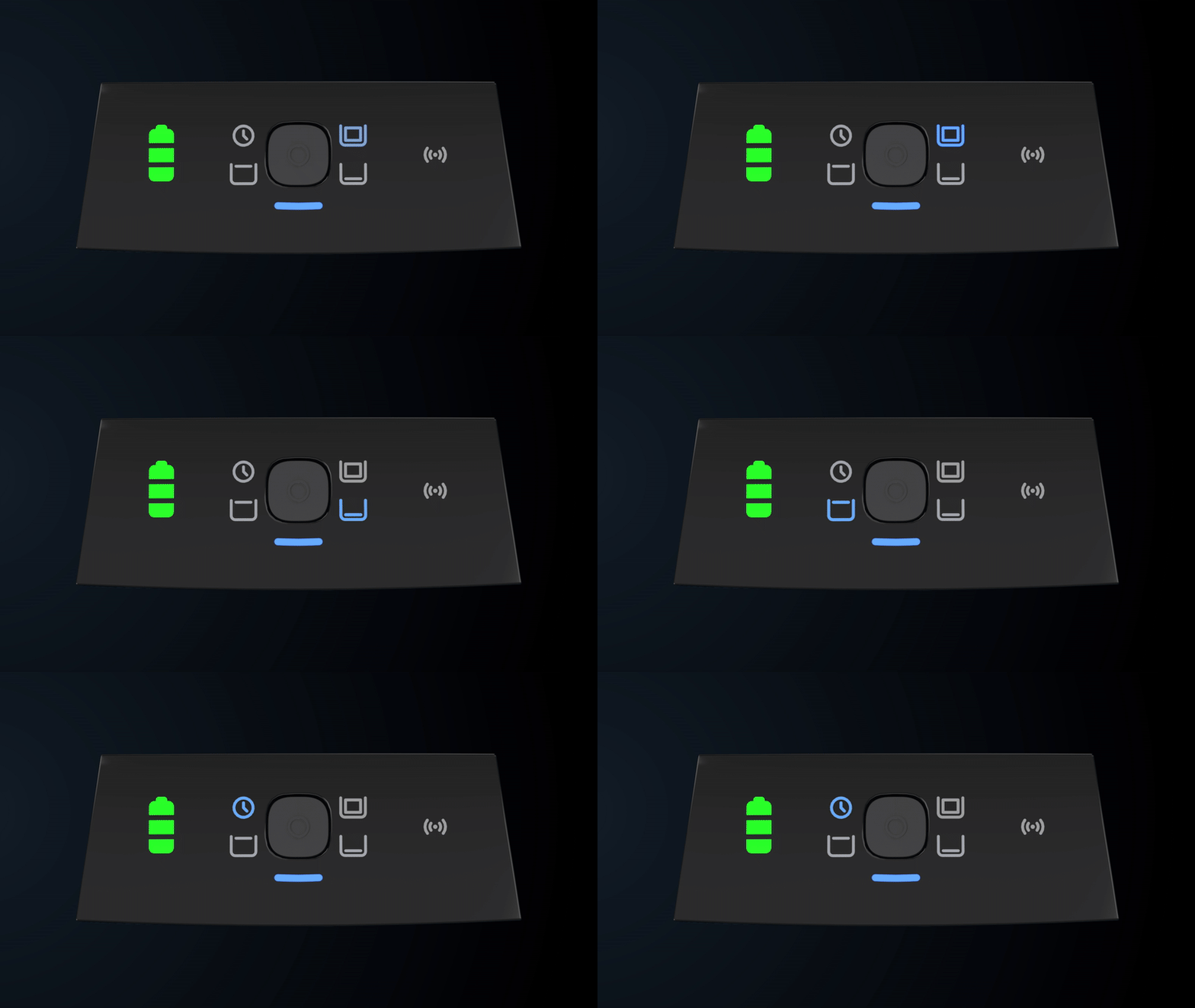
While selecting the cleaning mode out of water, the Robot Status LED will be solid blue. Once the robot is put in the water, it will switch to flashing blue.
UltraRun™ Mode is Active or Pick Up Ready:
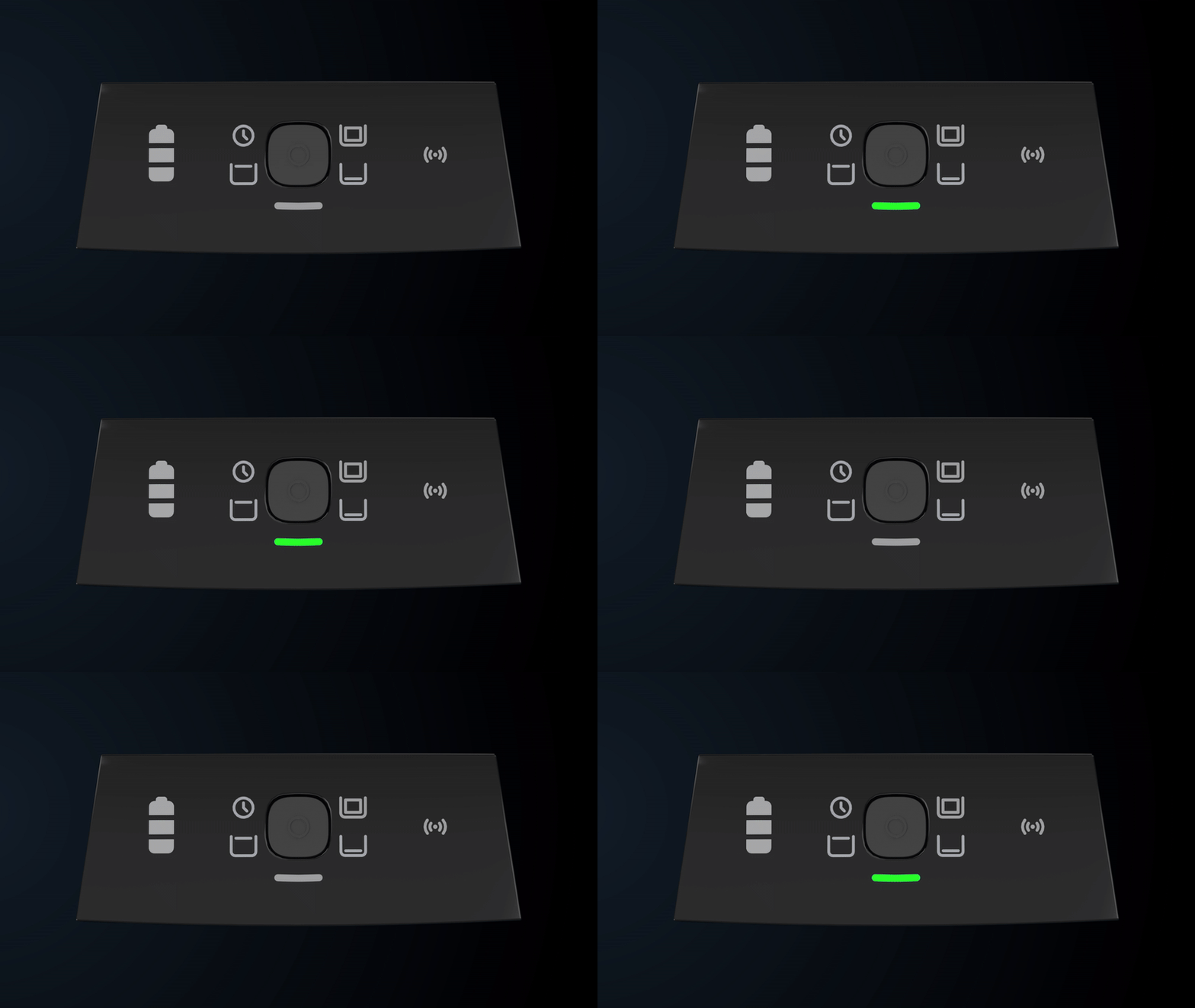
The robot is working in UltraRun™ mode or waiting for pickup at the end of the cycle.
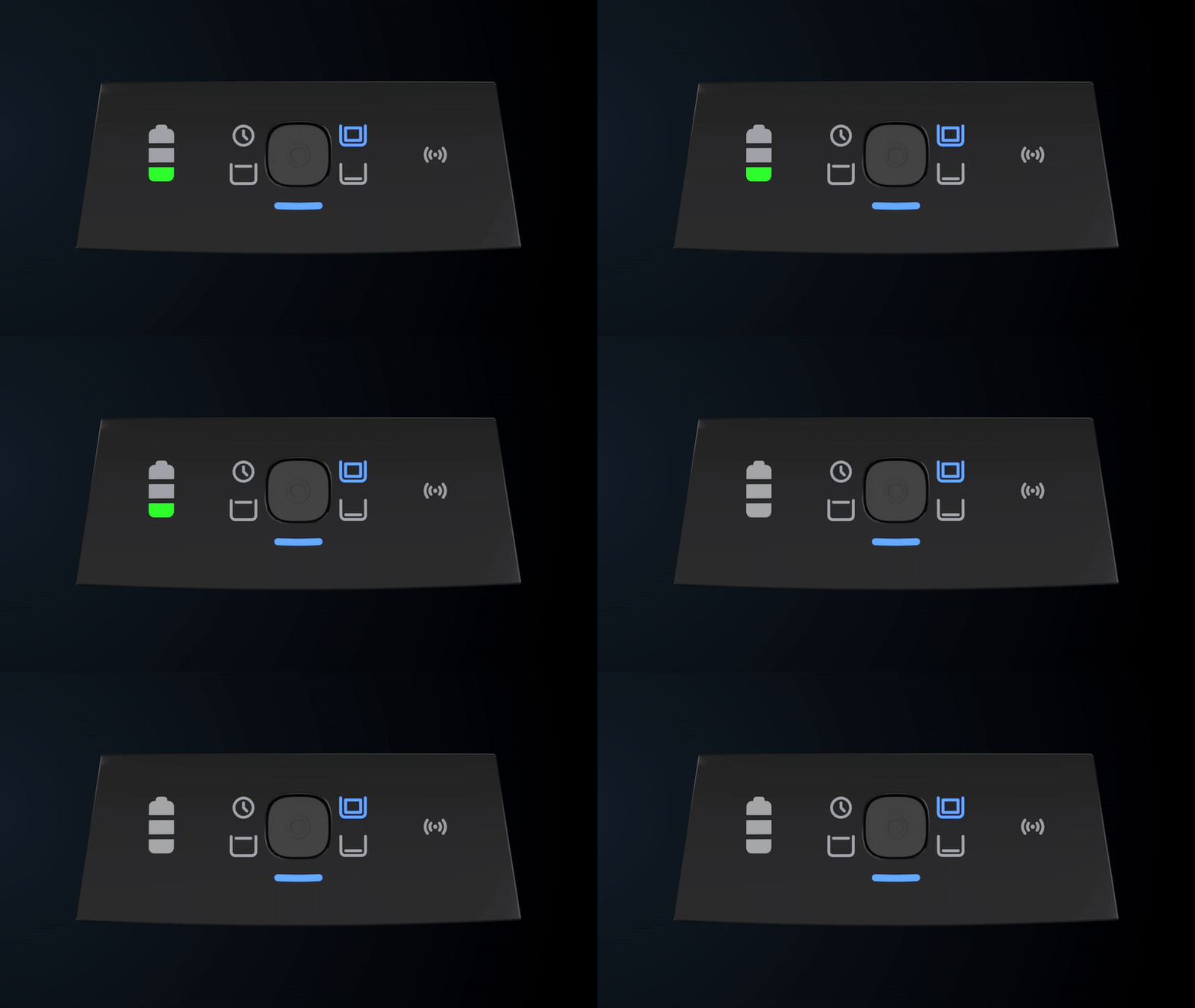
Low Battery:
Robot Error:
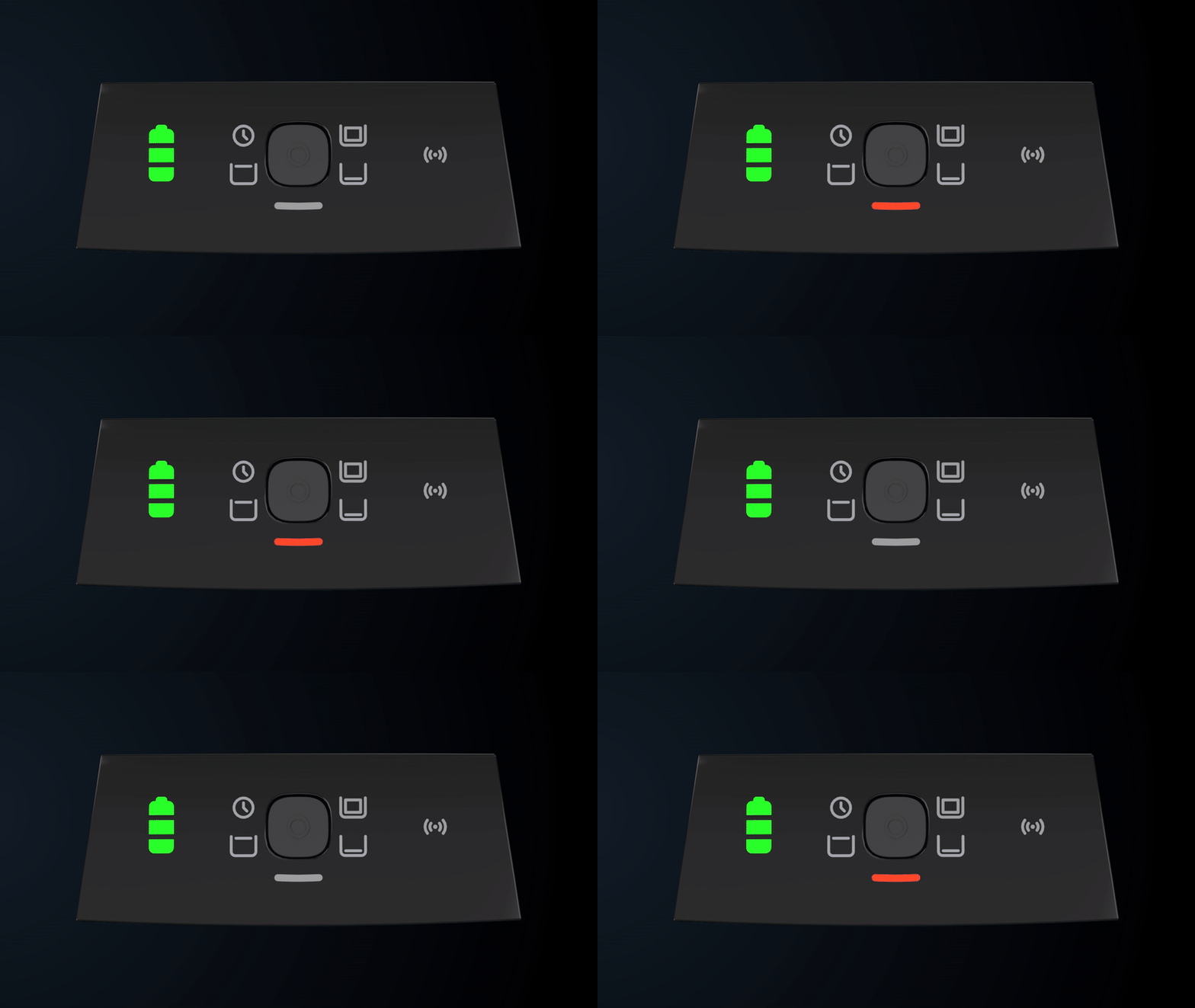
Error – Check the Maytronics One app for instructions
Filter Full:
Source: Maytronics support. Rewritten for clarity with the same steps; the videos and illustrations are Maytronics' own.
This answer on your robot.
Maytronics tags this answer for the 1 model below.