
What cleaning modes are available on the EON 100/120d?
What to know.
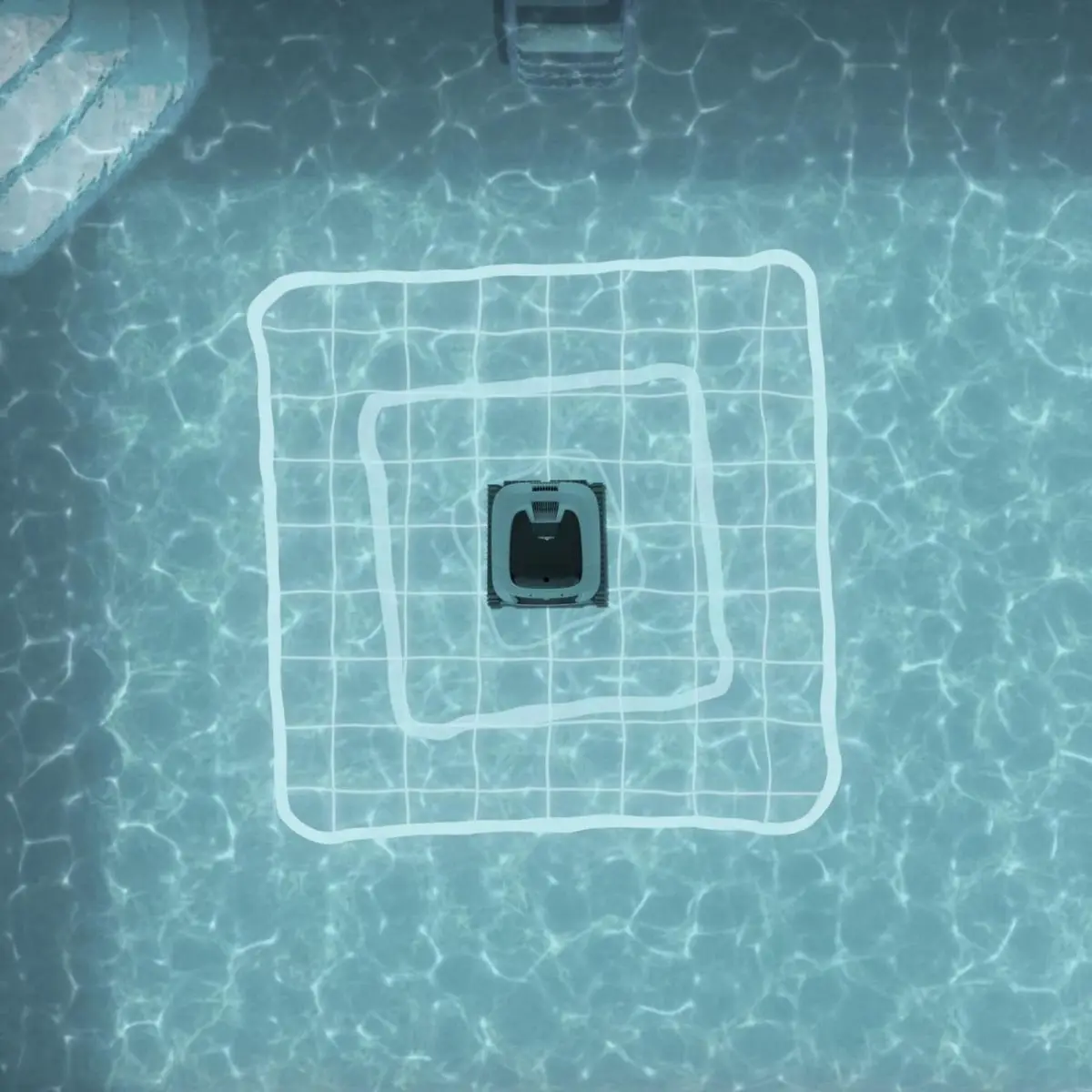
The EON™ 100/120d includes different cleaning modes and scanning patterns, ensuring a complete cleaning of residential pools (up to 49ft). The robot will shut down five minutes after the cleaning cycle is completed.
For the first cleaning, we recommend choosing Smart Mode, a 20-30 minute calibration scan that assesses your pool's size, shape, depth, and slope. Once calibration is complete, the robot will automatically begin the recommended cleaning cycle.
After removing the robot from the water and reconnecting to the app, you will be able to view the recommended runtime and scanning pattern. When selecting cleaning settings, a star icon will appear next to the Smart Mode recommended runtime and scanning pattern.
Refer to the table to see cleaning mode and cycle time options:
| Cycle | Cycle Time Options | Areas |
|---|---|---|
| Full Coverage | 2 Hr (Default)/1.5/2.5 | Floor, Walls + Waterline, Steps + Sun-Ledge |
| Floor Only | 2 Hr (Default)/1.5/2.5 | Floor |
| UltraRun™ | EON™ 100 – up to 2.5 Hr (Combined) EON™ 120d – up to 4.5 Hr (Combined) | Floor, Walls + Waterline, Steps + Sun-Ledge |
| Waterline-Only | 1 Hr | Waterline |
| Ultra Clean* | Up to 2.5 Hr | Floor, Walls + Waterline, Steps + Sun-Ledge |
*This setting can be set through the app. We recommend fully charging the battery before starting UltraClean mode.
In the MaytronicsOne app, you can set the cycle time (for Full Coverage, UltraRun™, and Floor Only) to ensure every spot in your pool is reached! The default scanning pattern is Maze. Choose the line-by-line pattern for more intense floor cleaning!
Source: Maytronics support. Rewritten for clarity with the same steps; the videos and illustrations are Maytronics' own.
Parts that fix this.
This answer comes down to filters. The exact part depends on the model: choose your robot and we open its parts list, or browse the category for every model.
Browse by category:Filters All genuine Dolphin parts →
This answer on your robot.
Maytronics tags this answer for the 1 model below.