
What filter options are available with the EON 100 and EON 120d?
What to know.
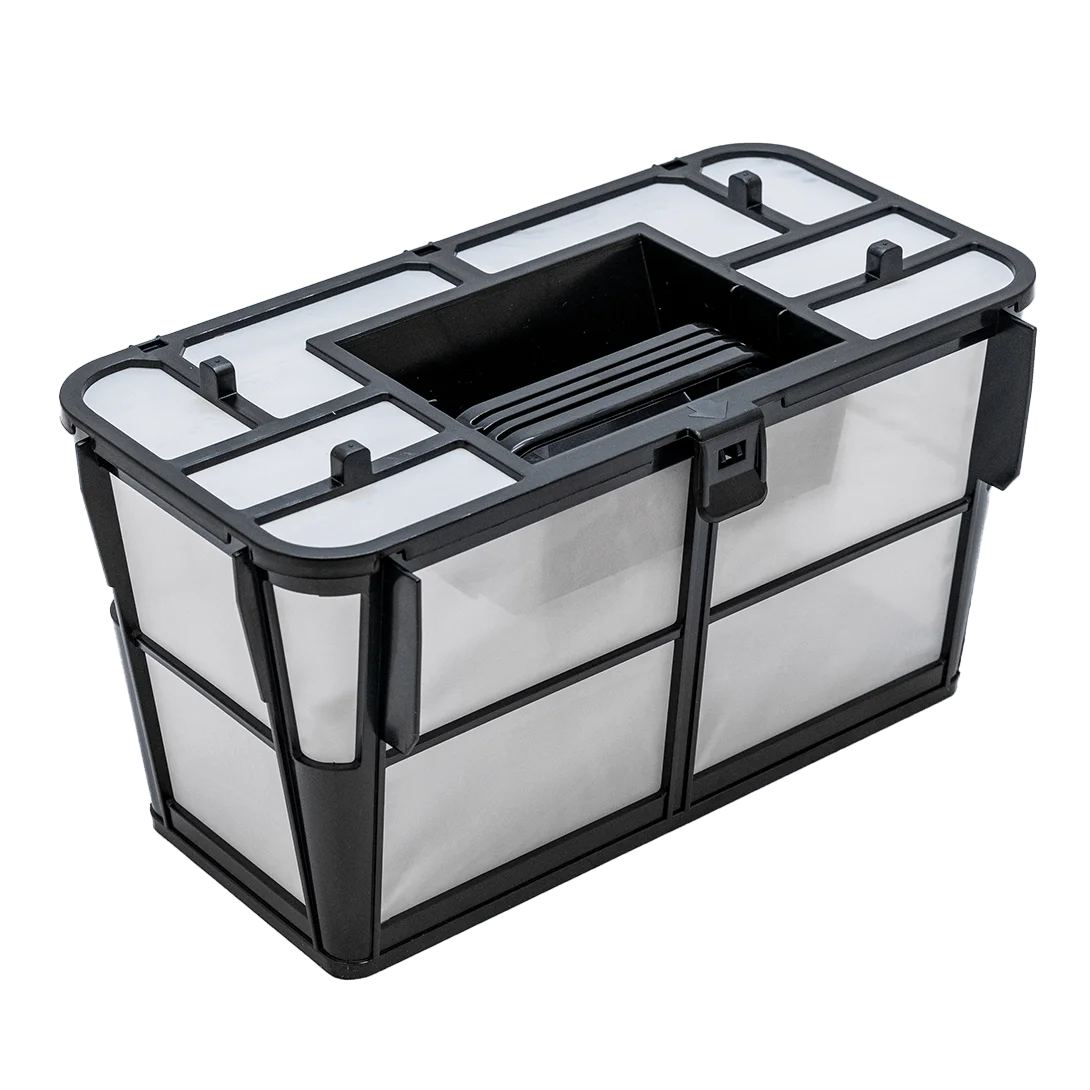
The EON™ 100 comes with a closed, fine (70 micron) filter basket with a lid that traps more debris due to filtration from all directions. Purchase
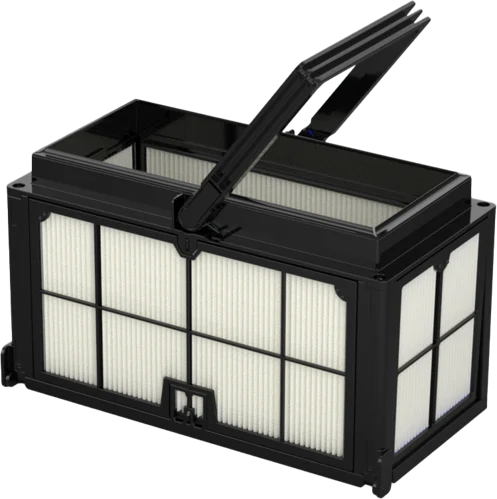
There is an optional add-on filter basket available that does not include the backwash feature. This basket is 110 microns and does not have a top lid. It also features double sealing around the top to help trap debris more effectively. It is possible to install fine filter panels on this basket.
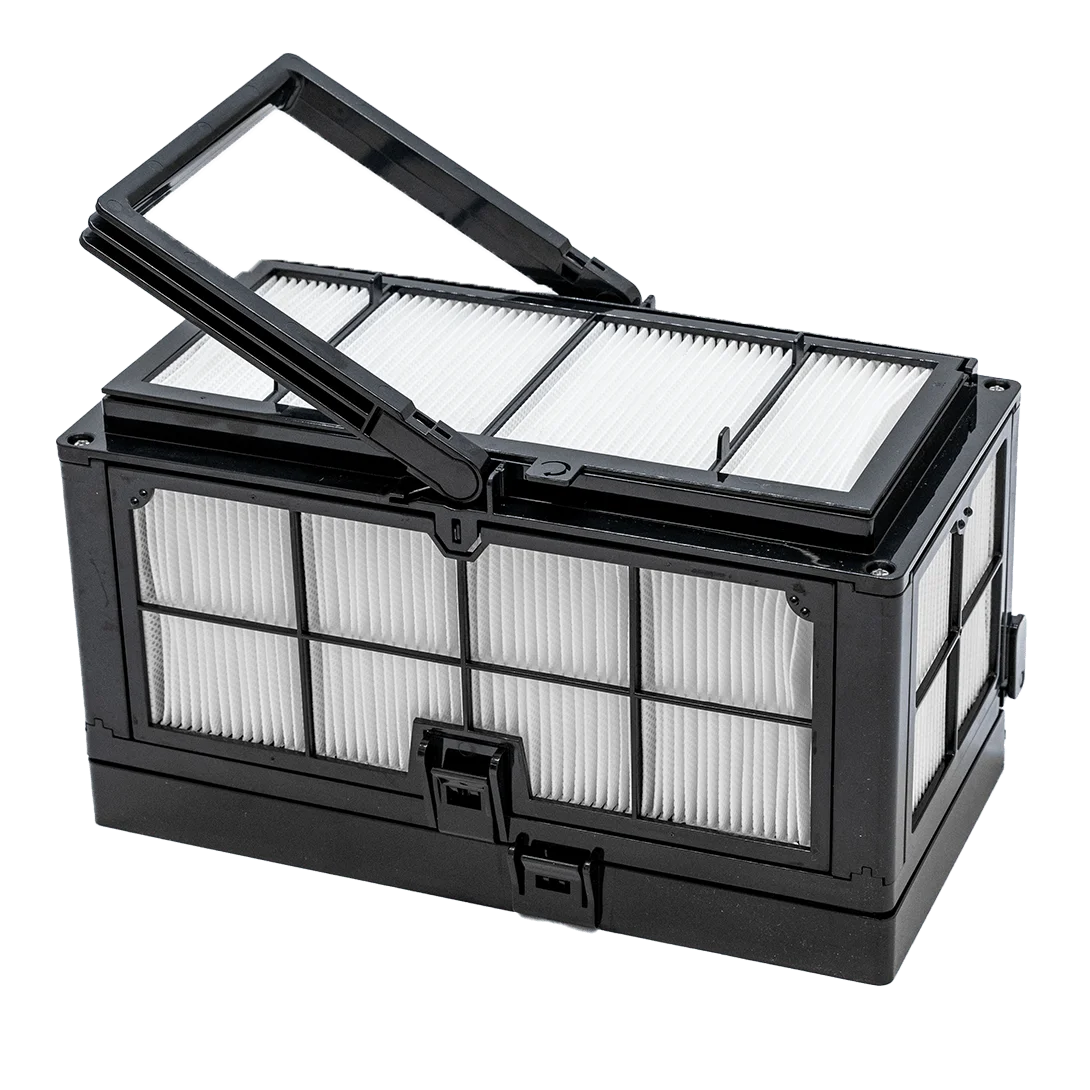
To upgrade the filtration, you can purchase our patented DebrisLock™ (14 micron) filter separately, which uses backwash technology. The DebrisLock™ filter is compatible with our EON™ 100, allowing you to benefit from our filtration technology. Ultra-fine filter cartridges It is also possible to switch the panels out for fine filter panels on the DebrisLock™ filter, although the lid remains ultra-fine.
To upgrade to the DebrisLock™ filter, you need to activate the backwash technology via the MaytronicsOne app.
- Navigate to Settings (three dots in the top-right corner), select Filter Type.
- Enable the backwash by toggling the Activate Backwash switch. It will turn blue when activated.
To switch to a non-DebrisLock™ filter, you need to deactivate the backwash technology via the MaytronicsOne app.
- Navigate to Settings (three dots in the top-right corner), select Filter Type.
- Disable the backwash by toggling the Activate Backwash switch. It should be gray.
- Click Change to Non-DebrisLock filter, then Confirm.
Source: Maytronics support. Rewritten for clarity with the same steps; the videos and illustrations are Maytronics' own.
Parts that fix this.
This answer comes down to filters. The exact part depends on the model: choose your robot and we open its parts list, or browse the category for every model.
Browse by category:Filters All genuine Dolphin parts →
This answer on your robot.
Maytronics tags this answer for the 2 models below.